Productivity Best in category 1 results Code Search AI Tool

Popular AI tools in the Code Search field of Productivity include Sourcegraph, etc., helping you quickly improve efficiency.

Sourcegraph

Sourcegraph

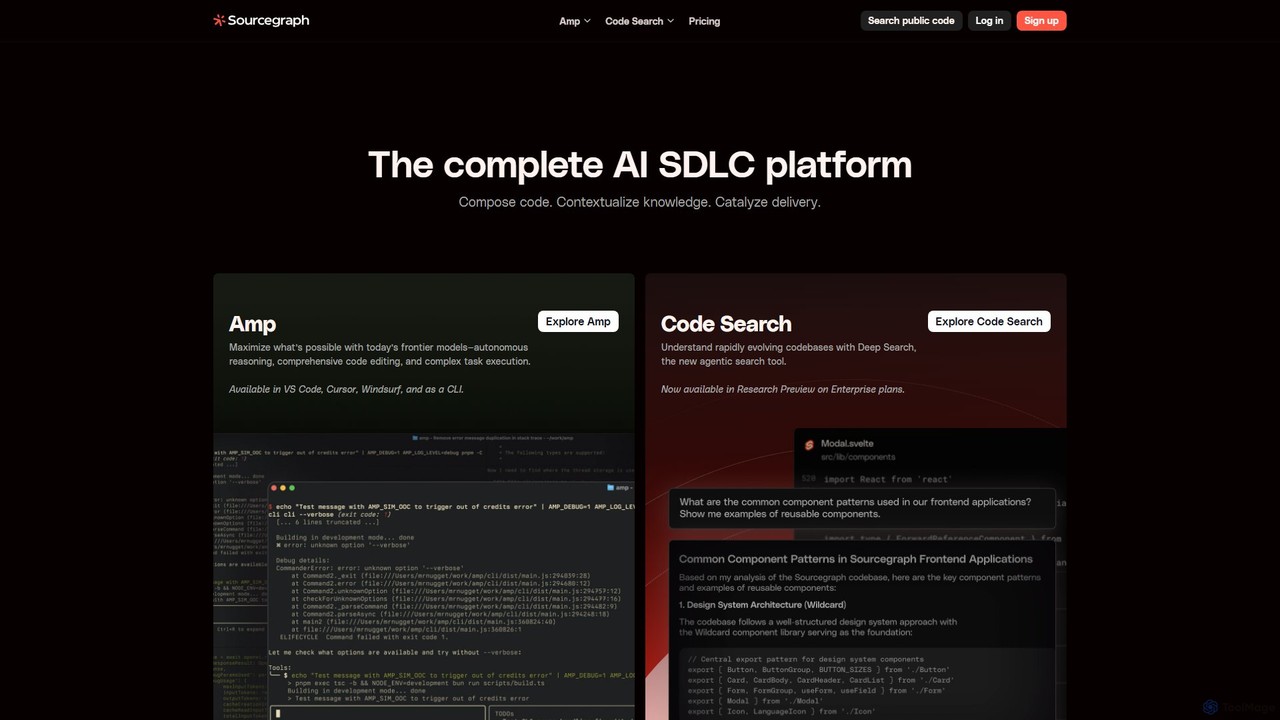
Sourcegraph is an AI-powered code intelligence platform that helps developers search, write, and understand code across their entire …

257.0K

About Code Search

Code Search tools are specialized platforms that use AI to index, search, and understand code across vast repositories. They employ semantic analysis and natural language processing to interpret query intent, going far beyond simple keyword matching. This allows developers to find relevant code snippets, track function usage, and analyze dependencies with high precision. As a key part of the modern productivity stack, these tools dramatically accelerate development cycles by improving code discovery and comprehension.

Core Features

  • Semantic Search: Understands the meaning and context of code, not just keywords, to find functionally similar snippets.
  • Natural Language Querying: Allows developers to search for code using plain English questions, like "how to parse a JSON file".
  • Cross-Repository Search: Performs searches across an entire organization's codebase, including multiple repositories and services.
  • Code Intelligence & Navigation: Provides features like 'find all references', 'go to definition', and dependency analysis across the codebase.
  • Filtering & Ranking: Ranks search results by relevance, usage frequency, or other signals to surface the most useful code first.

Use Cases

Primarily used by software developers, security engineers, and engineering managers in tech companies. They are invaluable for tasks like large-scale refactoring, security vulnerability patching, onboarding new developers to a complex codebase, and discovering reusable internal libraries to avoid redundant work.

How to Choose

When selecting a Code Search tool, consider its language support and indexing speed. Evaluate its integration with your version control system (e.g., GitHub, GitLab) and IDEs. Assess the power and flexibility of its query language. Finally, consider deployment options (cloud vs. on-premise) based on your organization's security and compliance requirements.

Code SearchUse Cases

1

Accelerating Bug Investigation and Fixing

A software developer is tasked with fixing a critical bug reported in production. Using a standard IDE search is slow and incomplete across dozens of microservices. With an AI Code Search tool, they can search for the error message or a snippet of faulty logic across the entire organization's codebase in seconds. The tool's semantic understanding helps locate not just exact matches but also functionally similar, problematic patterns. This allows the developer to quickly identify all affected services, understand the root cause, and apply a consistent fix, reducing debugging time significantly.

2

Onboarding New Engineers to a Complex Codebase

A new engineer joins a team with a large, mature codebase that lacks comprehensive documentation. Instead of relying on senior engineers for every question, the new hire uses a Code Search tool with natural language queries. They can ask questions like "where is the user authentication logic handled?" or "show me examples of how to connect to the database". The tool provides pointers to the most relevant files and functions, helping them build a mental model of the architecture independently. This empowers new team members to become productive faster and reduces the mentoring burden on senior staff.

3

Conducting Large-Scale Code Refactoring

An architect or senior engineer needs to deprecate an old internal library and replace it with a new one across hundreds of repositories. Manually finding every call site is impossible. They use a Code Search tool to instantly identify all instances where the old library's functions are called. Advanced search capabilities allow them to filter by function signature or parameter usage. This provides a complete impact analysis, enabling them to plan the migration, estimate the effort, and track progress systematically. The tool ensures no legacy calls are left behind, preventing future bugs and technical debt.

4

Auditing for Security Vulnerabilities

A security engineer needs to proactively search for a newly discovered vulnerability pattern, such as a specific type of insecure deserialization, across the company's entire software portfolio. Using a Code Search tool, they can craft a precise, semantic query that identifies this pattern, even with slight variations in implementation. This is far more effective than simple text-based searching. They can quickly generate a report of all vulnerable locations, assess the risk, and create tickets for the responsible teams to patch the issues, significantly improving the organization's security posture.

5

Discovering and Reusing Internal APIs

A developer needs to implement a new feature that requires image processing. Before building a solution from scratch, they use a Code Search tool to see if similar functionality already exists within the company. They search for "resize image" or "image compression API". The search results point them to an established, well-tested internal microservice for image manipulation. By discovering and reusing this existing API, the developer saves weeks of development time, avoids creating redundant code, and ensures consistency with the company's existing infrastructure.

6

Understanding Legacy Code Behavior

A maintenance team inherits a critical legacy system with minimal documentation. To understand how a specific feature works, a developer uses a Code Search tool to trace the execution flow. They start by searching for a UI element's string, then use the 'find all references' and 'go to definition' features to navigate through layers of function calls across different files and modules. This allows them to map out the data flow and business logic without having to run the application in a debugger repeatedly. The tool acts as an interactive map, making the complex and undocumented codebase navigable and understandable.

Code SearchFrequently Asked Questions