ToolMage
Sign in

Best 5 Creator Tools for Productivity

Popular Creator Tools in Productivity include Buy Me a Coffee, Mighty Networks, The Leap, LaPrompt, and Fidia, helping you work more efficiently.

Mighty Networks
Freemium

Mighty Networks

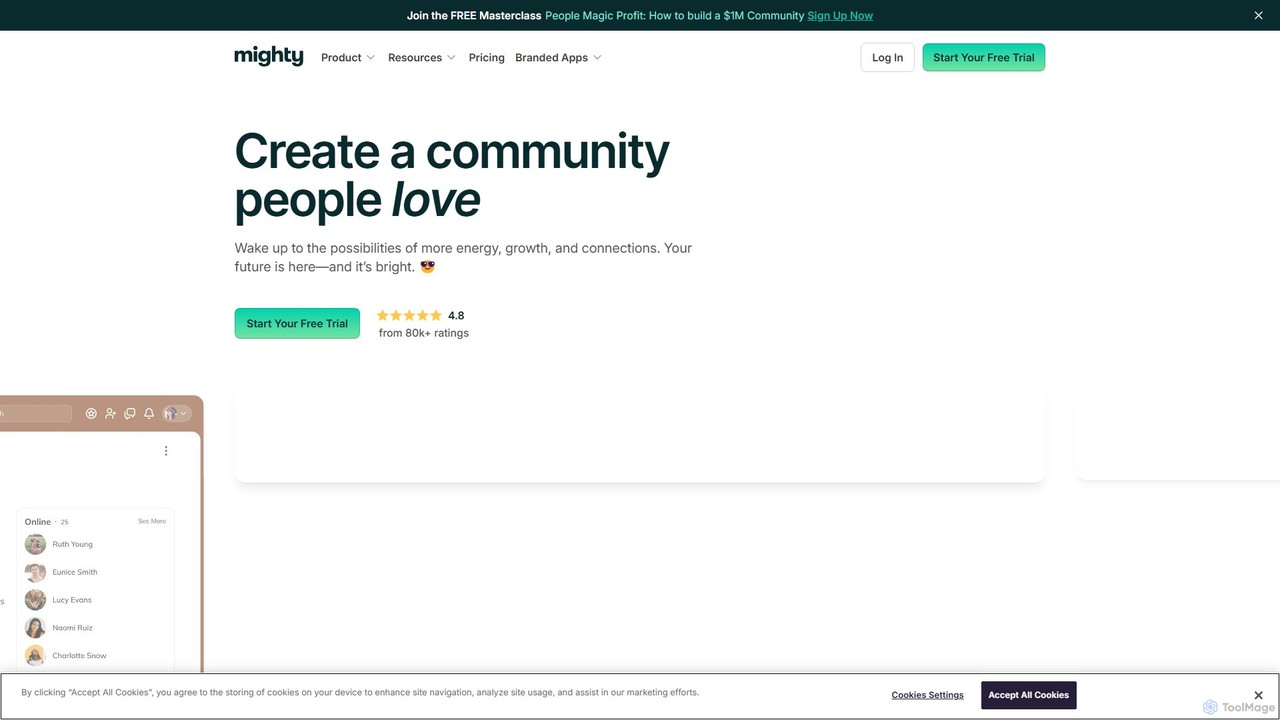
Mighty Networks is an all-in-one, AI-powered platform for creators and brands to build vibrant online communities, courses, and memberships. It combines an AI Cohost for easy setup and management with robust features for engagement, gamification, livestreaming, and monetization, enabling users to create independent, thriving digital spaces.

Community Building
Visits 784.9KFavorites 97Likes 102
Fidia
Freemium

Fidia

Fidia is an all-in-one AI-powered platform for creators. It streamlines content creation, automates social media management, and provides robust tools for monetization and audience engagement, helping creators grow their brand and income efficiently.

Writing
Visits 4.7KFavorites 100Likes 90
Buy Me a Coffee
Freemium

Buy Me a Coffee

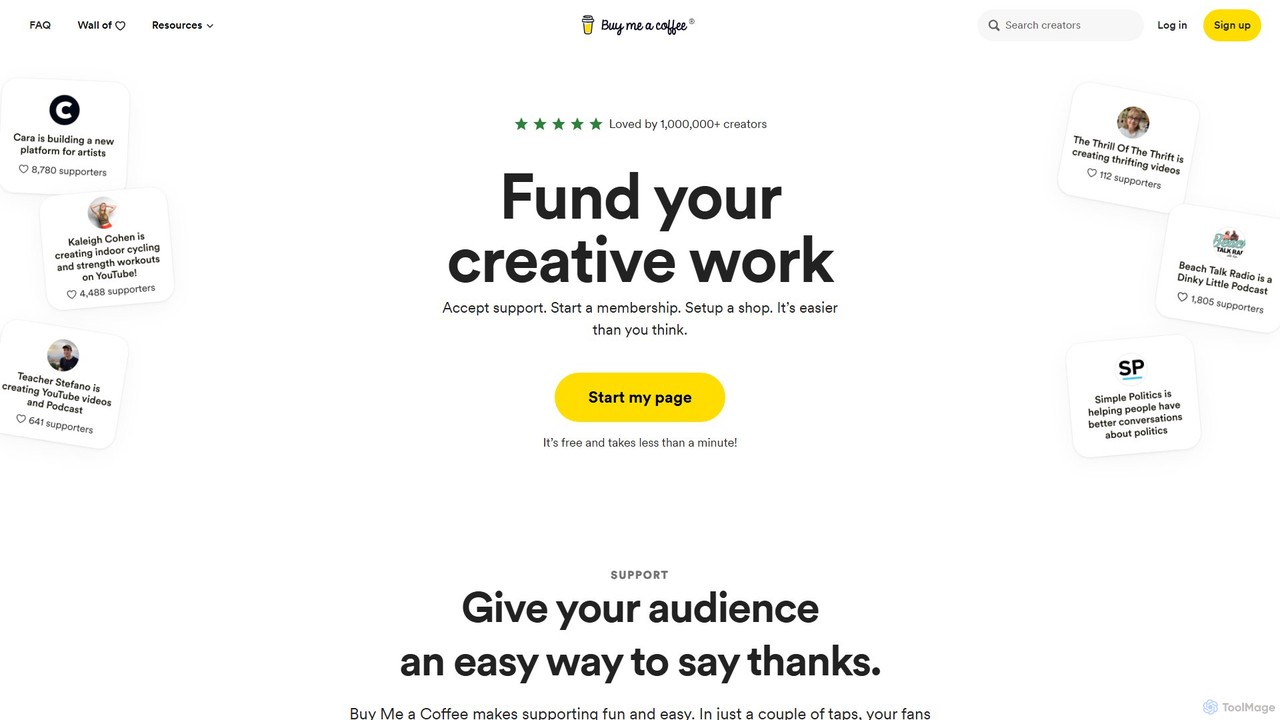
Buy Me a Coffee is a simple, friendly platform that allows creators to receive financial support from their audience. It enables one-time donations, recurring memberships, and a digital shop, all in one place. It's designed to be a fun and easy way for fans to say thanks and for creators to earn a sustainable income from their work without high fees or complexity.

Monetization
Visits 5.8MFavorites 108Likes 101
The Leap
Freemium

The Leap

The Leap is a free, AI-powered, all-in-one link-in-bio store designed for creators. It enables you to build a mobile-optimized storefront, create and sell digital products like mini-courses and guides with AI assistance, manage email marketing, and book clients, all from a single link.

Digital Products
Visits 68.2KFavorites 113Likes 118
LaPrompt
Freemium

LaPrompt

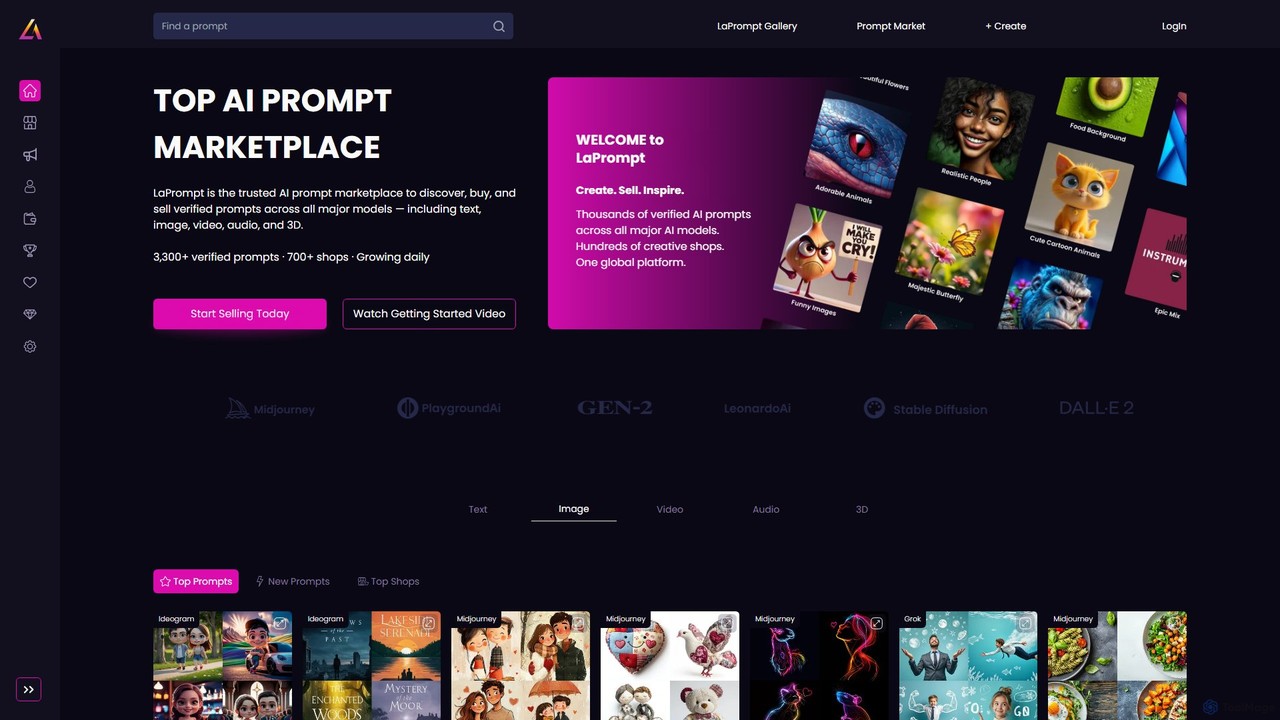
LaPrompt is a leading AI prompt marketplace where creators can discover, buy, and sell verified prompts for major generative AI models. It supports a wide range of formats including text, image, video, audio, and 3D, fostering a vibrant community for prompt engineers and AI enthusiasts to monetize their creativity and find inspiration.

Image Generation
Visits 30KFavorites 98Likes 113

About Creator Tools

Creator Tools are AI-powered applications designed to assist and automate various aspects of content generation and creative production. Leveraging advanced machine learning models, these tools can generate unique text, images, videos, and audio, significantly enhancing the efficiency and scope of creative workflows. They empower artists, marketers, and content creators to produce high-quality, diverse content at an unprecedented pace, transforming raw ideas into polished creative assets.

Core Features

  • Generative AI: Automatically creates original content such as images, videos, music, or text from simple prompts.
  • Content Enhancement: Improves existing creative assets through upscaling, style transfer, background removal, or intelligent editing.
  • Automated Workflow: Streamlines repetitive creative tasks like video editing, scriptwriting, or social media content scheduling.
  • Personalization: Adapts content generation to specific brand guidelines, user preferences, or target audience demographics.

Use Cases

These tools are invaluable for digital marketers crafting engaging campaigns, graphic designers seeking inspiration or automating repetitive tasks, and video producers accelerating post-production. They also serve writers generating initial drafts or brainstorming ideas, and musicians composing unique tracks or soundscapes for various projects.

How to Choose

When selecting Creator Tools, consider the specific media type you work with (text, image, video, audio) and the desired output quality. Evaluate the ease of use, integration capabilities with your existing creative software, and the flexibility of customization options. Additionally, assess the pricing model, community support, and the tool's ability to scale with your creative demands.

Featured tool rankings

Creator Tools use cases

1

Generating Unique Social Media Visuals

Social media managers can utilize AI Creator Tools to quickly generate a diverse range of eye-catching images and graphics tailored to specific campaigns. By inputting text prompts or brand guidelines, they can produce multiple visual concepts in minutes, saving hours of design time and ensuring a consistent, engaging online presence across platforms. This allows for rapid A/B testing of visuals to optimize engagement.

2

Automating Video Script and Storyboard Creation

Video content creators and marketers can leverage AI tools to draft compelling video scripts and even generate basic storyboards. By providing a topic, target audience, and desired tone, the AI can produce structured narratives, dialogue, and scene descriptions. This significantly accelerates the pre-production phase, allowing creators to focus more on filming and editing, and ensuring a cohesive message.

3

Composing Original Background Music for Podcasts

Podcasters and independent filmmakers often struggle with finding unique, royalty-free background music. AI music generation tools allow them to compose custom soundtracks by specifying mood, genre, and instrumentation. This eliminates licensing concerns, provides a distinct audio identity for their content, and saves budget on stock music or professional composers, enhancing overall production value.

4

Rapid Prototyping for Game Character Concepts

Game developers and concept artists can use AI image generators to rapidly iterate on character designs. By inputting textual descriptions of traits, styles, and themes, the AI can produce hundreds of visual variations. This speeds up the initial brainstorming and conceptualization phase, helping teams quickly visualize and refine ideas before committing to detailed artistic development, fostering innovation.

5

Enhancing E-commerce Product Photography

E-commerce businesses can employ AI Creator Tools to enhance product images, such as removing backgrounds, adding realistic shadows, or placing products in diverse lifestyle scenes. This automation reduces the need for extensive photoshoots and manual editing, ensuring high-quality, consistent product visuals across their online stores, which can lead to increased conversion rates and customer engagement.

6

Streamlining Blog Post and Article Generation

Content writers and bloggers can use AI writing assistants to generate outlines, draft initial paragraphs, or even create full articles on various topics. By providing keywords and a desired length, the AI can produce coherent and grammatically correct text. This helps overcome writer's block, accelerates content production cycles, and allows writers to focus on refining, fact-checking, and adding their unique voice.

Creator Tools FAQ

What are AI Creator Tools?

AI Creator Tools are specialized artificial intelligence applications designed to assist and automate tasks within the creative process. They leverage machine learning to generate, enhance, or transform various forms of content, including text, images, video, and audio. These tools aim to boost creative output, streamline workflows, and provide new avenues for artistic expression, making content creation more accessible and efficient for individuals and businesses.

How do AI Creator Tools enhance creative workflows?

AI Creator Tools enhance workflows by automating repetitive tasks, generating initial drafts or concepts, and providing intelligent suggestions. For instance, they can instantly remove image backgrounds, generate multiple design variations, or compose unique music tracks. This frees up creators from mundane work, allowing them to focus on higher-level creative decisions, refine outputs, and explore more innovative ideas, significantly accelerating project timelines.

What types of content can AI Creator Tools generate?

AI Creator Tools are highly versatile and can generate a wide array of content types. This includes:

  • Text: Blog posts, marketing copy, scripts, social media captions, product descriptions.
  • Images: Digital art, illustrations, product mockups, social media graphics, concept art.
  • Video: Short clips, animated sequences, video summaries, basic edits.
  • Audio: Background music, sound effects, voiceovers, podcasts.

The specific capabilities depend on the tool's specialization.

How to choose the best AI Creator Tool for my needs?

To choose the best AI Creator Tool, first identify your primary creative needs (e.g., image generation, video editing, copywriting). Consider the tool's output quality, ease of use, and integration with your existing software ecosystem. Evaluate its customization options, pricing structure, and the availability of tutorials or community support. A free trial can help assess if the tool's features align with your specific creative goals and workflow.

What's the difference between general Productivity AI and AI Creator Tools?

While both aim to improve efficiency, general Productivity AI focuses on automating administrative tasks, data analysis, scheduling, and communication (e.g., AI assistants, smart calendars). AI Creator Tools, conversely, are specifically designed for the generation and manipulation of creative assets. They focus on producing original content like art, music, or text, directly contributing to the creative output rather than just optimizing the underlying processes. Creator Tools are a specialized subset of productivity tools.