
ToolMage
Sign in

Best 1 Image Recognition AI tools for Productivity

Popular Image Recognition AI tools in Productivity include ChatPhoto, helping you work more efficiently.

ChatPhoto
Free

ChatPhoto

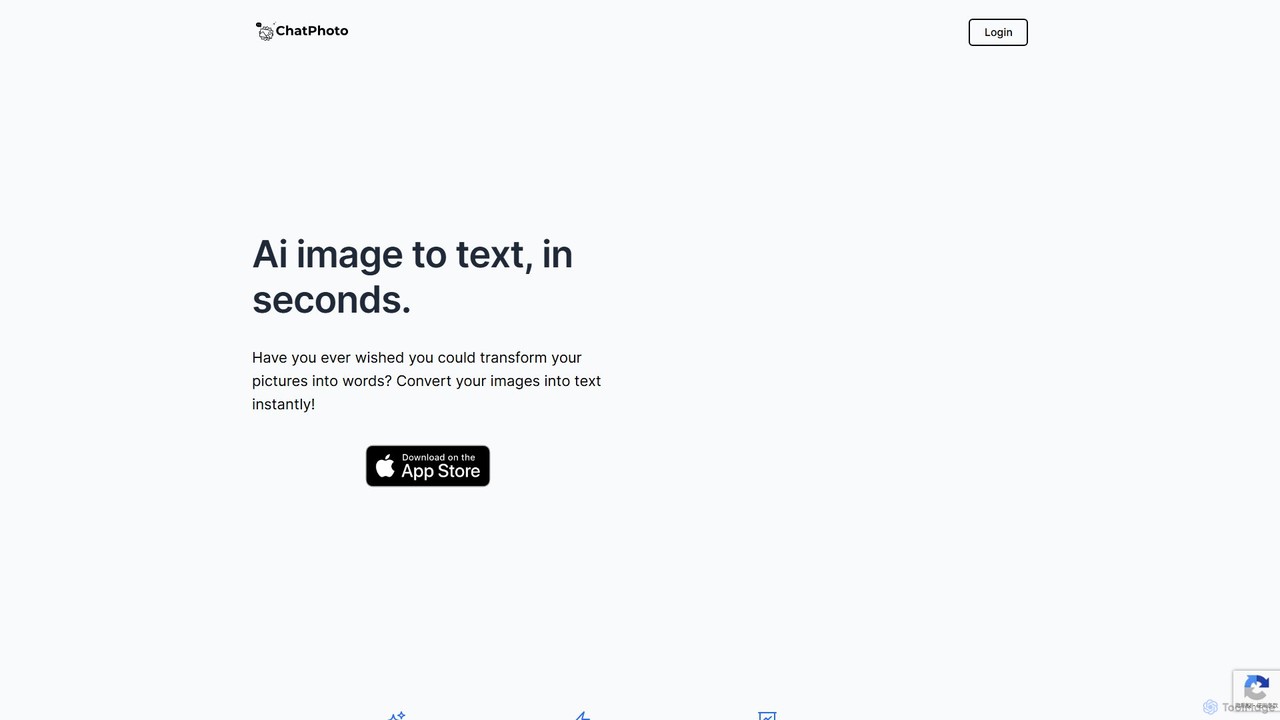
ChatPhoto is an AI tool that transforms images into text and conversations. Go beyond simple OCR by asking questions about your photos, generating social media captions, creating stories, and translating text within images. Interact with your visuals in any language and get insightful answers in seconds.

Social Media Assistant
Visits 6.2KFavorites 128Likes 119

About Image Recognition

Image Recognition tools are AI applications designed to identify and classify objects, people, text, and other elements within a digital image. They leverage deep learning models, primarily convolutional neural networks (CNNs), to analyze visual data and extract meaningful information, effectively enabling machines to "see" and understand content. This technology automates visual analysis, significantly boosting productivity by replacing time-consuming manual inspection in various fields. By providing fast and accurate data from images, these tools are a cornerstone of modern data-driven workflows.

Core Features

  • Object Detection: Identifies and locates specific items within an image, often drawing bounding boxes around them.
  • Facial Recognition: Detects and verifies human faces, matching them against databases for identification or authentication.
  • Optical Character Recognition (OCR): Extracts printed or handwritten text from images, converting it into machine-readable text.
  • Scene Understanding: Provides a contextual description of an entire image, including activities, settings, and object relationships.
  • Brand & Logo Detection: Recognizes specific company logos within images or videos for brand monitoring and market analysis.

Use Cases

Image Recognition is widely applied across industries. In retail, it powers automated checkouts and inventory management. In healthcare, it assists in analyzing medical scans like X-rays and MRIs. Security sectors use it for surveillance and access control, while marketing teams employ it to track brand visibility on social media. It is essential for any process that requires fast and scalable analysis of visual information.

How to Choose

When selecting an Image Recognition tool, evaluate its accuracy and precision metrics for your specific use case. Consider its scalability to handle your required volume of images and its speed of processing. Assess the availability of APIs for integration with your existing systems and check if the model can be customized or trained with your own data for specialized tasks. Finally, review the pricing model to ensure it aligns with your budget and usage patterns.

Image Recognition use cases

1

Automated Retail Inventory Management

A retail operations manager uses an image recognition system integrated with store cameras to monitor shelf stock in real-time. The AI automatically identifies each product, counts the quantity available, and detects out-of-stock or misplaced items. This data is sent directly to the inventory management software, triggering reorder alerts. This process eliminates hours of manual stock counting, reduces stockout situations by up to 30%, and ensures optimal product placement, directly improving sales and operational efficiency.

2

Digitizing Invoices and Receipts with OCR

An accounts payable specialist uses an image recognition tool with OCR capabilities to process a high volume of supplier invoices. Instead of manually typing data, they simply scan or upload images of the documents. The tool automatically extracts key information such as invoice number, date, vendor details, and line-item amounts, and populates them into the accounting system. This reduces data entry errors by over 95% and accelerates the payment cycle, allowing the company to take advantage of early payment discounts.

3

Enhancing Security with Facial Recognition Access

A facility manager implements a facial recognition system to control access to a secure building. Employees are registered in the system with their facial data. When someone approaches an entrance, a camera captures their face, and the AI system verifies their identity against the authorized database in milliseconds. This provides a seamless, keyless entry experience while significantly increasing security by preventing unauthorized access from stolen keycards. The system also maintains a verifiable log of all entries for audit purposes.

4

Automated Content Moderation on Social Platforms

A trust and safety team at a social media company uses an image recognition API to automatically scan user-uploaded content. The AI is trained to detect various categories of policy-violating content, such as violence, hate symbols, or adult material. When such an image is detected, it is automatically flagged and either removed or sent to a human moderator for review. This system processes millions of images daily, enabling the platform to enforce its community guidelines at scale and create a safer online environment for users.

5

Assisting Medical Diagnosis with Image Analysis

A radiologist employs an AI-powered image recognition tool to analyze medical scans like MRIs or CT scans. The tool is trained on vast datasets of medical images to identify subtle patterns and anomalies that might indicate diseases, such as tumors or fractures. It highlights potential areas of concern for the radiologist to review more closely. This serves as a powerful second opinion, helping to improve diagnostic accuracy, reduce the chance of human error from fatigue, and speed up the overall review process for patient cases.

6

Tracking Brand Mentions in Visual Media

A marketing analyst uses an image recognition tool to monitor brand presence across social media and the web. They configure the tool to search for their company's logo. The system continuously scans new images and videos, providing a real-time feed of visual mentions. This allows the analyst to measure the ROI of event sponsorships, track user-generated content featuring their products, and identify unauthorized logo usage. It provides a comprehensive view of brand visibility that text-based monitoring tools would miss.

Image Recognition FAQ

What is Image Recognition?

Image Recognition is a field of artificial intelligence where machines are trained to identify and interpret visual content from digital images or videos. It goes beyond simple detection to classify objects, people, text (OCR), scenes, and activities. By using complex algorithms like neural networks, these tools can automate tasks that traditionally require human vision, such as moderating content, managing inventory, or unlocking a phone with your face.

How to choose the right Image Recognition tool?

Choosing the right tool depends on your specific needs. Consider the following factors:

  • Accuracy: Does the tool provide reliable results for your type of images (e.g., medical scans vs. retail products)? Check its documented precision and recall rates.
  • Features: Do you need object detection, OCR, facial recognition, or a combination? Ensure the tool supports the specific tasks you need to automate.
  • Scalability & Speed: Can the tool handle your expected volume of images per day or hour without significant delays?
  • Customization: Can you train the model with your own dataset to recognize unique objects or specific brand logos?
  • Integration: Does it offer a well-documented API to easily connect with your existing software and workflows?
What's the difference between Image Recognition and Computer Vision?

Computer Vision is the broad scientific field that deals with how computers can gain high-level understanding from digital images or videos. Image Recognition is a specific task *within* Computer Vision. Think of Computer Vision as the entire 'visual system' of a machine, which includes tasks like image processing, motion analysis, and 3D reconstruction. Image Recognition is the part of that system focused on one key question: 'What is in this image?'

How does Image Recognition improve productivity?

Image Recognition directly boosts productivity by automating visual tasks that are repetitive, time-consuming, or prone to human error. For example, instead of manually counting items on a shelf, an AI can do it in seconds. Instead of a human moderator viewing thousands of images, an AI can filter out the most obvious violations. This automation frees up human employees to focus on more complex, strategic work, reduces operational costs, and provides faster, more consistent results at a scale that is impossible to achieve manually.

Can Image Recognition tools be used with video?

Yes, absolutely. Most advanced image recognition systems can be applied to video streams. They essentially process video as a sequence of individual images (frames). This allows them to perform tasks like real-time object tracking in security footage, detecting brand logos in live broadcasts, or analyzing player movements in sports analytics. The core technology is the same, but it's applied frame-by-frame to extract insights from moving pictures.