ToolMage
Sign in

Best 1 Internal Communication AI tools for Productivity

Popular Internal Communication AI tools in Productivity include Jochem, helping you work more efficiently.

Jochem
Paid

Jochem

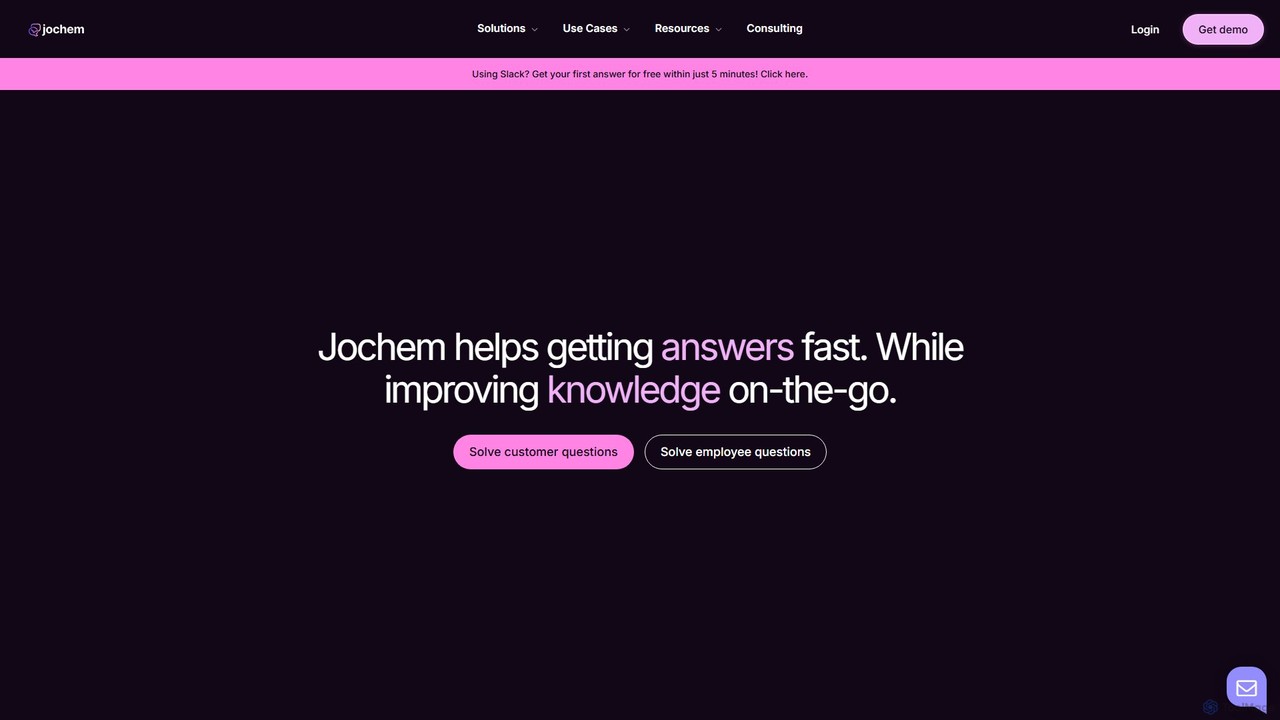
Jochem is an AI-powered internal knowledge assistant for businesses. It connects to your company's knowledge base, providing instant, accurate answers to both employee and customer support questions. When an answer isn't found, it intelligently routes the query to a human expert, captures their response, and continuously improves the knowledge base. This streamlines workflows, reduces response times, and enhances overall knowledge management.

Enterprise Solutions
Visits 7.1KFavorites 152Likes 167

About Internal Communication

AI Internal Communication tools are a specialized category of productivity software designed to optimize information flow and collaboration within an organization. These platforms leverage artificial intelligence to analyze conversations, documents, and internal data, providing intelligent search, automated summaries, and proactive insights. By connecting employees to relevant knowledge and experts, these tools break down information silos and enhance overall corporate efficiency. They effectively transform standard communication channels into dynamic, searchable knowledge hubs.

Core Features

  • Intelligent Knowledge Search: Instantly find answers, documents, and experts across all company platforms like Slack, Confluence, and Google Drive.
  • Automated Summarization: Generate concise summaries of long chat threads, meetings, and internal documents to save time and reduce information overload.
  • Employee Q&A Automation: Automatically answer frequently asked employee questions or route complex queries to the correct department or subject matter expert.
  • Sentiment Analysis: Monitor the tone and morale of internal discussions to identify trends, gauge employee engagement, and address potential issues early.
  • Personalized Information Delivery: Push relevant news, updates, and alerts to employees based on their role, department, and project involvement.

Use Cases

These tools are particularly valuable for fast-growing companies, large enterprises, and remote-first organizations where information can become fragmented. They are used by HR teams to streamline onboarding, by project managers for cross-functional alignment, and by IT/support teams to automate responses, creating a more efficient and connected workplace.

How to Choose

When selecting a tool, evaluate its integration capabilities with your existing software stack (e.g., Slack, Microsoft Teams). Consider the sophistication of its AI search and summarization features, its data security and privacy policies, and the scalability of its pricing model. Also, assess the user interface for ease of use to ensure high adoption rates among employees.

Internal Communication use cases

1

Streamlining New Employee Onboarding

HR managers and team leads use AI internal communication tools to create a seamless onboarding experience. Instead of manually answering repetitive questions, a new hire can ask an AI assistant questions like 'Where is the expense policy?' or 'Who is the contact for IT support?'. The tool instantly pulls answers from the company's knowledge base, Confluence pages, and HR documents. This empowers new employees to find information independently, accelerates their integration, and frees up significant time for the HR team to focus on more strategic tasks.

2

Enhancing Cross-Departmental Project Collaboration

For complex projects involving multiple teams, an AI tool can act as a central intelligence hub. It automatically summarizes key decisions, action items, and updates from different team channels (e.g., marketing, engineering, sales). A project manager can simply ask, 'What was the final decision on the Q3 launch date?' and get a concise answer with a link to the original conversation. This prevents miscommunication, eliminates the need for manual status update meetings, and ensures everyone across departments is aligned with the latest project information.

3

Automating Internal IT and HR Support

Internal support teams are often overwhelmed with repetitive queries. An AI communication tool can integrate with ticketing systems and knowledge bases to provide instant, automated support. An employee can ask a chatbot 'How do I set up my VPN?' or 'What is our parental leave policy?'. The AI provides an immediate answer or creates a support ticket with all necessary context if human intervention is needed. This reduces response times, improves employee satisfaction, and allows support staff to focus on resolving more complex issues.

4

Gauging Employee Sentiment and Feedback

Leadership and HR teams can use AI tools to understand the overall mood and key concerns within the company without intrusive surveys. The AI analyzes public channels to identify recurring themes, sentiment trends (e.g., positive, negative, neutral), and topics of high engagement. For instance, it might detect rising concerns about a new policy or positive feedback on a recent company event. This provides leadership with real-time, data-driven insights to make more informed decisions and proactively address employee feedback.

5

Preserving and Accessing Institutional Knowledge

When experienced employees leave, their knowledge often leaves with them. An AI internal communication tool acts as a collective memory for the organization. It indexes all conversations, documents, and decisions, making them easily searchable. A new team member can search for 'research on the Alpha project from last year' and instantly find all relevant discussions and files, even if the original project members are no longer with the company. This preserves valuable institutional knowledge and reduces the time spent relearning or recreating past work.

6

Disseminating Critical Company-Wide Announcements

For important announcements like policy changes or strategic shifts, ensuring every employee sees and understands the information is crucial. An AI tool can personalize and target the delivery of these announcements based on role, location, or department. It can then track engagement to see who has viewed the message. Furthermore, it can set up an automated Q&A to handle immediate follow-up questions, providing consistent answers and flagging unique or complex queries for the communications team to address personally.

Internal Communication FAQ

What are AI Internal Communication tools?

AI Internal Communication tools are software solutions that use artificial intelligence to improve how information is shared and accessed within a company. They function as an intelligent layer on top of existing communication platforms like Slack or Microsoft Teams. Their primary purpose is to make corporate knowledge easily discoverable, automate routine information tasks like summarizing long conversations, and provide insights into workforce engagement. Unlike simple chat apps, they actively organize and analyze information to boost productivity.

How do these tools differ from standard chat apps like Slack or Teams?

Standard chat apps are channels for real-time conversation, but they don't inherently organize the knowledge within those conversations. AI internal communication tools integrate with and enhance these apps. The key differences are:

  • Intelligence: AI tools understand the content and context of conversations, allowing for semantic search and summarization. Standard apps rely on basic keyword search.
  • Proactivity: AI tools can proactively surface relevant information or connect you with experts, whereas chat apps are reactive communication channels.
  • Knowledge Management: AI tools turn conversations into a structured, searchable knowledge base. In standard apps, valuable information often gets lost in endless channels.
How do I choose the right AI Internal Communication tool for my company?

Choosing the right tool depends on your specific needs. Consider these key factors:

  • Integrations: Does it seamlessly connect with the tools your team already uses (e.g., Slack, Microsoft Teams, Google Workspace, Confluence)?
  • Core Features: Evaluate the quality of its search, summarization, and Q&A capabilities. Does it meet your primary use case, such as onboarding or project management?
  • Security and Privacy: How does the tool handle your sensitive company data? Ensure it complies with industry standards like SOC 2 or GDPR.
  • Scalability and Pricing: Consider a pricing model that can grow with your company. Check for user limits, feature tiers, and overall cost-effectiveness.
What are the main benefits of using AI for internal communication?

The primary benefits are increased productivity and better knowledge management. By making information instantly accessible, employees spend less time searching for answers and more time on their core tasks. It reduces information silos between departments, leading to better collaboration and faster decision-making. Additionally, it helps preserve institutional knowledge that might otherwise be lost when employees leave. Finally, it can improve employee experience by providing quick answers to common questions and reducing information overload through summaries.

Is it difficult to implement an AI Internal Communication tool?

Implementation difficulty varies by tool, but modern solutions are designed for ease of use. Most are cloud-based SaaS products that require minimal technical setup. The process typically involves:

  • Authorization: Granting the tool access to your existing platforms (like Slack or Google Drive) via secure authentication.
  • Indexing: The tool will then scan and index the content from these sources. This can take from a few hours to a few days, depending on the volume of data.
  • Configuration: Admins can then configure settings, such as which channels to include or user access permissions.

Most vendors provide dedicated support to guide you through the setup process, making it manageable for non-technical teams.