Productivity Best in category 1 results Javascript AI Tool

Popular AI tools in the Javascript field of Productivity include Agentary, etc., helping you quickly improve efficiency.

Free
Agentary

Agentary

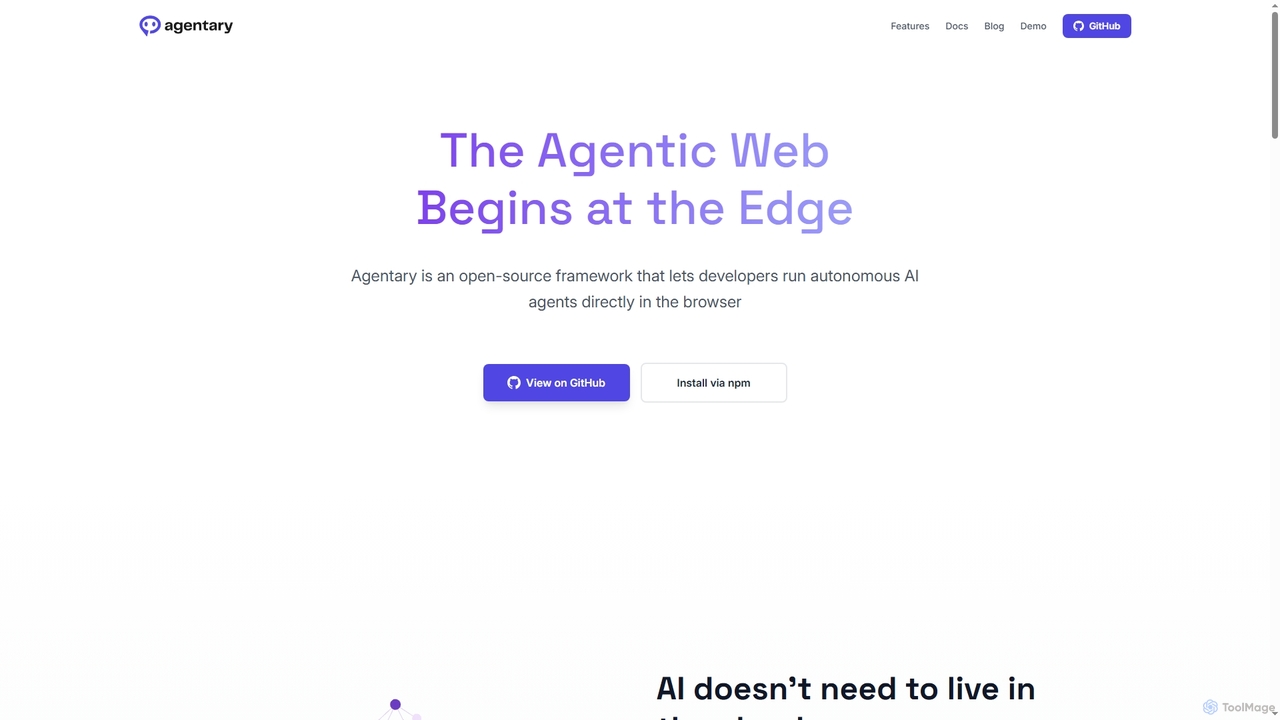
Agentary is an open-source JavaScript SDK for developers to build and run autonomous AI agents directly in the …

2.3K

About Javascript

AI Javascript tools are a class of software that leverages artificial intelligence to assist in writing, debugging, and optimizing JavaScript code. These tools integrate into development environments to provide intelligent code completion, error detection, and automated code generation based on context and natural language prompts. This significantly accelerates the development lifecycle, reduces manual errors, and helps developers write cleaner, more efficient code for web applications, Node.js backends, and other JavaScript-based projects. They act as a powerful assistant within the broader productivity toolset for modern software engineering.

Core Features

  • Intelligent Code Completion: Suggests entire functions and code blocks based on the current context, going beyond simple variable name autocompletion.
  • AI-Powered Debugging: Analyzes code to identify potential bugs, suggests fixes, and provides natural language explanations for complex errors.
  • Automated Code Generation: Creates boilerplate code, unit tests, or entire functions from high-level descriptions or comments.
  • Code Refactoring and Optimization: Recommends improvements for performance, readability, and adherence to modern JavaScript best practices.

Use Cases

These tools are primarily used by web developers, full-stack engineers, and software development teams. They are particularly valuable in rapid prototyping, maintaining large and complex codebases, and onboarding new developers by providing contextual guidance and accelerating the learning curve for new frameworks or libraries.

How to Choose

When selecting an AI Javascript tool, consider its integration with your preferred IDE (e.g., VS Code, WebStorm), its level of support for specific frameworks (React, Vue, Node.js), the scope of its AI features (generation vs. debugging), its performance impact on your editor, and its pricing model (e.g., subscription-based vs. pay-per-use).

JavascriptUse Cases

1

Accelerating Frontend Component Development

A React developer uses an AI tool to generate a functional component with state management and styling from a simple prompt like 'create a user login form with email and password fields'. The AI assistant produces the necessary JSX, state hooks (useState), and basic CSS, allowing the developer to focus on logic and integration rather than writing boilerplate code. This can reduce component creation time by over 50%.

2

Automating Unit Test Generation

A backend developer highlights a complex function in their Node.js service and asks the AI to generate comprehensive unit tests using a framework like Jest. The tool analyzes the function's logic, inputs, and outputs to create a suite of tests that cover normal operation, edge cases, and potential failure scenarios, significantly improving code coverage and reliability without hours of manual test writing.

3

Debugging Complex Asynchronous Code

A developer is struggling with a race condition in their JavaScript application's `async/await` logic. The AI tool analyzes the code flow, identifies the potential conflict where two asynchronous operations might complete in an unexpected order, and explains the problem with a suggested fix, such as using `Promise.all`. This transforms a potentially lengthy debugging session into a quick, guided resolution.

4

Refactoring Legacy JavaScript Code

A team needs to modernize an old jQuery-based application. They use an AI tool to automatically convert parts of the codebase to modern ES6+ syntax or even a framework like Vue. The tool suggests structural improvements for better maintainability, such as converting callback-based functions to Promises or `async/await`, helping to incrementally upgrade the application while reducing technical debt.

5

Generating API Integration Code

A full-stack developer needs to connect their application to a third-party REST API. Instead of manually reading documentation and writing fetch requests, they provide the API endpoint and a description of the desired data to the AI tool. The tool generates the necessary `fetch` or `axios` code, including setting request headers, handling authentication, and parsing the JSON response, saving significant time and reducing implementation errors.

6

Onboarding and Learning New Libraries

A junior developer is unfamiliar with a specific JavaScript library like D3.js for data visualization. They use the AI assistant as a pair programmer, asking questions in natural language like 'how do I create a bar chart with this data?' The tool provides code examples, explains complex functions, and offers guidance on best practices directly within their editor, dramatically shortening the learning curve and increasing their productivity.

JavascriptFrequently Asked Questions