ToolMage
Sign in

Best 2 Link Management AI tools for Productivity

Popular Link Management AI tools in Productivity include Onelink.to and Quick QR Art, helping you work more efficiently.

Onelink.to
Freemium

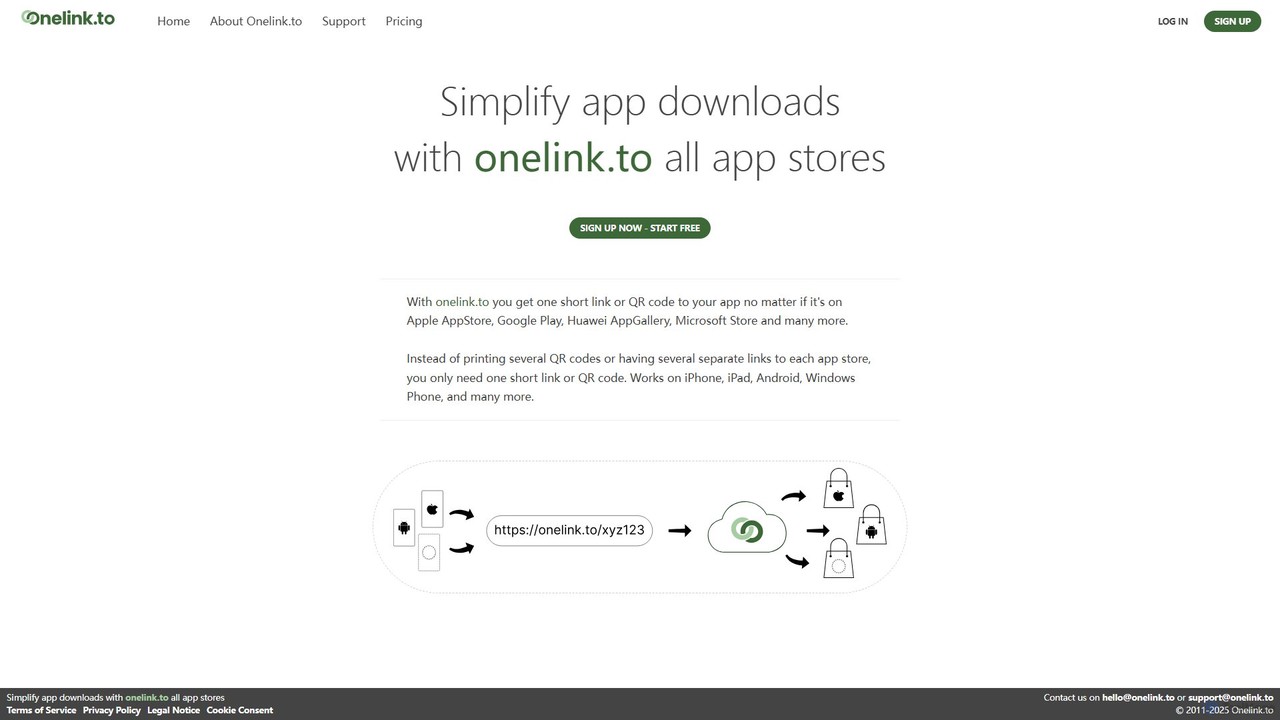
Onelink.to

Onelink.to is an intelligent link management platform that simplifies app marketing. It provides a single, smart link and QR code that automatically detects the user's device and directs them to the correct app store, such as Apple App Store, Google Play, or others. This streamlines the user journey, boosts download conversion rates, and provides valuable analytics for campaign optimization.

App Development
Visits 9.7MFavorites 123Likes 142
Quick QR Art
Freemium

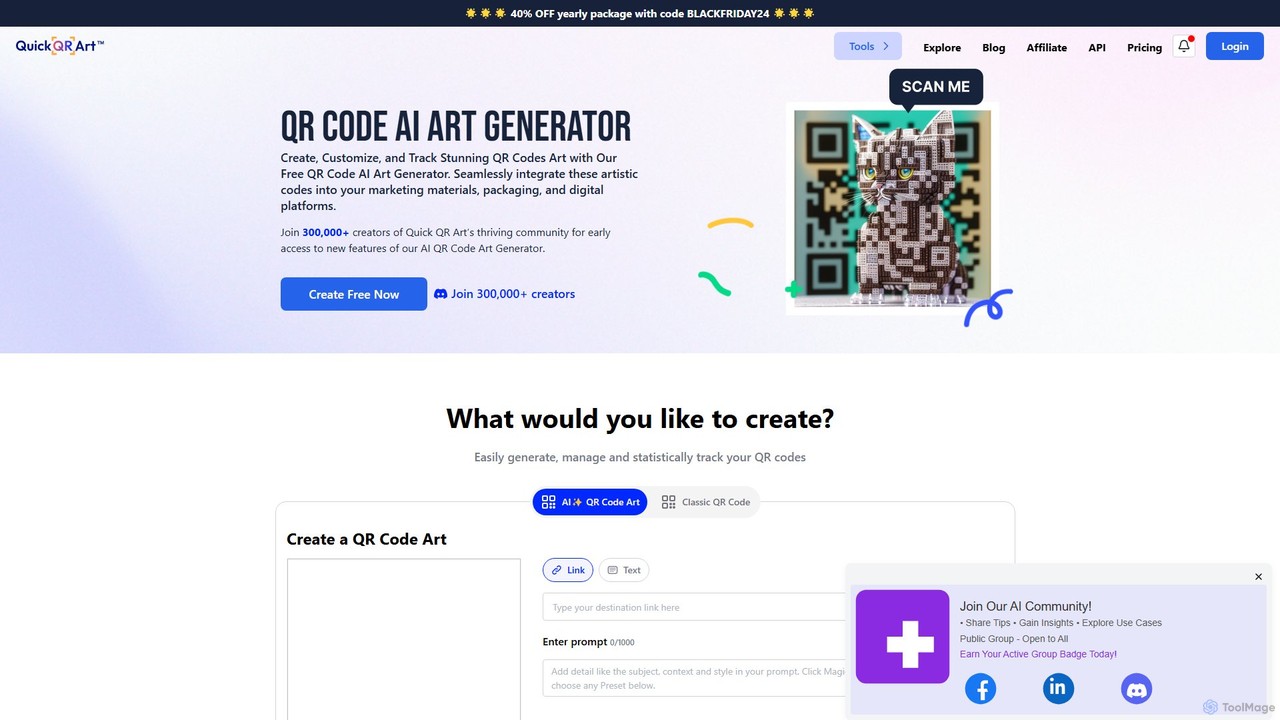
Quick QR Art

Quick QR Art is an AI-powered generator that transforms standard QR codes into stunning, scannable works of art. It allows users to create, customize, and track artistic QR codes using text prompts, enhancing marketing materials, packaging, and digital platforms with unique, brand-aligned visuals.

Image Generator
Visits 30.3KFavorites 137Likes 134

About Link Management

Link Management tools are specialized platforms designed to shorten, brand, track, and organize URLs, transforming standard web links into powerful assets for marketing and analytics. These tools utilize redirection and data logging to provide detailed insights into link performance, such as click-through rates, geographic location of users, and referral sources. By centralizing link control, they enhance brand consistency, improve user trust, and deliver actionable data for optimizing digital campaigns. This makes them a crucial component of the modern productivity stack for any data-driven professional.

Core Features

  • URL Shortening & Branded Links: Create concise, memorable links using a custom domain to reinforce brand identity.
  • Click Analytics & Tracking: Monitor real-time data on clicks, user location, device types, and traffic sources.
  • Link-in-Bio Pages: Build a single, customizable landing page that houses multiple important links for social media profiles.
  • UTM Parameter Management: Systematically add and manage UTM tags to links for granular campaign tracking in analytics platforms.
  • Link Retargeting: Embed tracking pixels (e.g., Facebook Pixel, Google Ads) into short links to build retargeting audiences.

Use Cases

Link Management tools are widely used by digital marketers, social media managers, content creators, and affiliate marketers. They are essential for tracking the ROI of social media campaigns, managing affiliate links, creating clean and branded links for email newsletters, and analyzing traffic from QR codes used in offline marketing materials.

How to Choose

When selecting a Link Management tool, consider the depth of its analytics and reporting features. Evaluate its support for custom domains, integration capabilities with other marketing tools (like Google Analytics or social media schedulers), features for team collaboration, and the scalability of its pricing plans based on link volume and feature sets.

Link Management use cases

1

Tracking Social Media Campaign Performance

A digital marketer launches a multi-platform campaign for a new product. They use a link management tool to create unique, branded short links for Facebook, Twitter, and Instagram. Each link contains specific UTM parameters to identify the source. By monitoring the tool's dashboard, the marketer can see in real-time which platform drives the most clicks, engagement, and conversions, allowing them to allocate their advertising budget more effectively and optimize future campaigns based on clear performance data.

2

Creating a Centralized 'Link-in-Bio' Hub

A content creator, such as a YouTuber or Instagram influencer, needs to direct their audience to various places: their latest video, merchandise store, blog, and other social profiles. Instead of constantly changing the single link allowed in their bio, they use a link management tool to create a 'link-in-bio' page. This mobile-friendly landing page hosts a list of all their important links. They can update the list anytime without changing the main bio link, and the tool's analytics show which links are most popular with their audience.

3

A/B Testing URLs for Conversion Optimization

A marketing team wants to test two different landing pages to see which one converts better. They use a link management tool's A/B testing feature to create a single short link that intelligently routes traffic between the two destination URLs. For example, it can split traffic 50/50. After running the test for a week, they analyze the click and conversion data within the tool to definitively determine the winning page, ensuring their campaign uses the highest-performing asset without needing complex website code changes.

4

Managing Links for Affiliate Marketing

An affiliate marketer promotes products from various merchants, each with a long, complex affiliate URL. To make these links more appealing and trustworthy to their audience, they use a link management tool to shorten and brand them with a custom domain. This process, often called 'link cloaking', also allows them to track clicks on every single affiliate link from one central dashboard. If a merchant changes their affiliate link structure, the marketer can update the destination URL in their tool without having to find and replace the link in dozens of blog posts or videos.

5

Generating Dynamic QR Codes for Print Media

A restaurant wants to use QR codes on their menus to link to an online ordering page. Instead of generating a static QR code that points directly to the URL, they use a link management tool. They create a short link for their ordering page and then generate a 'dynamic' QR code from that short link. This approach is powerful because if they ever need to change the ordering page URL, they can simply update the destination of the short link in their dashboard. The printed QR code remains the same and will automatically redirect to the new page, saving significant reprinting costs.

6

Adding Retargeting Pixels to Shared Content

A B2B company shares a link to a third-party industry report on their social media channels. While they don't own the report's website, they want to retarget anyone who clicks the link with their own ads. They use a link management tool to create a short link for the report. Within the tool, they add their Facebook and Google Ads tracking pixels to this link. When a user clicks it, the pixel fires and adds them to a custom advertising audience before redirecting them to the report. This allows the company to build a highly relevant audience for future ad campaigns.

Link Management FAQ

What are Link Management tools?

Link Management tools are platforms that allow users to shorten, customize, track, and manage web links. Beyond simple URL shortening, they provide a suite of features for marketers and businesses, including detailed click analytics, A/B testing, link retargeting, and the creation of branded links with custom domains. They act as a central hub for all of a company's shared links, turning them from simple pointers into valuable, data-rich assets that can be analyzed and optimized.

How to choose the right Link Management tool?

Choosing the right tool depends on your specific needs. Consider these factors:

  • Analytics Depth: Do you need basic click counts or advanced data like heatmaps, conversion tracking, and geographic segmentation?
  • Customization & Branding: Is support for custom domains and branded links important for your brand identity?
  • Integrations: Does the tool integrate with your existing marketing stack, such as Google Analytics, social media schedulers, or CRM software?
  • Advanced Features: Do you require features like link retargeting, A/B testing, dynamic QR codes, or link-in-bio pages?
  • Scalability & Pricing: Evaluate the pricing tiers based on the number of links you'll create, expected click volume, and the number of users on your team.
What's the difference between a Link Management tool and a basic URL shortener?

A basic URL shortener's primary function is to make a long URL shorter. A Link Management tool does this and much more. The key difference lies in the suite of features built around the link. Link Management platforms offer analytics, branding with custom domains, link editing capabilities (changing the destination URL after creation), team collaboration, retargeting, and integrations with other software. They are comprehensive marketing tools, whereas basic shorteners are simple utilities.

Can I use my own domain with these tools?

Yes, most professional Link Management tools allow you to connect your own custom domain. Instead of using a generic domain like bit.ly/xyz, you can create links like yourbrand.com/promo. This is a key feature for branding as it increases link trust, reinforces your brand identity with every shared link, and can improve click-through rates because users recognize the domain as belonging to you.

Who benefits most from using Link Management tools?

While anyone can use them, certain roles benefit significantly. This includes:

  • Digital Marketers: For tracking campaign ROI, A/B testing, and building retargeting audiences.
  • Social Media Managers: For creating clean, branded links for posts and analyzing traffic from different platforms.
  • Content Creators & Influencers: For managing 'link-in-bio' pages and tracking engagement on shared content.
  • Affiliate Marketers: For cloaking, managing, and tracking the performance of thousands of affiliate links.
  • Businesses: For maintaining brand consistency across all shared links and gathering data on audience engagement.