VideoSDK
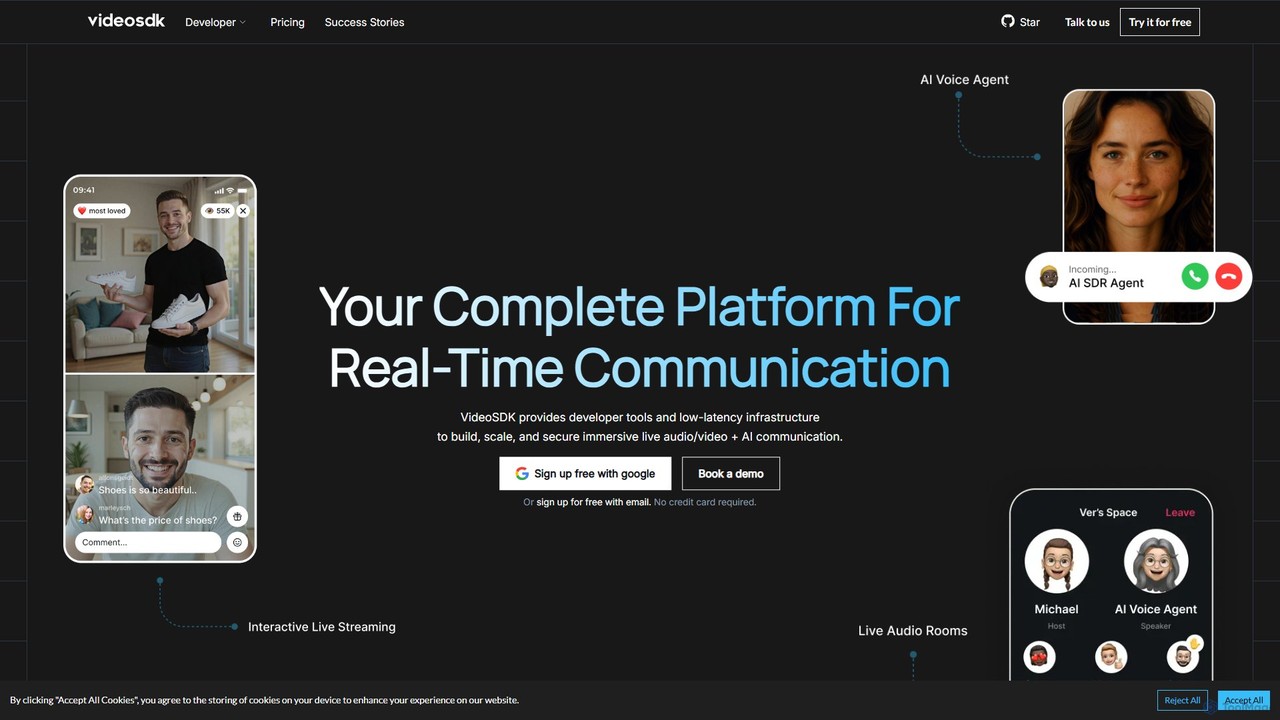
VideoSDK is a comprehensive developer platform providing APIs and SDKs to build, scale, and secure real-time audio/video communication …
VideoSDK is a comprehensive developer platform providing APIs and SDKs to build, scale, and secure real-time audio/video communication and interactive live streaming. It features low-latency infrastructure, cross-platform support, and integrated AI capabilities like voice agents, transcription, and summarization, enabling developers to embed immersive communication experiences into any application.
About Live Streaming
AI Live Streaming tools are applications that use artificial intelligence to automate and enhance the production and management of live video broadcasts. These tools leverage machine learning for tasks like real-time transcription, automated highlight clipping, and intelligent scene switching. They empower creators and businesses to produce professional-quality streams with greater efficiency, expand their audience reach through features like live translation, and gain deeper insights into audience engagement. This makes sophisticated broadcasting capabilities accessible without requiring a large production team or extensive technical expertise.
Core Features
- Automated Highlight Clipping: AI analyzes the stream in real-time to identify and capture exciting moments, automatically creating short-form video clips for social media.
- Real-time Transcription & Translation: Generates live captions for accessibility and translates them into multiple languages to reach a global audience.
- AI Virtual Director: Intelligently switches between camera angles, speakers, or screen shares based on audio cues or predefined rules, mimicking a human director.
- Intelligent Chat Moderation: Automatically filters spam, moderates comments, and analyzes audience sentiment from the live chat.
- Virtual Backgrounds & Avatars: Uses AI to create high-quality virtual backgrounds without a green screen or generate real-time animated avatars that mirror the user's expressions.
Use Cases
These tools are ideal for solo content creators on platforms like Twitch and YouTube who want to automate clip creation and production. They are also used by marketing teams for professional webinars and product launches, educators for delivering multilingual online courses, and corporations for polished internal town halls and events.
How to Choose
When selecting an AI Live Streaming tool, consider its integration with your primary streaming platforms (e.g., OBS, Twitch, YouTube). Evaluate the specific AI features you need most, such as highlight generation for gaming or real-time translation for educational content. Also, assess the tool's performance impact on your system and compare pricing models, which may be subscription-based or pay-per-use.
Live StreamingUse Cases
Automated Gaming Highlight Reels for Social Media
A Twitch streamer focuses on playing competitive games where key moments happen unpredictably. Instead of manually reviewing hours of footage after each stream, they use an AI Live Streaming tool integrated with their broadcast software. The AI automatically detects events like multi-kills, victories, or high-emotion reactions and instantly creates shareable, vertically-formatted clips. This allows the streamer to post fresh content to TikTok and YouTube Shorts within minutes of their stream ending, saving over 80% of their post-production time and consistently engaging their audience on other platforms.
Hosting Multilingual Corporate Webinars
A global corporation needs to host a quarterly town hall for employees across different continents. Using an AI Live Streaming platform, they can broadcast their presentation with real-time, AI-generated captions in multiple languages like English, Spanish, and Japanese. The AI automatically transcribes the speaker's words and translates them instantly, displaying them as subtitles for viewers. This ensures that all employees can understand the key messages regardless of their native language, fostering a more inclusive and productive virtual environment without the high cost and complexity of hiring multiple human interpreters.
AI-Directed Solo Podcast Production
A solo podcaster wants to create a visually dynamic video podcast with multiple camera angles but lacks a production crew. They set up three different cameras and use an AI Live Streaming tool with a virtual director feature. The AI analyzes the speaker's voice and movement, automatically switching between a wide shot, a close-up, and a side angle to create a professional, multi-camera look. This elevates the production value significantly, making the stream more engaging for the audience on YouTube, all while allowing the creator to manage the entire production by themselves.
Interactive E-commerce Live Selling
An online retailer hosts live shopping events to showcase new products. They use an AI streaming tool to enhance viewer interaction. The tool's AI analyzes the chat in real-time, identifying frequently asked questions and displaying them on screen for the host to answer. It also detects product mentions and automatically triggers an on-screen overlay with a 'buy now' link. This level of automation allows the host to focus on presenting the products and engaging with customers, leading to a smoother shopping experience and increased conversion rates.
Creating 24/7 AI Avatar Live Streams
A media company wants to launch a 24/7 news update channel without the cost of continuous human staffing. They use an AI live streaming tool that combines a realistic AI avatar with text-to-speech technology. The system pulls news headlines from an RSS feed, converts them to speech, and has the animated avatar deliver the news in a continuous live broadcast. The AI also manages on-screen graphics and transitions. This creates a low-maintenance, cost-effective live channel that can run indefinitely, providing constant value to viewers.
Enhancing Online Education with AI Tools
An online instructor teaches a complex technical subject to a diverse group of students. During live lectures, they use an AI streaming tool to automatically generate a real-time transcript on the side of the screen. This helps students who are non-native speakers or have hearing impairments to follow along easily. The AI also identifies key terms mentioned by the instructor and automatically displays their definitions. After the class, the searchable transcript is made available, allowing students to quickly find and review specific topics, significantly improving the learning experience and accessibility of the course material.