Productivity Best in category 4 results No Code Development AI Tool

Popular AI tools in the No Code Development field of Productivity include Depthtale、SpiderWebAI、Gelt、Soul16, etc., helping you quickly improve efficiency.

SpiderWebAI

SpiderWebAI

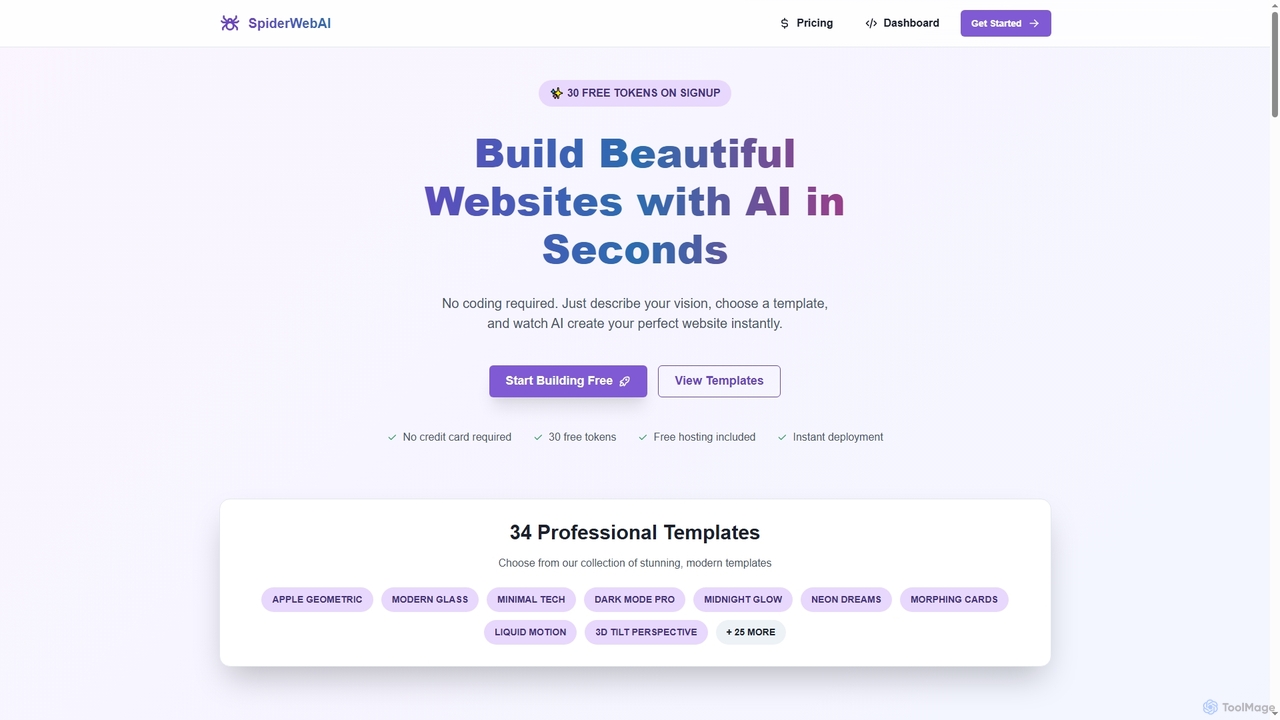
SpiderWebAI is an innovative AI-powered website builder that enables users to create stunning, professional websites in seconds without …

2.6K
Soul16

Soul16

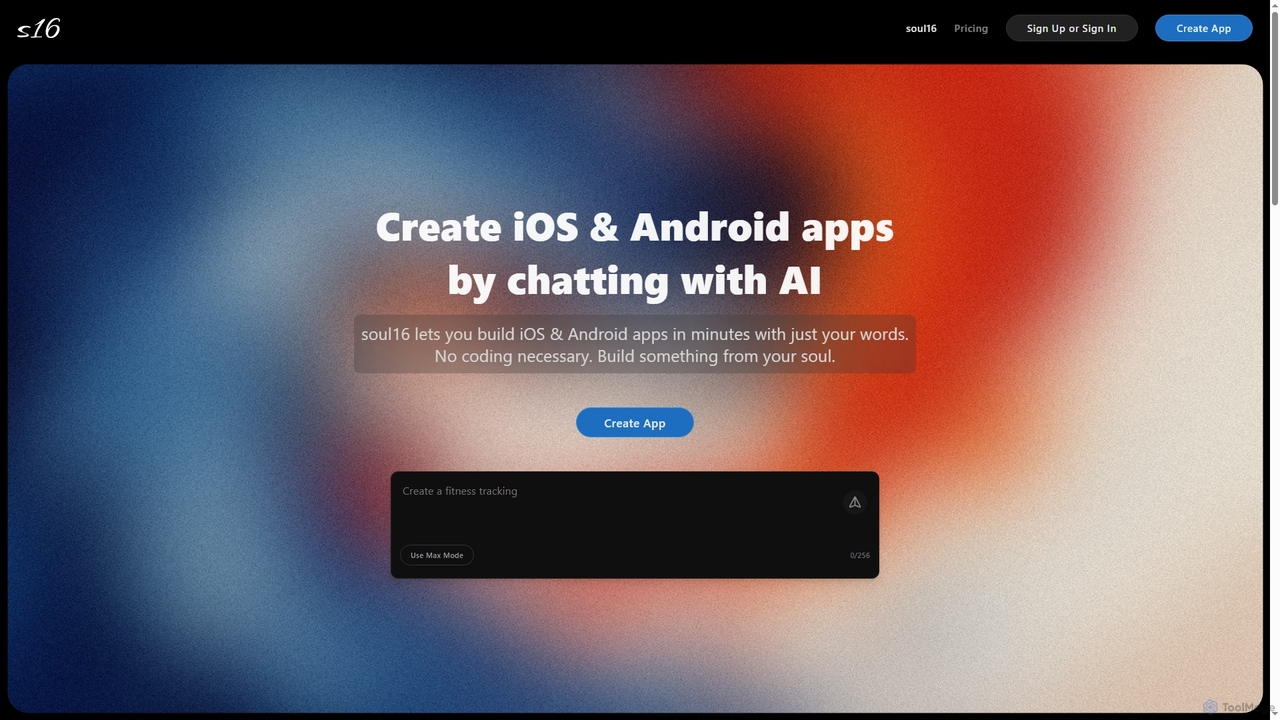
Soul16 is an AI-powered platform that enables users to build fully functional iOS and Android applications in minutes …

2.1K
Gelt

Gelt

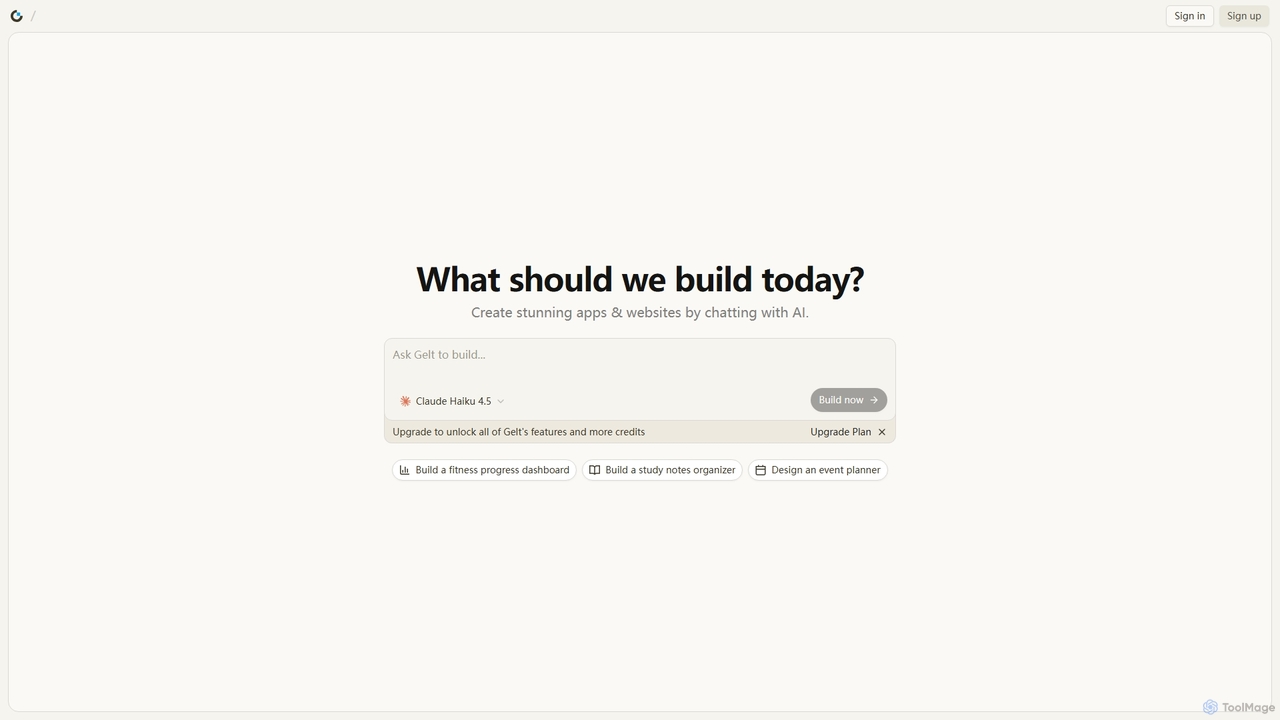
Gelt is an innovative AI website builder that empowers users to create stunning applications and prototypes simply by …

2.2K
Depthtale

Depthtale

Depthtale is an AI-powered platform for creating and playing interactive visual novels. It combines traditional storytelling with point-and-click …

5.6K

About No Code Development

No Code Development tools are platforms that allow users to build software applications, websites, and automations without writing any code. These tools utilize visual, drag-and-drop interfaces and pre-built components to translate user logic into functional applications. This approach significantly lowers the technical barrier to entry, enabling business users and entrepreneurs to create custom solutions rapidly. By abstracting away complex programming, No Code Development accelerates the creation of MVPs, internal tools, and automated workflows, fostering innovation across organizations.

Core Features

  • Visual App Builder: Design user interfaces and application logic using a drag-and-drop canvas.
  • Workflow Automation: Create complex business rules and automated processes with visual logic builders (if-then statements).
  • Pre-built Templates & Components: Start projects quickly with ready-to-use templates for common applications like CRMs or project trackers.
  • Data Management: Define, store, and manage application data through a user-friendly interface without writing SQL queries.
  • API Integration: Connect to third-party services and data sources through pre-configured connectors and visual API managers.

Use Cases

No Code Development is widely adopted by startups, small businesses, and enterprise departments. Entrepreneurs use it to build and test Minimum Viable Products (MVPs) quickly. Business analysts and operations managers create custom internal tools to streamline processes, such as inventory management or HR onboarding systems. Marketing teams build landing pages and automate lead nurturing workflows without relying on development teams.

How to Choose

When selecting a No Code Development tool, first consider the type of application you need to build (web, mobile, internal tool). Evaluate the platform's scalability and performance limitations to ensure it can support your user base. Assess its integration capabilities with your existing software stack. Finally, examine the pricing model (per user, per app, per workflow) and the level of community and professional support available.

No Code DevelopmentUse Cases

1

Build a Custom Internal CRM

A small business owner needs a centralized system to manage customer interactions, track sales leads, and monitor project status. Instead of paying for an expensive, off-the-shelf CRM with features they don't need, they use a no-code platform. Using a drag-and-drop interface, they design a custom database for contacts and deals, create forms for new lead entry, and build dashboards to visualize the sales pipeline. This custom solution perfectly fits their workflow, costs significantly less, and can be modified instantly as the business grows, all without hiring a developer.

2

Develop a Minimum Viable Product (MVP)

An entrepreneur has an innovative idea for a web application but lacks the coding skills and funding to hire a development team. They turn to a no-code platform to build an MVP. Within a few weeks, they create a functional prototype with core features like user authentication, data submission forms, and a filterable gallery. This allows them to launch quickly, gather real user feedback, and demonstrate traction to potential investors. The no-code approach reduces the time-to-market from months to weeks and validates the business concept with minimal financial risk.

3

Automate HR Onboarding Processes

An HR department struggles with a manual and error-prone employee onboarding process involving multiple emails and spreadsheets. An HR specialist uses a no-code automation platform to streamline the entire workflow. They build a system where a new hire entry in the HR system automatically triggers a series of actions: sending a welcome email with a link to a form, creating accounts in necessary software (like Slack and Google Workspace), and scheduling orientation meetings. This automation reduces manual work by over 80%, ensures consistency, and provides a better day-one experience for new employees.

4

Create a Client Portal for an Agency

A digital marketing agency needs a better way to share project updates, files, and reports with its clients, moving away from scattered email threads. A project manager uses a no-code platform to build a secure client portal. Each client gets a unique login to a personalized dashboard showing their project timeline, key performance indicators (KPIs), links to shared documents, and a communication channel. This portal centralizes all client communication, improves transparency, and provides a more professional experience, setting the agency apart from competitors.

5

Build a Simple Mobile App for an Event

An event organizer for a local conference wants to provide attendees with a mobile app containing the schedule, speaker bios, and venue maps. Without the budget for a custom app development agency, they use a no-code mobile app builder. They easily create screens for each section, populate the data from a simple spreadsheet, and add features like push notifications for session reminders. The app is published to app stores in a fraction of the time and cost of traditional development, enhancing the attendee experience and improving event communication.

6

Streamline Content Approval Workflows

A content marketing team uses a convoluted process of emails and shared documents for blog post approvals, leading to delays and confusion. The content manager implements a no-code workflow tool to create a structured approval process. Now, when a writer submits a draft via a form, it automatically creates a task for the editor. Once edited, it moves to the marketing manager for final approval. Each step triggers a notification, and a central dashboard shows the status of all articles. This system eliminates bottlenecks and provides clear visibility into the content pipeline.

No Code DevelopmentFrequently Asked Questions