ToolMage
Sign in

Best 2 Presentation Tools for Productivity

Popular Presentation Tools in Productivity include iMini and Graphitup, helping you work more efficiently.

Graphitup
Freemium

Graphitup

Graphitup is an AI-powered data visualization tool that transforms raw data from Excel or Google Sheets into stunning, on-brand charts and interactive dashboards. It offers robust theming, extensive customization, and easy publishing options, enabling businesses and creators to tell compelling data stories and build lasting digital assets.

3D
Visits 8KFavorites 121Likes 111
iMini
Freemium

iMini

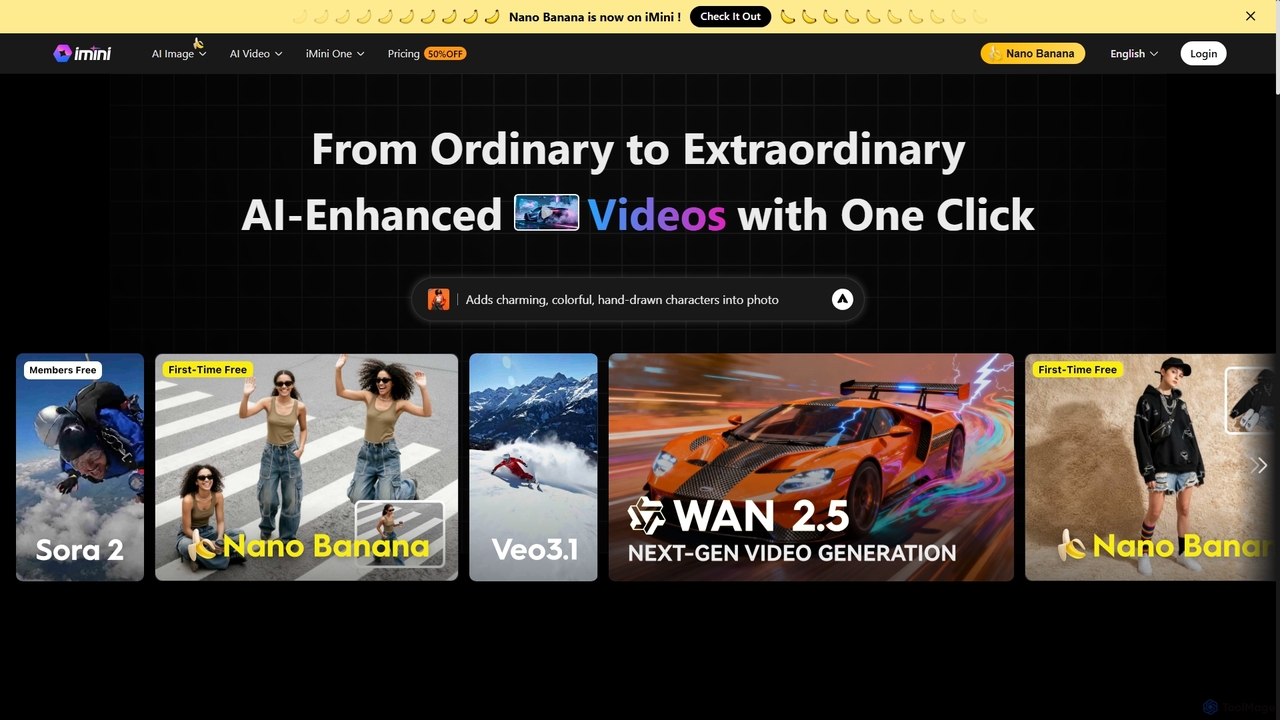
iMini is an all-in-one AI assistant and creation platform that integrates various AI agents for image generation, video creation, presentation slides, deep research, and document writing. It streamlines workflows, boosts productivity, and offers a unified chat interface for diverse creative and professional tasks.

Multifunctional Assistant
Visits 150KFavorites 125Likes 136

About Presentation Tools

AI Presentation Tools are applications that leverage artificial intelligence to automate and enhance the creation of slide decks and visual presentations. These tools utilize natural language processing to transform text prompts, documents, or outlines into professionally designed slides with relevant layouts and visuals. They significantly reduce the time spent on manual design and formatting, allowing users to focus on the core message and content. Many platforms also offer advanced features like AI-powered content suggestions, image generation, and automated layout adjustments for a polished final product.

Core Features

  • Prompt-to-Presentation Generation: Creates a complete slide deck from a simple text description, outline, or uploaded document.
  • Automated Design & Layout: Intelligently selects appropriate templates, color schemes, fonts, and slide layouts based on content.
  • Content Summarization & Enhancement: Condenses long texts into key bullet points and suggests improvements or additional talking points.
  • AI-Powered Visual Sourcing: Automatically finds and inserts relevant, royalty-free images, icons, and charts to match the slide's topic.
  • Brand Consistency Automation: Applies predefined brand guidelines (logos, colors, fonts) across all generated slides for a uniform look.

Applicable Scenarios

These tools are ideal for business professionals creating sales pitches or weekly reports, marketers developing webinar content, and educators preparing lecture materials. They are particularly valuable in fast-paced environments where speed and visual appeal are critical, enabling non-designers to produce high-quality presentations efficiently.

Selection Criteria

When choosing an AI Presentation Tool, consider its input flexibility (text, document, URL), the level of design customization and branding control offered, integration capabilities with software like PowerPoint or Google Slides, and available output formats (PPTX, PDF, web link). Also, evaluate the quality and relevance of the AI-generated content and visuals.

Featured tool rankings

Presentation Tools use cases

1

Rapidly Create a Sales Pitch Deck

A sales manager needs to prepare a customized pitch for a new client within an hour. Instead of starting from scratch, they input key client information, pain points, and proposed solutions into an AI Presentation Tool. The AI instantly generates a 15-slide deck complete with the company's branding, relevant industry statistics, and professional visuals. This allows the manager to focus on refining the narrative and practicing the delivery, reducing preparation time by over 70%.

2

Transform a Research Report into a Lecture

A university professor uploads a 20-page academic paper to an AI presentation generator. The tool analyzes the document, identifies the core thesis, methodology, and key findings, and automatically structures them into a logical lecture format. It extracts important charts and tables, suggests relevant stock images to illustrate complex concepts, and even generates speaker notes for each slide. This transforms a dense document into an engaging and digestible educational resource in minutes.

3

Generate Webinar Content from a Blog Post

A content marketer wants to repurpose a successful blog post into a webinar. They provide the URL of the blog post to an AI Presentation Tool. The AI scrapes the content, summarizes the key sections into distinct slides, pulls out quotes for emphasis, and suggests visuals that align with the topic. The marketer receives a ready-to-use draft presentation, saving hours of manual copy-pasting and reformatting, allowing them to focus on adding interactive elements like polls and Q&A.

4

Brainstorm and Visualize a New Project Plan

A project manager uses an AI presentation tool as a collaborative brainstorming aid. During a team meeting, they input ideas, goals, and potential milestones as simple text prompts. The AI instantly visualizes these points on slides, suggesting layouts for timelines, responsibility matrices, and risk assessments. This dynamic process allows the team to see their plan take shape in real-time, facilitating faster alignment and decision-making compared to traditional whiteboarding or text-based planning.

5

Automate Weekly Business Review Presentations

A team lead connects their AI Presentation Tool to a data source like a Google Sheet containing weekly performance metrics. Each week, the tool automatically pulls the latest data, updates the charts and key numbers on a standardized review template, and even generates a summary slide with AI-powered insights highlighting trends or anomalies. The presentation is ready for the Monday meeting with zero manual effort, ensuring consistency and freeing up the lead's time for strategic analysis.

6

Create Multilingual Training Materials

An HR manager for a global company creates a standard onboarding presentation in English. Using an advanced AI Presentation Tool, they can then automatically translate the entire deck into multiple languages like Spanish, German, and Japanese. The AI not only translates the text but also adjusts layouts to accommodate different text lengths and can suggest culturally relevant imagery if needed. This process drastically reduces the cost and time associated with professional translation and design services for localization.

Presentation Tools FAQ

What are AI Presentation Tools?

AI Presentation Tools are software applications that use artificial intelligence to automate the process of creating presentations. Instead of manually designing each slide, users provide a text prompt, an outline, or a document, and the AI generates a complete, visually appealing slide deck. Key features often include automated design, content summarization, and intelligent sourcing of images and icons, significantly speeding up the creation workflow.

How do AI Presentation Tools differ from PowerPoint or Google Slides?

Traditional tools like PowerPoint and Google Slides are manual design canvases; you are responsible for content, structure, and all design elements. AI Presentation Tools act as a creative assistant. They focus on content-first generation, automatically handling the initial design, layout, and visual sourcing based on your input. The primary difference is automation: AI tools build the first draft for you, while traditional tools provide a blank slate for you to build upon.

How to choose the right AI Presentation Tool?

To choose the right tool, consider these factors:

  • Input Flexibility: Does it support simple text prompts, document uploads (PDF, DOCX), or website URLs?
  • Customization: How much control do you have over the final design? Can you easily apply your brand's colors, fonts, and logo?
  • Output & Integration: Can you export the presentation to common formats like PPTX or PDF? Does it integrate with tools you already use?
  • Content Quality: Evaluate the relevance and quality of the AI-generated text and images. Does it understand your topic well?
Can AI Presentation Tools handle complex data and charts?

The capabilities vary by tool. Many AI presentation tools can create basic charts (bar, pie, line) from simple data sets you provide in the text or upload. Some more advanced platforms can integrate directly with data sources like spreadsheets to generate more complex or dynamic visualizations. However, for highly specialized scientific or financial charting that requires precise control, traditional software like Excel combined with PowerPoint may still offer more granular functionality.

Who can benefit most from using AI Presentation Tools?

These tools are particularly beneficial for professionals who need to create presentations frequently but are not design experts. This includes:

  • Sales and Marketing Teams: For quickly creating customized pitches and campaign reports.
  • Consultants and Analysts: To visualize data and findings for client meetings.
  • Educators and Students: For preparing engaging lecture materials and academic presentations efficiently.
  • Entrepreneurs and Startups: To rapidly develop investor decks and business plans.

Essentially, anyone looking to save time on design and focus more on the content and message of their presentation will find value in these tools.