Productivity Best in category 3 results Process Automation AI Tool

Popular AI tools in the Process Automation field of Productivity include BotCity、Nanotronics、Totoy, etc., helping you quickly improve efficiency.

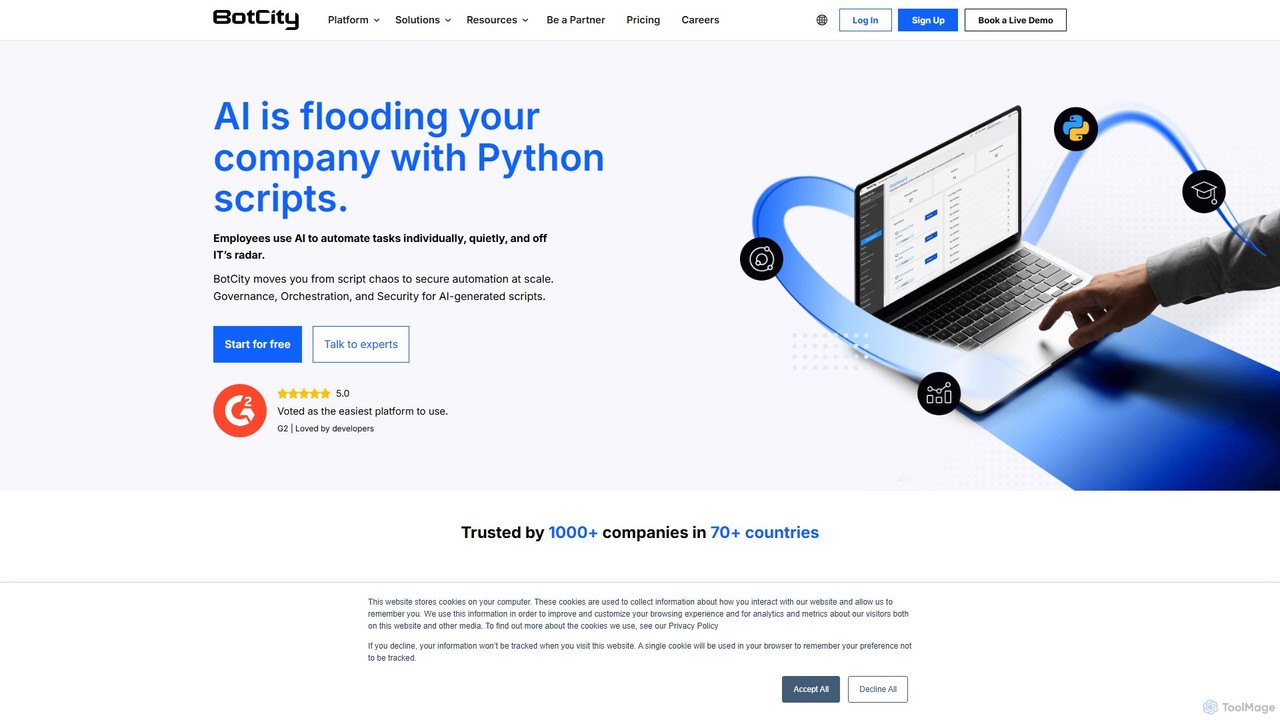
BotCity

BotCity

BotCity is a Python-based RPA and intelligent automation platform designed for tech teams. It provides end-to-end orchestration and …

13.6K
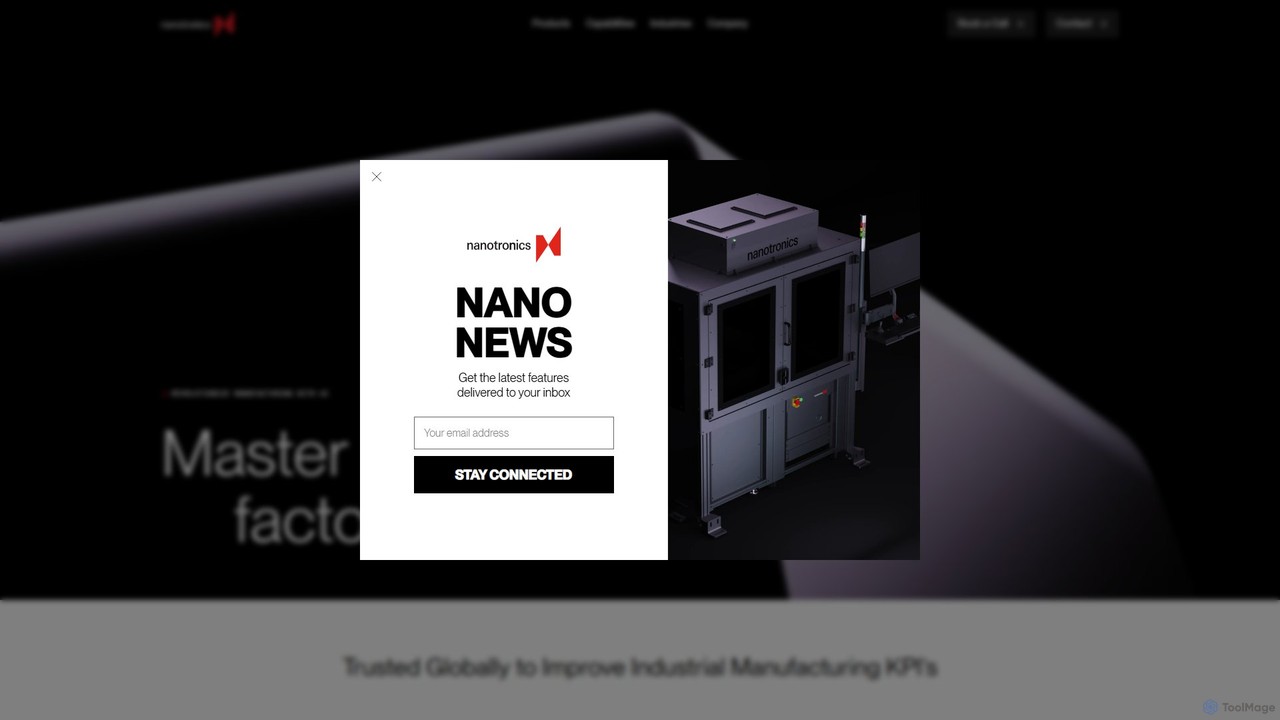
Nanotronics

Nanotronics

Nanotronics is an industrial AI company providing an advanced platform for autonomous manufacturing. It combines AI, computer vision, …

3.5K
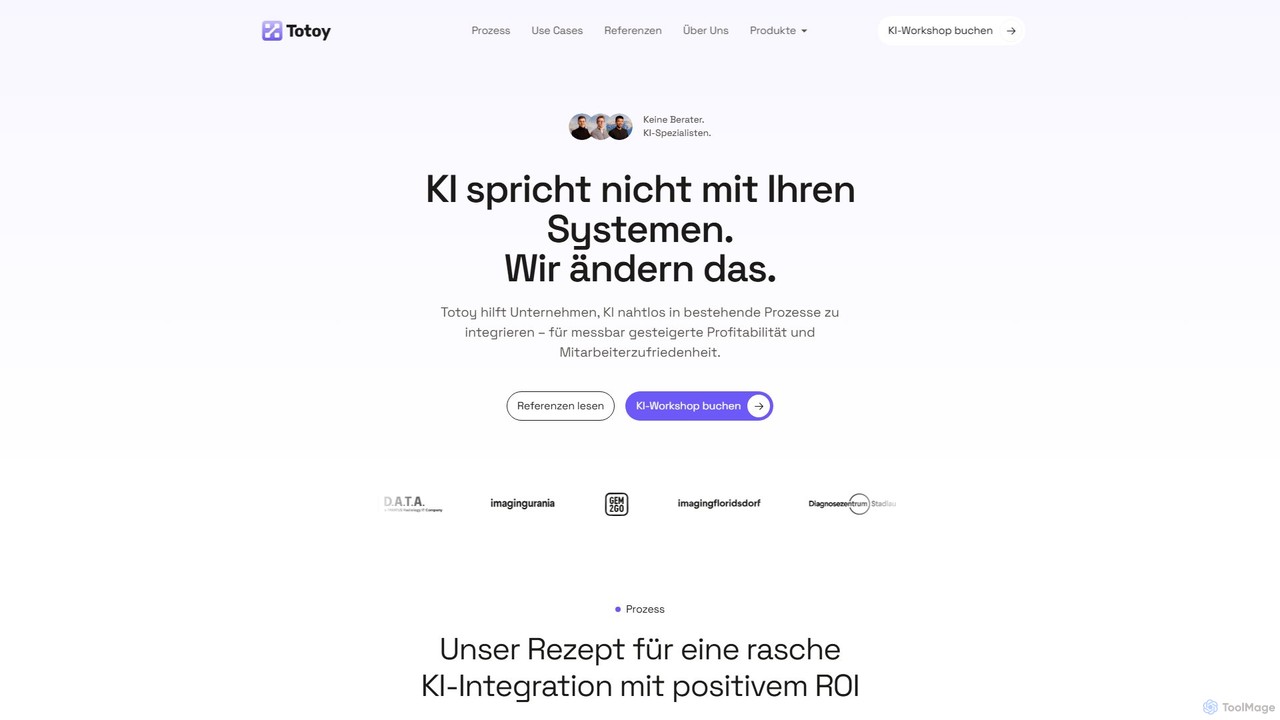
Totoy

Totoy

Totoy provides custom AI solutions for businesses to automate processes and improve efficiency. Specializing in high-compliance environments, they …

3.2K

About Process Automation

Process Automation tools are AI-powered solutions designed to streamline and automate complex, repetitive business workflows. Leveraging advanced artificial intelligence, these tools analyze processes, extract data, and execute tasks autonomously, moving beyond traditional rule-based automation. They significantly enhance operational efficiency, reduce human error, and free up human resources for more strategic activities across various industries.

Core Features

  • Intelligent Task Orchestration: Automatically sequences and manages multi-step workflows, adapting to dynamic conditions.
  • AI-driven Data Extraction: Utilizes natural language processing (NLP) and computer vision to accurately extract and interpret data from diverse sources like documents and emails.
  • Automated Decision Making: Applies machine learning models to make rule-based or predictive decisions within a workflow, such as routing approvals or categorizing requests.
  • Seamless System Integration: Connects disparate enterprise applications and databases, ensuring smooth data flow and task execution across platforms.
  • Real-time Monitoring & Analytics: Provides dashboards and reports to track automation performance, identify bottlenecks, and ensure compliance.

Use Cases

Process Automation is invaluable for organizations seeking to optimize their operational backbone. It's widely adopted in finance for automating invoice processing, in human resources for streamlining employee onboarding, and in customer service for intelligent ticket routing and response generation. Businesses across manufacturing, healthcare, and logistics also leverage these tools to manage supply chains, process claims, and optimize inventory.

How to Choose

Selecting the right Process Automation tool involves evaluating its integration capabilities with existing systems, the breadth of its AI features (e.g., NLP, computer vision), scalability to handle growing workloads, and ease of use for non-technical users. Consider the vendor's support, security protocols, and pricing model, ensuring it aligns with your specific business needs and long-term automation strategy.

Process AutomationUse Cases

1

Automating Customer Service Ticket Routing

Customer service departments can use AI Process Automation to automatically categorize incoming support tickets based on their content and urgency, then route them to the most appropriate agent or department. This reduces manual triage time, ensures faster response rates, and improves overall customer satisfaction by connecting customers with specialized help more quickly.

2

Streamlining Invoice Processing and Approval

Finance teams leverage Process Automation to extract key data from invoices (vendor, amount, due date) using AI-driven OCR, validate it against purchase orders, and automatically initiate approval workflows. This minimizes manual data entry errors, accelerates payment cycles, and provides real-time visibility into financial obligations, significantly boosting efficiency.

3

Automating Employee Onboarding Workflows

HR departments can automate the entire new employee onboarding process, from sending welcome emails and collecting necessary documents to setting up IT accounts and assigning training modules. AI tools ensure all steps are completed in sequence, reducing administrative burden, ensuring compliance, and providing a consistent, positive experience for new hires.

4

Optimizing Marketing Campaign Execution

Marketing teams utilize Process Automation to schedule social media posts, personalize email campaigns based on user behavior, and automate lead nurturing sequences. These tools can also analyze campaign performance data to trigger follow-up actions or adjust strategies, ensuring timely engagement and maximizing ROI without constant manual oversight.

5

Enhancing Supply Chain and Inventory Management

In logistics and manufacturing, Process Automation tools can monitor inventory levels, automatically trigger reorder processes when stock is low, and optimize shipping routes. By integrating with ERP and warehouse management systems, they reduce stockouts, minimize carrying costs, and improve the overall responsiveness and resilience of the supply chain.

6

Automating Data Entry and Validation Across Systems

Businesses frequently face challenges with manual data entry into multiple systems. Process Automation uses AI to capture data from various sources (forms, spreadsheets, web pages), validate its accuracy, and automatically input it into CRM, ERP, or other databases. This eliminates tedious manual work, reduces errors, and ensures data consistency across the organization.

Process AutomationFrequently Asked Questions