Industrial Render AI
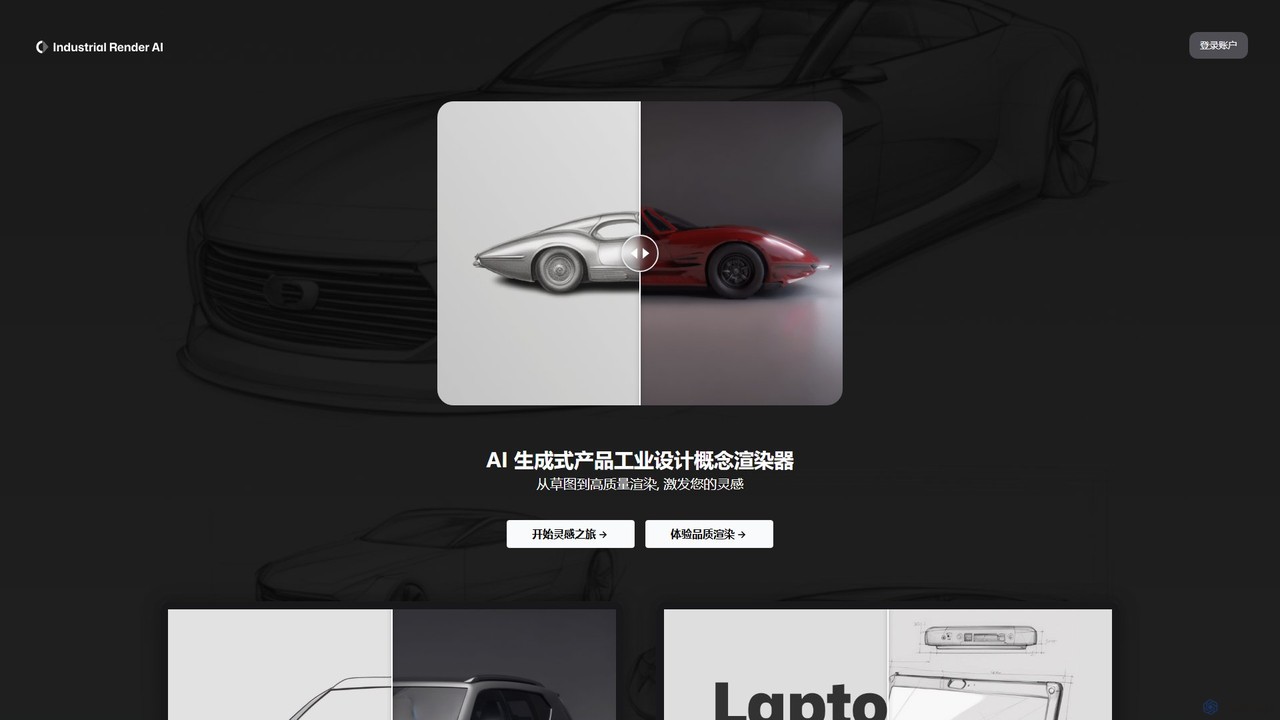
An AI-powered tool for industrial designers that transforms sketches and ideas into photorealistic product renderings. It also functions …
An AI-powered tool for industrial designers that transforms sketches and ideas into photorealistic product renderings. It also functions as a GPT-based assistant to provide design inspiration, analyze trends, and accelerate the creative process from concept to visualization.
thecela
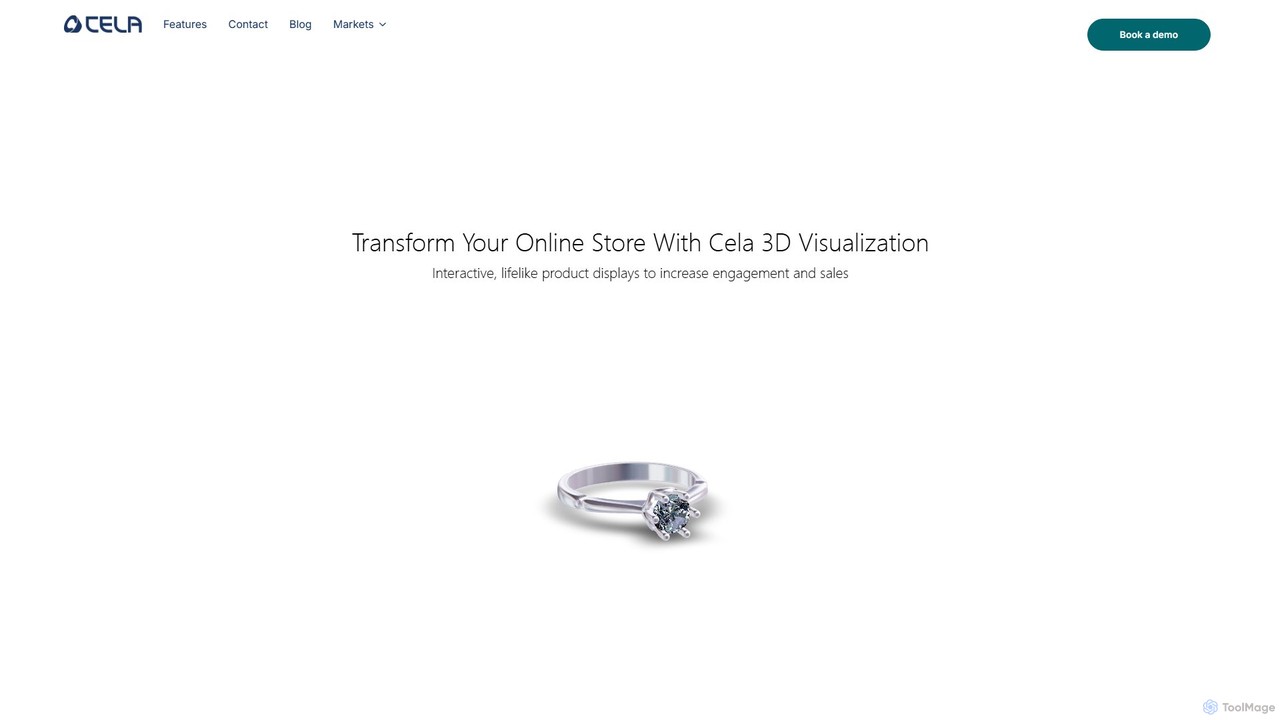
thecela is an AI-powered platform that enhances e-commerce websites with realistic 3D product visualization, AR virtual try-on, and …
thecela is an AI-powered platform that enhances e-commerce websites with realistic 3D product visualization, AR virtual try-on, and interactive product configurators. It aims to boost sales, increase customer engagement, and reduce return rates by providing immersive shopping experiences.
About Product Design
Product Design AI tools are specialized applications that leverage artificial intelligence to streamline and enhance various stages of the product development lifecycle. These tools utilize machine learning algorithms to automate repetitive tasks, generate design insights, and facilitate rapid prototyping and iteration. They empower designers and product teams to create more intuitive, user-centric, and efficient digital products, significantly boosting productivity within the design workflow.
Core Features
- AI-Powered Wireframing & Prototyping: Automatically generates initial wireframes, mockups, and interactive prototypes from text descriptions or sketches.
- User Flow & Journey Mapping: Intelligently maps out complex user journeys and interaction flows, identifying potential friction points.
- Design System Integration & Compliance: Checks designs against established design system rules, ensuring consistency and suggesting corrections.
- User Research Analysis: Analyzes large volumes of user feedback, usability test data, and surveys to extract actionable design insights.
- Accessibility & Usability Audits: Automatically identifies potential accessibility issues and suggests improvements for better usability.
Applicable Scenarios
These tools are indispensable for UX/UI designers, product managers, and design agencies aiming to accelerate their design processes. They are particularly useful in scenarios requiring rapid ideation, iterative design, and data-driven decision-making, helping teams to quickly validate concepts and refine user experiences.
How to Choose
When selecting an AI Product Design tool, consider its specific focus (e.g., ideation, prototyping, testing), integration capabilities with your existing design stack (e.g., Figma, Sketch), the sophistication of its AI models for generating relevant outputs, and its collaboration features for team workflows. Evaluate the learning curve and the extent to which it supports your specific design methodology.

Product DesignUse Cases
Accelerate Wireframing and Prototyping
A UX/UI designer needs to quickly visualize multiple layout options for a new app feature. Using an AI product design tool, they can input text descriptions or even rough sketches, and the AI generates various wireframes and interactive prototypes in minutes. This significantly reduces the time spent on initial concept creation, allowing for more rapid iteration and stakeholder feedback, ultimately saving days of manual work.
Ensure Design System Compliance
A large enterprise with a complex design system struggles to maintain consistency across numerous product teams. An AI product design tool can be integrated into their workflow to automatically scan new designs for deviations from the established design system. It highlights inconsistencies in typography, spacing, color palettes, and component usage, providing immediate feedback and suggestions for correction, thereby enforcing brand guidelines and reducing manual review efforts by 70%.
Automate User Research Analysis
A UX researcher is overwhelmed by thousands of user feedback comments, survey responses, and usability test transcripts. An AI product design tool can process this vast amount of qualitative data, identify recurring themes, sentiment, and pain points, and generate summarized insights. This automation allows the researcher to quickly pinpoint critical design issues and user needs, transforming weeks of manual analysis into actionable reports in a fraction of the time.
Optimize User Flows and Journeys
A product manager wants to optimize the onboarding process for a new user segment. An AI product design tool can analyze existing user behavior data and suggest optimized user flows, identifying potential drop-off points and recommending alternative paths. It can also generate new user journey maps based on desired outcomes, helping the team design a more intuitive and efficient onboarding experience that increases user retention by 15%.
Generate Design Content for Mockups
A marketing designer needs to create numerous mockups for an upcoming campaign, but writing placeholder text and generating relevant images for each variation is time-consuming. An AI product design tool can automatically generate realistic copy, headlines, and even relevant stock images based on the product's description and target audience. This allows the designer to focus on visual layout and branding, accelerating content creation for mockups by 80% and ensuring consistency.
Conduct Automated Accessibility Audits
A product team is committed to making their digital product accessible to users with disabilities but lacks the resources for extensive manual audits. An AI product design tool can automatically scan designs for common accessibility issues, such as insufficient color contrast, missing alt text for images, or improper heading structures. It provides detailed reports and actionable recommendations, helping the team meet WCAG standards and improve inclusivity without significant manual overhead.