Productivity Best in category 4 results Professional Identity AI Tool

Popular AI tools in the Professional Identity field of Productivity include themultiverse、MagicPic、Hey、HeadshotsWithAI, etc., helping you quickly improve efficiency.

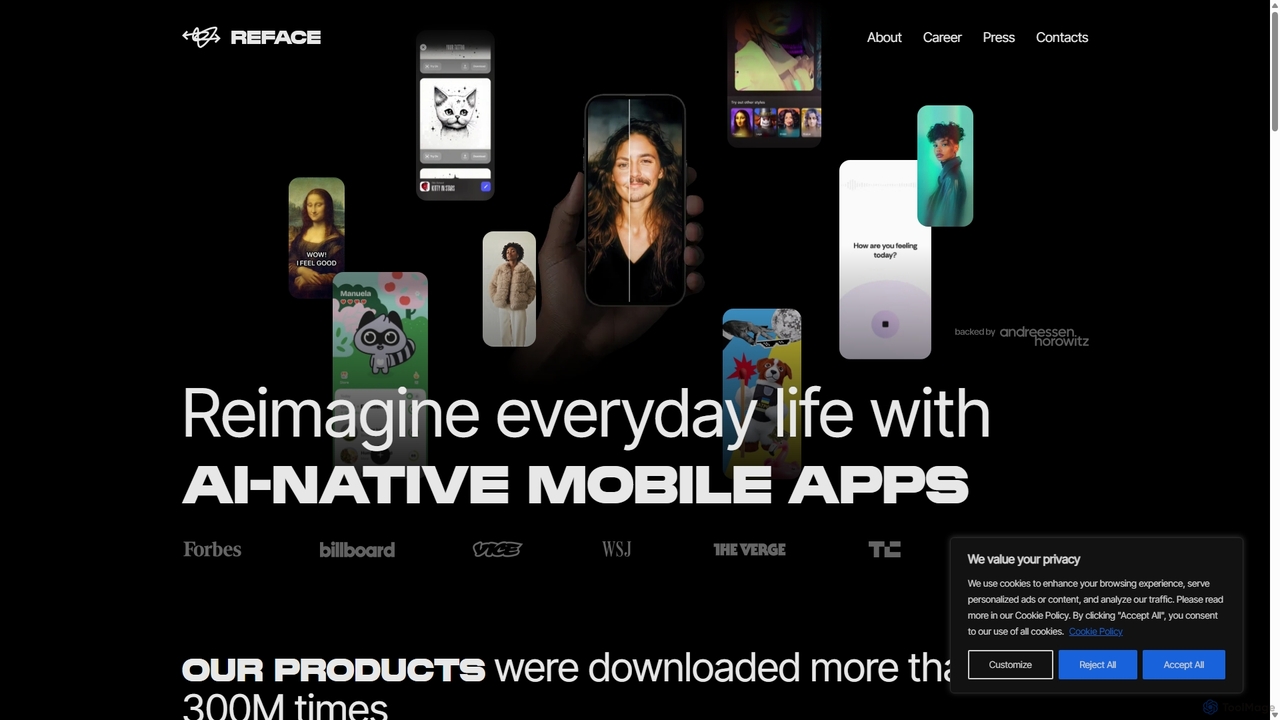
Hey

Hey

Hey is an AI-powered headshot generator by Reface that transforms your ordinary photos into studio-quality, professional headshots. Simply …

3.0K
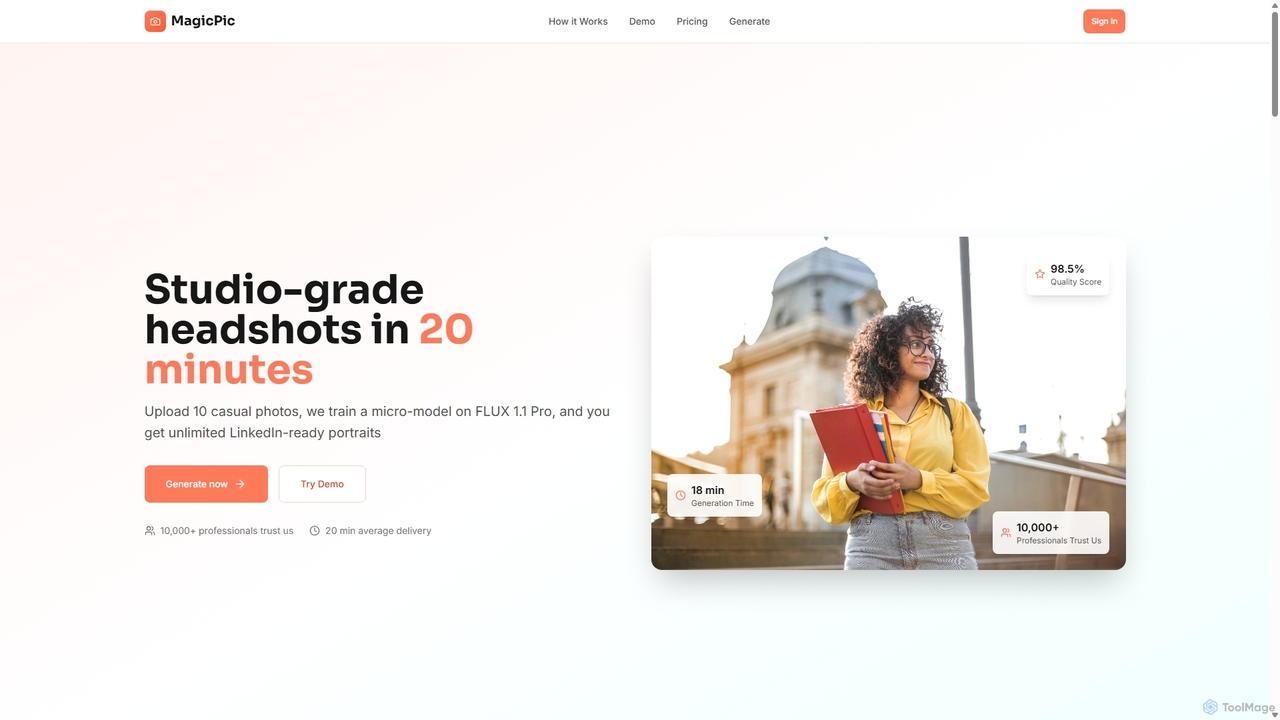
MagicPic

MagicPic

MagicPic is an AI-powered tool that transforms your casual photos into professional, studio-quality headshots in just 20 minutes. …

4.1K
HeadshotsWithAI

HeadshotsWithAI

HeadshotsWithAI is an AI-powered platform that transforms your casual selfies into high-quality, professional business headshots. In just a …

3.0K
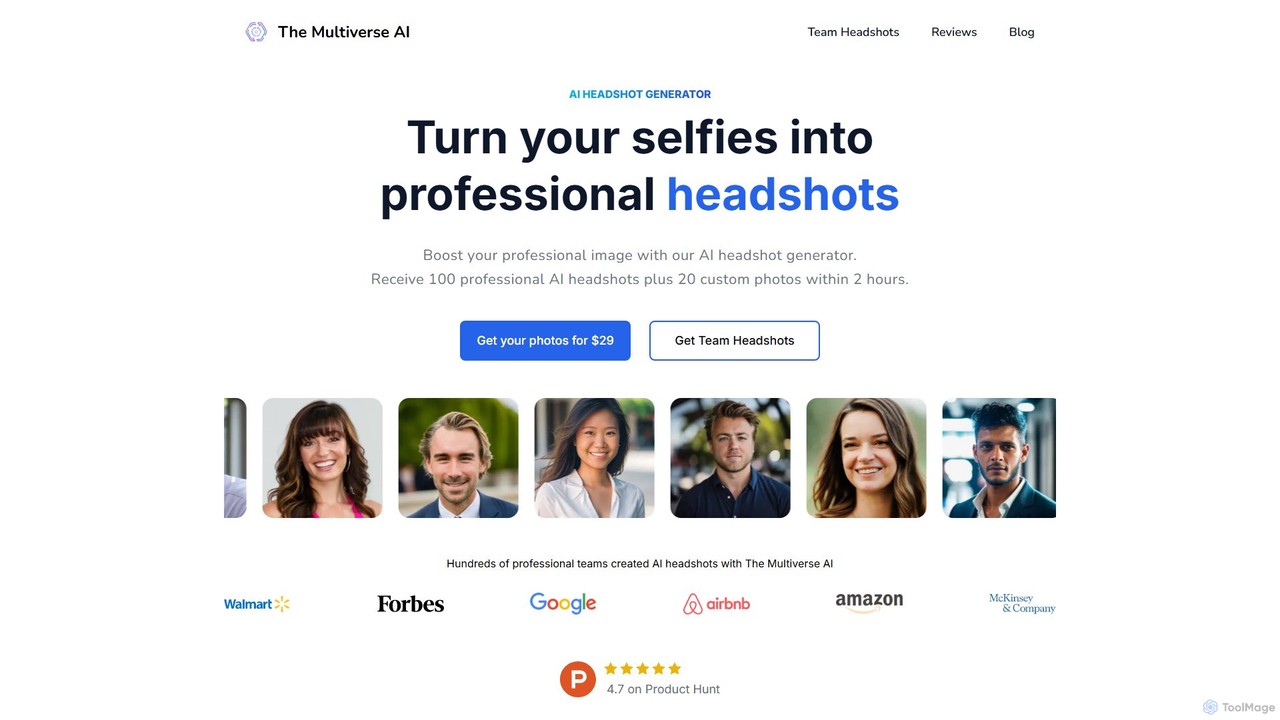
themultiverse

themultiverse

An AI-powered headshot generator that transforms your selfies into over 100 professional, studio-quality photos in just 2 hours. …

11.5K

About Professional Identity

AI Professional Identity tools are applications designed to create, manage, and enhance the digital assets that form your professional brand. These tools leverage generative AI to automate the production of high-quality materials such as corporate headshots, optimized resumes, and digital business cards. They provide a fast and cost-effective way for individuals and businesses to build a consistent and polished online presence, directly contributing to productivity by streamlining personal branding tasks.

Core Features

  • AI Headshot Generation: Creates studio-quality, professional headshots from casual photos or text descriptions.
  • Resume & CV Optimization: Analyzes and rewrites resumes to align with job descriptions and applicant tracking systems (ATS).
  • Digital Asset Creation: Automatically designs professional email signatures, business cards, and portfolio layouts.
  • Brand Consistency Analysis: Scans online profiles (like LinkedIn) to provide recommendations for a unified professional image.

Use Cases

These tools are widely used by job seekers aiming to stand out, freelancers and consultants building a personal brand, and sales teams needing uniform, professional digital assets. Startups and small businesses also use them to establish a credible corporate identity without a large design budget.

How to Choose

When selecting a tool, consider the specific asset you need (e.g., headshot vs. resume). Evaluate the quality and realism of the AI output, the level of customization available, the pricing model (per-use or subscription), and the platform's data privacy policies, especially when uploading personal information.

Professional IdentityUse Cases

1

Generate Professional Headshots for Job Applications

A recent graduate needs a professional headshot for their LinkedIn profile and resume but lacks the budget for a photographer. They use an AI headshot generator, uploading 10-15 casual selfies. The tool analyzes their facial features and generates over 100 high-resolution headshots in various professional styles, outfits, and backgrounds. They can then select the best options that align with the corporate culture of the companies they are applying to, creating a strong first impression without the high cost and time commitment of a traditional photoshoot.

2

Optimize a Resume for Applicant Tracking Systems (ATS)

A mid-career professional is applying for a competitive project manager role. They paste their existing resume and the job description into an AI resume optimizer. The tool scans both texts, identifies crucial keywords and skills missing from the resume, and suggests specific phrasing to improve its ATS score. It also recommends reformatting certain sections for better readability. By implementing these AI-driven suggestions, the professional significantly increases the chances of their resume passing the initial automated screening and reaching a human recruiter.

3

Create Standardized Digital Business Cards for a Team

A sales manager wants to ensure their entire team presents a consistent and modern brand image. They use an AI business card generator to create a professional template that includes the company logo, brand colors, and individual contact details. The tool allows for easy bulk creation, generating a unique digital card for each team member. These digital cards can be easily shared via QR code or link, and some tools even offer analytics to track how many times the card has been viewed or saved, providing valuable feedback for the sales team.

4

Build a Personal Brand Portfolio as a Freelancer

A freelance writer wants to showcase their work to potential clients but struggles with web design. They use an AI portfolio builder, which asks for links to their published articles and information about their niche. The AI then automatically curates the content, writes compelling project descriptions, and designs a clean, professional-looking website. This allows the writer to have a polished online portfolio up and running in a few hours instead of weeks, enabling them to focus on pitching to new clients with a credible showcase of their skills.

5

Enhance LinkedIn Profile for Executive Presence

A senior executive wants to strengthen their online professional presence to attract board opportunities. They use an AI tool that analyzes their LinkedIn profile. The tool provides a detailed report, suggesting stronger action verbs for their experience section, identifying industry-specific keywords to include in their summary, and even recommending a more professional tone. By applying these data-driven changes, the executive can craft a more impactful and authoritative profile that better reflects their expertise and leadership qualities.

6

Generate a Professional Email Signature

An independent consultant needs a professional email signature to use across all client communications. Instead of manually designing one, they use an AI signature generator. They input their name, title, company, phone number, and links to their LinkedIn profile and portfolio website. The AI presents several clean, modern templates. They select one, and the tool generates the HTML code, which can be easily copied and pasted into the signature settings of their email client (like Gmail or Outlook), ensuring every email they send reinforces their professional brand.

Professional IdentityFrequently Asked Questions