Productivity Best in category 2 results Software Development AI Tool

Popular AI tools in the Software Development field of Productivity include Craft、Agen, etc., helping you quickly improve efficiency.

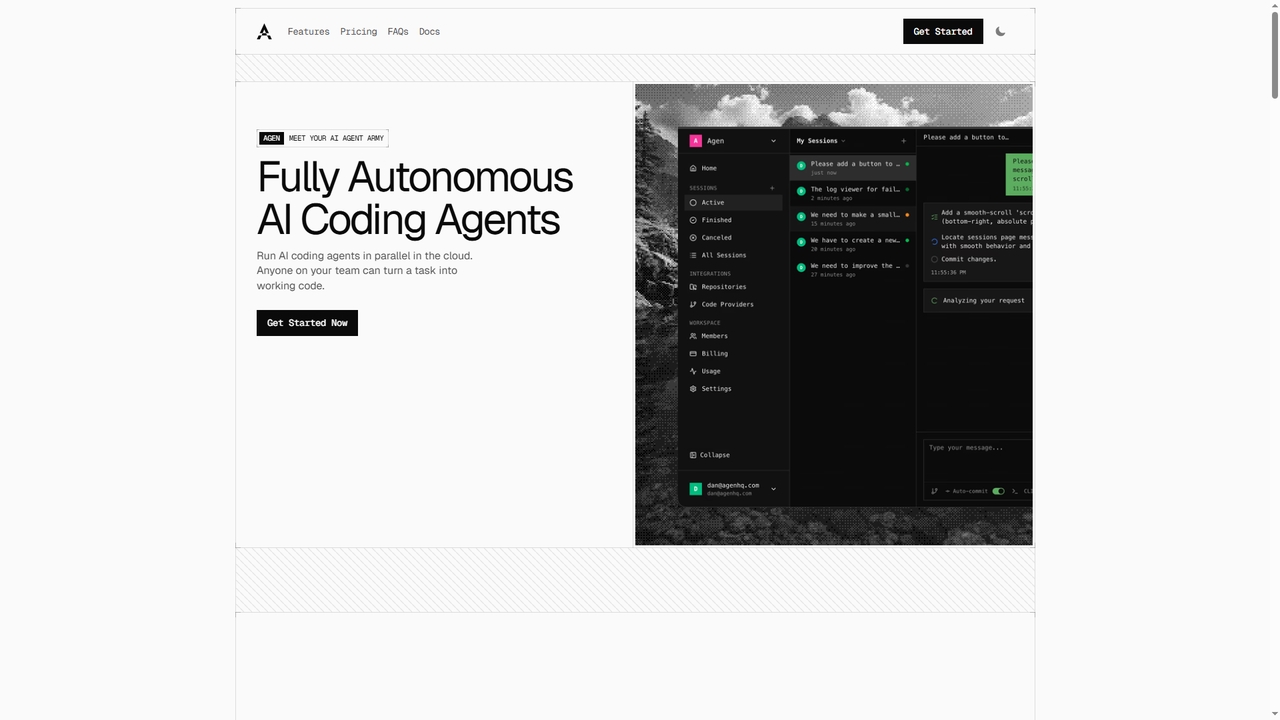
Agen

Agen

Agen is a cloud-based platform that deploys fully autonomous AI coding agents. It enables developers and teams to …

2.3K
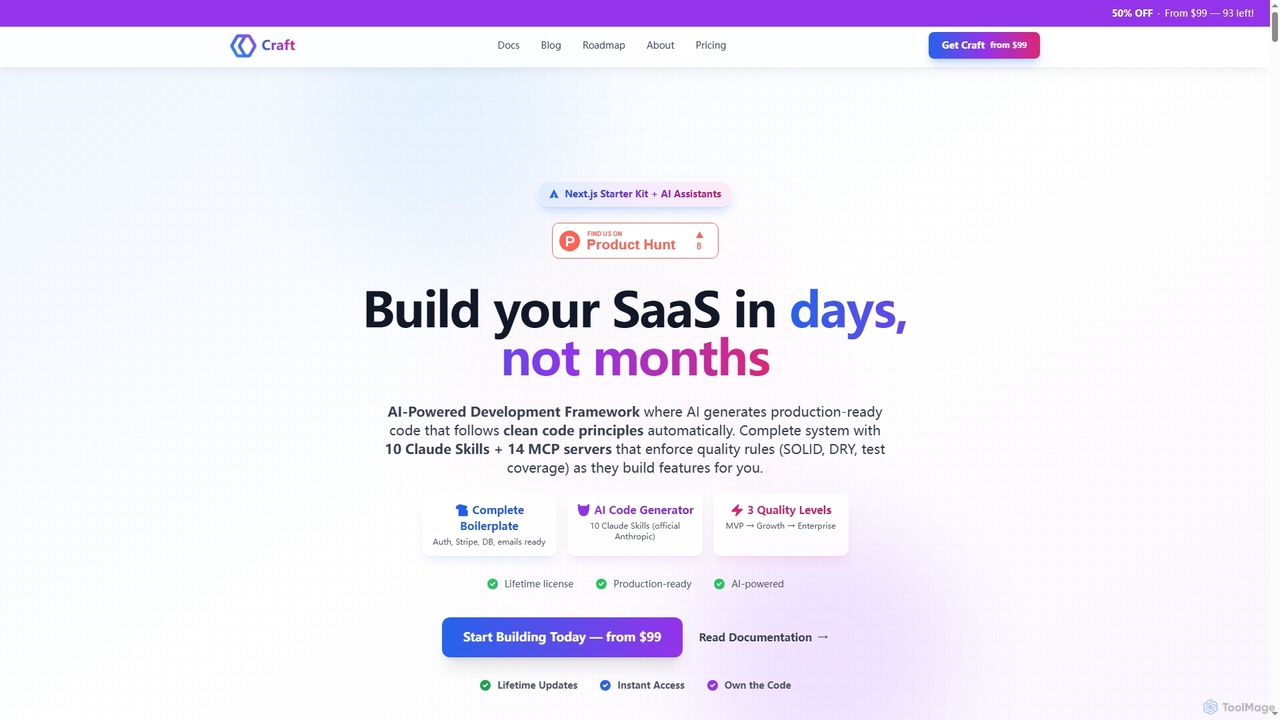
Craft

Craft

Craft is an AI-powered development framework and Next.js starter kit designed to accelerate SaaS product development. It leverages …

3.3K

About Software Development

AI Software Development tools are intelligent assistants designed to accelerate the entire coding lifecycle. These tools leverage large language models (LLMs) and machine learning to understand code context, generate syntax-correct code snippets, identify bugs, and even suggest optimizations. Their primary value lies in significantly boosting developer productivity, reducing repetitive tasks, and improving overall code quality. By integrating directly into development environments, they act as a collaborative partner for programmers.

Core Features

  • AI Code Completion & Generation: Intelligently suggests single lines or entire blocks of code based on the current context and natural language comments.
  • Automated Debugging & Error Analysis: Identifies potential bugs, explains complex errors, and proposes concrete code fixes.
  • Natural Language to Code: Translates plain language descriptions or requirements directly into functional code snippets in various programming languages.
  • Automated Test Generation: Creates unit tests, integration tests, and boilerplate test code to ensure code reliability and coverage.
  • Code Refactoring & Optimization: Analyzes existing code and suggests improvements for performance, readability, and adherence to best practices.

Use Cases

These tools are widely used by individual developers, agile development teams, and large enterprise engineering departments. They are invaluable for rapid prototyping, maintaining complex legacy systems, and accelerating the onboarding process for new developers. In DevOps workflows, they assist in automating script generation and configuration management, streamlining the path from development to deployment.

How to Choose

When selecting an AI Software Development tool, consider four key factors. First, evaluate its support for your specific programming languages, frameworks, and IDEs. Second, scrutinize its security and privacy policies, especially regarding how your proprietary code is handled. Third, assess the breadth of its features—whether it's a simple code completion tool or a comprehensive suite with testing and debugging. Finally, consider the performance and accuracy of its suggestions in real-world coding scenarios.

Software DevelopmentUse Cases

1

Accelerate API Endpoint Development

A backend developer is tasked with creating a new REST API endpoint for a user profile feature. Instead of writing all the boilerplate code manually, they use an AI coding assistant. They write a comment like 'create a GET endpoint to fetch user by id from database'. The AI tool instantly generates the function signature, database query logic, error handling for a 'not found' case, and the JSON response structure. This allows the developer to focus on the core business logic and security aspects, reducing development time for the endpoint by an estimated 40%.

2

Automated Generation of Unit Tests

A quality assurance (QA) engineer needs to increase test coverage for a complex data processing module. Manually writing tests for every edge case is time-consuming. The engineer highlights the function in their IDE and uses an integrated AI tool to generate unit tests. The AI analyzes the function's logic, inputs, and potential failure points, then produces a comprehensive test suite covering valid inputs, null values, empty arrays, and other edge cases. This automates a significant portion of the testing process, ensuring higher code quality and freeing up the engineer to focus on more complex integration testing.

3

Refactoring Legacy Code for Modernization

A development team is tasked with modernizing a legacy codebase written in an older version of a language with outdated patterns. The code is functional but hard to maintain. They use an AI software development tool with refactoring capabilities. The tool scans the code and suggests specific improvements, such as converting class-based components to functional components with hooks (in a React context), replacing loops with more efficient map/reduce functions, and improving variable naming for clarity. The team can review and apply these suggestions incrementally, significantly improving code readability and maintainability without a complete rewrite.

4

Explaining Complex Code for Onboarding

A junior developer joins a team and needs to understand a large, complex codebase. Instead of constantly asking senior developers for explanations, they use an AI tool with a 'code explanation' feature. They can highlight any function, class, or code block and ask the AI to explain it in simple terms, describe its purpose, list its parameters, and explain its return value. This empowers the new developer to learn independently and get up to speed faster, reducing the training burden on senior staff and accelerating their time to first contribution.

5

Translating Code Between Languages

A company is migrating a service from Python to Go for performance reasons. Manually rewriting the entire service is a massive undertaking. The development team uses an AI tool specialized in code translation. They feed the Python code into the tool, which generates an equivalent implementation in Go. While the output is not always perfect and requires human review and testing, it handles the bulk of the syntactical and idiomatic translation. This process saves thousands of developer hours, reduces the risk of manual translation errors, and significantly accelerates the migration project.

6

Automating Documentation Writing

A team follows a strict 'docs-as-code' policy, but writing and updating documentation is often neglected under tight deadlines. They integrate an AI documentation generator into their CI/CD pipeline. For every new function or class committed, the AI tool automatically generates a docstring that explains the code's purpose, parameters, and return values. It can also update the project's README file or developer guides based on changes in the code. This ensures that documentation stays current with the code, improves maintainability, and makes the codebase easier for all team members to understand.

Software DevelopmentFrequently Asked Questions