ToolMage
Sign in

Best 7 Teacher Tools for Productivity

Popular Teacher Tools in Productivity include esparklearning, Literably, amazy, LanguageMate, EdEase, Edaly, and daptar, helping you work more efficiently.

EdEase
Freemium

EdEase

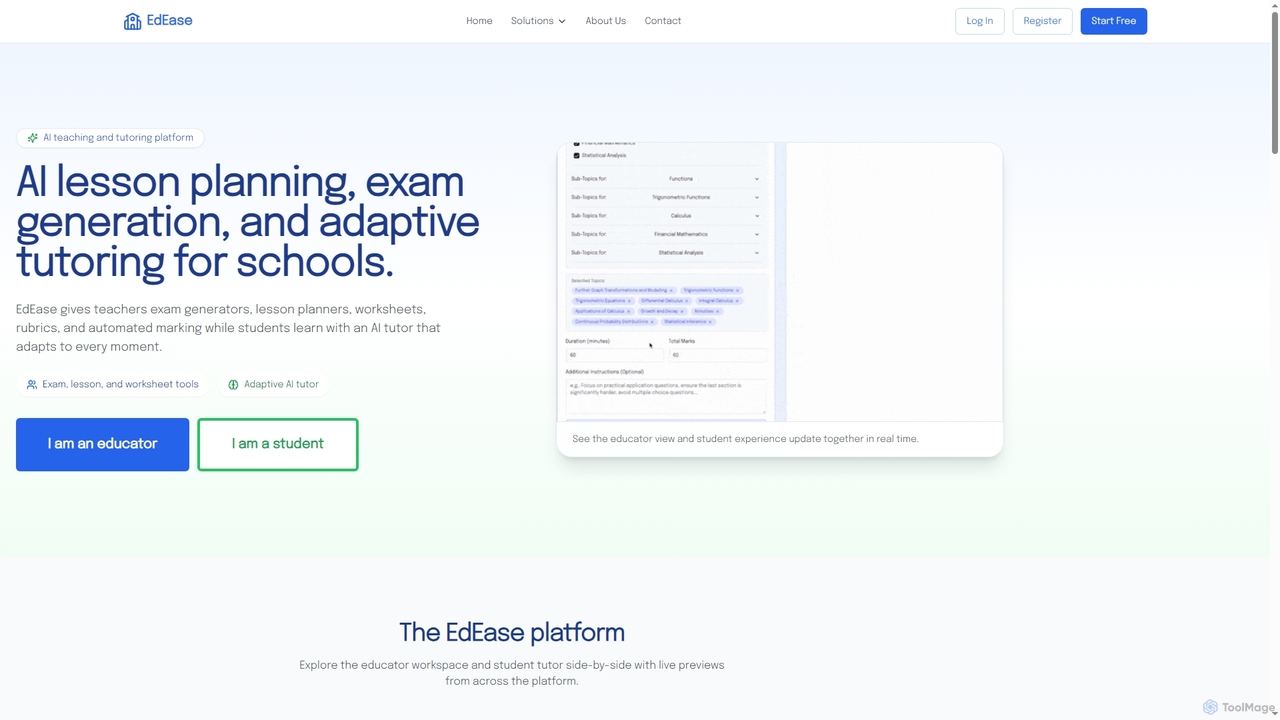
EdEase is an AI-powered teaching and tutoring platform designed for educators and students. It streamlines lesson planning, exam generation, worksheet creation, and automated marking for teachers, while providing students with an adaptive AI tutor for personalized learning and practice. Built to reduce teacher workload and enhance student outcomes.

Assessment
Visits 7.4KFavorites 144Likes 146
Literably
Paid

Literably

Literably is an AI-powered literacy assessment tool for K-12 schools. It listens to students read aloud, automatically transcribes their reading, and provides teachers with detailed data on fluency, accuracy, and comprehension, saving hours of manual assessment time.

Literacy Assessment
Visits 75.5KFavorites 138Likes 137
LanguageMate
Paid

LanguageMate

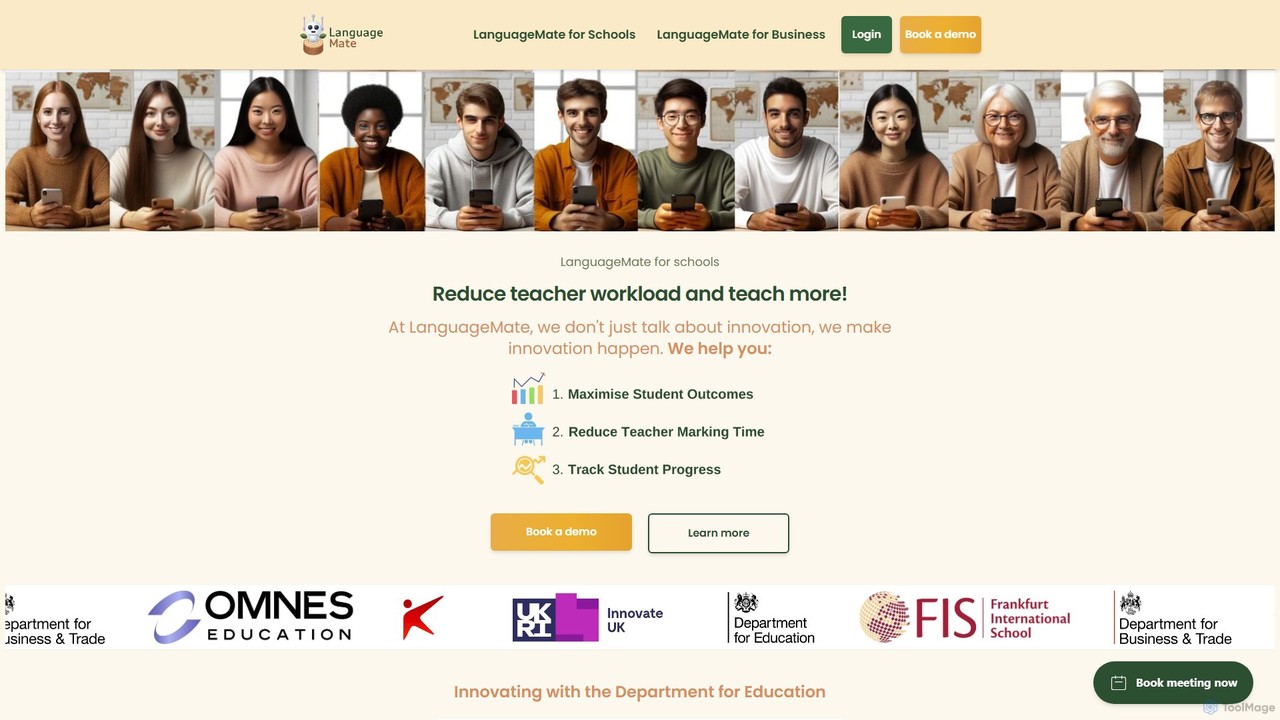
LanguageMate is an AI-powered language education platform for schools and businesses. It aims to reduce teacher workload and enhance student learning with a suite of tools for conversational practice (Converse), lesson planning (Copilot), student placement (PlacementPro), and resource generation (ResourceHub), supporting over 20 languages.

Corporate Training
Visits 11.1KFavorites 115Likes 126
amazy
Freemium

amazy

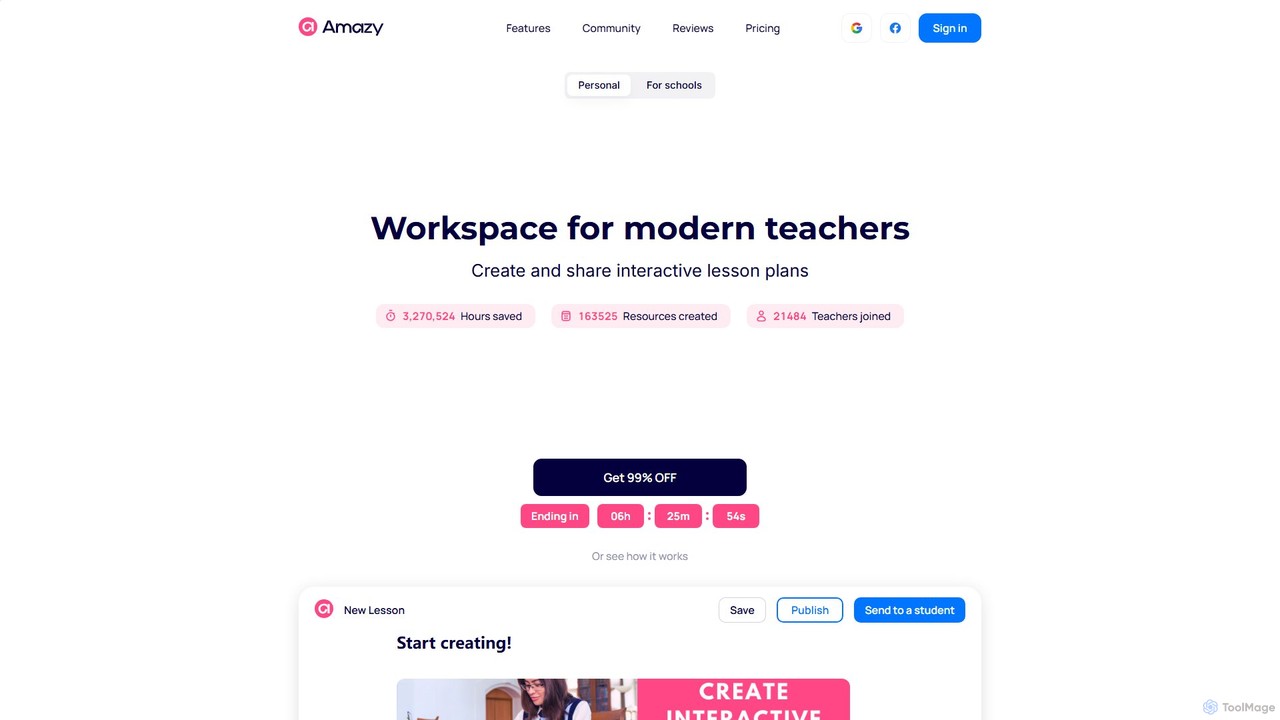
amazy is an AI-powered workspace for modern educators to create and share interactive lesson plans. It streamlines course creation, automates grading, tracks student progress, and provides access to a vast community library of ready-to-use materials, saving teachers valuable time while enhancing student engagement.

Course Creation
Visits 52.7KFavorites 107Likes 133
esparklearning
Freemium

esparklearning

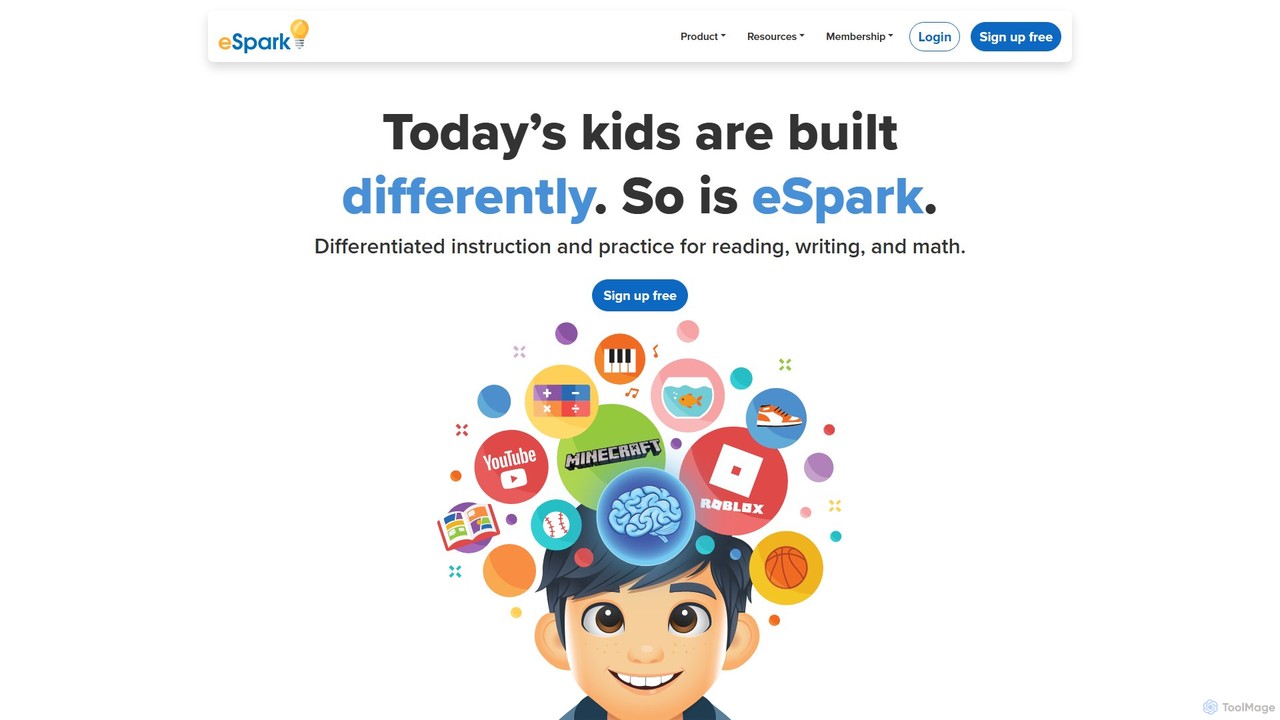
eSpark is an AI-powered K-5 learning platform that provides differentiated instruction in math, reading, and writing. It personalizes learning paths for each student based on their academic level and personal interests, using engaging, game-like activities and real-time feedback. Designed for today's students, eSpark helps teachers address diverse learning needs, track progress through a dedicated dashboard, and foster a genuine love for learning in the classroom.

Game Based Learning
Visits 92.2KFavorites 161Likes 152
Edaly
Paid

Edaly

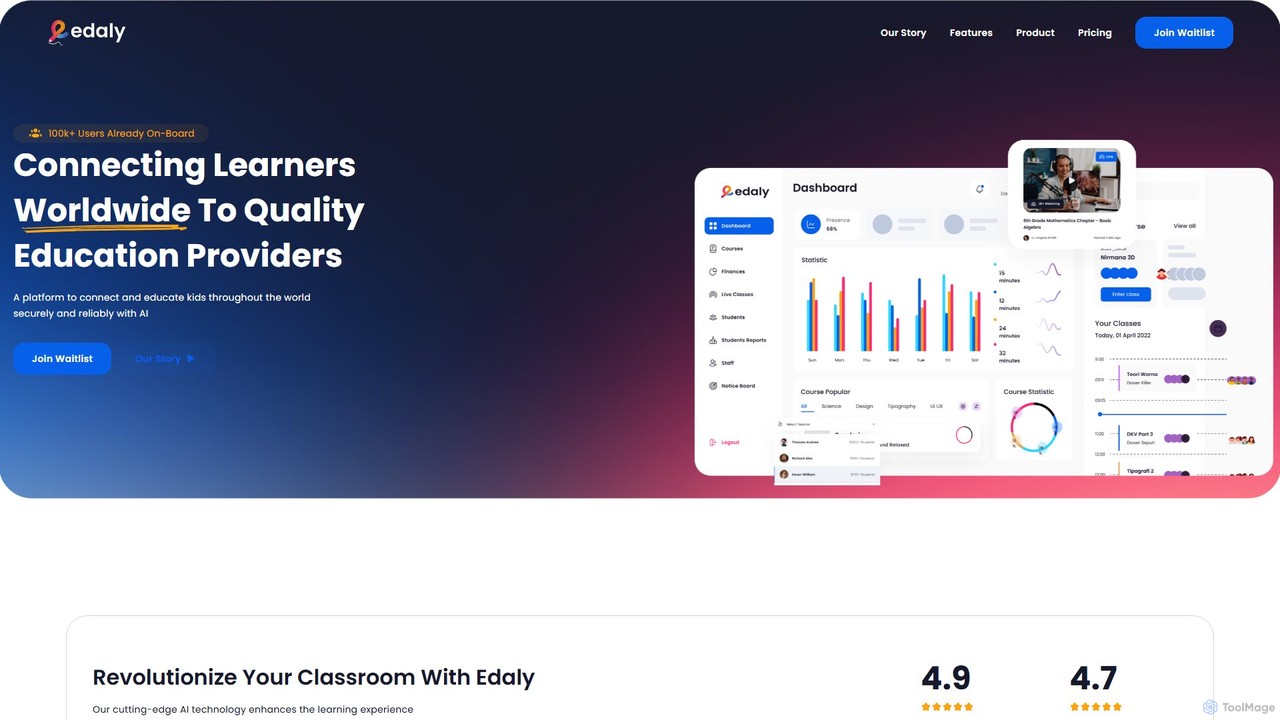
Edaly is an AI-powered educational operating system designed to revolutionize remote learning. It provides an all-in-one platform for educators, students, and parents, breaking down geographical barriers. Key features include live classes, online exams, student management, and unique AI-driven reports that analyze a child's potential, strengths, and ideal career paths.

Management
Visits 5.6KFavorites 121Likes 122
daptar
Freemium

daptar

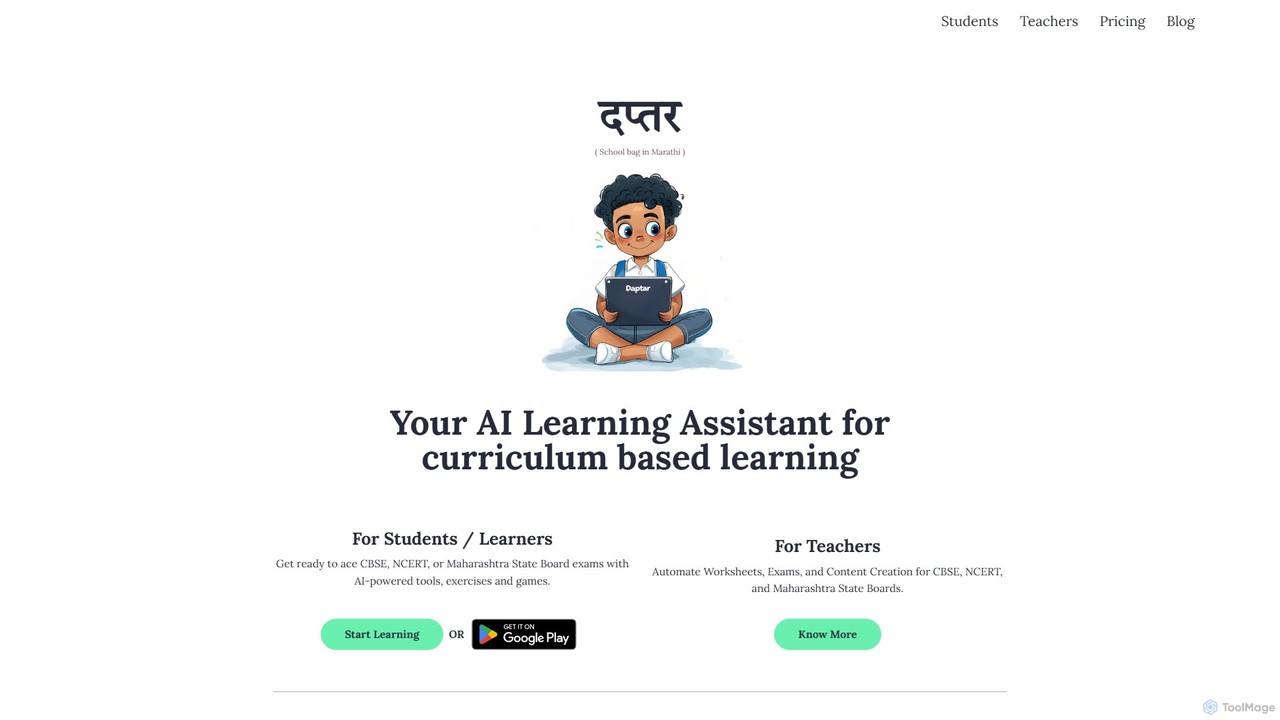
daptar is an AI-powered learning platform designed for students and teachers in India. It enhances curriculum-based textbook learning for major boards like CBSE, NCERT, and Maharashtra State Board. It offers personalized tutoring, AI quizzes, essay writing practice, and automated content creation tools for educators, making learning and teaching more efficient and engaging.

Learning Assistant
Visits 5.3KFavorites 128Likes 138

About Teacher Tools

AI Teacher Tools are specialized applications designed to assist educators in planning, teaching, and administrative tasks. These tools leverage artificial intelligence to automate repetitive work, generate educational content, and provide insights into student performance. By streamlining workflows, they enhance teacher productivity and free up valuable time for direct student interaction and personalized instruction. This allows educators to focus more on teaching and less on tedious preparation and paperwork.

Core Features

  • Lesson Plan Generation: Automatically create structured lesson plans, activities, and learning objectives based on subject, grade level, and curriculum standards.
  • Automated Assessment & Grading: Design quizzes, tests, and assignments, and automatically grade submissions, providing instant feedback to students.
  • Educational Content Creation: Generate customized worksheets, presentations, study guides, and interactive exercises from simple text prompts.
  • Personalized Learning Support: Develop differentiated materials and learning paths tailored to individual student needs and learning paces.
  • Administrative Automation: Draft parent emails, report card comments, and other administrative communications to save significant time.

Use Cases

These tools are widely used by K-12 teachers, university professors, corporate trainers, and online course creators. For example, a high school teacher can use them to create varied homework assignments for a diverse classroom, while a university lecturer can generate presentation slides and discussion prompts for a new course in minutes.

How to Choose

When selecting an AI Teacher Tool, consider its alignment with your curriculum and grade level. Evaluate its integration capabilities with your existing Learning Management System (LMS) like Google Classroom or Canvas. Prioritize tools with strong student data privacy policies and an intuitive, user-friendly interface that requires minimal technical expertise.

Teacher Tools use cases

1

Rapidly Generate Differentiated Lesson Plans

A middle school history teacher needs to create lesson plans for a class with diverse learning needs and reading levels. Using an AI Teacher Tool, they input the topic 'Ancient Rome' and specify three learning levels: basic, intermediate, and advanced. The AI generates three distinct lesson plans in minutes, each with appropriate vocabulary, activities (e.g., a simple timeline for basic, a comparative analysis for advanced), and assessment questions. This saves the teacher hours of manual planning and ensures every student receives instruction tailored to their level.

2

Automate Quiz Creation and Grading

A high school biology teacher wants to conduct weekly review quizzes based on textbook chapters. Instead of spending hours writing questions, they use an AI tool. They upload a PDF of the chapter or paste the text, and the AI generates 20 multiple-choice and short-answer questions. The quiz is then assigned to students through an LMS integration. The tool automatically grades the submissions, providing students with instant feedback and the teacher with a detailed performance summary, highlighting common misconceptions.

3

Craft Personalized Feedback on Student Essays

A university literature professor is grading 50 student essays on Shakespeare. They use an AI tool to get an initial analysis of each paper. The AI checks for grammatical errors, sentence structure variety, and thesis statement clarity, providing a preliminary set of comments. The professor then reviews these AI-generated suggestions, discards irrelevant ones, and adds their own nuanced, critical insights into the student's arguments. This hybrid approach reduces grading time by over 40% while ensuring the feedback remains personal and academically rigorous.

4

Create Engaging Classroom Presentations

An elementary school teacher is preparing a science lesson on the water cycle. Instead of building a slide deck from scratch, they use an AI presentation maker. They enter the prompt 'A fun and simple presentation about the water cycle for 3rd graders,' and specify they want five slides. The AI instantly generates a visually appealing presentation with age-appropriate language, relevant images (like clouds and rivers), key vocabulary, and even speaker notes with ideas for interactive questions to ask the class. The teacher can then easily edit and customize the slides.

5

Simplify Parent-Teacher Communication

A kindergarten teacher needs to send a weekly newsletter to parents summarizing class activities and upcoming events. Using an AI tool, the teacher inputs a few bullet points: 'Learned about the letter B,' 'Painted butterflies,' 'Next week: Field trip to the farm.' The AI drafts a warm, professional, and well-structured email. It expands on the bullet points, adds a friendly opening and closing, and formats the information clearly. The teacher reviews the draft, makes minor tweaks, and sends it out in under five minutes, a task that previously took half an hour.

6

Design Interactive Learning Activities

A Spanish language teacher wants to create engaging activities to help students practice vocabulary for a unit on 'food'. They use an AI tool and provide a list of 20 Spanish vocabulary words. The AI then generates a variety of activities, including a digital flashcard set, a matching game, a fill-in-the-blank worksheet, and even a short story incorporating all the words. This provides the teacher with multiple ready-to-use resources to cater to different learning styles, making vocabulary practice more dynamic and effective than simple memorization.

Teacher Tools FAQ

What are AI Teacher Tools?

AI Teacher Tools are software applications specifically designed to support educators by automating administrative tasks, generating educational materials, and personalizing student learning. They act as intelligent assistants, handling tasks like lesson planning, quiz creation, and grading. As a specialized category of productivity tools, their primary goal is to reduce a teacher's workload, allowing them to focus more on high-impact teaching and student engagement.

How do I choose the right AI Teacher Tool?

To choose the right tool, consider these factors:

  • Curriculum Relevance: Does the tool support your specific subject, grade level, and educational standards?
  • Ease of Use: Is the interface intuitive and designed for educators, not tech experts? Look for a tool that simplifies your workflow, not complicates it.
  • Integration: Can it connect with your existing platforms, such as Google Classroom, Canvas, or other Learning Management Systems (LMS)?
  • Data Privacy: Ensure the tool complies with student data privacy regulations (like FERPA or GDPR) and is transparent about how it uses data.
Can AI tools replace teachers?

No, AI tools are designed to augment, not replace, teachers. They excel at handling repetitive, data-driven tasks, which frees up educators' time. This allows teachers to focus on uniquely human skills that AI cannot replicate, such as building relationships, fostering critical thinking, providing emotional support, and inspiring students. The most effective use of these tools is as a powerful assistant that empowers teachers to be more efficient and impactful in their roles.

What are the main benefits of using AI in the classroom?

The primary benefits include:

  • Time Savings: Automating tasks like grading, lesson planning, and writing communications saves teachers hours each week.
  • Personalized Learning: AI can help create differentiated instruction materials, allowing teachers to cater to individual student needs more easily.
  • Enhanced Content: Teachers can quickly generate engaging and creative materials like presentations, worksheets, and interactive activities.
  • Data-Driven Insights: Some tools can analyze student performance data to help teachers identify learning gaps and areas for improvement.
Are AI Teacher Tools difficult to use?

Most AI Teacher Tools are designed with user-friendliness as a priority. They typically feature intuitive interfaces, clear instructions, and prompt-based controls that do not require any coding or technical expertise. Many educators find they can start using these tools to generate basic materials like worksheets or lesson ideas within minutes of signing up. While some advanced features might have a slight learning curve, the core functionalities are generally accessible to all teachers, regardless of their tech proficiency.