ToolMage
Sign in

Best 7 Teaching AI tools for Productivity

Popular Teaching AI tools in Productivity include Wayground (Quizizz), Edmentum, ReadTheory, Notewize, lessonplans.ai, Quizabl, and Praxy Labs, helping you work more efficiently.

Quizabl
Freemium

Quizabl

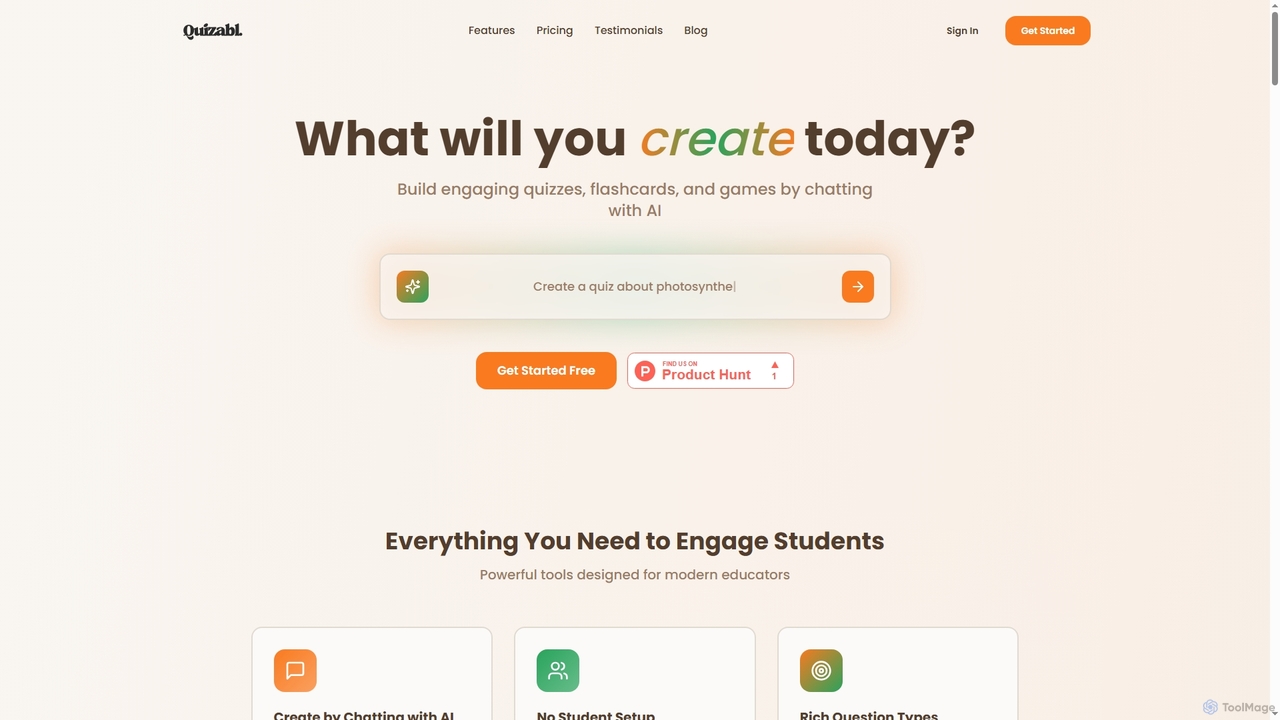
Quizabl is an AI-powered platform for educators to create engaging quizzes, flashcards, and games in seconds. By simply chatting with the AI about a topic, it instantly generates interactive content, eliminating manual form-filling and saving valuable prep time.

Quiz Generator
Visits 4.1KFavorites 121Likes 115
ReadTheory
Freemium

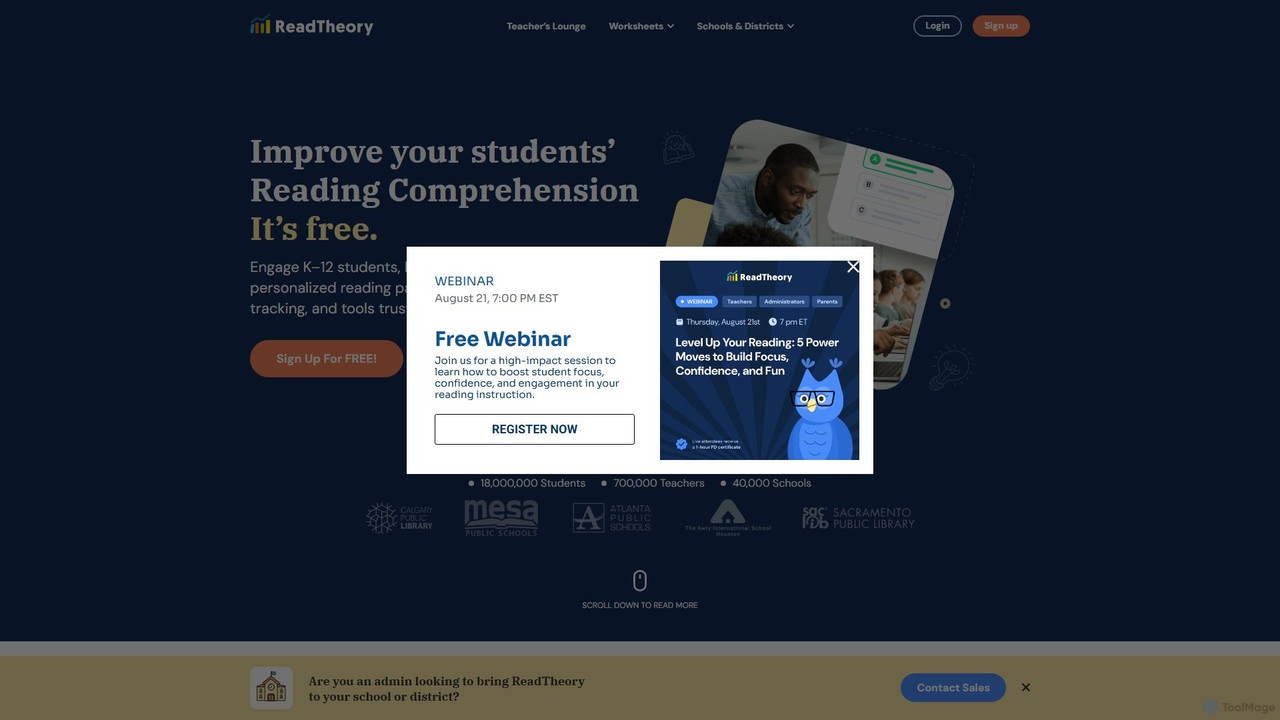
ReadTheory

ReadTheory is an AI-powered adaptive learning platform offering personalized reading comprehension exercises for K-12 and ESL students. It assesses each student's reading level and provides tailored texts and questions to improve literacy skills, while offering teachers powerful data and classroom management tools.

Language Learning
Visits 1.5MFavorites 113Likes 106
Praxy Labs
Paid

Praxy Labs

Praxy Labs offers immersive 3D virtual laboratories and AI-powered simulations for STEM education. It enables students to conduct realistic experiments in physics, chemistry, and biology in a safe, accessible, and interactive online environment, enhancing learning outcomes and engagement.

Virtual Labs
Visits 4.1KFavorites 120Likes 114
Edmentum
Paid

Edmentum

Edmentum is a comprehensive K-12 learning acceleration platform, providing personalized digital curriculum, assessments, and educational services. It empowers educators with data-driven insights and tools to support individual student needs, from intervention and credit recovery to career and technical education, fostering academic growth and future readiness.

Learning Platform
Visits 3.5MFavorites 89Likes 100
Wayground (Quizizz)
Freemium

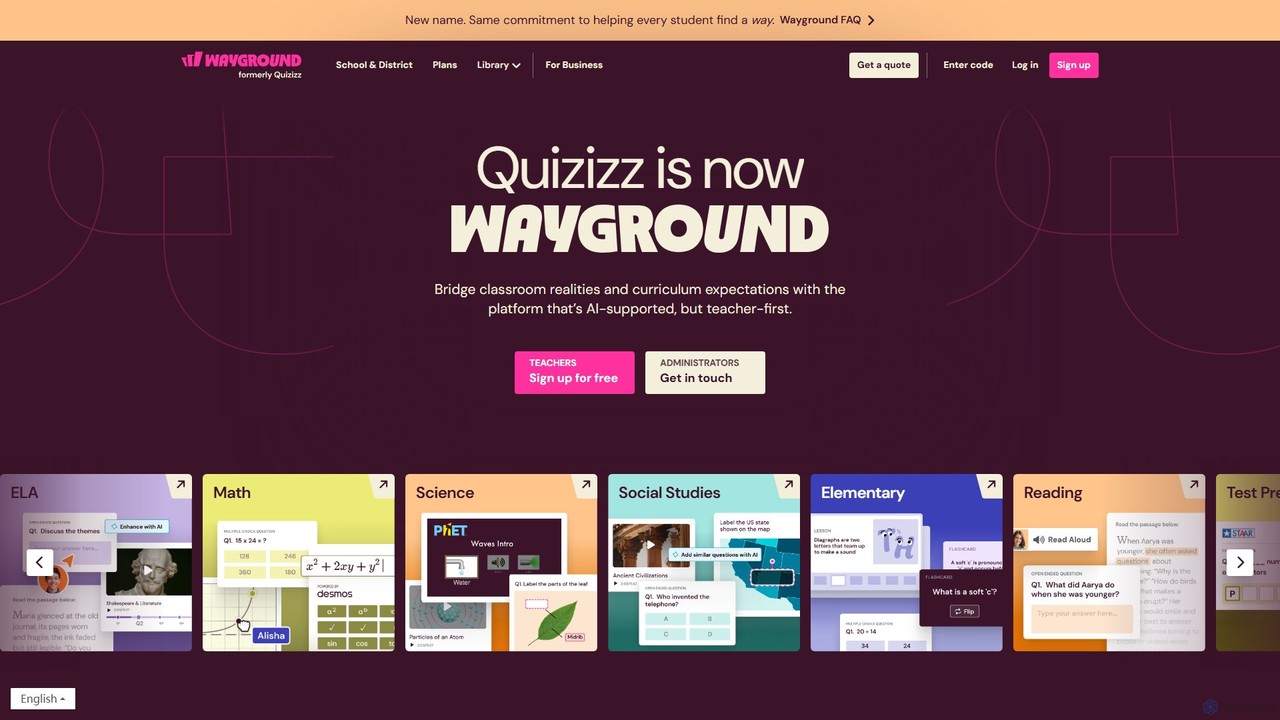
Wayground (Quizizz)

Wayground (formerly Quizizz) is an AI-powered K-12 learning platform that helps teachers create engaging quizzes, interactive lessons, and differentiated materials. It combines gamification with powerful assessment tools to motivate every student, provide data-driven insights, and seamlessly integrate with existing school curricula and technology ecosystems.

Assessment
Visits 38.8MFavorites 99Likes 93
lessonplans.ai
Freemium

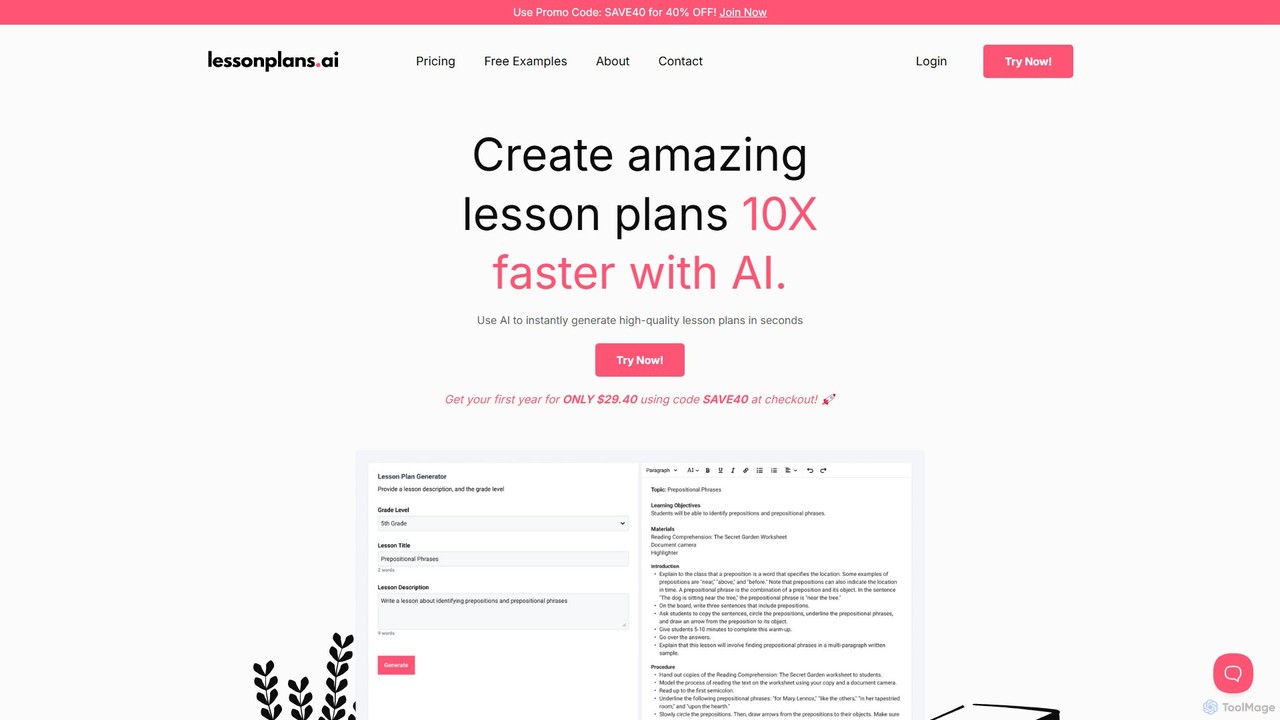
lessonplans.ai

lessonplans.ai is an AI-powered generator that helps K-12 teachers create high-quality, customized lesson plans in seconds. By simply providing a topic and grade level, educators can instantly generate comprehensive plans complete with engaging activities, learning objectives, and step-by-step guides. This tool streamlines the planning process, saving valuable time and inspiring creative, effective teaching methods for any subject.

Lesson Planning
Visits 5KFavorites 116Likes 104
Notewize
Freemium

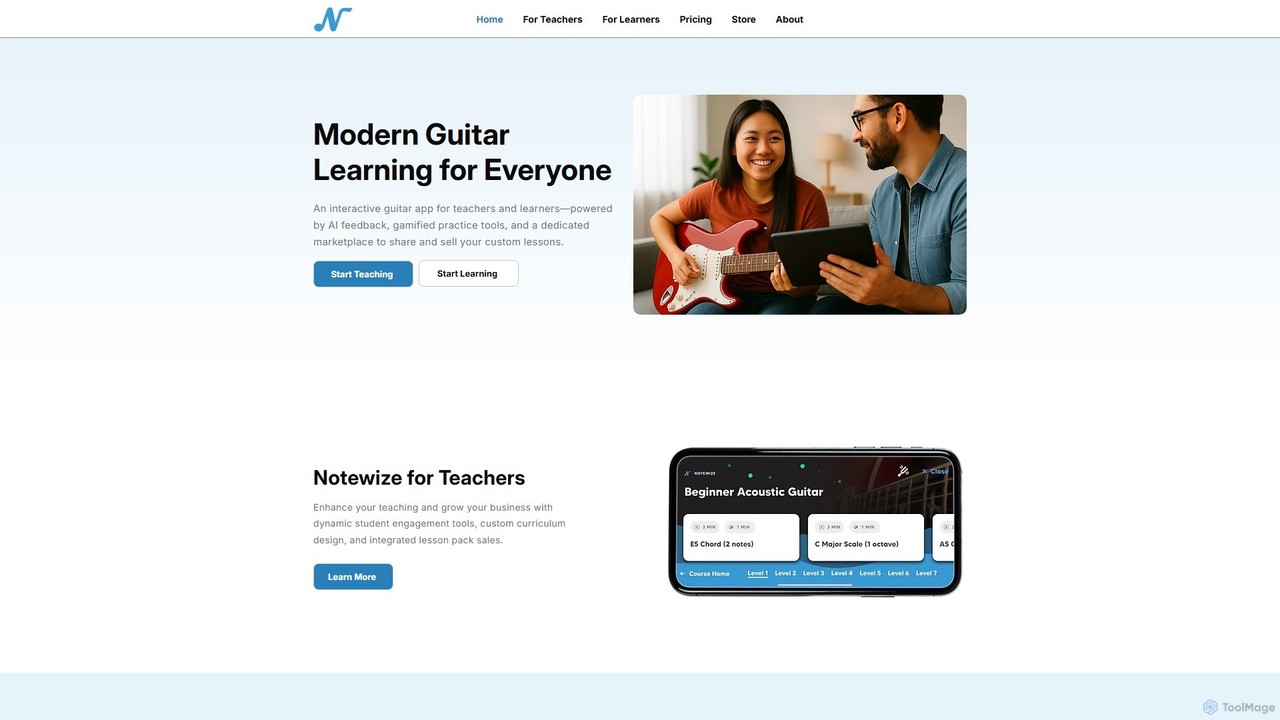
Notewize

An AI-powered interactive guitar app for learners and teachers. Notewize offers real-time feedback, gamified practice tools, and a dedicated marketplace for custom lessons, making guitar learning modern, engaging, and accessible for everyone.

Music Creation
Visits 5.4KFavorites 139Likes 109

About Teaching

AI Teaching tools are a specialized category of productivity software designed to assist educators in creating, managing, and delivering educational content. These tools leverage artificial intelligence to automate tasks like lesson planning, quiz generation, and grading. They enhance the educational process by enabling personalized learning paths for students and freeing up valuable time for teachers. This allows educators to focus more on direct student interaction and less on administrative work.

Core Features

  • Lesson Plan Generation: Automatically creates structured and detailed lesson plans based on subject, topic, and grade level.
  • Automated Assessment Creation: Generates quizzes, tests, and assignments with various question types to evaluate student comprehension.
  • Personalized Learning Paths: Adapts educational content and difficulty based on individual student performance and learning pace.
  • Content Simplification: Breaks down complex topics into easy-to-understand summaries, explanations, and examples.
  • Automated Grading and Feedback: Provides instant grading for objective tests and offers initial feedback on written assignments.

Use Cases

These tools are widely used by K-12 teachers, university professors, corporate trainers, and online course creators. They are applied in curriculum development to quickly generate materials, in the classroom to create interactive activities, and for remote learning to provide scalable, personalized support for students.

How to Choose

When selecting an AI Teaching tool, consider its subject and age-group suitability. Evaluate its integration capabilities with existing Learning Management Systems (LMS). Assess the quality and variety of its assessment features. Crucially, verify its data privacy and security policies to ensure student information is protected.

Featured tool rankings

Teaching use cases

1

Create a History Lesson Plan for Middle School

A middle school history teacher needs to prepare a week-long unit on Ancient Egypt. Instead of spending hours researching and structuring the lessons, they use an AI Teaching tool. The teacher inputs the topic, grade level (7th grade), and key learning objectives, such as understanding hieroglyphics and the role of pharaohs. The AI generates a complete five-day lesson plan, including daily topics, engaging activities like a 'virtual tomb tour,' discussion prompts, homework assignments, and a final quiz. This process reduces planning time by over 70%, allowing the teacher to focus on creating interactive materials and props for the activities.

2

Generate a Differentiated Biology Quiz

A university biology professor wants to assess student understanding of cellular respiration. The class has students with varying levels of prior knowledge. Using an AI assessment tool, the professor uploads their lecture notes and specifies the need for a quiz with three difficulty levels: foundational, proficient, and advanced. The AI analyzes the material and generates a unique set of questions for each level. Foundational questions test basic definitions, proficient questions require explaining processes, and advanced questions involve applying concepts to new scenarios. This allows for fair and accurate assessment across the entire class without the professor spending a full day writing multiple versions of the test.

3

Personalize Math Practice for Elementary Students

An elementary school teacher notices that some students are excelling at fractions while others are struggling. She uses an AI-powered adaptive learning platform. After the class completes an initial diagnostic quiz, the platform creates a personalized practice worksheet for each student. Students who struggled receive more problems on foundational concepts like identifying numerators and denominators. Advanced students are given challenging word problems involving fraction multiplication. The AI provides real-time feedback and hints, and the teacher receives a detailed report on each student's progress, highlighting areas that need more direct instruction. This approach ensures every student is working at their optimal level of challenge.

4

Automate Initial Feedback on Student Essays

A high school English teacher assigns a 500-word essay to 120 students. Grading them all for grammar, spelling, structure, and clarity would take days. She has students submit their first drafts to an AI writing feedback tool. The tool instantly analyzes each essay, highlighting grammatical errors, suggesting stronger vocabulary, and checking for consistent argumentation. It provides a report to each student with constructive, actionable feedback. This allows students to revise and improve their work before final submission. The teacher can then focus her grading time on higher-order concerns like critical analysis and originality, providing more meaningful feedback while saving significant time on preliminary checks.

5

Develop Corporate Compliance Training Modules

A corporate trainer is tasked with creating an engaging compliance training module on data security for all new hires. Using an AI teaching tool, they input key policy documents and learning objectives. The AI structures this information into an interactive e-learning course, complete with sections, video script suggestions, and knowledge-check questions. It also generates realistic role-playing scenarios, such as 'How to respond to a phishing email,' to test practical application. The entire module is created in a few hours, a task that would have previously taken weeks of work from a full team. This allows for rapid deployment of consistent and effective training across the organization.

6

Explain Complex Scientific Concepts to Students

A high school student is struggling to understand the concept of quantum entanglement for their physics class. Reading the textbook is confusing. They use an AI tutor tool and ask it to 'explain quantum entanglement like I'm 15.' The AI breaks down the complex idea using simple analogies, such as comparing it to a pair of 'magical' coins that always land on opposite sides, no matter how far apart they are. It then provides a step-by-step explanation of the underlying principles and offers a short, interactive quiz to check for understanding. This on-demand, personalized explanation helps the student grasp the concept in minutes, providing a level of support that a single teacher in a large class cannot always offer instantly.

Teaching FAQ

What are AI Teaching tools?

AI Teaching tools are specialized software applications designed to help educators automate administrative tasks, create educational content, and personalize the learning experience for students. They use artificial intelligence to perform functions like generating lesson plans, creating quizzes, grading assignments, and adapting content to a student's individual pace. The primary goal is to enhance efficiency and effectiveness in education, allowing teachers to focus more on mentorship and direct instruction.

How to choose the right AI Teaching tool?

Choosing the right AI Teaching tool depends on your specific needs. Consider the following factors:

  • Subject and Grade Level: Ensure the tool is designed for your specific subject area and the age group you teach.
  • Key Features: Identify your primary need. Do you need a lesson planner, a quiz generator, or an adaptive learning platform? Choose a tool that excels in that area.
  • LMS Integration: Check if the tool can integrate with your school's Learning Management System (e.g., Google Classroom, Canvas, Moodle) for seamless workflow.
  • Ease of Use: The tool should have an intuitive interface for both teachers and students to minimize the learning curve.
  • Data Privacy: Verify that the tool complies with student data privacy regulations like FERPA or GDPR. This is a critical consideration.
How do AI Teaching tools differ from general Productivity tools?

While both aim to increase efficiency, they serve different purposes. General productivity tools (like project managers or note-taking apps) help organize tasks, time, and information for any profession. AI Teaching tools are highly specialized for the education sector. They focus on pedagogical tasks, such as curriculum design, student assessment, and creating learning materials. For example, a general productivity tool might help a teacher schedule parent-teacher conferences, but an AI Teaching tool can help them create a customized math quiz based on a student's specific weaknesses.

Can AI tools replace human teachers?

No, AI tools are not intended to replace human teachers but to augment their capabilities. They act as powerful assistants, handling time-consuming and repetitive tasks like grading, basic content creation, and administrative work. This frees up educators to focus on the uniquely human aspects of teaching that AI cannot replicate, such as mentoring, fostering critical thinking, providing emotional support, and inspiring students. The most effective educational models involve a collaboration where teachers leverage AI to create a more personalized and efficient learning environment.

What are the main benefits of using AI in teaching?

Using AI in teaching offers several key benefits for both educators and students:

  • Time Savings: Automates administrative tasks like grading and lesson planning, giving teachers more time for direct student interaction.
  • Personalized Learning: Tailors educational content to each student's pace and learning style, helping to close knowledge gaps and challenge advanced learners.
  • Enhanced Engagement: Creates interactive and dynamic learning materials, such as simulations and gamified quizzes, to keep students engaged.
  • Data-Driven Insights: Provides teachers with detailed analytics on student performance, highlighting areas where the class or individual students are struggling.
  • Accessibility: Can provide on-demand support and explanations to students anytime, anywhere, breaking down barriers to learning outside the classroom.