
bigvu
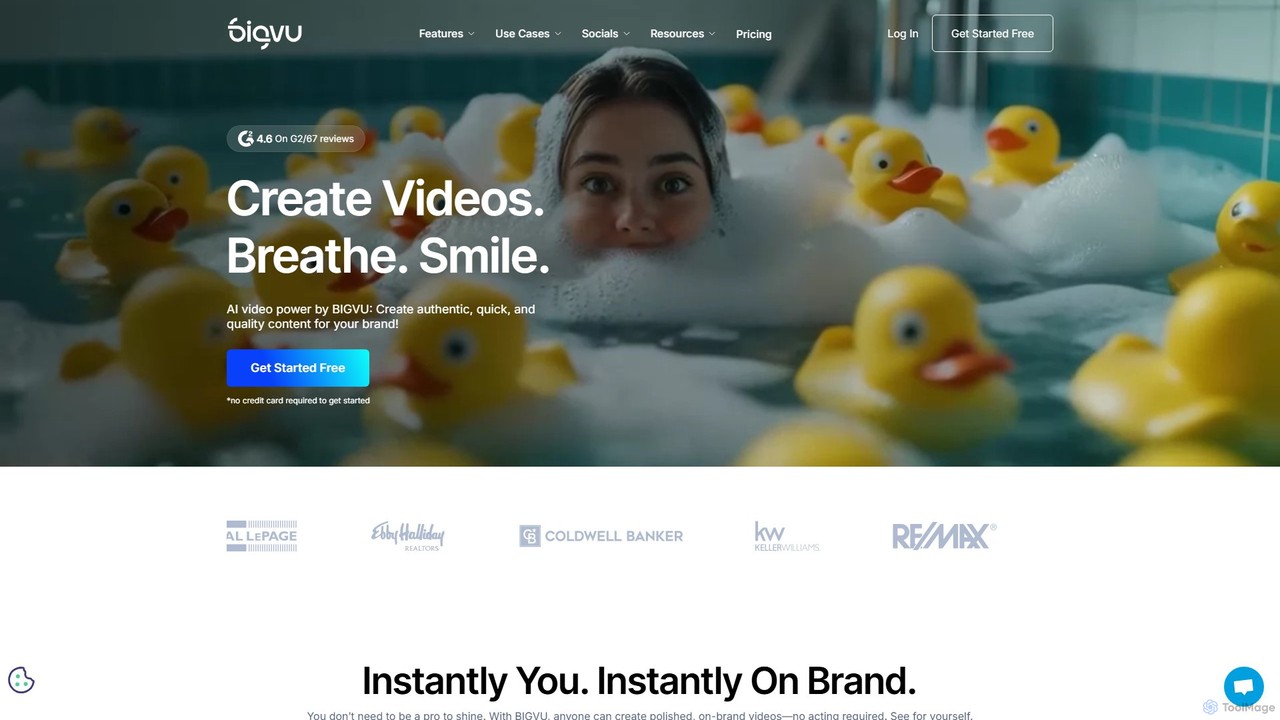
bigvu is an all-in-one AI video creation platform that combines a teleprompter, AI script generator, automatic captions, and …
bigvu is an all-in-one AI video creation platform that combines a teleprompter, AI script generator, automatic captions, and a powerful video editor. It enables users to script, shoot, style, and share professional-quality videos 10x faster, with features like AI avatars and text-based editing. Ideal for marketing, sales, and content creators.
About Teleprompter
Teleprompter tools are applications designed to display a script or text in a way that allows a speaker to read it while maintaining eye contact with the audience or camera. Leveraging AI, these tools enhance the traditional teleprompter experience by offering features like speech-synchronized auto-scrolling, sentiment analysis, and intelligent pacing. They significantly boost confidence and professionalism in various communication scenarios, making presentations, videos, and speeches flow more smoothly and naturally.
Core Features
- AI-Powered Auto-Scrolling: Automatically adjusts scroll speed based on the speaker's pace, pausing when they pause.
- Customizable Display: Offers options for font size, color, background, and mirroring for diverse recording setups.
- Multi-Platform Compatibility: Supports web browsers, mobile devices (iOS/Android), and desktop applications for flexible use.
- Script Management: Allows easy import, editing, organization, and storage of multiple scripts.
- Eye-Line Correction: Some advanced tools help maintain natural eye contact by subtly adjusting text position or offering specific viewing modes.
Applicable Scenarios
Teleprompter tools are invaluable for anyone needing to deliver spoken content flawlessly. They are widely used by content creators for YouTube videos, business professionals for virtual presentations, and educators for online lectures. These tools ensure that speakers can convey their message clearly and confidently without memorizing extensive scripts, maintaining a professional and engaging presence.
How to Choose
When selecting a teleprompter tool, prioritize AI features like speech recognition and auto-pacing for a seamless experience. Consider its compatibility with your recording setup (e.g., mobile, desktop, camera rig) and the level of display customization offered. Evaluate script management capabilities for ease of use and look for tools that provide reliable performance and intuitive controls to enhance your delivery.
TeleprompterUse Cases
Creating Professional Video Presentations
Business professionals can use AI teleprompter tools to deliver polished and confident video presentations for internal meetings, client pitches, or online conferences. By loading their script into the teleprompter, they can maintain consistent eye contact with the camera, ensuring a natural and engaging delivery without missing key points. This helps project a professional image and effectively convey complex information, saving time on memorization and retakes.
Producing YouTube/Social Media Content
Content creators, YouTubers, and social media influencers can leverage teleprompter tools to record engaging videos with seamless delivery. Whether it's a tutorial, a review, or a storytelling piece, a teleprompter ensures that the creator stays on message, maintains a natural flow, and avoids awkward pauses or fumbling for words. This results in higher quality content, reduced editing time, and a more professional on-screen presence, enhancing viewer engagement.
Delivering Online Speeches/Webinars
Public speakers and trainers conducting online webinars or virtual speeches can use teleprompter tools to deliver their message with confidence and clarity. By having their script displayed discreetly, they can focus on engaging with their audience through eye contact and gestures, rather than constantly looking down at notes. This enhances the speaker's credibility and ensures that complex information is conveyed accurately and persuasively, leading to a more impactful presentation.
Recording Corporate Training Videos
Learning and Development (L&D) departments can utilize teleprompter tools to create high-quality, consistent corporate training videos. Trainers can deliver complex instructions or company policies accurately and smoothly, ensuring all key information is covered without relying solely on memory. This leads to more effective training modules, reduces the need for retakes, and ensures a professional and authoritative tone across all educational content, benefiting employee onboarding and skill development.
Broadcasting News or Live Streams
Journalists, news anchors, and live streamers can rely on teleprompter tools to deliver real-time information accurately and confidently. In fast-paced live environments, a teleprompter ensures that the presenter can read breaking news, interview questions, or script segments without hesitation, maintaining a smooth broadcast. This is crucial for maintaining viewer trust and engagement, as it minimizes errors and allows the presenter to focus on their delivery and connection with the audience.
Practicing Public Speaking Skills
Individuals preparing for public speaking engagements, presentations, or auditions can use teleprompter tools for effective practice. By simulating a real-world delivery scenario, users can rehearse their script, refine their pacing, and work on maintaining natural eye contact. AI-powered features can even provide feedback on speech speed or detect hesitations, helping users build confidence and improve their overall speaking performance before the actual event, making practice sessions more productive.