Productivity Best in category 3 results Toolkits AI Tool

Popular AI tools in the Toolkits field of Productivity include Smart Tools AI、MarketingTool、Prompt AI Tools, etc., helping you quickly improve efficiency.

Free
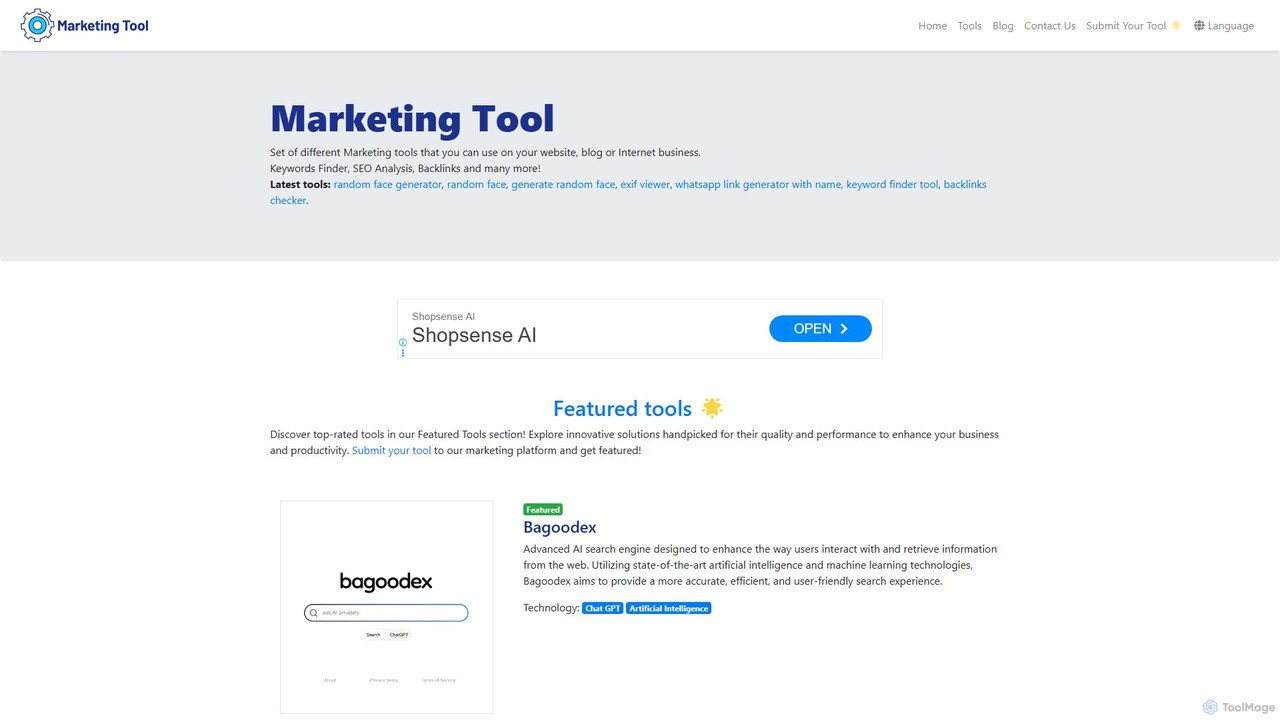
MarketingTool

MarketingTool

MarketingTool is a comprehensive, free suite of online utilities designed for marketers, SEO professionals, and business owners. It …

3.8K
Free
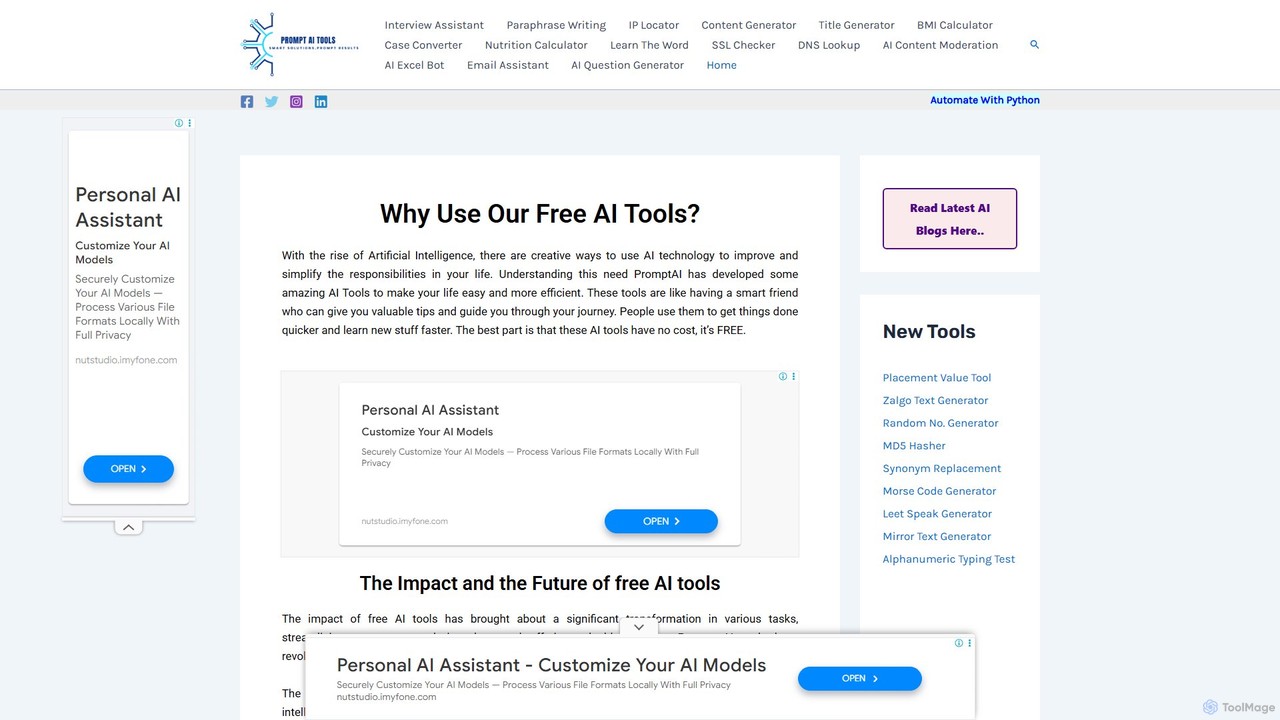
Prompt AI Tools

Prompt AI Tools

A comprehensive suite of free online AI and utility tools designed to enhance productivity and creativity. It offers …

2.7K
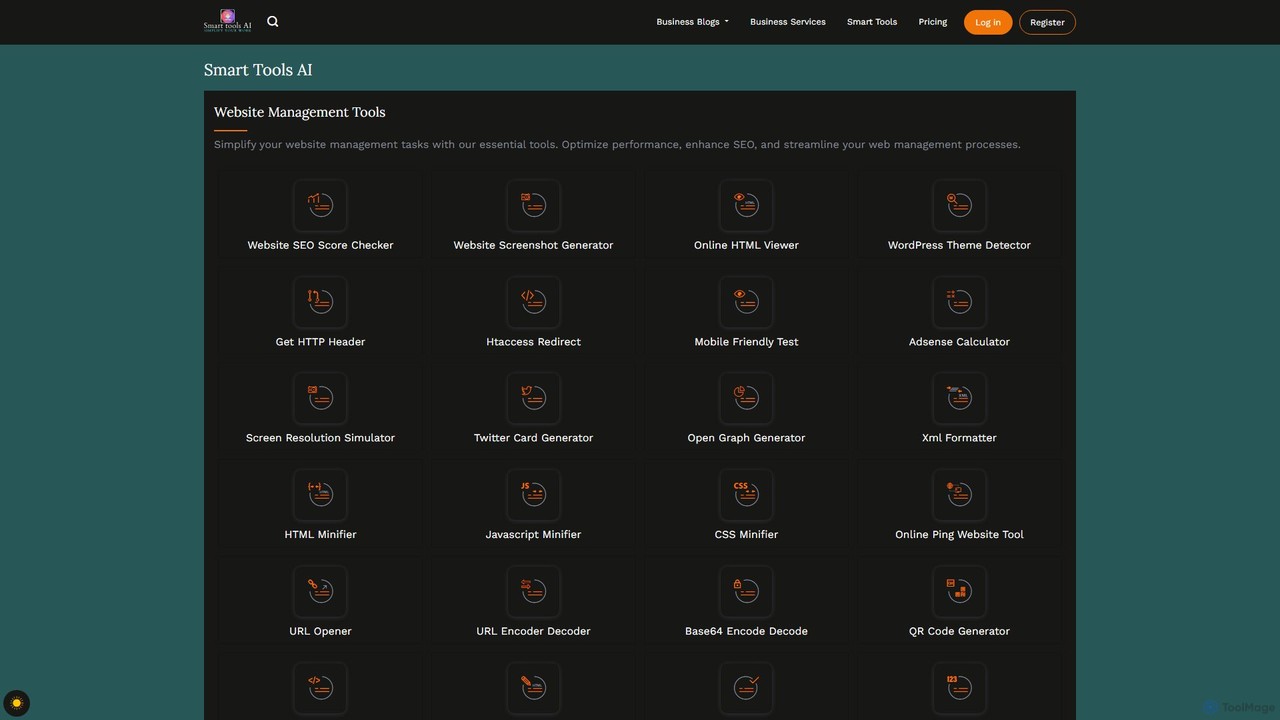
Smart Tools AI

Smart Tools AI

Smart Tools AI is a comprehensive online suite offering over 150 free and freemium tools. It's designed to …

10.0K

About Toolkits

AI Toolkits are integrated suites that bundle multiple AI-powered applications into a single, cohesive platform. Unlike single-purpose tools, they are designed to manage entire workflows by combining functionalities such as content creation, data analysis, and project management. This consolidation helps streamline processes, reduce context switching between different apps, and enhance overall productivity. AI Toolkits provide a centralized environment for teams and individuals to execute complex, multi-step projects efficiently.

Core Features

  • Multi-Functionality: Access a diverse range of tools for writing, design, coding, and analysis within one subscription.
  • Integrated Workflows: Seamlessly pass data and context between different tools in the suite, automating parts of your process.
  • Centralized Dashboard: Manage all tasks, projects, and assets from a single, unified interface.
  • Team Collaboration: Features designed for multiple users to work together, share resources, and track progress.

Use Cases

AI Toolkits are ideal for marketing teams managing end-to-end campaigns, content creators producing material from script to promotion, and small businesses looking to consolidate their software stack. They are also valuable for developers who need a range of coding and documentation aids, and for agencies managing multiple client projects with diverse requirements.

How to Choose

When selecting an AI Toolkit, first assess the specific collection of tools offered and ensure they match your primary workflows. Evaluate the depth and quality of integration between the tools. Consider the platform's collaboration features if you work in a team. Finally, analyze the pricing model—whether it's a flat fee or per-user—to ensure it aligns with your budget and scalability needs.

ToolkitsUse Cases

1

End-to-End Marketing Campaign Management

A marketing manager uses an AI toolkit to streamline a new product launch campaign. They start by using the integrated AI writer to generate ad copy variations for different platforms. Next, they use the design module to create social media visuals and banners based on the copy. The toolkit's scheduler then automates the posting across multiple channels. Finally, they use the built-in analytics tool to track engagement metrics and generate performance reports, all without leaving the platform. This consolidates at least four separate tools into one, saving subscription costs and reducing time spent on context switching.

2

Streamlining Content Creation for Video Producers

A solo video creator uses an AI toolkit to manage their entire production workflow. They use the idea generation tool to brainstorm video topics. Once a topic is chosen, the AI scriptwriter helps draft a detailed script. The same toolkit offers a text-to-speech function to create a clean voiceover. For visuals, an integrated AI image generator creates custom thumbnails and background assets. Finally, a social media post generator drafts promotional text for YouTube, Twitter, and Instagram, ensuring a consistent message across all platforms. This integrated approach saves hours of work and maintains creative consistency.

3

Small Business Operations Hub

A small business owner uses an AI toolkit as a central hub for daily operations. The integrated email assistant helps draft professional replies to customer inquiries, saving time. They use the document analysis tool to quickly summarize supplier contracts or lengthy reports. For marketing, they generate blog post ideas and social media content using the writing assistant. The same platform includes a simple project management module to track orders and assign tasks to a small team. This consolidation prevents the need to purchase and learn multiple separate software solutions, making it a cost-effective choice for a growing business.

4

Academic Research and Writing Assistance

A postgraduate researcher uses an AI toolkit to accelerate their work. They begin by feeding research papers into a summarization tool to quickly grasp key findings. An integrated note-taking feature with AI tagging helps organize information from various sources. When drafting their thesis, the AI writing assistant helps paraphrase complex sentences and checks for grammatical consistency. Before submission, they use a built-in plagiarism checker to ensure academic integrity. This suite of tools supports the entire research lifecycle, from literature review to final manuscript preparation, within a single, organized environment.

5

Software Development Project Coordination

A software development team adopts an AI toolkit to enhance its agile workflow. The toolkit includes an AI code assistant that suggests code completions and helps debug errors directly in their IDE. A separate module automates the generation of documentation from code comments, keeping it consistently up-to-date. The integrated project management board uses AI to predict task completion times and highlight potential bottlenecks. Team members use the built-in communication tool, which can summarize long discussion threads, ensuring everyone stays informed. This centralizes development, documentation, and management, improving team velocity.

6

E-commerce Store Management and Marketing

An e-commerce manager leverages an AI toolkit to handle multiple aspects of their online store. They use the AI writer to generate compelling product descriptions and SEO-optimized category pages. An integrated image editor helps create lifestyle photos and promotional banners for the website. The toolkit also features an email marketing module that drafts newsletters and abandoned cart reminders. To improve customer service, a chatbot builder within the suite is used to create a simple FAQ bot for the website. This all-in-one approach allows them to manage content, marketing, and basic customer support from a single dashboard.

ToolkitsFrequently Asked Questions