Productivity Best in category 2 results Unified Interface AI Tool

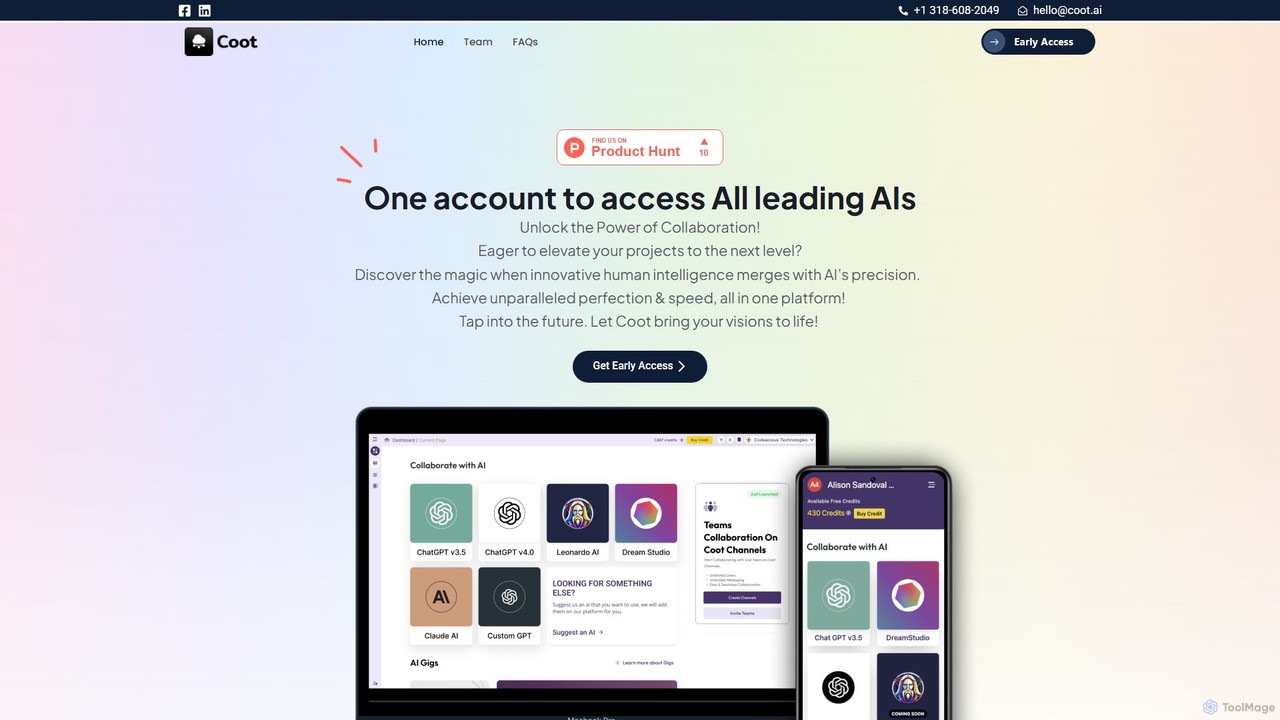
Popular AI tools in the Unified Interface field of Productivity include Coot AI、AI Phantom, etc., helping you quickly improve efficiency.

AI Phantom

AI Phantom

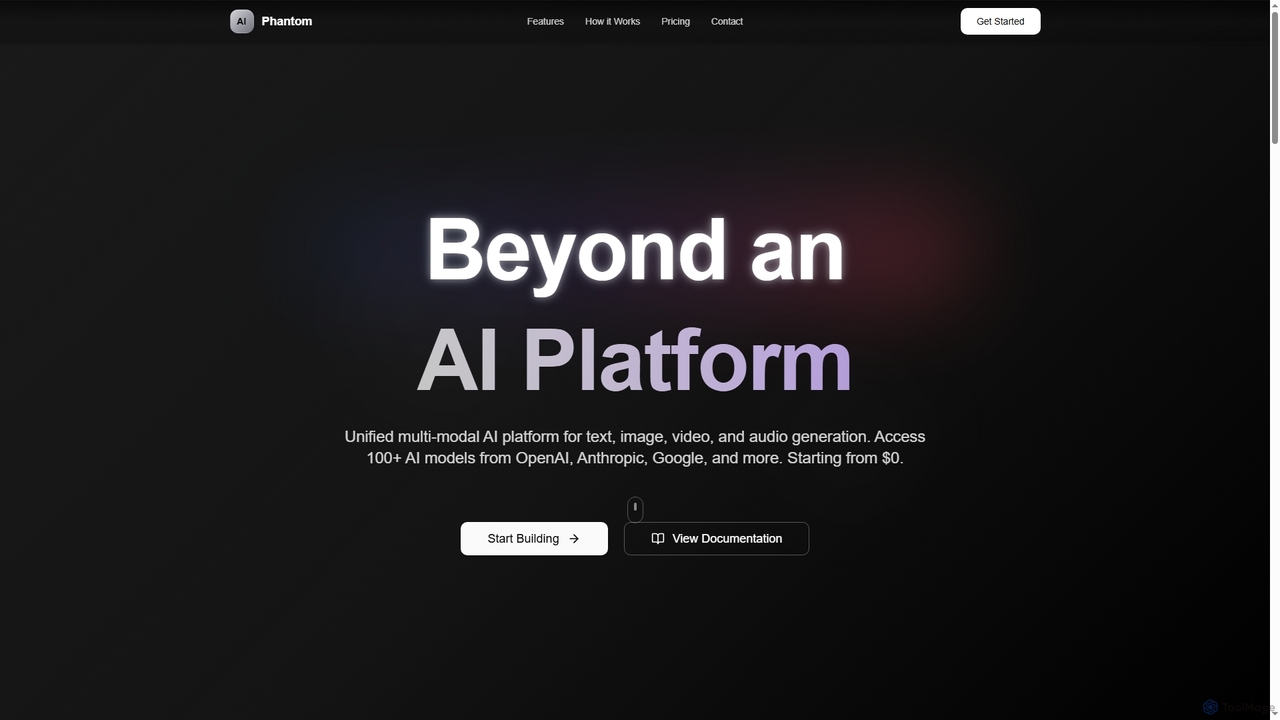
AI Phantom is a unified multi-modal AI platform providing access to over 100 AI models from providers like …

2.8K
Coot AI

Coot AI

Coot AI is a unified platform providing single-account access to all leading AI models. It's designed for collaboration, …

3.0K

About Unified Interface

Unified Interface AI tools centralize access to diverse artificial intelligence models and services within a single, cohesive platform. These platforms integrate various generative AI, analytical, or automation capabilities, eliminating the need to switch between multiple applications. They significantly streamline workflows, enhance efficiency, and provide a consistent user experience for complex AI-driven tasks. By consolidating disparate AI functionalities, users can manage projects, generate content, and analyze data more effectively from one hub.

Core Features

  • Multi-Model Integration: Access and switch between different AI models (e.g., LLMs, image generators) from one dashboard.
  • Cross-Functional Workflows: Combine outputs from various AI tools to create complex content or solutions.
  • Customizable Dashboards: Personalize the interface to prioritize frequently used AI services and features.
  • Centralized Management: Manage prompts, outputs, and project histories across all integrated AI tools.
  • Seamless Data Flow: Facilitate the transfer of data and context between different AI functionalities.

Applicable Scenarios

Content creators, marketers, developers, and researchers leverage unified interfaces to manage complex projects. For instance, a marketing team can generate campaign copy, design visuals, and analyze performance data using integrated AI tools without leaving a single application. Developers can access code generation, debugging, and documentation AI from one environment.

How to Choose

When selecting a Unified Interface AI tool, consider the breadth and quality of integrated AI models, the intuitiveness and customizability of the user interface, and its ability to support complex workflow automation. Evaluate data security and privacy policies, as well as the pricing model and available community support to ensure it meets your specific productivity needs.

Unified InterfaceUse Cases

1

Streamline Multi-Format Content Generation

A digital marketer needs to create a blog post, accompanying social media graphics, and a video script for a new product launch. Using a unified interface, they can generate the blog text with one LLM, then use an integrated image generator for visuals, and finally a script generator for video, all within the same environment, maintaining context and consistency across all content formats, significantly reducing production time.

2

Consolidate Research Across Diverse AI Models

A market analyst is researching a new industry and needs to gather insights from various sources. They can use a unified interface to query different AI models for market trends, competitor analysis, and demographic data. The interface allows them to compare and synthesize findings from these diverse sources, generating a comprehensive report without the inefficiency of switching between multiple specialized research tools.

3

Accelerate Code Generation and Debugging

A software developer uses a unified interface to access code generation AI, debugging assistants, and documentation search tools. They can generate code snippets, get real-time error explanations, and find relevant API documentation, all from a single IDE-like environment. This integration significantly speeds up development cycles by reducing the need to switch between different applications for coding, testing, and referencing.

4

Centralize Daily AI-Powered Tasks

An individual professional manages their daily tasks, including email drafting, meeting summaries, and idea brainstorming. A unified interface allows them to use an AI writing assistant for emails, a summarization tool for meeting notes, and a creative AI for brainstorming, keeping all their AI interactions organized and accessible in one place. This enhances personal productivity by minimizing context switching and centralizing AI-driven support for routine activities.

5

Enhance Multi-Channel Customer Interaction

A customer support agent handles inquiries across chat, email, and social media. A unified interface integrates various AI tools for sentiment analysis, automated response generation, and knowledge base search. This enables the agent to quickly understand customer intent, draft accurate replies, and access relevant information, all from a single screen. The result is improved response times, higher customer satisfaction, and reduced agent workload.

6

Integrate AI for Visual and Textual Design

A graphic designer or UX/UI designer needs to create mockups and generate descriptive text for a new application. With a unified interface, they can use an AI image generator for visual concepts, an AI text generator for placeholder content or microcopy, and potentially an AI layout assistant. This integration streamlines the entire design and prototyping process, allowing for rapid iteration and consistent branding across visual and textual elements.

Unified InterfaceFrequently Asked Questions