
Daily
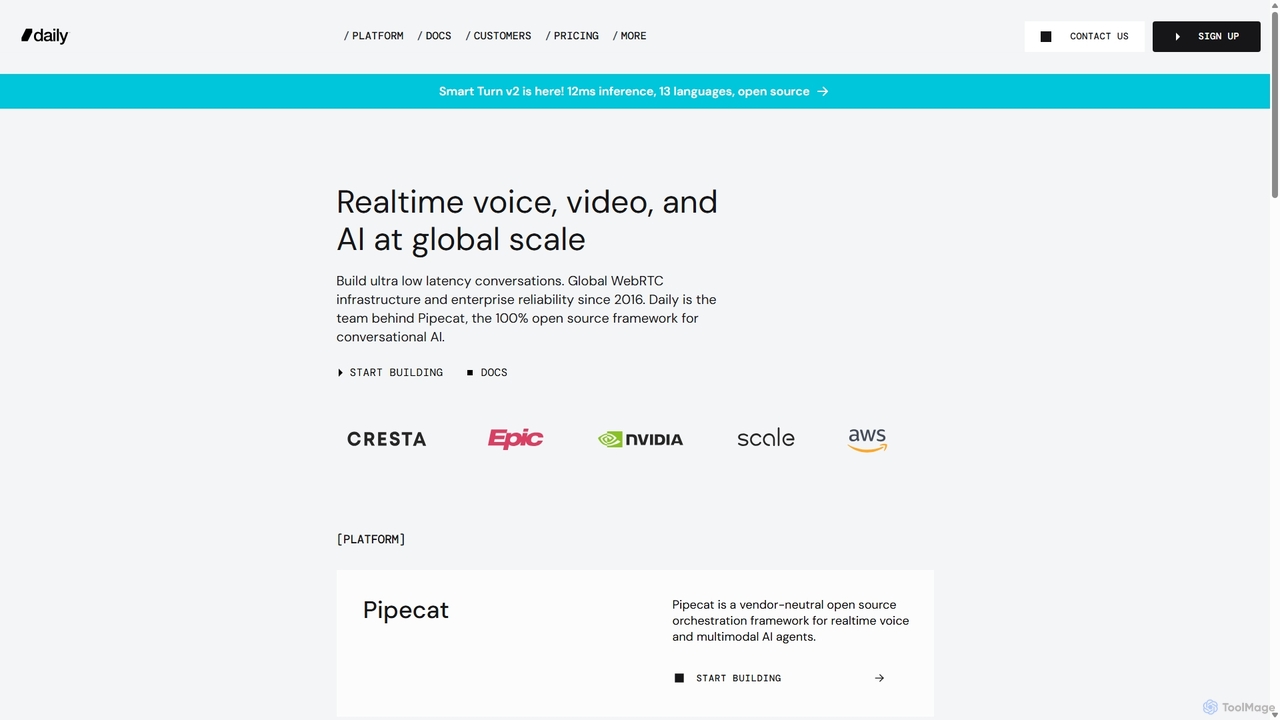
Daily is a developer platform for real-time video, voice, and AI. It provides robust APIs and SDKs for …
Daily is a developer platform for real-time video, voice, and AI. It provides robust APIs and SDKs for building ultra-low latency, scalable, and high-quality conversational experiences, including human-to-human video calls and advanced voice AI agents through its open-source framework, Pipecat.
About Video Conferencing
AI-powered Video Conferencing tools are platforms that use artificial intelligence to enhance real-time virtual communication. These tools go beyond simple video streaming by integrating AI algorithms for features like intelligent noise cancellation, real-time transcription, and automated meeting summaries. This transforms online meetings into more productive, accessible, and actionable collaboration sessions. By automating administrative tasks and improving clarity, these tools help teams focus on discussion and decision-making.
Core Features
- AI Noise & Echo Cancellation: Intelligently isolates human voices and eliminates distracting background sounds like typing, pets, or traffic.
- Real-time Transcription & Translation: Converts spoken words into text live during the meeting and can translate them into different languages.
- Automated Meeting Summaries: Generates concise summaries, identifies key topics, and extracts action items automatically after a meeting concludes.
- Intelligent Speaker Framing: Automatically adjusts the camera view to focus on the active speaker or optimally frame all participants.
- AI-Enhanced Backgrounds: Provides high-quality virtual backgrounds, blurring, or avatars that track user movements accurately.
Use Cases
These tools are essential for modern productivity, particularly for remote and hybrid teams, global corporations, and online education providers. Sales teams use them for analyzing client calls, while project managers rely on them for clear cross-functional communication. They are also valuable in telehealth for clear doctor-patient consultations and in user research for analyzing interview data efficiently.
How to Choose
When selecting an AI Video Conferencing tool, consider the accuracy of its transcription and translation services. Evaluate its integration capabilities with your existing calendar, CRM, or project management software. Assess the effectiveness of its noise cancellation in various environments. Finally, review the security protocols to ensure data privacy and compare pricing models based on your team's size and feature requirements.
Video ConferencingUse Cases
Enhance Global Team Collaboration
A project manager leading a multinational team uses an AI video conferencing tool for their weekly sync-ups. The real-time translation feature instantly translates a team member's speech from Japanese to English, displaying it as captions for everyone. This eliminates communication barriers and ensures all stakeholders, regardless of their native language, are on the same page. After the meeting, an AI-generated summary with action items is automatically sent out, saving the manager over 30 minutes of manual note-taking and distribution.
Automate Sales Call Analysis and Coaching
A sales manager uses an AI conferencing platform to record and analyze their team's client calls. The AI automatically transcribes the entire conversation and identifies keywords, topics discussed, and customer sentiment. The manager can quickly search for mentions of competitors or pricing objections across dozens of calls. The platform also provides talk-to-listen ratios for each sales rep, helping the manager identify coaching opportunities to improve listening skills and overall sales performance without having to sit in on every call.
Create Accessible Online Learning Environments
An online course instructor at a university uses an AI video conferencing tool to deliver lectures to a diverse student body. The platform's live transcription provides real-time captions, making the content accessible for students with hearing impairments or for those studying in noisy environments. The AI also automatically records and segments the lecture into chapters based on topics discussed. This allows students to easily revisit specific parts of the lecture for revision, significantly improving the learning experience and material retention.
Streamline User Research and Analysis
A UX researcher conducts remote interviews with users to gather feedback on a new product. The AI video conferencing tool records and transcribes each session. After the interviews, the researcher uses the AI's search function to instantly find all mentions of 'usability' or 'pricing'. The tool also helps identify recurring themes and sentiment across all interviews, reducing the manual analysis time by over 60% and allowing the research team to generate actionable insights faster for the product development cycle.
Conduct Professional Telehealth Consultations
A healthcare provider uses an AI-powered video platform for remote patient consultations. The AI noise cancellation feature ensures that the conversation is clear and private, even if the patient is in a busy location. The intelligent camera framing keeps the doctor professionally centered on screen. For follow-up, the platform can generate a secure, anonymized transcript of the consultation, which can be attached to the patient's electronic health record, ensuring accurate documentation and continuity of care.
Improve Board Meeting Efficiency and Governance
A corporate secretary uses an AI video conferencing tool for quarterly board meetings. The tool provides a secure environment with end-to-end encryption. During the meeting, it automatically transcribes discussions, which serves as a preliminary draft for the official minutes. The AI summary feature highlights key decisions, votes, and assigned action items, ensuring nothing is missed. This streamlines the post-meeting process, improves the accuracy of corporate records, and allows board members to focus on strategic discussions rather than administrative details.