Productivity Best in category 3 results Web Browsing AI Tool

Popular AI tools in the Web Browsing field of Productivity include Brave、ScamMinder、TheBar, etc., helping you quickly improve efficiency.

Free
TheBar

TheBar

TheBar is a revolutionary desktop AI assistant by linesNcircles that transforms how users interact with the internet and …

3.9K
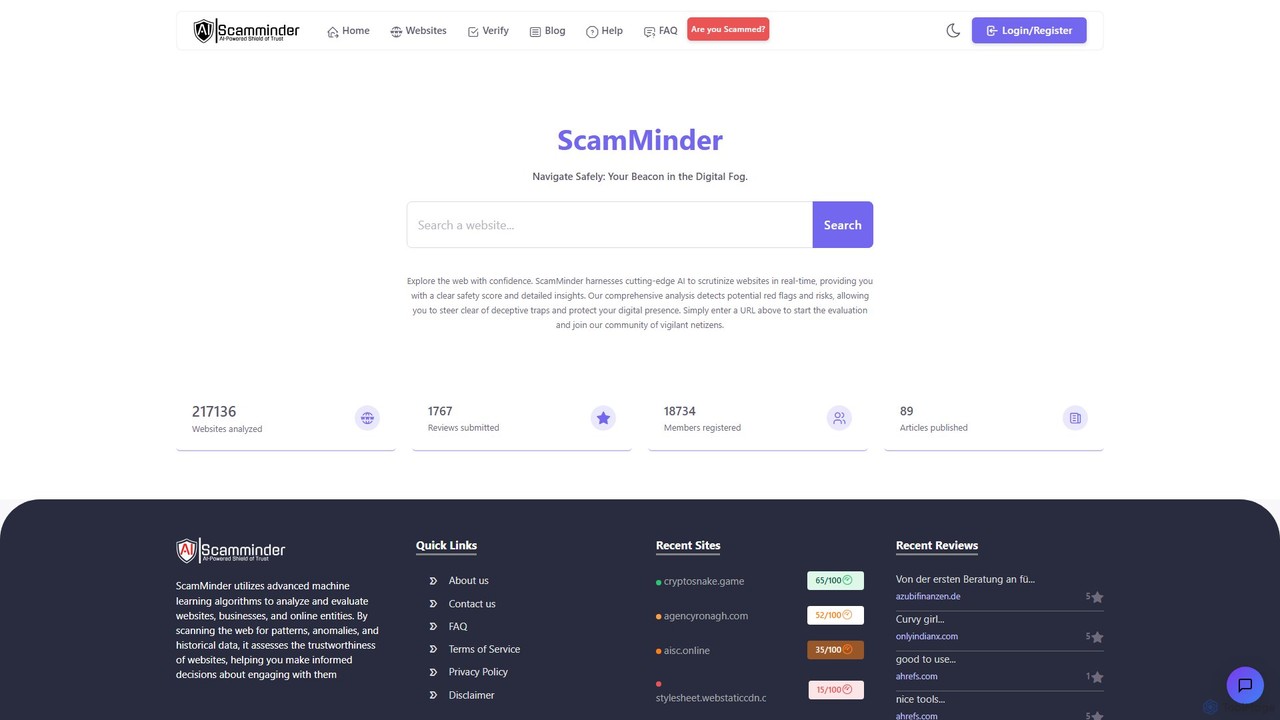
ScamMinder

ScamMinder

ScamMinder is an AI-powered cybersecurity tool that provides real-time analysis of websites to protect users from online scams. …

70.2K
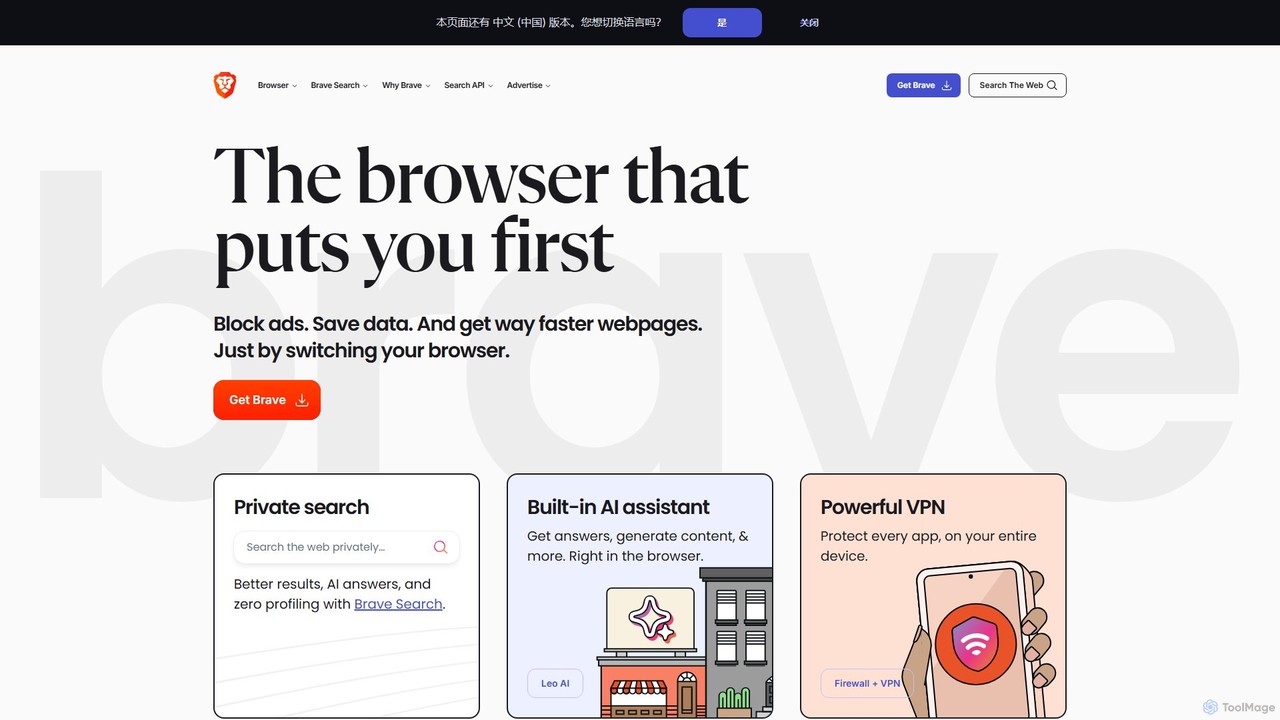
Brave

Brave

Brave is a privacy-first web browser that automatically blocks ads and trackers. It offers a faster, more secure …

534.8M

About Web Browsing

AI Web Browsing tools are applications or extensions that use artificial intelligence to enhance and automate the online information gathering process. They integrate large language models and automation scripts to understand, summarize, and interact with web content on your behalf. This allows users to extract key insights, automate repetitive tasks like data entry, and conduct research far more efficiently than with a standard browser. These tools transform passive browsing into an active, intelligent dialogue with the web, boosting overall productivity.

Core Features

  • Content Summarization: Instantly condenses long articles, reports, or web pages into concise summaries, highlighting key points.
  • Interactive Q&A: Allows you to ask natural language questions about the content of a webpage and receive direct answers.
  • Data Extraction: Automatically identifies and extracts specific information, such as names, prices, or contact details, into a structured format.
  • Task Automation: Executes multi-step tasks across websites, like filling out forms, monitoring price changes, or gathering data from multiple sources.

Use Cases

These tools are particularly valuable for market analysts, academic researchers, content creators, and sales professionals. For instance, an analyst can automate the collection of competitor pricing data, while a researcher can quickly summarize dozens of academic papers. They streamline workflows that involve significant online information processing.

How to Choose

When selecting an AI Web Browsing tool, consider its integration method (browser extension vs. standalone app), the complexity of tasks it can automate, its data privacy and security policies, and its pricing model (e.g., subscription-based or pay-per-use). Also, evaluate the user interface to ensure it matches your technical comfort level.

Web BrowsingUse Cases

1

Automate Market Competitor Analysis

A market analyst needs to track pricing and features for ten competing products daily. Instead of manually visiting each site, they use an AI Web Browsing tool to deploy an agent. This agent automatically navigates to each product page, extracts the price, key features, and customer review scores into a structured spreadsheet. This process reduces a two-hour daily task to a ten-minute automated run, ensuring data is consistent and timely for strategic reports.

2

Accelerate Academic Literature Reviews

A PhD student is conducting a literature review and needs to assess over 50 academic papers. Using an AI browsing tool, they can open a paper's PDF in the browser and ask questions like "What was the primary methodology used?" or "Summarize the key findings." The tool scans the document and provides concise answers, allowing the student to quickly evaluate the relevance of each paper without reading it in its entirety. This accelerates the initial screening process from days to a few hours.

3

Streamline Content Curation for Social Media

A social media manager is responsible for sharing relevant industry news. They set up an AI browsing agent to monitor five key news sites. The agent automatically identifies new articles related to specific keywords, generates a one-sentence summary for each, and suggests a relevant hashtag. The manager receives a daily digest, from which they can select and schedule posts in minutes, saving hours of manual searching and summarizing each week.

4

Automate Lead Generation Data Entry

A sales development representative finds potential leads on LinkedIn and company websites. Manually copying names, titles, companies, and contact info is tedious. With an AI browsing tool, they can highlight a section of a webpage or a profile, and the tool automatically parses and extracts this information into a CRM or a spreadsheet. This eliminates copy-paste errors and reduces the time spent on data entry per lead by over 70%, allowing them to focus on outreach.

5

Monitor Online Discussions and Brand Mentions

A PR specialist needs to track mentions of their brand across forums and social media. They configure an AI browsing agent to scan specific platforms like Reddit, Twitter, and industry forums for their brand name. The agent can summarize the sentiment of new posts (positive, negative, neutral) and compile a daily report of all mentions. This provides a real-time overview of public perception without requiring constant manual monitoring, allowing the specialist to respond to critical feedback promptly.

6

Personalize Daily News and Information Intake

An executive wants a concise daily briefing from various sources, including industry blogs, financial news sites, and tech journals. Instead of opening 20 tabs, they use an AI browsing tool to create a personalized dashboard. The tool visits the specified sources, summarizes the top three articles from each based on relevance criteria (e.g., mentions of specific companies), and presents them in a single, easy-to-read page. This transforms information overload into a focused, 15-minute morning review.

Web BrowsingFrequently Asked Questions