ToolMage
Sign in

Best 1 Web Clipper AI tools for Productivity

Popular Web Clipper AI tools in Productivity include Clearly Reader, helping you work more efficiently.

Clearly Reader
Freemium

Clearly Reader

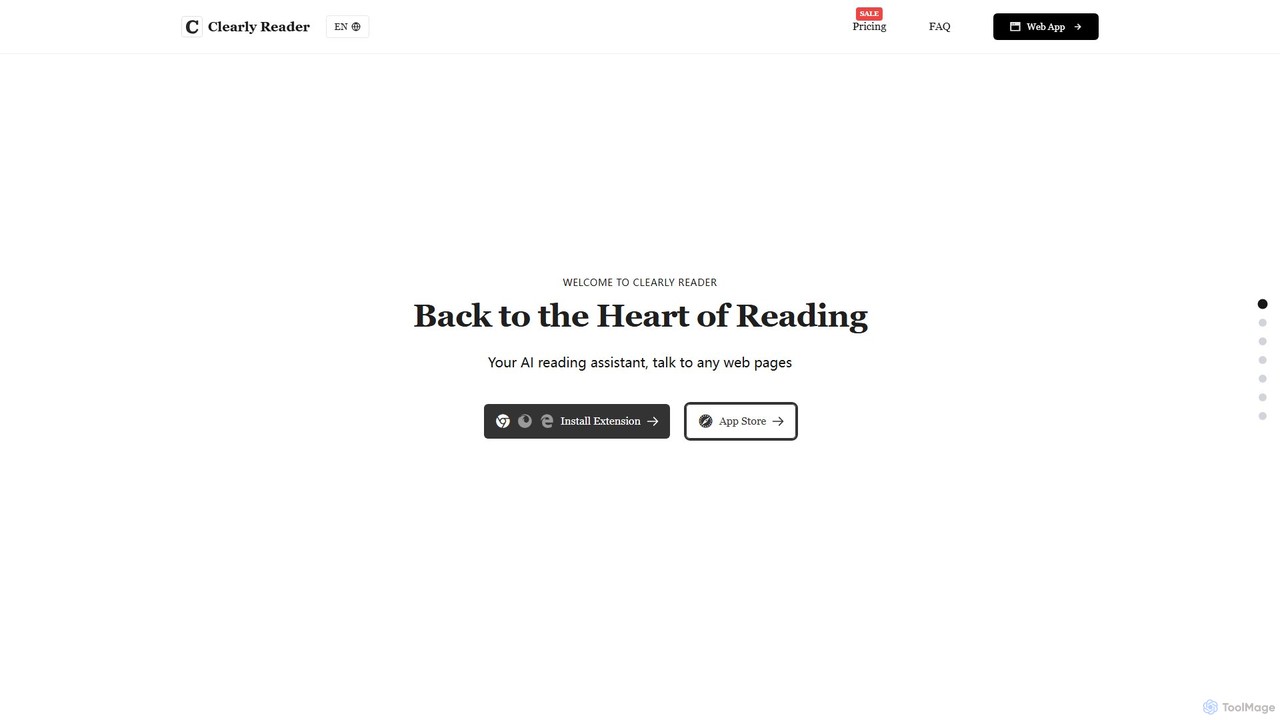
Clearly Reader is an AI-powered reading assistant that transforms cluttered web pages into a clean, customizable reading view. It removes ads and distractions, offers text-to-speech, AI-driven summaries, and translation. Users can clip articles, export to various formats (PDF, Word, Markdown), and sync with tools like Obsidian, Pocket, and Instapaper. It's designed to enhance focus, comprehension, and productivity for students, professionals, and casual readers.

Research
Visits 26.6KFavorites 142Likes 136

About Web Clipper

Web Clippers are AI-powered tools designed to capture, save, and organize specific content from web pages. These tools typically operate as browser extensions, allowing users to quickly clip articles, images, or entire pages, often with smart parsing capabilities to extract clean, ad-free content. They enhance productivity by enabling efficient information gathering, research, and personal knowledge management, transforming transient web data into structured, retrievable resources.

Core Features

  • Intelligent Content Capture: Capture full pages, selected areas, or clean article views, often removing ads and irrelevant elements.
  • Annotation & Highlighting: Add notes, comments, and highlight important text directly onto clipped content.
  • Advanced Organization: Tag, categorize, and store clipped items in folders for easy retrieval and management.
  • Cross-Platform Sync: Access clipped content across multiple devices and integrate with popular note-taking or productivity apps.
  • AI-Powered Summarization: Automatically generate concise summaries of lengthy articles or web pages, saving reading time.

Use Cases

Web Clippers are invaluable for professionals and individuals who frequently gather information online. Researchers use them to collect academic papers and data, content creators curate articles for inspiration, and students save study materials. They streamline the process of building a personal knowledge base or compiling resources for specific projects.

How to Choose

When selecting a Web Clipper, consider its capture flexibility (full page, article, selection), annotation features (highlighting, text notes), and integration with your existing productivity ecosystem (Evernote, Notion, Obsidian). Evaluate its organizational capabilities (tagging, folders, search) and any AI-driven enhancements like smart parsing or summarization. Offline access and cross-device synchronization are also crucial for seamless workflow.

Web Clipper use cases

1

Academic Research & Study Material Collection

Students and academic researchers utilize Web Clippers to efficiently gather articles, scientific papers, and relevant web pages for their projects and studies. They can clip specific sections, highlight key findings, add personal notes, and organize all resources by topic or course, ensuring easy access and citation for essays and dissertations.

2

Content Curation for Marketing & Social Media

Marketing professionals and content creators use Web Clippers to curate industry news, competitor analyses, and inspiring articles. They clip relevant content, annotate insights for team discussions, and categorize resources to inform future content strategies or share valuable information across social media platforms, streamlining their content pipeline.

3

Personal Knowledge Base & Learning

Individuals building a personal knowledge management system leverage Web Clippers to save tutorials, how-to guides, interesting blog posts, and online courses. They can add tags, categorize by subject, and annotate important sections, transforming scattered web information into a structured, searchable library for continuous learning and skill development.

4

Competitive Analysis & Market Research

Business analysts and strategists employ Web Clippers to monitor competitor websites, product updates, pricing changes, and industry trends. They capture specific web elements or entire pages, add notes on observations, and organize this intelligence for strategic planning, ensuring they stay informed about market dynamics and competitive landscapes.

5

Recipe & DIY Project Organization

Home users and hobbyists find Web Clippers useful for collecting and organizing recipes, craft instructions, home improvement guides, and travel itineraries. They can clip the exact content needed, remove distractions, and categorize items into digital cookbooks or project folders, making it simple to retrieve and follow instructions without internet dependency.

6

Web Design & UI/UX Inspiration Collection

Web designers and UI/UX professionals use Web Clippers to save inspiring website layouts, innovative user interfaces, and effective design patterns. They can clip specific elements, add comments on design choices, and categorize examples by style or functionality, building a visual library for reference and ideation in their own design projects.

Web Clipper FAQ

What is a Web Clipper?

A Web Clipper is a digital tool, typically a browser extension, that allows users to capture and save specific content from web pages. Instead of just bookmarking a link, a Web Clipper saves the actual text, images, or entire layout of a page, often with options to clean up distractions like ads, making the content permanently accessible and organized for future reference.

How does a Web Clipper work?

Web Clippers usually work as browser extensions. When you encounter content you want to save, you activate the clipper. It then processes the web page, allowing you to select what to capture (e.g., full page, article, selection). The captured content is then saved to a cloud service or local storage, often with options for tagging, annotating, and organizing, making it searchable and retrievable later.

What are the main benefits of using a Web Clipper?

The main benefits include enhanced productivity, improved information organization, and reliable knowledge retention. Web Clippers allow users to quickly save important information without distractions, annotate it with personal insights, and categorize it for easy retrieval. This is crucial for research, content curation, and building a personal knowledge base, ensuring valuable web content isn't lost or forgotten.

How do Web Clippers differ from simple browser bookmarks?

Web Clippers offer significantly more functionality than simple browser bookmarks. Bookmarks only save the URL of a page, meaning the content can change or disappear if the original page is updated or removed. Web Clippers, however, save the actual content itself, often allowing for offline access, annotation, and advanced organization, transforming a link into a permanent, editable resource.

Can Web Clippers summarize content using AI?

Yes, many modern Web Clippers integrate AI capabilities to enhance their functionality. This often includes smart parsing to extract clean article text, removing ads and navigation, and more advanced features like AI-powered summarization. These AI features can automatically generate concise summaries of lengthy articles, saving users significant time and helping them quickly grasp the main points of clipped content.

How to choose the best Web Clipper for my needs?

When selecting a Web Clipper, consider its capture flexibility (full page, article, selection), annotation features (highlighting, text notes), and integration with your existing productivity ecosystem (Evernote, Notion, Obsidian). Evaluate its organizational capabilities (tagging, folders, search) and any AI-driven enhancements like smart parsing or summarization. Offline access and cross-device synchronization are also crucial for seamless workflow.