Productivity Best in category 1 results Web Design AI Tool

Popular AI tools in the Web Design field of Productivity include Uicolorful, etc., helping you quickly improve efficiency.

Free
Uicolorful

Uicolorful

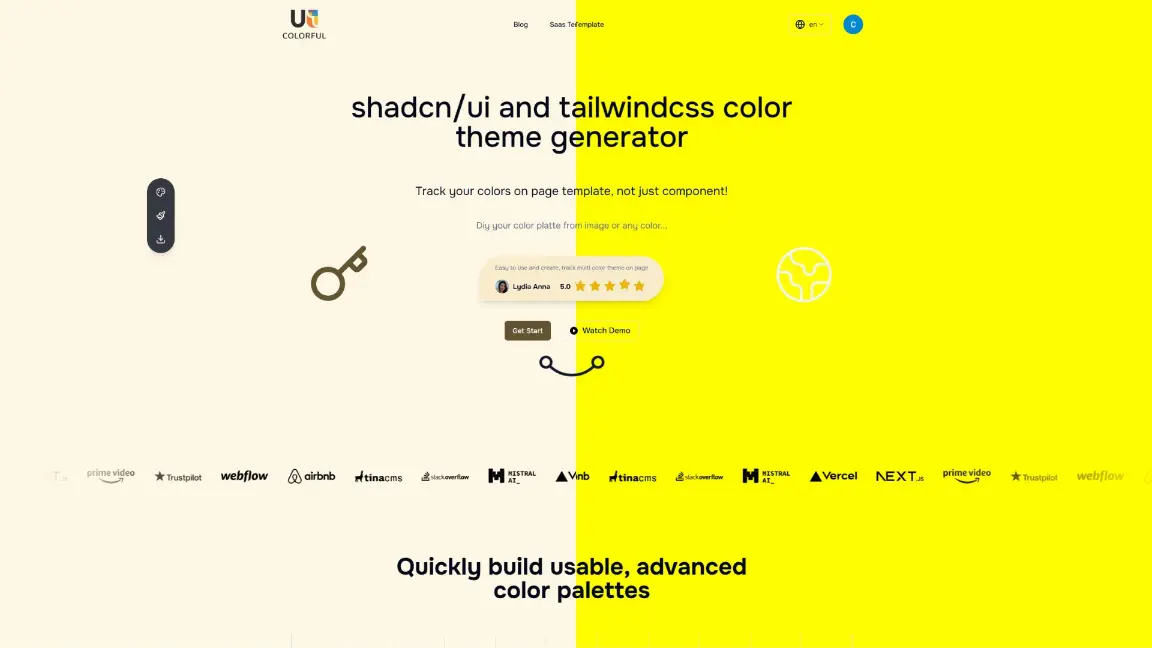
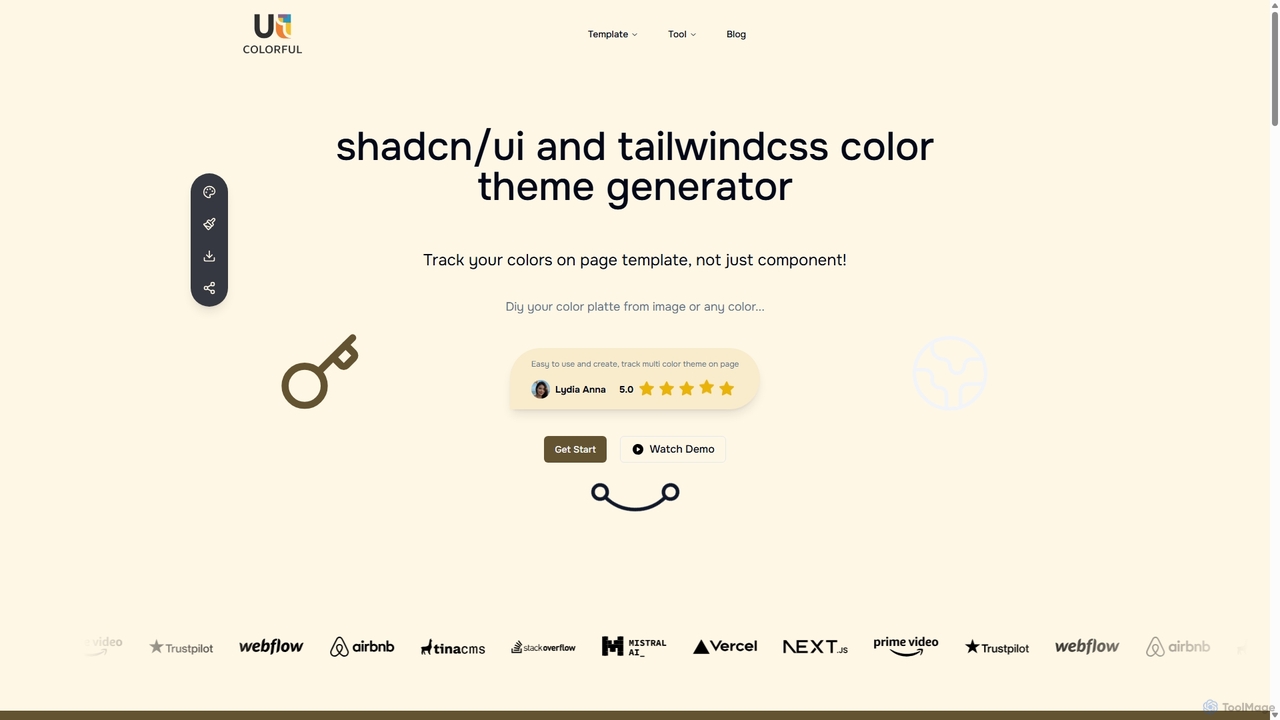
An AI-powered color theme generator for developers and designers using shadcn/ui and Tailwind CSS. Effortlessly create unique, cohesive …

3.0K

About Web Design

AI Web Design tools are a class of software that leverages artificial intelligence to automatically generate, customize, and optimize websites. These tools interpret user inputs, such as text descriptions or style preferences, to create unique layouts, color schemes, and even functional code. Their primary value lies in dramatically reducing the time and technical expertise required to build a professional website, making web creation accessible to a broader audience. This technology streamlines the entire process from initial concept to a deployable site.

Core Features

  • AI-Powered Site Generation: Creates complete website structures, including pages and navigation, from simple text prompts or business descriptions.
  • Intelligent Design Assistance: Suggests aesthetically pleasing color palettes, font pairings, and responsive layouts tailored to the content.
  • Automated Code Creation: Generates HTML, CSS, and sometimes JavaScript code, translating design concepts into functional web pages.
  • Content & SEO Optimization: Populates website templates with relevant text and images, and structures content to improve search engine visibility.

Use Cases

These tools are ideal for small business owners, entrepreneurs, and freelancers who need a professional online presence without a large budget or coding skills. Marketing teams also use them for rapidly creating landing pages for campaigns. Additionally, developers leverage them for quick prototyping and generating boilerplate code to accelerate their workflow.

How to Choose

When selecting an AI Web Design tool, consider the level of customization offered—some provide more creative freedom than others. Evaluate the quality of the generated code if you plan to export it. Also, check for integration capabilities with other platforms like CMS or e-commerce systems, and consider the pricing model based on your project's scale and long-term needs.

Web DesignUse Cases

1

Create a Website for a Small Business

A local bakery owner with no coding experience needs a professional website. Using an AI Web Design tool, they simply describe their business: 'a cozy bakery in Brooklyn specializing in sourdough bread and custom cakes.' The AI generates a complete, multi-page website with a homepage featuring product photos, an 'About Us' page, a menu page, and a contact form. The owner can then easily tweak colors and fonts to match their brand identity, launching a fully functional site in under an hour instead of weeks.

2

Rapid Prototyping for a New App Feature

A front-end developer is tasked with creating a user dashboard for a new web application. Instead of coding the HTML and CSS from scratch, they use an AI tool. They upload a wireframe image or type a prompt like 'Create a modern user dashboard with a sidebar menu, a main content area with data cards, and a header with user profile.' The AI generates the foundational responsive layout and code in minutes. This allows the developer to focus immediately on integrating data and adding complex JavaScript functionality, cutting down the initial development time by half.

3

Generating Landing Page Variations for A/B Testing

A marketing team is launching a new product and needs to test which landing page design converts best. Using an AI web design tool, they input the core product information, value propositions, and a call-to-action. The tool generates five distinct layout variations with different hero sections, button placements, and color schemes. The team can then deploy all five versions simultaneously for A/B/n testing without needing extensive design or development resources. This data-driven approach helps them quickly identify the most effective design to maximize conversions.

4

Building a Personal Portfolio for a Creative Professional

A freelance photographer wants to showcase their work online but lacks web development skills. They use an AI website builder and choose a 'portfolio' template style. The AI prompts them to upload their best photos, write a short bio, and add contact information. It then intelligently arranges the images into a visually appealing gallery, creates a clean 'About Me' page, and sets up a contact form. The photographer can launch a professional, mobile-responsive portfolio in an afternoon, helping them attract new clients without the cost of hiring a designer.

5

Creating an Event Microsite

An event organizer needs a simple website for an upcoming conference. The site must include a schedule, speaker bios, and a registration link. Using an AI web design tool, they input the event details and content for each section. The AI generates a clean, single-page scrolling website with clear sections for each piece of information. It also suggests a color scheme based on the event's logo. This process takes less than two hours, allowing the organizer to focus on promoting the event rather than getting bogged down in web development.

6

Generating SEO-Optimized Blog Layouts

A content creator wants to start a blog but is unsure how to structure it for readability and SEO. They use an AI web design tool focused on content sites. The AI not only generates a clean, minimalist blog theme but also structures the post templates with proper heading tags (H1, H2, H3), allocates space for images with alt-text reminders, and creates a layout that encourages user engagement (e.g., clear call-to-action sections, related posts). This ensures that from day one, their content is presented in a search-engine-friendly format, improving their chances of ranking well.

Web DesignFrequently Asked Questions