ToolMage
Sign in

Best 1 Wordpress AI tools for Productivity

Popular Wordpress AI tools in Productivity include CodeWP, helping you work more efficiently.

CodeWP
Freemium

CodeWP

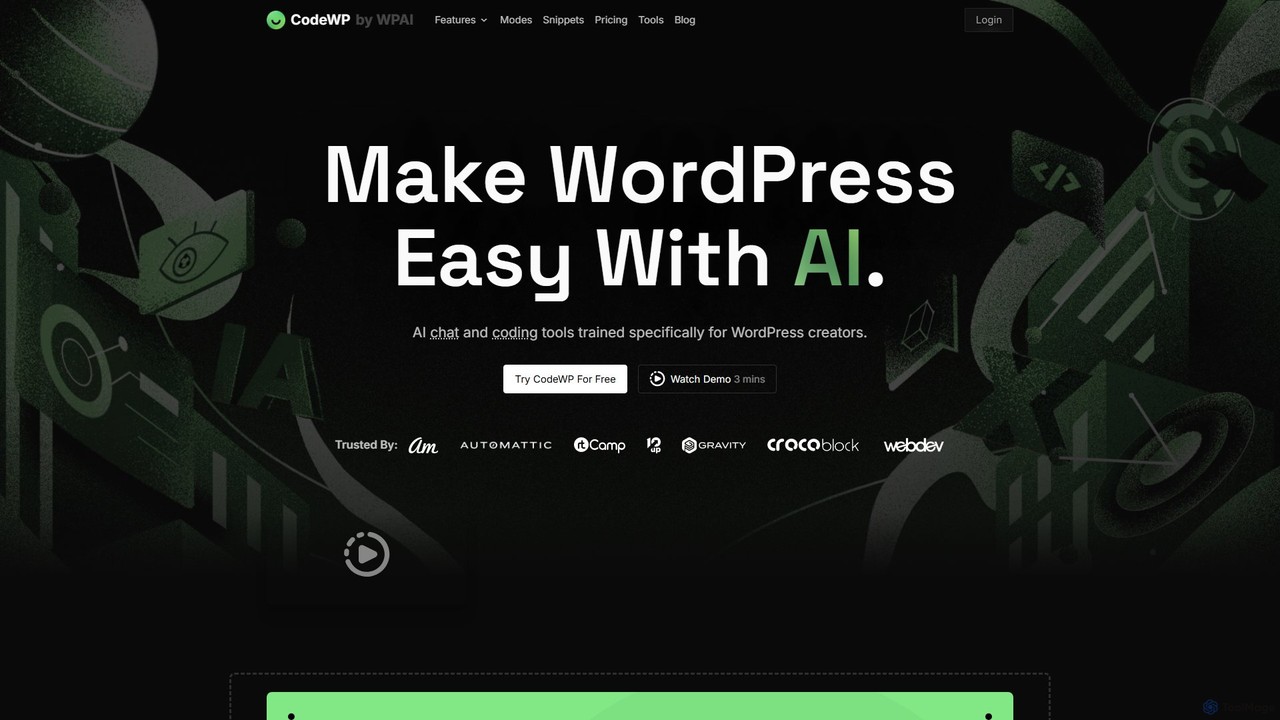
CodeWP is a specialized AI platform for WordPress creators. It offers AI-powered code generation (PHP, JS, CSS), an expert chat assistant, and troubleshooting tools. Trained specifically on WordPress, it produces accurate, secure, and up-to-date code snippets and plugins, streamlining workflows for developers and empowering non-technical users to build and manage their sites more efficiently.

Code Assistant
Visits 6.5KFavorites 111Likes 104

About Wordpress

AI Wordpress tools are plugins and services designed to integrate artificial intelligence capabilities directly into the Wordpress ecosystem. These tools leverage technologies like natural language processing and machine learning to automate and enhance tasks such as content creation, SEO optimization, and website management. Their primary value lies in streamlining workflows, allowing creators and administrators to produce high-quality content and manage their sites more efficiently without leaving the Wordpress dashboard. This direct integration distinguishes them from standalone AI applications, offering a more seamless and productive experience.

Core Features

  • Integrated Content Generation: Create drafts for blog posts, pages, or product descriptions directly within the Wordpress editor using AI prompts.
  • AI-Powered SEO Optimization: Analyze content, generate meta titles and descriptions, suggest relevant keywords, and build internal links automatically.
  • Image Generation & Optimization: Produce unique images from text descriptions and automatically compress or add alt text to existing media.
  • Automated Site Management: Handle tasks like comment moderation, spam filtering, content translation, and creating redirects with AI assistance.
  • AI-Assisted Design & Layout: Utilize AI assistants in page builders to suggest layouts, color schemes, or even generate entire sections of a page.

Use Cases

These tools are ideal for content creators, bloggers, digital marketers, and SEO specialists who manage Wordpress websites. They are also highly valuable for small business owners and agencies looking to scale content production and optimize multiple client sites efficiently. Any user aiming to reduce manual effort in content strategy, creation, and technical SEO will find these plugins beneficial.

How to Choose

When selecting an AI Wordpress tool, consider its core functionality—whether you need a focus on content writing, SEO, or image creation. Evaluate its compatibility with your existing theme and plugins to avoid conflicts. Assess the user interface for ease of use and how well it integrates into your workflow. Finally, compare pricing models, such as one-time fees versus subscriptions, and check for usage limits to ensure it aligns with your budget and content volume.

Wordpress use cases

1

Automated Blog Post Drafting

A content marketer for a tech startup needs to publish three new blog posts per week. Using an AI Wordpress plugin, they input a topic title and a few keywords. The AI generates a structured draft directly in the Wordpress editor, complete with headings, paragraphs, and a conclusion. The marketer then spends about 30% of their usual time editing and refining the content, significantly accelerating the content production pipeline and allowing them to focus on strategy and promotion.

2

Bulk SEO Optimization for E-commerce Products

An e-commerce store manager has just added 200 new products to their WooCommerce site. Manually writing unique SEO titles and meta descriptions for each is a daunting task. They use an AI Wordpress tool that integrates with WooCommerce. With a few clicks, the tool analyzes each product's name and description to generate optimized, unique meta tags for all new items. This saves days of manual work and helps improve the search engine ranking for individual product pages.

3

Generating Unique Featured Images On-the-Fly

A travel blogger is writing an article about a remote destination and lacks high-quality, original photos. Instead of using generic stock images, they use an integrated AI image generator within their Wordpress post editor. They type a descriptive prompt like 'serene tropical beach at sunset with palm trees, photorealistic style'. The AI generates several unique image options. The blogger selects the best one, which is then automatically added to their media library and set as the featured image, enhancing the article's visual appeal and originality.

4

Intelligent Comment Spam Filtering

The administrator of a popular news blog receives hundreds of comments daily, many of which are spam. Manually sifting through them is time-consuming. By activating an AI-powered anti-spam plugin for Wordpress, the system learns to identify spam patterns beyond simple keyword matching. It analyzes context, user history, and link quality to automatically move junk comments to the spam folder with high accuracy, freeing up the administrator's time to engage with legitimate reader feedback.

5

Automating Internal Link Building

An SEO specialist is working on a large content-rich website with over 500 articles. Building a strong internal linking structure manually is a massive project. They install an AI Wordpress plugin that scans all published content. When they write a new article, the plugin suggests relevant internal linking opportunities from existing posts directly in the editor. It identifies keywords and contextual relationships to propose natural and SEO-friendly links, improving site navigation and distributing link equity effectively.

6

AI-Assisted Website Content Translation

A company wants to expand its market reach to Spanish-speaking countries. Instead of a costly manual translation process for their entire Wordpress site, they use an AI translation plugin. The tool automatically detects all text content, including pages, posts, and menus, and provides high-quality machine translations. A native speaker can then quickly review and refine the translations within Wordpress, launching a multilingual site in a fraction of the time and cost compared to traditional methods.

Wordpress FAQ

What are AI Wordpress tools?

AI Wordpress tools are plugins or services that integrate artificial intelligence directly into your Wordpress dashboard. They are designed to streamline website management by automating or assisting with tasks like content creation, SEO optimization, image generation, and comment moderation. Unlike standalone AI apps, these tools work within your existing workflow, allowing you to generate a blog post draft, optimize a page for search engines, or create an image without ever leaving your site's backend.

How to choose the right AI tool for Wordpress?

Choosing the right AI Wordpress tool depends on your primary needs. Consider the following factors:

  • Primary Function: Do you need help with content writing, SEO, image creation, or site management? Choose a tool that specializes in your area of need.
  • Integration: Ensure the plugin is compatible with your Wordpress version, theme, and other essential plugins like page builders or e-commerce solutions.
  • Ease of Use: Look for a tool with an intuitive interface that fits naturally into your Wordpress workflow without a steep learning curve.
  • Pricing and Limits: Compare subscription costs, credit systems, or one-time fees. Check for any limits on content generation or features that might affect your usage.
What's the difference between a general AI writer and an AI Wordpress plugin?

The primary difference is integration and workflow. A general AI writer is a standalone application where you generate content and then must copy and paste it into Wordpress. An AI Wordpress plugin is integrated directly into your site's editor. This allows for a seamless workflow where you can generate, edit, format, and optimize content for SEO all in one place. Integrated plugins can also access your site's data to perform tasks like suggesting internal links or optimizing existing content, which standalone tools cannot do.

Can AI tools replace human content creators on Wordpress?

AI tools are best viewed as powerful assistants rather than replacements for human creators. They excel at generating drafts, brainstorming ideas, summarizing information, and handling repetitive SEO tasks. However, human oversight is crucial for fact-checking, ensuring brand voice consistency, adding unique insights, and creating truly original, high-quality content. The most effective approach combines AI's speed and efficiency with a human's creativity, critical thinking, and strategic direction.

Are AI Wordpress plugins safe for my website?

Generally, AI plugins from reputable developers are safe to use. However, like any plugin, they can pose a security risk if not well-maintained. To ensure safety, always download plugins from the official Wordpress repository or trusted marketplaces. Keep them, along with your Wordpress core and theme, updated to the latest versions. Before installing, check user reviews, the last updated date, and compatibility with your Wordpress version. It's also a good practice to back up your site before adding any new major plugin.