ToolMage
Sign in

Best 35 Teacher Tools

Popular Teacher Tools include NoRedInk, Revisely, Twee, Quizgecko, EssayGrader, Quizbot, Conker, QuizWhiz, PrepAI, and Quiz Wizard, helping you work more efficiently.

LessonShip
Paid

LessonShip

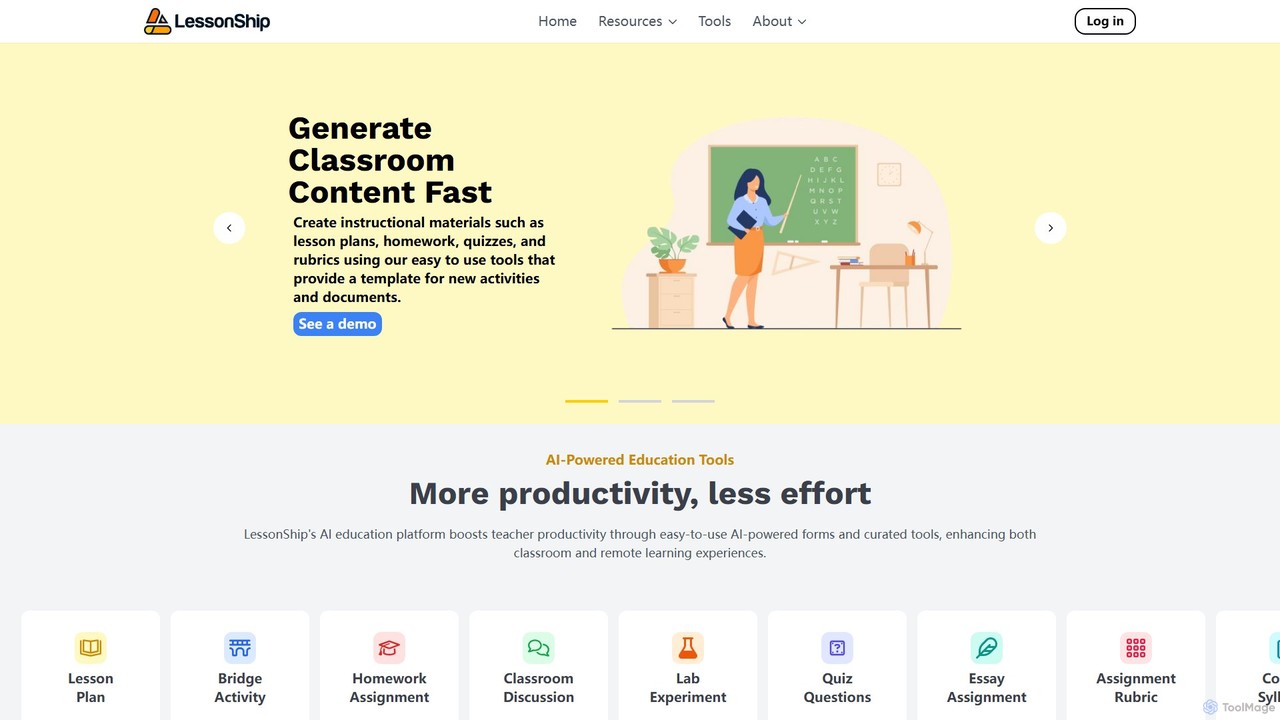
LessonShip is an AI-powered platform designed for educators to rapidly create high-quality instructional materials. It helps teachers save hours on prep work by generating lesson plans, quizzes, homework, and more, allowing them to focus on student engagement and personalized learning.

Lesson Planning
Visits 6.4KFavorites 138Likes 172
Quiz Wizard
Freemium

Quiz Wizard

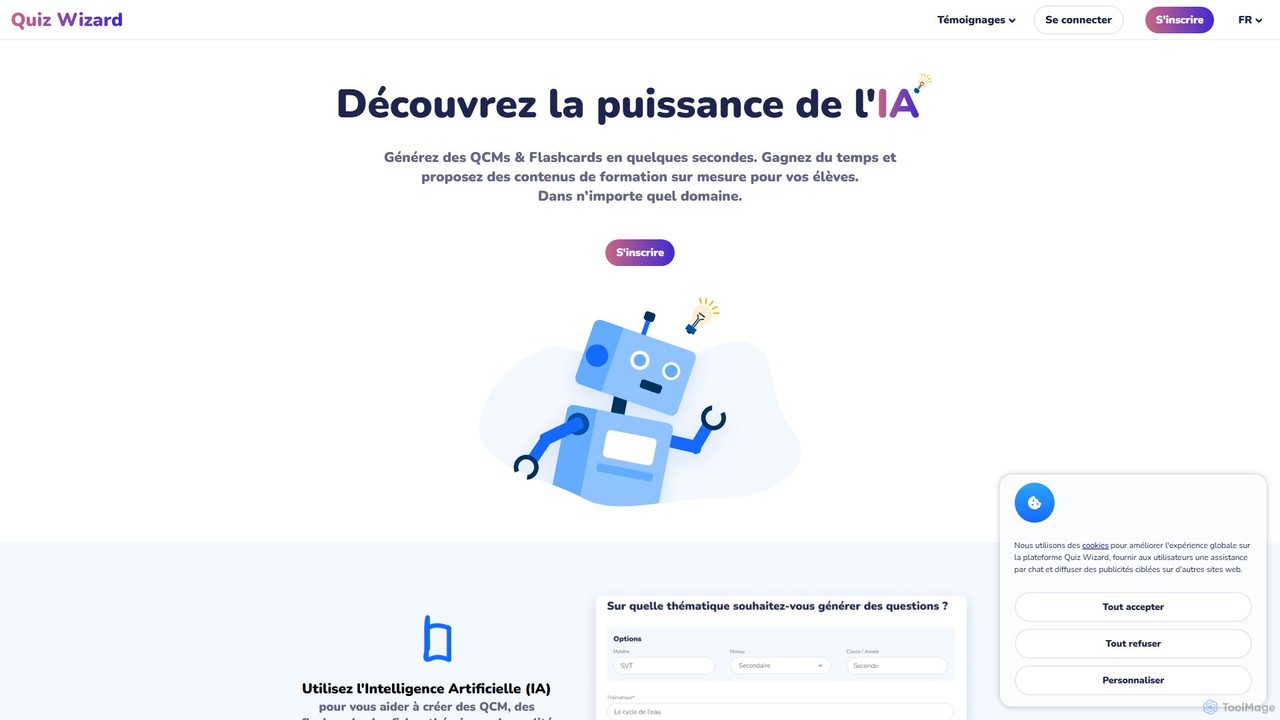
Quiz Wizard is an AI-powered platform designed for educators and trainers to instantly generate multiple-choice questions (MCQs), flashcards, and theory sheets on any topic. Save hours of preparation time and create customized learning materials in seconds.

Assessment
Visits 27.6KFavorites 141Likes 119
NoRedInk
Freemium

NoRedInk

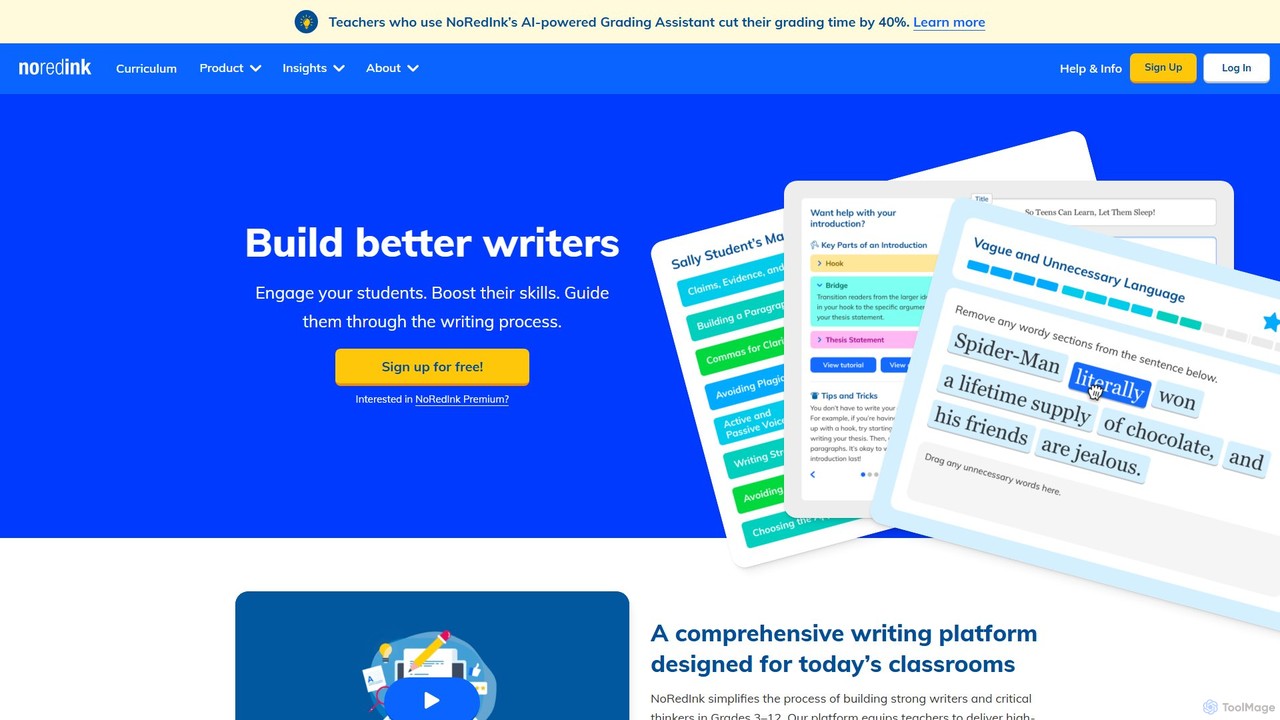
NoRedInk is an AI-powered online writing curriculum for students in grades 3-12. It improves grammar and writing skills through adaptive learning, high-interest personalized content, and guided composition tools. It helps teachers deliver effective instruction, track progress, and save time with features like AI grading and originality insights.

Language Learning
Visits 1.3MFavorites 170Likes 166
QuizWhiz
Freemium

QuizWhiz

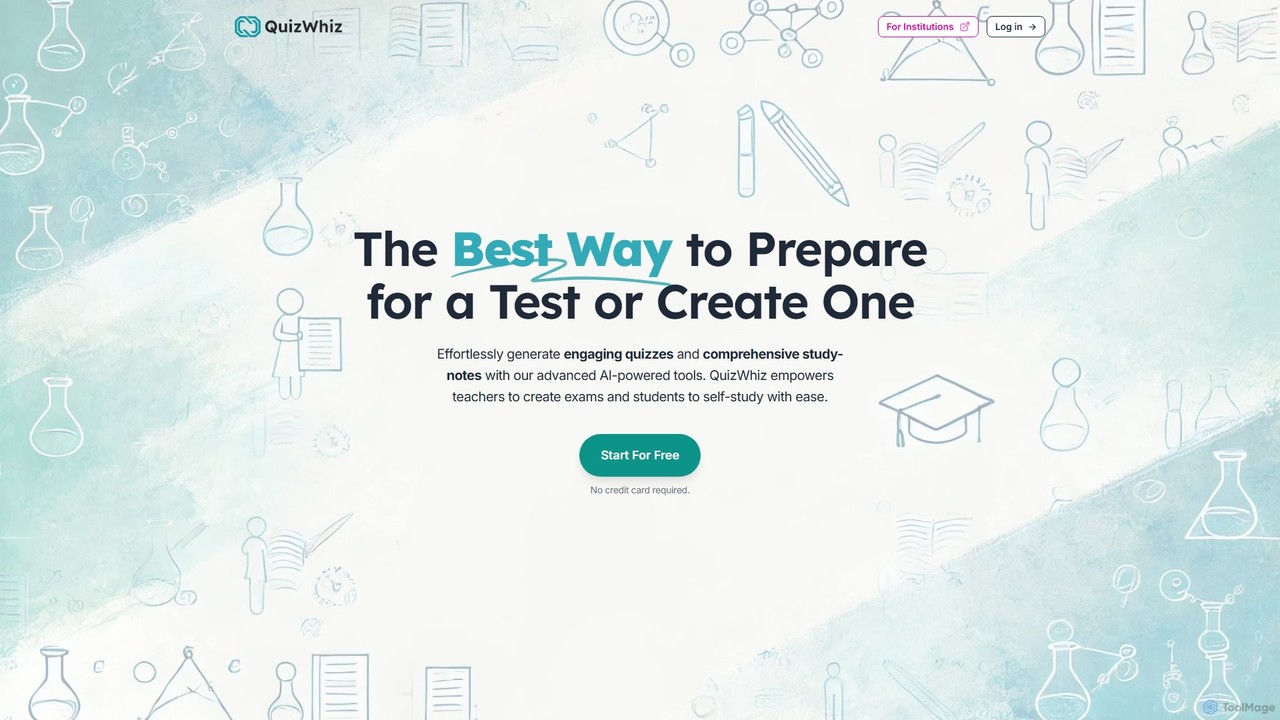
QuizWhiz is an AI-powered educational platform designed for teachers and students. It effortlessly generates engaging quizzes, comprehensive study notes, and detailed performance analytics from any text, PDF, or URL. Supporting various question types and integrations like Google Classroom, it streamlines test creation for educators and personalizes the study experience for learners, making test preparation more efficient and effective.

Assessment
Visits 42.5KFavorites 128Likes 127
Coursezy
Freemium

Coursezy

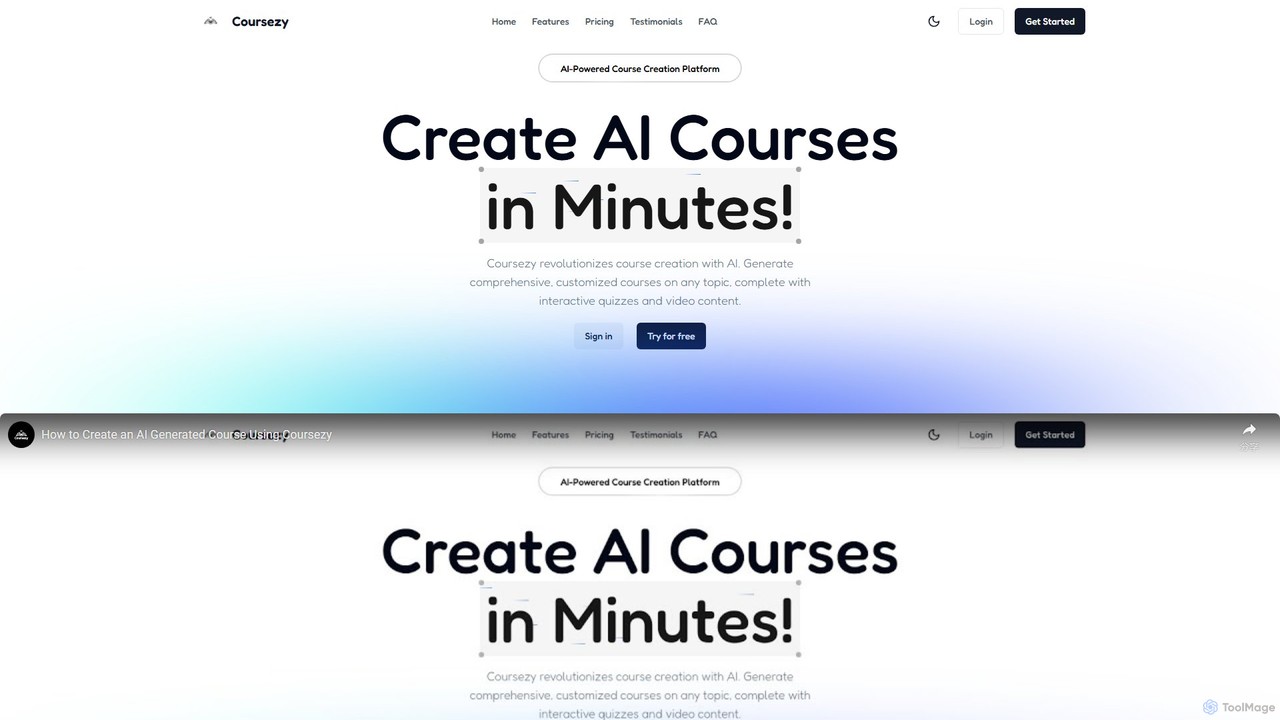
Coursezy is an AI-powered platform that revolutionizes course creation. It enables educators, trainers, and creators to generate comprehensive, customized courses on any topic in minutes. The platform automatically builds curricula, interactive quizzes, and supports video integration, streamlining the entire content development process for a more engaging learning experience.

Course Creation
Visits 5.6KFavorites 123Likes 130
Conker
Freemium

Conker

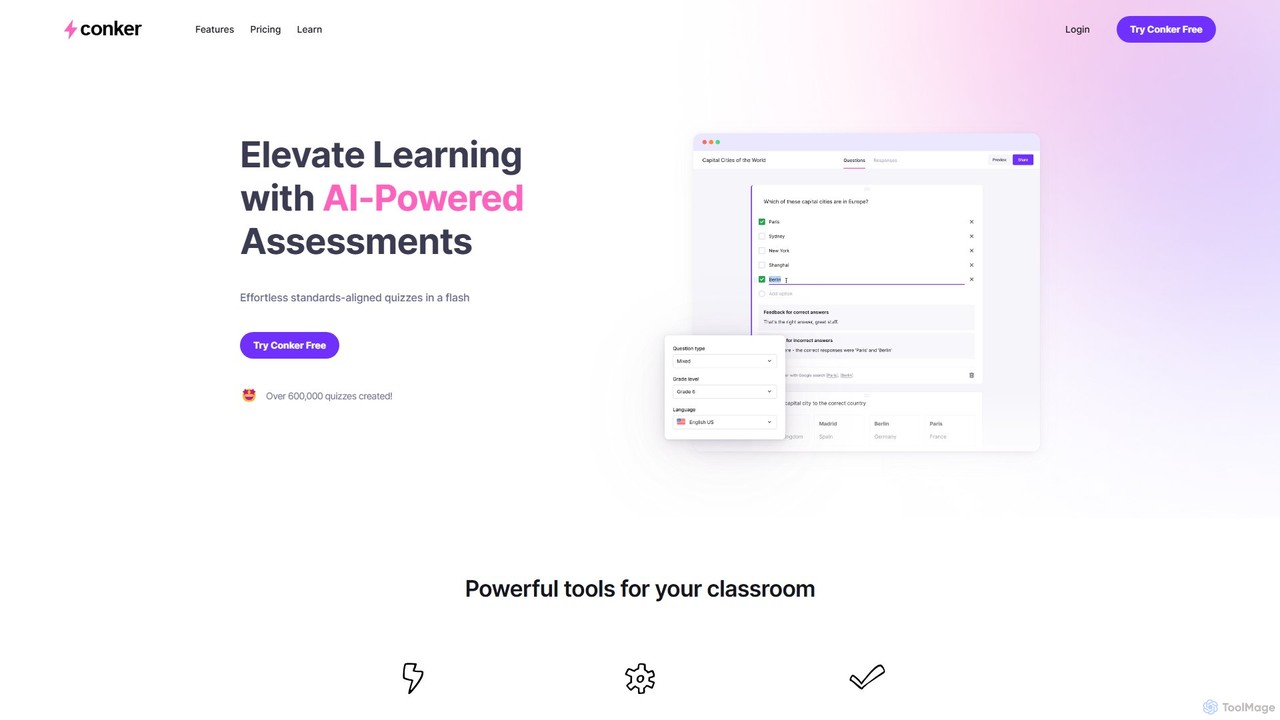
Conker is an AI-powered quiz generator designed for educators. It instantly creates customizable, standards-aligned assessments and quizzes with various question types. This tool helps teachers save time, differentiate instruction, and increase student engagement by integrating seamlessly with platforms like Google Forms and Canvas.

Assessment Generation
Visits 47.6KFavorites 173Likes 159
EssayGrader
Freemium

EssayGrader

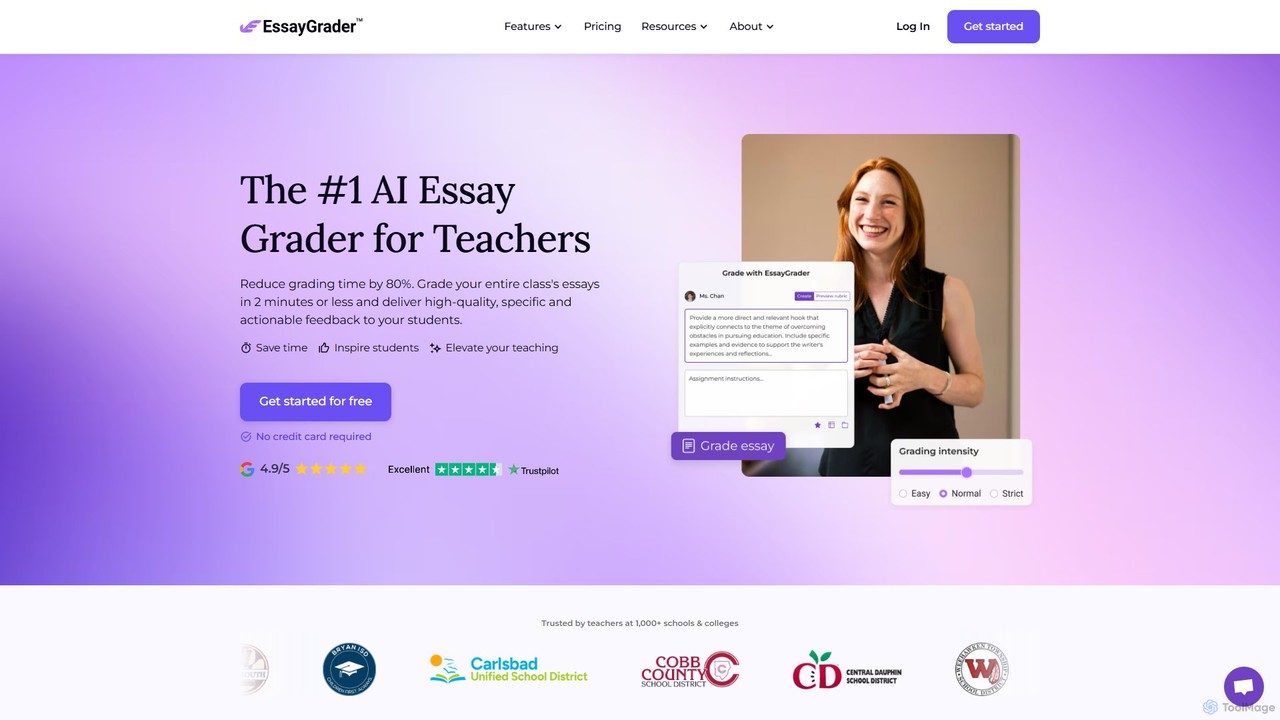
EssayGrader is an AI-powered grading tool for educators that automates essay evaluation. It allows teachers to create custom rubrics, integrate with LMS like Canvas and Google Classroom, and receive instant, detailed feedback and accurate grades for student submissions, including handwritten work. It's designed to save time and streamline the grading process for teachers at all levels.

Grading
Visits 112.4KFavorites 133Likes 146
Exam Maker AI
Paid

Exam Maker AI

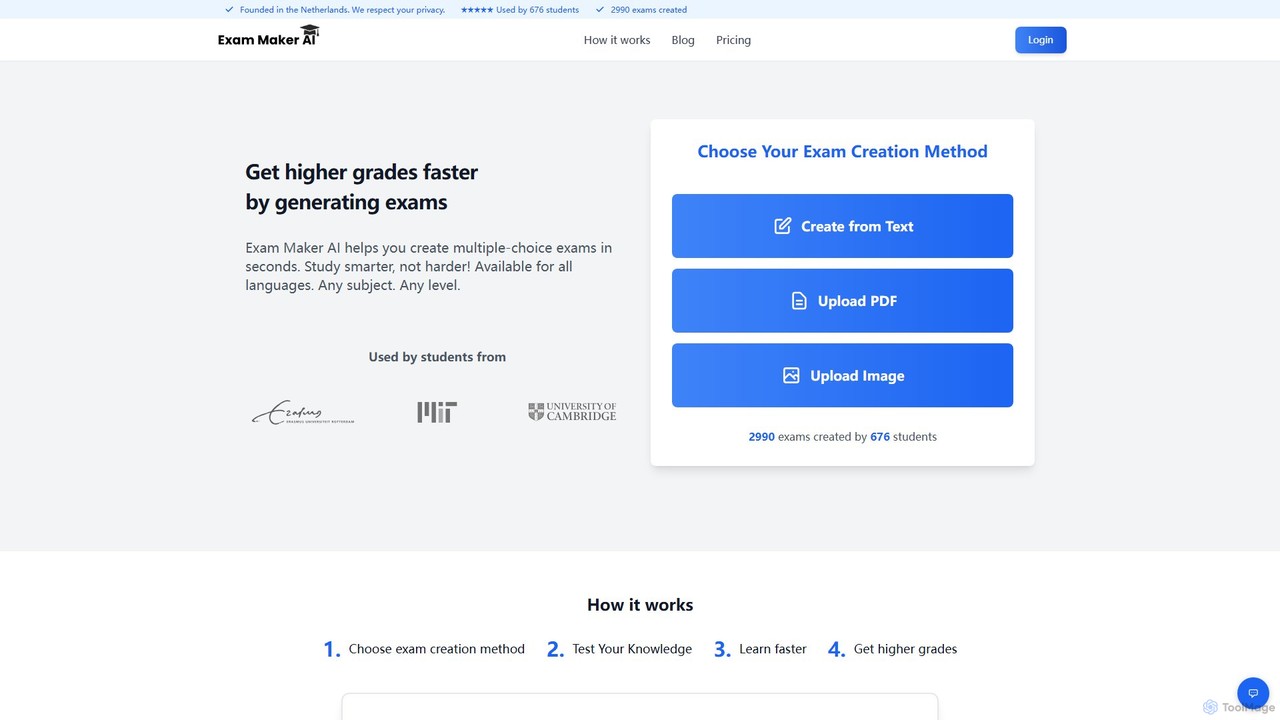
Exam Maker AI is an AI-powered tool that instantly generates multiple-choice exams from various materials like text, PDFs, images, and YouTube videos. Designed for students and teachers, it supports all subjects and languages, helping users study smarter, save time, and achieve higher grades through automated test creation and performance tracking.

Test Preparation
Visits 5.6KFavorites 134Likes 129
GradeWiz
Freemium

GradeWiz

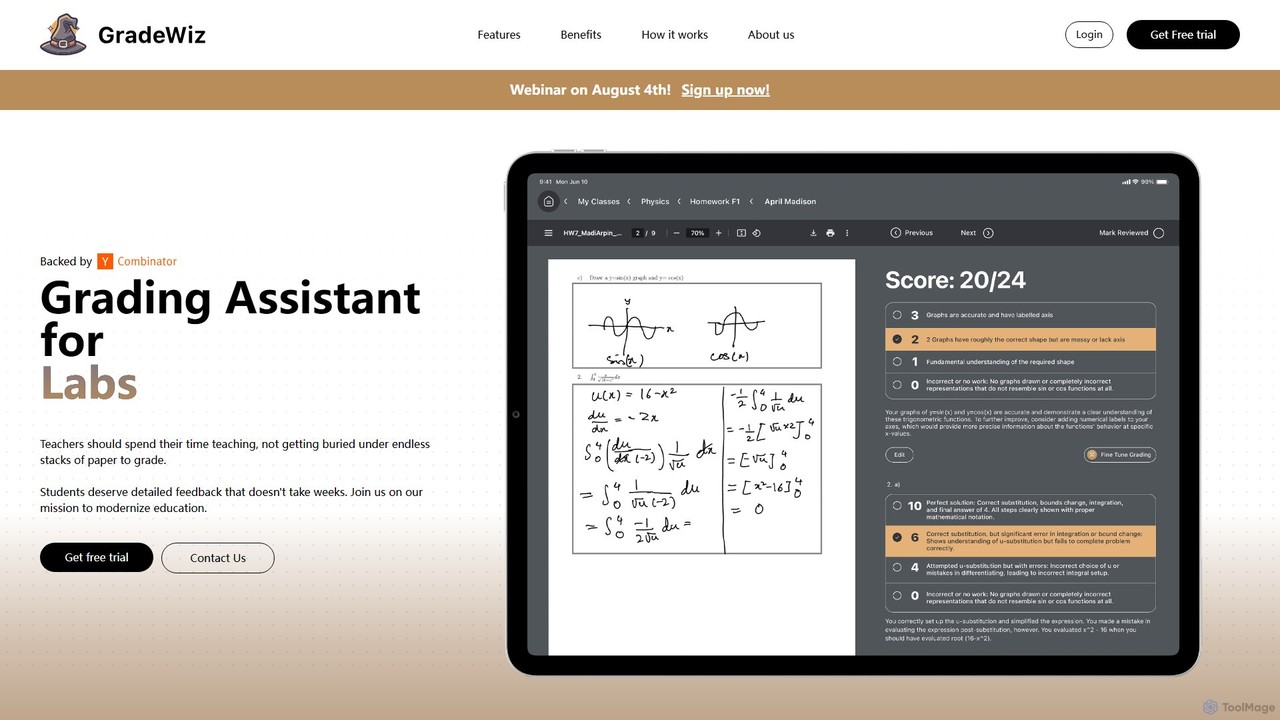
GradeWiz is an AI-powered grading assistant designed for educators. It automates the grading process, provides personalized and constructive feedback on student work, and helps teachers save significant time. By leveraging customizable rubrics, GradeWiz ensures consistent and fair evaluation across all assignments, allowing teachers to focus more on instruction and student engagement.

Grading
Visits 8.2KFavorites 114Likes 114
Gradelab
Freemium

Gradelab

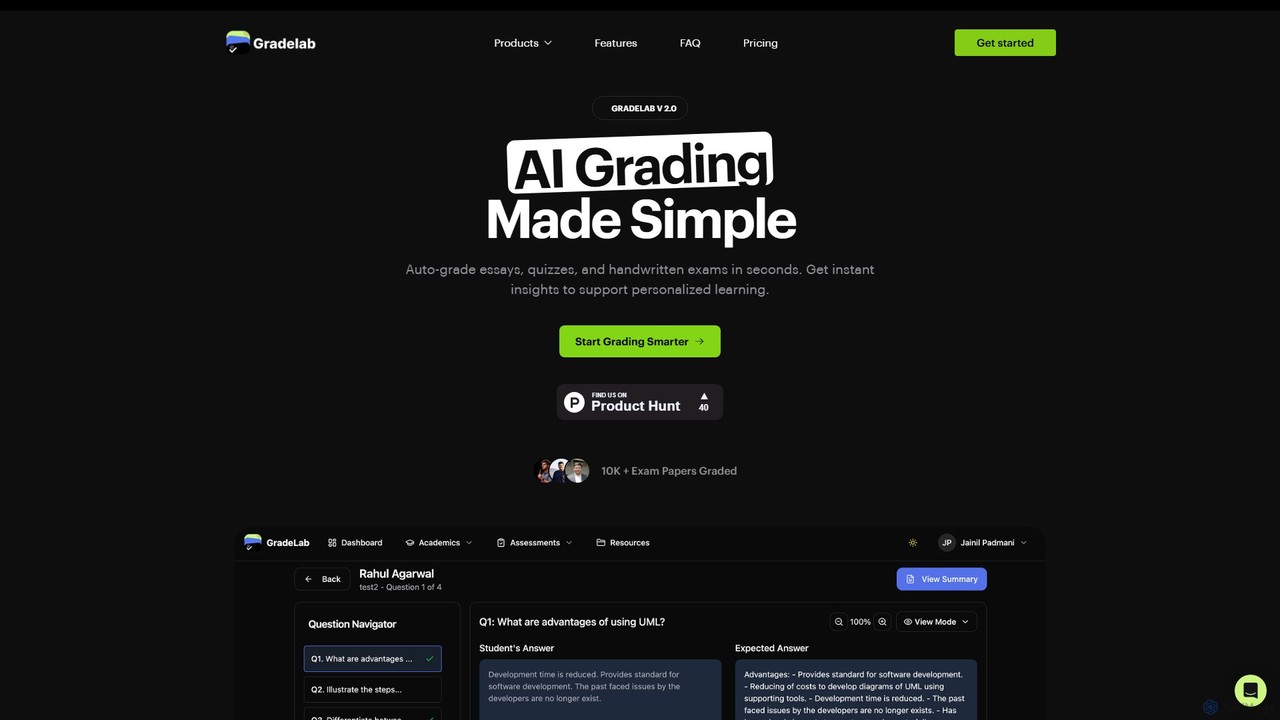
Gradelab is an AI-powered assessment platform designed for educators. It automates the grading of digital and handwritten exams, essays, and quizzes in seconds. The tool provides detailed performance analytics, generates curriculum-aligned questions, and offers robust class management features to save teachers time and enhance personalized learning.

Assessment
Visits 10.7KFavorites 151Likes 147
Qwizzard
Freemium

Qwizzard

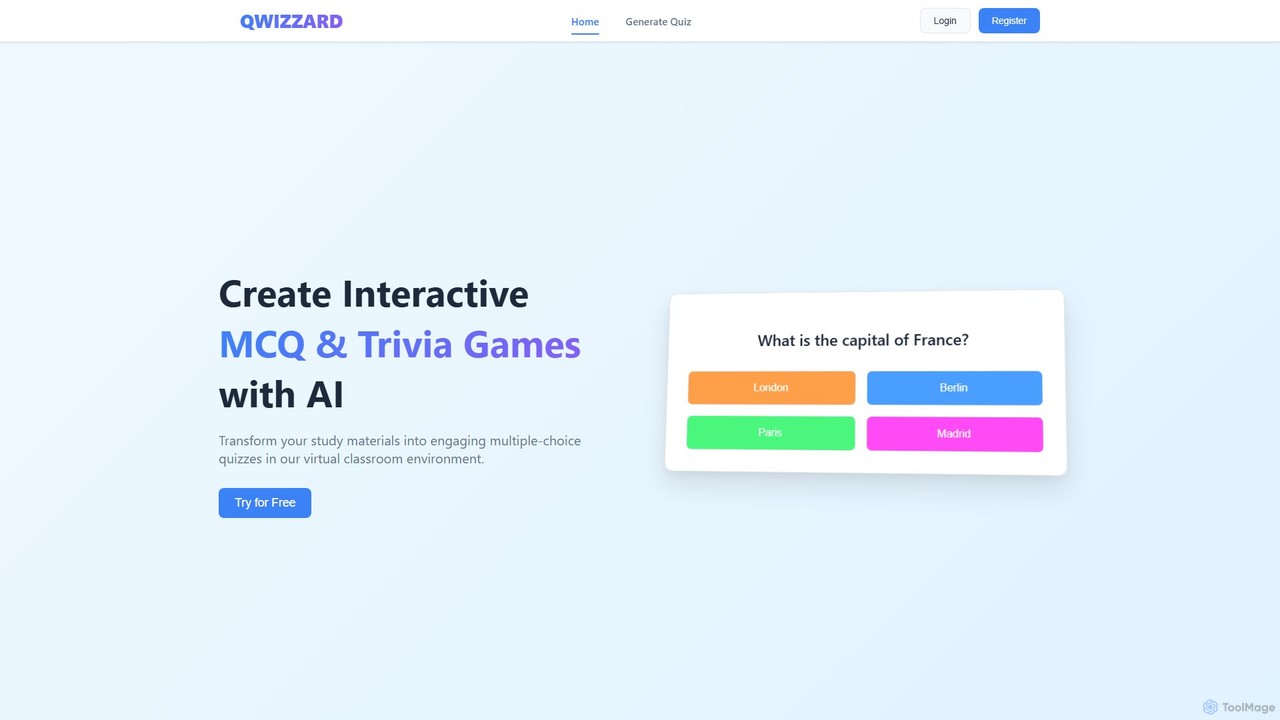
Qwizzard is an AI-powered question generator that transforms your documents, presentations, and study materials into interactive multiple-choice quizzes and trivia games. Ideal for educators, students, and trainers, it saves hours of preparation time and makes learning more engaging and effective through a virtual classroom experience with instant feedback.

Assessment
Visits 6.3KFavorites 124Likes 119

About Teacher Tools

AI Teacher Tools are specialized applications that leverage artificial intelligence to support educators in planning, instruction, and assessment. These tools utilize machine learning and natural language processing to automate administrative tasks, generate educational content, and provide personalized learning experiences. They are designed to streamline workflows, save valuable time, and offer data-driven insights into student performance, ultimately enhancing the quality of education.

Core Features

  • Lesson Plan Generation: Automatically creates structured and engaging lesson plans based on curriculum standards, topics, and student age groups.
  • Automated Grading & Feedback: Grades assignments, quizzes, and essays, providing instant, constructive feedback on grammar, structure, and content.
  • Content Creation: Generates diverse educational materials, including quizzes, worksheets, presentations, and interactive activities.
  • Personalized Learning Paths: Analyzes student performance data to recommend customized learning activities and resources that address individual needs.
  • Plagiarism Detection: Scans student submissions against a vast database to identify potential plagiarism and ensure academic integrity.

Use Cases

These tools are widely used across all educational levels, from K-12 to higher education and corporate training. Teachers use them to reduce their administrative burden, differentiate instruction for diverse learners, and create more engaging classroom materials. University professors employ them for large-scale assessment and research, while tutors use them to provide tailored support to students.

How to Choose

When selecting an AI Teacher Tool, consider its compatibility with your subject area and grade level. Evaluate its integration capabilities with existing Learning Management Systems (LMS) like Google Classroom or Canvas. Assess the user interface for ease of use for both teachers and students. Crucially, review the tool's data privacy and security policies to ensure compliance with educational standards.

Featured tool rankings

Teacher Tools use cases

1

Automate Essay Grading and Feedback

A high school English teacher with over 120 students uses an AI grading tool to manage their workload. After students submit their essays through the Learning Management System (LMS), the teacher runs the batch through the AI tool. The tool instantly analyzes each essay for grammar, spelling, syntax, and structural coherence. It provides specific, color-coded feedback directly on the documents and assigns a preliminary score based on a pre-configured rubric. This process reduces the teacher's grading time by over 70%, allowing them to focus on providing higher-level feedback on argumentation and critical thinking rather than on mechanical errors.

2

Generate Differentiated Learning Materials

An elementary school teacher needs to create reading comprehension worksheets for a class with diverse reading levels. Using an AI content generator, the teacher inputs a single source text and specifies three difficulty levels: basic, intermediate, and advanced. The AI tool automatically generates three distinct versions of the worksheet. The basic version uses simpler vocabulary and direct questions. The intermediate version includes some inferential questions. The advanced version features complex questions about theme and author's purpose. This allows the teacher to provide appropriate challenges for every student in a fraction of the time it would take to create these materials manually.

3

Create Interactive Quizzes and Games

A history professor wants to make their lectures more engaging. They use an AI tool to transform their lecture notes into an interactive quiz game. The professor uploads the notes, and the AI identifies key facts, dates, and concepts to generate multiple-choice questions, true/false statements, and fill-in-the-blank challenges. The tool also suggests gamification elements like timers and leaderboards. The professor can then launch the game in class, allowing students to participate using their smartphones. This approach turns a passive listening experience into an active learning competition, improving knowledge retention and class participation.

4

Develop a Personalized Study Plan for a Student

A tutor is working with a student struggling in algebra. To identify specific weaknesses, the tutor has the student complete a diagnostic test using an AI platform. The AI analyzes the results and generates a detailed report highlighting conceptual gaps, such as factoring polynomials and solving linear inequalities. Based on this analysis, the platform creates a personalized study plan with a sequence of video lessons, interactive exercises, and practice quizzes tailored to the student's needs. This data-driven approach allows the tutor to focus their one-on-one time on the most critical areas, making tutoring sessions far more efficient and effective.

5

Streamline Parent-Teacher Communication

A primary school teacher needs to send weekly progress updates to the parents of 30 students. Instead of writing 30 individual emails, the teacher uses an AI communication tool linked to the school's gradebook. The teacher creates a single template that includes placeholders for student name, recent grades, and upcoming assignments. The AI tool then automatically populates each template with the specific data for each student and can even add a brief, AI-generated positive comment based on recent performance. The teacher can review and send all 30 personalized emails in minutes, fostering better parent engagement with minimal effort.

6

Detect Plagiarism in Student Submissions

A university professor teaching a large introductory course suspects some students are submitting work that is not their own. They integrate an AI-powered plagiarism checker into their course management system. As students submit their research papers, the tool automatically scans each document and compares it against a massive database of academic journals, websites, and previously submitted student papers. The system generates an originality report for each submission, highlighting passages that match other sources and providing direct links to the original content. This allows the professor to quickly identify potential academic dishonesty and address it, upholding the integrity of the course.

Teacher Tools FAQ

What are AI Teacher Tools?

AI Teacher Tools are software applications designed to help educators by automating tasks, personalizing learning, and creating content. They use artificial intelligence to handle repetitive work like grading and lesson planning, allowing teachers to focus more on direct student interaction. Key features often include automated assessment, content generation, plagiarism detection, and creating personalized study paths for students based on their performance.

How do I choose the right AI Teacher Tool?

To choose the right tool, consider these factors:

  • Subject and Grade Level: Ensure the tool is designed for your specific teaching context. A tool for university-level physics will differ greatly from one for elementary school reading.
  • Integration: Check if it integrates with your existing Learning Management System (LMS), such as Google Classroom, Canvas, or Moodle, to streamline workflows.
  • Ease of Use: The tool should have an intuitive interface for both you and your students. Look for free trials or demos to test usability.
  • Data Privacy: Verify that the tool complies with student data privacy regulations like FERPA or GDPR. Check their policy on data ownership and usage.
Can AI tools replace human teachers?

No, AI tools are not intended to replace human teachers. They are designed to be assistants that augment a teacher's capabilities. AI excels at handling data-driven, repetitive tasks like grading, generating practice questions, and tracking progress. This frees up teachers to focus on uniquely human skills such as mentoring, fostering critical thinking, providing emotional support, and inspiring students. The goal is a collaborative model where technology handles the administrative load, and teachers focus on high-impact instruction and connection.

What are the main functions of AI Teacher Tools?

AI Teacher Tools offer a range of functions to support educators. The most common ones include:

  • Content Generation: Creating lesson plans, quizzes, worksheets, and presentation slides from a simple prompt.
  • Automated Assessment: Grading multiple-choice questions, short answers, and even complex essays with detailed feedback.
  • Personalization: Analyzing student data to create adaptive learning paths and recommend specific resources.
  • Administrative Automation: Assisting with tasks like scheduling, parent communication, and generating progress reports.
  • Plagiarism Detection: Ensuring academic integrity by checking student work against online sources and databases.
Are AI Teacher Tools secure for student data?

Security is a critical consideration. Reputable AI Teacher Tools are designed with student data privacy in mind and comply with regulations like the Family Educational Rights and Privacy Act (FERPA) in the US and the General Data Protection Regulation (GDPR) in Europe. However, it is essential for educators and institutions to vet any tool before adoption. Always review the provider's privacy policy, understand how student data is stored, used, and protected, and ensure that data is encrypted both in transit and at rest. Choosing established providers with transparent security practices is key.