ToolMage
Sign in

Best 1,920 Video AI tools

Popular Video AI tools include Adobe, OpenAI, VidCap, labs.google/fx, Google Labs, Shutterstock, Vimeo, CapCut, ElevenLabs, and Manus, helping you work more efficiently.

Boolv
Freemium

Boolv

Boolv is an all-in-one AI-powered content creation toolkit designed for businesses. It simplifies marketing by providing a suite of tools for video generation, image editing, and text paraphrasing. Create stunning promo videos, remove backgrounds, enhance media quality, and rewrite copy effortlessly to elevate your brand's presence.

Image Editing
Visits 7.7KFavorites 122Likes 125
ImageToVideoAI
Freemium

ImageToVideoAI

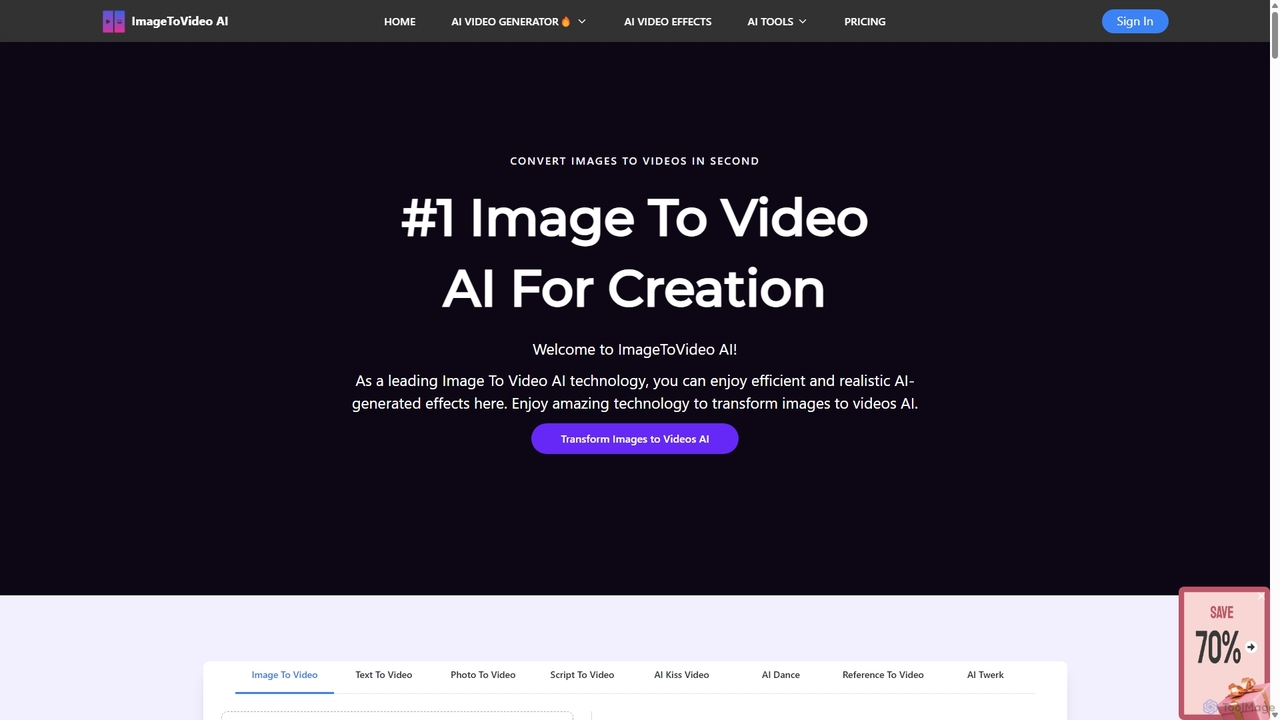
ImageToVideoAI is a powerful AI-driven platform that effortlessly converts static images, photos, and text scripts into dynamic, engaging videos. It offers a suite of creative tools, including specialized generators for dance, kiss, and hug animations, all while providing high-definition, watermark-free downloads, even for free users. It's designed for content creators, marketers, and individuals to produce professional-quality videos quickly and cost-effectively.

Creative
Visits 116.3KFavorites 119Likes 106
Fluximage
Freemium

Fluximage

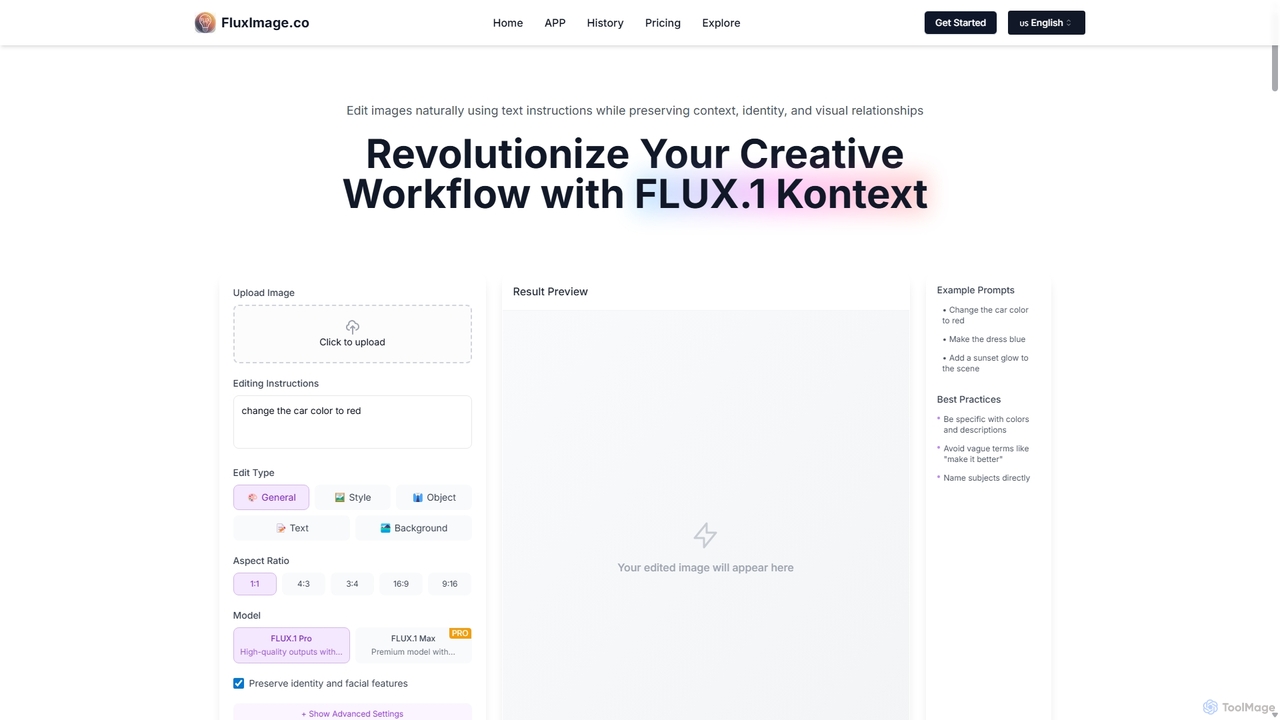
Fluximage is an advanced AI platform for image and video editing using natural language instructions. Its core technology, FLUX.1 Kontext, allows users to make precise, context-aware edits—like changing colors or objects—while preserving character identity and overall image integrity. It's designed for creative professionals seeking a faster, more intuitive workflow for iterative design and content creation.

Image Editing
Visits 6.9KFavorites 157Likes 140
Steve AI
Freemium

Steve AI

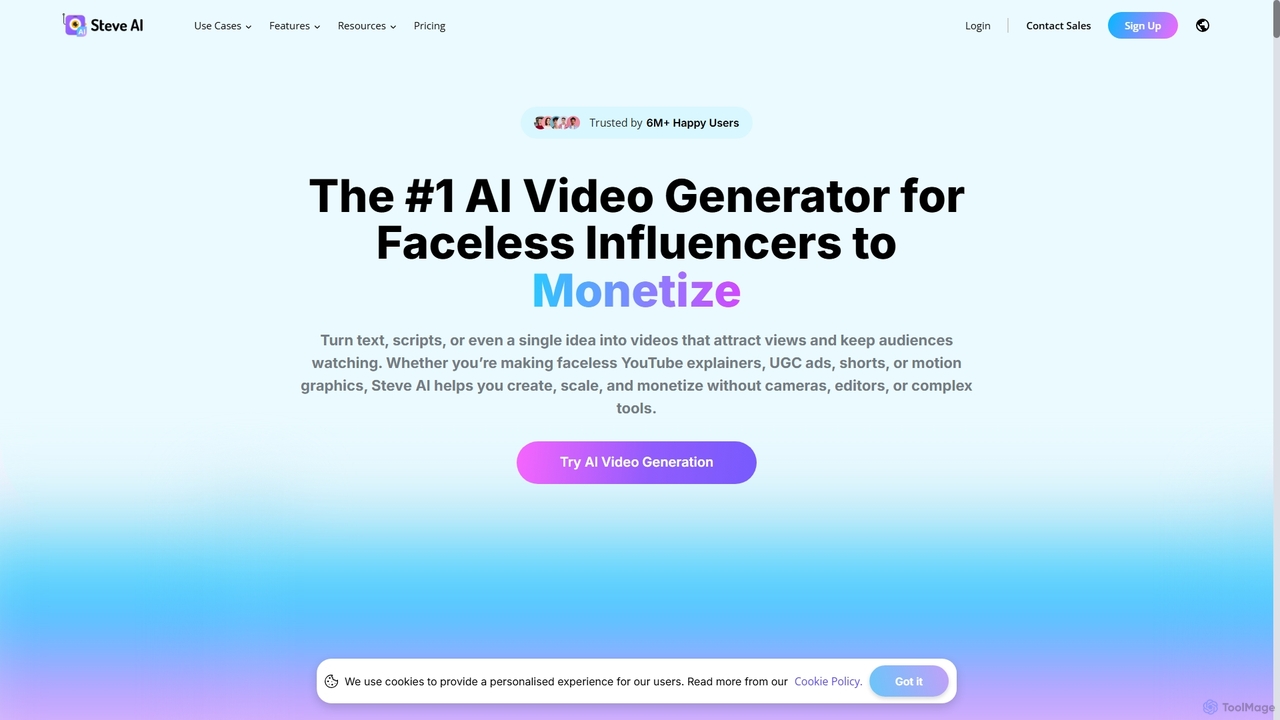
Steve AI is a powerful AI video generator designed for faceless creators, marketers, and educators. It transforms text, scripts, blog posts, or simple prompts into engaging animated and live-action videos in minutes. Featuring AI scriptwriting, realistic voiceovers, and a vast asset library, it simplifies video production for social media, marketing, and training.

E Learning
Visits 360.3KFavorites 129Likes 119
QuizTok
Freemium

QuizTok

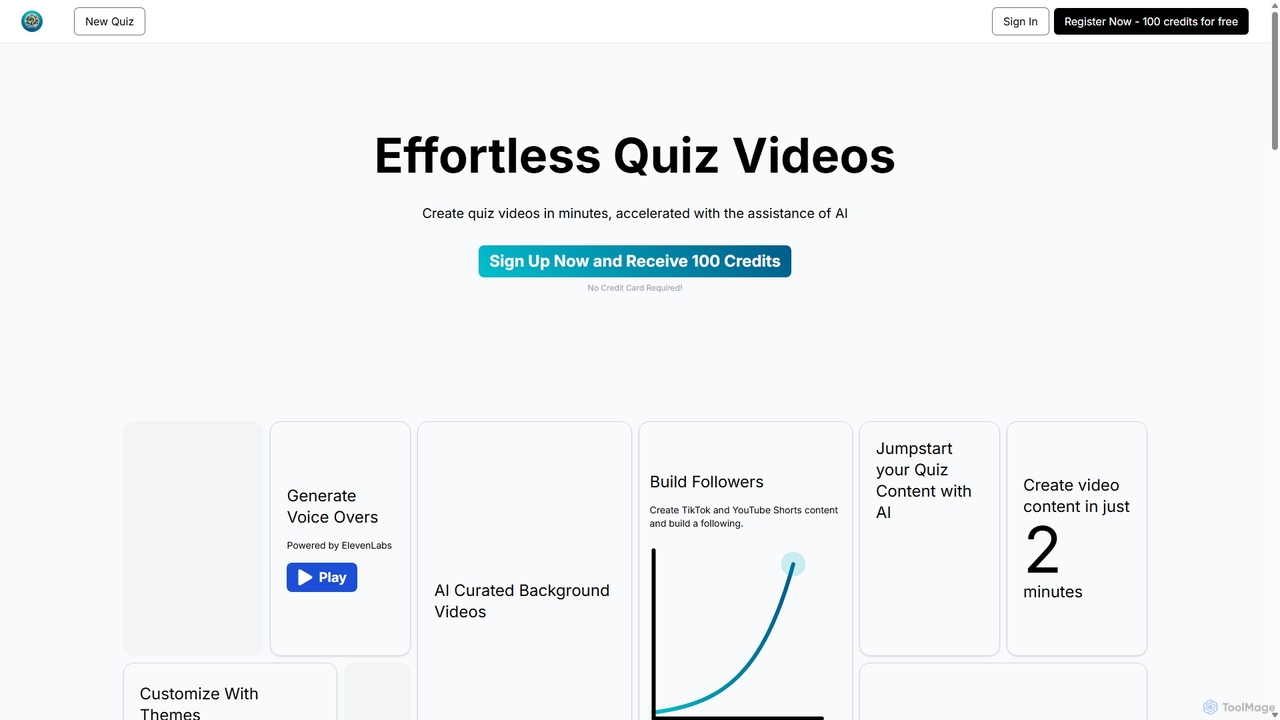
QuizTok is an AI-powered platform for effortlessly creating engaging quiz videos for social media like TikTok and YouTube Shorts. It uses AI to generate questions, voiceovers, and background videos, allowing creators to produce interactive content in minutes to grow their audience and monetize their channels.

E Learning
Visits 6.8KFavorites 143Likes 159
Wize Up
Freemium

Wize Up

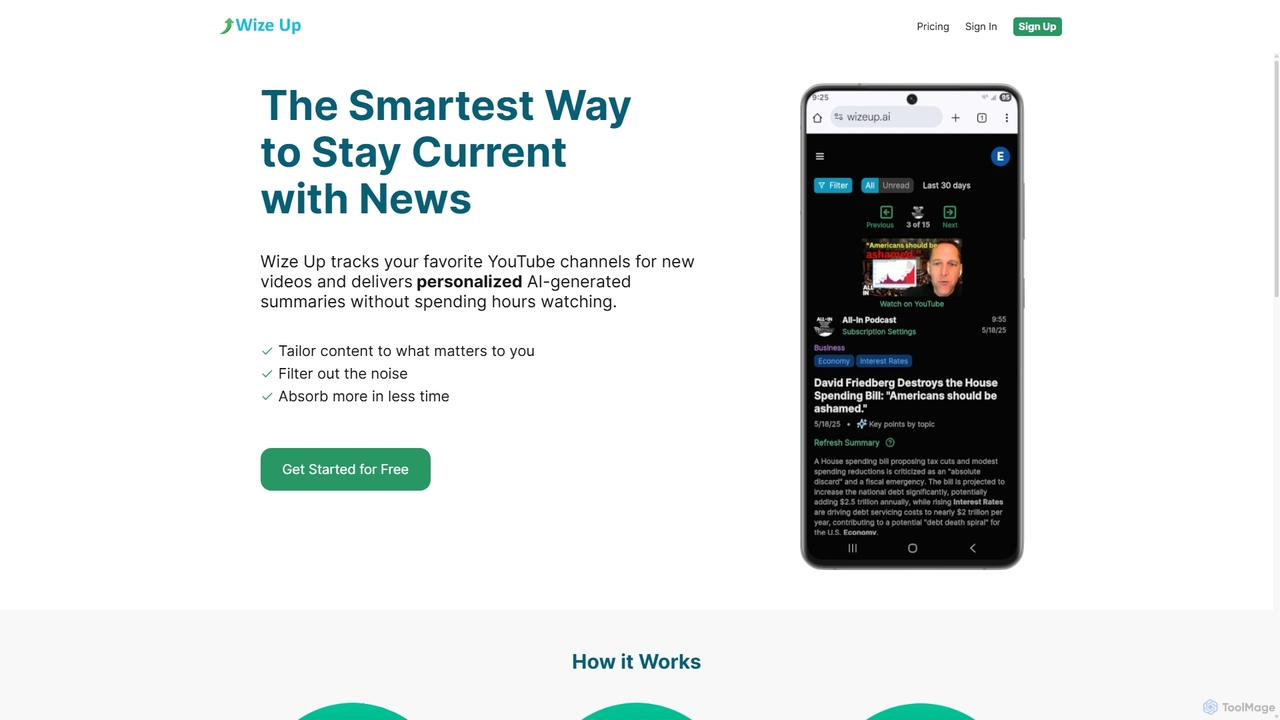
Wize Up is an AI-powered tool that transforms your YouTube experience by summarizing videos from your favorite channels. It delivers personalized, AI-generated summaries and daily digests to your email or in-app, saving you hours of watch time. Customize summary length, style, and language to focus on what matters most. With features like timestamped key moments and advanced filtering, Wize Up helps you absorb more information in less time and stay current with news, podcasts, and educational content effortlessly.

Learning
Visits 5.5KFavorites 141Likes 142
ASMR.so
Freemium

ASMR.so

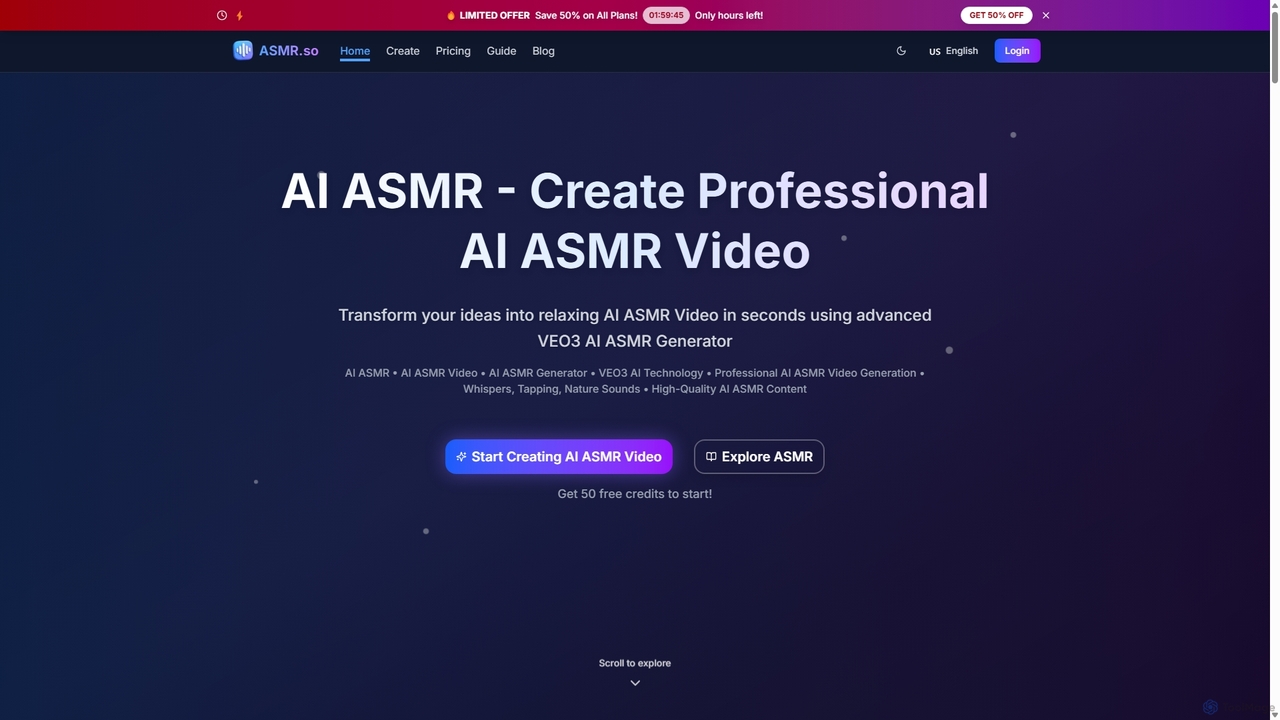
ASMR.so is an AI-powered video generator that transforms text prompts into professional, high-quality ASMR videos. Using advanced VEO3 AI technology, it allows users to create relaxing content with various triggers like whispers, tapping, and nature sounds in minutes. It's designed for content creators, wellness professionals, and anyone seeking to produce custom ASMR experiences without complex equipment.

Sound Generation
Visits 14.5KFavorites 144Likes 141
Hailuo AI
Freemium

Hailuo AI

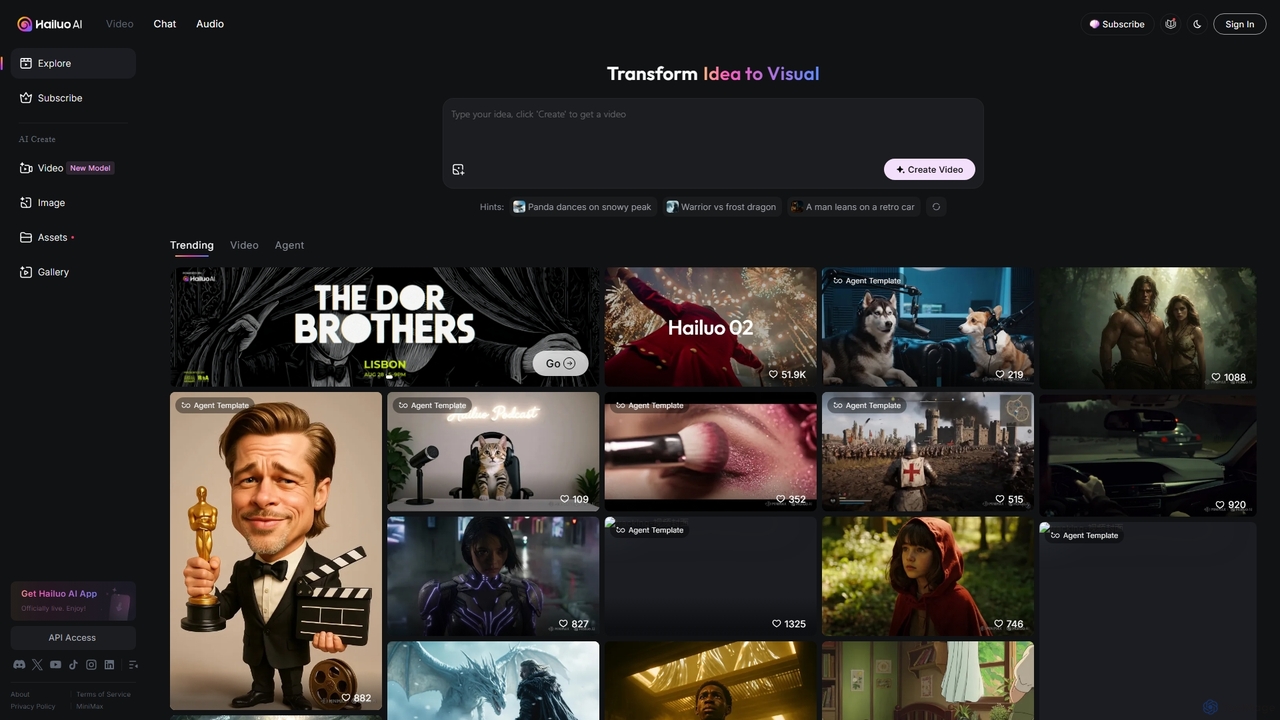
Hailuo AI is a powerful AI video generator that transforms ideas into stunning visuals. It supports text-to-video and image-to-video creation, offering a wide range of customizable "Agent Templates" for specific scenarios like pet videos, caricatures, and product showcases. With features like automated editing and support for various resolutions, Hailuo AI simplifies video production for marketers, content creators, and businesses, making it easy to create engaging, professional-quality content effortlessly.

Animation
Visits 2.6MFavorites 135Likes 132
Superside
Paid

Superside

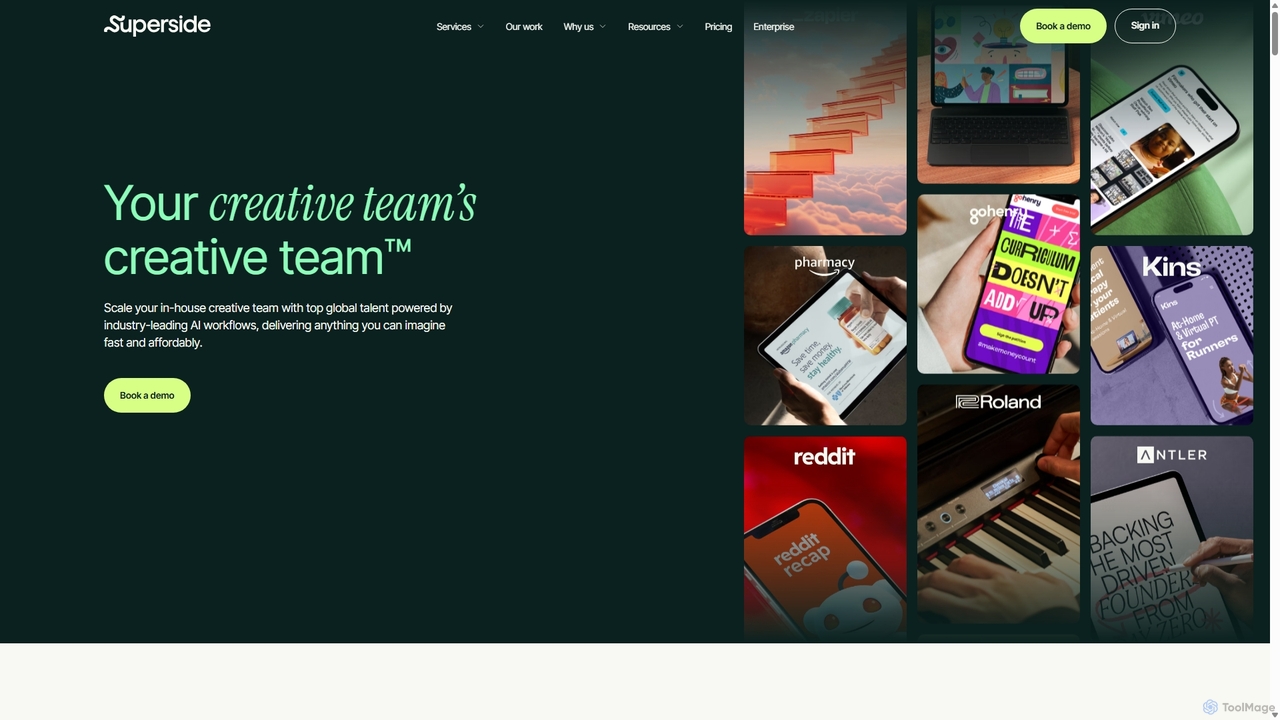
Superside is a subscription-based creative service that combines the top 1% of global talent with AI-powered workflows. It acts as a flexible, on-demand extension for in-house teams, delivering high-quality design, video, and marketing creative at scale and speed.

Graphic Design
Visits 305.7KFavorites 167Likes 158
TensorPix
Freemium

TensorPix

TensorPix is an AI-powered online platform for video and image enhancement. It offers a suite of tools to upscale resolution up to 4K/8K, restore old footage, remove noise, and improve overall visual quality. Ideal for filmmakers, content creators, and archivists, TensorPix simplifies complex post-production tasks with an intuitive web-based interface, making professional-grade restoration accessible to everyone.

Creative
Visits 207.2KFavorites 148Likes 138
Vidnami
Freemium

Vidnami

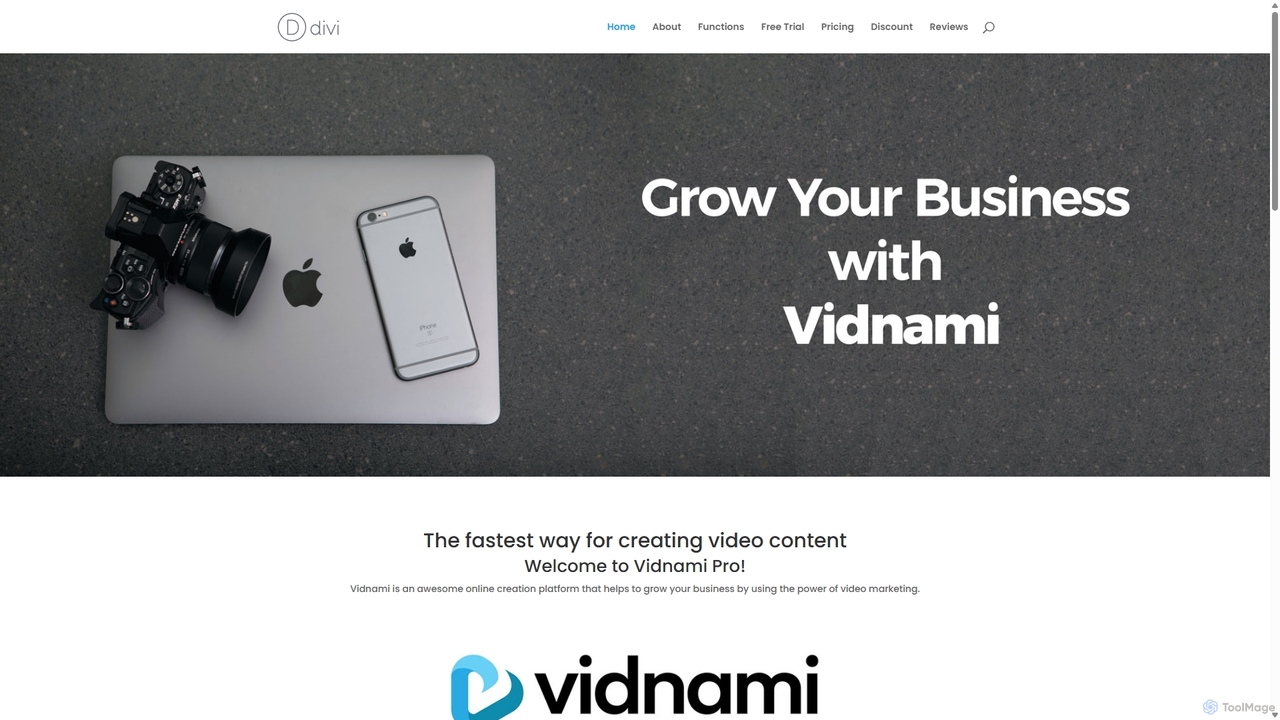
Vidnami is an AI-powered video creation platform that rapidly transforms text scripts into professional marketing videos. It automates scene creation, sources visuals from a vast stock library, and offers various voiceover options, including high-quality AI voices. Ideal for marketers and content creators, it simplifies video production, requiring no technical skills.

Text To Video
Visits 6.6KFavorites 114Likes 108
Short AI
Freemium

Short AI

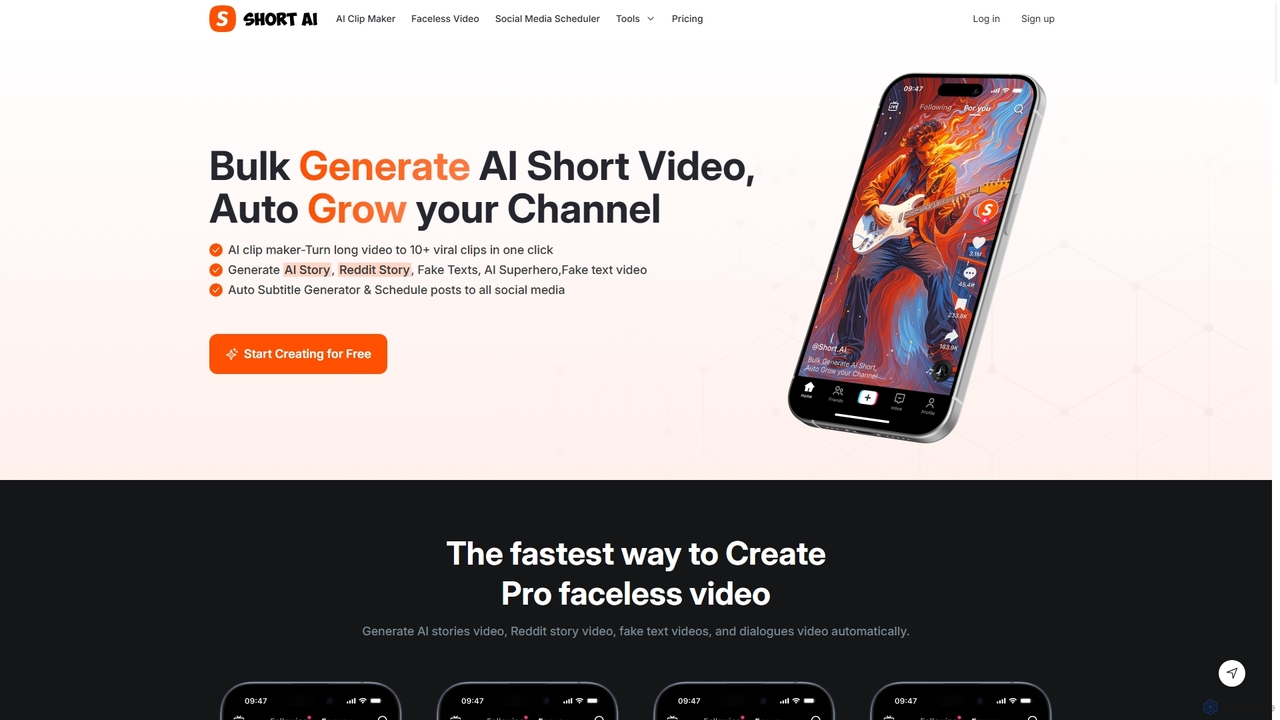
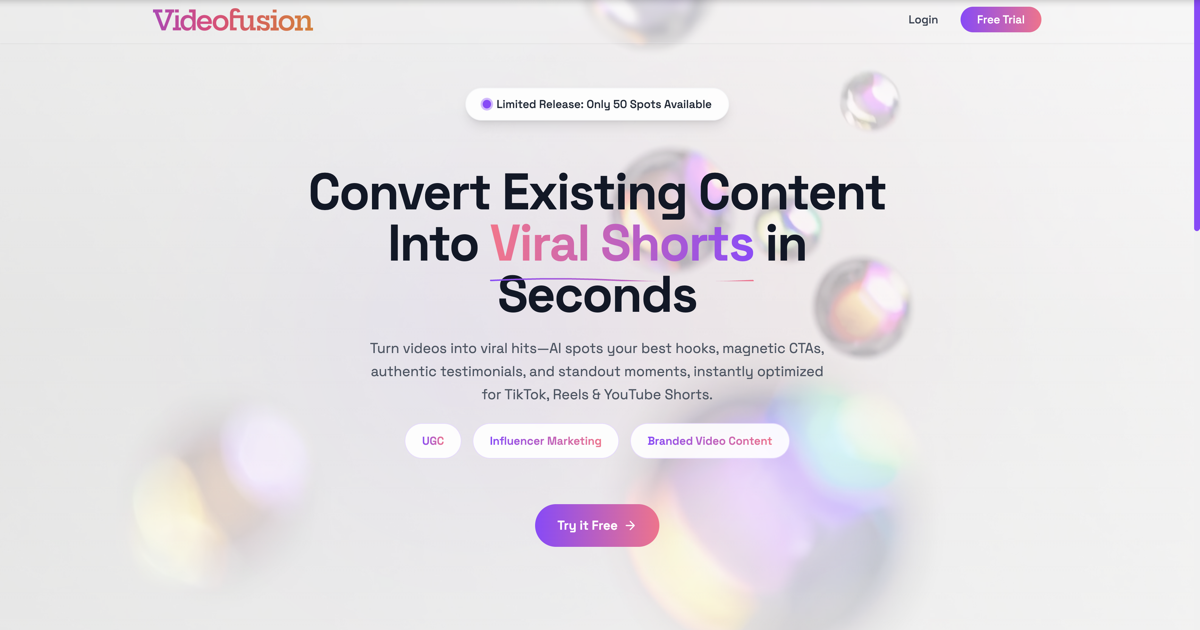
Short AI is an AI-powered video generator that automates the creation of viral short videos. It can turn long-form content into multiple engaging clips, generate faceless videos from scripts (like Reddit or story videos), add dynamic captions, and schedule posts across all major social media platforms.

Automation
Visits 155.6KFavorites 120Likes 109
Renderfire
Paid

Renderfire

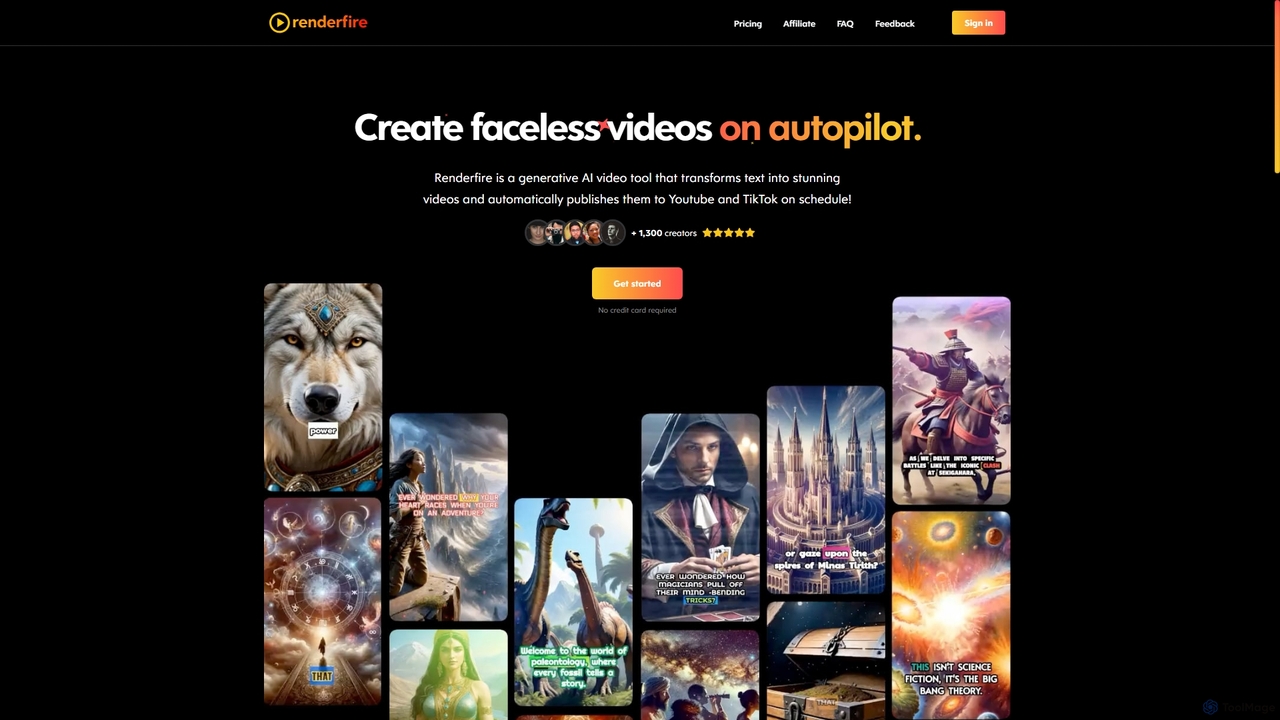
Renderfire is a generative AI tool that automates the creation and publication of 'faceless' short videos. Users select a topic, and the AI generates a complete video from text, including visuals and voiceover. It features scheduled, automatic posting to YouTube and TikTok, making it ideal for content creators aiming to scale their output with minimal effort and maintain channel consistency.

Content Creation
Visits 97.7KFavorites 135Likes 161
Summarize.tech
Freemium

Summarize.tech

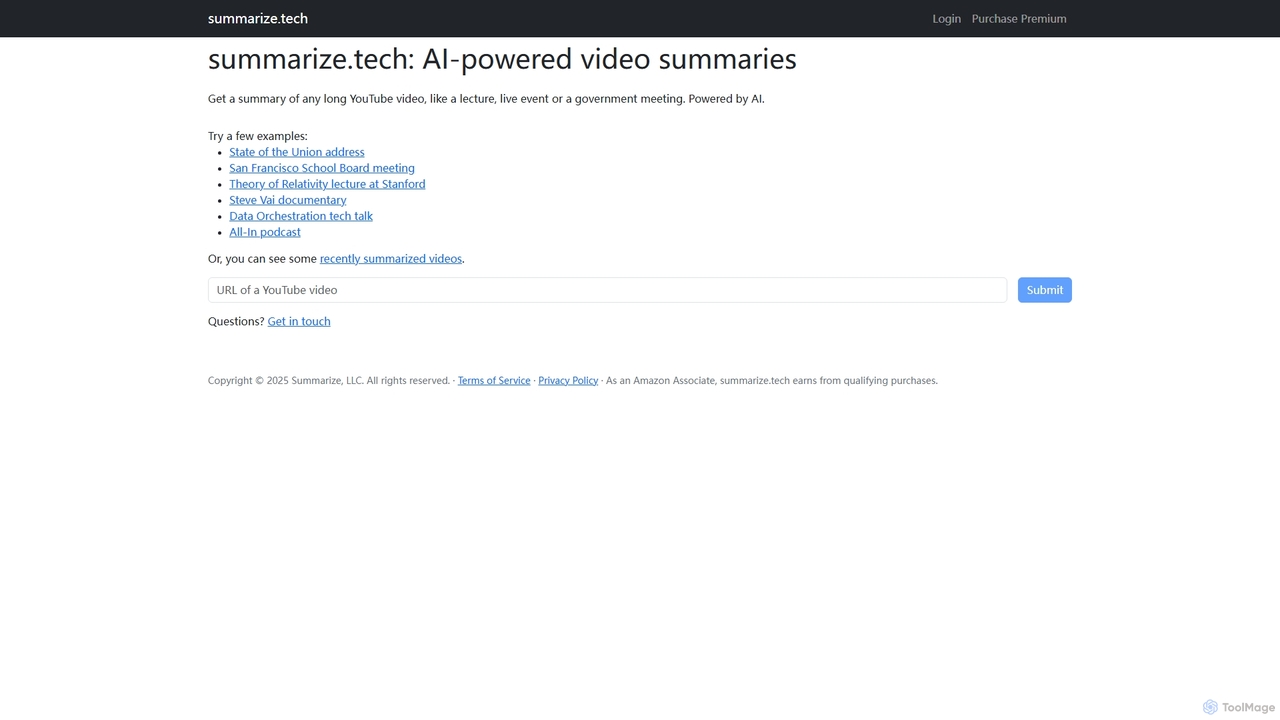
Summarize.tech is an AI-powered tool that instantly generates concise text summaries of long YouTube videos. Ideal for students, researchers, and professionals, it helps you quickly grasp the key points of lectures, live events, government meetings, and documentaries without watching them in their entirety. Simply paste a YouTube URL to save time and boost your learning and research efficiency.

Learning
Visits 18.1KFavorites 118Likes 128
Assembo
Freemium

Assembo

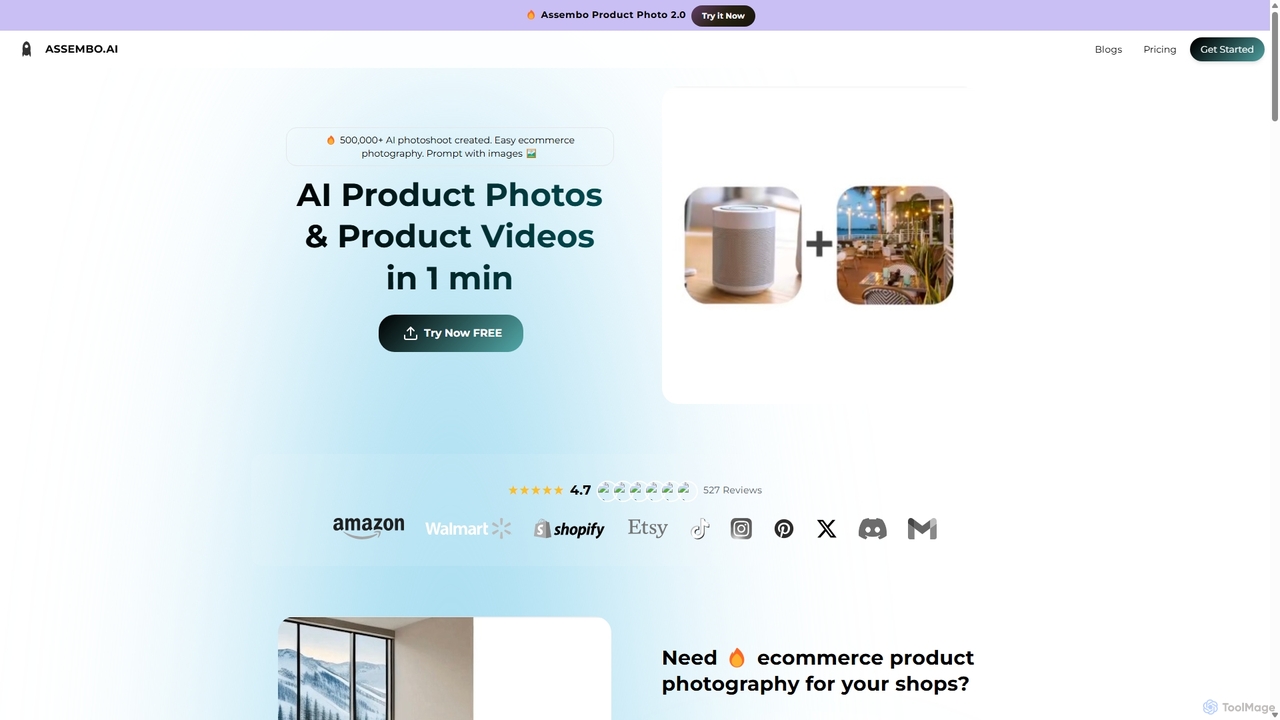
Assembo is an AI-powered platform that generates professional e-commerce product photos and animated videos in minutes. It allows users to create stunning visuals with custom backgrounds, AI-generated human models, and dynamic animations, eliminating the need for traditional photoshoots.

Image Editing
Visits 12.2KFavorites 115Likes 109
Clip
Freemium

Clip

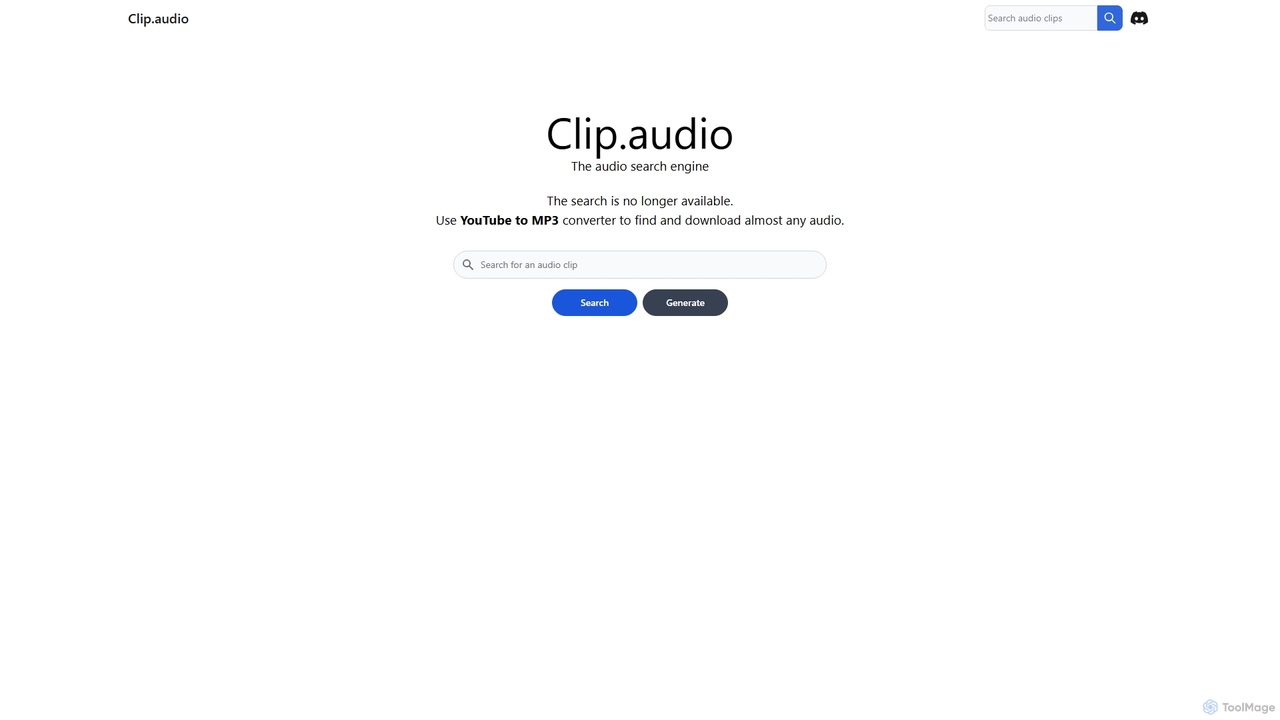
Clip is an advanced AI-powered audio search engine designed for creators. It enables users to find the perfect sound effects, music clips, and audio samples using natural language queries, sound similarity searches, and detailed filtering, streamlining the creative workflow.

Search
Visits 5.6KFavorites 135Likes 112
Grok Imagine
Freemium

Grok Imagine

Grok Imagine is a powerful AI image and video generation suite powered by Aurora Engine Technology. It transforms text, images, and other videos into stunning, high-quality visual content. Featuring multiple generation modes, resolution options, and a user-friendly interface, it's designed for creators, marketers, and artists to bring their ideas to life effortlessly.

Generative Art
Visits 71.7KFavorites 113Likes 97
Vidboard.ai
Freemium

Vidboard.ai

Vidboard.ai is a powerful AI video generator that transforms text, documents, and web links into professional videos. Featuring 100+ AI avatars, 125+ languages, and custom avatar creation, it enables users to produce high-quality content for marketing, training, and social media without any editing skills.

Video Marketing
Visits 19.2KFavorites 143Likes 160
HIX.AI
Freemium

HIX.AI

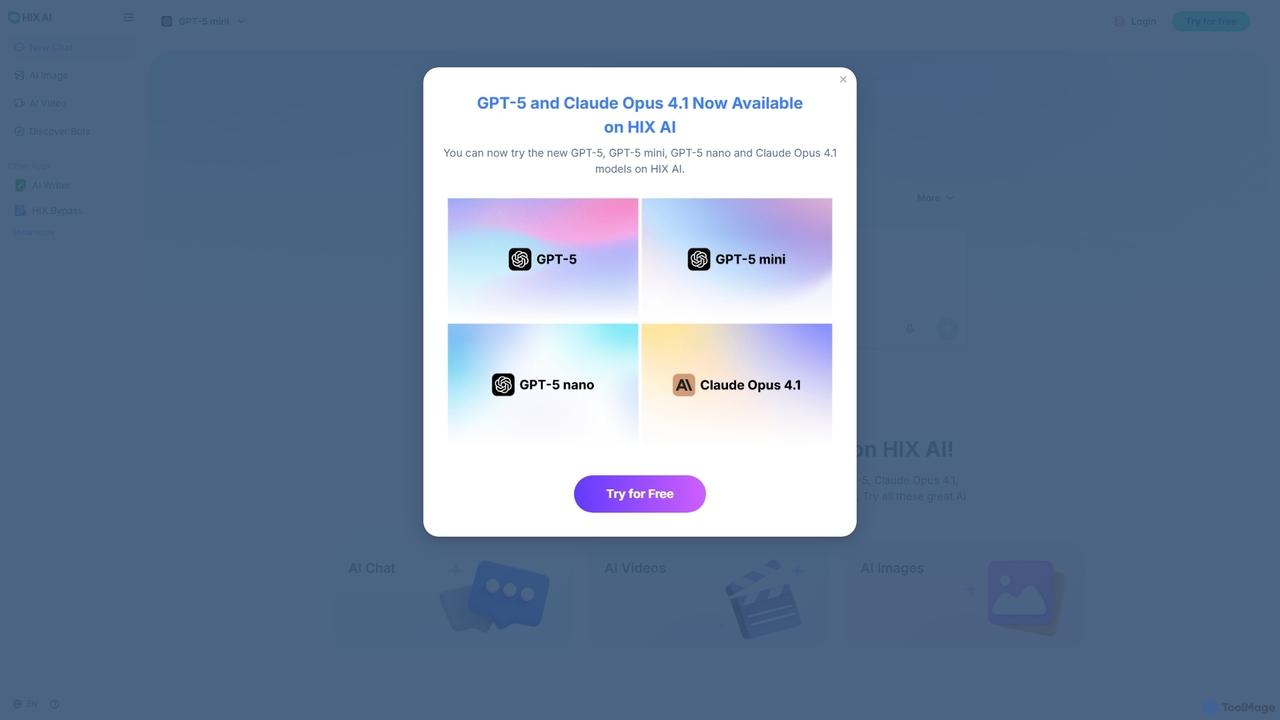
HIX.AI is a powerful, all-in-one AI platform that integrates cutting-edge models like GPT-4o, Claude, and Gemini for a wide range of tasks. It offers an advanced AI chatbot, AI writer, image and video generators, a homework helper, and an AI bypass tool. This comprehensive suite is designed for content creators, marketers, students, and businesses to streamline their creative and productive workflows in one centralized location.

Writing
Visits 1MFavorites 135Likes 137
Aianimateimage
Freemium

Aianimateimage

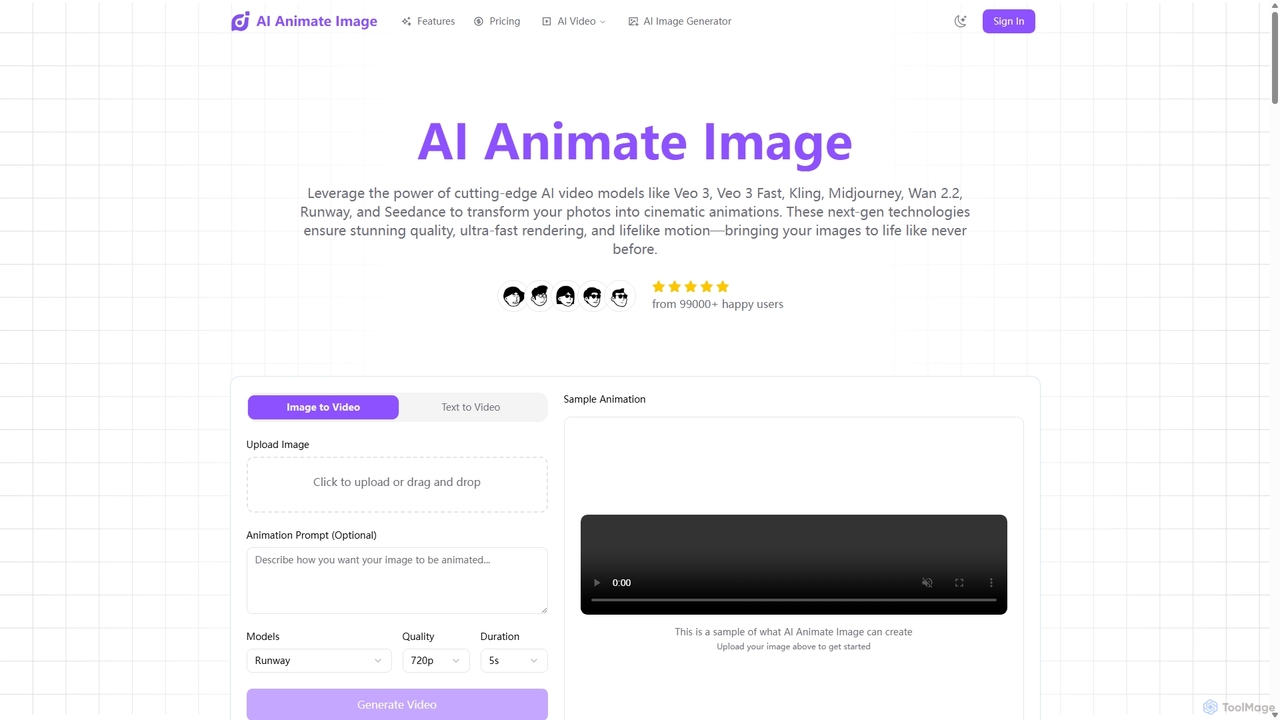
Aianimateimage is a comprehensive AI-powered platform that transforms static images into captivating animations and generates stunning visuals from text. Utilizing advanced models like Veo 3, Kling, and GPT-4o, it offers tools for image-to-video, text-to-video, and text-to-image creation. It's designed for creators, marketers, and artists to produce professional-quality animated content and images effortlessly through a user-friendly, browser-based interface.

Image Generation
Visits 16.9KFavorites 120Likes 128
Wondershare
Freemium

Wondershare

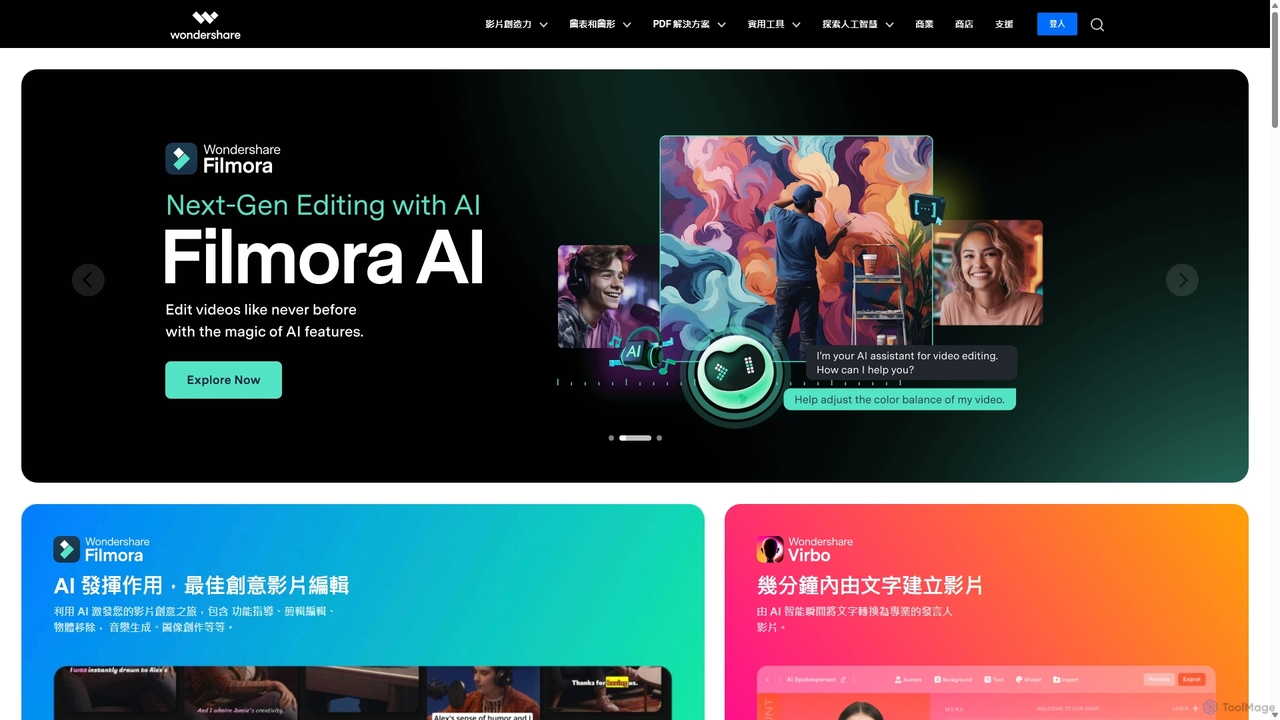
Wondershare offers a comprehensive suite of AI-powered creative and productivity software. From the industry-leading Filmora video editor to the intelligent PDFelement and versatile Edraw diagramming tools, Wondershare empowers creators, professionals, and students to bring their ideas to life. Its integrated AI features streamline workflows, automate complex tasks, and unlock new creative possibilities in video, document management, and visual communication.

Diagramming
Visits 152.1KFavorites 129Likes 105
Viggle AI
Freemium

Viggle AI

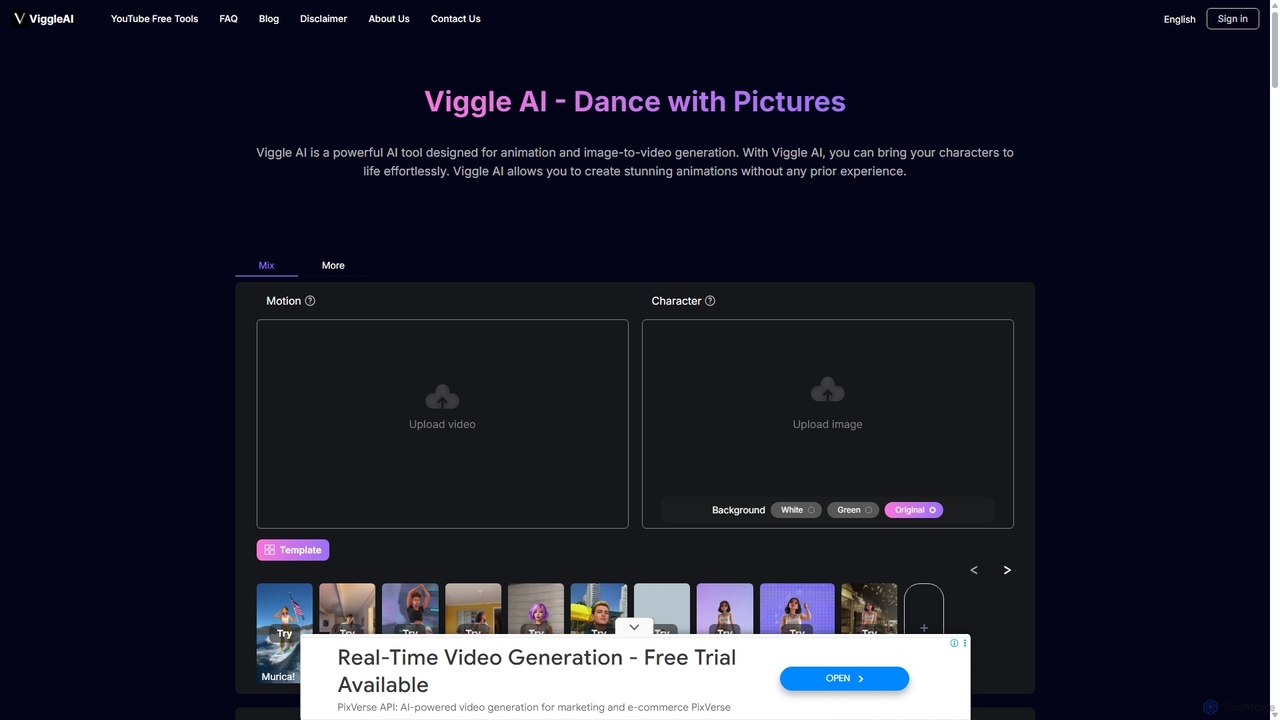
Viggle AI is a revolutionary AI-powered video generation platform that animates static character images into dynamic, lifelike videos. Powered by the JST-1 video-3D foundation model, it allows users to apply motion from existing videos or text prompts to their characters, creating everything from viral dance videos and memes to professional animations with realistic, physics-based movements. It's designed for everyone, from beginners to professional creators, offering an intuitive and powerful way to bring characters to life.

Meme Generator
Visits 95.2KFavorites 108Likes 108
VideoStew
Freemium

VideoStew

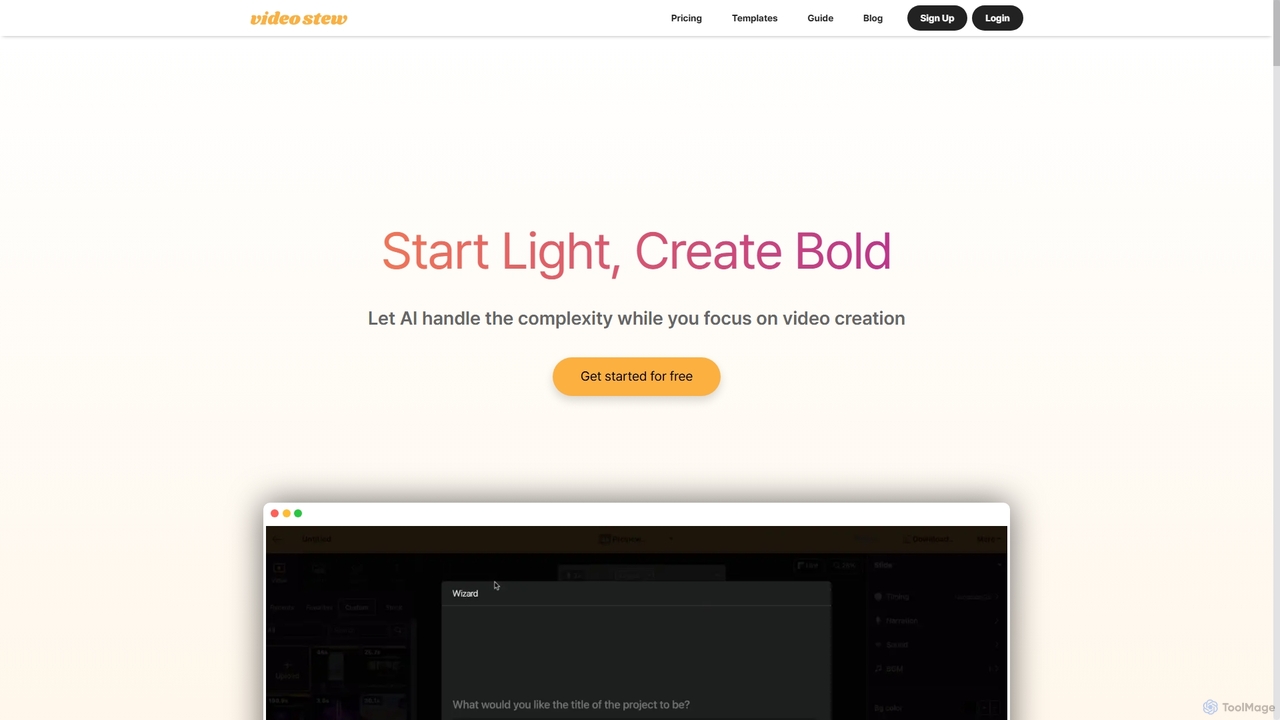
VideoStew is an AI-powered online video editor that simplifies video creation. Generate video drafts from text, URLs, or voice in minutes. It offers a vast library of copyright-free assets, AI voices, auto-captions, and team collaboration features, making professional video production accessible to everyone, anywhere, on any device.

Video Marketing
Visits 48.3KFavorites 136Likes 135
VideoToWords
Freemium

VideoToWords

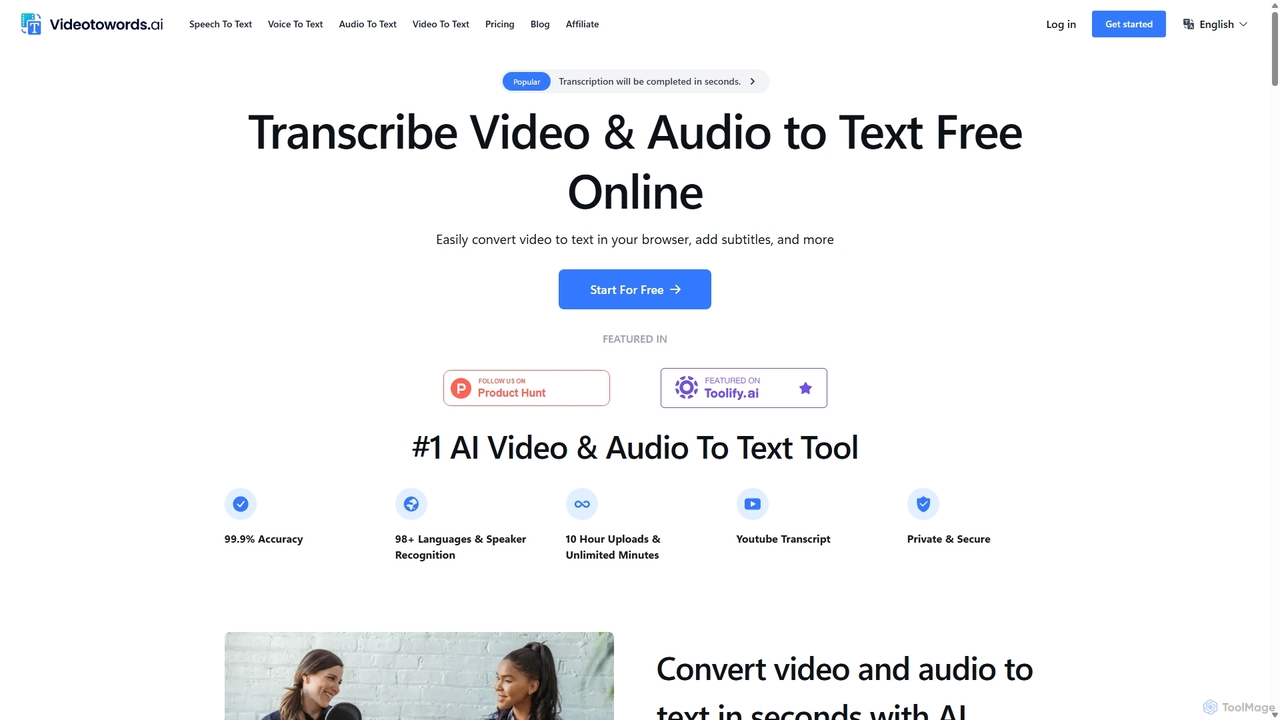
VideoToWords is an AI-powered transcription tool that accurately converts audio and video files into text in over 98 languages. It offers lightning-fast transcription, speaker recognition, and AI-generated summaries. Ideal for journalists, students, content creators, and researchers, it supports various file formats and provides easy-to-use editing and export options (TXT, DOCX, SRT).

Transcription
Visits 61.1KFavorites 149Likes 155

About Video

AI Video tools are a class of software that use artificial intelligence to create, edit, and enhance video content. They leverage technologies like generative models, computer vision, and natural language processing to automate complex video production tasks. These tools are widely used for generating marketing videos, creating social media content, and personalizing video messages at scale. Their primary advantage is significantly reducing the time, cost, and technical skill required for professional video production.

Core Features

  • Text-to-Video Generation: Create video clips and scenes from simple text prompts.
  • AI Video Editing: Automate tasks like cutting, scene detection, removing silences, and adding effects.
  • Video Enhancement & Upscaling: Improve video quality, increase resolution, reduce noise, and stabilize shaky footage.
  • AI Avatars & Voiceovers: Generate realistic digital human presenters and synthetic voiceovers from text.
  • Content Repurposing: Automatically convert long-form videos into multiple short clips for social media.

Use Cases

These tools are valuable for marketing teams, content creators, e-learning developers, and sales departments. For example, a marketer can generate dozens of ad variations from a single script, while a YouTuber can quickly create short clips from a long podcast recording to increase their reach on different platforms.

How to Choose

When selecting an AI video tool, consider the specific features you need, such as generation versus editing. Evaluate the quality and style of the output, the platform's ease of use, and its pricing model (often based on generation time or credits). Also, check for integration capabilities with your existing software and workflow to ensure seamless operation.

Featured tool rankings

Video use cases

1

Create Marketing and Promotional Videos

A marketing manager for a small business needs to create a new product announcement video for social media. Using an AI video tool, they input a script, select a voice style, and choose from stock footage or AI-generated scenes. The tool automatically generates a complete video with subtitles, background music, and branding, reducing production time from days to minutes and eliminating the need for a professional video editor.

2

Generate Engaging Social Media Shorts

A content creator wants to repurpose their long-form YouTube videos into short, engaging clips for TikTok and Instagram Reels. They upload their video to an AI tool that automatically identifies the most interesting moments, reframes them into a vertical format (9:16), and adds dynamic captions. This allows them to create 10+ short clips from a single video in under an hour, dramatically increasing their content output and reach.

3

Produce Corporate Training and E-learning Videos

An instructional designer is tasked with creating a series of training modules. Instead of filming a presenter, they use an AI tool to create a realistic avatar. They simply type the script, and the avatar delivers the content with synchronized lip movements and gestures. This method allows for easy updates—if the script changes, they just edit the text instead of re-shooting the entire video, saving significant time and resources.

4

Personalize Video Outreach at Scale

A sales team aims to improve their outreach response rates. They use an AI video platform to create a template video and then dynamically insert personalized elements like the prospect's name, company, or a website screenshot into each video. This process generates thousands of unique, personalized video messages that appear individually recorded, leading to higher engagement and conversion rates compared to standard text-based emails.

5

Automate Video Dubbing and Translation

A media company wants to distribute its documentary to a global audience. They use an AI video tool to automatically transcribe the original audio, translate it into multiple languages, and generate a synthetic voiceover in the target language. The tool can even clone the original speaker's voice and sync the new audio with their lip movements, making the dubbed version feel natural and authentic without the high cost of traditional dubbing studios.

6

Enhance and Restore Low-Quality Footage

A user has old family videos or low-resolution clips they want to use in a project. They upload the footage to an AI video enhancer. The tool uses algorithms to upscale the resolution (e.g., from 480p to 4K), reduce noise and grain, sharpen details, and stabilize shaky camera movements. The result is a dramatically improved video that is clear and usable for modern displays, preserving valuable memories or salvaging important footage.

Video FAQ

What are AI Video tools?

AI Video tools are software applications that use artificial intelligence to automate the creation, editing, and enhancement of video content. They employ technologies like generative AI to create videos from text, computer vision to analyze and edit footage, and machine learning to improve video quality. Key functions include text-to-video generation, automated editing, creating AI avatars, and video upscaling.

How do I choose the right AI Video tool?

To choose the right tool, first identify your primary need: are you creating new videos from scratch (generation), editing existing footage, or enhancing quality? Then, consider these factors:

  • Feature Set: Does it offer text-to-video, avatars, automated editing, or repurposing?
  • Output Quality: Review samples to ensure the video and audio quality meet your standards.
  • Ease of Use: Is the interface intuitive for your skill level?
  • Pricing: Compare subscription plans, credit systems, and free trial limitations.
What is the difference between AI video generators and traditional video editors?

Traditional video editors (like Adobe Premiere Pro) provide a timeline and tools for manual manipulation of video clips, requiring significant skill and time. AI video generators, on the other hand, create new video content from prompts (text, images, audio) or automate complex editing tasks. The key difference is automation and creation versus manual control and editing. AI tools focus on speed and accessibility, while traditional editors offer more granular creative control.

What are the main capabilities of AI Video tools?

The main capabilities of AI Video tools include:

  • Video Generation: Creating video clips from text descriptions (text-to-video) or images (image-to-video).
  • Automated Editing: Automatically cutting scenes, removing filler words, adding subtitles, and selecting background music.
  • Content Repurposing: Transforming long videos into short, social-media-friendly clips.
  • AI Avatars: Generating realistic digital presenters from text scripts.
  • Video Enhancement: Upscaling resolution, reducing noise, and stabilizing footage.
Who can benefit from using AI Video tools?

A wide range of users can benefit. Marketers use them to quickly create ad campaigns and social media content. Content creators automate editing and repurpose videos to increase output. Businesses produce training and communication videos without large production teams. Educators create engaging e-learning materials. Even individuals can use them for personal projects without needing technical video editing skills.