ToolMage
Sign in
Batchcropper
Data Labeling · 3.5K monthly visits

Batchcropper is a free online tool designed for AI developers and content creators to bulk crop, resize, and convert images. It specializes in preparing datasets for AI model training, such as FLUX LoRA, by also offering automatic caption file generation. Users can process multiple images simultaneously and download them in a convenient ZIP file, all within an ad-free interface.

VS
Imglarger
Image Editing · 639.4K monthly visits

Imglarger is an all-in-one AI-powered toolkit for enhancing, editing, and converting images. It allows users to upscale photos up to 800% without quality loss, remove noise, restore old photos, and perform a wide range of edits like cropping, resizing, and color adjustments. It's a fast, online solution for photographers, designers, and social media managers.

Batchcropper vs Imglarger: pricing, features, traffic, and use cases

Compare Batchcropper and Imglarger across positioning, pricing, traffic, and user feedback using structured factual data.

Updated Aug 5, 2026

Product overview

Batchcropper Product overview

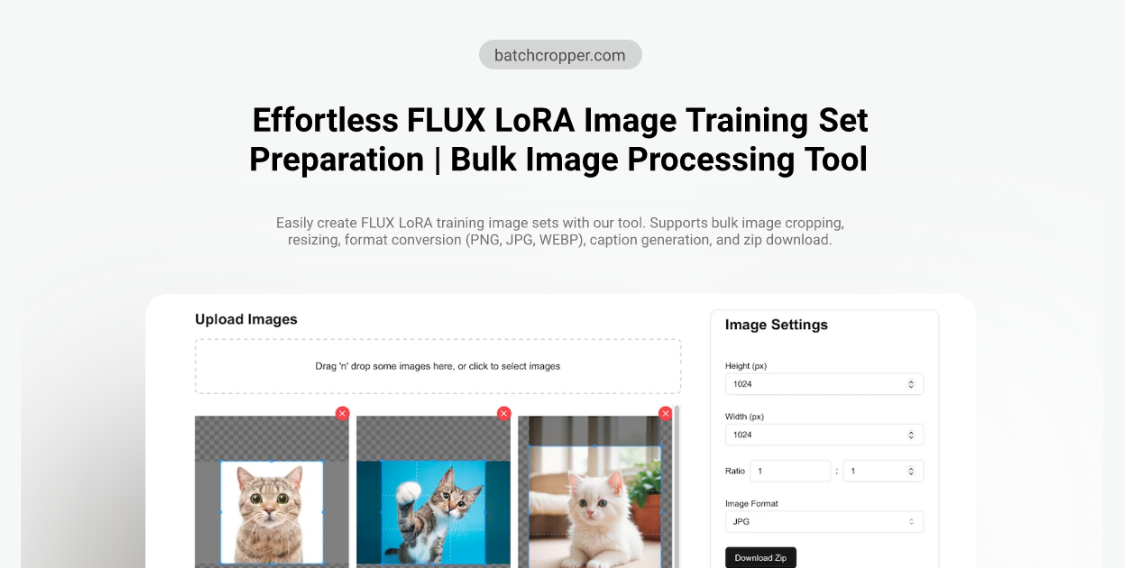
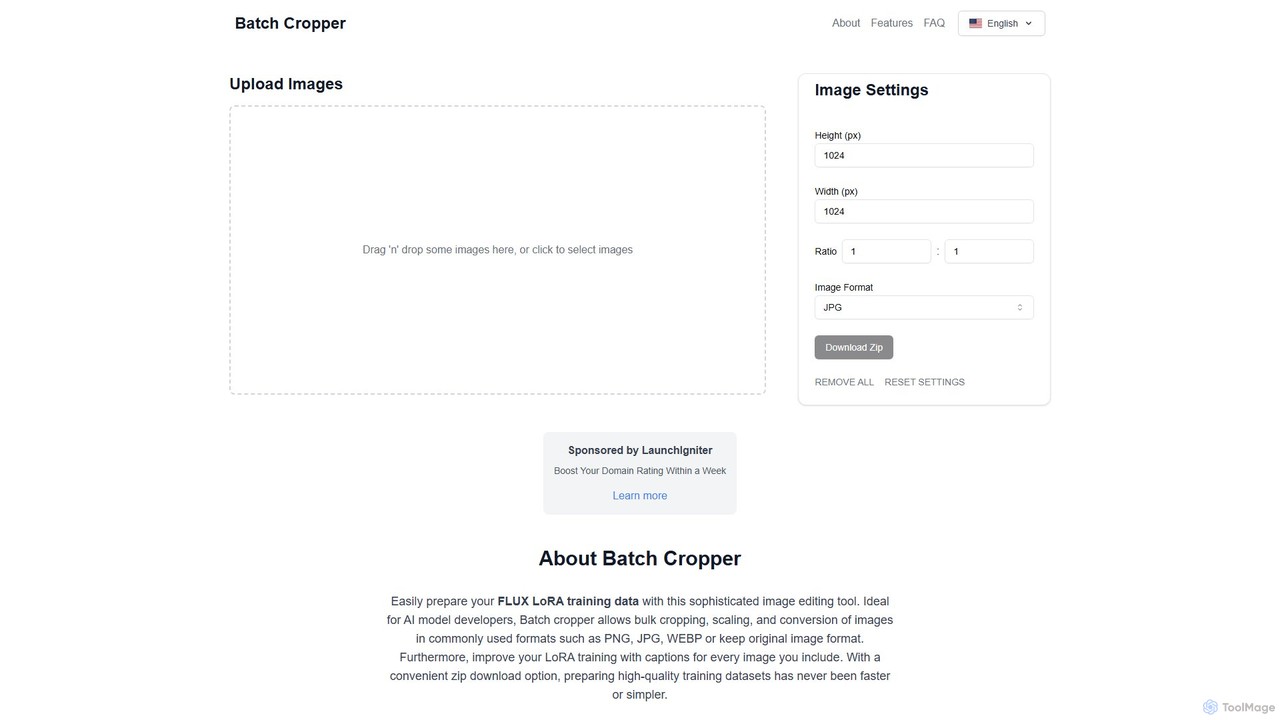
Batchcropper is a free online tool designed for AI developers and content creators to bulk crop, resize, and convert images. It specializes in preparing datasets for AI model training, such as FLUX LoRA, by also offering automatic caption file generation. Users can process multiple images simultaneously and download them in a convenient ZIP file, all within an ad-free interface.
Preview

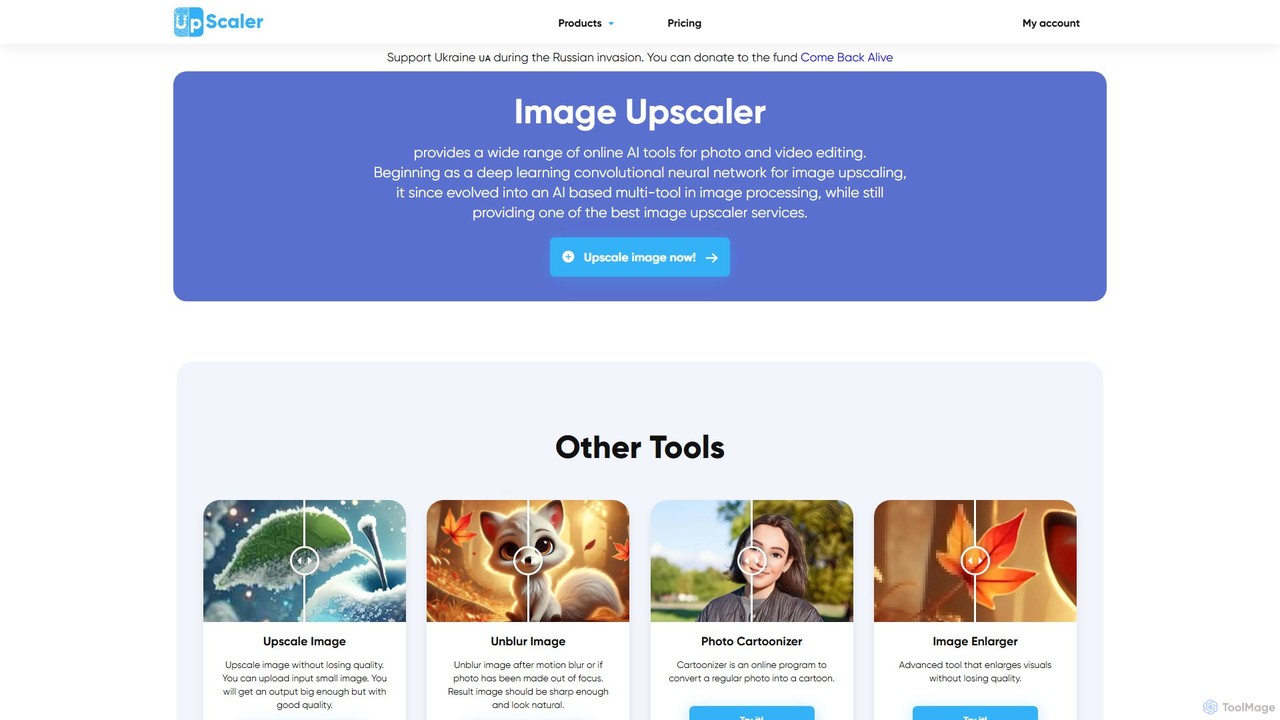
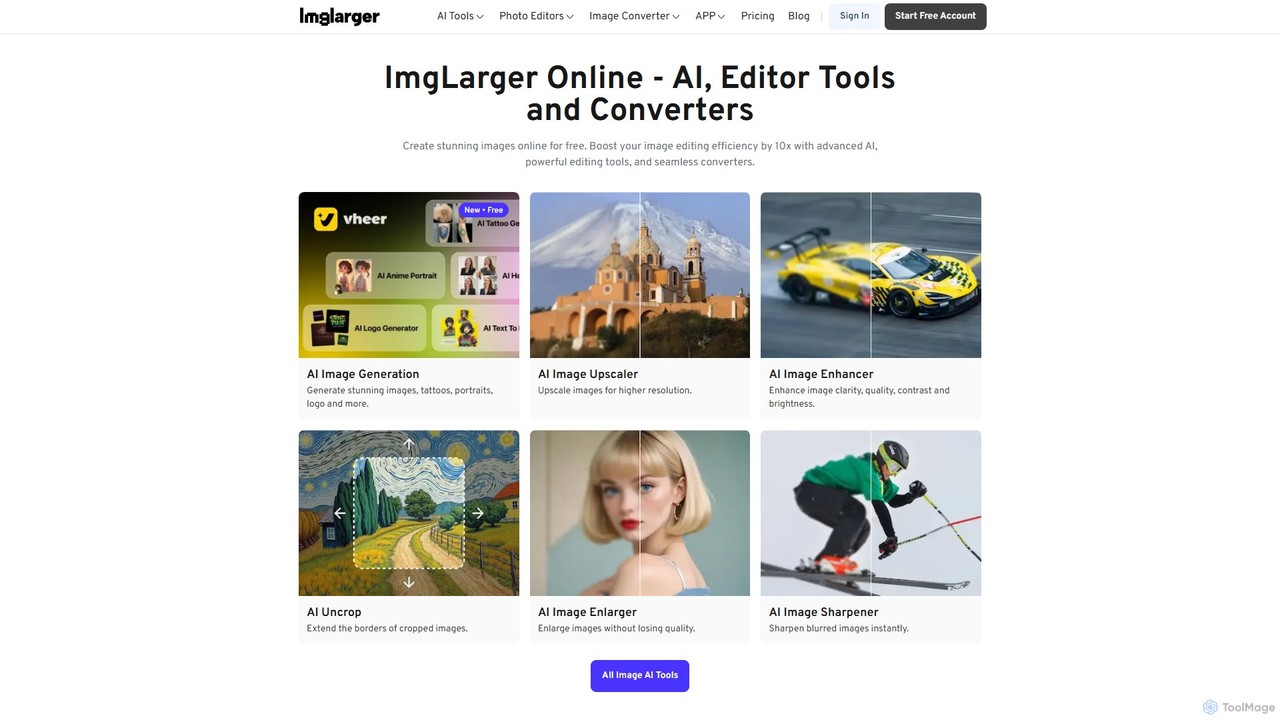
Imglarger Product overview

Imglarger is an all-in-one AI-powered toolkit for enhancing, editing, and converting images. It allows users to upscale photos up to 800% without quality loss, remove noise, restore old photos, and perform a wide range of edits like cropping, resizing, and color adjustments. It's a fast, online solution for photographers, designers, and social media managers.

Preview

Detailed feature comparison

FeatureBatchcropperImglarger
Primary categoryData LabelingImage Editing
Added2025-08-062025-08-01
PricingFreeFreemium
Official websitebatchcropper.comimglarger.com
Product typeWebsiteWebsite
Performance data
User ratingNot verifiedNot verified
Comments00
Monthly visits3.5K639.4K
Monthly growthNot verified57.1%
Favorites105120
DetailsView detailsView details

Batchcropper vs Imglarger monthly traffic

Compare Batchcropper and Imglarger by monthly reach, traffic trend, visit depth, top regions, and acquisition sources.

How to interpret the traffic data

In the Batchcropper vs Imglarger monthly traffic comparison, Batchcropper currently shows 3.5K visits and Imglarger shows 639.4K; Imglarger has about 181.9 times the visible traffic of Batchcropper, an absolute difference of about 635.9K visits. This reflects visible reach, not feature quality or paid users.

Only Imglarger has complete third-party traffic details; Batchcropper uses visits recorded inside ToolMage. These scopes cannot estimate market share directly, and on-site views should not be treated as the product’s total website traffic.

Batchcropper is registered at the batchcropper.com/en subpage. Because the current data does not state whether other host pages are excluded, treat this as domain-level context rather than independent traffic for one product or project.

Batchcropper monthly traffic:

Latest traffic

Monthly visits
3.5K

Imglarger monthly traffic:

Latest traffic

Monthly visits
639.4K
Avg. visit duration
0:33
Pages per visit
5.69
Bounce rate
35.87%
Data updated 2026-06-15

Monthly traffic trend

  • 2025/9: 693.2K Monthly visits
  • 2026/1: 650.3K Monthly visits
  • 2026/2: 470.3K Monthly visits
  • 2026/3: 544K Monthly visits
  • 2026/4: 407.1K Monthly visits
  • 2026/5: 639.4K Monthly visits

Top regions

Top 5 countries/regions
Country/regionPercentageTraffic
🇮🇳India33.08%211.5K
🇷🇺Russia20.41%130.5K
🇩🇪Germany15.75%100.7K
🇨🇳China15.43%98.7K
🇺🇸United States15.33%98K

Traffic sources

Source typePercentageTraffic
Direct92.76%593.1K
Referral7.15%45.7K
Email0.09%575

Search keywords

ai enlargerai image enlargerimage enlargerimglargerpng to webp
Traffic-based selection guidance: The current traffic scope is not sufficient for a reliable product ranking. Treat monthly visits as a market-interest signal, then decide using taxonomy, use cases, pricing, and a like-for-like trial rather than reading exposure as product capability.

Usage comparison

Compare the core capabilities of Batchcropper and Imglarger

Batchcropper Core features

Image Editing
Data Labeling
Batch Processing

Imglarger Core features

Image Editing
Image Upscaling
Design

Use cases

Batchcropper Use cases

batch processing
image converter
image cropper
AI dataset
bulk resize
caption generation
data preparation
image editing
LoRA training

Imglarger Use cases

batch processing
image converter
image cropper
ai image editor
image enlarger
online photo editor
photo enhancer
photo restoration
remove noise
uncrop
upscale image

Batchcropper vs Imglarger:In-depth comparison and selection guidance

First decide whether the products solve the same kind of need

This in-depth Batchcropper vs Imglarger comparison uses only the product records, taxonomy, audience, traffic, and community signals available on this page. Batchcropper is primarily listed under “Data Labeling”, while Imglarger is primarily listed under “Image Editing”, so the first decision is whether your actual task matches their recorded scope.

The structured fields currently show these decision-relevant differences: Primary category (Batchcropper: Data Labeling; Imglarger: Image Editing); Pricing (Batchcropper: Free; Imglarger: Freemium); Monthly visits (Batchcropper: 3.5K; Imglarger: 639.4K); Favorites (Batchcropper: 105; Imglarger: 120); Website (Batchcropper: batchcropper.com; Imglarger: imglarger.com). These facts are more useful for selection than brand visibility alone.

What market visibility and monthly traffic mean

In the Batchcropper vs Imglarger monthly traffic comparison, Batchcropper currently shows 3.5K visits and Imglarger shows 639.4K; Imglarger has about 181.9 times the visible traffic of Batchcropper, an absolute difference of about 635.9K visits. This reflects visible reach, not feature quality or paid users.

Only Imglarger has complete third-party traffic details; Batchcropper uses visits recorded inside ToolMage. These scopes cannot estimate market share directly, and on-site views should not be treated as the product’s total website traffic.

Batchcropper is registered at the batchcropper.com/en subpage. Because the current data does not state whether other host pages are excluded, treat this as domain-level context rather than independent traffic for one product or project.

The current traffic scope is not sufficient for a reliable product ranking. Treat monthly visits as a market-interest signal, then decide using taxonomy, use cases, pricing, and a like-for-like trial rather than reading exposure as product capability.

Product positioning, use cases, and roles

Batchcropper and Imglarger currently overlap in shared categories: Image Editing; shared tags: batch processing, image converter, and image cropper. This can place both on the same shortlist, but it does not prove equal implementation, depth, or cost.

Batchcropper's unique categories/tags are Data Labeling, Batch Processing, AI dataset, bulk resize, caption generation, data preparation, image editing, and LoRA training; Imglarger's are Image Upscaling, Design, ai image editor, image enlarger, online photo editor, photo enhancer, photo restoration, and remove noise. These unique fields are the strongest differentiators: validate the product whose recorded scope matches the task instead of following traffic alone.

What ratings, comments, and favorites can tell you

Batchcropper has no verified rating, 0 comments, 105 favorites, and 83 likes;Imglarger has no verified rating, 0 comments, 120 favorites, and 128 likes。

Neither product has enough rating or comment samples for a credible reputation ranking.

Selection guidance by actual need

When to evaluate Batchcropper first

Put Batchcropper on the priority trial list when the task aligns with “Data Labeling” and especially Data Labeling, Batch Processing, AI dataset, bulk resize, caption generation, and data preparation. This follows recorded positioning and does not imply unlisted capabilities are absent.

Batchcropper also currently records: pricing is free, product type is website, 3.5K on-site monthly views, no verified user rating. Verify any hard requirement around price, platform, or reach before trial, and do not let sparse review data substitute for testing.

When to evaluate Imglarger first

Put Imglarger on the priority trial list when the task aligns with “Image Editing” and especially Image Upscaling, Design, ai image editor, image enlarger, online photo editor, and photo enhancer. This follows recorded positioning and does not imply unlisted capabilities are absent.

Imglarger also currently records: pricing is freemium, product type is website, 639.4K verified monthly visits, no verified user rating. Verify any hard requirement around price, platform, or reach before trial, and do not let sparse review data substitute for testing.

How to validate the recommendation before deciding

The available data describes positioning, public visibility, and community signals, but it cannot prove output quality, speed, integration effort, privacy, or long-term cost in your workflow. Before deciding, run the same representative tasks in Batchcropper and Imglarger, then record completion time, accuracy, manual corrections, and the real paid threshold. A like-for-like trial turns this comparison into a defensible adoption decision.

Comparison FAQ

How should I choose between Batchcropper and Imglarger?
Compare positioning, pricing, taxonomy, and traffic maturity, then verify the latest details on each official website.
Where does this comparison data come from?
The factual baseline is derived from product, taxonomy, traffic, and community data. Reviewed editorial conclusions show their source and verification date.
What do unknown fields mean?
Unknown means there is not enough reliable evidence; the page does not fill gaps with assumptions.

Related AI tools

sharkfoto
Freemium

sharkfoto

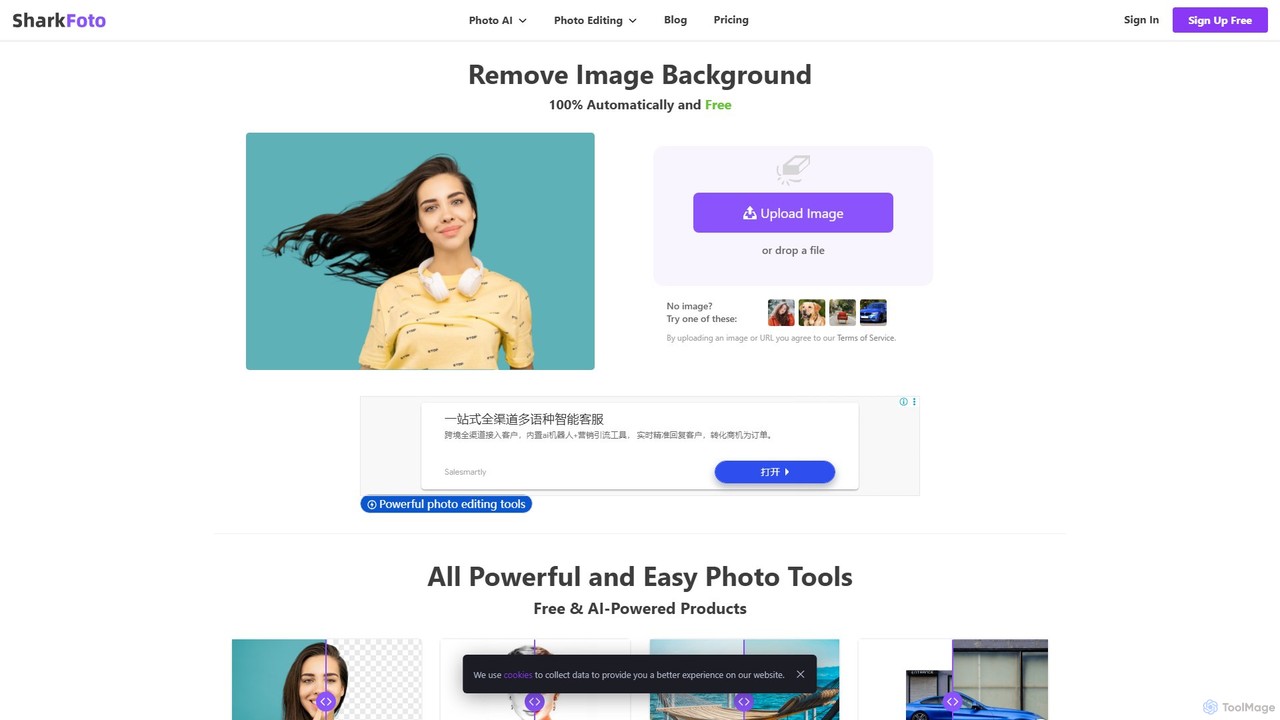
sharkfoto is an all-in-one online photo editing suite powered by AI. It offers a range of tools including automatic background removal, image colorization, photo enhancement, and resolution enlargement. Additionally, it provides over 10 free standard editing tools like image conversion, compression, resizing, and a full-featured photo editor, catering to both professionals and casual users.

Background Removal
Visits 63.7KFavorites 97Likes 123
VanceAI
Freemium

VanceAI

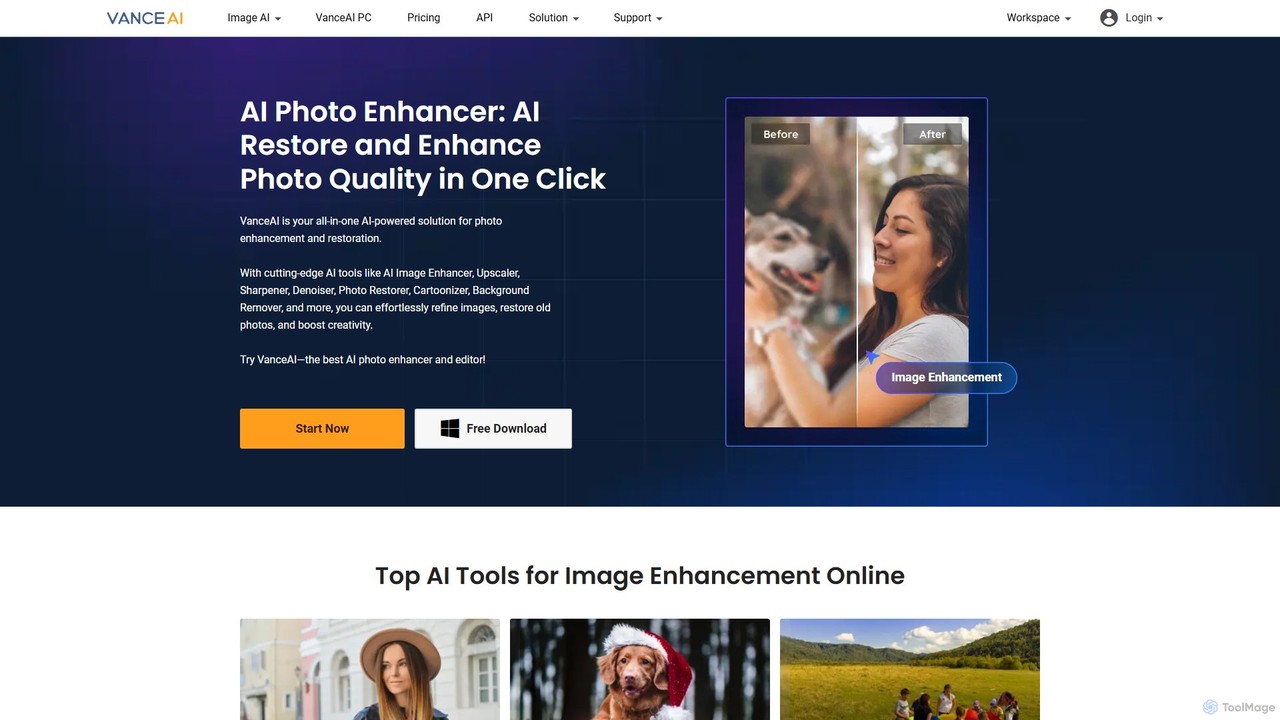
VanceAI is a comprehensive, AI-powered suite for photo enhancement, restoration, and editing. It offers a wide range of tools, including an image upscaler, sharpener, denoiser, background remover, and photo restorer. With one-click solutions and batch processing capabilities, VanceAI helps users from photographers to e-commerce businesses improve image quality, streamline workflows, and boost creativity effortlessly, available both online and as a desktop application.

Image Editing
Visits 419.8KFavorites 102Likes 104
Upscale.media
Freemium

Upscale.media

Upscale.media is a free AI-powered tool that automatically upscales and enhances images in seconds. It increases image resolution by up to 8x without losing quality, sharpens details, and removes artifacts. Ideal for e-commerce, photographers, and personal use, it offers web, mobile app, and API access for seamless integration.

Image Editing
Visits 3MFavorites 90Likes 83
aiphotoenhancer
Freemium

aiphotoenhancer

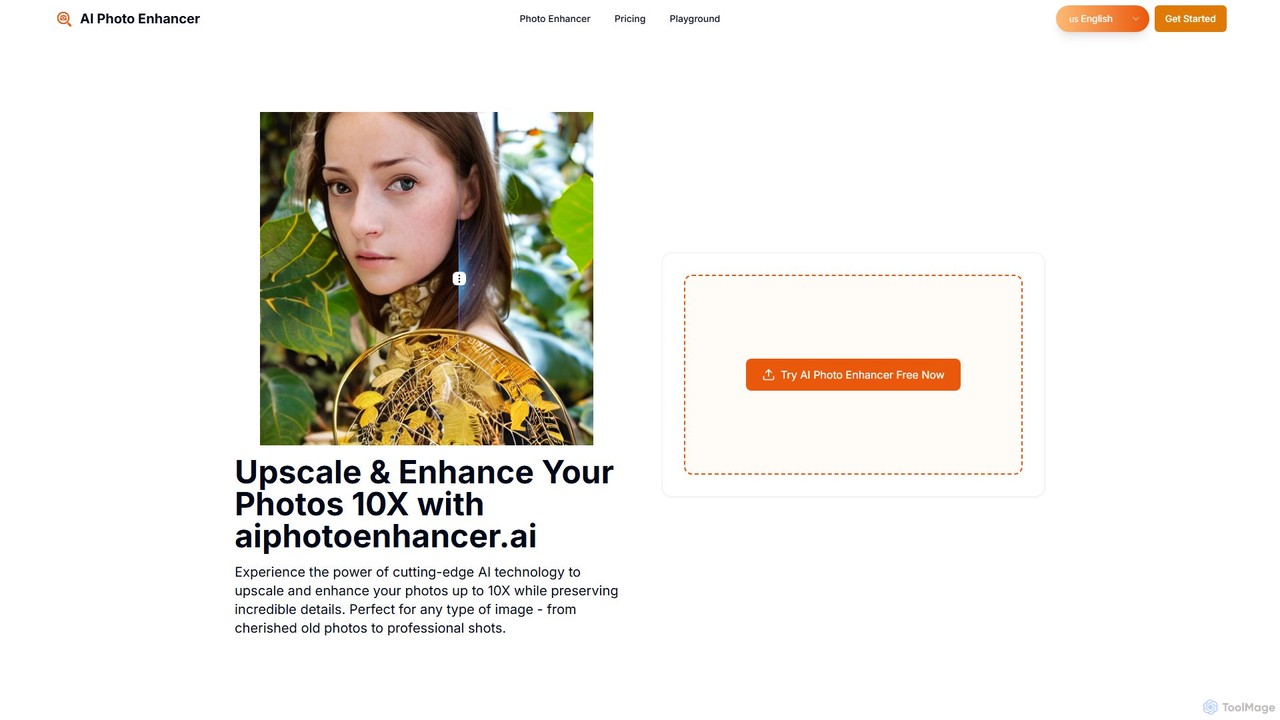
aiphotoenhancer is an AI-powered tool that upscales and enhances images up to 10X resolution while preserving details. It supports batch processing for up to 10 images and offers specialized modes for various photo types, including portraits, landscapes, e-commerce products, and old photos. With daily free credits, users can easily restore, sharpen, and improve their images for both personal and commercial use.

Image Editing
Visits 3.4KFavorites 98Likes 99
Gigapixel AI
Freemium

Gigapixel AI

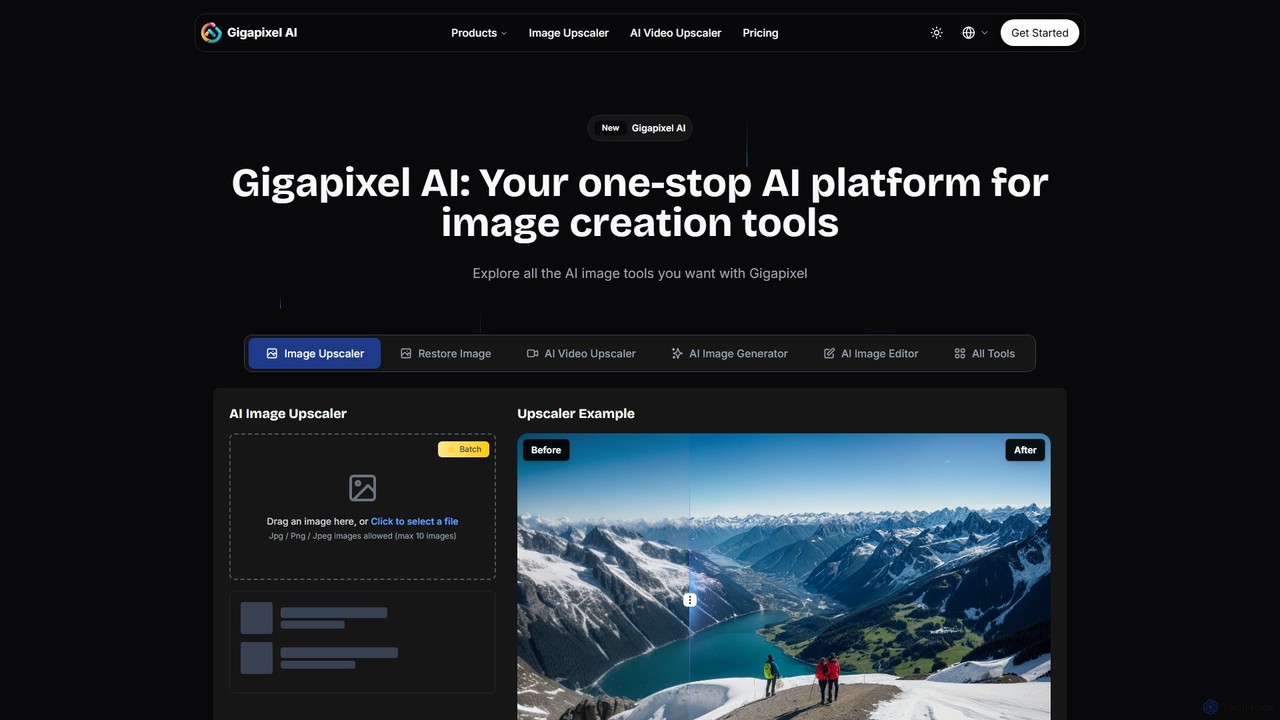
Gigapixel AI is a comprehensive, all-in-one AI platform for image and video creation. It offers a suite of powerful tools, including an advanced image and video upscaler, a versatile image generator, a precise image editor, and a background remover. It's designed for creators, marketers, and developers to enhance, generate, and edit visual content with professional-grade quality and efficiency.

Image Editing
Visits 332.6KFavorites 136Likes 137
Fine Pixel
Freemium

Fine Pixel

Fine Pixel is an all-in-one AI-powered image suite that enhances, generates, and edits visuals. It features a high-resolution image upscaler for print-quality results (300+ DPI), a text-to-image generator (DaVinci Diffusion XL) for instant creativity, and an inpainting tool to seamlessly add or remove objects from photos. It's designed for users of all skill levels, from marketers and designers to personal users, enabling professional-grade image manipulation in seconds.

Image Editing
Visits 3.6KFavorites 112Likes 108
Seedream 4
Freemium

Seedream 4

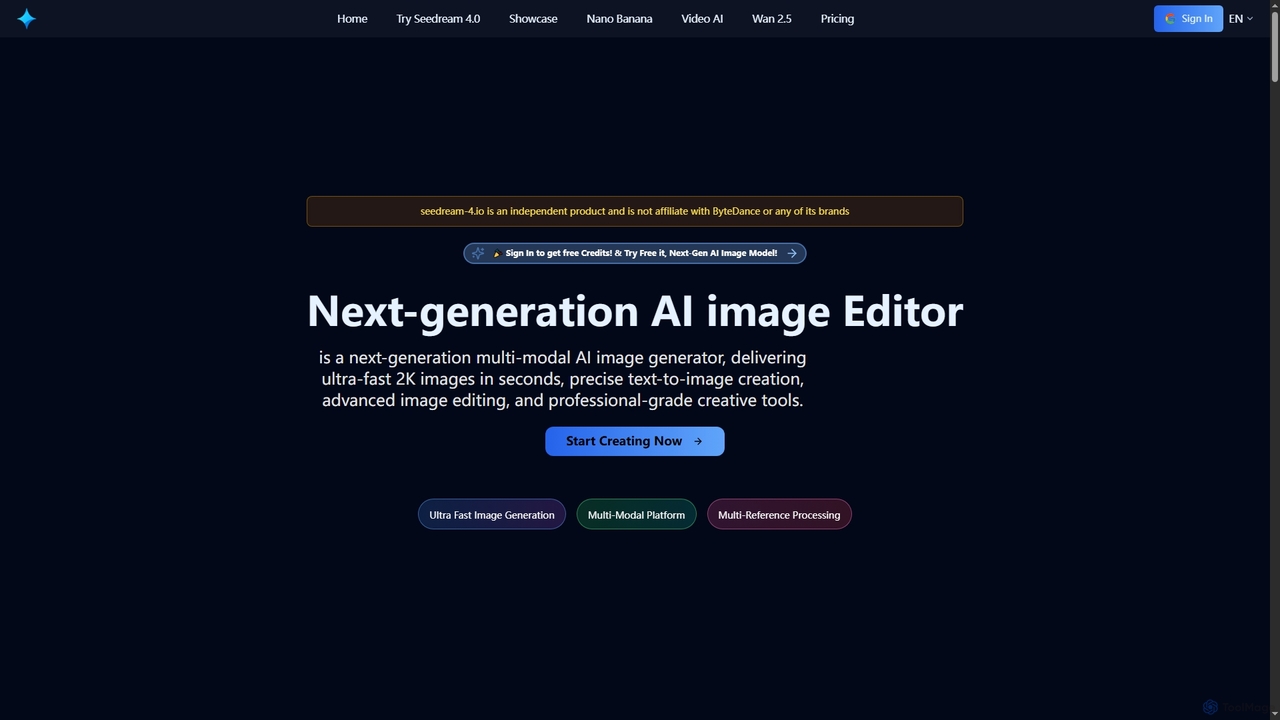
Seedream 4 is a cutting-edge multimodal AI platform for ultra-fast 2K image and video generation and editing. Leveraging advanced MoE architecture, it offers precise text-to-image creation, multi-reference processing, and batch generation, supporting both English and Chinese prompts for global creators.

Ai Photo Editor
Visits 62.5KFavorites 125Likes 113
Nanobanana
Freemium

Nanobanana

Nanobanana is an advanced AI image editing and generation platform that transforms images using natural language prompts. It specializes in maintaining character consistency and scene integrity while offering powerful features like watermark removal, photo restoration, and batch processing. Ideal for creators, marketers, and photographers seeking efficient, high-quality visual content creation.

3D
Visits 26.2KFavorites 99Likes 92
Uptechai
Freemium

Uptechai

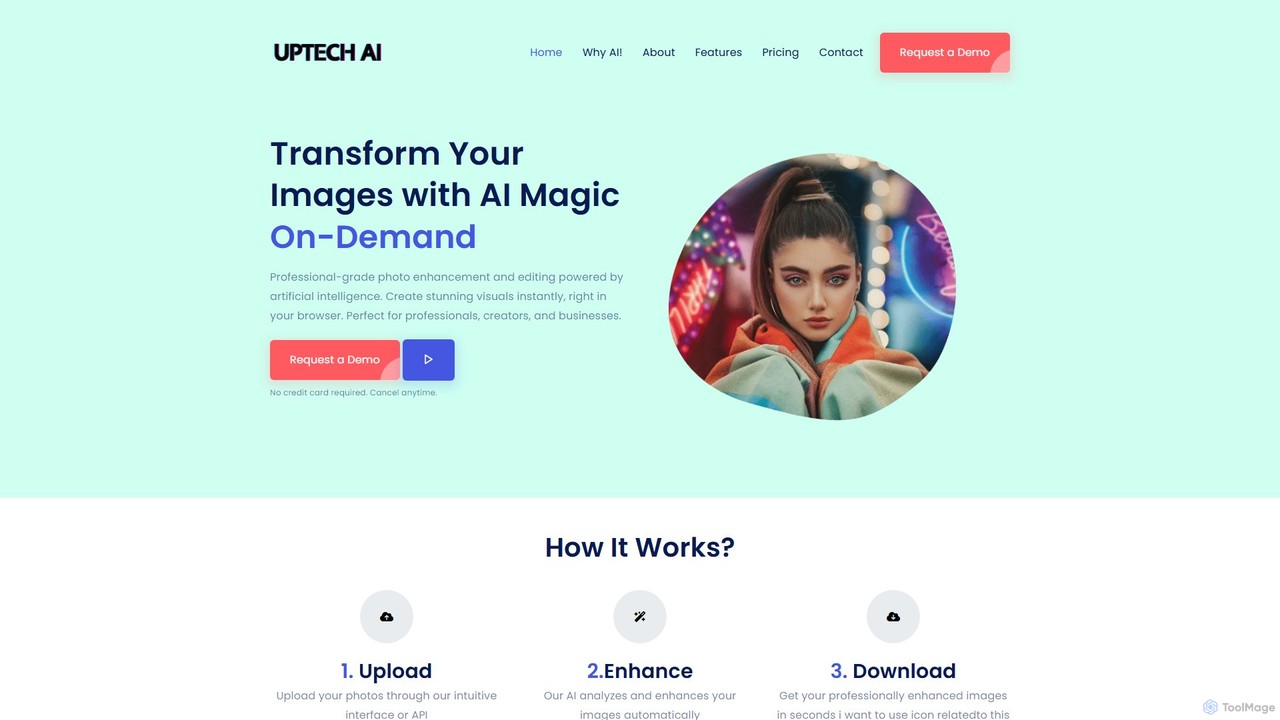
Uptechai is an AI-powered photo enhancement and editing platform designed for professionals, creators, and businesses. It transforms images instantly in your browser, providing professional-grade results with features like automated enhancement, API integration, and customizable editing tools to streamline workflows and improve visual quality.

3D
Visits 4.1KFavorites 55Likes 60
PixPunk
Free

PixPunk

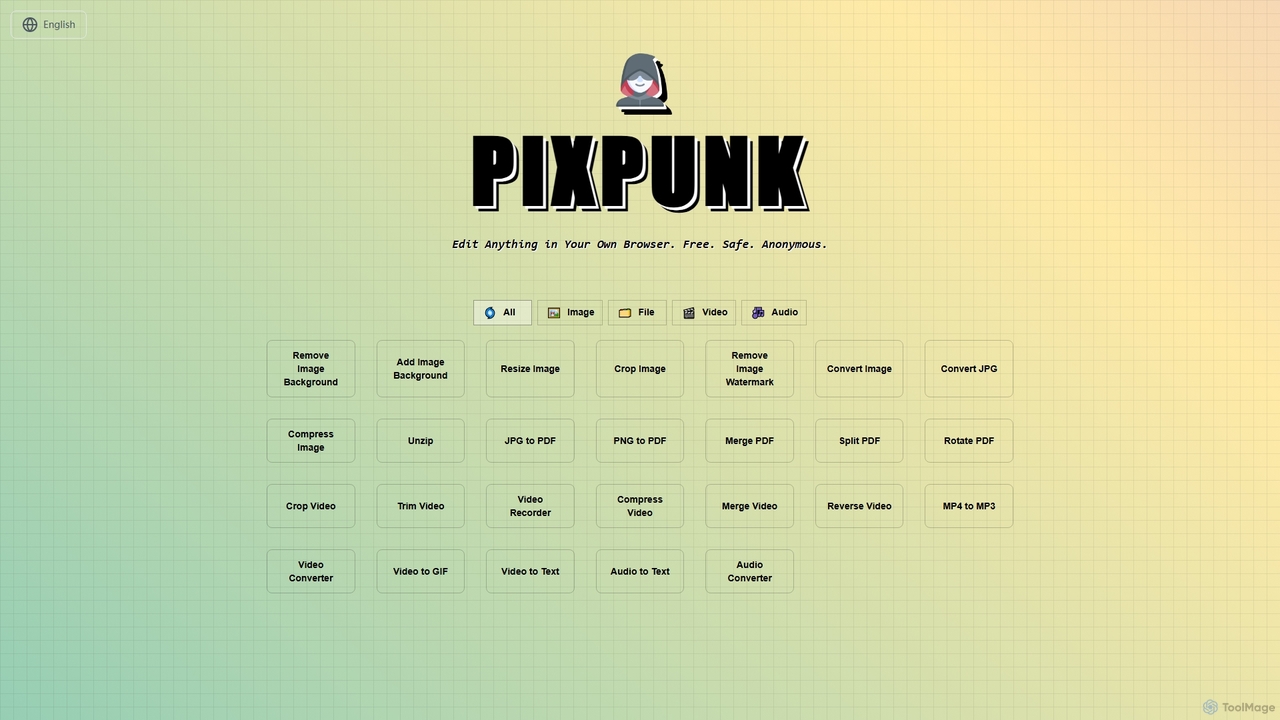
PixPunk is a free, safe, and anonymous online tool that allows users to edit images, convert files, and process videos and audio directly in their browser. It offers a suite of functionalities including background removal, image resizing, cropping, and format conversion, all without uploads or watermarks, ensuring maximum privacy.

Audio Converter
Visits 3.5KFavorites 66Likes 63
Erazor
Freemium

Erazor

Erazor is a professional AI image editor that specializes in lightning-fast background removal and intelligent image upscaling. Designed for designers, marketers, and e-commerce sellers, it delivers high-quality results in seconds, enhancing productivity and visual content creation.

Graphic Design
Visits 3.5KFavorites 68Likes 60
Frankenfile
Paid

Frankenfile

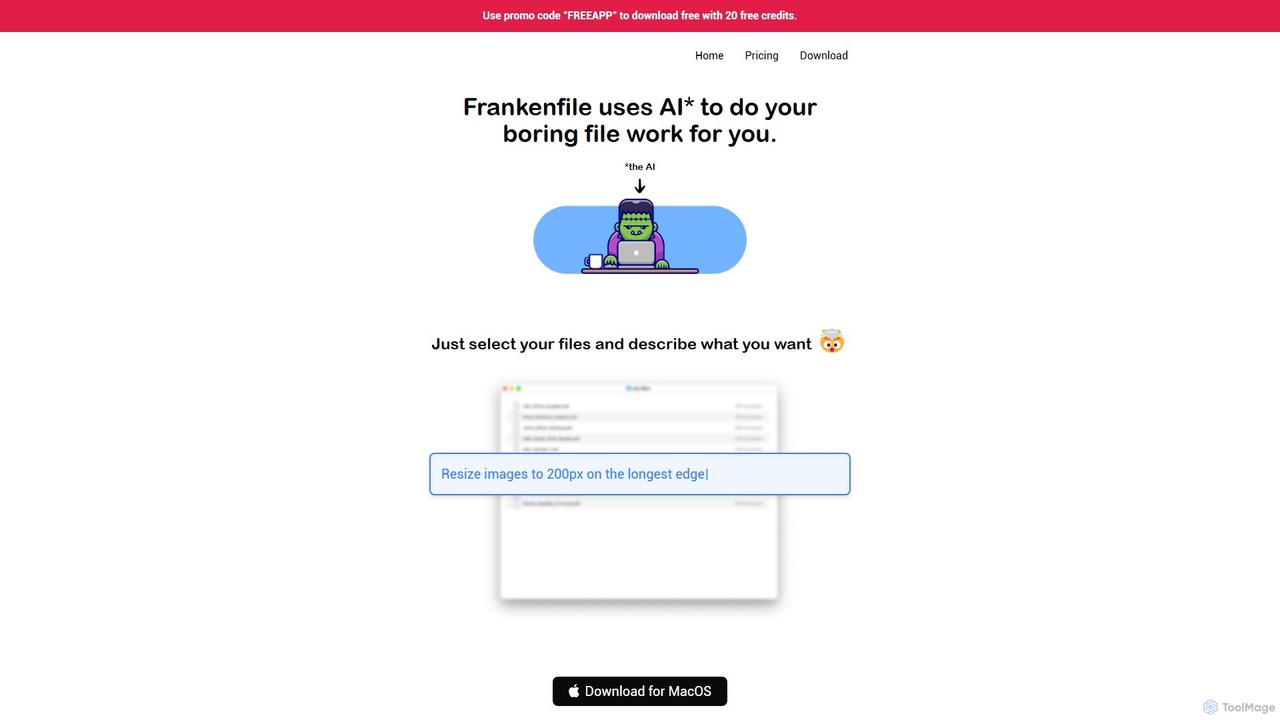
Frankenfile is an AI-powered assistant for MacOS that automates your file management tasks. Simply describe what you want to do in plain English, and the app handles complex operations on images, videos, audio, and PDFs. It runs entirely locally, ensuring your files remain private and secure.

Task Automation
Visits 3.4KFavorites 119Likes 115
PicWish
Freemium

PicWish

PicWish is an all-in-one AI-powered photo editing suite designed to simplify complex image processing. It offers a wide range of free and pro tools, including background removal, photo enhancement, object removal, and AI background generation. Available online and as a dedicated app, PicWish empowers e-commerce sellers, designers, and content creators to produce professional-quality visuals effortlessly, without needing advanced technical skills.

Image Generation
Visits 3.8MFavorites 92Likes 98
ImageUpscaler
Freemium

ImageUpscaler

An all-in-one AI-powered platform for image enhancement. Upscale photos up to 4x without quality loss, remove backgrounds, deblur images, generate art from text, and utilize a wide range of creative tools like cartoonizers, colorizers, and object removers. Ideal for professionals and hobbyists.

Graphics
Visits 762.4KFavorites 128Likes 129
Facewow
Freemium

Facewow

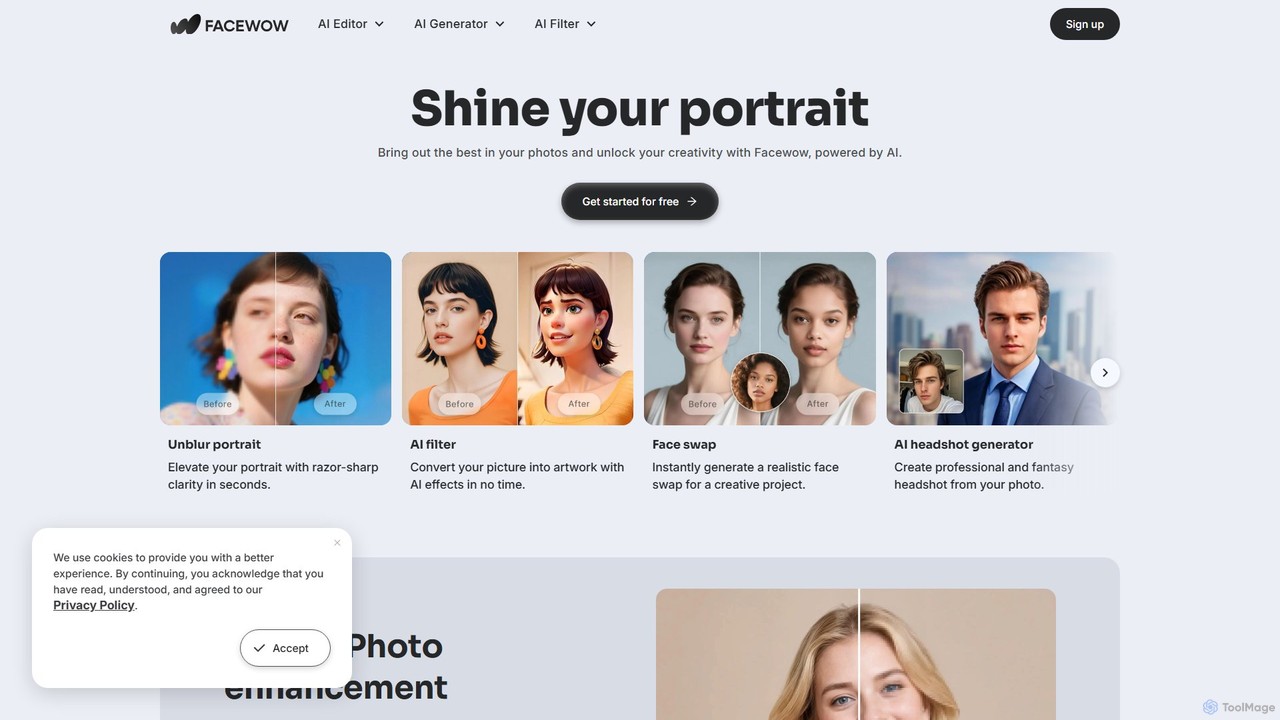
Facewow is a comprehensive, free-to-use AI toolkit for creating and editing portraits. It offers a suite of powerful tools including a photo enhancer to unblur and upscale images, over 100 artistic AI filters, a realistic face swap for photos and videos, and an AI headshot generator for professional or creative profiles. It's designed for everyone, requiring no sign-up or technical skills to produce high-quality, watermark-free results instantly.

Memes
Visits 371.6KFavorites 157Likes 145