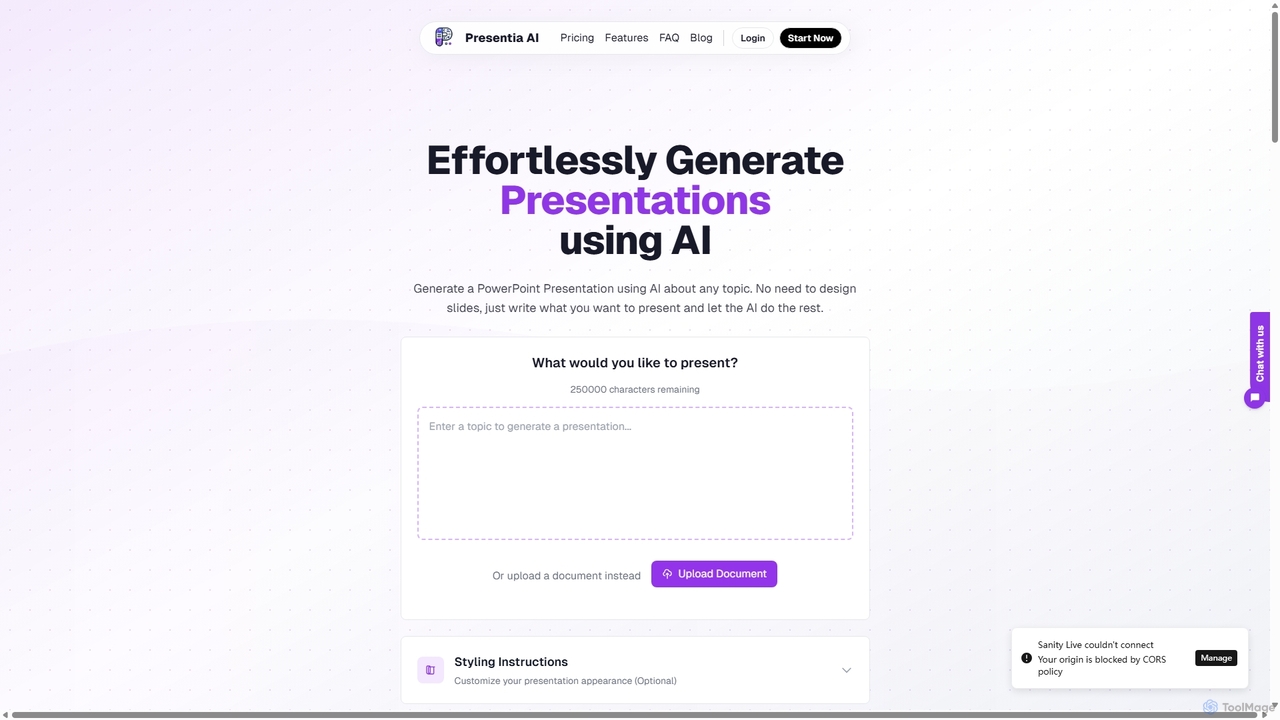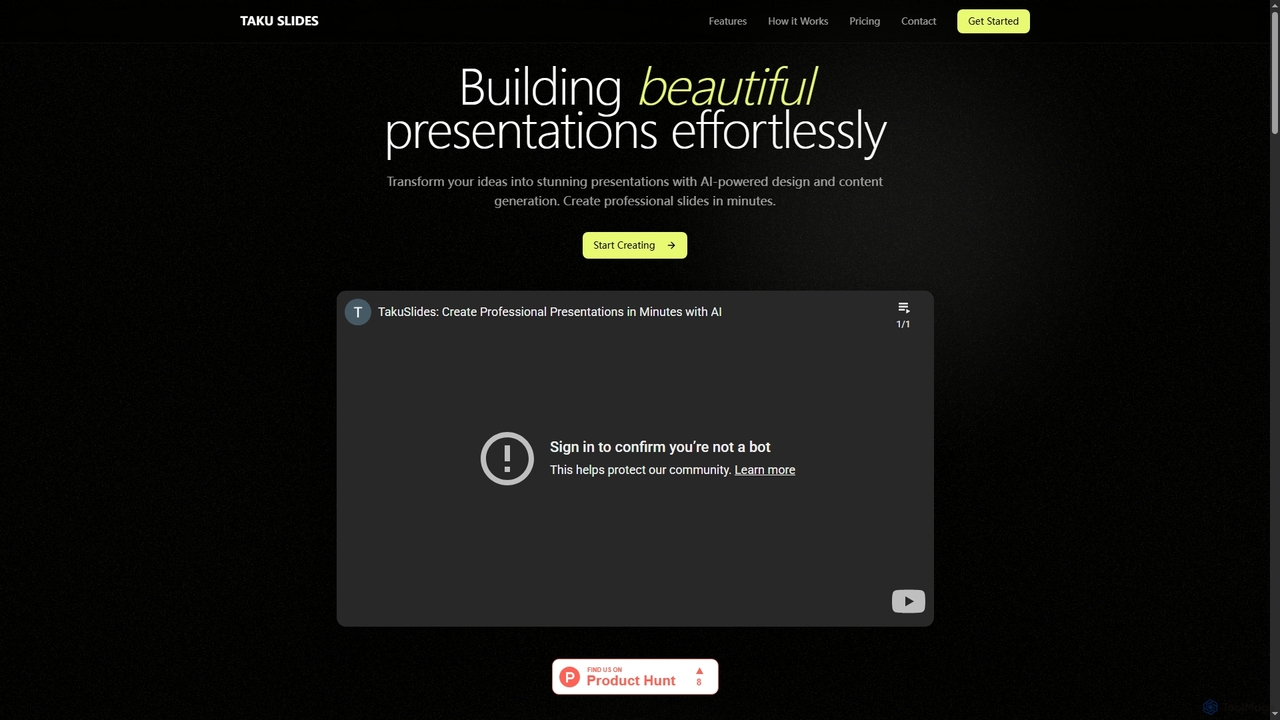
Edit in PPT is an AI-powered tool that converts images, screenshots, and static slides into fully editable PowerPoint presentations. It uses advanced vision models to recognize text, charts, and shapes, saving users hours of manual recreation. The tool also features natural language commands for editing slides, streamlining the entire presentation creation process.

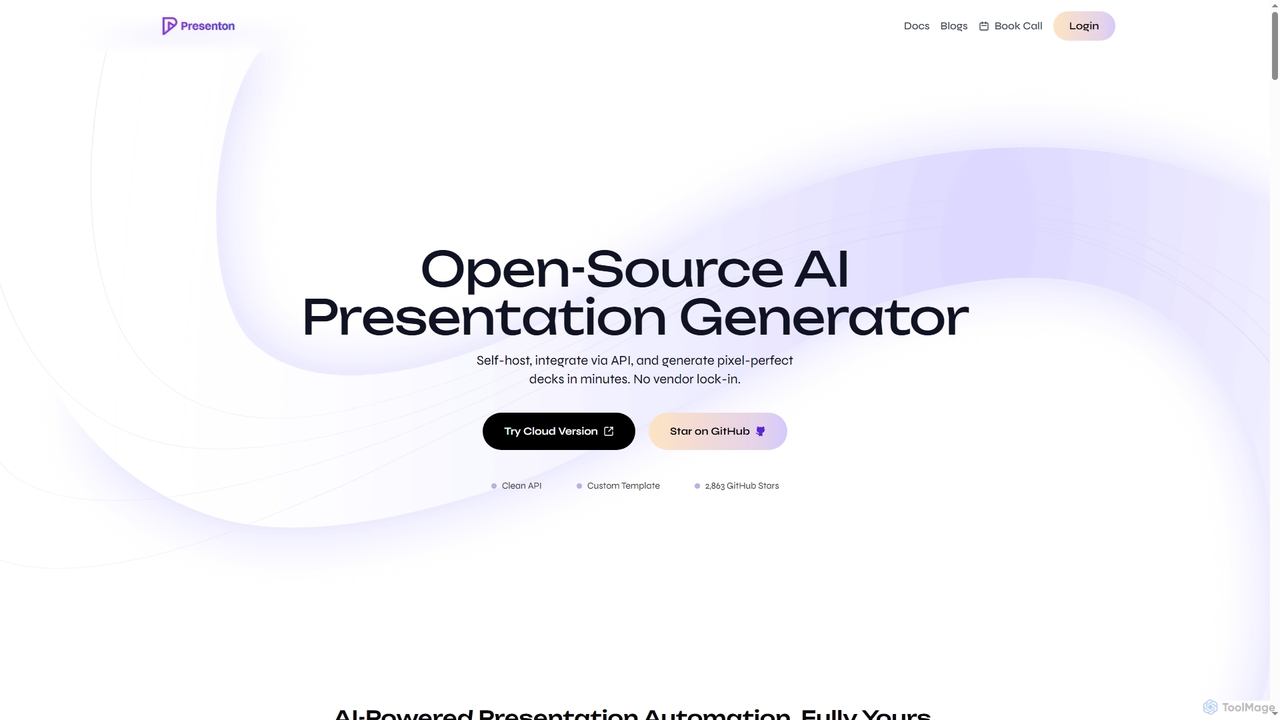
Presenton is an open-source AI presentation generator designed for developers and teams. It allows for self-hosting, API integration, and creating pixel-perfect, on-brand presentations from custom templates, ensuring complete control, privacy, and no vendor lock-in.
Product overview
Edit in PPT Product overview
Edit in PPT is an AI-powered tool that converts images, screenshots, and static slides into fully editable PowerPoint presentations. It uses advanced vision models to recognize text, charts, and shapes, saving users hours of manual recreation. The tool also features natural language commands for editing slides, streamlining the entire presentation creation process.
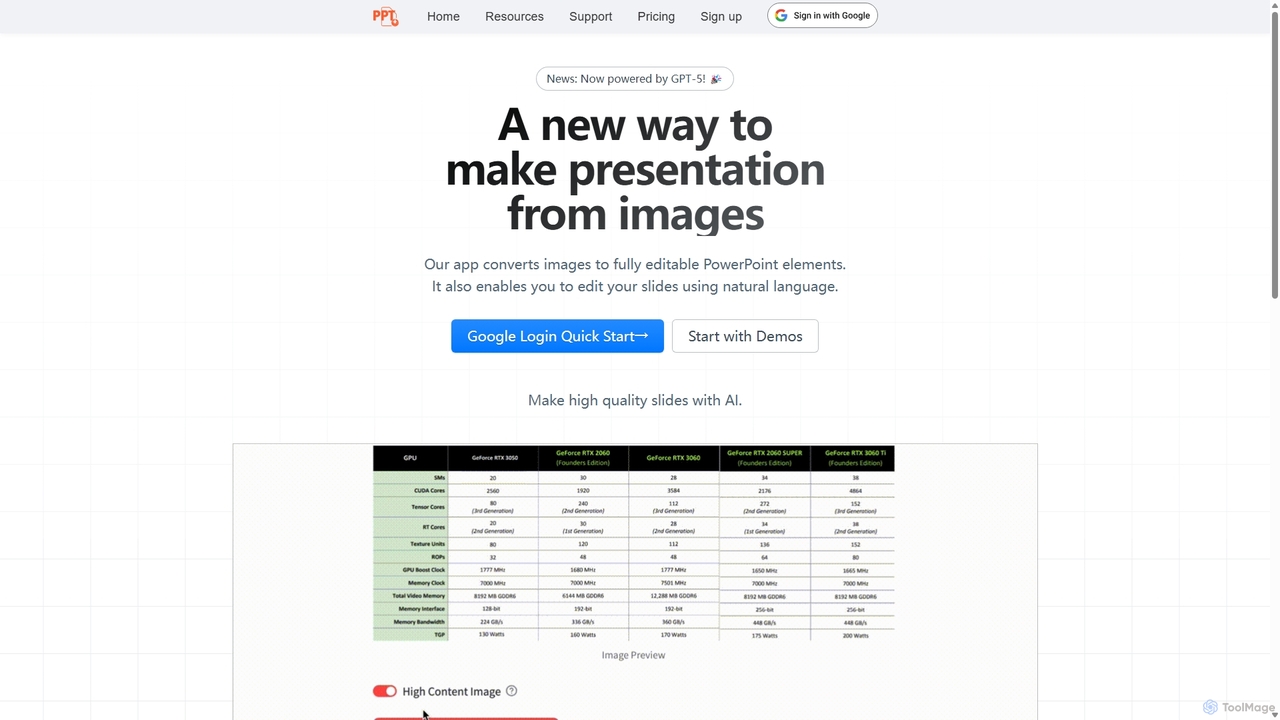
Presenton Product overview
Presenton is an open-source AI presentation generator designed for developers and teams. It allows for self-hosting, API integration, and creating pixel-perfect, on-brand presentations from custom templates, ensuring complete control, privacy, and no vendor lock-in.
Detailed feature comparison
| Feature | Edit in PPT | Presenton |
|---|---|---|
| Primary category | Automation | Automation |
| Added | 2025-09-14 | 2025-11-30 |
| Pricing | Freemium | Freemium |
| Official website | ppt.gptsci.com | presenton.ai |
| Product type | Website | Website |
| Performance data | ||
| User rating | Not verified | Not verified |
| Comments | 0 | 0 |
| Monthly visits | 1.8K | 59.7K |
| Monthly growth | -49.5% | 29.7% |
| Favorites | 151 | 100 |
| Details | View details | View details |
Edit in PPT vs Presenton monthly traffic
Compare Edit in PPT and Presenton by monthly reach, traffic trend, visit depth, top regions, and acquisition sources.
How to interpret the traffic data
In the Edit in PPT vs Presenton monthly traffic comparison, Edit in PPT currently shows 1.8K visits and Presenton shows 59.7K; Presenton has about 33.2 times the visible traffic of Edit in PPT, an absolute difference of about 57.9K visits. This reflects visible reach, not feature quality or paid users.
Both tools provide verified traffic details, so monthly trends, visit depth, regions, and acquisition sources can be compared on the same basis.
Edit in PPT monthly traffic:
Latest traffic
Monthly traffic trend
- 2025/9: 2.6K Monthly visits
- 2026/1: 1.1K Monthly visits
- 2026/2: 2.8K Monthly visits
- 2026/3: 3.8K Monthly visits
- 2026/4: 3.6K Monthly visits
- 2026/5: 1.8K Monthly visits
Top regions
Top 5 countries/regions
| Country/region | Percentage | Traffic |
|---|---|---|
| ๐บ๐ธUnited States | 33.62% | 604 |
| ๐ฎ๐ณIndia | 33.18% | 596 |
| ๐ซ๐ทFrance | 20.18% | 362 |
| ๐ฎ๐นItaly | 7% | 126 |
| ๐ฒ๐ฆMorocco | 6.02% | 108 |
Search keywords
Presenton monthly traffic:
Latest traffic
Monthly traffic trend
- 2026/1: 30.5K Monthly visits
- 2026/2: 34K Monthly visits
- 2026/3: 33.5K Monthly visits
- 2026/4: 46K Monthly visits
- 2026/5: 59.7K Monthly visits
Top regions
Top 5 countries/regions
| Country/region | Percentage | Traffic |
|---|---|---|
| ๐บ๐ธUnited States | 29.86% | 17.8K |
| ๐ฎ๐ณIndia | 21.43% | 12.8K |
| ๐ฉ๐ชGermany | 17.12% | 10.2K |
| ๐ช๐นEthiopia | 16.75% | 10K |
| ๐ฌ๐งUnited Kingdom | 14.84% | 8.9K |
Traffic sources
| Source type | Percentage | Traffic |
|---|---|---|
| Direct | 73.21% | 43.7K |
| Referral | 26.52% | 15.8K |
| 0.27% | 161 |
Search keywords
Usage comparison
Compare the core capabilities of Edit in PPT and Presenton
Edit in PPT Core features
Presenton Core features
Use cases
Edit in PPT Use cases
Presenton Use cases
Best suited roles
Edit in PPT Best suited roles
Presenton Best suited roles
Edit in PPT vs Presenton๏ผIn-depth comparison and selection guidance
First decide whether the products solve the same kind of need
This in-depth Edit in PPT vs Presenton comparison uses only the product records, taxonomy, audience, traffic, and community signals available on this page. Edit in PPT is primarily listed under โAutomationโ, while Presenton is primarily listed under โAutomationโ, so the first decision is whether your actual task matches their recorded scope.
The structured fields currently show these decision-relevant differences: Monthly visits (Edit in PPT: 1.8K; Presenton: 59.7K); Monthly growth (Edit in PPT: -49.5%; Presenton: 29.7%); Favorites (Edit in PPT: 151; Presenton: 100); Website (Edit in PPT: ppt.gptsci.com; Presenton: presenton.ai); Added (Edit in PPT: 2025-09-14; Presenton: 2025-11-30). These facts are more useful for selection than brand visibility alone.
What market visibility and monthly traffic mean
In the Edit in PPT vs Presenton monthly traffic comparison, Edit in PPT currently shows 1.8K visits and Presenton shows 59.7K; Presenton has about 33.2 times the visible traffic of Edit in PPT, an absolute difference of about 57.9K visits. This reflects visible reach, not feature quality or paid users.
Both tools provide verified traffic details, so monthly trends, visit depth, regions, and acquisition sources can be compared on the same basis.
If public market visibility is an important first-pass criterion, investigate Presenton first. The final choice should still follow taxonomy, use case, and a real trial because higher traffic does not prove broader capabilities or better workflow fit.
Product positioning, use cases, and roles
Edit in PPT and Presenton currently overlap in shared categories: Automation and Presentations; shared tags: AI presentation; shared roles: Data Analyst, Marketing Manager, Product Manager, and Sales Representative. This can place both on the same shortlist, but it does not prove equal implementation, depth, or cost.
Edit in PPT's unique categories/tags are Graphics, Assistant, automation, data visualization, image to ppt, powerpoint, presentation, and productivity; Presenton's are Api, Open Source, API, brand consistency, data privacy, developer tools, open source, and PPTX generator. These unique fields are the strongest differentiators: validate the product whose recorded scope matches the task instead of following traffic alone.
What ratings, comments, and favorites can tell you
Edit in PPT has no verified rating, 0 comments, 151 favorites, and 153 likes๏ผPresenton has no verified rating, 0 comments, 100 favorites, and 106 likesใ
Neither product has enough rating or comment samples for a credible reputation ranking.
Selection guidance by actual need
When to evaluate Edit in PPT first
Put Edit in PPT on the priority trial list when the task aligns with โAutomationโ and especially Graphics, Assistant, automation, data visualization, image to ppt, and powerpoint, or the users include Business Consultant, Content Creator, Educator, and Researcher. This follows recorded positioning and does not imply unlisted capabilities are absent.
Edit in PPT also currently records: pricing is freemium, product type is website, 1.8K verified monthly visits, no verified user rating. Verify any hard requirement around price, platform, or reach before trial, and do not let sparse review data substitute for testing.
When to evaluate Presenton first
Put Presenton on the priority trial list when the task aligns with โAutomationโ and especially Api, Open Source, API, brand consistency, data privacy, and developer tools, or the users include Business Owner, Financial Analyst, and Software Developer. This follows recorded positioning and does not imply unlisted capabilities are absent.
Presenton also currently records: pricing is freemium, product type is website, 59.7K verified monthly visits, no verified user rating. Verify any hard requirement around price, platform, or reach before trial, and do not let sparse review data substitute for testing.
How to validate the recommendation before deciding
The available data describes positioning, public visibility, and community signals, but it cannot prove output quality, speed, integration effort, privacy, or long-term cost in your workflow. Before deciding, run the same representative tasks in Edit in PPT and Presenton, then record completion time, accuracy, manual corrections, and the real paid threshold. A like-for-like trial turns this comparison into a defensible adoption decision.
Comparison FAQ
How should I choose between Edit in PPT and Presenton?
Where does this comparison data come from?
What do unknown fields mean?
Related AI tools

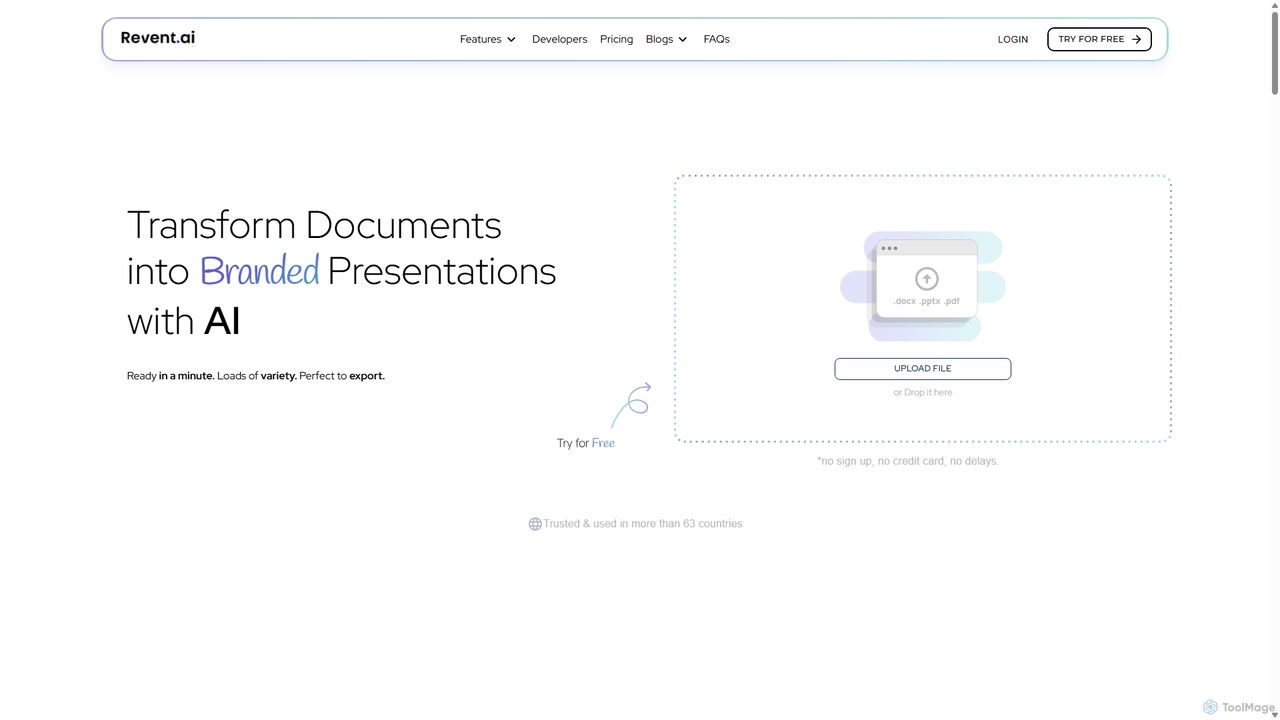
Revent
Revent is an AI-powered presentation design tool that instantly transforms documents like PDFs, Word files, and plain text into professionally designed, branded presentations. It automates slide creation, ensures brand consistency by mirroring your website's design, and offers a vast library of smart templates to streamline your workflow and produce stunning decks in minutes.
Document Management
Instant
Instant is an AI-powered presentation generator designed as a Google Slides extension. It enables users to create visually stunning, fully-editable presentations directly within their familiar workflow. By combining advanced AI with a library of over 100 expert-designed templates, Instant excels at generating engaging slides with infographics, diagrams, and flowcharts, moving beyond simple text and bullet points. It automates content creation, outline generation, and layout design, saving time and effort while producing professional-grade results.
Learning
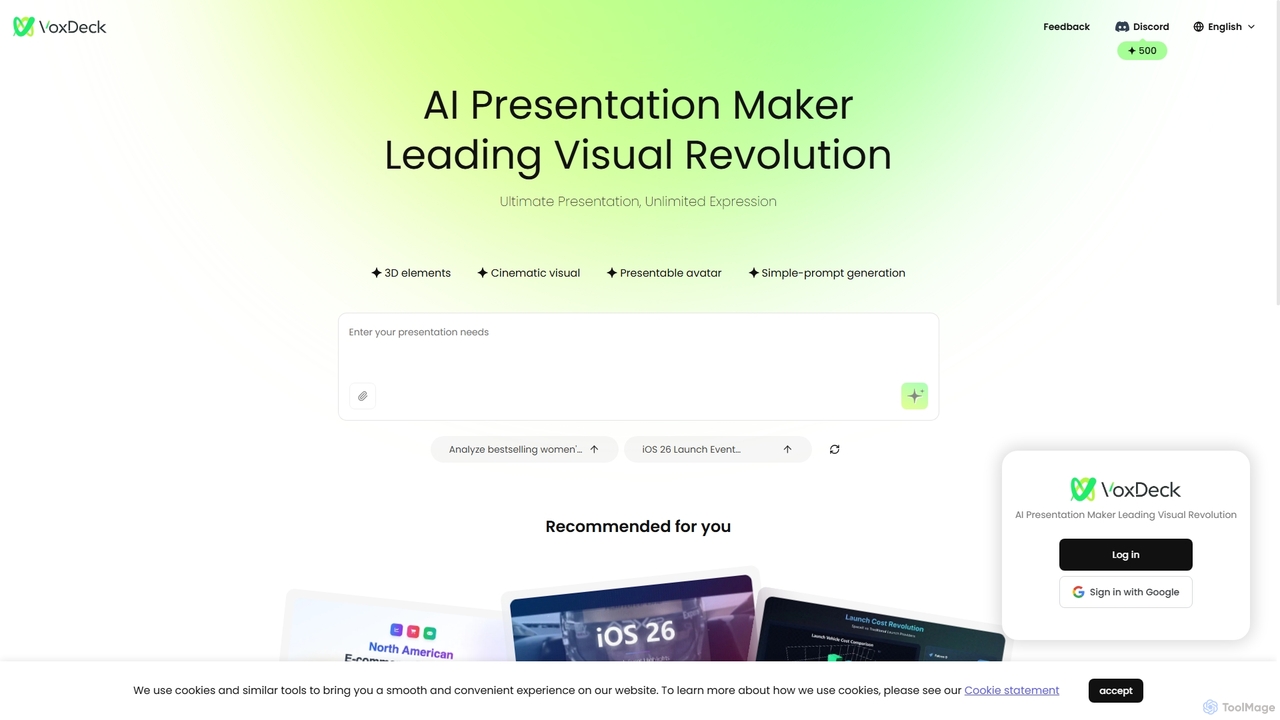
VoxDeck
VoxDeck is an AI-powered presentation maker that transforms simple text prompts into visually stunning, cinematic presentations. It leverages 3D elements, dynamic visuals, and presentable avatars to create engaging and professional slides, leading a new revolution in visual storytelling and communication.
Graphics
ChatLLM
ChatLLM is an advanced conversational AI platform designed for professionals and developers. It provides unified access to multiple leading Large Language Models (LLMs) like GPT-4, Claude 3, and more. The platform focuses on enhancing productivity, streamlining workflows, and enabling powerful integrations through a robust API.
Api
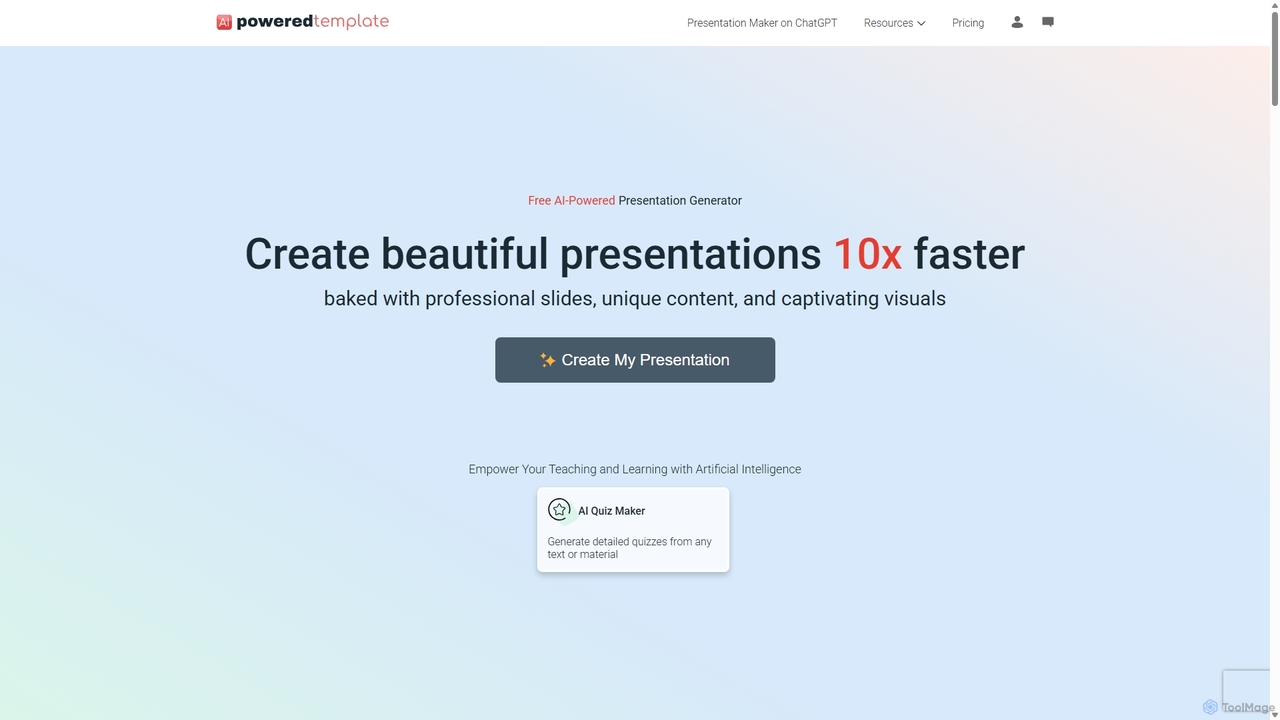
PoweredTemplate AI Presentation Maker
PoweredTemplate AI Presentation Maker is a free, AI-powered tool that transforms your ideas and text into stunning, professional presentations 10x faster. Instantly generate high-quality slides with unique content and captivating visuals for business, education, and marketing. It supports export to PowerPoint, Google Slides, and PDF, offering extensive customization through a vast library of templates and stock media.
Proposals
Raycast
Raycast is a blazingly fast, extensible launcher for macOS that supercharges your productivity. It acts as a central command bar to control your tools, with integrated AI, an extensive extension store, and powerful built-in features like window management and clipboard history. It's designed to reduce context switching and keep you in the flow.
Personal Assistant
GPT Workspace
GPT Workspace integrates AI-powered features directly into Google Workspace applications like Docs, Sheets, Slides, and Gmail. It enhances productivity by automating content creation, data analysis, email drafting, and document editing, allowing users to leverage the power of models like GPT-4o seamlessly within their existing workflow.
Document Management
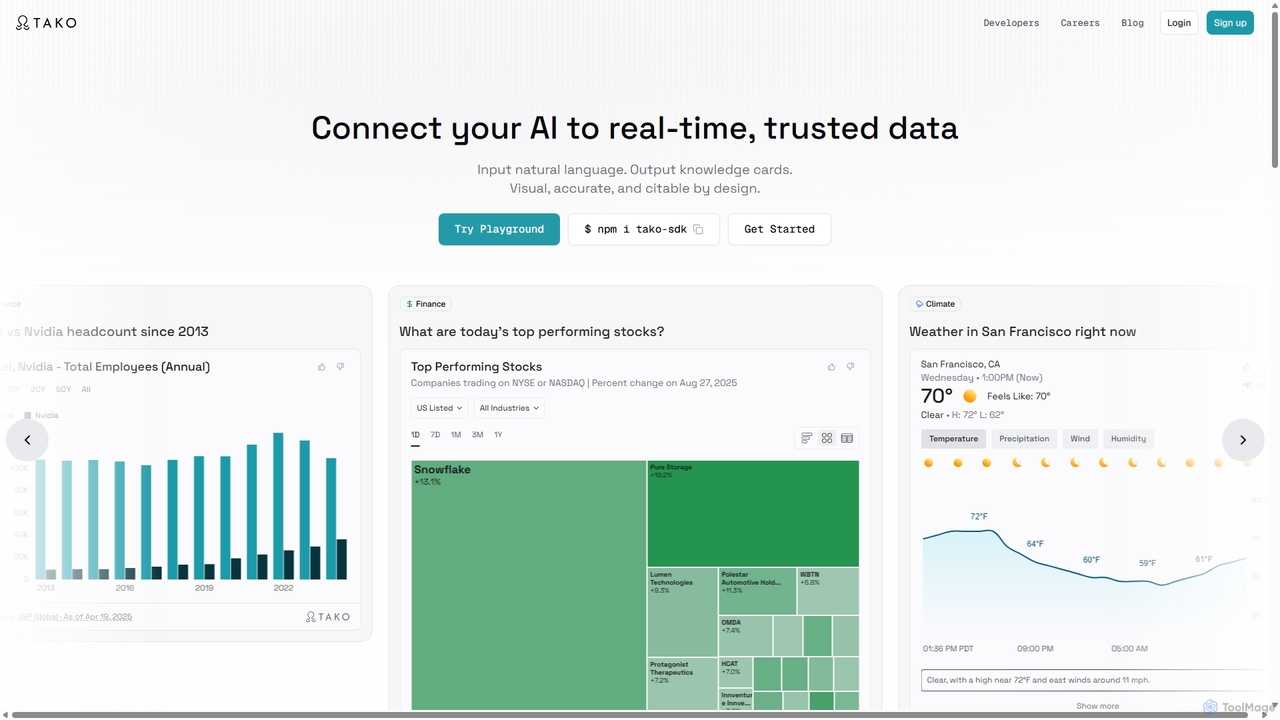
Tako
Tako is an AI knowledge engine that connects applications and agents to real-time, trusted data. It transforms natural language queries into interactive, visual "knowledge cards" that are accurate and citable. Designed for developers, Tako provides a powerful API and an easy-to-integrate plugin to enrich AI chatbots, search engines, and content creation platforms with dynamic, data-driven insights from authoritative sources.
Enrichment
Baidu Wenku AI
Baidu Wenku AI is an all-in-one intelligent document productivity platform powered by Baidu's ERNIE LLM. It transforms the traditional document library into a dynamic creation suite, enabling users to instantly generate PPTs, write articles, summarize complex documents, conduct AI-powered web searches, and chat with their files for quick insights. It's designed to streamline workflows for students, professionals, and researchers.
Presentation
Amurex
Amurex is an open-source AI invisible companion that works silently in the background to streamline your workflow. It integrates with your existing apps like Notion, Google Drive, and Obsidian to create a searchable knowledge base, automates meeting transcriptions and summaries, and intelligently categorizes your inbox.
Automation
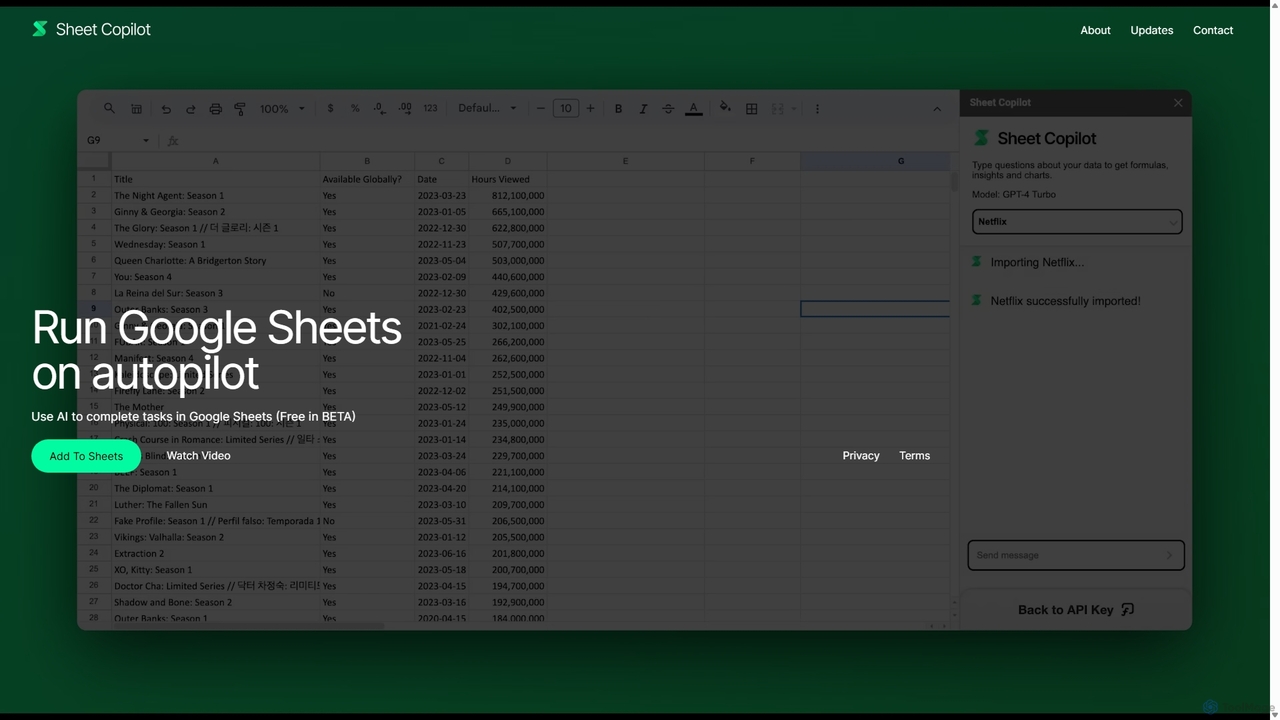
Sheet Copilot
Sheet Copilot is an AI-powered assistant that automates tasks and answers questions directly within Google Sheets. By using natural language commands, you can clean data, generate formulas, create summaries, and analyze information without writing complex functions. It's currently free in beta and operates using your own OpenAI API key for enhanced privacy and security.
Automation
Presentia AI
Presentia AI is an advanced AI presentation maker that automatically generates professional PowerPoint slides from text prompts or documents. Simply input your topic or upload a PDF/Word file, and the AI will create a complete, visually appealing presentation with text and images in seconds, supporting multiple languages and custom styling.
Student Tools
Sheetplus
Sheetplus is an AI-powered toolkit designed to supercharge your spreadsheet experience in Google Sheets and Excel. By leveraging natural language, it allows users to generate complex formulas, clean and analyze data, automate tasks, and extract insights without writing code. It acts as an intelligent assistant, making data management faster, more intuitive, and accessible to everyone, regardless of their technical expertise.
Automation
Taku Slides
Taku Slides is an AI-powered presentation tool that transforms simple prompts, documents, or outlines into professionally designed slides in minutes. It features smart templates, brand consistency, real-time collaboration, and multiple export options.
Collaboration
Miniflow.ai
Miniflow.ai is an all-in-one AI platform that consolidates top AI models for text, image, and video generation into a single subscription. It features a powerful no-code visual workflow builder, allowing users to chain multiple AI models and automate complex tasks, saving significant costs compared to individual subscriptions.
Ai Platform