
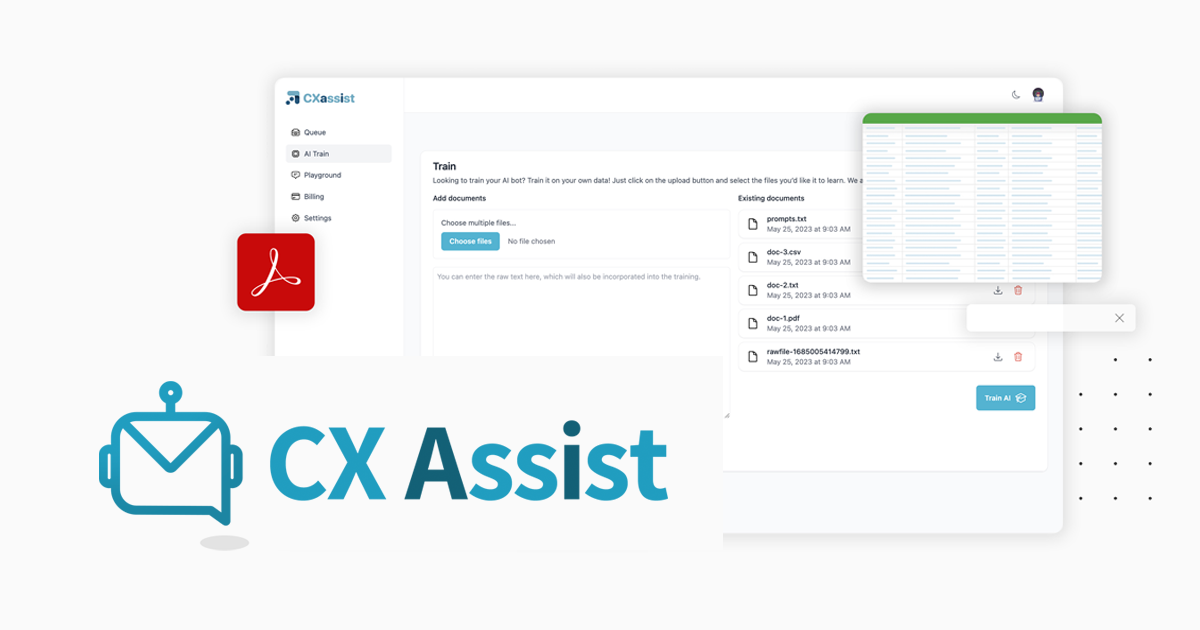
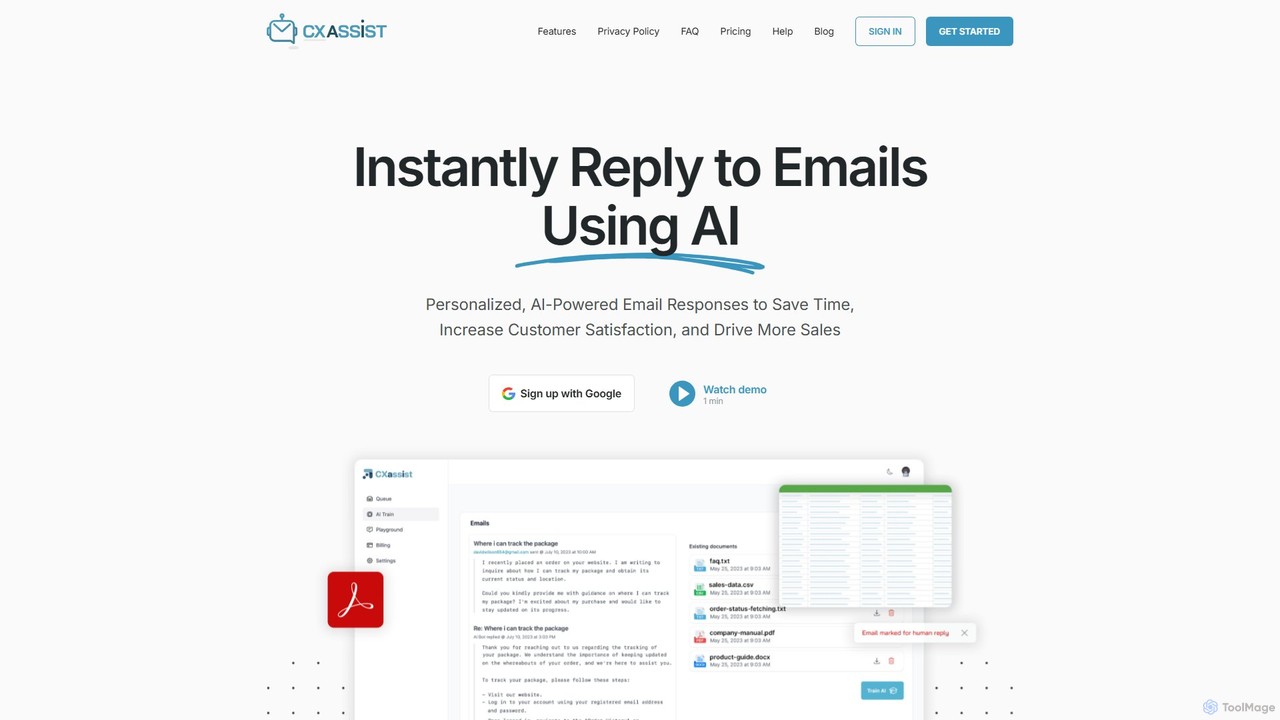
cxassist Overview
cxassist is an intelligent AI assistant designed to automate and revolutionize your email inbox management. In today's fast-paced business environment, managing a constant flow of emails can consume a significant portion of the workday. cxassist addresses this challenge by leveraging advanced AI to read, understand, and respond to emails just like a human would, but with the efficiency and 24/7 availability of a machine. The core principle is simple: you train the AI with your own business content—such as product guides, pricing sheets, FAQs, and even past sent emails—and it uses this knowledge base to craft accurate, relevant, and timely responses to prospects and customers.
This tool is built for businesses of all sizes, from solopreneurs to entire departments, aiming to enhance productivity, improve customer experience, and scale operations without a proportional increase in costs. By handling routine inquiries, cxassist frees up valuable human resources to focus on more complex, high-impact activities. It supports over 50 languages, making it a powerful solution for global businesses.
How to use cxassist
Getting started with cxassist is designed to be simple and intuitive. The process involves a few key steps:
- Sign Up and Connect: Create an account and connect your email provider. cxassist supports Google, Microsoft, and IMAP accounts, for both personal and business use.
- Train the AI: This is the most crucial step. You can upload your training materials in various formats (PDF, Doc, TXT, CSV), provide your website URL for the AI to crawl, or allow it to learn from your previously sent emails. This ensures the AI's responses are based on your specific business information and brand voice.
- Configure Settings: Customize the AI's behavior in the settings panel. You can choose a persona (Generalist, Support, or Sales) to define the tone of the responses, set an interval for how often the AI checks your inbox, and establish rules for handling specific emails.
- Set Up Rules and Overrides: You have granular control. You can specify keywords (e.g., 'emergency', 'purchase') that, when detected, will trigger a human override, forwarding the email to a designated address. You can also ignore emails from specific domains (like your own company's) or those with certain Gmail labels.
- Activate and Monitor: Once configured, simply toggle the AI on. You can choose to have it send replies directly or save them in your drafts folder for a final review (Draft Mode). All activity can be monitored in the 'Queue' section, which provides a transparent view of every action the AI takes.
Core Features of cxassist
- Custom AI Training: Builds a knowledge base from your documents, website content, and sent emails to ensure highly accurate and context-aware responses.
- Automated Email Handling: Reads and replies to inbound emails 24/7, significantly reducing manual workload and response times.
- Pre-set Personas: Tailor the AI's communication style with 'Support' (empathetic), 'Sales' (action-oriented), or 'Generalist' (neutral) personas.
- Multi-language Capability: Understands and responds in over 50 languages, enabling effective global communication.
- Advanced Rule Engine: Allows users to set specific rules for ignoring domains, labels, or forwarding emails based on keywords for human review.
- Draft Mode: Enables users to review and approve AI-generated responses before they are sent, ensuring full control.
- Activity Queue & Analytics: Provides a detailed log of all emails sent, ignored, or forwarded, offering full transparency into the AI's operations.
- Broad Email Provider Support: Integrates seamlessly with Google, Microsoft, and IMAP email accounts.
Use Cases for cxassist
Small Businesses & Solopreneurs: Manage customer inquiries and sales leads efficiently without hiring additional staff. Maintain a professional, responsive presence around the clock to win and retain more customers.
Customer Support Teams: Automate responses to frequently asked questions, freeing up support agents to handle more complex and sensitive customer issues. This improves overall response time and customer satisfaction.
Sales Departments: Use the 'Sales' persona to instantly engage with inbound leads, answer initial questions, and direct prospects toward taking action, such as booking a demo or making a purchase.
Global Operations: Businesses with an international customer base can leverage the multi-language support to provide timely and effective communication in the customer's native language.
Advantages of cxassist
cxassist stands out from other email automation tools by offering true, context-aware automation rather than simple rule-based filtering. Its key advantages include:
- Enhanced Productivity: Drastically reduces the time spent on email management, allowing teams to focus on strategic growth activities.
- Improved Customer Experience: Delivers immediate, accurate, and helpful responses 24/7, meeting modern customer expectations for speed.
- Cost-Effective Scaling: Provides the power of an entire support or sales team at a fraction of the cost, enabling businesses to scale efficiently.
- Brand Consistency: By training on your style guides and past communications, the AI maintains a consistent brand tone and voice in all interactions.
- Ultimate Control: Combines powerful automation with flexible controls like draft mode and human override, ensuring you're always in command.
Pricing and Plans
cxassist offers a flexible pricing structure to suit different needs:
- Free Plan: A trial plan that allows you to send up to 50 email responses to test the service. No credit card is required to sign up.
- Personal Plan: Designed for individuals and solopreneurs, allowing for up to 5,000 email responses per month.
- Business Plan: Tailored for teams and departments (Sales, Support, etc.), with a limit of 25,000 email responses per month.
For higher volume needs, custom enterprise plans are available by contacting their support team. All paid plans are contract-free, and you can cancel at any time.
Traffic
Latest traffic
Status
Monthly traffic trend
- 2025-9: 791
- 2026-1: 0
- 2026-2: 694
- 2026-3: 736
- 2026-4: 0
- 2026-5: 278
Geography
Top 5 countries / regions
- 🇵🇹Portugal100.0%
Top keywords
| Keyword | Cost per click |
|---|---|
| cx quest | $0.00 |
| gmail smart reply bug | $0.00 |
| gmail tool to help write replys | $0.00 |
cxassist Alternatives
Serif
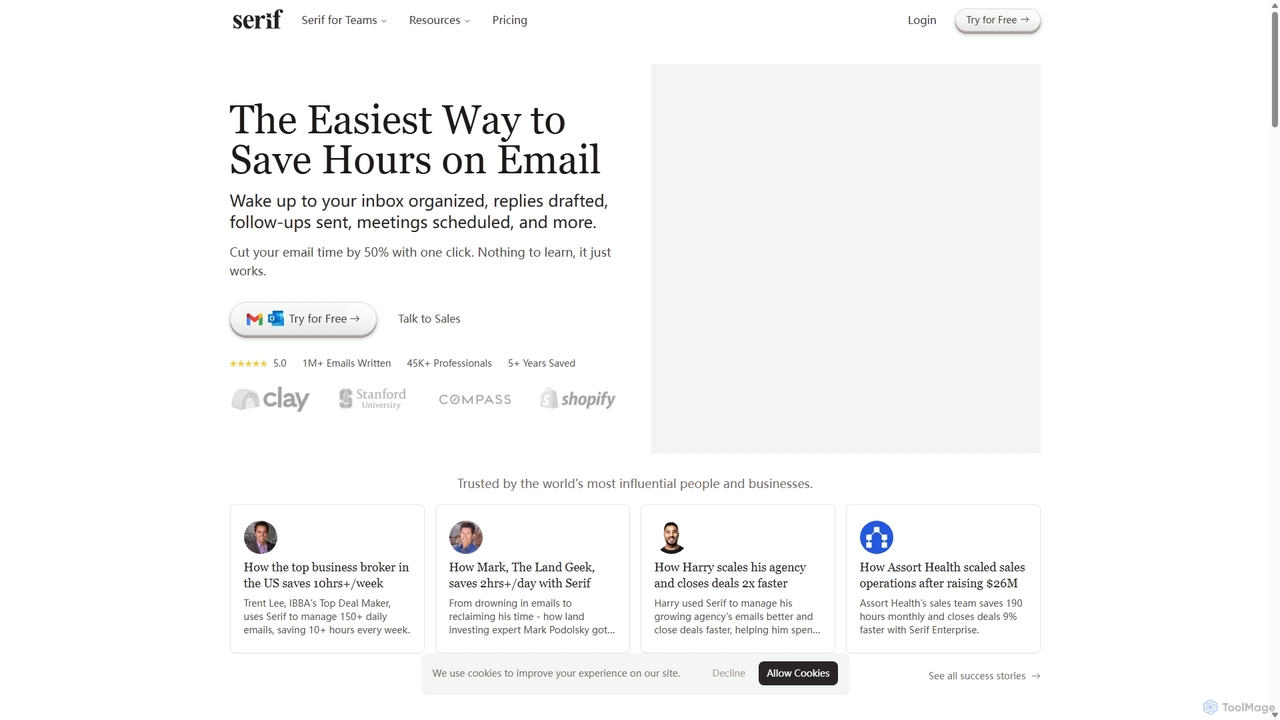
Serif is an AI executive assistant designed to save you hours on email. It automatically organizes your inbox, drafts personalized replies, sends follow-ups, and schedules meetings. Integrating seamlessly with Gmail and Outlook, Serif learns your communication style to act as your virtual assistant, boosting productivity and response times without a complex setup.
Virtual Assistant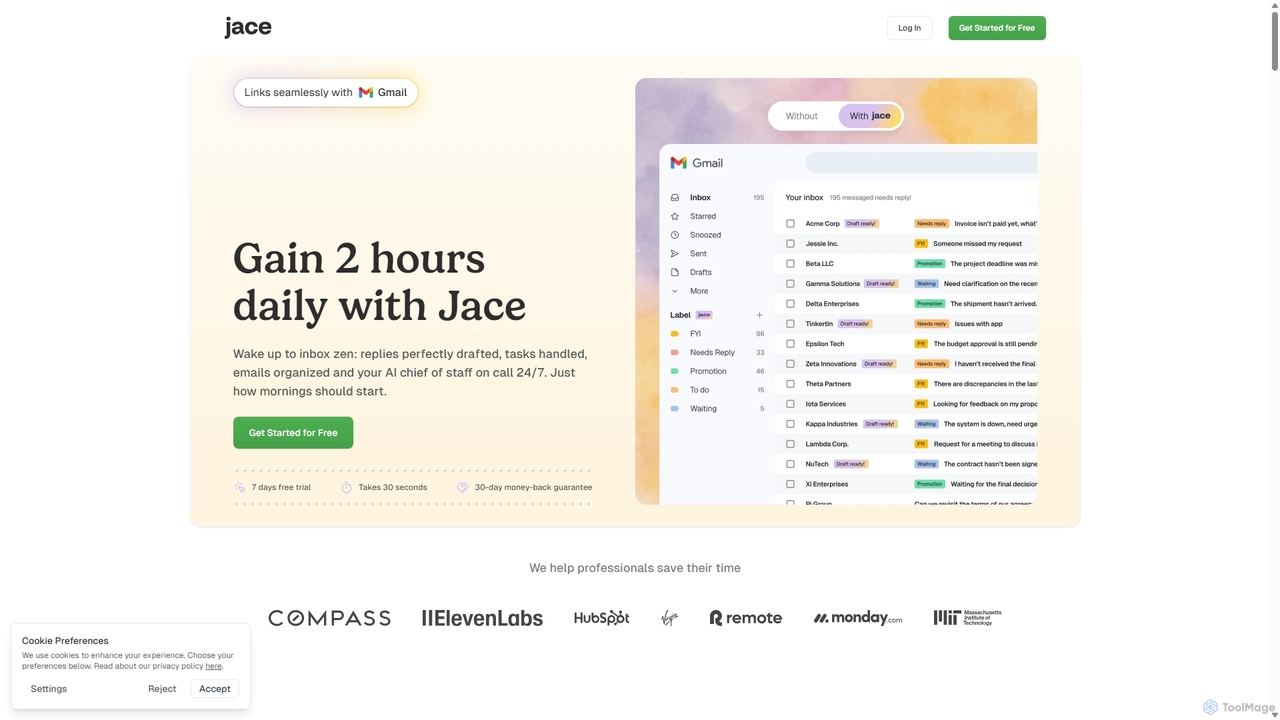
Jace AI
Jace AI is an intelligent 24/7 email assistant that automates your inbox. It seamlessly integrates with Gmail to draft replies, organize emails with AI labels, and handle tasks automatically. By analyzing context from attachments, calendars, and Slack, Jace saves professionals hours daily, allowing them to focus on what truly matters.
Workflow Management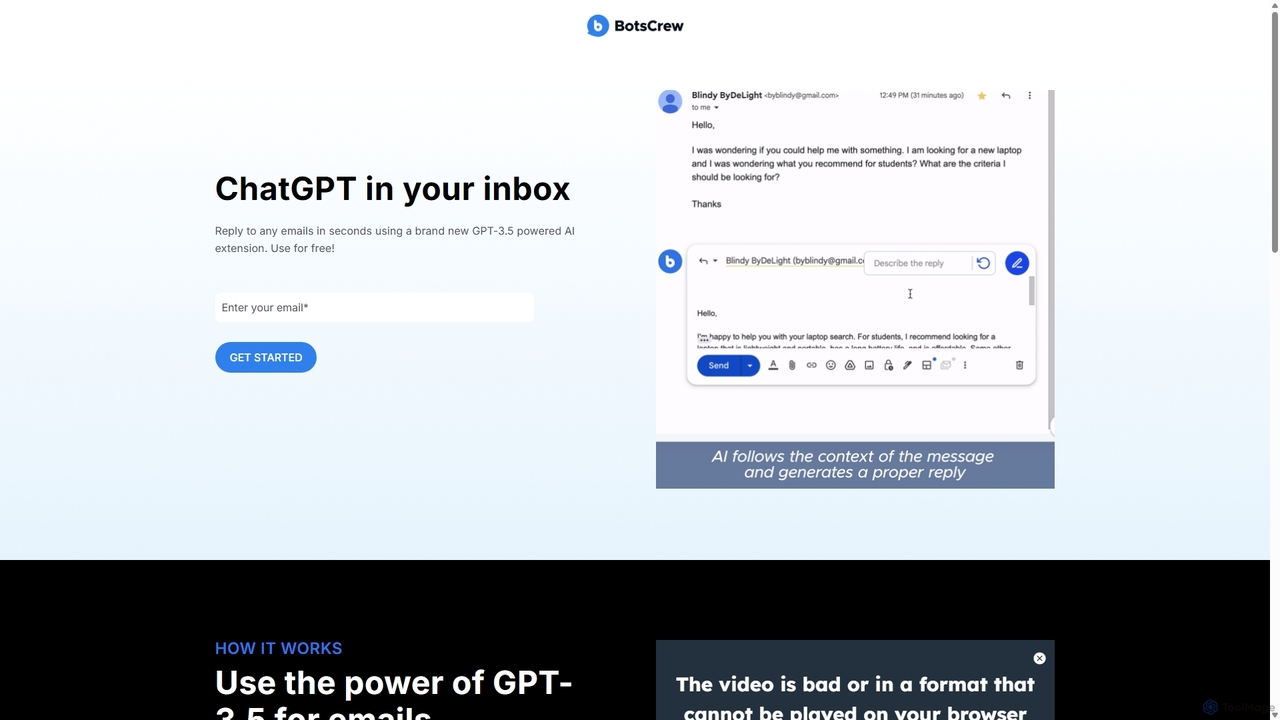
Legendary Email
Legendary Email is a free, GPT-3.5 powered browser extension that integrates directly into your inbox, CRM, or ticketing system. It analyzes email context to instantly draft professional, relevant replies. Ideal for sales, customer support, and anyone looking to enhance email productivity and communication quality.
Help Desk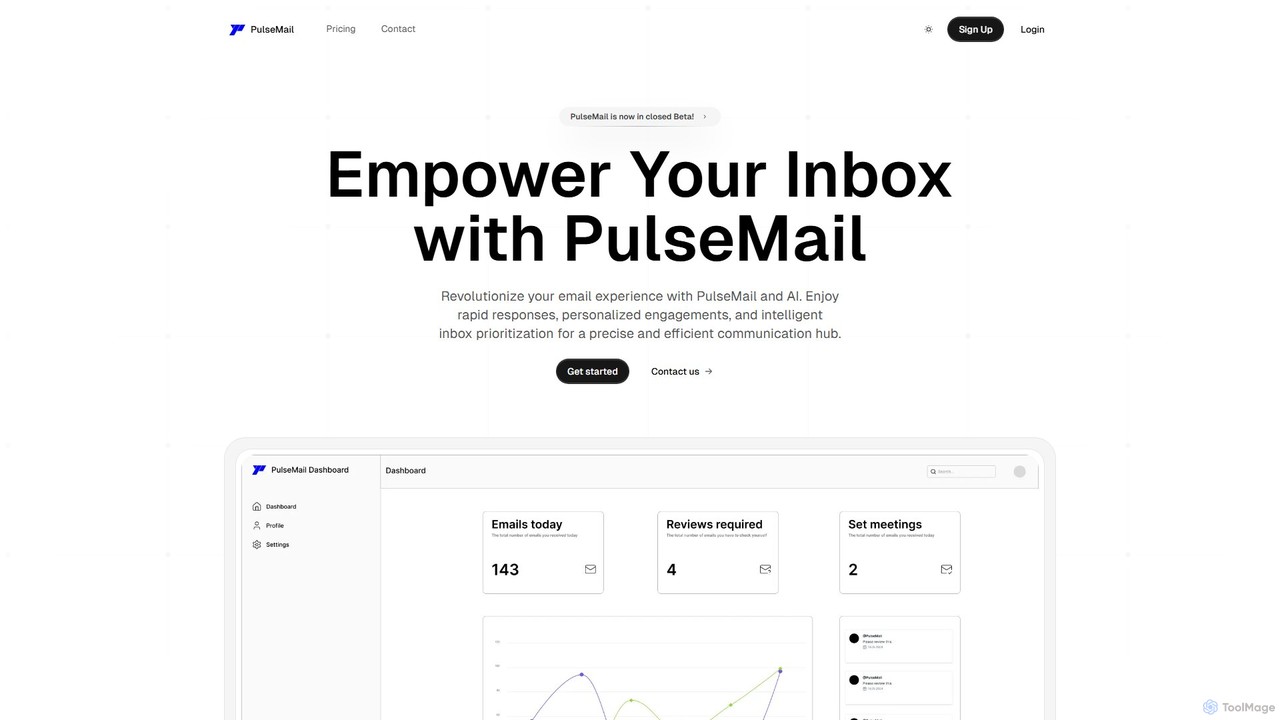
PulseMail
PulseMail is an AI-powered email assistant that automates replies, summarizes conversations, and manages your inbox intelligently. It integrates with major email providers and lets you choose your preferred AI model (like GPT-4o) to streamline your workflow, save time, and achieve "Zero Inbox Hassle".
Automation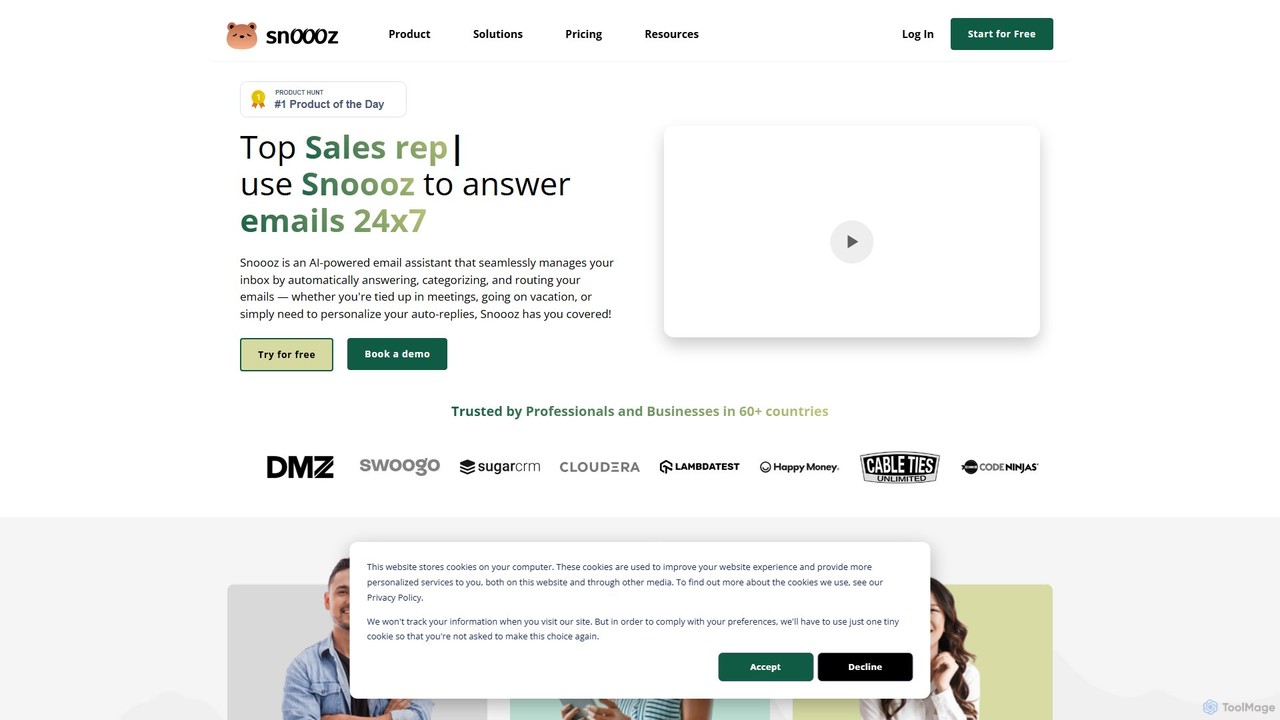
snoooz
snoooz is an AI-powered email assistant that automates your inbox 24/7. It goes beyond standard out-of-office replies by sending personalized, context-aware responses based on sender, sentiment, and language. snoooz automatically categorizes, routes, and triages emails, helping sales, customer success, and HR teams maintain business continuity and engage leads and customers even when they're away.
Help Deskcxassist Categories
cxassist Embed Widget
Copy this embed code to place the badge on your blog, article, or product site and send readers directly to this ToolMage detail page.

Related AI tools
snoooz
snoooz is an AI-powered email assistant that automates your inbox 24/7. It goes beyond standard out-of-office replies by sending personalized, context-aware responses based on sender, sentiment, and language. snoooz automatically categorizes, routes, and triages emails, helping sales, customer success, and HR teams maintain business continuity and engage leads and customers even when they're away.
Help DeskSerif
Serif is an AI executive assistant designed to save you hours on email. It automatically organizes your inbox, drafts personalized replies, sends follow-ups, and schedules meetings. Integrating seamlessly with Gmail and Outlook, Serif learns your communication style to act as your virtual assistant, boosting productivity and response times without a complex setup.
Virtual AssistantJace AI
Jace AI is an intelligent 24/7 email assistant that automates your inbox. It seamlessly integrates with Gmail to draft replies, organize emails with AI labels, and handle tasks automatically. By analyzing context from attachments, calendars, and Slack, Jace saves professionals hours daily, allowing them to focus on what truly matters.
Workflow ManagementLegendary Email
Legendary Email is a free, GPT-3.5 powered browser extension that integrates directly into your inbox, CRM, or ticketing system. It analyzes email context to instantly draft professional, relevant replies. Ideal for sales, customer support, and anyone looking to enhance email productivity and communication quality.
Help DeskPulseMail
PulseMail is an AI-powered email assistant that automates replies, summarizes conversations, and manages your inbox intelligently. It integrates with major email providers and lets you choose your preferred AI model (like GPT-4o) to streamline your workflow, save time, and achieve "Zero Inbox Hassle".
Automation
EmailTree.ai
EmailTree.ai is an AI-powered platform designed to automate and optimize email communication for customer service and sales teams. It intelligently analyzes incoming emails, automates replies to common queries, suggests responses for complex issues, and routes inquiries to the appropriate agent, significantly boosting efficiency and customer satisfaction.
Email Management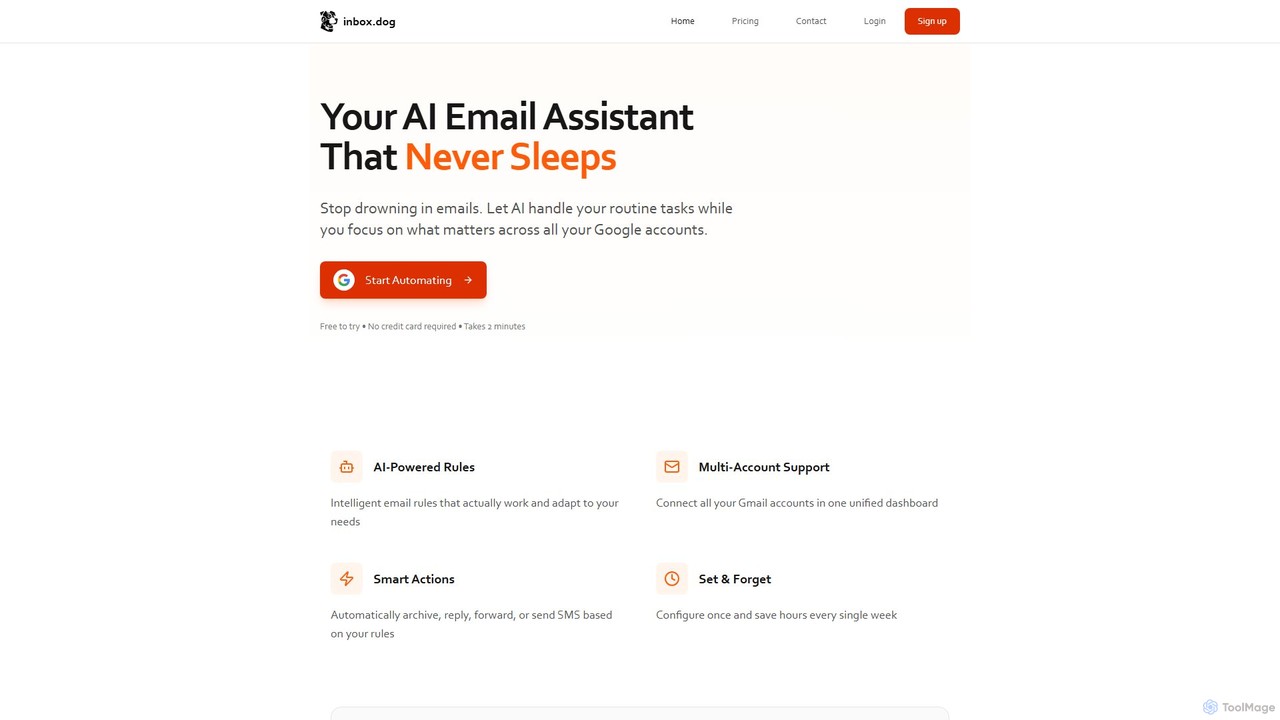
inbox.dog
inbox.dog is an AI-powered email assistant for Gmail that automates your inbox. It uses intelligent rules to handle routine tasks like replying, forwarding, and archiving across all your Google accounts, allowing you to focus on what truly matters. It's designed for freelancers, small businesses, and teams.
Workflow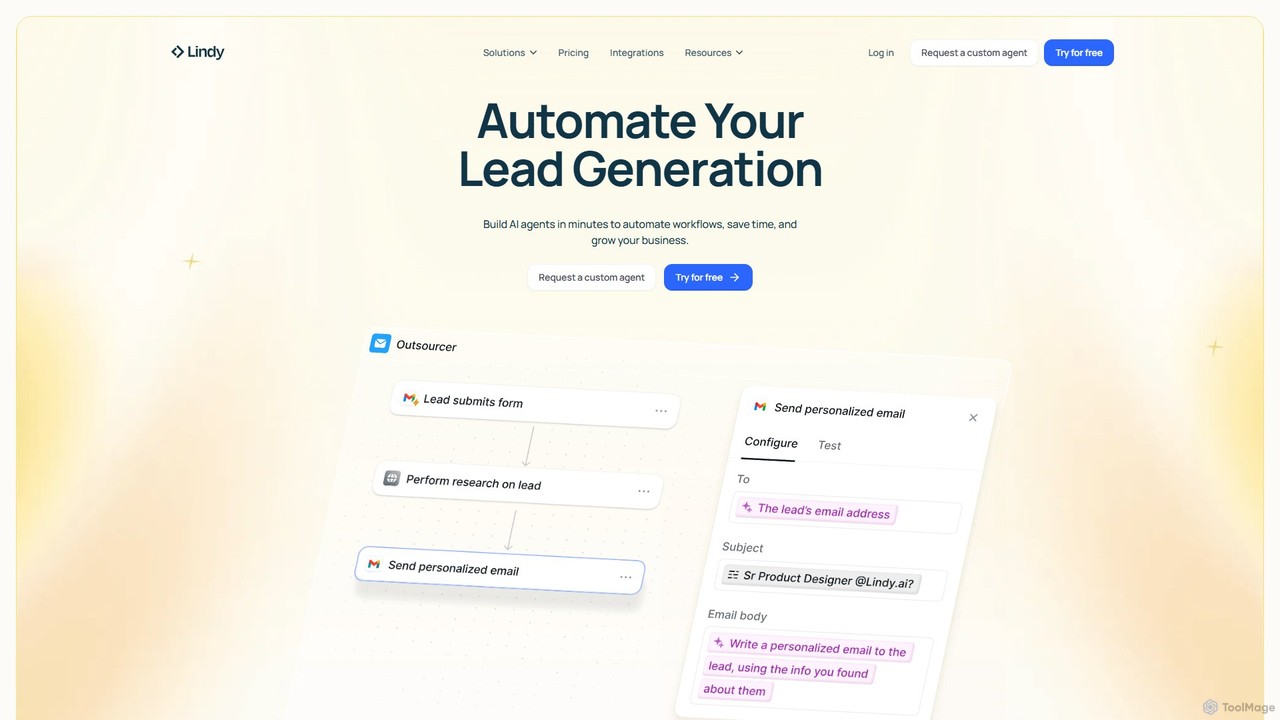
Lindy
Lindy is an AI assistant platform that enables you to build custom AI agents to automate workflows, saving time and scaling business operations. It integrates with hundreds of apps like Gmail and HubSpot, allowing you to automate tasks in sales, customer support, recruiting, and personal productivity using simple natural language commands.
Chatbot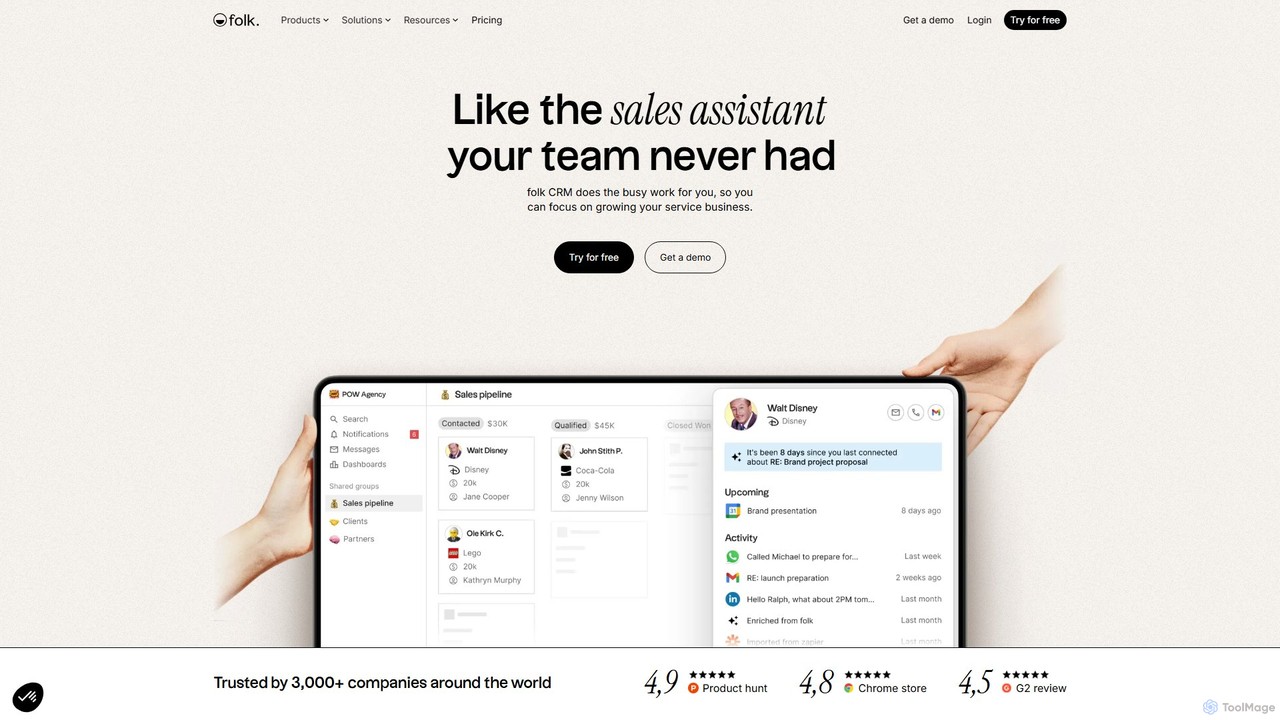
folk
folk is an AI-powered CRM that acts as a proactive sales assistant for your team. It streamlines contact management, automates data enrichment, and scales personalized outreach. With deep integrations into Gmail and LinkedIn, folk helps service businesses and sales teams focus on building relationships and closing deals, not on busy work.
Lead Generation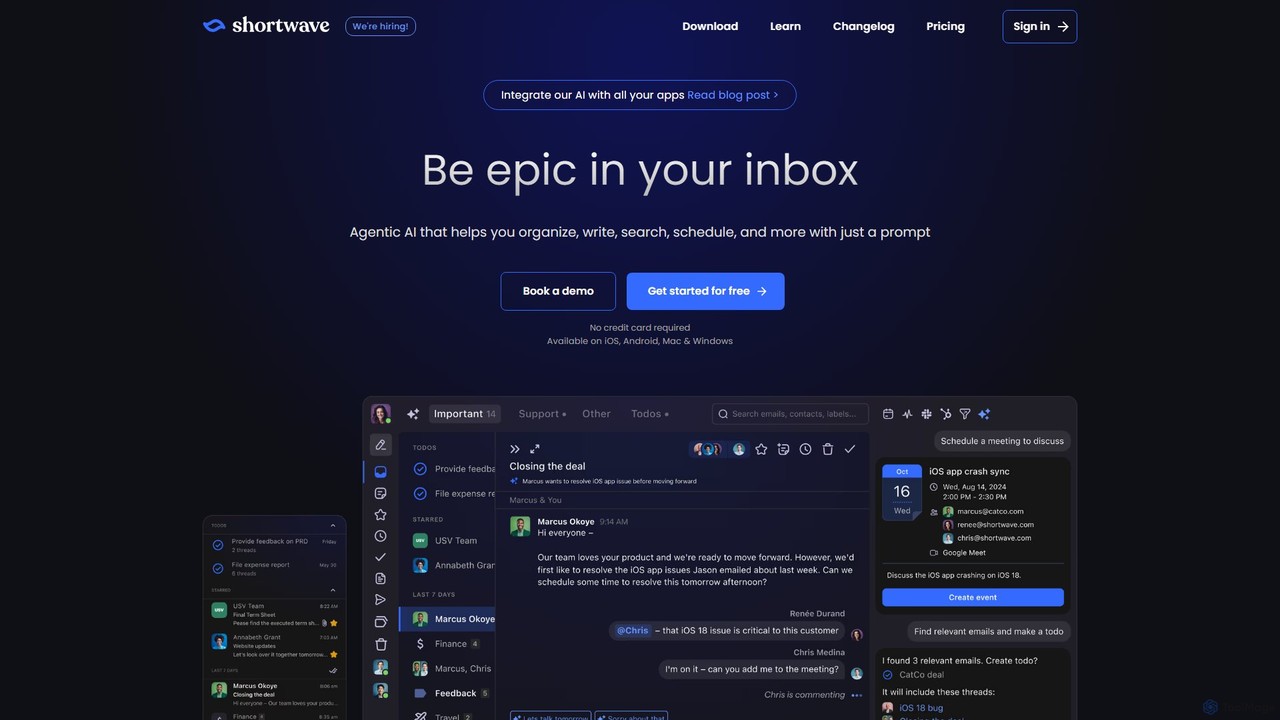
Shortwave
Shortwave is an AI-powered email client designed to supercharge your productivity and team collaboration. It acts as an intelligent assistant for your inbox, helping you organize, write, search, and automate email workflows. By learning your unique writing style and prioritizing important messages, Shortwave transforms your cluttered inbox into an organized workspace, helping you and your team achieve more with less effort.
Writing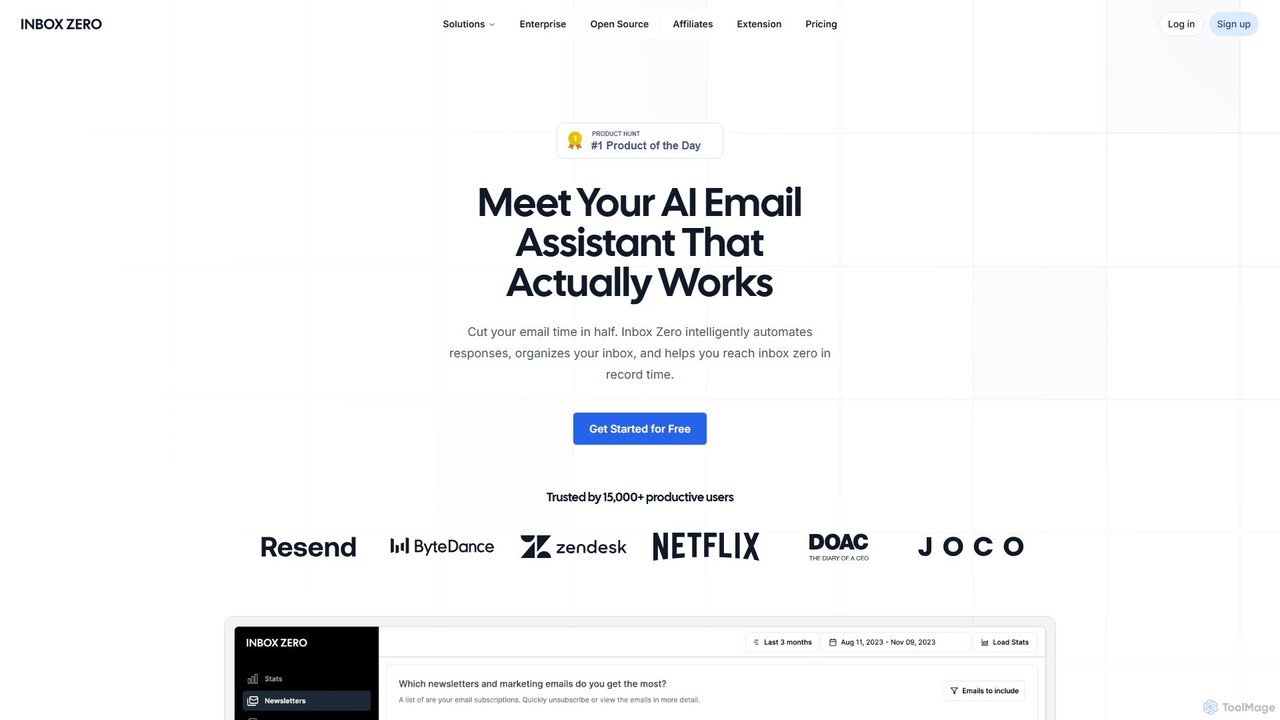
getinboxzero
getinboxzero is an AI-powered email assistant designed to help you achieve Inbox Zero. It intelligently automates responses, organizes your inbox, blocks cold emails, and bulk unsubscribes from newsletters. By handling repetitive email tasks, it cuts your email time in half and boosts productivity for individuals and support teams.
Personal Assistant
islucid
islucid is an AI-powered platform for sales and customer success teams, designed to enhance contact center efficiency. It analyzes conversations across calls, chats, and emails to provide real-time insights, automate tasks, and assist agents. Key features include churn prediction, sentiment analysis, real-time AI assistance, and multilingual support, helping businesses close sales faster and improve customer retention.
Contact Center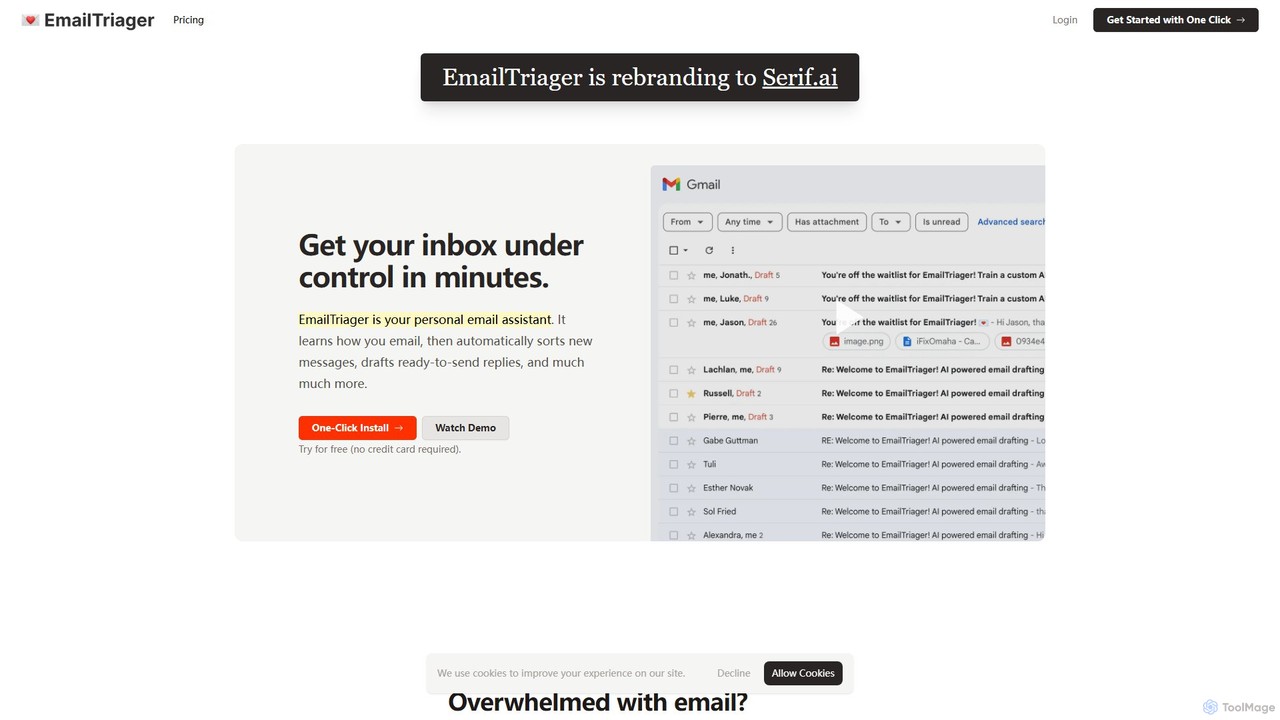
EmailTriager
EmailTriager is a personal AI email assistant for Gmail that learns your unique writing style to automatically sort your inbox and draft personalized, ready-to-send replies. It aims to help you get through your emails 10x faster, reducing mental load and boosting productivity.
Personal Assistant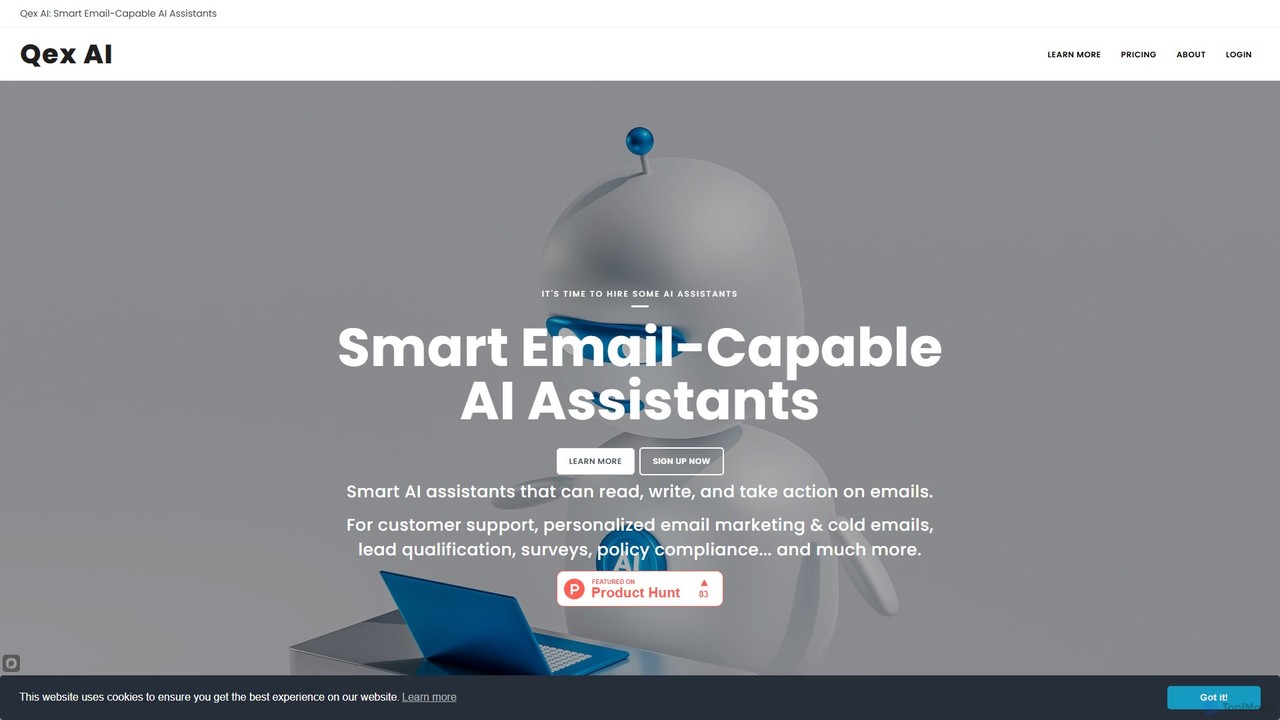
Qex AI
Qex AI offers intelligent, email-capable AI assistants to automate business workflows. Create assistants using plain English instructions to handle tasks like customer support, personalized email marketing, lead qualification, and compliance monitoring. No coding required, enabling you to build an entire AI workforce to manage your email communications efficiently.
Automation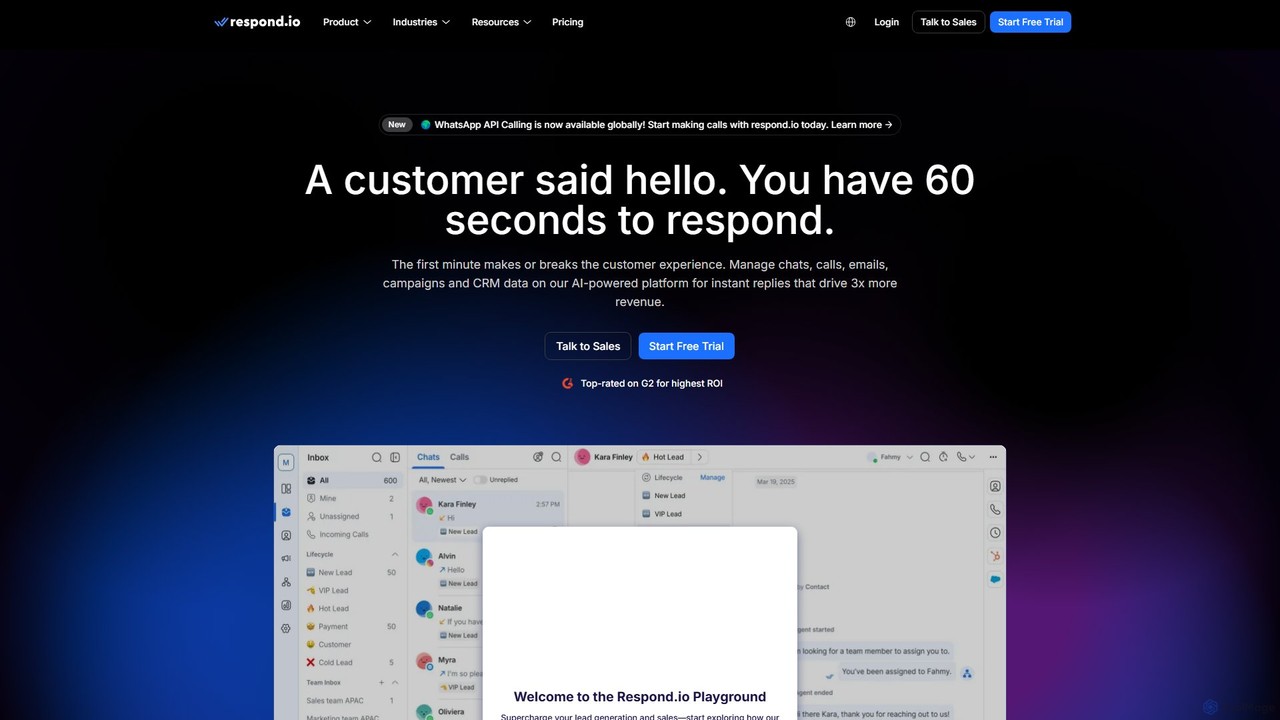
Respond.io
Respond.io is an AI-powered customer conversation management platform that unifies all communication channels like WhatsApp, email, and social media into a single inbox. It helps businesses supercharge lead generation, accelerate sales, and enhance customer support through powerful automation, AI assistance, and seamless CRM integrations. Designed for scalability, it enables teams to manage conversations efficiently, automate workflows, and drive revenue growth by turning every interaction into an opportunity.
Omnichannel
cxassist Comments (0)
Sign in to comment.
Sign inNo comments yet.