

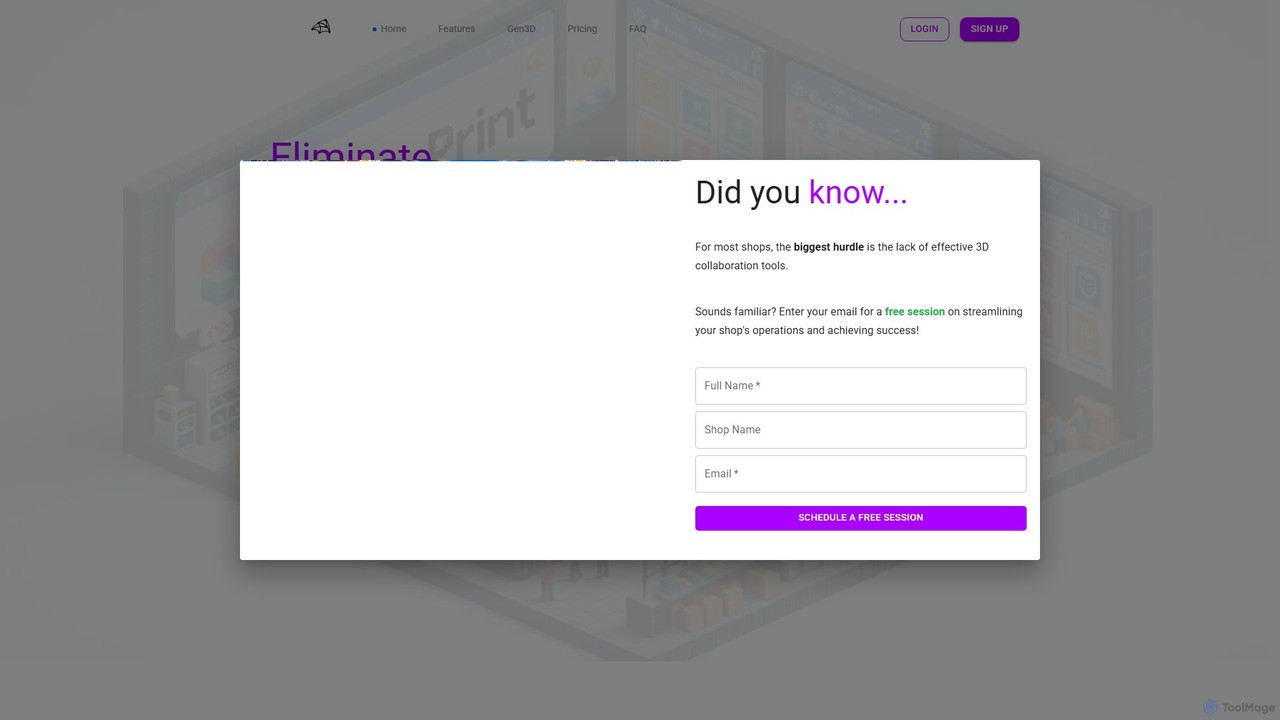
Make-Print Overview
Make-Print is a comprehensive, AI-enhanced platform specifically engineered to eliminate confusion and streamline the entire prototyping and product development workflow. It serves as an all-in-one solution for 3D printing professionals, engineering teams, and designers by integrating robust project management features with cutting-edge AI assistance, including a revolutionary generative 3D design tool.
The platform's core is a sophisticated project management system that helps you track all tasks and projects in a single, centralized space. It replaces the need for multiple disconnected applications by providing a unified environment for planning, execution, and collaboration. Furthermore, Make-Print is pioneering the future of design with its True 3D Generative Design AI, a foundation model capable of generating professional-grade CAD designs directly from simple text prompts, moving beyond simple diffusion models to offer true spatial reasoning and engineering-ready outputs.
How to use Make-Print
Getting started with Make-Print is straightforward. After signing into your account, you are directed to your main dashboard. From there, you can begin organizing your workflow:
- Create a Project: Start by creating a new project for each design or product you're working on.
- Manage Tasks: Use the intuitive Kanban board to add tasks, create checklists, set deadlines, and track progress through different stages (e.g., To Do, In Progress, Done).
- Collaborate with Your Team: Invite team members to your workspace and assign them to specific projects or tasks. Use the integrated live chat to create discussion threads related to specific projects, ensuring all communication is contextual and easy to find.
- Upload and View Files: Upload all your project-related files, including 3D models. The built-in 3D viewer allows you to inspect parts directly in your browser, supporting formats like .stl, .step, .obj, .fbx, .3mf, and .gltf. This saves significant time on preliminary inspection and validation.
- Manage Resources: Add your 3D printers, CNCs, and other machines to the inventory. You can also manage your in-house materials and color options, keeping track of stock levels.
- Leverage AI: Use the AI assistant to get quick, real-time answers about any project by simply asking questions in the chat. To create new designs, enter the private beta for the Generative 3D AI and describe the CAD model you need in plain text.
Core Features of Make-Print
- Kanban Project Management: Visually track all your projects and tasks in one central, customizable board.
- Integrated 3D Viewer: Natively preview and inspect multiple 3D file formats (.stl, .step, .obj, etc.) directly in the browser without needing external software.
- Generative 3D Design AI: A powerful foundation model that uses language-controlled spatial reasoning to generate professional CAD designs from text prompts (currently in private beta).
- AI Project Assistant: An AI-powered chat that can instantly answer questions about your projects, saving you from sifting through tasks and files.
- Resource & Inventory Management: Keep a detailed inventory of your machines (3D printers, CNCs) and materials, including types and colors.
- Team Collaboration Hub: Features rich live chat for project-specific discussions, file sharing, and the ability to invite guests or clients for seamless collaboration.
- Automatic Quoting (Coming in Q3 2024): An upcoming feature that will automatically and accurately calculate quotes for customer orders by analyzing 3D models, material costs, and your shop's cost structure.
Use Cases for Make-Print
Make-Print is ideal for a wide range of users in the product development space:
- Prototyping Shops & Service Bureaus: Manage multiple client projects, track machine availability, handle material inventory, and (soon) generate fast, accurate quotes.
- Engineering & Product Design Teams: Collaborate on complex designs, track development milestones, share 3D files for review, and rapidly ideate new concepts with the generative AI.
- Freelance Designers & Makers: Organize personal and client projects in one place, manage a small-scale inventory, and present work professionally to clients.
- Educational Institutions: Provide students with a modern, integrated platform for learning about product design, 3D printing, and project management workflows.
Advantages of Make-Print
Make-Print stands out from generic project management tools like Trello by being purpose-built for the 3D printing and hardware development industry. Its key advantages include:
- Unified Platform: It combines project management, 3D viewing, communication, and inventory, reducing the need for multiple subscriptions and context switching.
- Industry-Specific Features: Tools like the native 3D viewer, machine inventory, and upcoming auto-quoting are tailored to the unique needs of prototyping professionals.
- AI-Driven Efficiency: The AI assistant and generative design capabilities significantly accelerate workflows and boost productivity.
- Cost-Effective: The pricing is highly competitive, offering more value and specialized features for a lower cost per user compared to many alternatives. A generous free plan makes it accessible to everyone.
Pricing and Plans
Make-Print offers flexible plans to suit different team sizes and needs:
- Free: $0 forever. Includes up to 20 active projects, 3 team seats, 2 GB storage, 10 MB/file upload limit, and 5 machines.
- Essential: $4/user/month (billed yearly) or $5/user/month (billed monthly). Includes up to 100 projects, 10 team seats, unlimited storage, 250 MB/file upload limit, and 3D Viewer.
- Business: $9/user/month (billed yearly) or $11/user/month (billed monthly). Includes up to 500 projects, 30 seats, unlimited storage, unlimited file uploads, AI Assistant, multiple boards, and guest/customer invites.
- Enterprise: Contact Sales for pricing. Includes unlimited everything from the Business plan, plus the Auto Quoting service (coming Q3 2024), 24/7 priority support, and custom integrations.
Traffic
Latest traffic
Status
Monthly traffic trend
- 2025-9: 954
- 2026-1: 365
- 2026-2: 1.4K
- 2026-3: 486
- 2026-4: 221
- 2026-5: 636
Geography
Top 5 countries / regions
- 🇺🇸United States66.3%
- 🇮🇩Indonesia27.9%
- 🇵🇱Poland5.7%
Top keywords
| Keyword | Cost per click |
|---|---|
| make become printable | $0.00 |
| make it like printed | $0.00 |
| make print | $0.00 |
Make-Print Alternatives
Trello
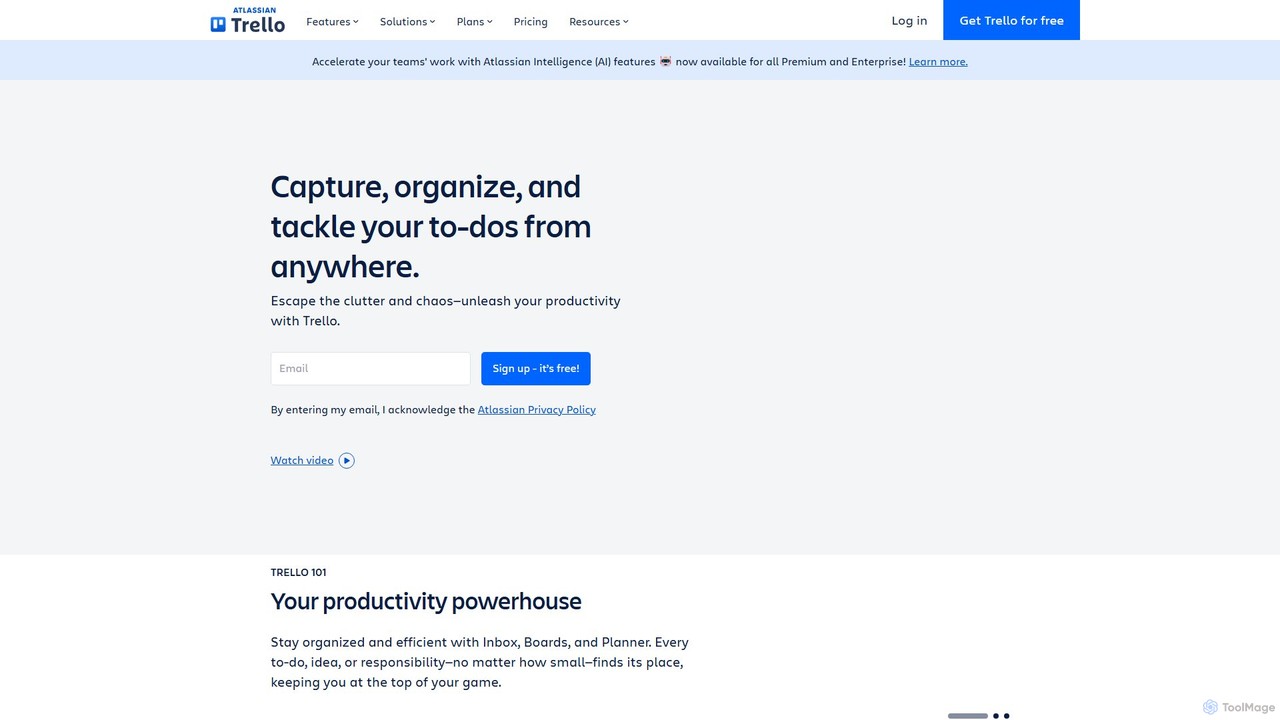
Trello is a visual collaboration and project management tool that helps teams organize tasks, collaborate on projects, and track progress using boards, lists, and cards. Enhanced with Atlassian Intelligence (AI), it streamlines workflows by turning communications into actionable items and automating repetitive tasks.
Workflow Automation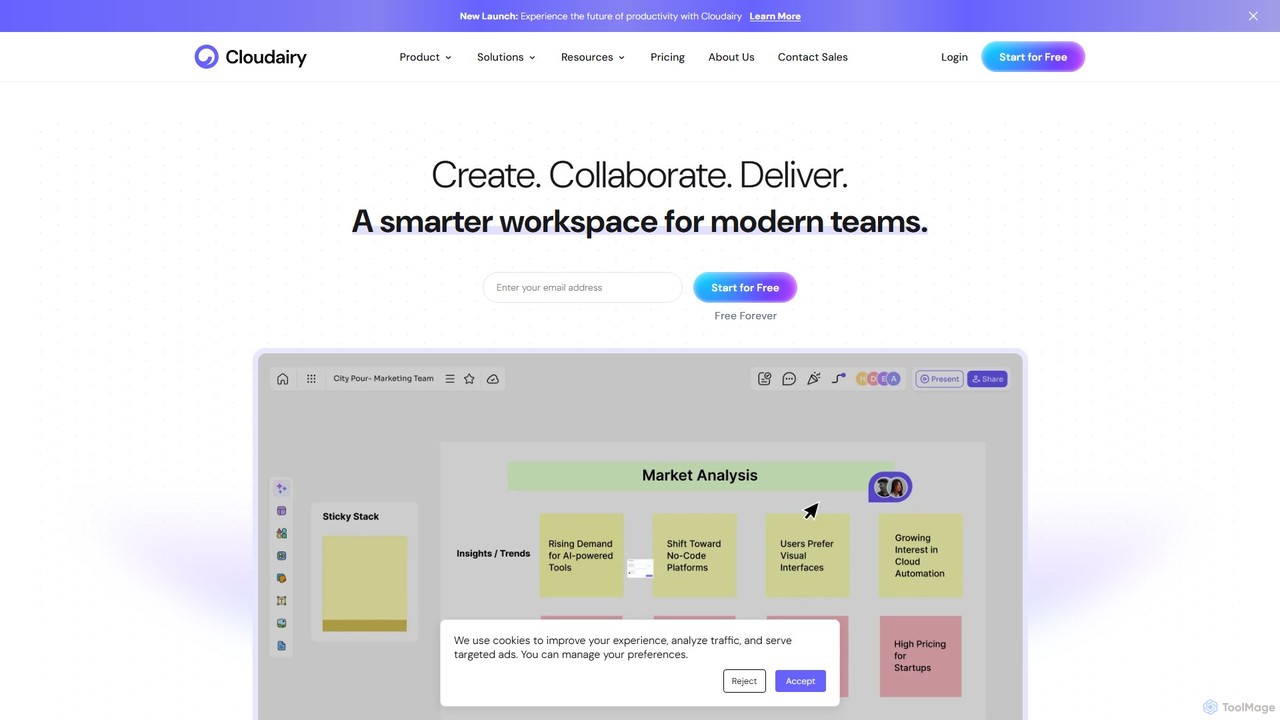
Cloudairy
Cloudairy is an AI-powered collaborative visual workspace designed for modern teams. It integrates AI-driven diagramming, mind mapping, image generation, and documentation tools into a single platform. It enables teams in engineering, sales, and project management to brainstorm, design, and deliver projects with enhanced efficiency and creativity.
Generative Art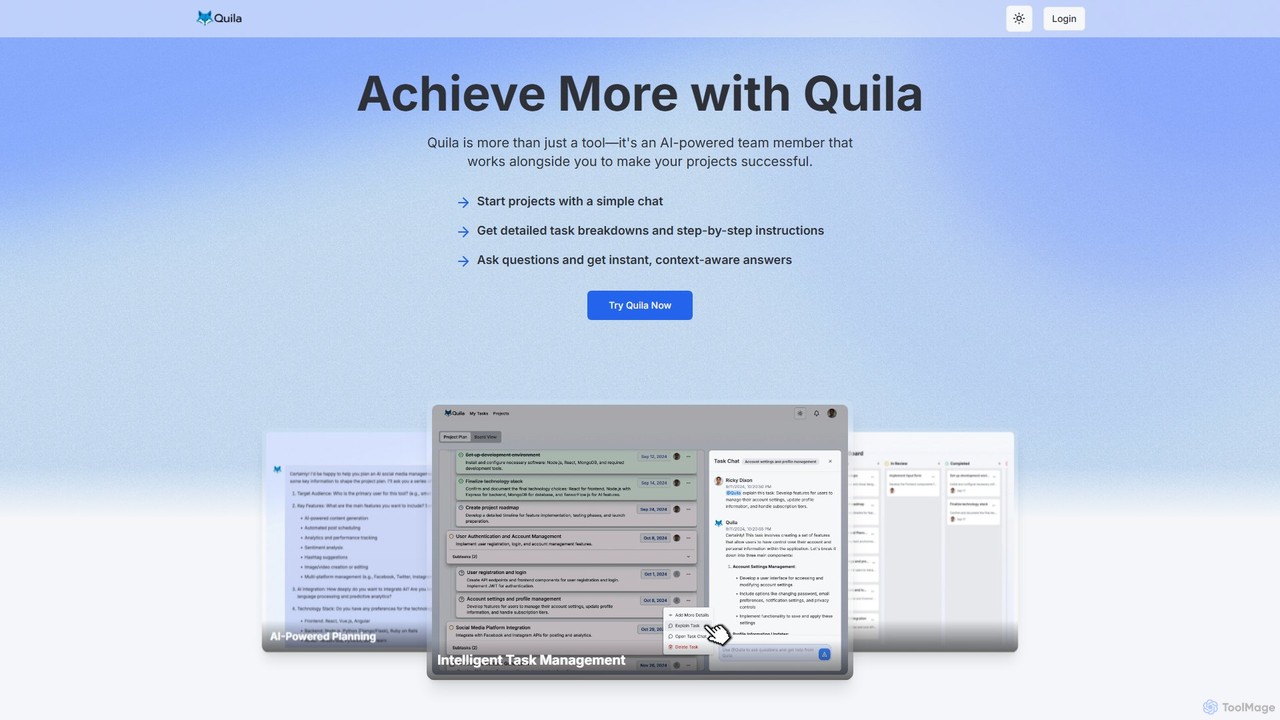
Quila
Quila is an AI-powered project management tool that acts as an intelligent team member. It transforms project ideas into detailed, actionable plans through a simple chat interface. Featuring a customizable Kanban board, AI-generated subtasks, and a collaborative AI assistant, Quila streamlines workflows, enhances team alignment, and eliminates ambiguity from start to finish.
Chatbot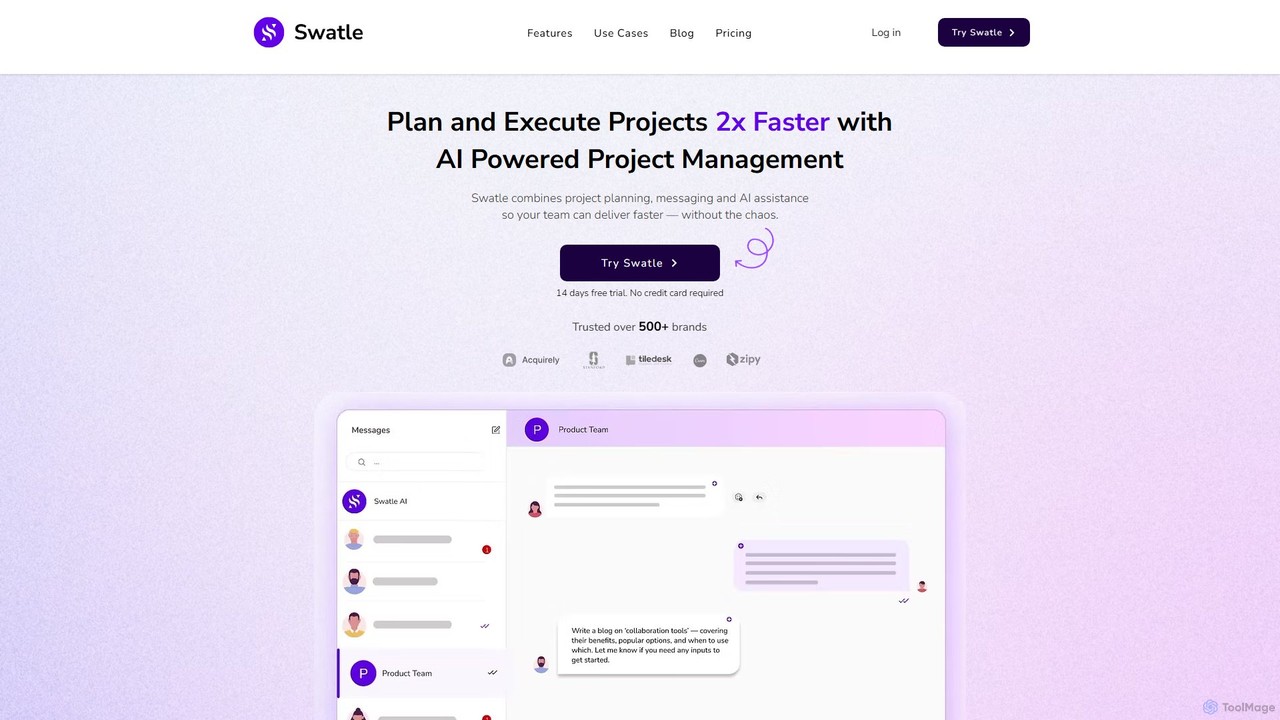
Swatle
Swatle is an AI-powered project management platform designed to streamline workflows and boost team productivity. It automates task creation, predicts project risks, and optimizes resource allocation. With its user-friendly interface, Swatle eliminates the need for extensive training, allowing teams to get started quickly and manage projects effectively from day one. It's built for speed, simplicity, and powerful results.
Task Management
MindyGem
MindyGem is an AI-powered requirements management software designed for agile teams. It accelerates product development by transforming visions into standardized requirements, generating comprehensive documentation, and streamlining collaboration, helping teams build successful products 10x faster.
CollaborationMake-Print Categories
Make-Print Embed Widget
Copy this embed code to place the badge on your blog, article, or product site and send readers directly to this ToolMage detail page.

Related AI tools
Trello
Trello is a visual collaboration and project management tool that helps teams organize tasks, collaborate on projects, and track progress using boards, lists, and cards. Enhanced with Atlassian Intelligence (AI), it streamlines workflows by turning communications into actionable items and automating repetitive tasks.
Workflow AutomationCloudairy
Cloudairy is an AI-powered collaborative visual workspace designed for modern teams. It integrates AI-driven diagramming, mind mapping, image generation, and documentation tools into a single platform. It enables teams in engineering, sales, and project management to brainstorm, design, and deliver projects with enhanced efficiency and creativity.
Generative ArtQuila
Quila is an AI-powered project management tool that acts as an intelligent team member. It transforms project ideas into detailed, actionable plans through a simple chat interface. Featuring a customizable Kanban board, AI-generated subtasks, and a collaborative AI assistant, Quila streamlines workflows, enhances team alignment, and eliminates ambiguity from start to finish.
ChatbotSwatle
Swatle is an AI-powered project management platform designed to streamline workflows and boost team productivity. It automates task creation, predicts project risks, and optimizes resource allocation. With its user-friendly interface, Swatle eliminates the need for extensive training, allowing teams to get started quickly and manage projects effectively from day one. It's built for speed, simplicity, and powerful results.
Task ManagementMindyGem
MindyGem is an AI-powered requirements management software designed for agile teams. It accelerates product development by transforming visions into standardized requirements, generating comprehensive documentation, and streamlining collaboration, helping teams build successful products 10x faster.
Collaboration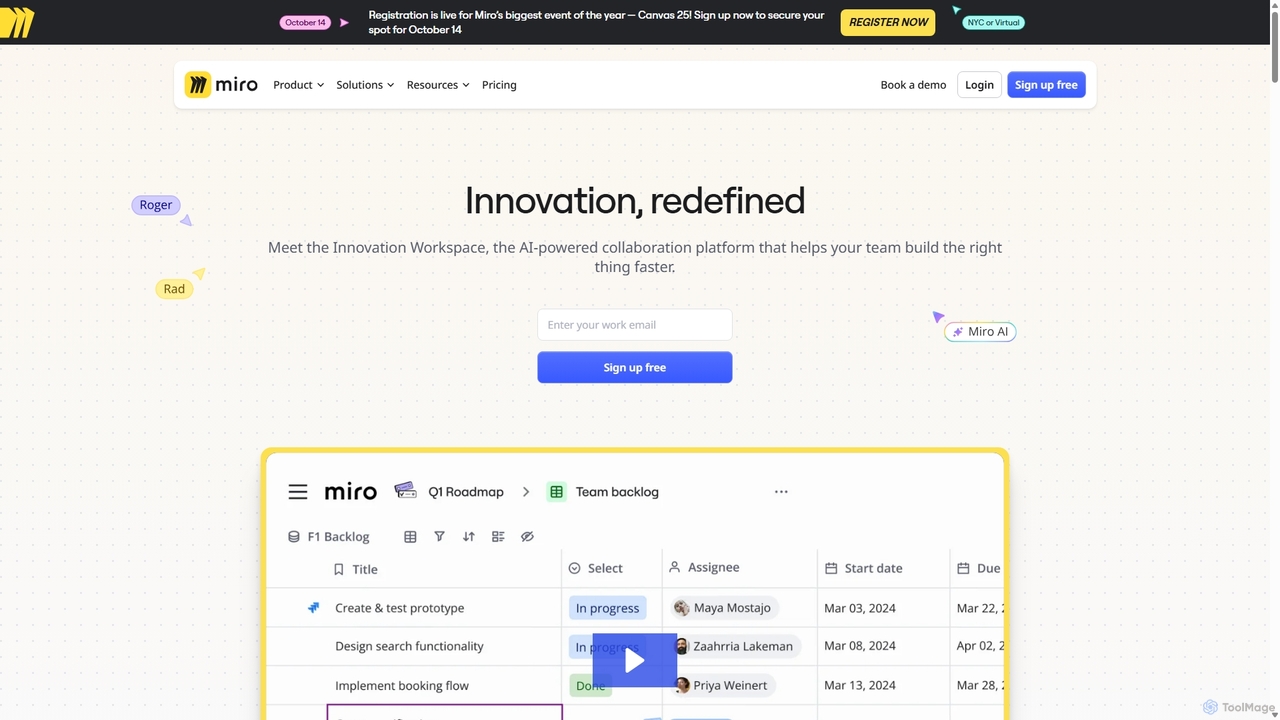
Miro
Miro is an AI-powered online collaborative whiteboard platform designed for modern teams. It provides an infinite canvas for brainstorming, planning, designing, and managing projects in real-time. With a vast template library, powerful integrations, and AI-driven features, Miro helps teams centralize communication and accelerate innovation from idea to execution.
Brainstorming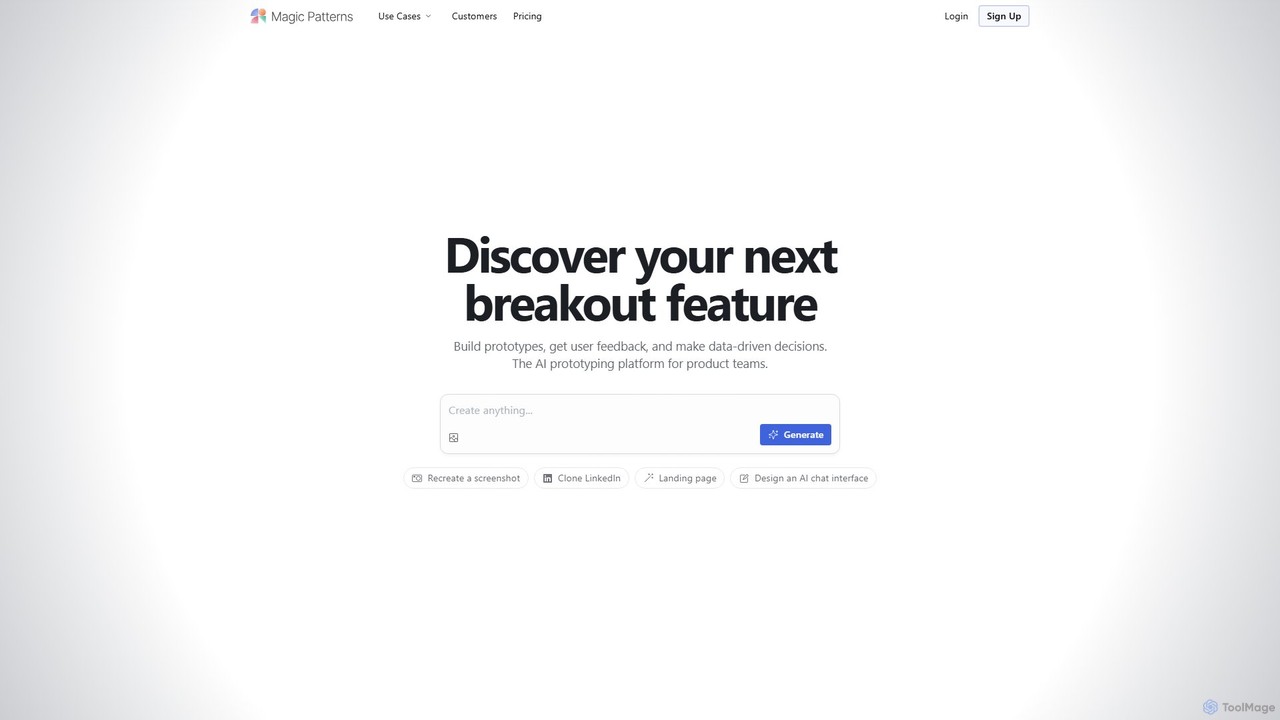
Magic Patterns
Magic Patterns is an AI-powered prototyping platform for product teams, designers, and developers. It accelerates UI creation by generating interactive prototypes and production-ready code (React, Tailwind CSS) from text prompts, screenshots, or existing websites. It helps teams iterate faster, gather user feedback, and make data-driven decisions.
Prototyping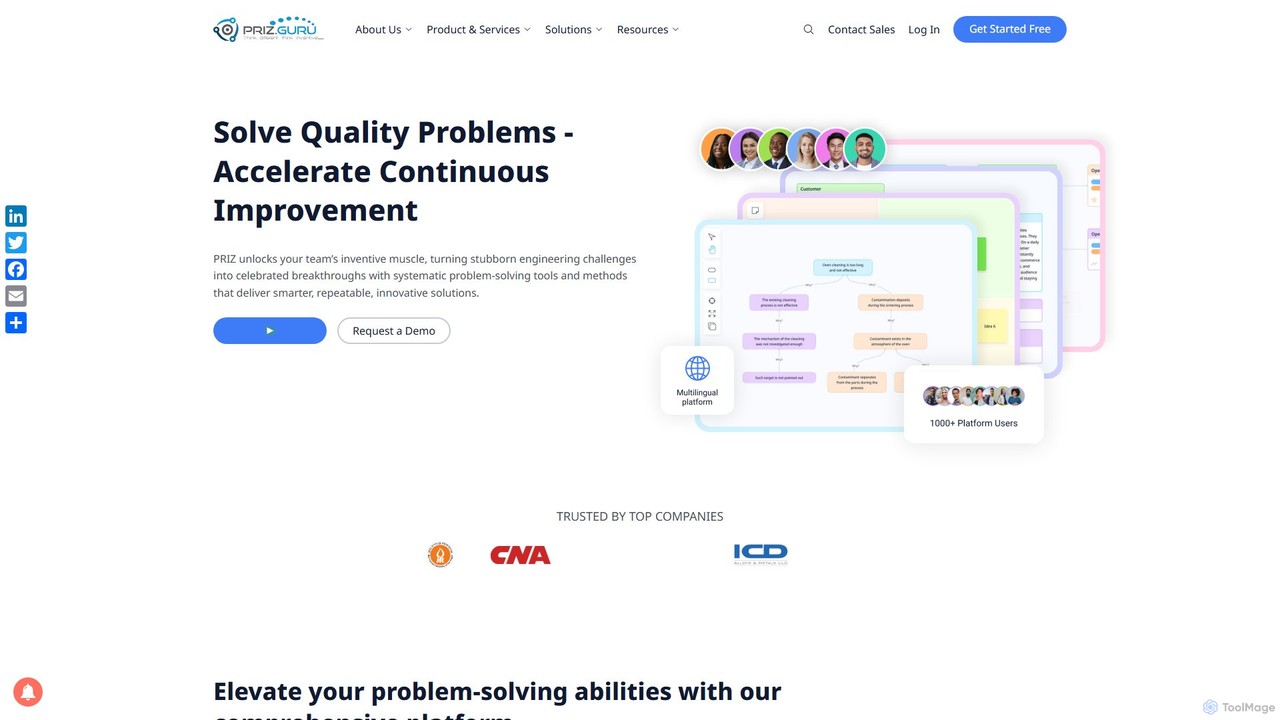
PRIZ Guru
PRIZ Guru is an AI-powered innovation platform for engineering teams. It combines systematic problem-solving methodologies like TRIZ with AI-assisted facilitation, project management, and collaboration tools to turn complex engineering challenges into competitive advantages and accelerate continuous improvement.
Project Management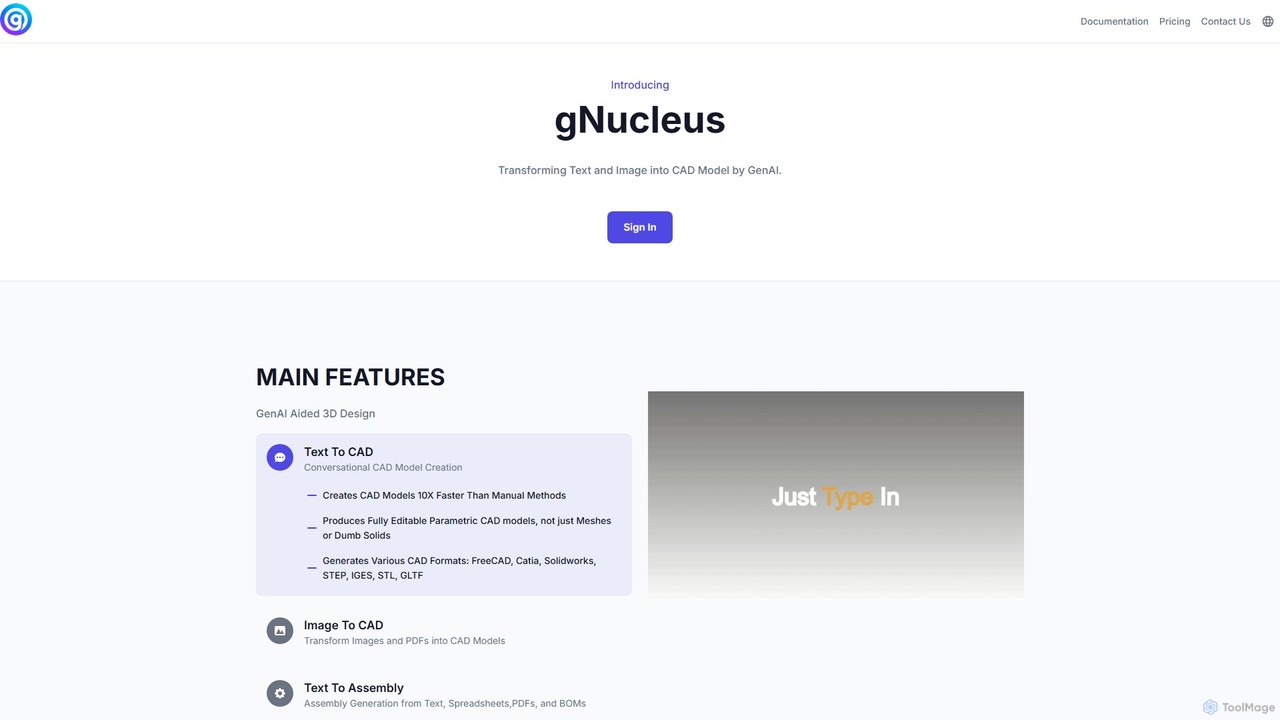
gNucleus
gNucleus is a generative AI platform that transforms text, images, and data into fully editable, parametric 3D CAD models. Designed for engineers and designers, it accelerates the design process by up to 10x, supporting various CAD formats and seamless integration with existing workflows.
3D Modeling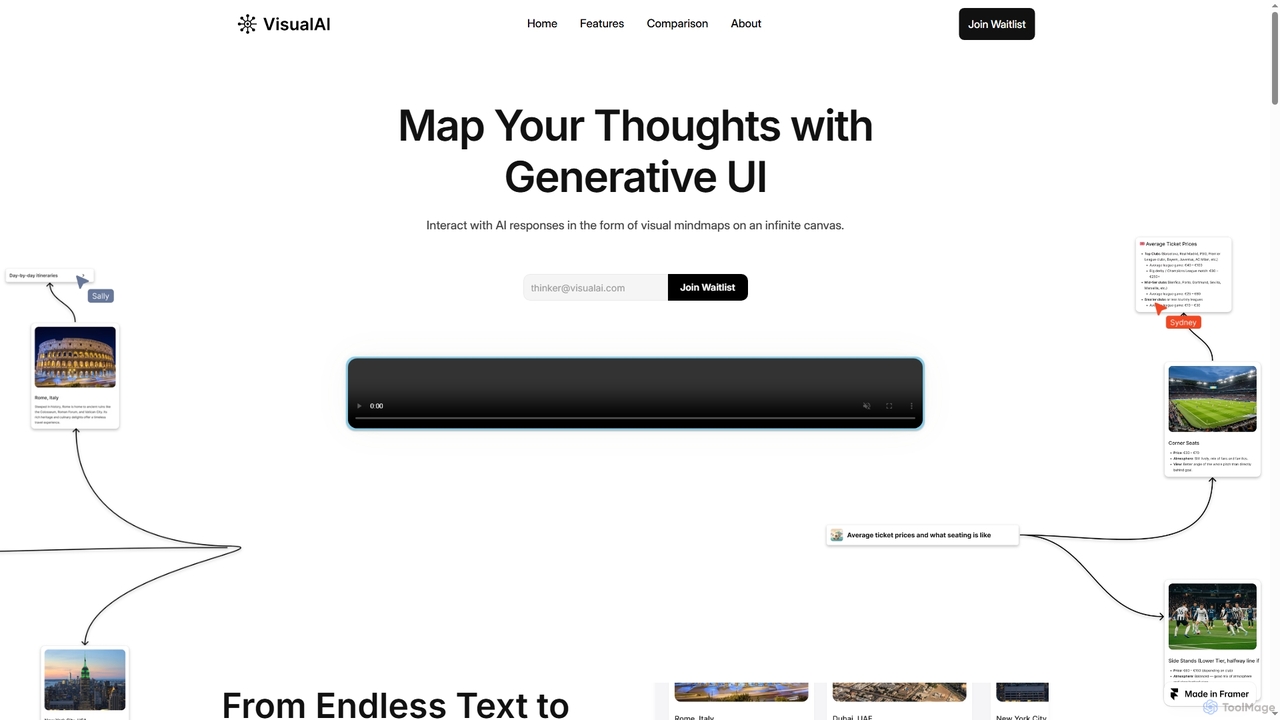
Visual AI
Visual AI is an innovative platform that transforms linear AI text responses into dynamic, visual clarity. It automatically structures information into interconnected nodes, enriching data with relevant visuals to enhance understanding and retention. Designed for non-linear thinkers, it offers an infinite collaborative workspace for brainstorming, prototyping, and evolving ideas.
Brainstorming
Jyek
Jyek is an AI agent platform that understands objectives, creates execution plans, uses tools, and delivers verifiable results for complex, multi-step tasks.
Automation
dreamsands
dreamsands is a collaborative OS for building digital experiences. It empowers coders and non-coders to work together seamlessly, translating ideas into functional products with a consistent "vibe." Perfect for teams aiming to build websites, apps, and prototypes faster.
Web Design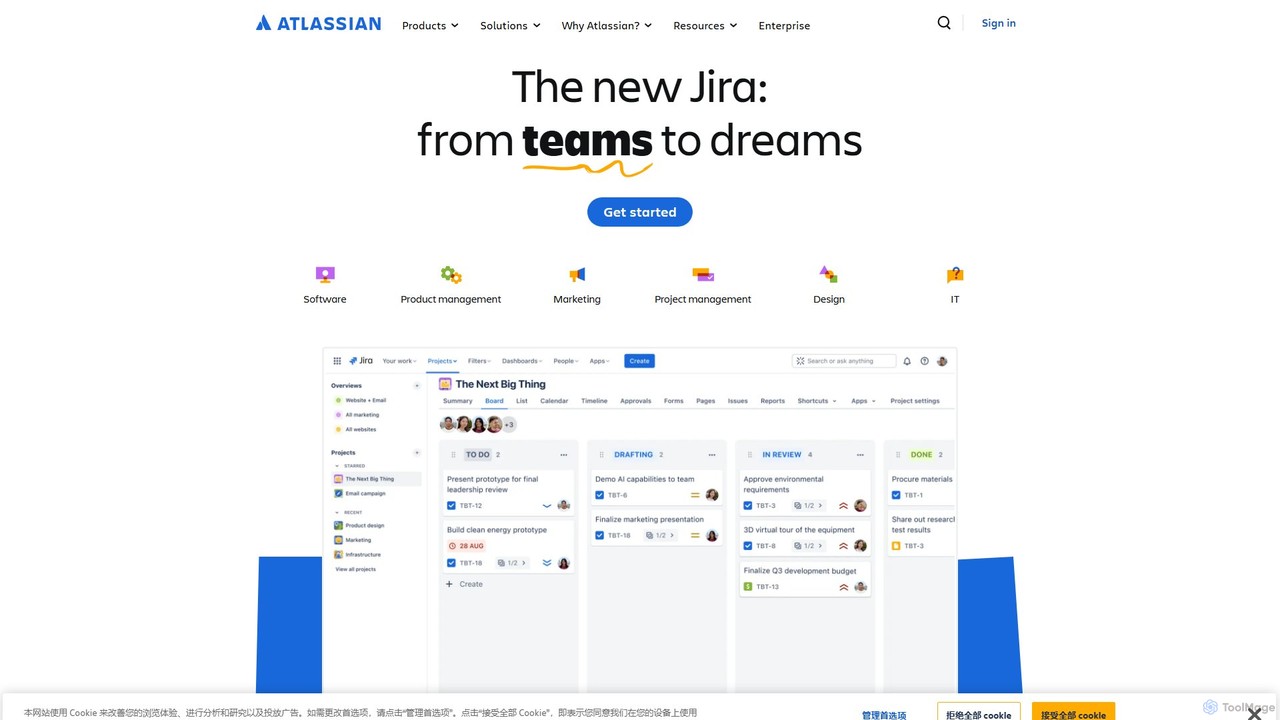
Atlassian
Atlassian provides an integrated suite of collaboration, development, and issue-tracking tools for teams of all sizes. Powered by Atlassian Intelligence, products like Jira, Confluence, and Trello help software, IT, and business teams plan, track, and deliver work more efficiently. It's a comprehensive platform designed to unleash the potential of every team through seamless integration and AI-driven productivity.
Collaboration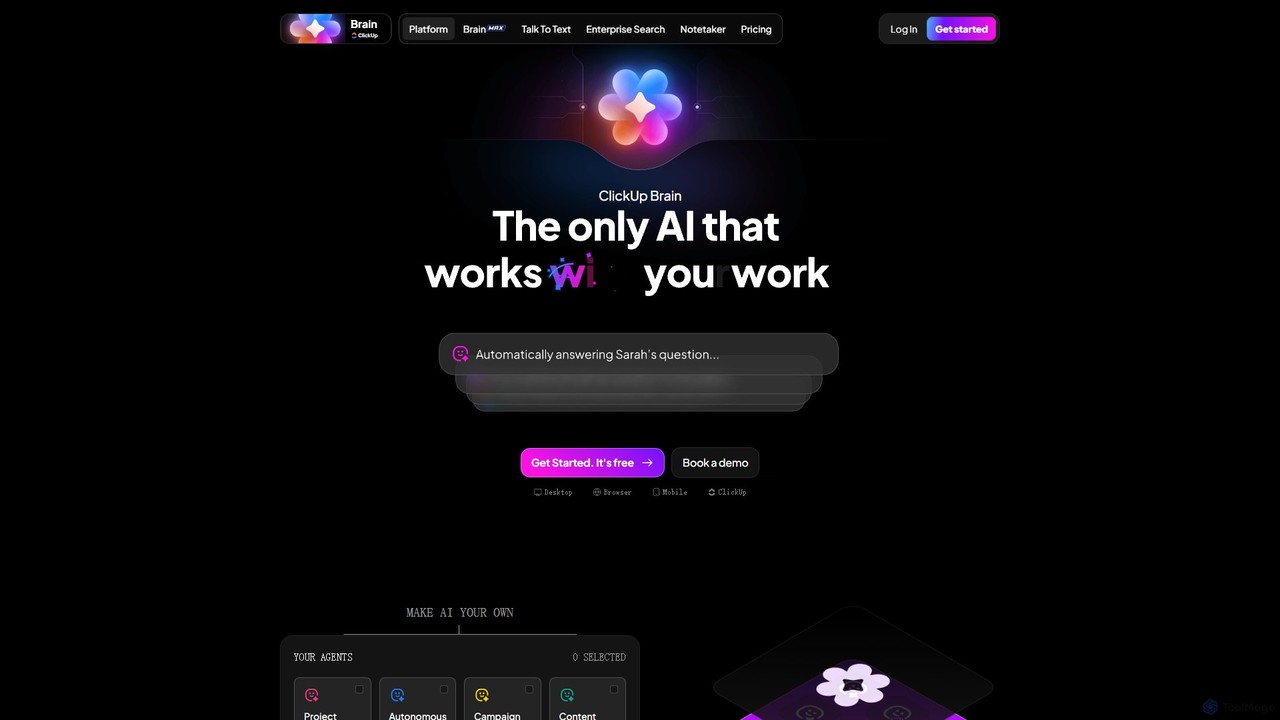
ClickUp Brain
ClickUp Brain is an all-in-one AI assistant integrated directly into the ClickUp productivity platform. It automates tasks, manages projects, summarizes meetings, and generates content by leveraging the full context of your work. It aims to replace multiple standalone AI tools by providing a unified, intelligent workspace that enhances team collaboration and accelerates project completion.
Collaboration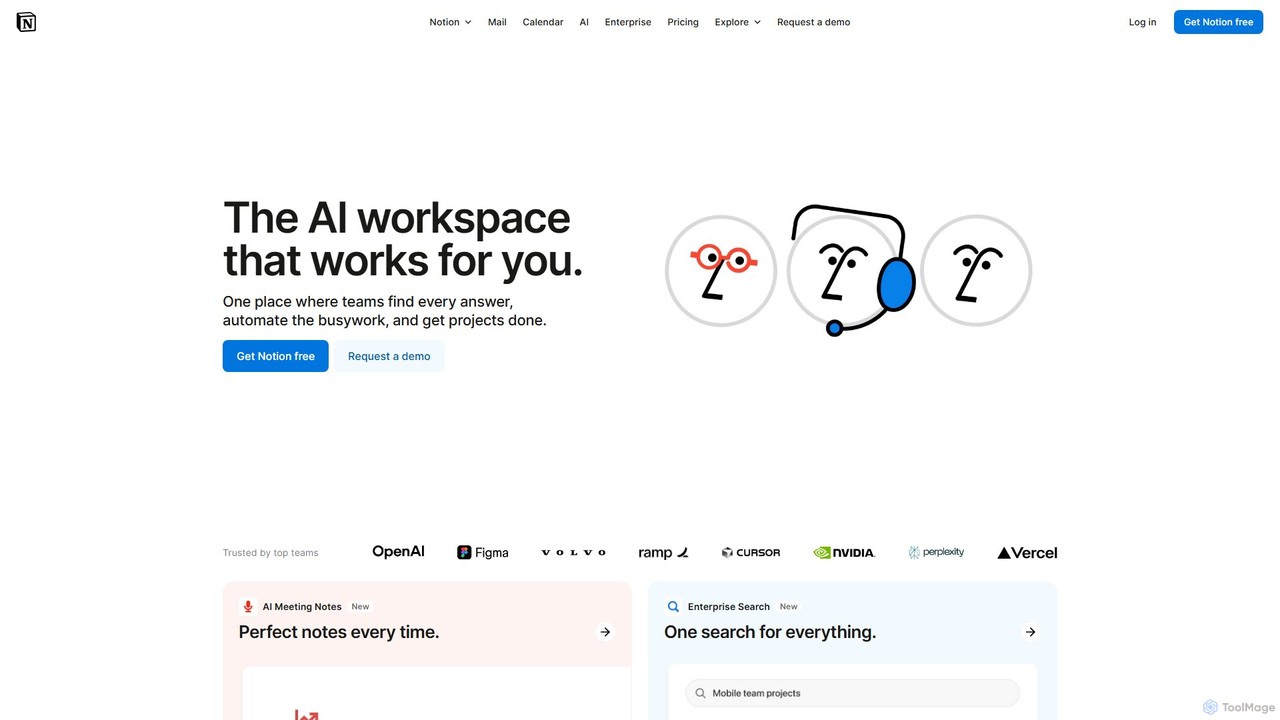
Notion
Notion is the all-in-one AI workspace that combines notes, documents, project management, and wikis. It provides a flexible, customizable platform where individuals and teams can organize work, collaborate in real-time, and build custom workflows. With integrated AI features, Notion helps automate tasks, summarize content, and generate ideas, consolidating multiple tools into a single, powerful space for enhanced productivity.
Knowledge Management
Make-Print Comments (0)
Sign in to comment.
Sign inNo comments yet.