
Scrapybara Overview
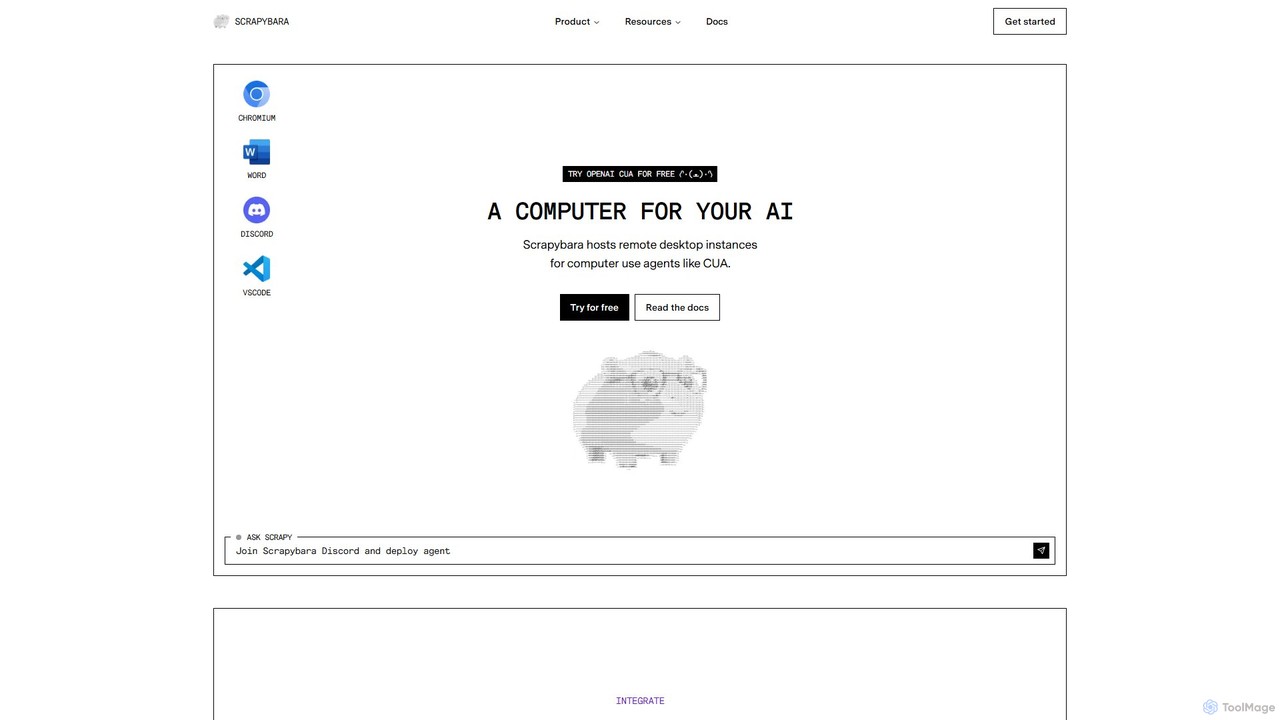
Scrapybara is a specialized platform designed to provide the essential infrastructure for building, deploying, and scaling AI-powered 'computer use agents'. These agents are advanced AI models, such as OpenAI's Computer-Using Agent (CUA), that can interact with a computer's graphical user interface (GUI) to perform tasks just as a human would—by moving a mouse, clicking buttons, and typing text. Scrapybara bridges the gap between these powerful AI models and real-world applications by offering reliable, on-demand virtual desktop environments where these agents can operate at scale.
The platform is engineered to eliminate the complexities of infrastructure management, allowing developers to focus solely on designing and refining their agent's logic and capabilities. By providing a unified interface and robust backend, Scrapybara empowers developers to automate a vast range of free-form computing tasks that were previously difficult or impossible to automate through traditional APIs.
How to use Scrapybara
Getting started with Scrapybara is straightforward for developers. The process typically involves these steps:
- Installation: Begin by installing the Scrapybara SDK, which is available for both Python (`pip install scrapybara`) and TypeScript (`npm install scrapybara`).
- Client Initialization: Initialize the Scrapybara client in your code. This client will be your main interface for interacting with the platform's services.
- Launch an Instance: Use the client to instantly spin up a virtual desktop instance. You can choose from different environments, such as a feature-rich Ubuntu desktop, a lightweight Chromium browser, or a full Windows desktop. For example, `instance = client.start_ubuntu()`.
- Execute Agent Actions: Use the `act()` function to send a prompt to your chosen AI model (like OpenAI CUA or Claude Sonnet). The function integrates the model with the virtual desktop instance, allowing it to perform actions based on your instructions. You can provide specific tools like `ComputerTool` or `BashTool` to define the agent's capabilities.
- Monitor and Interact: The platform supports real-time interactive streaming, allowing you to monitor the agent's actions as they happen and even yield control if necessary. The results, including messages, steps taken, and final output, are returned in a structured format.
- Playground Testing: For quick experimentation, Scrapybara offers a web-based playground where you can test different models and prompts on a live virtual instance without writing any code.
Core Features of Scrapybara
- Instant Desktop Instances: Instantly launch fully-featured virtual desktop environments, including Ubuntu, Windows, and a standalone Chromium browser, at massive scale.
- Speed, Scale, and Stability: The architecture is designed to start hundreds of instances in milliseconds and execute computer actions with minimal latency, ensuring high performance for demanding applications.
- Python & TypeScript SDKs: Provides easy-to-use SDKs for the most popular languages in AI development, simplifying integration and agent creation. A REST API is also available for custom integrations.
- Unified Agent Interface: A single, consistent interface for working with various computer use models, enabling powerful workflows with structured outputs and multi-turn conversations.
- Interactive Streaming & Control: Monitor agent activities in real-time and intervene when needed, offering full visibility and control over automated tasks.
- Session Persistence & Authenticated Access: Pause and resume instances to maintain state over long periods. The platform can also save and load authenticated sessions for websites, enabling complex workflows that require logins.
- First-Party Model Support: Close collaboration with AI labs like OpenAI ensures optimized, first-party support for state-of-the-art models like CUA.
Use Cases for Scrapybara
Scrapybara is ideal for any task that requires GUI-level automation. Examples include:
- Advanced Web Scraping: Go beyond simple data extraction to navigate complex, JavaScript-heavy websites, solve CAPTCHAs, and scrape data that requires user interaction.
- Automated Software Testing: Perform end-to-end UI testing by having an agent interact with your application just like a real user. The CodeCapy.ai project is a prime example, executing hundreds of parallel UI tests on Scrapybara instances.
- Robotic Process Automation (RPA): Automate complex business processes that involve legacy systems without APIs, data entry across multiple applications, or report generation.
- Deep Research and Data Collection: Deploy multiple agents in parallel to conduct deep research, gather information from various sources, and synthesize findings.
- General Digital Tasks: Automate everyday computer tasks like managing files, configuring settings on a web service (e.g., DNS records), or posting content to social media.
Advantages of Scrapybara
The primary advantage of Scrapybara is that it provides a robust, scalable, and reliable infrastructure layer for AI agents. This allows developers to avoid the significant engineering effort required to build and maintain such a system themselves. The platform's focus on speed and low latency is critical for creating responsive and effective agents. Furthermore, its unified API and support for leading AI models make it a future-proof choice for developers looking to leverage the latest advancements in AI-driven automation.
Pricing and Plans
Scrapybara operates on a freemium model, making it accessible for individual developers and scalable for large enterprises.
- Free Plan: Includes 10 compute hours, 100 agent credits, and allows up to 5 concurrent instances. Ideal for testing and small projects.
- Basic Plan: $29/month. Includes 100 compute hours/month, 500 agent credits/month, and up to 25 concurrent instances.
- Pro Plan: $99/month. Includes 500 compute hours/month, 2,500 agent credits/month, and up to 100 concurrent instances.
- Enterprise Plan: Custom pricing. Offers features like self-hosting, dedicated support, and a 99.9% uptime SLA for mission-critical applications.
An 'Agent Credit' is consumed for each step an agent takes (one assistant message with tool calls). Credits can be topped up at $0.04 each, or users can use their own provider's API key.
Traffic
Latest traffic
Status
Monthly traffic trend
- 2025-9: 4.8K
- 2026-1: 1.3K
- 2026-2: 1.5K
- 2026-3: 3.2K
- 2026-4: 4.5K
- 2026-5: 8.1K
Geography
Top 5 countries / regions
- 🇳🇬Nigeria51.6%
- 🇺🇸United States39.7%
- 🇮🇳India8.7%
Top keywords
| Keyword | Cost per click |
|---|---|
| agents sdk 2.0 | $0.00 |
| cua ai | $0.00 |
| cua screenshot | $0.00 |
| scrapbara | $0.00 |
| scrapybara | $4.84 |
Scrapybara Videos on YouTube

Ashot Abrahamyan

Scrapybara Alternatives
Firecrawl
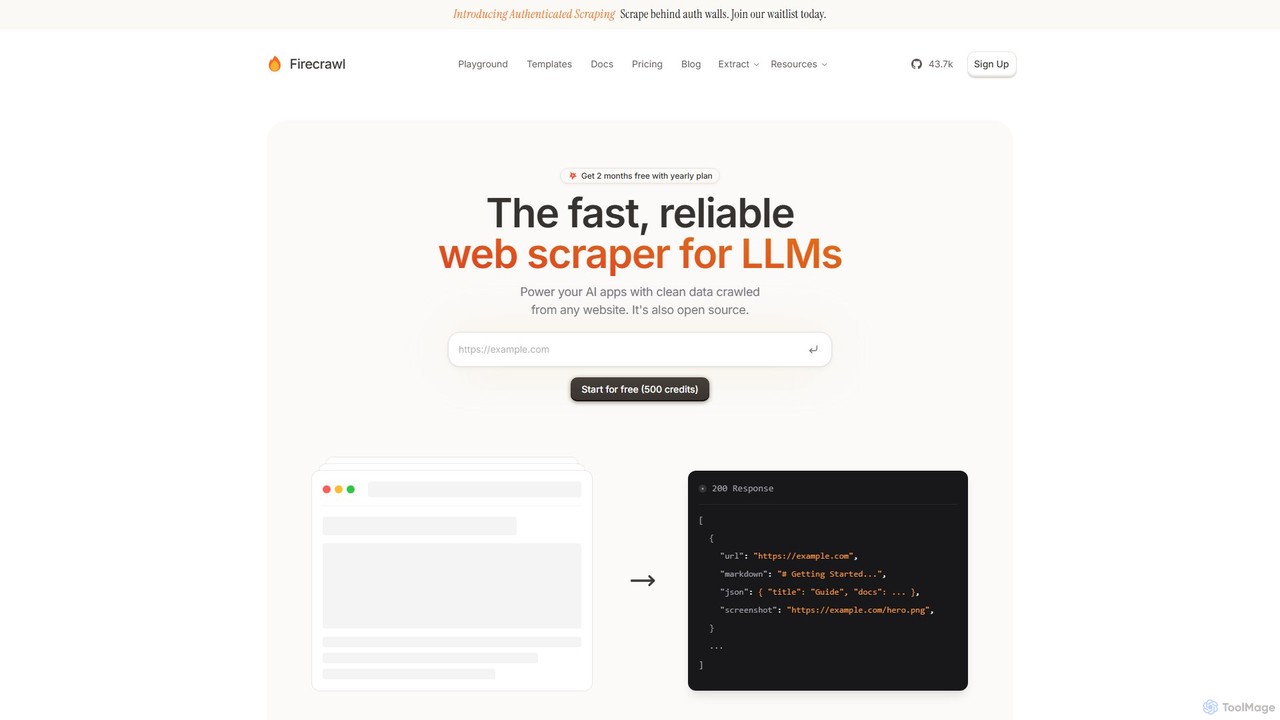
Firecrawl is an open-source, developer-first API that turns any website into clean, LLM-ready data. It handles all the complexities of web scraping, including JavaScript rendering, proxy rotation, and rate limits, allowing you to power AI applications, agents, and RAG systems with reliable web content. It offers scraping, crawling, and search functionalities through a simple API.
Data Collection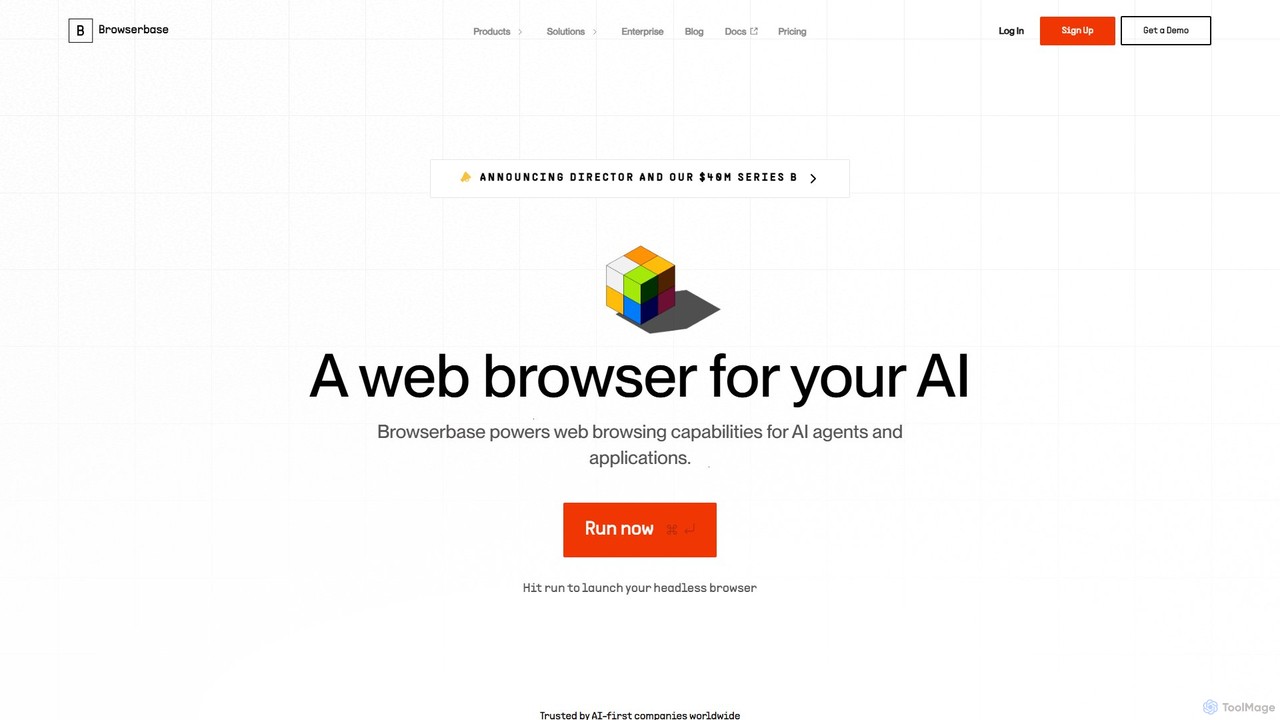
Browserbase
Browserbase provides a scalable cloud infrastructure for running and managing headless browsers. It's designed for developers to power AI agents, automate complex web workflows, and perform large-scale data scraping without managing the underlying infrastructure.
Web Scraping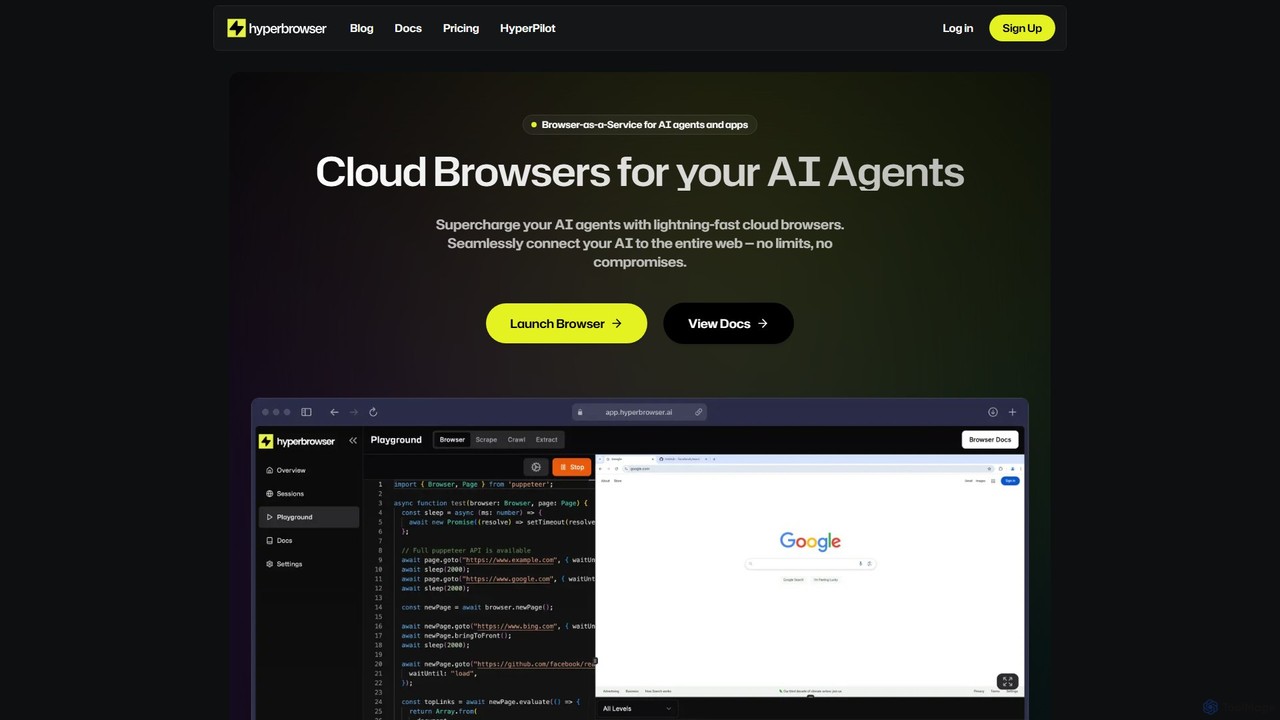
Hyperbrowser
Hyperbrowser is a Browser-as-a-Service platform designed for AI agents and developers. It provides scalable, lightning-fast cloud browsers to automate web tasks, extract data, and enable AI-driven web interactions. With features like stealth browsing, automatic captcha solving, and developer-friendly APIs, it empowers complex workflows without limits.
Web Scraping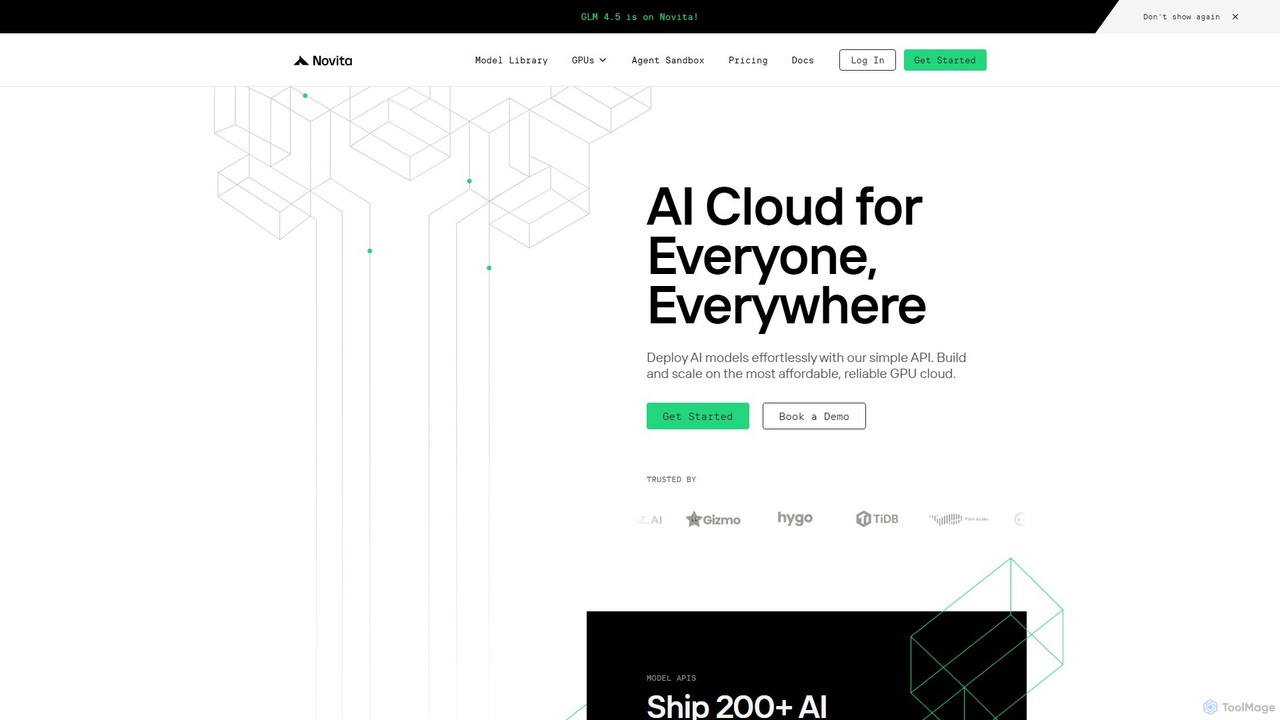
novita.ai
Novita AI is a developer-centric cloud platform offering affordable, scalable access to over 200 AI models via simple APIs. It provides serverless GPUs, dedicated GPU instances, and custom model deployment, enabling developers to build and scale AI applications without managing infrastructure.
Gpu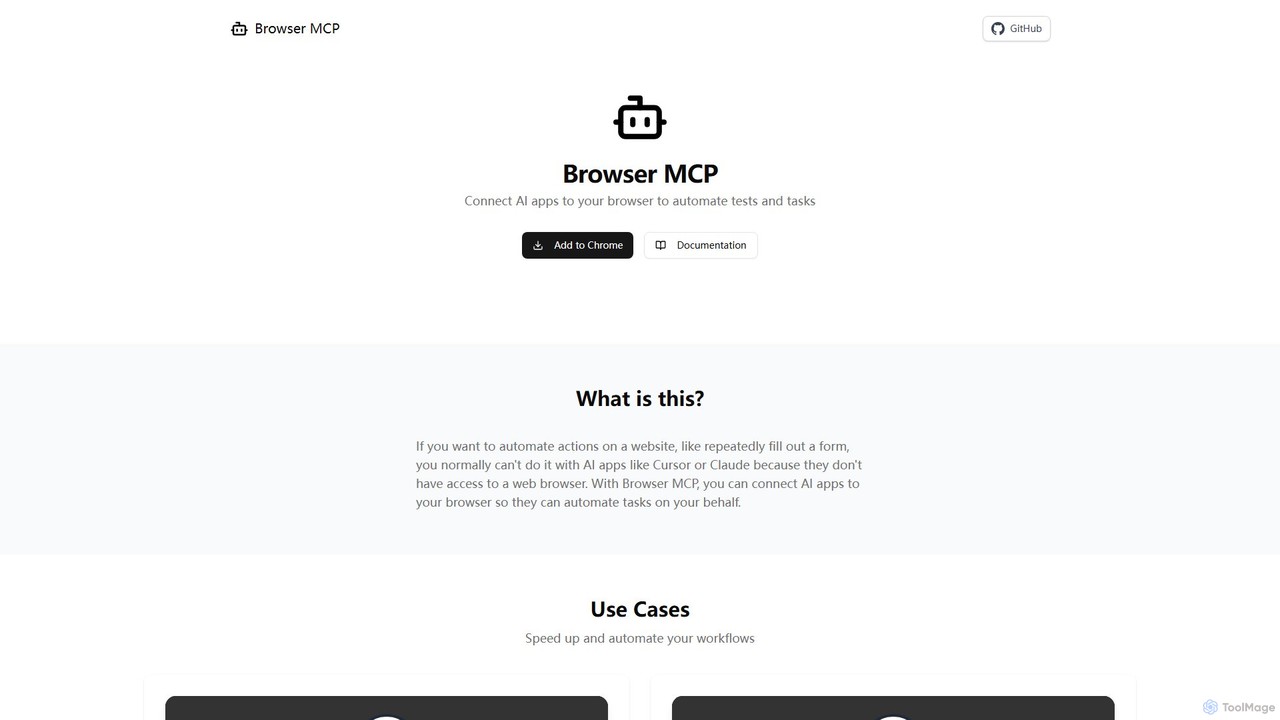
Browser MCP
Browser MCP connects AI applications like Claude or Cursor directly to your web browser. This enables you to automate repetitive tasks, conduct end-to-end software testing, and scrape web data using AI commands. It operates locally for maximum speed and privacy, leveraging your existing browser sessions to bypass logins and avoid bot detection.
Web ScrapingScrapybara Categories
Scrapybara Embed Widget
Copy this embed code to place the badge on your blog, article, or product site and send readers directly to this ToolMage detail page.

Related AI tools
Myple
Myple is a comprehensive platform for developers to build, scale, and secure production-ready AI applications. It offers a suite of tools including open-source SDKs, a powerful CLI, customizable templates, and integrations with popular services. With features like vector storage, agent tool management, and robust security, Myple streamlines the entire AI development lifecycle, from initial build to deployment and monitoring, enabling teams to deliver personalized AI experiences with an excellent developer experience (DX).
DeploymentFirecrawl
Firecrawl is an open-source, developer-first API that turns any website into clean, LLM-ready data. It handles all the complexities of web scraping, including JavaScript rendering, proxy rotation, and rate limits, allowing you to power AI applications, agents, and RAG systems with reliable web content. It offers scraping, crawling, and search functionalities through a simple API.
Data CollectionBrowserbase
Browserbase provides a scalable cloud infrastructure for running and managing headless browsers. It's designed for developers to power AI agents, automate complex web workflows, and perform large-scale data scraping without managing the underlying infrastructure.
Web ScrapingHyperbrowser
Hyperbrowser is a Browser-as-a-Service platform designed for AI agents and developers. It provides scalable, lightning-fast cloud browsers to automate web tasks, extract data, and enable AI-driven web interactions. With features like stealth browsing, automatic captcha solving, and developer-friendly APIs, it empowers complex workflows without limits.
Web Scraping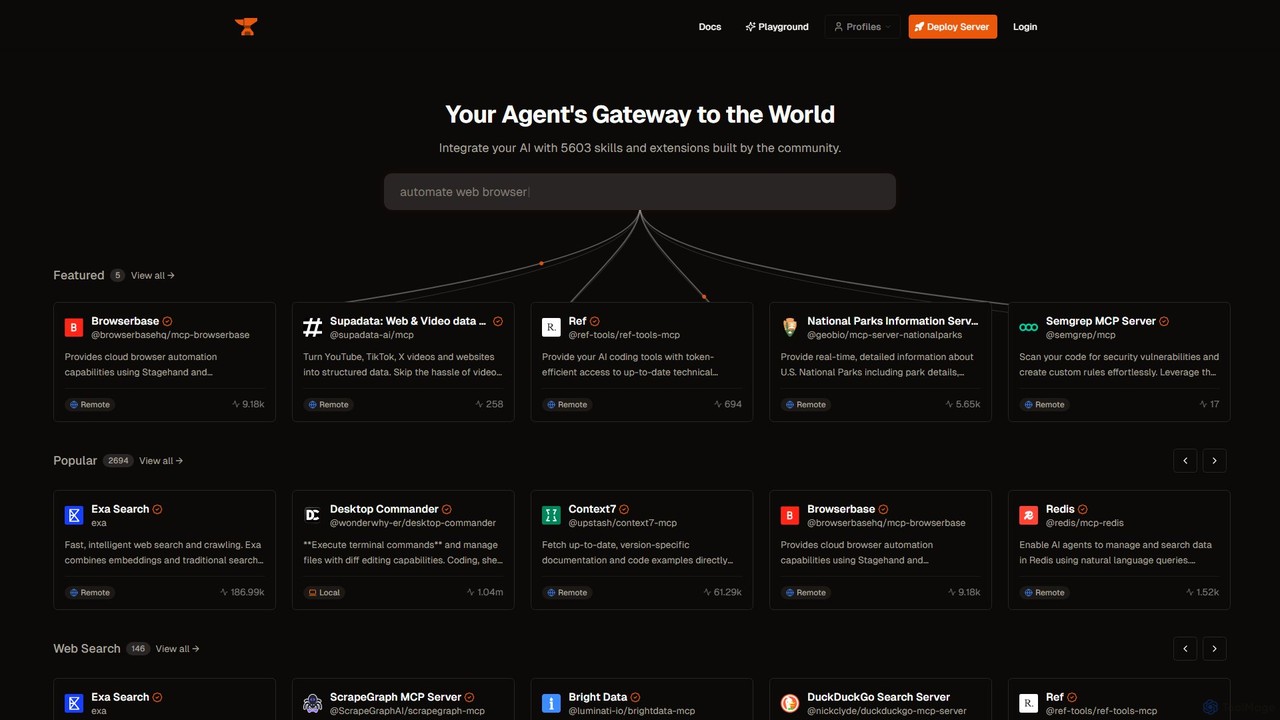
Smithery
Smithery is a registry and protocol for AI agents, providing a gateway to thousands of community-built skills and extensions. It enables developers to easily integrate external tools like web browsers, databases, and APIs into their AI applications, enhancing their capabilities and context awareness.
Database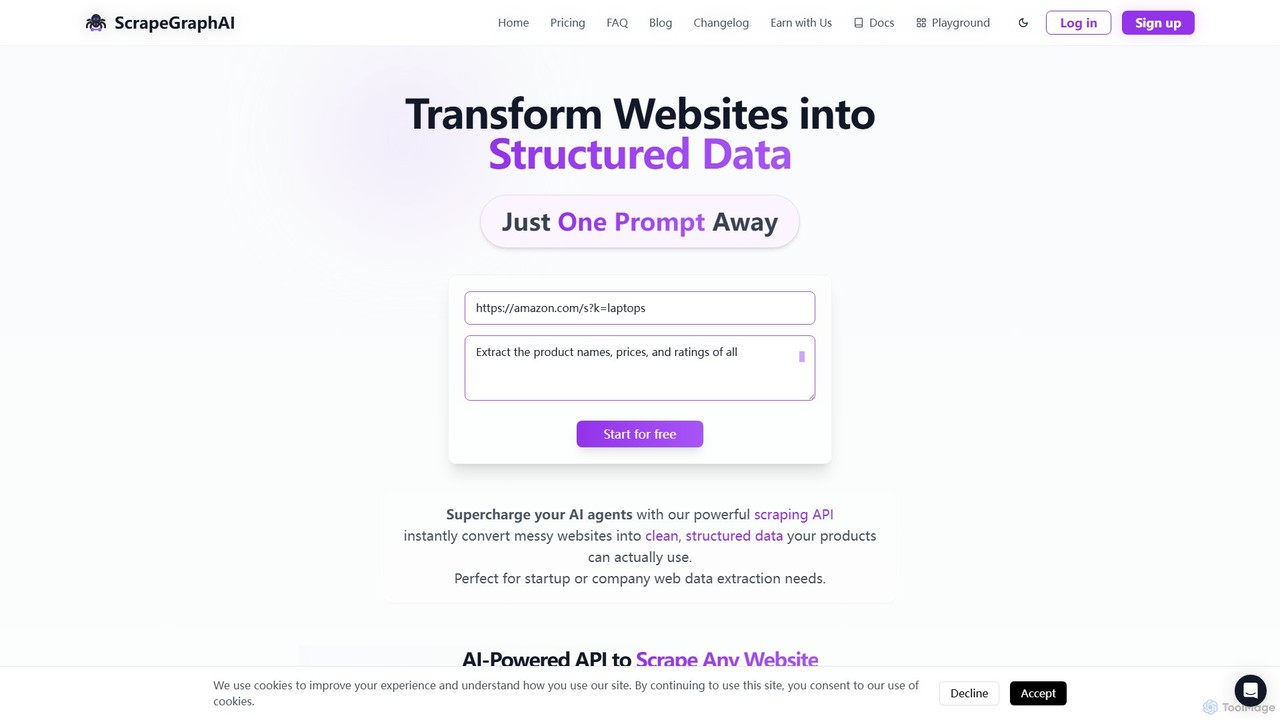
ScrapeGraphAI
ScrapeGraphAI is an AI-powered web scraping API that transforms unstructured websites into clean, structured JSON data using simple natural language prompts. Designed for developers, AI agents, and automated workflows, it simplifies data extraction without complex code.
Analytics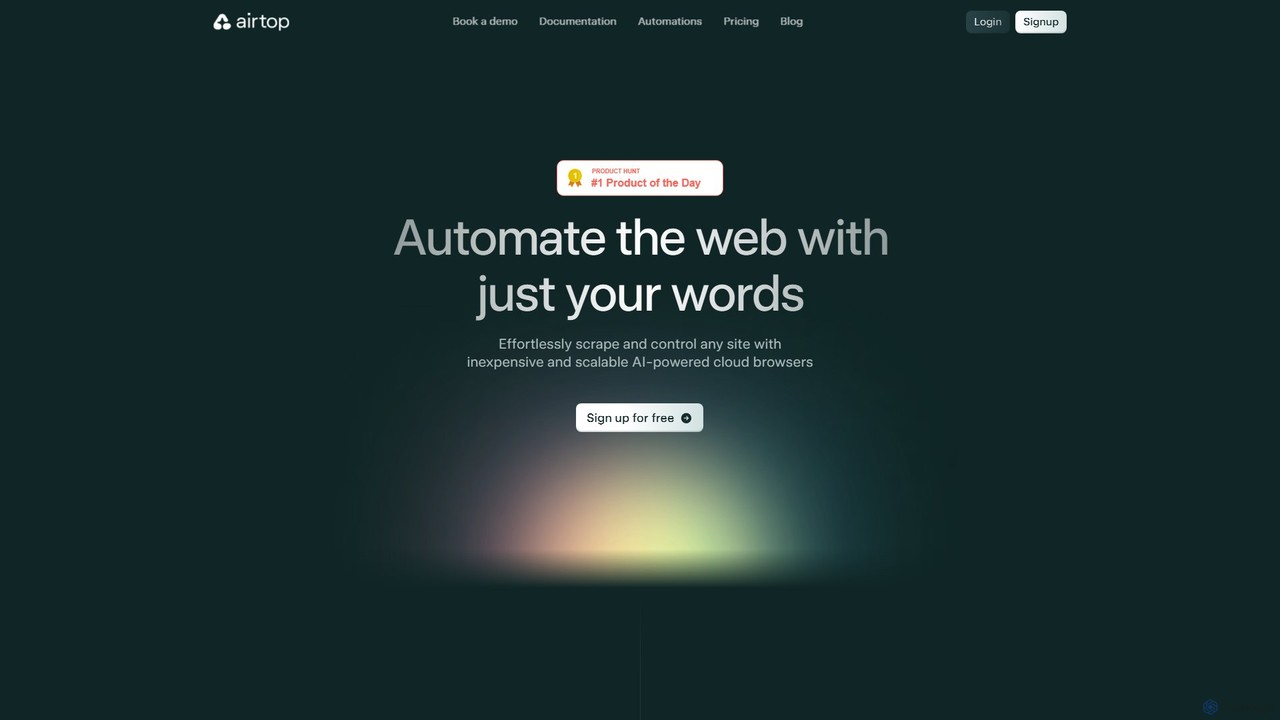
Airtop
Airtop is a browser automation platform designed for AI agents. It allows developers to control and scrape any website using natural language prompts or SDKs (Python, TypeScript). Airtop manages the complex cloud browser infrastructure, handling logins, CAPTCHAs, and scaling, enabling powerful automations for data extraction, social media engagement, and market research.
Automation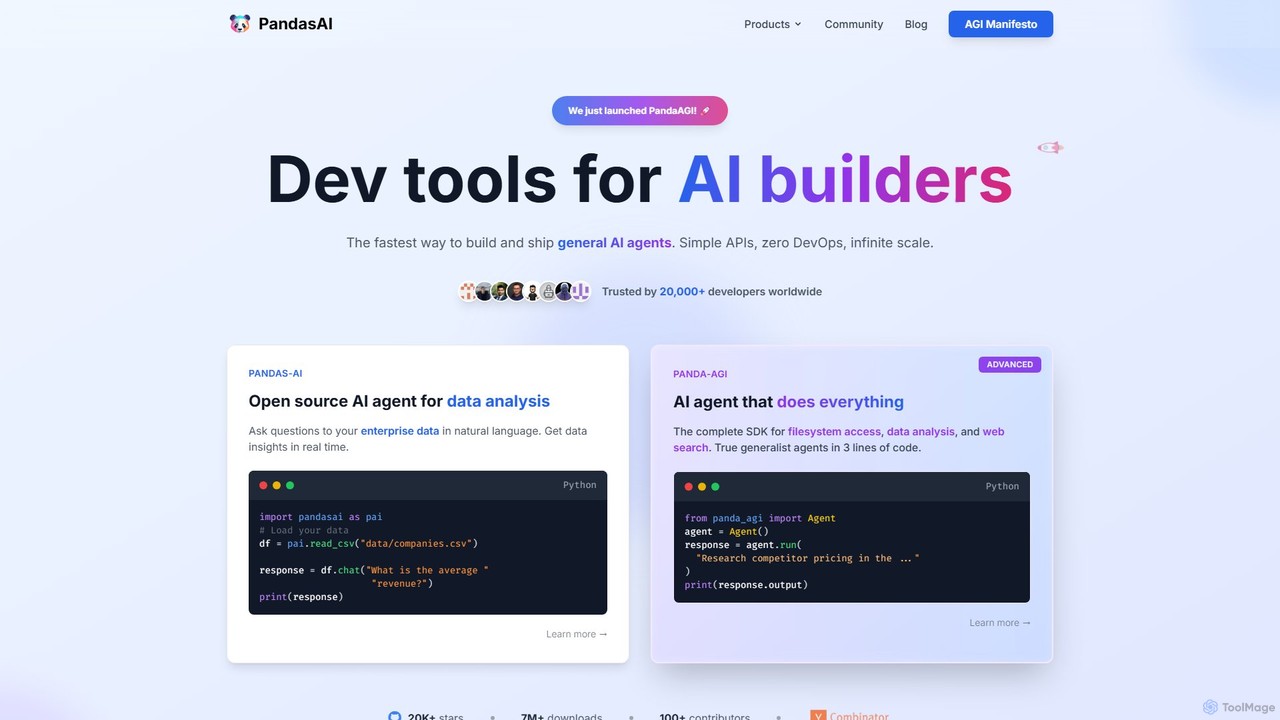
PandasAI
PandasAI offers a suite of developer tools for building AI applications. It features an open-source library for conversational data analysis using natural language and PandaAGI, an advanced SDK for creating generalist AI agents that can perform complex tasks like web searches and filesystem access.
Data Analysis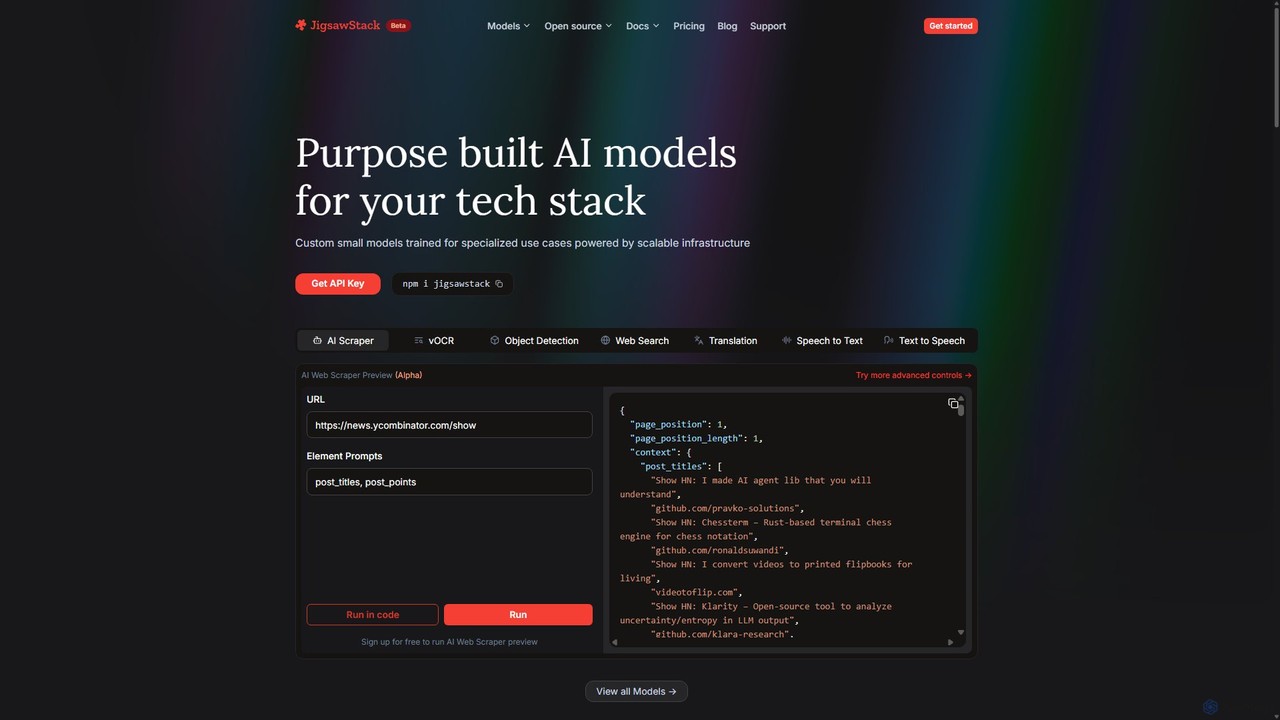
JigsawStack
JigsawStack offers a suite of purpose-built, small AI models for developers, accessible via a single API. It simplifies complex backend tasks like web scraping, OCR, translation, and speech-to-text with fast, reliable, and scalable infrastructure. Designed for seamless integration, it provides a developer-first experience with structured data output and global support, enabling teams to build and ship features faster.
Speech Synthesis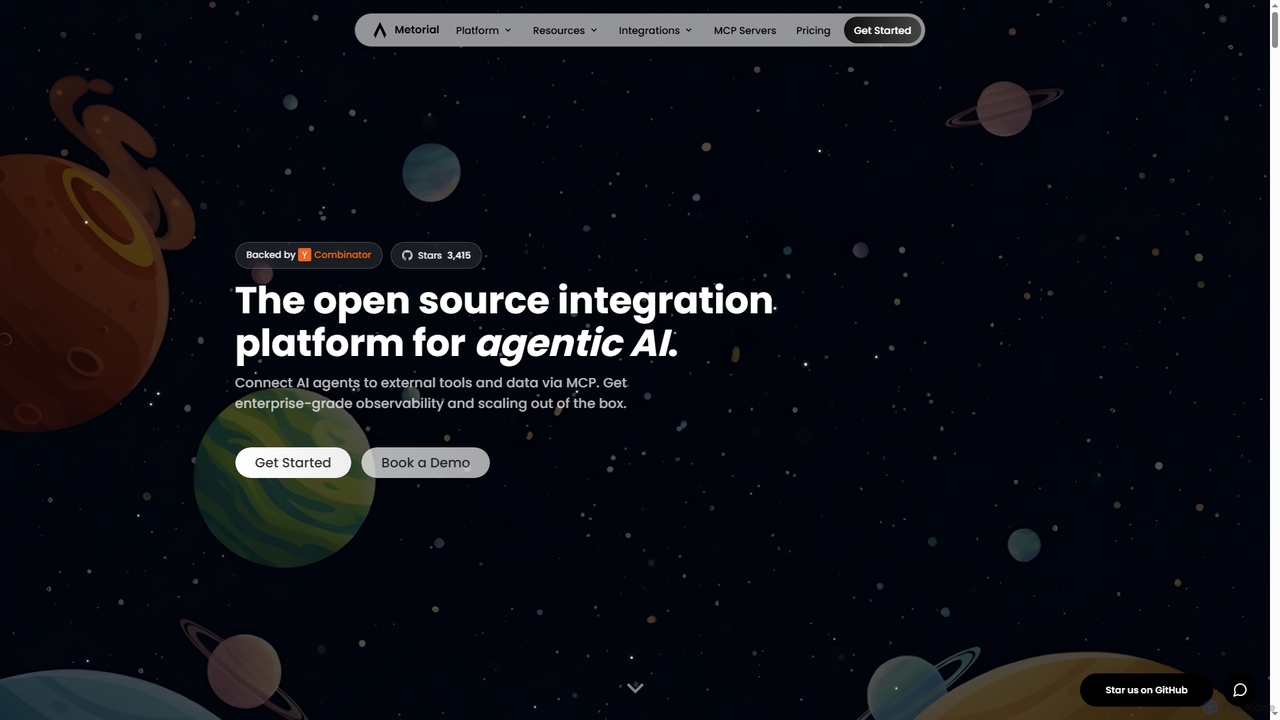
Metorial
Metorial is an integration platform for AI agents, enabling developers to quickly build, deploy, and monitor powerful agentic AI applications. It provides seamless connections to hundreds of tools, data sources, and APIs via its serverless Model Context Protocol (MCP) platform, offering robust SDKs, observability, and enterprise-grade security for scalable AI solutions.
Agentic Ai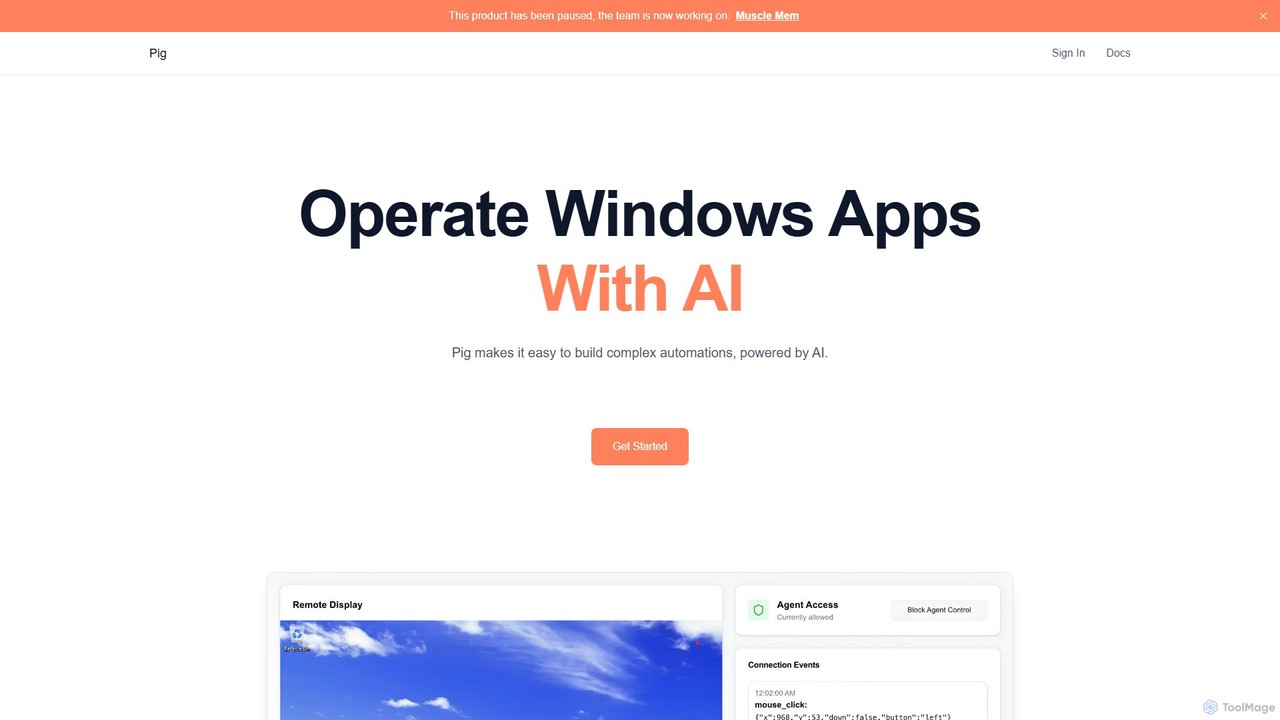
Pig
Pig is an advanced AI automation platform for developers, enabling the control of computer desktops through a chat interface, an Agent API, or a powerful Python SDK. It specializes in self-hosted, secure automation with human-in-the-loop capabilities.
Automationnovita.ai
Novita AI is a developer-centric cloud platform offering affordable, scalable access to over 200 AI models via simple APIs. It provides serverless GPUs, dedicated GPU instances, and custom model deployment, enabling developers to build and scale AI applications without managing infrastructure.
GpuBrowser MCP
Browser MCP connects AI applications like Claude or Cursor directly to your web browser. This enables you to automate repetitive tasks, conduct end-to-end software testing, and scrape web data using AI commands. It operates locally for maximum speed and privacy, leveraging your existing browser sessions to bypass logins and avoid bot detection.
Web Scraping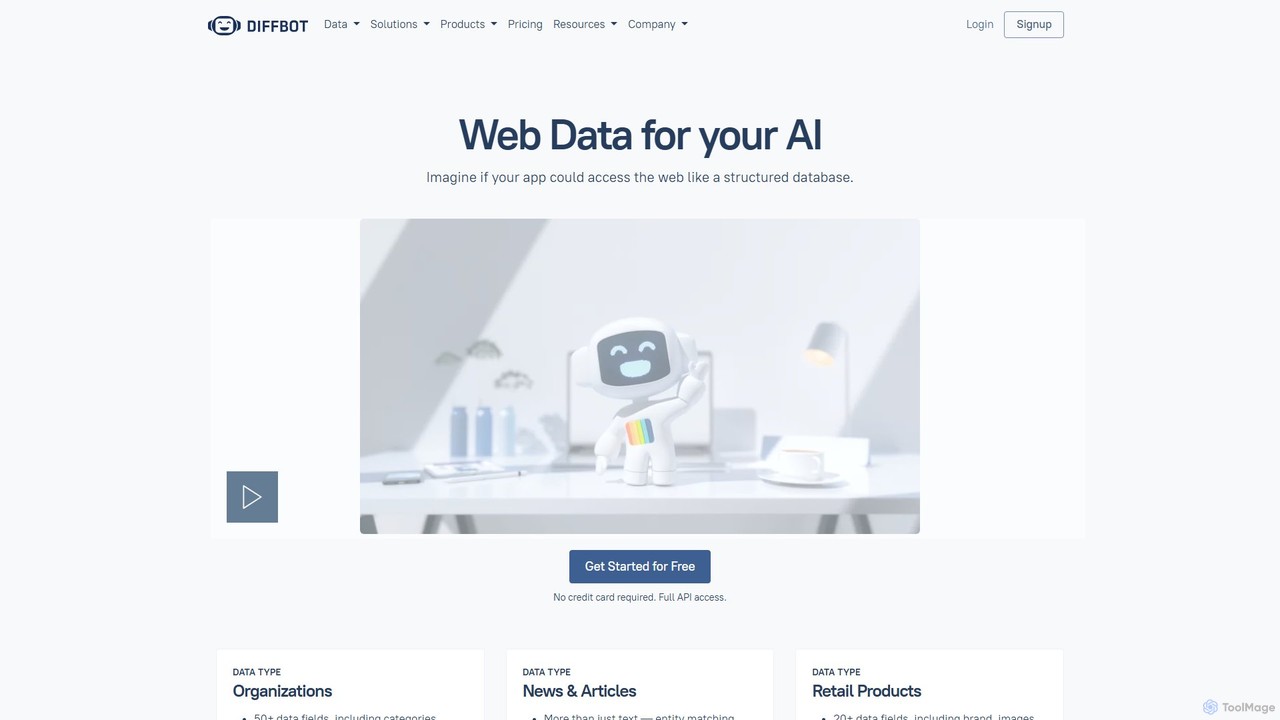
Diffbot
Diffbot is an AI-powered platform that transforms the unstructured web into a massive, structured Knowledge Graph. It offers APIs for web data extraction, crawling, and natural language processing, enabling businesses to access clean, organized data on organizations, news, products, and more for applications in finance, market intelligence, and risk management.
Market Intelligence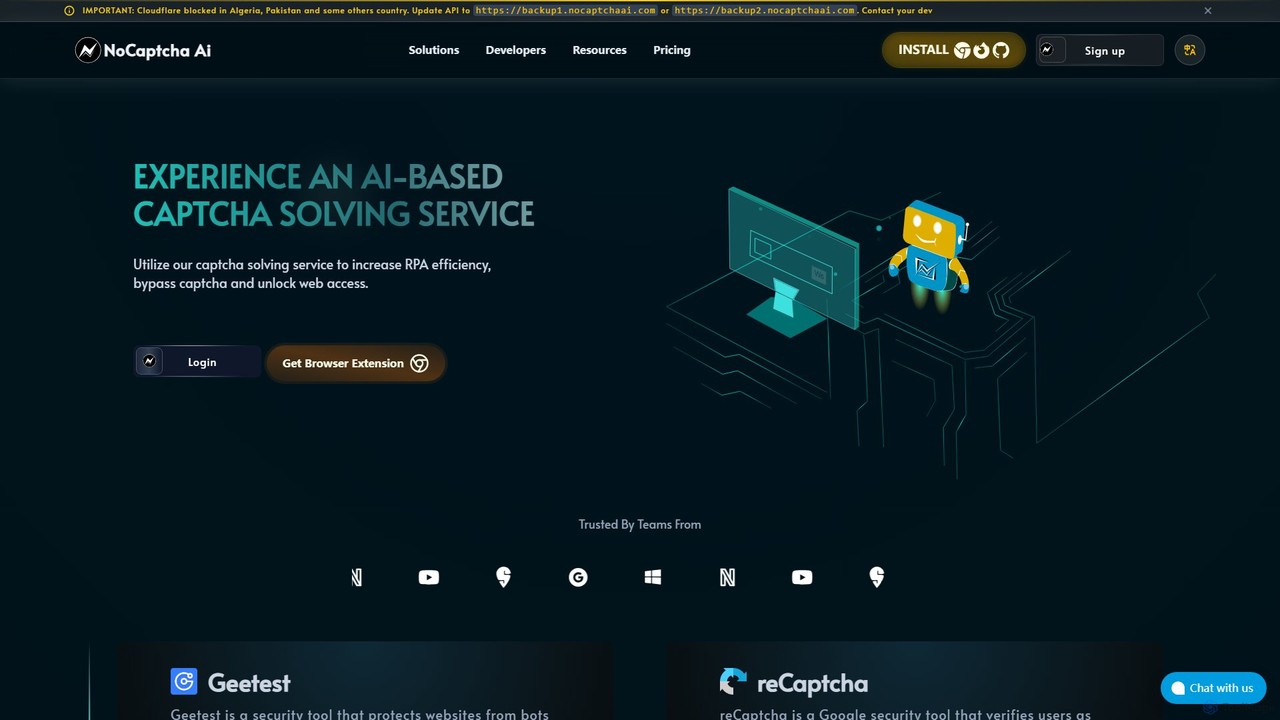
NoCaptcha AI
NoCaptcha AI is an AI-powered CAPTCHA solving service that helps developers and businesses automate CAPTCHA bypass. It offers a fast, reliable, and scalable API solution to handle various CAPTCHA types, including reCAPTCHA, Geetest, and OCR, enhancing RPA efficiency and unlocking web access.
Web Scraping
Scrapybara Comments (0)
Sign in to comment.
Sign inNo comments yet.