

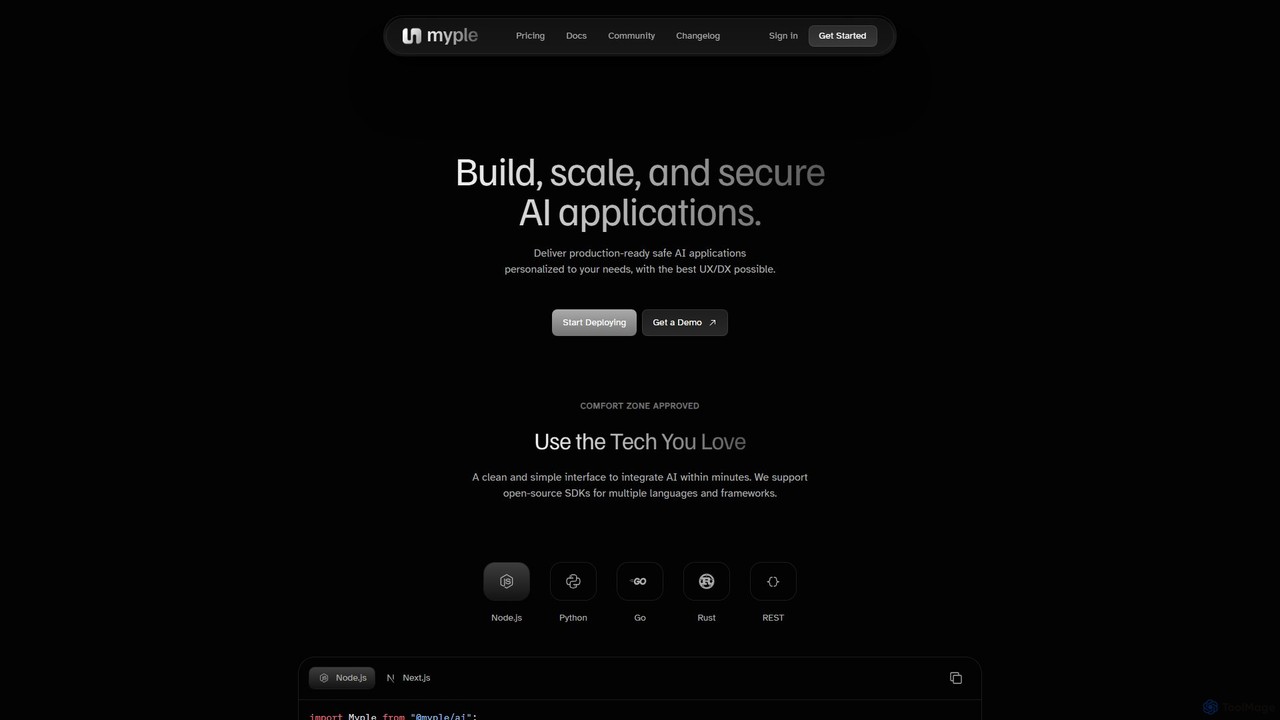
Myple Overview
Myple is an end-to-end platform designed to empower developers to build, scale, and secure sophisticated AI applications with ease and efficiency. It positions itself as a crucial infrastructure layer for the new generation of AI-powered software, providing all the necessary tools to move from a prototype to a production-ready application. The platform is built with a developer-first mindset, focusing on a clean, simple interface and a superior developer experience (DX) to accelerate the development lifecycle.
Myple supports a wide range of technologies and workflows, allowing developers to use the tools they already love. It provides a unified environment to manage everything from prompt engineering and data storage to deployment and ongoing monitoring, eliminating the need to stitch together multiple disparate services.
How to use Myple
Getting started with Myple is a streamlined process designed for developers:
- Sign Up & Setup: Create an account on the Myple platform. You can start with the free 'Hacker' plan to explore the core features.
- Install the CLI: For a seamless workflow, install the Myple Command-Line Interface (CLI). On macOS, you can use Homebrew:
brew install myple/tap/myple. For Linux, a simple curl script is provided. After installation, authenticate your machine withmyple login. - Choose Your Development Path:
- Use a Template: Kickstart your project by using one of Myple's pre-built, customizable templates, such as a RAG (Retrieval-Augmented Generation) chatbot for documentation or an AI agent for Gmail.
- Integrate the SDK: If you have an existing application, integrate Myple using its open-source SDKs available for Node.js, Python, Go, and Rust. Simply initialize the client with your API key.
- Use the REST API: For maximum flexibility, interact directly with the Myple REST API for functionalities like chat completions (/v1/chat/completions) or generating embeddings (/v1/embeddings). - Build Your Application: Utilize the platform's intuitive UI to create and manage prompt templates, set up vector storage collections with support for Weaviate and Chromadb, and define custom tools to give your AI agents the ability to interact with external systems.
- Deploy to Production: Once your application is ready, deploy it with a single command from the CLI:
myple deploy. - Monitor and Scale: After deployment, use the Myple dashboard to monitor your application's performance through data traces, manage notifications and alerts, and collaborate with your team members.
Core Features of Myple
- Developer Toolkit: Comprehensive SDKs for Node.js, Python, Go, and Rust, complemented by a well-documented REST API for full programmatic control.
- Command-Line Interface (CLI): A powerful CLI that simplifies authentication, deployment, and management of your AI applications directly from the terminal.
- AI Application Templates: A library of fully customizable templates for common use cases like RAG chatbots, AI agents, and specialized Q&A systems to accelerate development.
- Vector Database Integration: Native support for creating and managing vector collections in popular databases like Weaviate and Chromadb, essential for RAG and memory-based AI.
- Agent & Tool Management: A dedicated section to create and manage tools, empowering your AI applications with agency to interact with the outside world and perform complex tasks.
- Prompt Engineering Hub: An intuitive interface for creating, versioning, and managing prompts, making it easy to refine and optimize your AI's behavior.
- Seamless Integrations: Connect your workflow with essential developer tools like GitHub, GitLab, Bitbucket, and collaboration platforms such as Slack, Jira, and Discord.
- Robust Security: Enterprise-grade security features including two-factor authentication (2FA), phone verification, Cloudflare Turnstile protection, DDoS mitigation, and SOC-2 compliance for Scale plan users.
- Observability & Monitoring: Keep track of your application's health and performance with detailed data tracing, configurable alerts, and a centralized notification system.
- Team Collaboration: Invite team members to your workspace, manage permissions, and collaborate effectively on building and maintaining AI projects.
Use Cases for Myple
Myple is versatile enough to power a wide range of AI applications:
- Advanced Customer Support: Build intelligent RAG-powered chatbots that provide accurate answers by searching through your company's documentation, knowledge bases, and past tickets.
- Internal Knowledge Management: Deploy an internal AI assistant that helps employees quickly find information within company wikis, reports, and shared drives.
- Automated Task Agents: Create AI agents that can read and summarize important emails, create tasks in Jira, or send notifications to Slack channels based on specific triggers.
- Specialized Q&A Systems: Develop expert AI assistants, like the 'AskFeynman' template, that are fine-tuned on specific domains of knowledge, such as physics, law, or medicine.
- Rapid AI Prototyping: Quickly build and test new AI-driven features and products using the platform's templates and fast deployment cycle.
Advantages of Myple
Myple offers significant advantages for developers and businesses:
- Speed to Market: Drastically reduces development time from weeks or months to just minutes or hours, thanks to its templates, CLI, and integrated toolset.
- Developer-Centric Design: Built by developers, for developers. It provides a seamless experience with familiar tools and workflows, enhancing productivity.
- Unified & Scalable Infrastructure: A single platform that handles everything from development and vector storage to production deployment and monitoring, built to scale with your needs.
- Enhanced Security and Compliance: Provides peace of mind with robust security features and compliance options, making it suitable for production and enterprise use.
- Flexibility and Extensibility: Supports multiple programming languages and integrates with a wide ecosystem of tools, ensuring it fits into your existing tech stack.
Pricing and Plans
Myple offers a transparent, tiered pricing model to suit different needs:
- Hacker (Free): Ideal for personal projects and exploration. Includes 2 applications, 1 database, 1-day of traces data, 1k invocations, and community support.
- Team ($29 per user/month): Designed for startups and small teams. Includes 10 applications, 5 databases, 7-day of traces data, 100k invocations, priority support, and collaboration features.
- Scale (Custom): A tailored plan for large organizations with specific needs. Offers unlimited resources, SOC-2 compliance, SAML SSO, and a dedicated Service Level Agreement (SLA).
Myple Alternatives
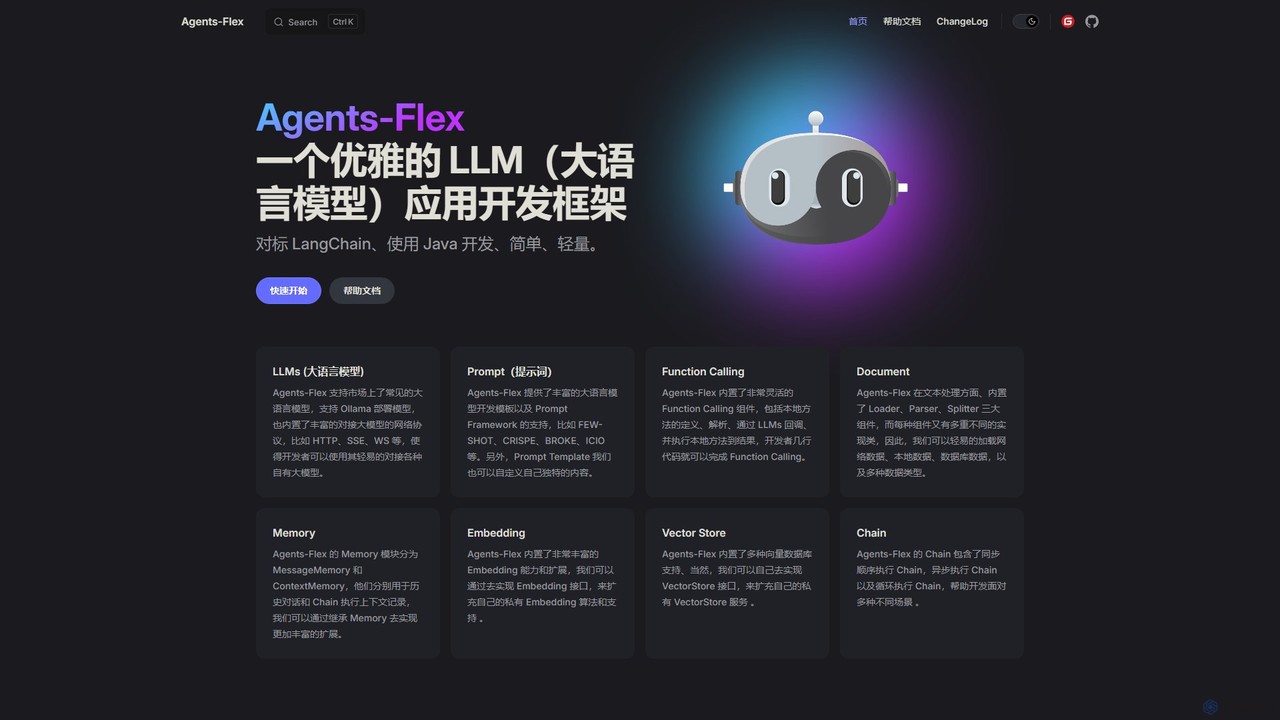
Agents-Flex
Agents-Flex is an open-source Java framework for building LLM-powered applications. As a lightweight and elegant alternative to LangChain, it simplifies development with a highly extensible architecture. It supports a wide range of LLMs, vector databases, and advanced features like function calling, RAG, and agent orchestration. Its framework-agnostic nature and low JDK requirement (8+) make it a versatile choice for any Java developer.
Llm Ops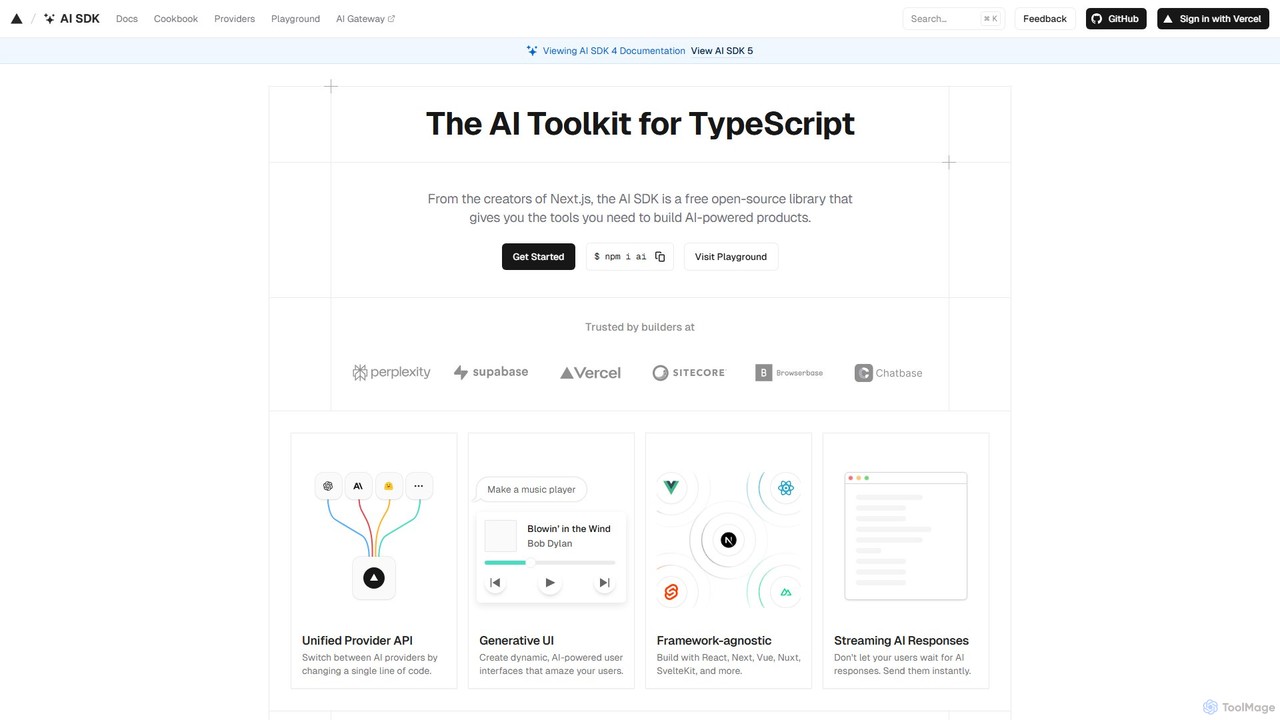
AI SDK
AI SDK by Vercel is a free, open-source TypeScript toolkit for building AI-powered applications. It provides a unified API to seamlessly integrate various large language models (LLMs) like OpenAI, Google, and Anthropic. It simplifies development with features like streaming responses, generative UI components, and tool calling, enabling developers to build and ship AI features faster across frameworks like Next.js, React, and Svelte.
Library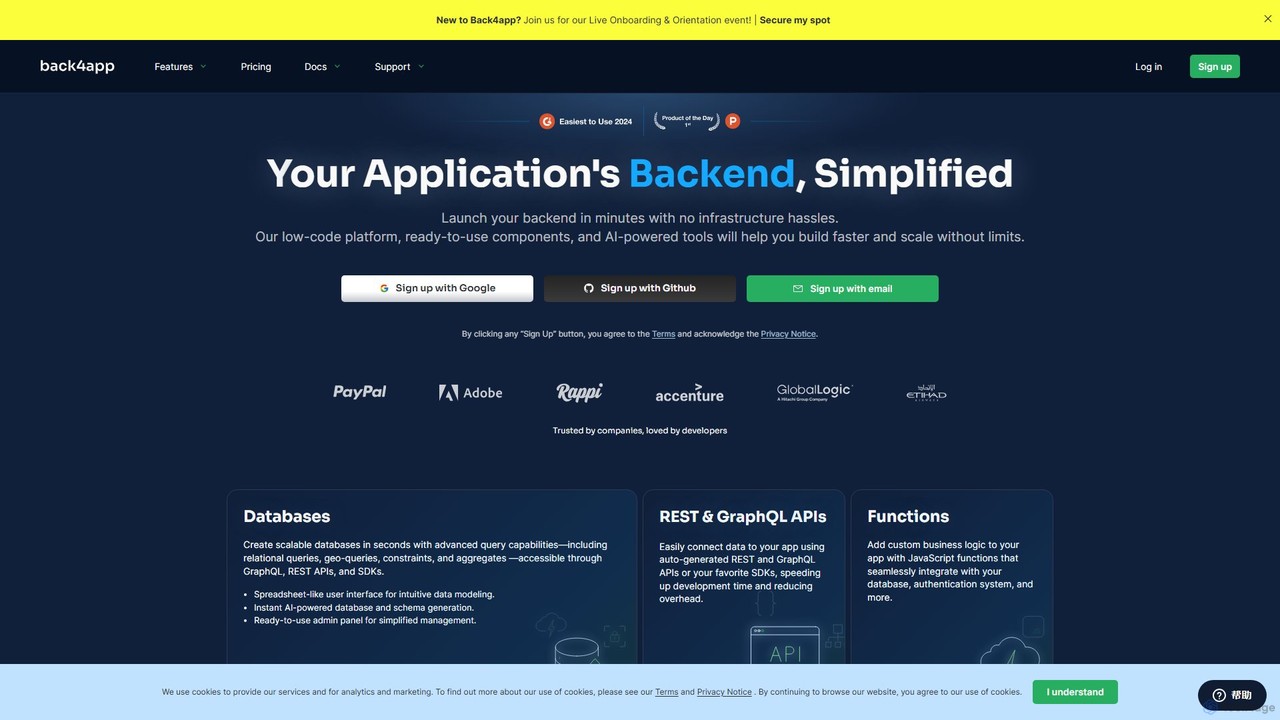
Back4app
Back4app is an AI-powered, low-code Backend-as-a-Service (BaaS) platform that simplifies application development. It enables developers to launch scalable backends in minutes, handling infrastructure complexities like databases, APIs, authentication, and storage. With its AI Agent, ready-to-use components, and extensive SDK support, Back4app accelerates the development process, allowing teams to build faster and scale without limits for both web and mobile applications.
Backend As A Service (Baas)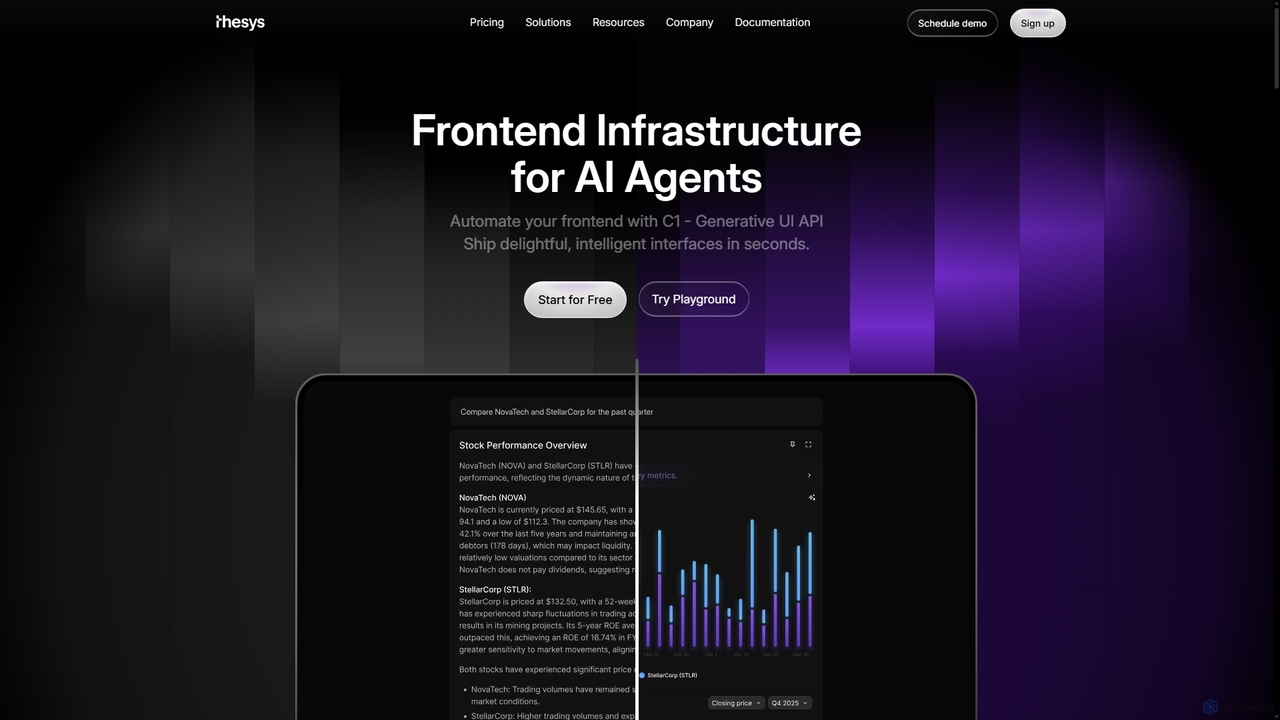
Thesys
Thesys provides C1, a Generative UI API that transforms LLM responses into dynamic, interactive user interfaces in real-time. Designed for developers building AI agents and applications, it automates frontend development by converting text outputs into live UI components like forms, charts, and tables. This allows for the creation of adaptive, engaging, and intelligent interfaces without the limitations of hardcoded UI, accelerating AI product development.
Api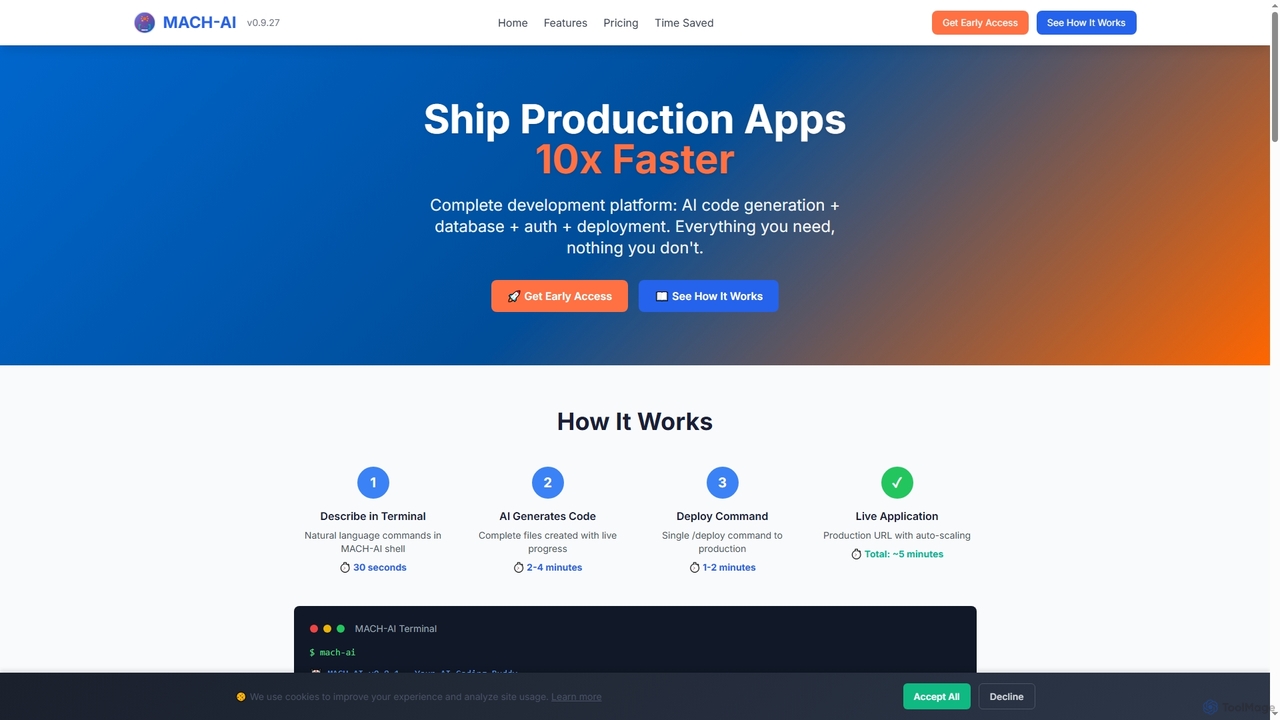
MACH-AI
MACH-AI is an AI coding assistant and complete development platform that transforms concepts into production-ready cloud applications in minutes. It integrates AI code generation, built-in database, authentication, and one-command deployment, enabling developers to build and launch scalable web applications 10x faster across Python, JavaScript, and TypeScript.
Application DeploymentMyple Categories
Myple Embed Widget
Copy this embed code to place the badge on your blog, article, or product site and send readers directly to this ToolMage detail page.

Related AI tools
Unbody
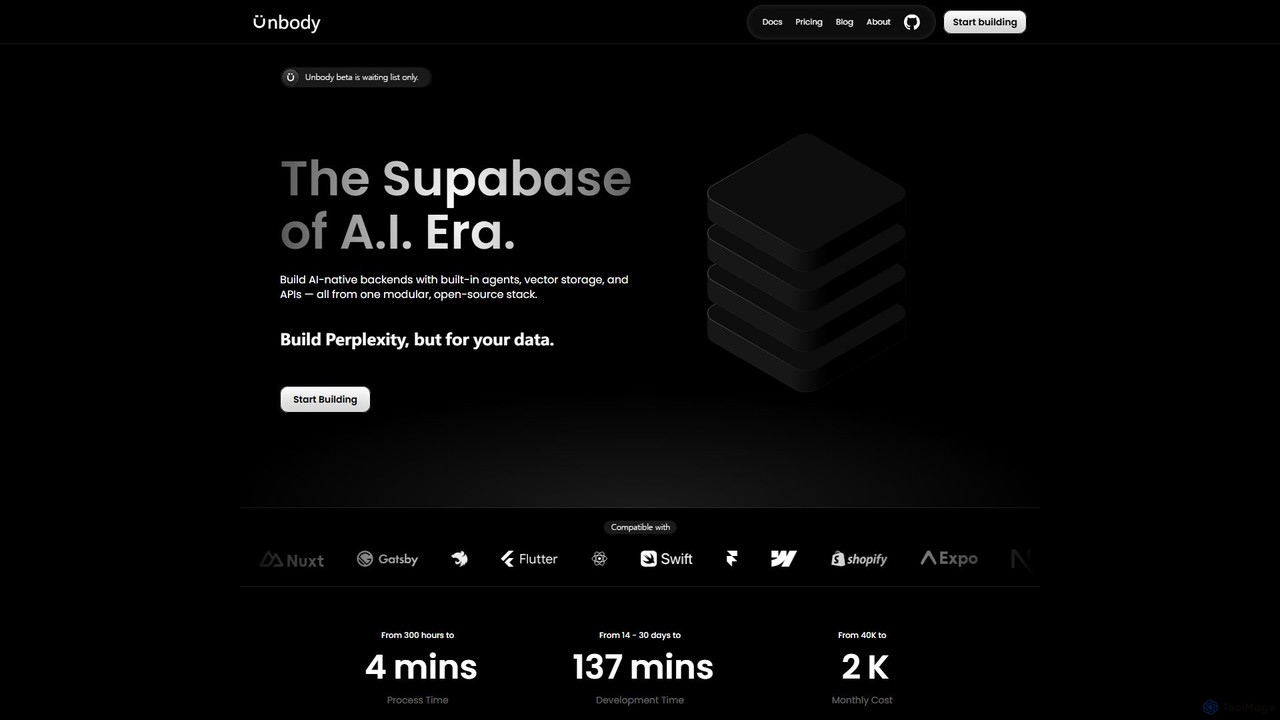
Unbody is an AI-native development stack, described as the "Supabase of the AI Era." It provides developers with a modular, open-source backend featuring built-in agents, vector storage, and a unified API. This allows for the rapid and cost-effective creation of intelligent, adaptive applications by transforming any data into a queryable knowledge base, eliminating the need for fragmented systems and complex AI pipelines.
Vector Database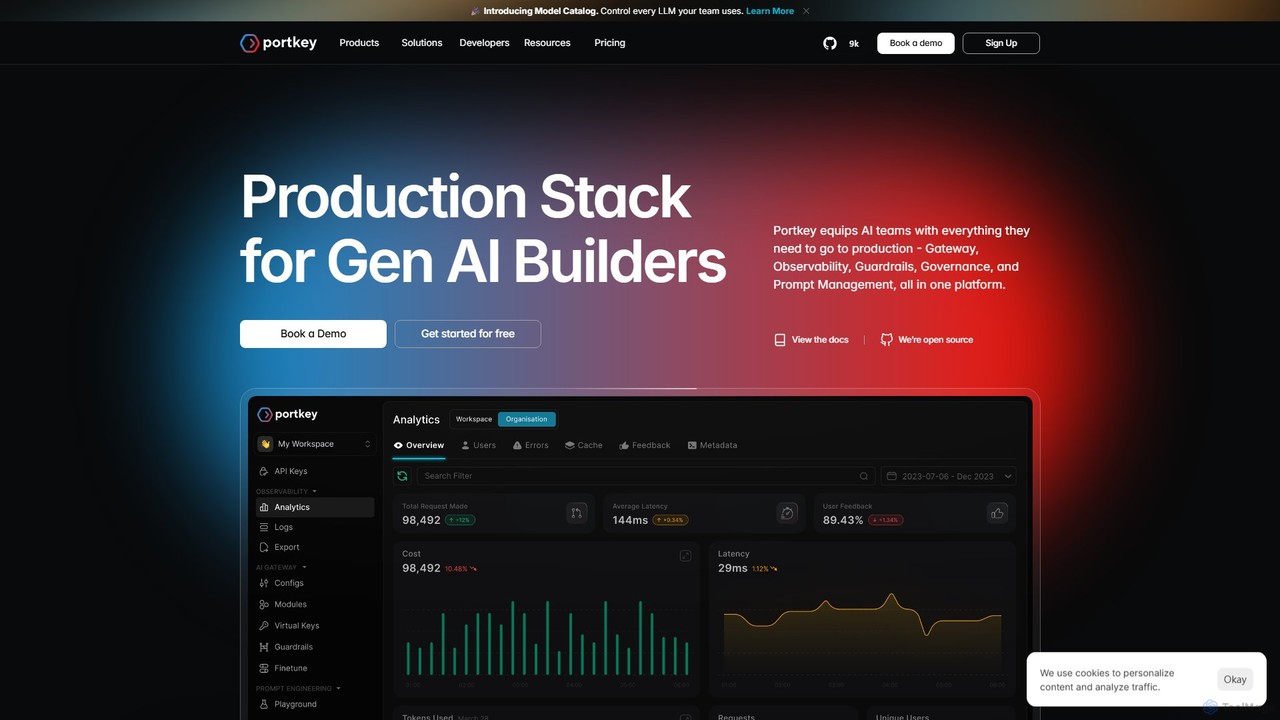
Portkey
Portkey is a comprehensive LLMOps platform for GenAI developers. It provides a unified AI Gateway to access over 1600 models, along with tools for observability, prompt management, cost control, and security. Streamline your AI application development from prototype to production with enhanced reliability, scalability, and governance, all in one place.
Api Management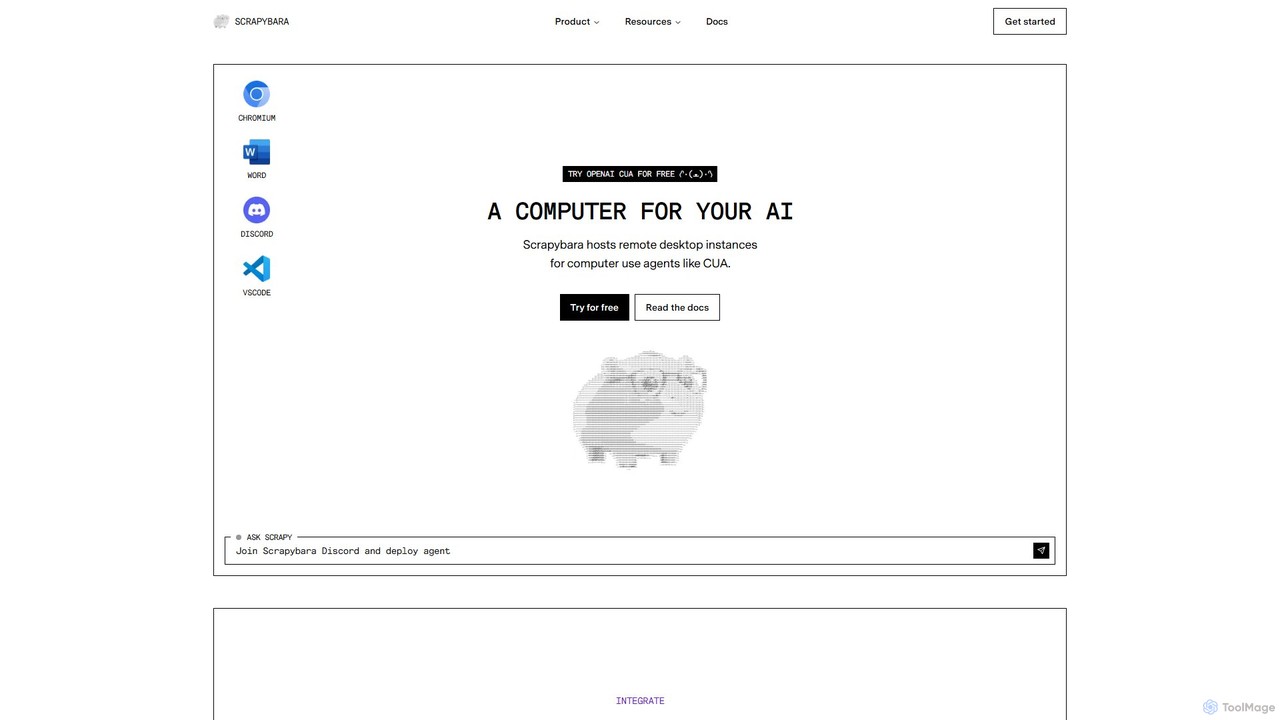
Scrapybara
Scrapybara is a developer platform providing cloud-based virtual desktops for AI agents. It enables the creation and scaling of agents that perform complex computer tasks by interacting with graphical user interfaces (GUIs) like a human. It offers instant, scalable desktop instances (Ubuntu, Windows) with SDKs for Python and TypeScript, supporting models like OpenAI's CUA.
Robotic Process Automation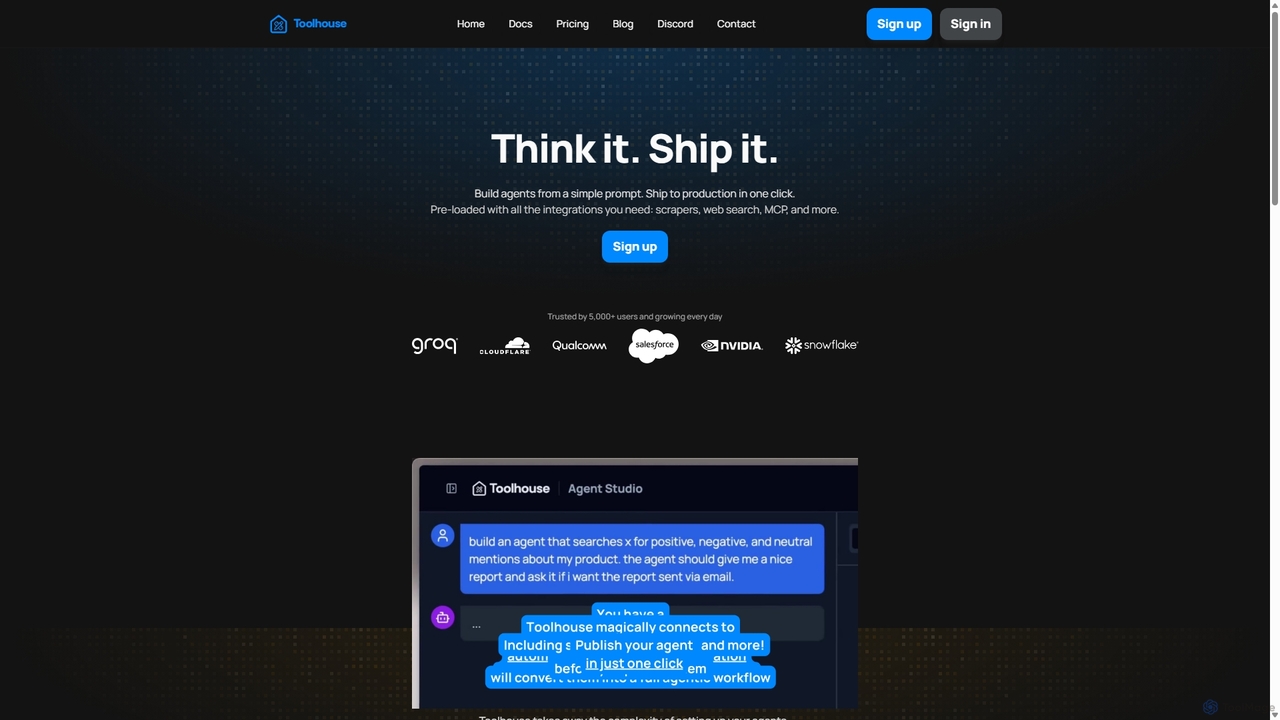
Toolhouse
Toolhouse is a no-code/low-code platform that democratizes AI agent creation. It allows developers to build, deploy, and manage production-grade AI agents from simple prompts. With pre-built integrations for web scraping, search, RAG, and databases, Toolhouse abstracts away the complexity of infrastructure, enabling one-click deployment of agents as scalable APIs. It's designed to empower developers of all skill levels to ship AI-powered applications quickly.
Agent DevelopmentAgents-Flex
Agents-Flex is an open-source Java framework for building LLM-powered applications. As a lightweight and elegant alternative to LangChain, it simplifies development with a highly extensible architecture. It supports a wide range of LLMs, vector databases, and advanced features like function calling, RAG, and agent orchestration. Its framework-agnostic nature and low JDK requirement (8+) make it a versatile choice for any Java developer.
Llm Ops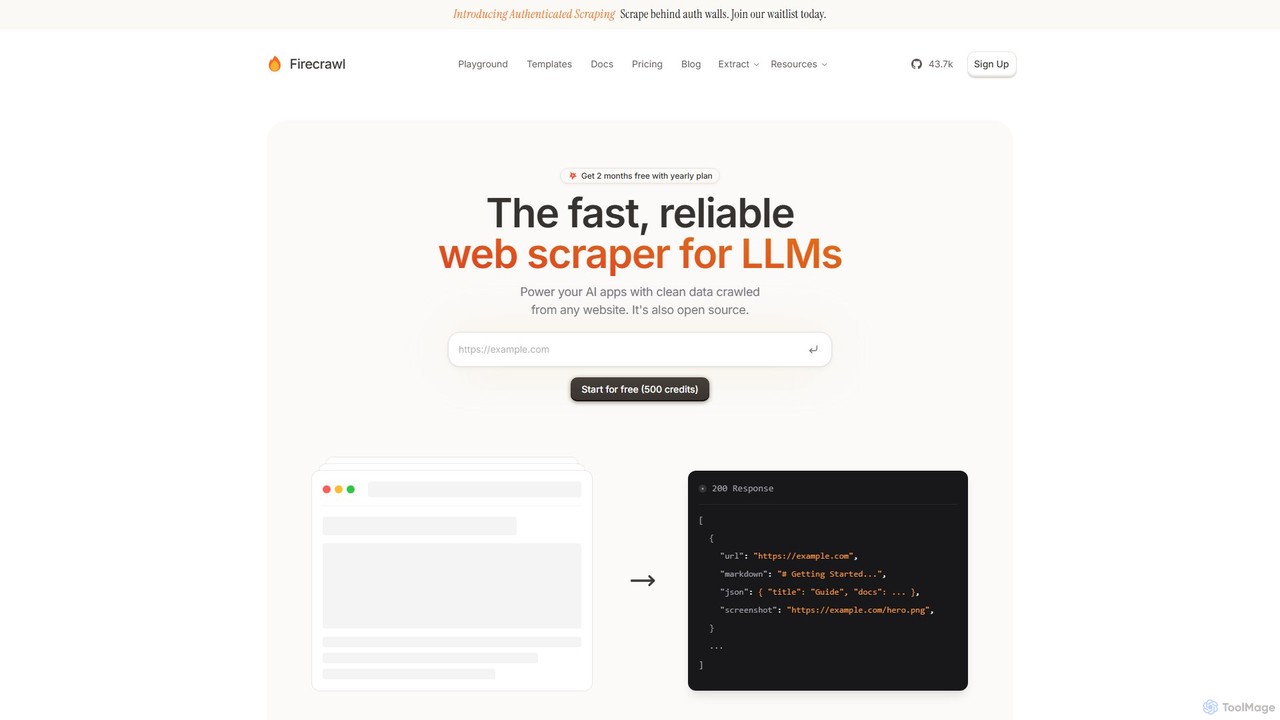
Firecrawl
Firecrawl is an open-source, developer-first API that turns any website into clean, LLM-ready data. It handles all the complexities of web scraping, including JavaScript rendering, proxy rotation, and rate limits, allowing you to power AI applications, agents, and RAG systems with reliable web content. It offers scraping, crawling, and search functionalities through a simple API.
Data Collection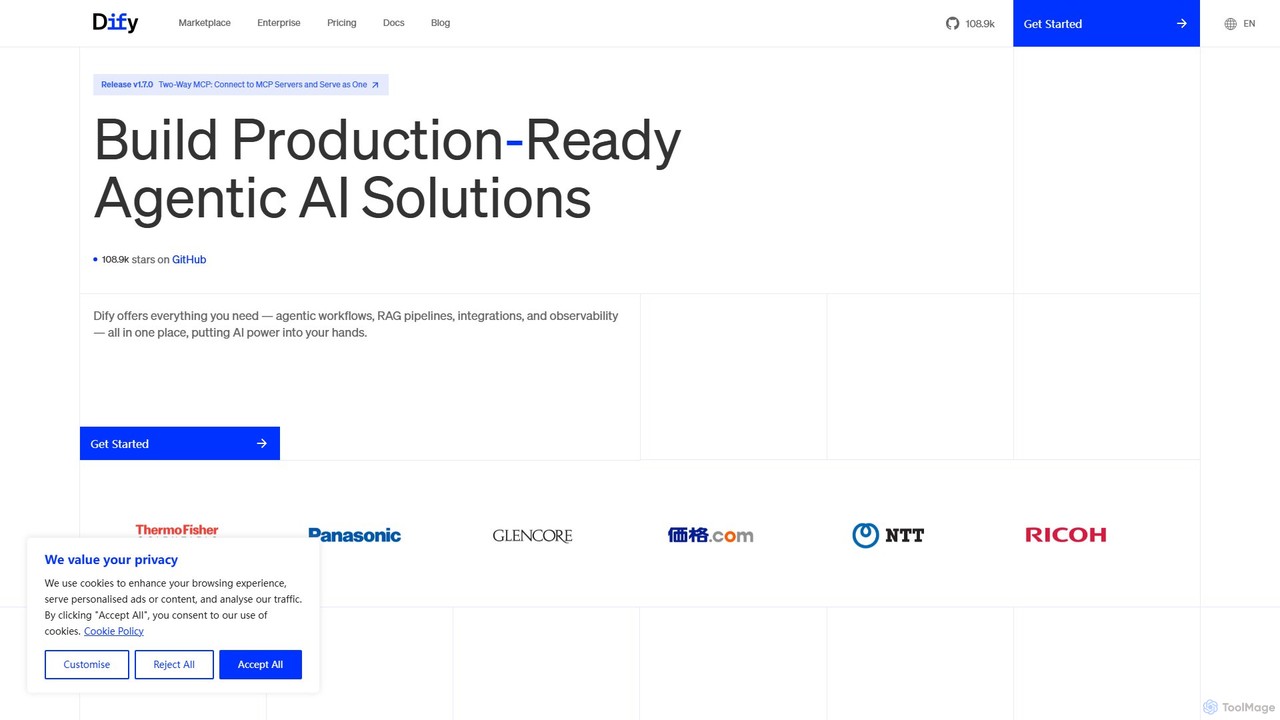
Dify
Dify is an open-source, low-code AI development platform for building and operating production-ready generative AI applications. It enables the creation of AI agents and workflows powered by RAG pipelines, extensive model support, and full observability, simplifying the entire development lifecycle from idea to deployment.
Ai Agent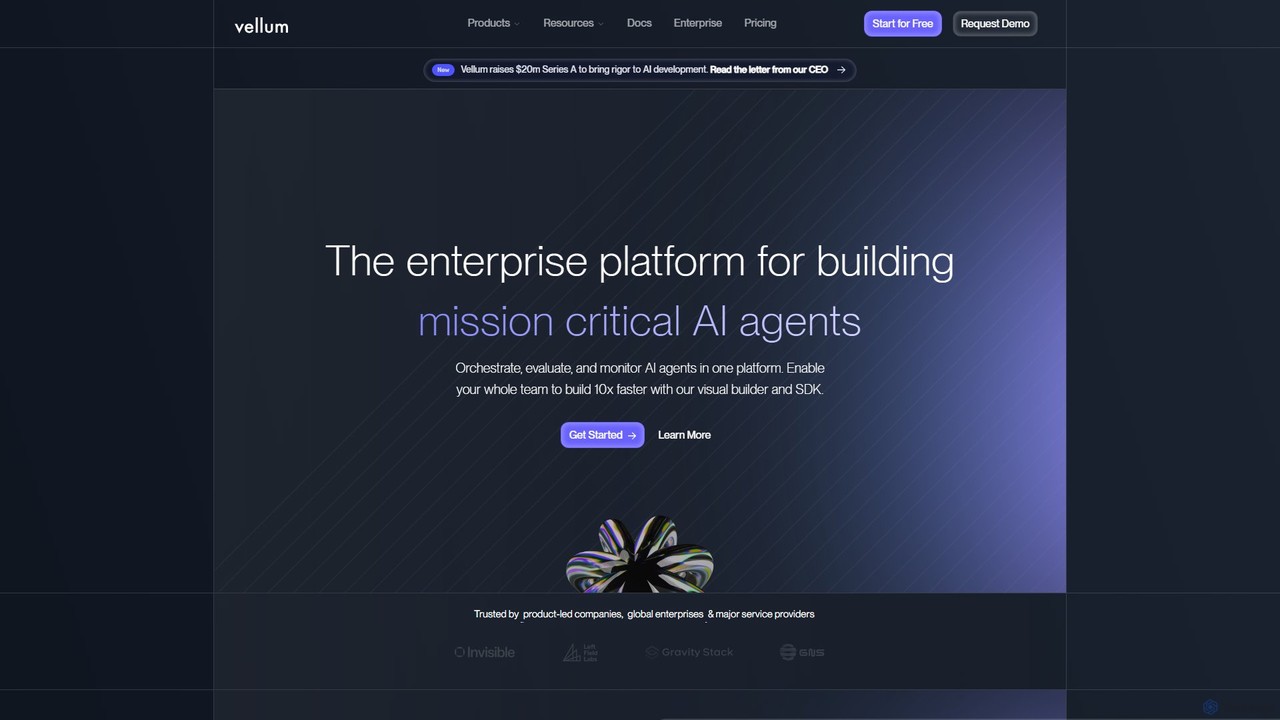
Vellum AI
Vellum AI is an end-to-end enterprise platform for building, evaluating, and deploying mission-critical AI agents and applications. It provides a unified environment for orchestration, prompt engineering, RAG, evaluation, and monitoring, enabling teams to build reliable AI solutions 10x faster.
Enterprise Solutions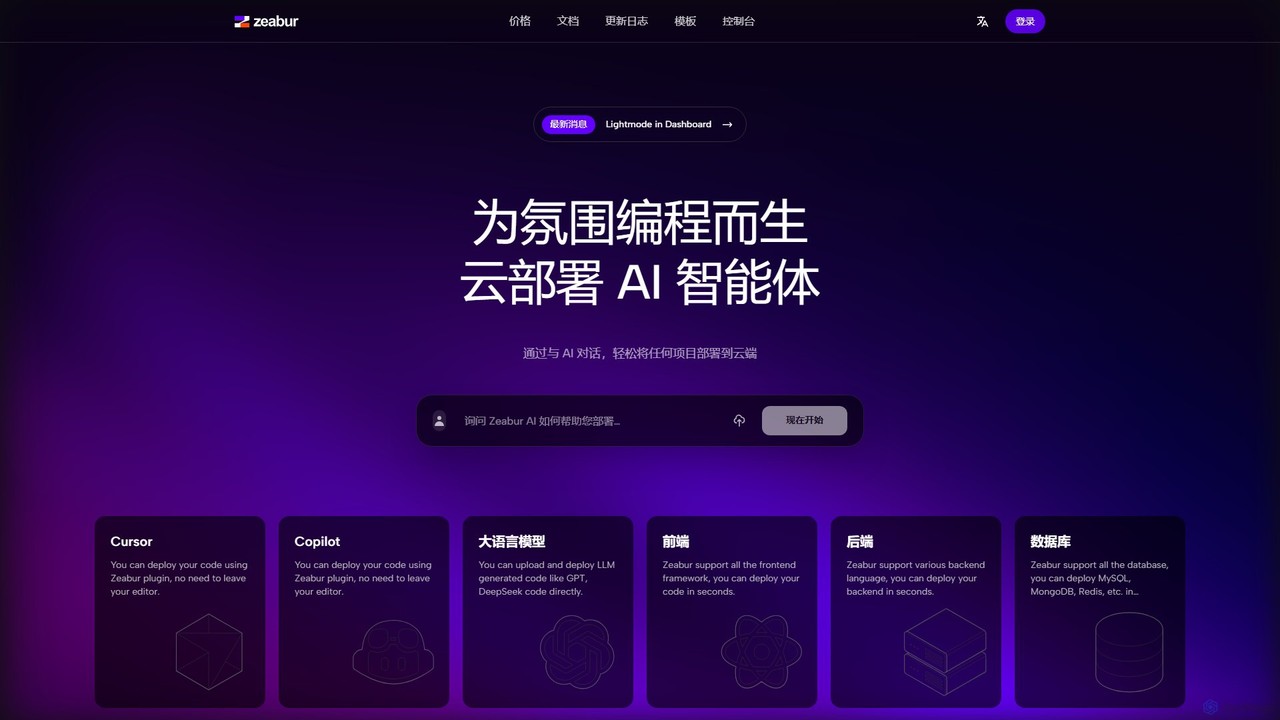
Zeabur
Zeabur is an AI-powered deployment platform (PaaS) designed for developers. It enables one-click deployment for any project, including front-end, back-end, databases, and AI agents, directly from code or through conversational AI. Featuring a pay-as-you-go model, automatic configuration, and auto-scaling, Zeabur simplifies cloud infrastructure, allowing developers to focus solely on coding.
Deployment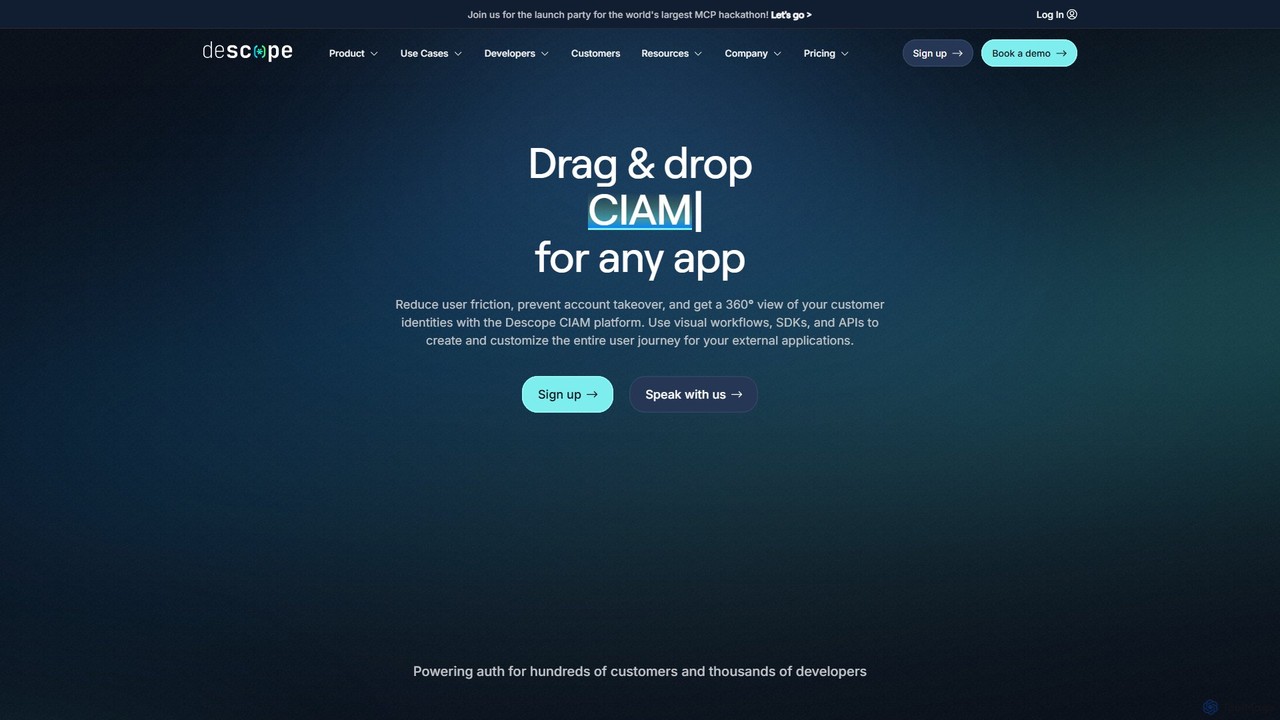
Descope
Descope is a customer identity and access management (CIAM) platform that enables developers to easily add authentication, user management, and authorization to any application. It offers a visual drag-and-drop workflow builder, comprehensive SDKs, and APIs to create secure and frictionless user journeys, from passwordless login to enterprise-grade SSO.
Authentication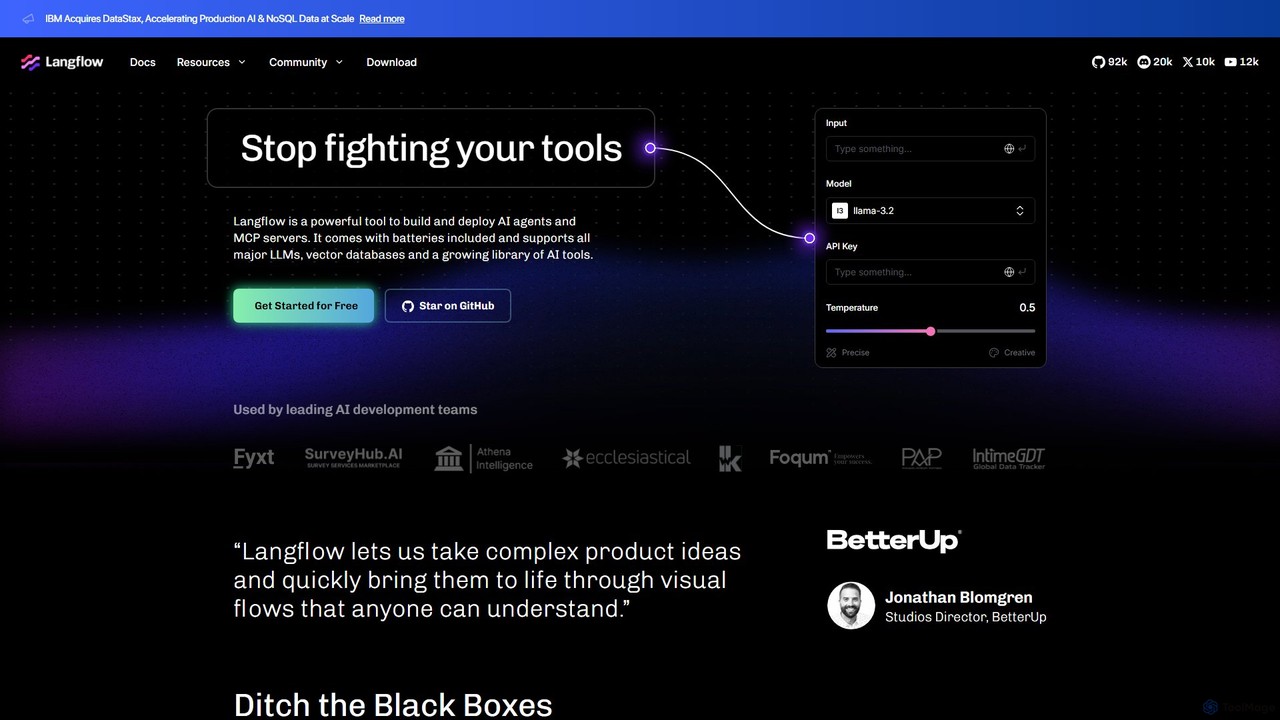
Langflow
Langflow is an open-source, visual UI for building and deploying AI applications. It features a drag-and-drop interface to chain LLMs, agents, and tools, enabling rapid prototyping and deployment of complex workflows like RAG and multi-agent systems. It supports extensive integrations and offers both self-hosted and cloud options.
Low Code No Code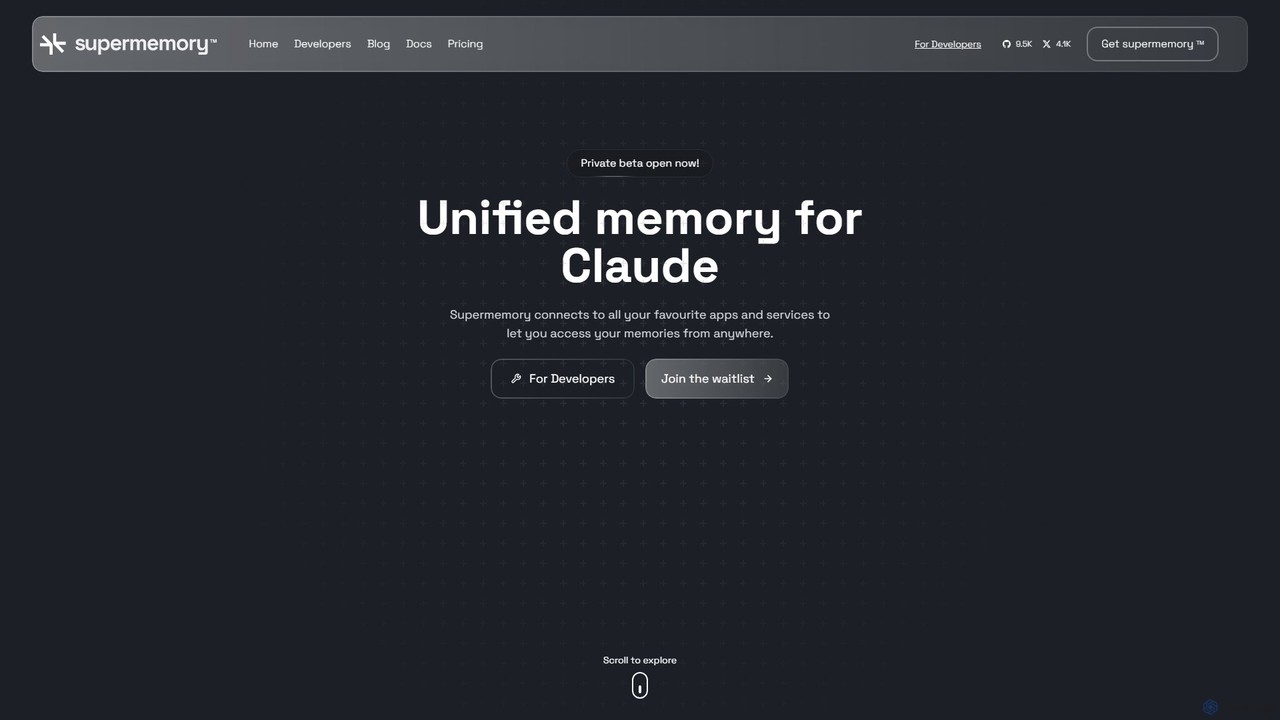
supermemory
supermemory is a memory API and infrastructure for the AI era, designed for developers to build LLMs with long-term, persistent memory. It overcomes the finite context window limitation, enabling the creation of intelligent, context-aware AI agents, chatbots, and applications that remember past interactions and information across various platforms.
Llm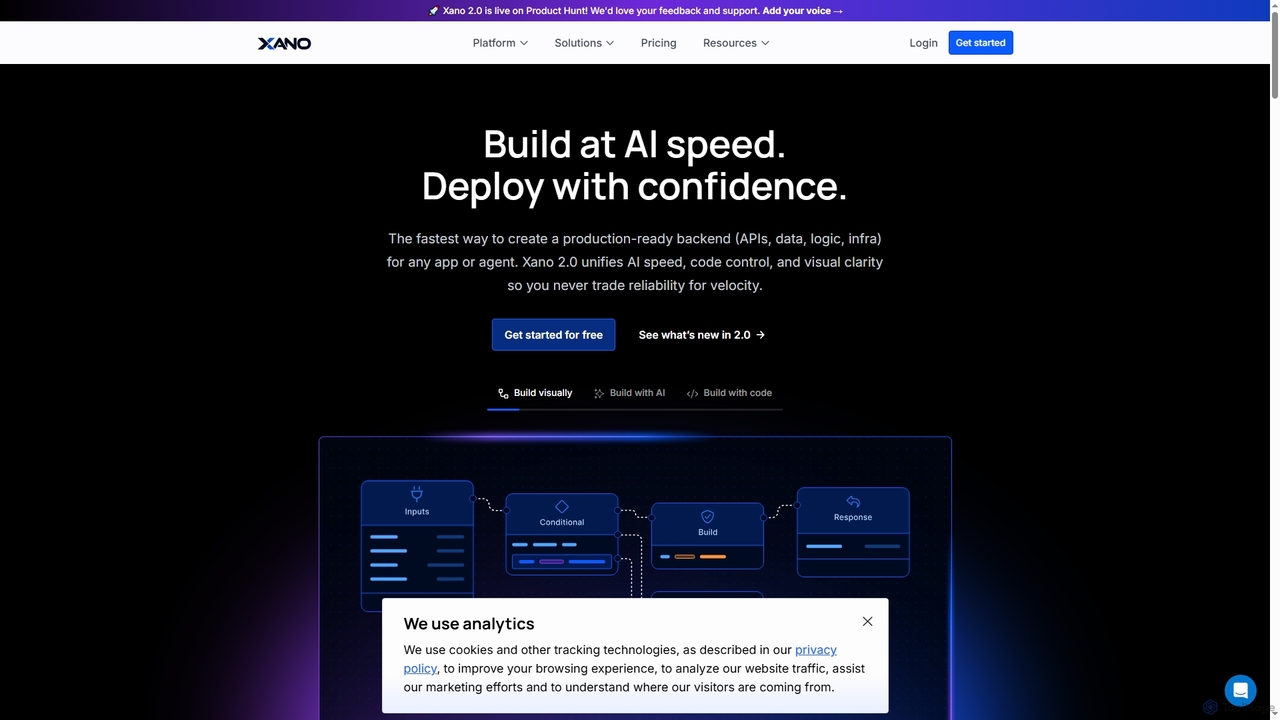
Xano
Xano is a scalable no-code backend platform that empowers developers and teams to build production-ready applications and AI agents at speed. It provides a unified solution for APIs, a managed Postgres database, visual logic, and auto-scaling infrastructure, eliminating the need for complex DevOps.
Agent Building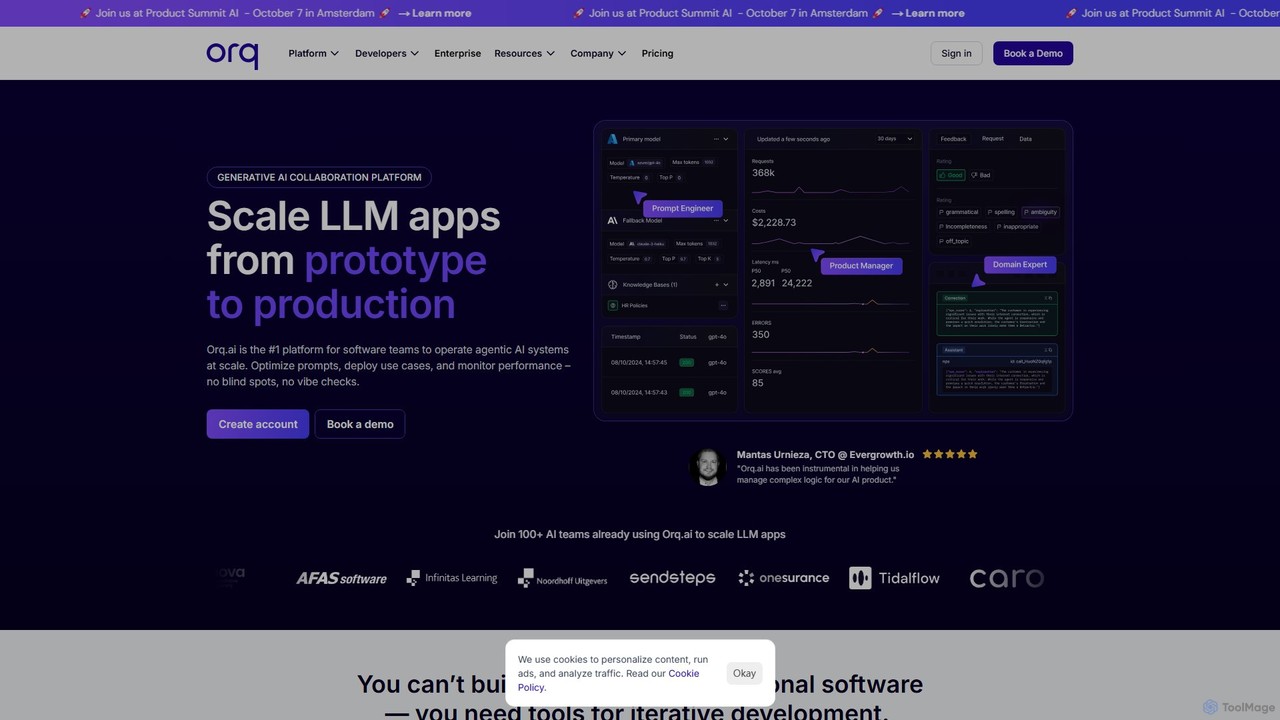
Orq.ai
Orq.ai is an end-to-end Generative AI Collaboration Platform designed for software teams to scale LLM applications from prototype to production. It provides tools for experimentation, deployment, and observability, enabling teams to build, monitor, and optimize agentic AI systems with confidence and control.
Model Deployment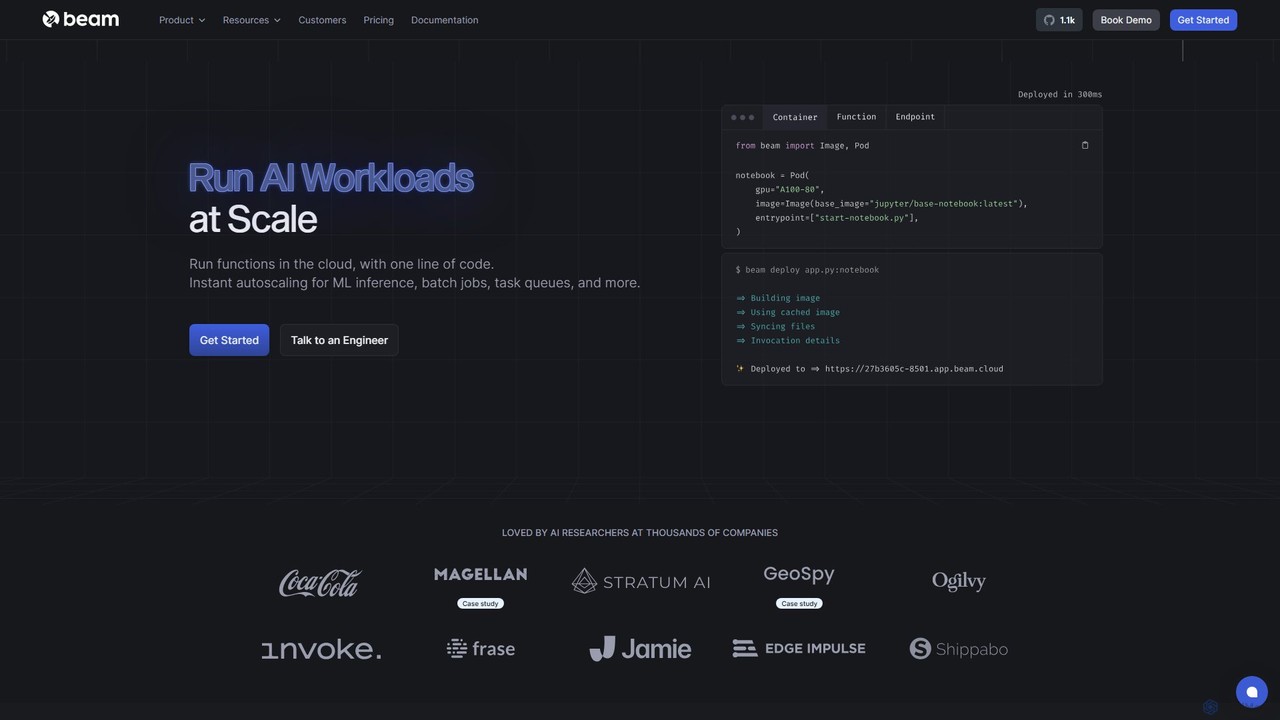
Beam
Beam is a serverless cloud platform designed for developers to run, scale, and deploy AI/ML models and applications on GPUs with ease. It offers instant autoscaling, pay-per-second billing, and a streamlined workflow, allowing you to go from code to a scalable API in minutes without managing complex infrastructure.
Machine Learning
Myple Comments (0)
Sign in to comment.
Sign inNo comments yet.