Automation Best in category 2 results Robotic Process Automation AI Tool

Popular AI tools in the Robotic Process Automation field of Automation include Scrapybara、Matrices, etc., helping you quickly improve efficiency.

Scrapybara

Scrapybara

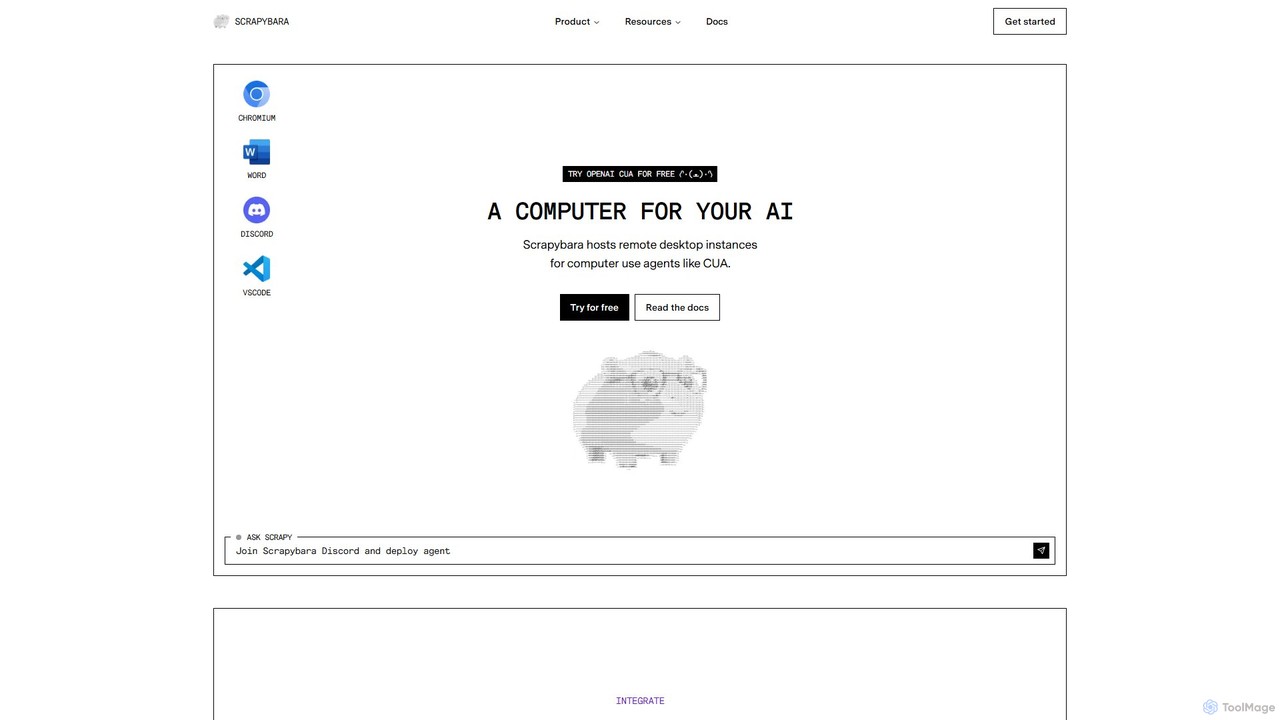
Scrapybara is a developer platform providing cloud-based virtual desktops for AI agents. It enables the creation and scaling …

7.4K
Matrices

Matrices

A specialized platform offering realistic Reinforcement Learning (RL) environments for training Large Language Model (LLM) agents. It enables …

7.1K

About Robotic Process Automation

Robotic Process Automation (RPA) tools are a category of software that builds and manages software robots, or 'bots', to emulate human actions on digital systems. These bots interact with applications through the user interface (UI), just like a person would, to automate repetitive, rule-based tasks. This approach allows for the automation of workflows across legacy systems, web applications, and desktop software without needing complex API integrations. RPA significantly accelerates business processes, reduces human error, and frees up employees to focus on more strategic work.

Core Features

  • Visual Workflow Designer: A drag-and-drop interface for building automation sequences without writing code.
  • UI Element Recognition: The ability to accurately identify and interact with on-screen elements like buttons, fields, and menus.
  • Bot Orchestration & Management: A central console to schedule, manage, and monitor the fleet of software robots.
  • Exception Handling: Pre-defined rules for how bots should react to errors or unexpected situations.
  • Integration with AI: Capabilities to incorporate machine learning or natural language processing for handling unstructured data.

Use Cases

RPA is widely adopted in industries like finance for invoice processing, HR for employee onboarding, and customer service for data entry. It excels in environments with high-volume, standardized tasks, such as migrating data between non-integrated systems, generating routine reports from multiple sources, or validating information across different applications.

How to Choose

When selecting an RPA tool, consider the robustness of its UI recognition technology, as this determines reliability. Evaluate the scalability of its orchestration platform for managing numerous bots. Assess the learning curve and availability of low-code/no-code features for citizen developers. Finally, examine its integration capabilities with AI services and its pricing model (e.g., per bot, per process).

Robotic Process AutomationUse Cases

1

Automate Invoice Data Entry

A finance department clerk regularly processes hundreds of invoices received via email as PDFs. Using an RPA tool, they build a bot that monitors the inbox, opens each PDF attachment, extracts key data like invoice number, date, and amount using OCR, and then automatically enters this information into the company's ERP system. This eliminates manual data entry, reduces errors by over 95%, and shortens the invoice processing cycle from days to minutes, allowing staff to focus on handling exceptions and vendor relations.

2

Streamline New Employee Onboarding

An HR specialist uses an RPA bot to automate the onboarding process for new hires. Once a new employee's details are entered into the HR system, the bot is triggered. It automatically creates user accounts in various systems (email, internal software, benefits portal), sends standardized welcome emails with necessary documents, and schedules initial training sessions. This ensures a consistent and error-free onboarding experience, reduces the administrative burden on HR staff by up to 80%, and allows new employees to become productive faster.

3

Generate Daily Performance Reports

An operations manager needs a daily report compiled from three different systems: a CRM, a sales database, and a web analytics platform. An RPA bot is scheduled to run every morning. It logs into each system, navigates to the correct reports, exports the data into Excel, consolidates the information into a single master spreadsheet, and emails the final report to the management team. This process, which previously took an hour of manual work, is now completed automatically in five minutes before the start of the workday, ensuring timely and accurate data for decision-making.

4

Migrate Data Between Legacy and New Systems

During a system upgrade, an IT team needs to move thousands of customer records from a legacy desktop application with no API to a new cloud-based CRM. An RPA bot is configured to perform this migration. The bot opens the legacy application, systematically copies data field by field for each customer record, and then pastes this information into the corresponding fields in the new CRM's web interface. This automates a highly tedious and error-prone task, ensuring data integrity and completing the migration in a fraction of the time it would take manually.

5

Automate Customer Service Data Entry

A customer service agent handles support requests from multiple channels (email, chat, web form). For each request, they must manually create a case in the CRM, copying and pasting customer details and the issue description. An RPA bot automates this by monitoring all channels, extracting the relevant information, and creating a new, properly categorized case in the CRM. This allows agents to immediately focus on resolving the customer's issue rather than on administrative tasks, improving response times and overall customer satisfaction.

6

Perform Regular System Health Checks

An IT administrator is responsible for ensuring critical servers are running optimally. They configure an RPA bot to perform hourly health checks. The bot logs into each server, checks CPU and memory usage, verifies that key services are running, and logs the results in a central dashboard. If any metric exceeds a predefined threshold, the bot automatically creates a high-priority ticket in the IT service management system and sends an alert to the on-call engineer. This proactive monitoring helps prevent system outages and automates a routine but critical IT operations task.

Robotic Process AutomationFrequently Asked Questions