ToolMage
Sign in

Best 66 Accessibility AI tools

Popular Accessibility AI tools include wisprflow, Even Realities, ElevenReader, Peech, Dictation.io, Dictanote, Ava, CoeFont, Image to Prompt, and Be My Eyes, helping you work more efficiently.

Voice Out
Freemium

Voice Out

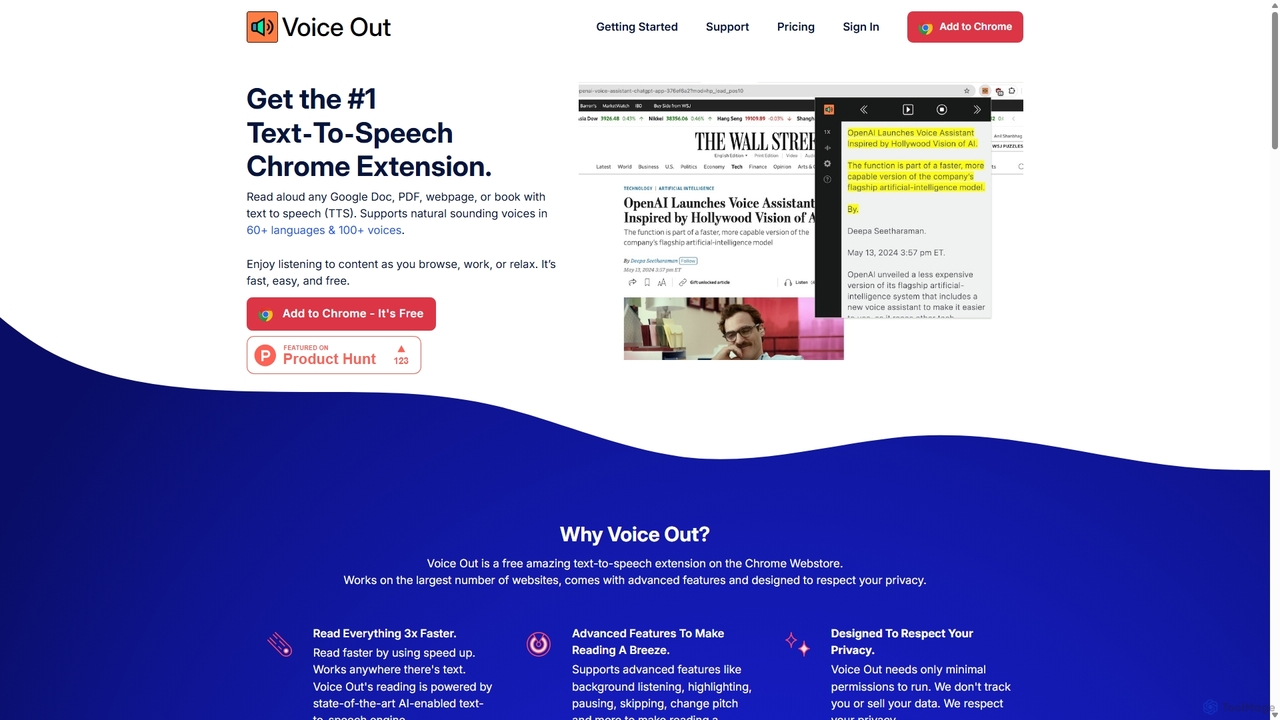
Voice Out is a leading text-to-speech (TTS) Chrome extension that converts any written content—from webpages and PDFs to Google Docs—into natural-sounding audio. Supporting over 60 languages with 100+ AI-powered voices, it enhances productivity, aids learning, and improves accessibility for all users. Listen to content while multitasking, proofread documents, or give your eyes a rest.

Screen Reader
Visits 79.2KFavorites 89Likes 84

VoiceType
Freemium

VoiceType

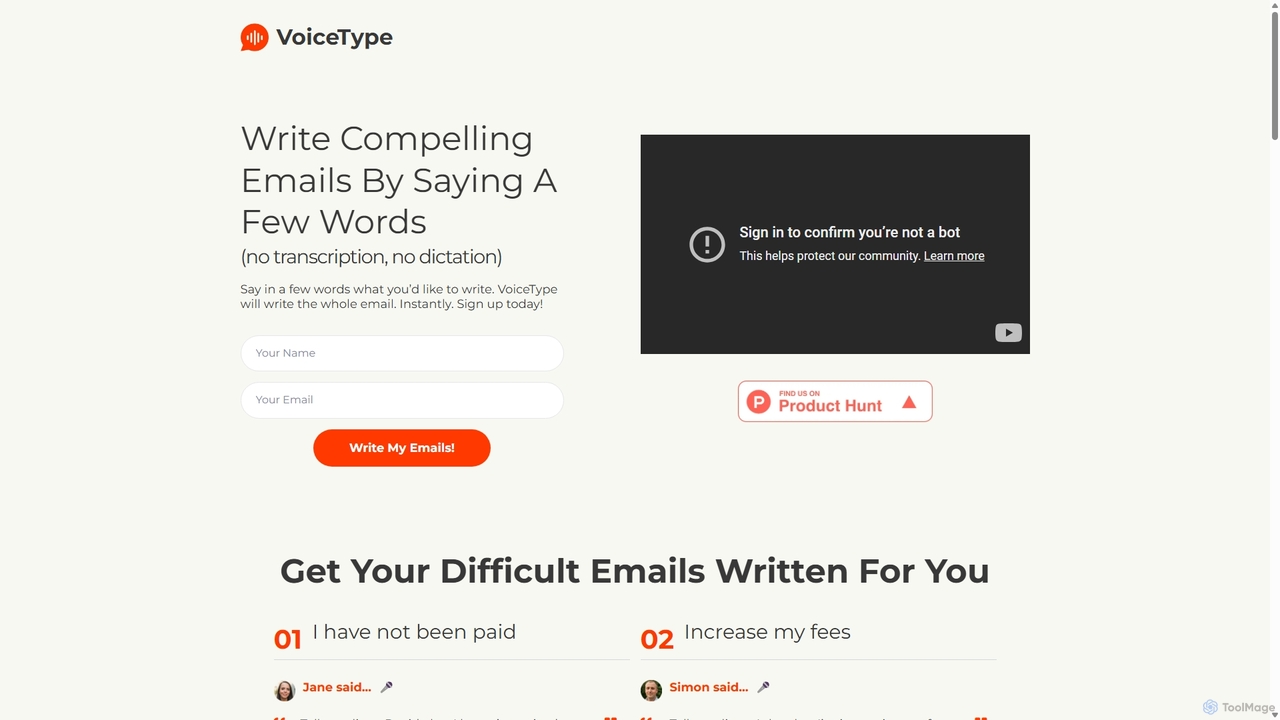
VoiceType is an AI-powered Chrome extension for Gmail that transforms short voice prompts into fully composed, professional emails. Instead of dictation, you simply explain the intent of your message, and VoiceType drafts a polished, grammatically correct email instantly. It's designed to save time, improve communication quality, and assist users with writing difficulties like dyslexia.

Assistive Technology
Visits 7.1KFavorites 101Likes 119
LipSurf
Freemium

LipSurf

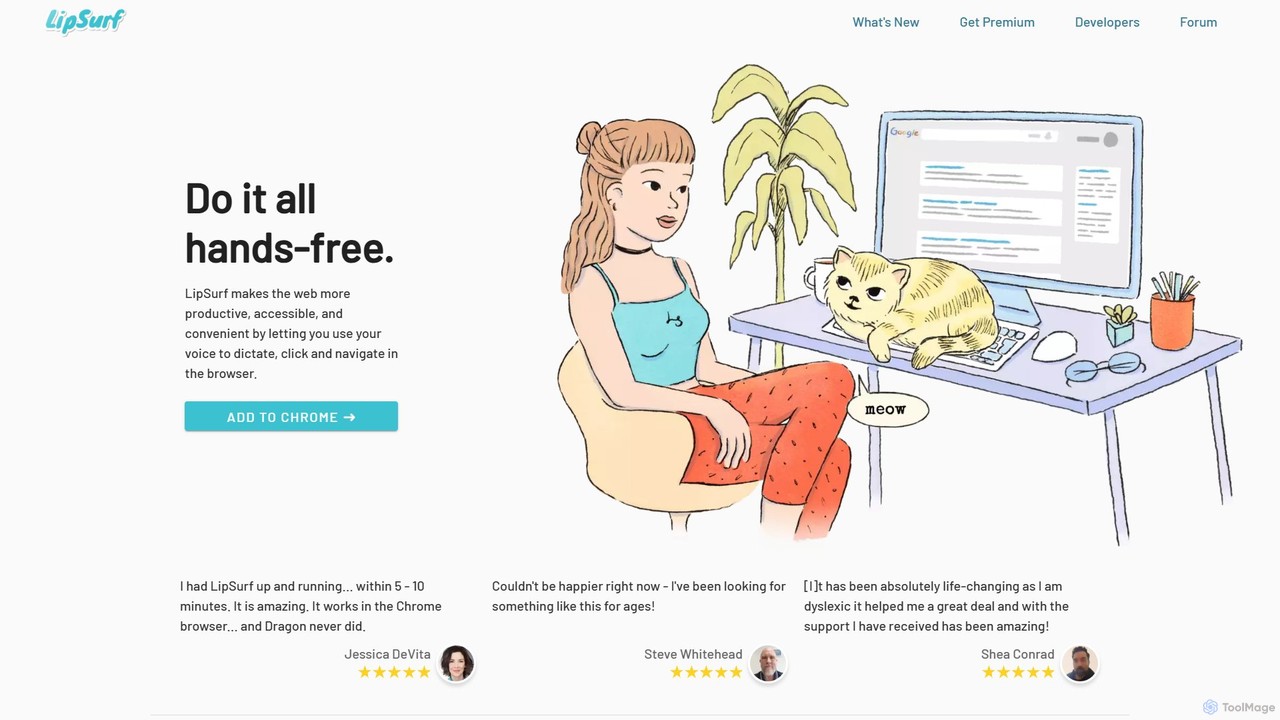
A powerful Chrome extension that provides complete voice control for your browser. Dictate text, navigate websites, click links, and create custom shortcuts hands-free. LipSurf enhances productivity and makes the web more accessible for users with motor disabilities, RSI, or dyslexia.

Voice Control
Visits 9KFavorites 109Likes 109
WebWhisper
Free

WebWhisper

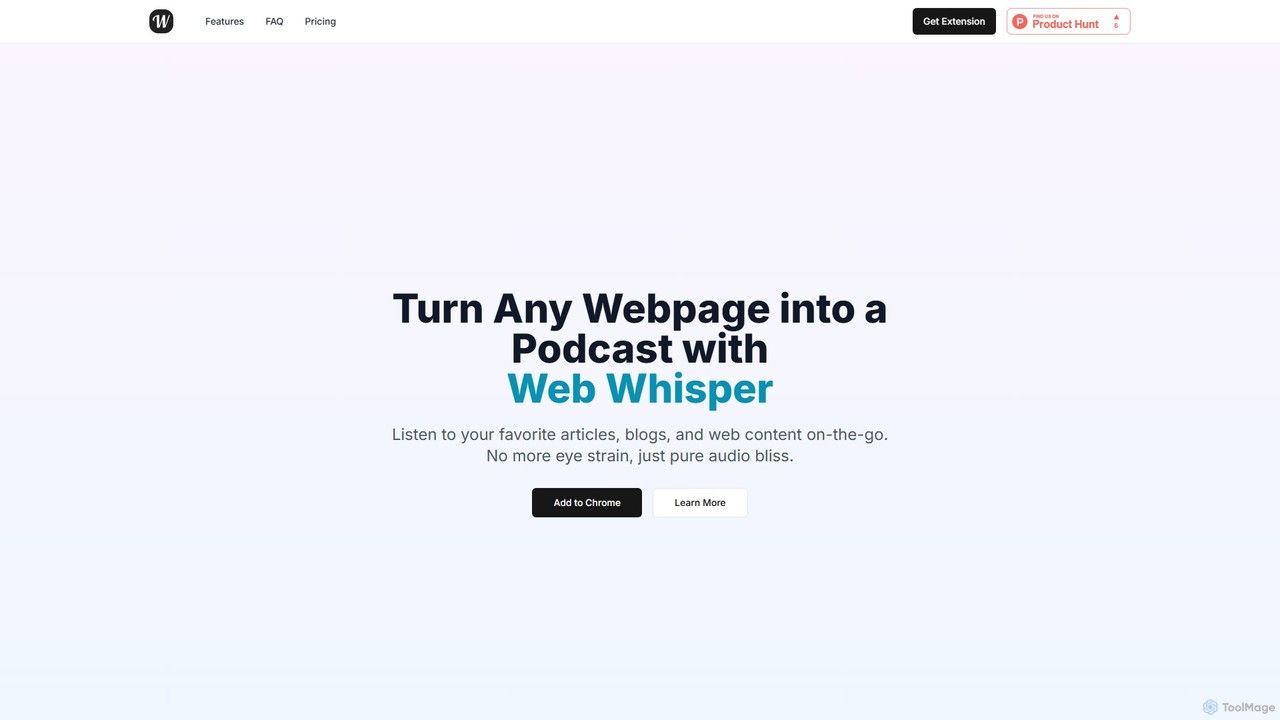
WebWhisper is a free Chrome extension that instantly converts any webpage, article, or blog post into a high-quality audio podcast. It allows you to listen to web content on the go, create playlists for later, and even access them offline. With natural-sounding AI voices and automatic language detection, it transforms your reading experience into an effortless listening one, reducing eye strain and boosting productivity.

Screen Reader
Visits 5.6KFavorites 122Likes 148
GPT Reader
Free

GPT Reader

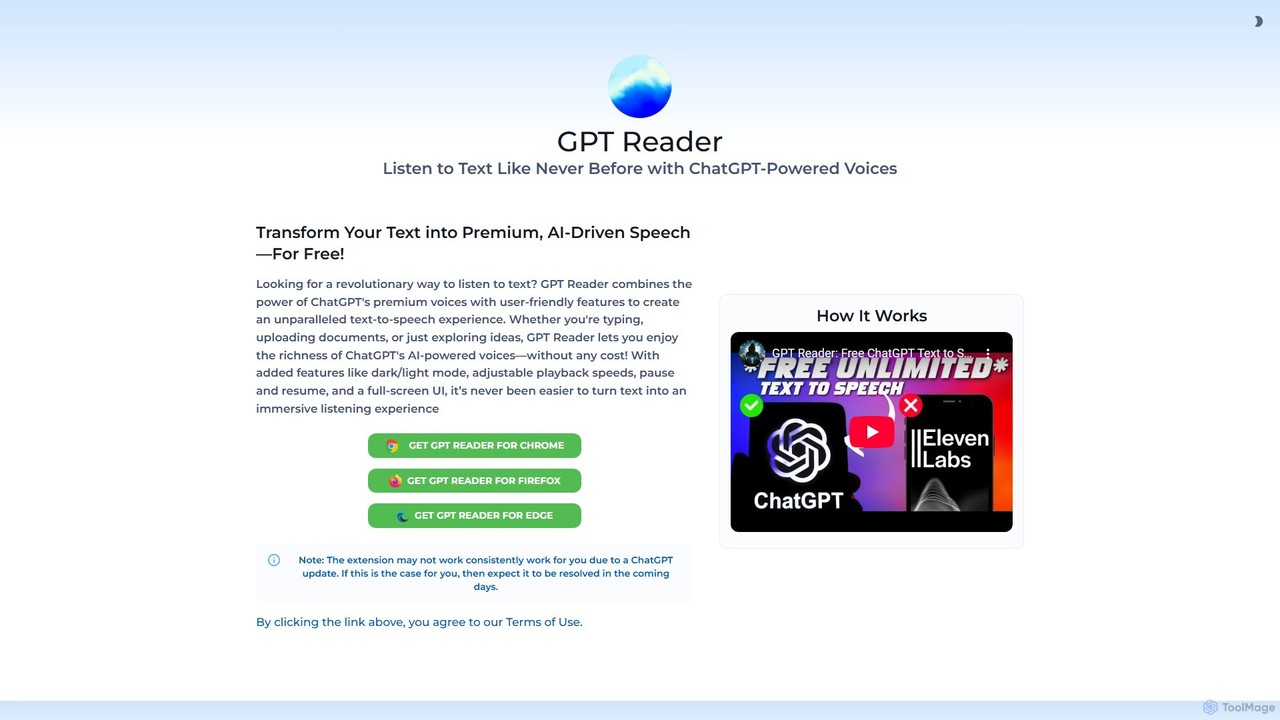
A free text-to-speech browser extension that uses premium, natural-sounding voices from ChatGPT. Convert articles, documents, and any selected text into high-quality audio for enhanced productivity and accessibility.

Screen Reader
Visits 49.3KFavorites 120Likes 129

About Accessibility

Accessibility AI tools are a category of AI-powered solutions designed to make digital content, products, and services usable by people with diverse abilities. These tools leverage artificial intelligence, machine learning, and natural language processing to automate and enhance various aspects of digital accessibility. Their primary goal is to remove barriers, ensuring that websites, applications, and digital media are inclusive and navigable for everyone, regardless of their physical or cognitive capabilities.

Core Features

  • Automated Captioning & Transcription: AI automatically generates accurate captions and transcripts for audio and video content, benefiting individuals with hearing impairments.
  • Screen Reader Optimization: Tools analyze website structure and content to ensure compatibility and optimal navigation for screen reader users.
  • Content Simplification: AI algorithms can simplify complex text, making it more understandable for users with cognitive disabilities or learning differences.
  • Color Contrast & Readability Analysis: AI assesses visual elements for sufficient color contrast and text readability, crucial for users with visual impairments.
  • Voice Control & Navigation: Enables users to interact with digital interfaces using voice commands, assisting those with motor disabilities.

Applicable Scenarios

Accessibility AI tools are vital for organizations committed to inclusive design and compliance. Web developers use them to audit and fix accessibility issues in code. Content creators employ them to automatically generate accessible media. Businesses integrate these tools into their platforms to ensure their digital offerings are usable by all customers, enhancing user experience and expanding market reach.

How to Choose

When selecting an Accessibility AI tool, consider its compliance standards (e.g., WCAG, ADA), the range of disabilities it addresses, and its integration capabilities with existing platforms. Evaluate the accuracy of its AI-driven features, such as captioning or content simplification, and assess its ease of use for both developers and end-users. Scalability and pricing models should also align with your organizational needs and budget.

Featured tool rankings

Accessibility use cases

1

Automating Video Captioning for Online Courses

An e-learning platform uses AI accessibility tools to automatically generate accurate captions and transcripts for all its video lectures. This ensures that students with hearing impairments or those who prefer reading can fully engage with the course material, significantly reducing manual transcription time and costs.

2

Enhancing Website Navigation for Visually Impaired Users

A government agency employs AI-powered screen reader optimization tools to analyze its public website. The AI identifies and suggests improvements for image alt-text, heading structures, and link descriptions, making the site seamlessly navigable for users relying on screen readers to access critical information and services.

3

Simplifying Legal Documents for Broader Comprehension

A legal tech company utilizes AI content simplification tools to rephrase complex legal jargon into plain language. This allows individuals with cognitive disabilities, non-native speakers, or those with lower literacy levels to understand important contracts and terms of service, promoting greater transparency and access to justice.

4

Ensuring Color Contrast Compliance for E-commerce Sites

An online retailer integrates AI color contrast analysis into its design workflow. Before launching new product pages or marketing campaigns, the AI automatically checks all visual elements, including text, buttons, and graphics, against WCAG guidelines, guaranteeing optimal readability for customers with various visual impairments.

5

Enabling Voice-Controlled Interaction for Banking Apps

A mobile banking application incorporates AI-driven voice control features. Users with motor disabilities can perform transactions, check balances, and manage accounts using only voice commands, providing them with independent and secure access to essential financial services without needing to physically interact with the screen.

6

Real-time Sign Language Translation for Public Events

An event organizer deploys AI tools that can interpret spoken language in real-time and translate it into sign language avatars or text displays. This ensures that deaf and hard-of-hearing attendees at conferences or public gatherings can fully participate and understand presentations, fostering a more inclusive environment.

Accessibility FAQ

What are Accessibility AI tools?

Accessibility AI tools are software solutions that use artificial intelligence to improve the usability of digital content and services for people with disabilities. They automate tasks like captioning, optimize interfaces for screen readers, and simplify complex information, making digital experiences more inclusive and compliant with accessibility standards.

How do Accessibility AI tools benefit businesses?

Businesses benefit from Accessibility AI tools by expanding their customer base, improving brand reputation, and ensuring legal compliance (e.g., ADA, WCAG). These tools help create more inclusive digital products, reduce manual accessibility efforts, and enhance overall user experience for a wider audience, leading to increased engagement and loyalty.

What are the key features to look for in an Accessibility AI tool?

When choosing an Accessibility AI tool, look for features such as automated captioning and transcription, screen reader optimization, content simplification, and color contrast analysis. Also, consider its ability to integrate with your existing platforms, its compliance with international accessibility standards, and the accuracy and reliability of its AI algorithms.

Can Accessibility AI tools fully replace human accessibility experts?

While Accessibility AI tools significantly automate and enhance many aspects of digital accessibility, they generally cannot fully replace human accessibility experts. AI excels at identifying common issues and automating repetitive tasks, but human experts are crucial for nuanced interpretation, complex problem-solving, user testing with diverse individuals, and ensuring a truly empathetic and comprehensive inclusive design.

What types of disabilities do Accessibility AI tools address?

Accessibility AI tools are designed to address a wide range of disabilities. This includes visual impairments (e.g., through screen reader optimization, color contrast analysis), auditory impairments (e.g., automated captioning, transcription), cognitive disabilities (e.g., content simplification), and motor impairments (e.g., voice control, alternative navigation methods).