ToolMage
Sign in

Best 76 Code Generation AI tools for Developer Tools

Popular Code Generation AI tools in Developer Tools include Emergent, miniapps.ai, ToolBaz, BoredHumans.com, Kombai, ChainGPT, Pineify, CodingFleet, DeepSeek R1, and Devv AI, helping you work more efficiently.

Next Boilerplate
Paid

Next Boilerplate

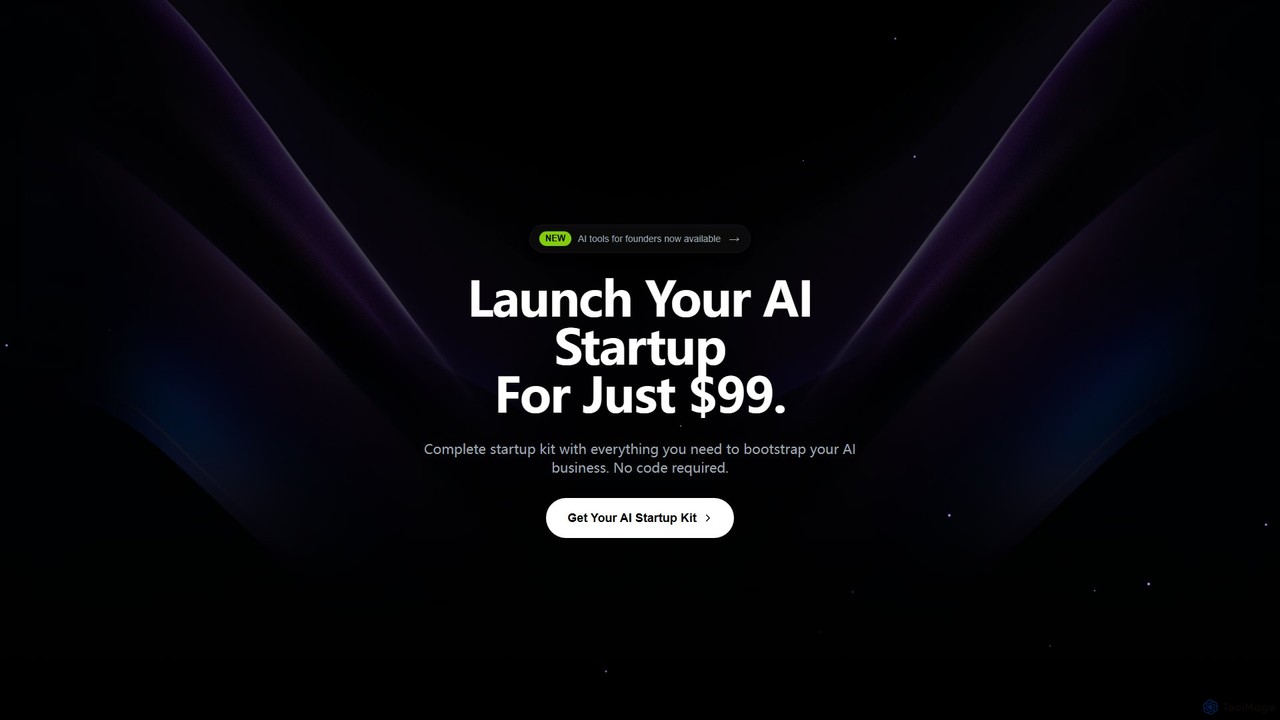
A comprehensive AI startup boilerplate built on Next.js. It provides pre-built components, AI integrations for code generation and NLP, model training capabilities, and advanced analytics. Designed to help developers and startups launch AI-powered applications rapidly by handling foundational infrastructure like authentication, payments, and security.

Model Deployment
Visits 5.7KFavorites 122Likes 138

CodeRocket
Freemium

CodeRocket

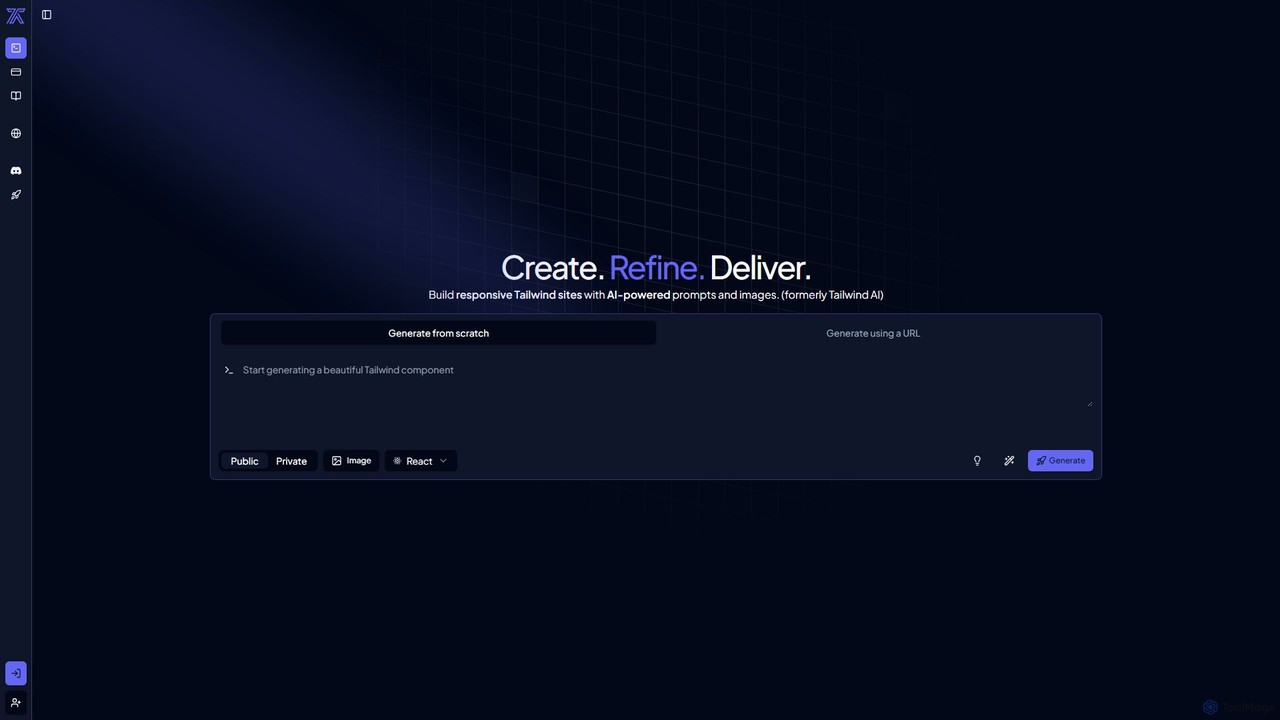
CodeRocket is an AI-powered development tool that generates responsive websites and components using Tailwind CSS. Simply provide a text prompt, an image, or a URL, and CodeRocket will generate clean, ready-to-use code for HTML, React, and Vue.js. It's designed to accelerate frontend development, from rapid prototyping to building complete user interfaces.

Ui Ux
Visits 34.6KFavorites 129Likes 116
Launchpad Stack
Paid

Launchpad Stack

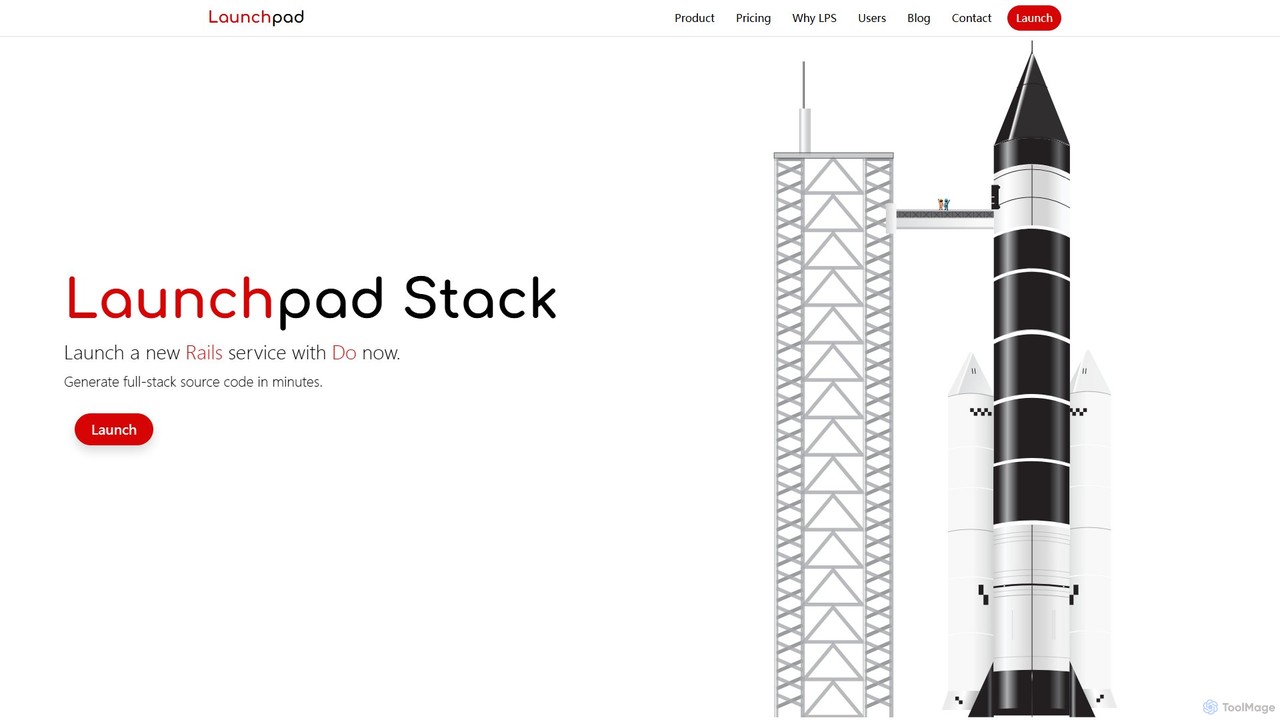
Launchpad Stack is an AI-powered platform that generates production-ready, full-stack source code in minutes. It combines AI efficiency with human-engineered quality, enabling developers, startups, and enterprises to rapidly build and deploy software applications with a reliable, scalable, and cost-effective foundation.

Code Generation
Visits 5KFavorites 123Likes 142
Copilot Chat
Free

Copilot Chat

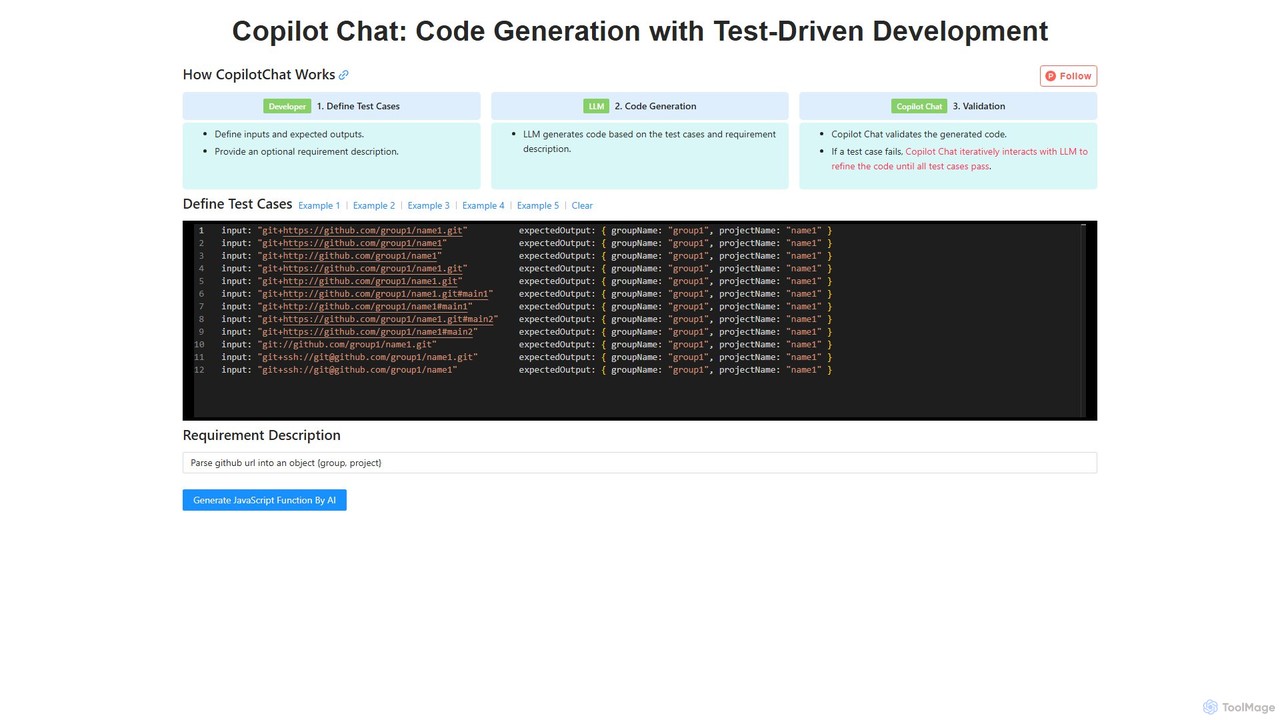
Copilot Chat is an AI-powered developer tool that generates code using a Test-Driven Development (TDD) approach. Users define test cases with inputs and expected outputs, and the AI iteratively generates and refines code until it passes all tests, ensuring high-quality, reliable results.

Code Generation
Visits 4.8KFavorites 129Likes 114

About Code Generation

AI Code Generation tools are a specialized category of developer tools that automatically write source code from natural language prompts or existing code context. Leveraging large language models (LLMs) trained on vast code repositories, they understand syntax, logic, and programming patterns across multiple languages. This capability significantly accelerates development cycles, automates the creation of boilerplate code and unit tests, and helps developers learn new technologies. Unlike simple code completion, these tools can generate complex, multi-line algorithms and entire functions from abstract descriptions.

Core Features

  • Natural Language to Code: Converts plain text descriptions (e.g., 'create a Python function to fetch user data') into functional code.
  • Code Refactoring & Optimization: Analyzes existing code blocks and suggests improvements for performance, readability, or modern syntax.
  • Unit Test Generation: Automatically creates test cases for functions and methods to ensure code quality and robustness.
  • Boilerplate & Snippet Creation: Instantly generates repetitive code structures like class definitions, API endpoints, or configuration files.
  • Multi-language Support: Generates and translates code across various programming languages like Python, JavaScript, Java, and C++.

Use Cases

These tools are widely used by software developers, data scientists, and students for rapid prototyping, debugging, and automating repetitive coding tasks. They are particularly effective in web development for creating API endpoints, in data analysis for generating scripting logic, and in mobile app development for building UI components.

How to Choose

When selecting a tool, consider its integration with your IDE (e.g., VS Code, JetBrains), the breadth of its programming language and framework support, and the quality and security of the generated code. Also, evaluate its contextual awareness—its ability to understand your entire project's context is crucial for generating relevant and accurate code.

Featured tool rankings

Code Generation use cases

1

Rapid Prototyping of a Web API

A backend developer needs to quickly build a RESTful API for a new application. Instead of writing all the code manually, they use an AI tool with prompts like 'Create a Node.js Express endpoint for user registration with email and password fields' and 'Generate a Mongoose schema for a blog post'. The tool generates the necessary route handlers, database models, and validation logic. This results in a functional API prototype being created in hours instead of days, allowing for faster iteration and feedback from the frontend team.

2

Generating Unit Tests for Legacy Code

A software developer is tasked with increasing test coverage for a legacy codebase. Manually writing tests for complex, unfamiliar functions is time-consuming. The developer selects a function and prompts the AI tool: 'Write Jest unit tests for this JavaScript function, covering edge cases like null inputs and empty arrays.' The tool analyzes the function's logic and generates a comprehensive test suite. This significantly improves test coverage, reduces the risk of regressions, and makes the code safer to refactor in the future.

3

Automating Data Science Scripting

A data scientist needs to clean and analyze a new dataset. Instead of manually writing Pandas and Matplotlib code, they use prompts like 'Load 'data.csv' into a Pandas DataFrame and remove rows with missing values in the 'age' column' and 'Generate a bar chart showing the average salary by department.' The AI tool generates the Python script to perform these tasks. This accelerates the data exploration and visualization process, allowing the scientist to focus more on interpreting results and deriving insights rather than on coding mechanics.

4

Learning a New Programming Language

A developer familiar with Python is learning Rust. To understand Rust's unique concepts like ownership, they describe a familiar task: 'In Rust, read a text file and count the frequency of each word.' The AI generates idiomatic Rust code for the task. The developer can then study, modify, and run this code. This provides a practical, working example that is often more effective for learning than abstract documentation, significantly flattening the learning curve for the new language.

5

Creating Complex SQL Queries

A data analyst needs to extract specific information from a large database, requiring a complex query with multiple joins and aggregations. Instead of manually constructing the query and risking syntax errors, they write a natural language request: 'Write a SQL query to find the top 5 customers by total sales in the last quarter, joining the 'customers', 'orders', and 'order_items' tables.' The AI tool generates an optimized SQL query. This saves significant time, reduces errors, and allows analysts with less SQL expertise to perform complex data retrieval.

6

Generating Frontend UI Components

A frontend developer is building a new UI feature, such as a responsive pricing table. This task often involves writing repetitive HTML structure and CSS. The developer describes the component's requirements: 'Create a React component for a three-tier pricing card with a toggle for monthly/yearly billing using Tailwind CSS.' The AI tool generates the JSX/TSX code and corresponding CSS classes. This automates the development of standard UI components, freeing up the developer to focus on more complex state management, accessibility, and user interactions.

Code Generation FAQ

What are AI Code Generation tools?

AI Code Generation tools are applications that use artificial intelligence, particularly large language models, to automatically write source code from natural language descriptions or existing code context. They go beyond simple autocompletion by generating entire functions, classes, or scripts. Key features include translating plain English to code, refactoring existing code, and generating unit tests, which significantly speeds up the development process for programmers.

How do I choose the right AI Code Generation tool?

To choose the right tool, consider these key factors:

  • IDE Integration: Ensure it works seamlessly with your preferred code editor (e.g., VS Code, JetBrains, Neovim).
  • Language Support: Check if it has strong support for your primary programming languages and frameworks.
  • Contextual Understanding: Evaluate how well it understands the context of your entire project, not just a single file. A better contextual understanding leads to more relevant suggestions.
  • Security & Privacy: Understand how the tool handles your code. Is it processed locally or sent to the cloud? Review their privacy policies carefully.
What's the difference between AI Code Generation and code completion?

The primary difference is in complexity and intent. Traditional code completion (like IntelliSense) suggests the next few words or variable names based on local syntax. It completes what you've started. AI Code Generation understands your intent from a natural language comment and can generate entire blocks of new, complex logic, such as a whole function or algorithm. It creates code from an idea, whereas code completion finishes a line of code.

Can AI Code Generation tools replace human developers?

No, these tools are designed to augment, not replace, human developers. They act as powerful assistants or 'pair programmers,' automating repetitive tasks and accelerating the coding process. Developers are still essential for high-level system design, architectural decisions, understanding business requirements, and critically reviewing the AI-generated code for correctness, security, and efficiency. The final responsibility for the code always rests with the developer.

Is the code generated by AI tools secure and reliable?

The quality of generated code varies. While it can be highly reliable for common patterns, it is not infallible. The AI may sometimes produce code with subtle bugs, security vulnerabilities, or inefficient logic, especially for complex tasks. It is crucial for developers to treat AI-generated code as a first draft. They must thoroughly review it, understand its functionality, and test it rigorously before deploying it to production environments. Never trust AI-generated code without verification.