ToolMage
Sign in

Best 78 Low Code No Code AI tools for Development

Popular Low Code No Code AI tools in Development include Lovable, V0, Bolt.new, FlutterFlow, Retool, Dify, UI Bakery, Back4app, Refine, and Dyad, helping you work more efficiently.

Bullship
Paid

Bullship

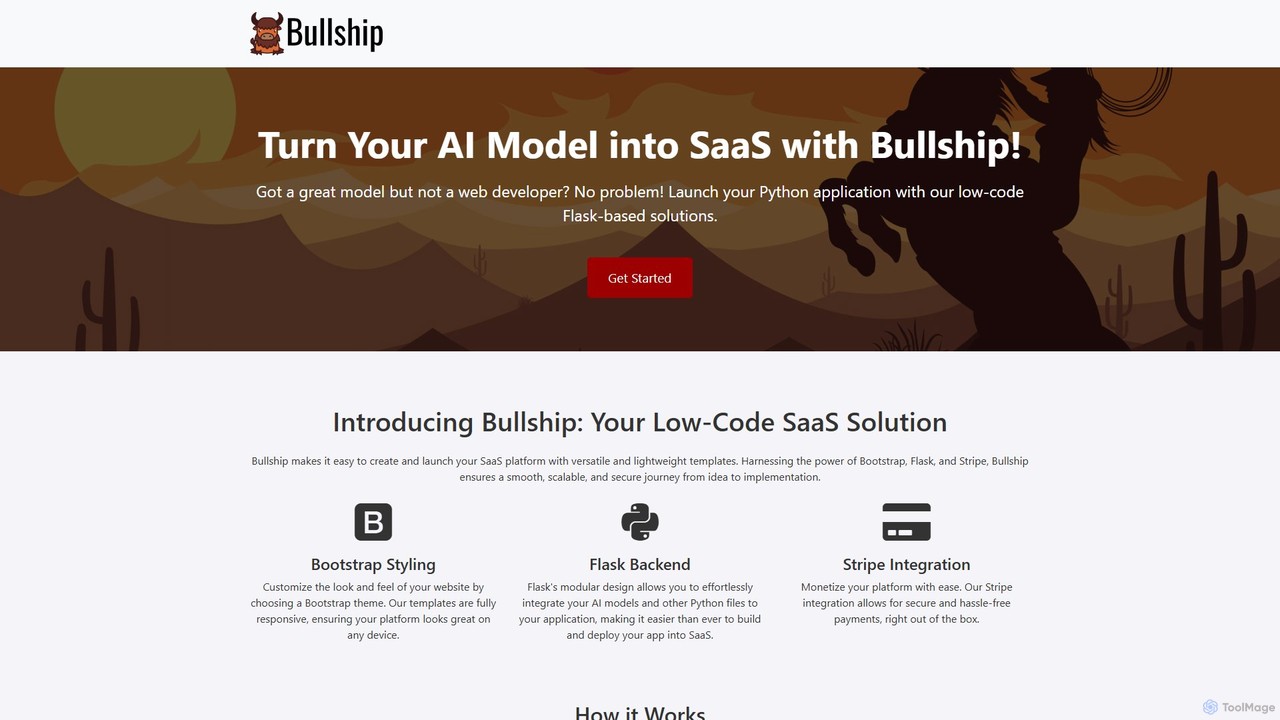
Bullship is a low-code platform designed to help developers and entrepreneurs quickly transform their AI models and Python scripts into fully functional, monetizable SaaS applications. By leveraging versatile templates built on Bootstrap, Flask, and Stripe, users can customize their front-end, integrate their backend logic, and set up payment systems with minimal coding, significantly accelerating the journey from idea to a market-ready product.

Boilerplates
Visits 6.3KFavorites 139Likes 142
Rowy
Freemium

Rowy

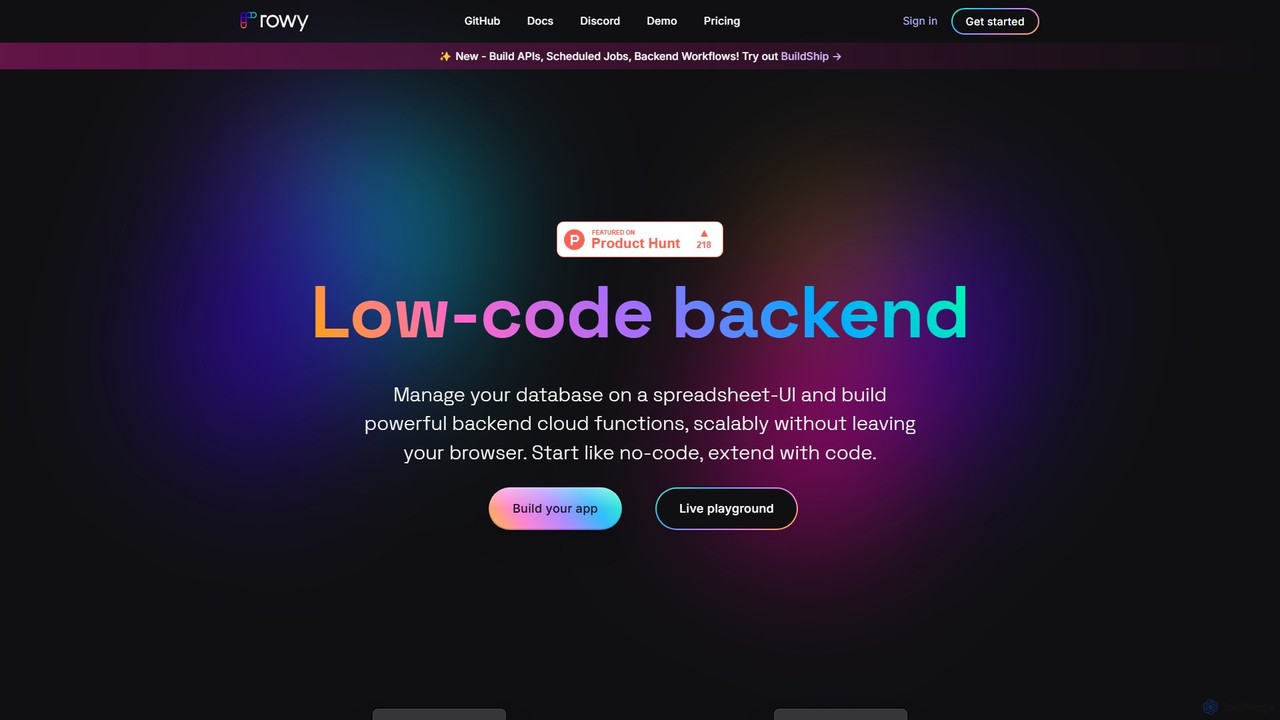
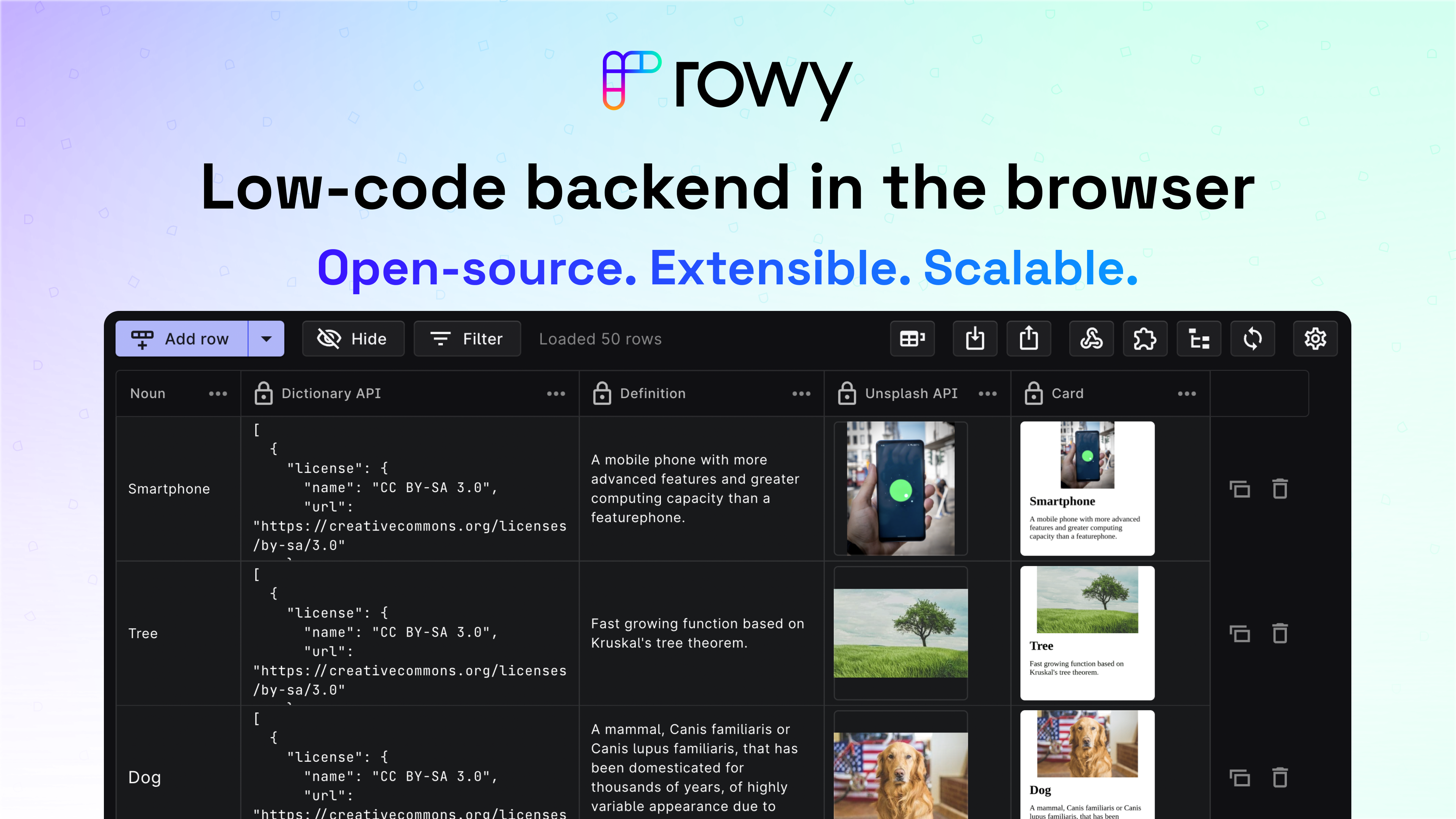
Rowy is an open-source, low-code platform that provides an Airtable-like UI for Firebase and Google Cloud. It empowers users to manage databases, build cloud functions, and automate workflows with the simplicity of a spreadsheet, combined with the power of custom code.

Backend
Visits 37.2KFavorites 153Likes 169
Alan AI
Freemium

Alan AI

Alan AI is an intelligent app platform that embeds an agentic AI interface into existing web and mobile applications. It enables apps to become self-coding by understanding user requests to generate features, UI, and business logic on the fly, ensuring guaranteed accuracy within a secure, constrained environment. It's designed for enterprise-level deployment, offering rapid development, deep customization, and full control over AI behavior.

Agent Builder
Visits 26.8KFavorites 145Likes 165
Gadget
Freemium

Gadget

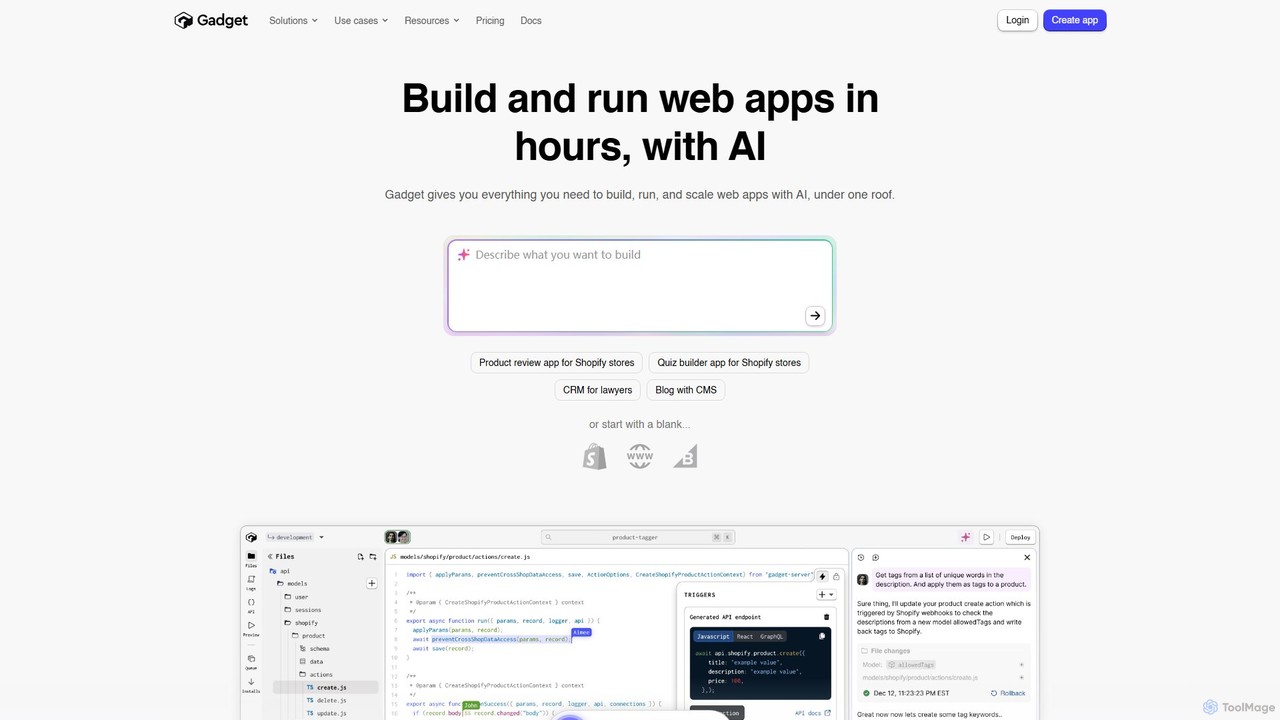
Gadget is an all-in-one, serverless development platform designed to accelerate full-stack web application development, especially for the Shopify ecosystem. It automates backend infrastructure, including databases, APIs, and authentication, allowing developers to build and launch scalable apps, like Shopify apps, significantly faster. An integrated AI assistant further streamlines the coding process.

Backend
Visits 54.1KFavorites 138Likes 132
Quick Snack
Free

Quick Snack

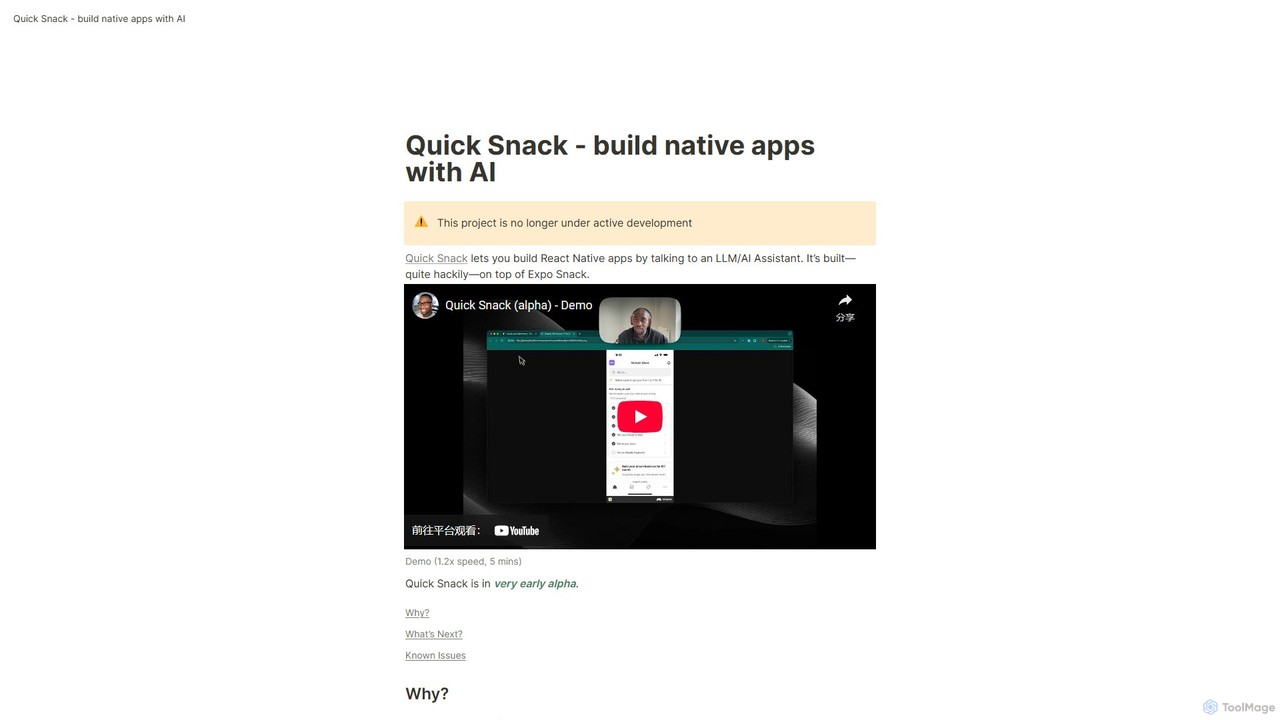
Quick Snack is an experimental AI tool that enables you to build native React Native mobile apps through a conversational interface. By simply describing the UI and functionality you want, the AI assistant generates the necessary code. Built on Expo Snack, it's designed for rapid prototyping and testing mobile app ideas. Please note, this project is an early-stage alpha and is no longer under active development.

Low Code No Code
Visits 6.2KFavorites 153Likes 141
DronaHQ
Freemium

DronaHQ

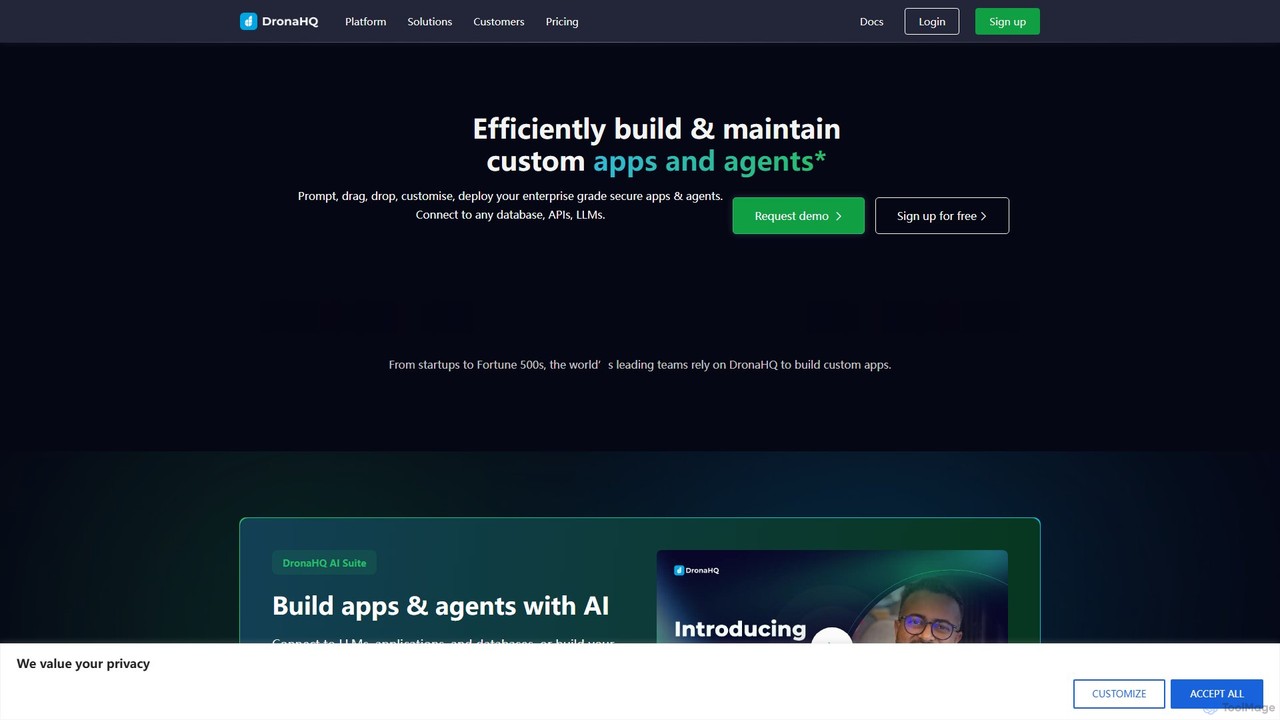
DronaHQ is a low-code AI platform designed for building custom internal applications, AI agents, and automated workflows with high efficiency. It empowers developers and businesses to connect to any database, API, or LLM, using a visual drag-and-drop interface and AI-assisted development to create and deploy secure, enterprise-grade tools 10x faster.

Ai App Builders
Visits 43.9KFavorites 124Likes 122

About Low Code No Code

Low Code No Code platforms are a category of development tools that enable users to build applications with minimal or no traditional programming. These platforms leverage visual interfaces, drag-and-drop components, and pre-built templates to accelerate the software development process. They empower a wide range of users, from business analysts to professional developers, to create custom web, mobile, and internal applications rapidly, significantly reducing development time and costs.

Core Features

  • Visual Development Environment: Provides intuitive drag-and-drop interfaces for designing user interfaces and defining application logic.
  • Pre-built Components & Templates: Offers a library of ready-to-use modules, widgets, and application templates to jumpstart development.
  • Workflow Automation: Enables users to define and automate complex business processes and data flows visually.
  • Data Integration Capabilities: Supports seamless connection with various databases, APIs, and third-party services.
  • Deployment & Hosting: Simplifies the process of deploying and managing applications across different environments.

Use Cases

Low Code No Code tools are ideal for organizations seeking to quickly digitize operations, automate repetitive tasks, and build custom solutions without relying heavily on specialized coding skills. They are frequently adopted by small businesses for rapid prototyping, by enterprises for departmental applications, and by IT teams to offload routine development, allowing them to focus on more complex projects.

How to Choose

When selecting a Low Code No Code platform, consider the target application type (web, mobile, internal tools), the required level of customization and scalability, integration needs with existing systems, and the technical proficiency of your team. Evaluate the platform's pricing model, community support, and vendor lock-in risks to ensure it aligns with your long-term strategy and budget.

Featured tool rankings

Low Code No Code use cases

1

Automating HR Onboarding Workflows

HR departments can utilize Low Code No Code platforms to create automated onboarding applications. This allows new hires to complete paperwork, access training materials, and receive welcome communications through a streamlined digital process, reducing manual administrative tasks and ensuring a consistent new employee experience.

2

Developing Custom Customer Portals

Businesses can quickly build self-service customer portals where clients can manage their accounts, track orders, submit support tickets, and access relevant information. This empowers customers with immediate access to services, reduces the load on support teams, and enhances overall customer satisfaction without extensive coding efforts.

3

Creating Departmental Project Management Tools

Teams within an organization, such as marketing or operations, can design and deploy custom project management or task tracking applications tailored to their specific needs. These tools can integrate with existing data sources, provide real-time dashboards, and facilitate collaboration, improving efficiency beyond generic off-the-shelf solutions.

4

Rapid Prototyping for Mobile Applications

Entrepreneurs and product managers can leverage No Code platforms to quickly build functional prototypes or Minimum Viable Products (MVPs) for mobile applications. This enables them to test market demand, gather user feedback, and iterate on designs rapidly, significantly accelerating the product development lifecycle before investing in full-scale coding.

5

Building Data Collection and Reporting Dashboards

Researchers or business analysts can create custom forms for data collection and interactive dashboards for visualizing key metrics. These applications can automate data entry, perform basic analytics, and generate reports, providing actionable insights without requiring advanced data science or programming skills.

6

Integrating Legacy Systems with Modern Interfaces

Enterprises often face challenges with outdated legacy systems. Low Code platforms can act as an abstraction layer, building modern, user-friendly interfaces on top of existing backend systems. This extends the lifespan of valuable legacy infrastructure, improves user experience, and enables new functionalities without a complete system overhaul.

Low Code No Code FAQ

What are Low Code No Code platforms?

Low Code No Code platforms are development environments that allow users to create software applications with minimal (low code) or no (no code) manual coding. They achieve this by providing visual interfaces, drag-and-drop components, and pre-built templates, making application development accessible to a broader audience beyond traditional programmers.

What is the difference between Low Code and No Code?

The primary difference lies in the target user and flexibility. No Code platforms are designed for business users or "citizen developers" with no coding knowledge, offering highly visual, configuration-based development. Low Code platforms cater to professional developers and power users, providing visual tools but also allowing for custom code insertion for greater flexibility, complex integrations, and advanced functionalities.

What are the main benefits of using Low Code No Code platforms?

The key benefits include accelerated development cycles, significantly reduced costs, increased accessibility for non-technical users, and improved agility in responding to business needs. These platforms enable rapid prototyping, faster deployment of applications, and empower departments to build their own solutions, reducing reliance on central IT resources.

Who can benefit from Low Code No Code development?

A wide range of individuals and organizations can benefit. Business users and "citizen developers" can build departmental tools and automate workflows. Small and medium-sized businesses can create custom applications without hiring large development teams. Professional developers can use low code to speed up routine tasks and focus on complex, unique challenges, enhancing overall productivity.

What are the limitations of Low Code No Code platforms?

While powerful, Low Code No Code platforms have limitations. They may offer less flexibility for highly complex or unique functionalities that require deep customization. Vendor lock-in can be a concern, and performance might not always match hand-coded applications for extremely high-scale or performance-critical systems. Security and integration capabilities also need careful evaluation for enterprise-level deployments.