ToolMage
Sign in

Best 6 Api AI tools for Productivity

Popular Api AI tools in Productivity include Replicate, Stytch, novita.ai, Turnkey, digitap, and AiPrice, helping you work more efficiently.

Paid

Replicate

Replicate is a cloud platform for developers to run, fine-tune, and deploy AI models via a simple API. It eliminates the need for managing complex infrastructure, offering access to thousands of models with pay-per-use pricing and automatic scaling.

Machine Learning
Visits 1.3MFavorites 94Likes 85
Freemium

Turnkey

Turnkey is a secure, flexible, and scalable wallet infrastructure for developers. It provides a simple API for non-custodial private key management, enabling the creation of embedded wallets, transaction signing, and on-chain automation with enterprise-grade security.

Blockchain
Visits 96.9KFavorites 141Likes 139
Freemium

Stytch

Stytch is a developer-first identity platform for building secure and scalable authentication and authorization. It offers a comprehensive suite of tools, including passwordless login, SSO, multi-factor authentication, and advanced fraud protection. Designed for both human users and AI agents, Stytch simplifies complex auth flows for B2B SaaS and consumer applications, enabling teams to focus on core product development.

Authentication
Visits 736.2KFavorites 151Likes 132
Freemium

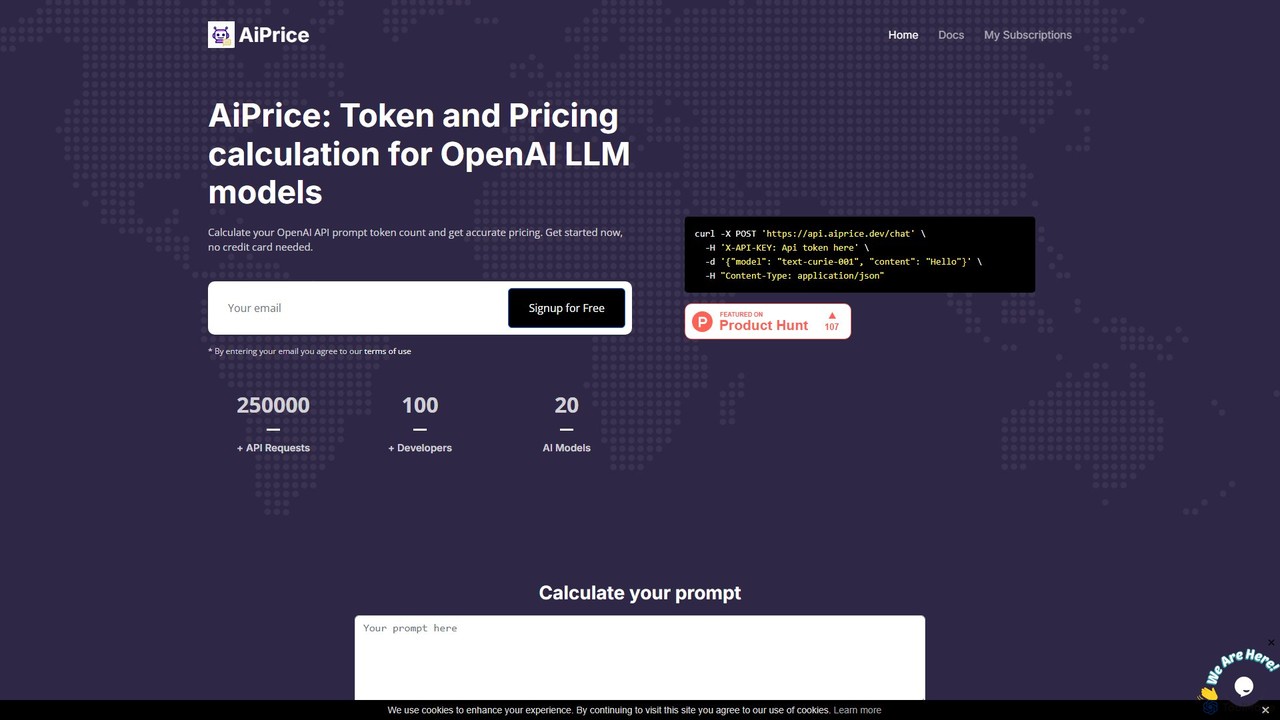
AiPrice

AiPrice is a developer-focused API that provides real-time cost calculations for OpenAI models. It simplifies AI expense management by offering an easy-to-integrate solution for accurately tracking token-based pricing for services like GPT-4, GPT-3.5, and more.

Finance
Visits 5.2KFavorites 147Likes 148
Paid

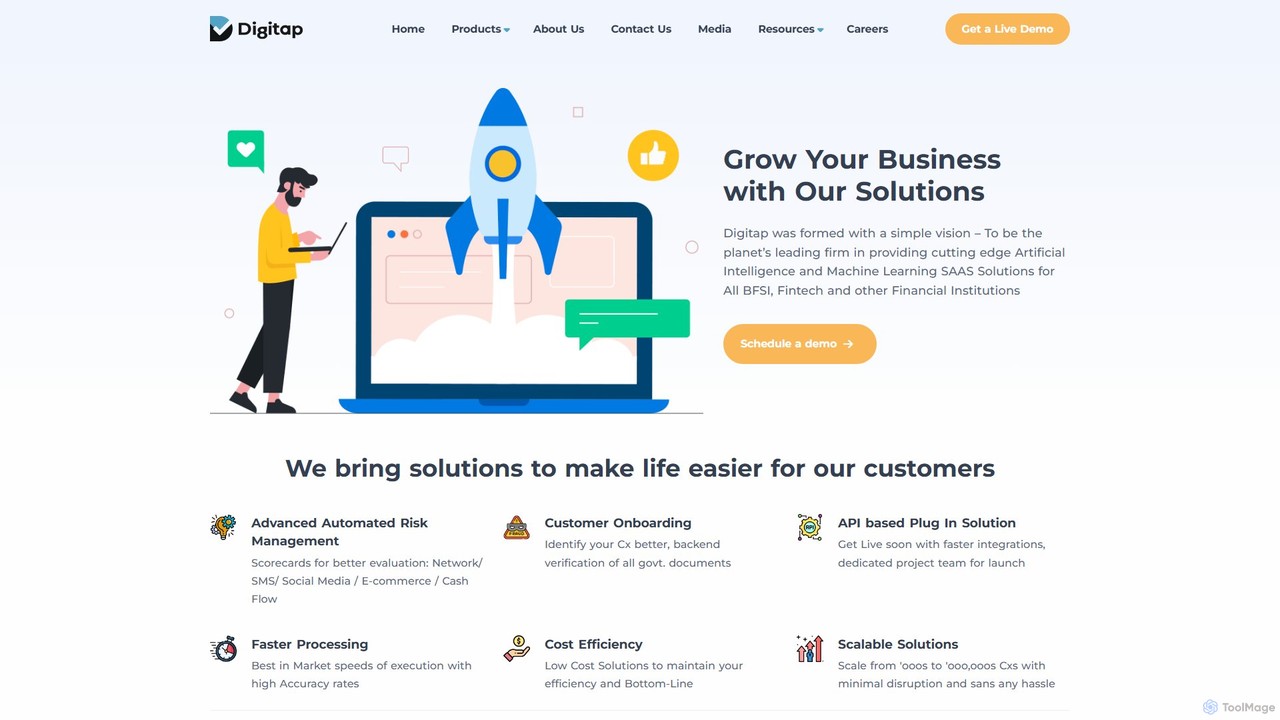
digitap

An AI-powered, end-to-end API platform for the banking and FinTech sectors, offering solutions for digital customer onboarding, credit risk assessment using alternative data, and financial data aggregation.

Risk Management
Visits 59.9KFavorites 108Likes 105
Freemium

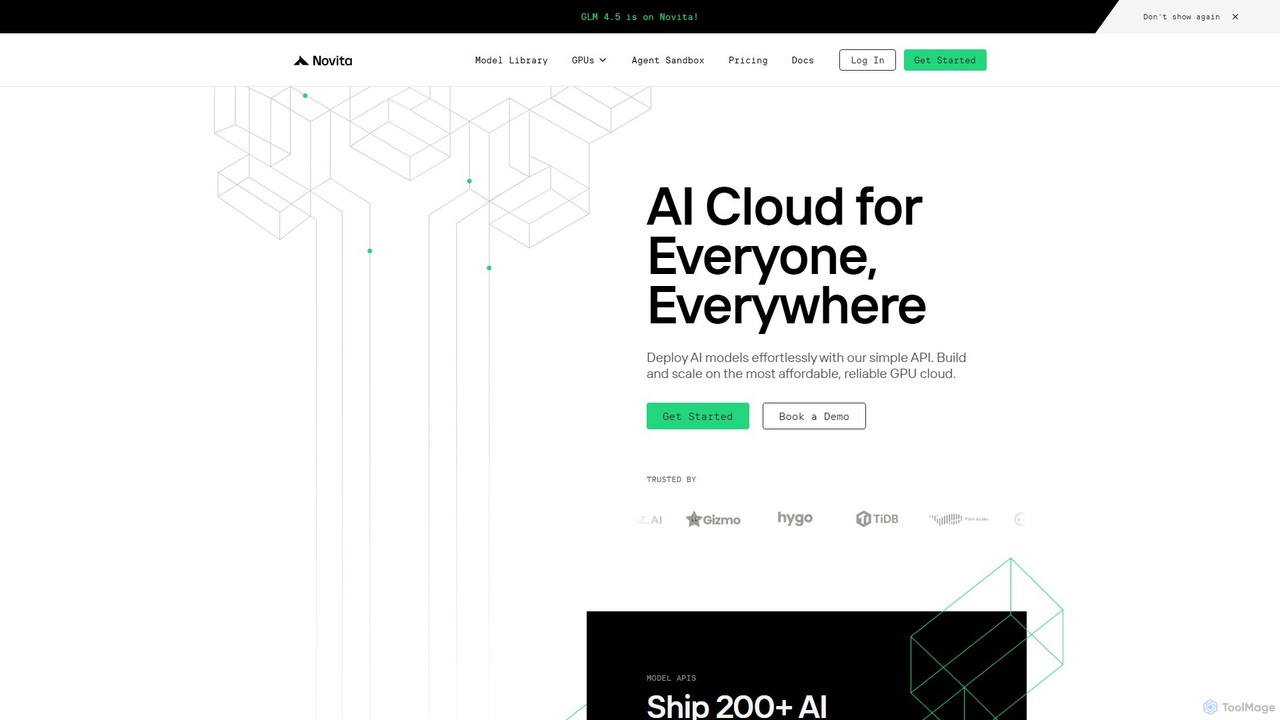
novita.ai

Novita AI is a developer-centric cloud platform offering affordable, scalable access to over 200 AI models via simple APIs. It provides serverless GPUs, dedicated GPU instances, and custom model deployment, enabling developers to build and scale AI applications without managing infrastructure.

Gpu
Visits 322KFavorites 130Likes 137

About Api

AI APIs are tools that provide programmatic access to pre-trained artificial intelligence models, forming a key part of the Productivity toolkit for developers. They allow developers to integrate advanced capabilities like natural language processing, image recognition, or data analysis into their applications without building models from scratch. This approach significantly accelerates development cycles and enables the creation of intelligent features in software, websites, and business systems. By abstracting complex machine learning infrastructure, these APIs offer a scalable and cost-effective way to leverage cutting-edge AI.

Core Features

  • Model Endpoints: Provides access to specific AI models (e.g., LLMs, computer vision) through well-defined API endpoints.
  • SDKs & Documentation: Offers Software Development Kits (SDKs) and comprehensive documentation to simplify integration.
  • Scalable Infrastructure: Manages the underlying computing resources, ensuring high availability and performance under load.
  • Usage Monitoring: Includes dashboards for tracking API calls, costs, latency, and error rates.
  • Authentication & Security: Implements secure access through API keys, OAuth, or other standard authentication protocols.

Use Cases

AI APIs are widely used by software developers, data scientists, and businesses to build intelligent applications. For instance, a mobile app can integrate a speech-to-text API for voice commands, while an e-commerce platform might use a recommendation engine API to personalize product suggestions. They are fundamental in automating workflows and enhancing user experiences across digital products.

How to Choose

When selecting an AI API, consider the specific model's performance and suitability for your task (e.g., accuracy, speed). Evaluate the clarity of the documentation and the quality of developer support. Analyze the pricing model—whether it's pay-per-use, subscription-based, or tiered—and ensure it aligns with your expected usage. Also, check for reliability, uptime guarantees, and data privacy policies.

Featured tool rankings

Api use cases

1

Automating Customer Support with a Chatbot API

An e-commerce business owner needs to handle a high volume of repetitive customer queries about order status, returns, and product information. By integrating a natural language understanding (NLU) API into their website's chat widget, they can power an AI chatbot. This chatbot instantly answers over 70% of common questions 24/7, significantly reducing the workload on human agents. This allows the support team to focus on complex issues, improving customer satisfaction and lowering operational costs.

2

Enhancing Content Moderation on a Social Platform

A community manager for a social media platform faces the challenge of manually reviewing user-generated content for inappropriate material. This process is slow and cannot scale with user growth. By implementing a computer vision API to scan images and a text moderation API to flag harmful comments, the platform can automate most of the moderation process. This system achieves real-time moderation, identifying and removing 95% of policy-violating content before it becomes widely visible, thereby improving platform safety and user experience.

3

Developing a Voice-Controlled Smart Home Application

An IoT developer is building an application to control smart home devices like lights and thermostats using voice commands. Instead of building a custom speech recognition engine, which is complex and time-consuming, they use a speech-to-text API to convert spoken commands into text. Then, a natural language processing (NLP) API is used to understand the user's intent (e.g., 'turn the living room lights to blue'). This API-driven approach allows for rapid development of an intuitive, hands-free user experience, significantly reducing time-to-market.

4

Automating Data Extraction from Invoices

An accounts payable specialist spends hours manually entering data from hundreds of PDF invoices into an accounting system, a process that is tedious and prone to errors. By using an Optical Character Recognition (OCR) and document intelligence API, they can automate this workflow. The API automatically reads invoices, extracts key fields like vendor name, invoice number, and amount, and structures the data in a machine-readable format. This reduces manual data entry time by over 90%, minimizes human error, and accelerates the entire invoice processing cycle.

5

Personalizing Marketing Email Campaigns

A digital marketer finds that generic email blasts result in low engagement. To improve this, they integrate a generative AI API into their marketing automation platform. The API analyzes each customer's purchase history and browsing behavior to generate personalized subject lines and email body copy. For example, it can suggest products related to a recent purchase or create content based on viewed articles. This level of personalization leads to a 30% increase in open rates and a 15% rise in click-through rates by delivering highly relevant content.

6

Generating Alt Text for Website Images

An SEO specialist needs to add alternative text (alt text) to thousands of images on a large website for accessibility and SEO. Doing this manually is impractical. They create a script that uses an image captioning API. The script iterates through all images, sends each one to the API, and receives a descriptive caption. This caption is then automatically added as the alt text in the HTML. This process makes the entire website accessible to visually impaired users and improves image search rankings within days, a task that would have taken months manually.

Api FAQ

What is an AI API?

An AI API (Application Programming Interface) is a service that allows developers to integrate pre-built artificial intelligence capabilities into their software. Instead of building and training a complex AI model, a developer can send data to the API and receive the model's output, such as a text translation, image analysis, or a chatbot response. This makes it faster and more cost-effective to add smart features to applications, boosting productivity.

How do I choose the right AI API for my project?

To choose the right AI API, consider these key factors:

  • Functionality: Does the API provide the specific model you need (e.g., text generation, object detection)?
  • Performance: Evaluate its accuracy, speed, and reliability for your use case through testing or benchmarks.
  • Documentation & Support: Is the documentation clear and easy to follow? Is responsive developer support available?
  • Pricing: Understand the cost structure (e.g., per-call, monthly subscription) and how it scales with usage.
  • Data Privacy: Review their policies on how your data is handled, stored, and used for model training.
What's the difference between using an AI API and building my own AI model?

Using an AI API means you are accessing a ready-made, pre-trained model hosted by a third party. This is fast, scalable, and requires no machine learning expertise. Building your own model involves collecting data, training, and deploying it yourself. This offers maximum customization but requires significant time, cost, and specialized skills in data science and MLOps. APIs are ideal for standard tasks and rapid prototyping, while custom models are suited for highly specific, proprietary needs.

What are the main functions of AI APIs?

AI APIs offer a wide range of functions, which can be grouped into several key categories:

  • Natural Language Processing (NLP): Includes text generation, translation, sentiment analysis, summarization, and chatbot capabilities.
  • Computer Vision: Involves image recognition, object detection, facial analysis, and Optical Character Recognition (OCR).
  • Speech: Covers speech-to-text transcription and text-to-speech synthesis for voice applications.
  • Data Analysis: Provides access to predictive modeling, anomaly detection, and recommendation engines.
Who should use AI APIs?

AI APIs are designed for a broad audience looking to enhance productivity. Software developers use them to build intelligent features into apps and websites without deep ML knowledge. Businesses and operations teams use them to automate internal processes like data entry or customer support. Startups leverage them to quickly prototype and launch AI-powered products without large upfront investment in infrastructure or talent. Essentially, anyone wanting to add AI capabilities to a digital product or workflow can benefit from an AI API.