ToolMage
Sign in

Best 2 App Development AI tools for Productivity

Popular App Development AI tools in Productivity include AppVision and StoreMeta, helping you work more efficiently.

StoreMeta
Freemium

StoreMeta

An AI-powered platform designed to streamline App Store management. It automates metadata creation, translation across 38 languages, AI-driven review responses, and global price optimization, all from a single, unified dashboard.

Translation
Visits 10.3KFavorites 163Likes 159
AppVision
Freemium

AppVision

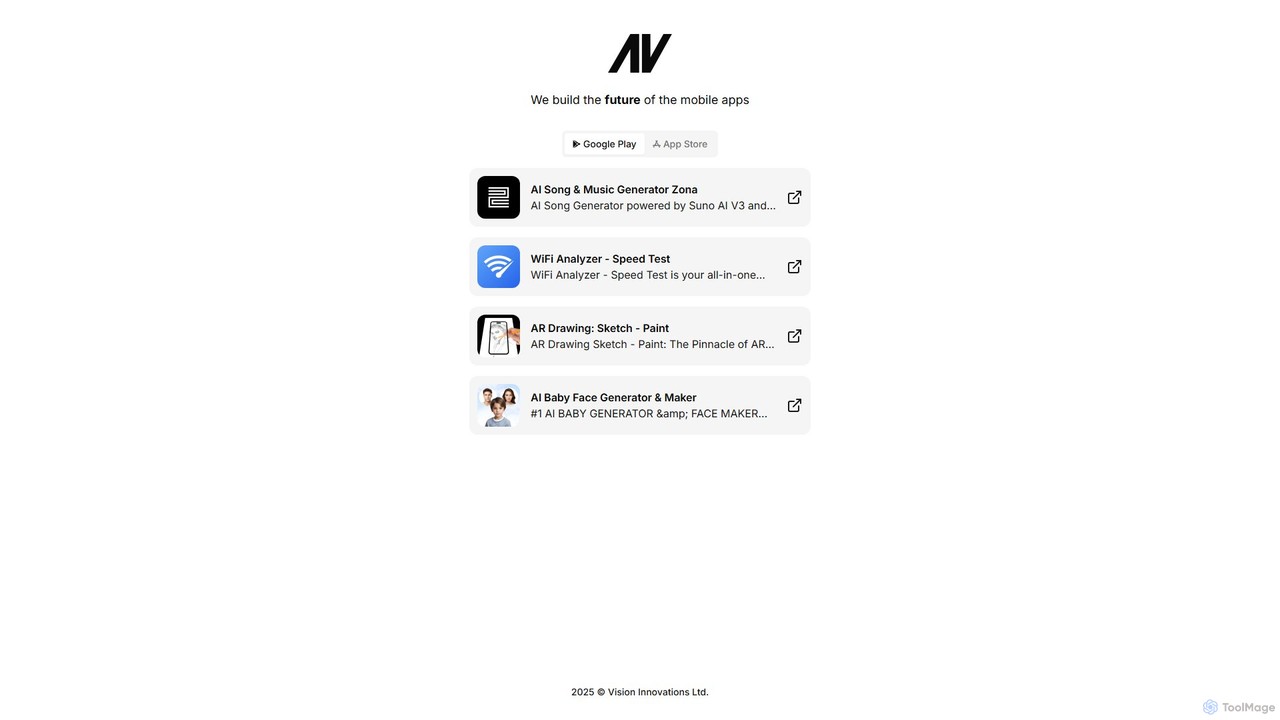
AppVision is a developer of a diverse suite of AI-powered and utility mobile applications. From generating music with AI to drawing in augmented reality and analyzing WiFi networks, AppVision offers innovative and user-friendly apps for creativity, entertainment, and productivity on both Google Play and the Apple App Store.

Music Generation
Visits 29.8KFavorites 159Likes 181

About App Development

AI App Development tools are a class of software that leverages artificial intelligence to automate and accelerate the application creation lifecycle. They utilize models like large language models (LLMs) for code generation, machine learning for automated testing, and AI algorithms for UI/UX design optimization. These tools significantly boost developer productivity by reducing manual coding, identifying bugs earlier, and streamlining workflows from concept to deployment. They empower both seasoned developers and non-coders to build functional applications more efficiently.

Core Features

  • AI-Powered Code Generation: Automatically writes code snippets, functions, or entire modules from natural language prompts.
  • Automated Testing & Debugging: Uses AI to generate test cases, identify potential bugs, and suggest code fixes.
  • Intelligent UI/UX Design: Generates user interface layouts, color schemes, and component suggestions based on design principles.
  • Natural Language to App Logic: Converts plain text descriptions of features into functional application logic or database schemas.
  • Predictive Analytics Integration: Simplifies the process of embedding machine learning models for features like recommendations or forecasting.

Use Cases

These tools are valuable for software development agencies, tech startups, and enterprise IT departments. They are commonly used for rapid prototyping, building minimum viable products (MVPs), automating repetitive coding tasks in large-scale projects, and enabling non-technical teams to create internal tools.

How to Choose

Consider the supported programming languages and frameworks. Evaluate the quality and accuracy of the AI-generated code and the level of control you retain. Assess integration capabilities with your existing development environments (IDEs) and version control systems. Also, review the pricing model, whether it's based on usage, seats, or a flat subscription.

App Development use cases

1

Rapid Prototyping for Startups

A startup founder with a limited technical team uses an AI tool to convert their app idea, described in plain English, into a functional prototype. The AI generates the initial codebase, database schema, and basic UI. This allows them to validate the concept with investors and early users in days instead of weeks, saving significant time and development costs before hiring a full engineering team.

2

Automating Unit Test Generation

A quality assurance (QA) engineer in a large enterprise uses an AI app development tool to automatically generate comprehensive unit tests for new code commits. The AI analyzes the code's logic and edge cases, creating tests that cover more scenarios than manual creation. This improves code quality, increases test coverage to over 90%, and reduces the risk of bugs reaching production.

3

Accelerating Feature Development

A mobile app developer is tasked with adding a complex new feature. They use an AI code assistant to generate boilerplate code, handle API integrations, and suggest optimal algorithms for data processing. This frees them up to focus on the unique business logic and user experience aspects of the feature, cutting the overall development time by an estimated 40% and ensuring best practices are followed.

4

No-Code App Creation for Business Users

A marketing manager without coding skills needs an internal tool to track campaign performance. They use a no-code AI platform, describing the required fields, logic ('if this, then that'), and dashboard views in natural language. The platform interprets these requests and generates a fully functional web app. This empowers non-technical staff to solve their own data management problems without relying on the IT department's backlog.

5

Optimizing Database Schema Design

A backend developer is designing a new database for a social media application. They input the data requirements (e.g., user profiles, posts, comments, likes) into an AI tool. The tool analyzes the relationships and access patterns, then suggests an optimized schema with appropriate tables, relationships, and indexes. This helps prevent common performance bottlenecks from the start and ensures the database is scalable.

6

AI-Assisted UI/UX Design Mockups

A UI/UX designer needs to create several design variations for a new app screen. They provide a wireframe or a text description ('a login screen with social media buttons and a minimalist aesthetic') to an AI design tool. The tool generates multiple high-fidelity mockups with different layouts, color palettes, and typography. This accelerates the creative process, provides more options for A/B testing, and helps visualize the final product quickly.

App Development FAQ

What are AI App Development tools?

AI App Development tools are software that uses artificial intelligence to assist in or automate tasks within the software development lifecycle. Unlike traditional IDEs which offer passive help like syntax highlighting, these tools actively generate code, create tests, design UIs, or even build entire applications from natural language prompts. Their primary goal is to increase developer productivity, lower the barrier to creating software, and accelerate the time-to-market for new applications.

How do I choose the right AI App Development tool?

Consider these key factors when selecting a tool:

  • Scope of AI Assistance: Determine if you need a simple code completion tool, a comprehensive testing suite, a UI designer, or a full no-code platform that builds apps from scratch.
  • Technology Stack: Ensure the tool supports your preferred programming languages (e.g., Python, JavaScript), frameworks (e.g., React, Django), and platforms (e.g., iOS, Android, Web).
  • Integration: Check if it integrates smoothly with your existing workflow, including IDEs (like VS Code), version control (like GitHub), and project management tools.
  • Accuracy and Control: Evaluate the quality of the AI's output and how much control you retain to override, customize, and debug its suggestions.
What's the difference between AI App Development tools and traditional Low-Code/No-Code platforms?

While there is overlap, the key difference lies in the input method and intelligence. Traditional low-code/no-code platforms primarily rely on visual, drag-and-drop interfaces and pre-built components. They are compositional. AI App Development tools, especially newer ones, are more generative. They can create new components, logic, or even entire apps from natural language descriptions, offering a more flexible and powerful way to build without being limited to a fixed library of elements.

Will AI App Development tools replace human developers?

It is more likely that these tools will augment rather than replace human developers. They excel at automating repetitive, boilerplate tasks, which frees up developers to focus on more complex problem-solving, system architecture, security, and creative logic. They act as powerful assistants or 'co-pilots,' enhancing productivity and enabling developers to build more, faster. The need for human oversight, strategic thinking, and quality control remains critical in the development process.

What are the main benefits of using AI in app development?

The primary benefits of integrating AI into the app development process include:

  • Increased Speed: Drastically reduces development time by automating code generation, testing, and debugging, leading to faster time-to-market.
  • Improved Code Quality: AI can identify potential bugs, suggest performance optimizations, and enforce consistent coding standards, reducing human error.
  • Lowered Barrier to Entry: Enables individuals with less coding experience, such as business analysts or designers, to build functional applications or prototypes.
  • Enhanced Creativity and Innovation: Quickly generates prototypes and UI mockups, allowing teams to rapidly iterate on new ideas and explore more design possibilities.