ToolMage
Sign in

Best 4 Assets AI tools for Productivity

Popular Assets AI tools in Productivity include pngmaker, Rayst Gradients, Gentype, and Clip, helping you work more efficiently.

Clip
Freemium

Clip

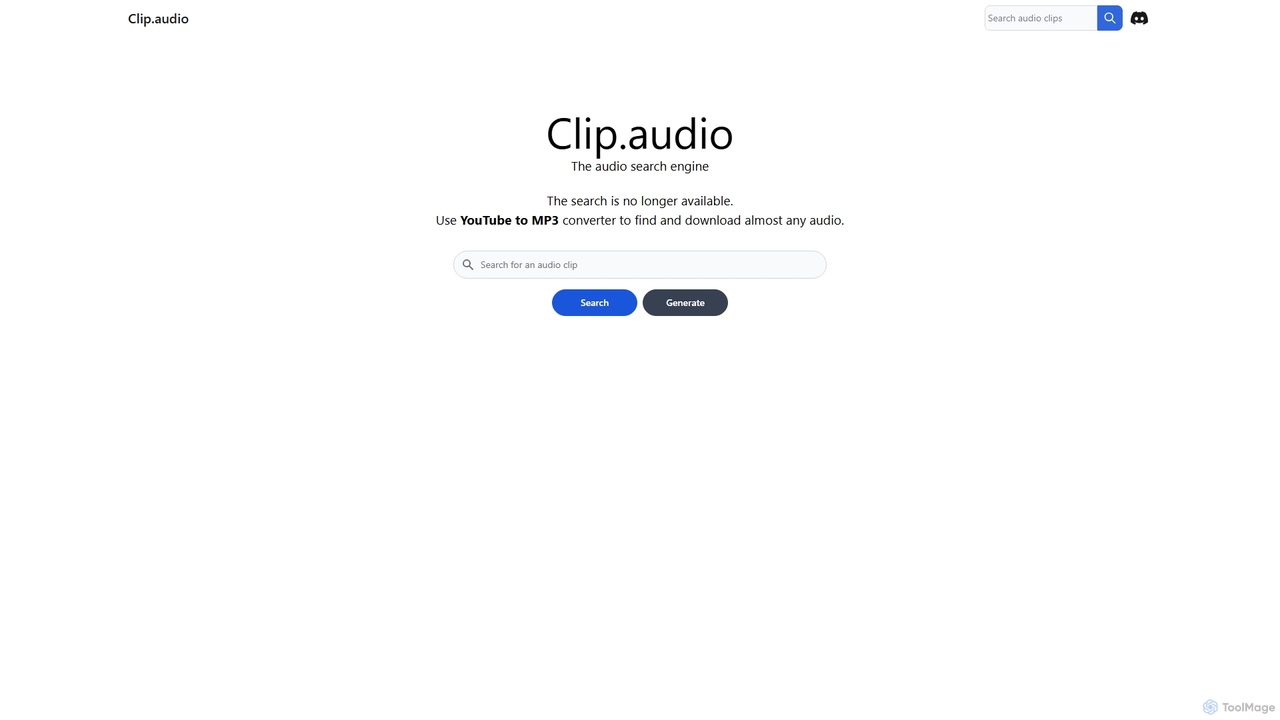
Clip is an advanced AI-powered audio search engine designed for creators. It enables users to find the perfect sound effects, music clips, and audio samples using natural language queries, sound similarity searches, and detailed filtering, streamlining the creative workflow.

Search
Visits 4.3KFavorites 118Likes 106
Rayst Gradients
Free

Rayst Gradients

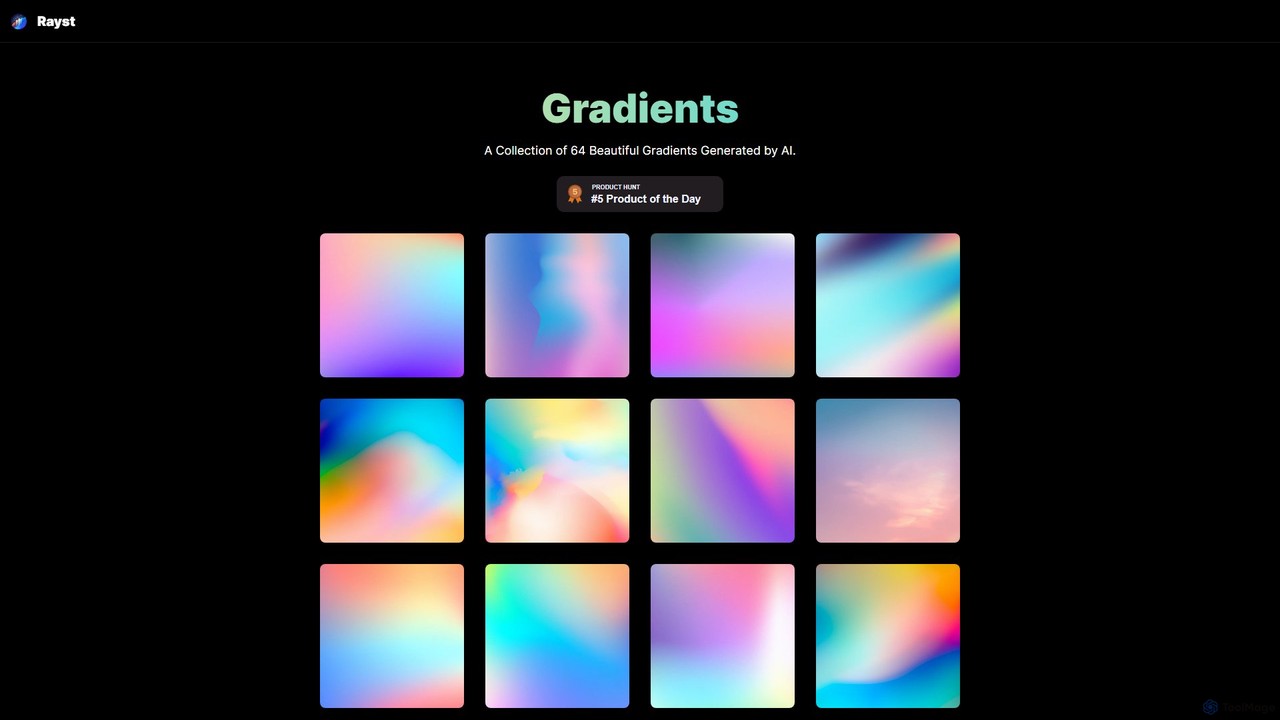
A curated collection of 64 beautiful, AI-generated gradients. Available for free download and use in both commercial and non-commercial projects without any permission required. Ideal for designers, developers, and content creators seeking unique and vibrant backgrounds.

Graphics
Visits 5.1KFavorites 137Likes 134
pngmaker
Freemium

pngmaker

pngmaker is a free, AI-powered online tool that transforms text prompts into high-quality PNG images with transparent backgrounds. Ideal for designers, marketers, and content creators, it allows for the instant generation of logos, icons, illustrations, and photorealistic images. Users can easily customize their creations by refining text prompts and download high-resolution results for various digital projects.

Graphics
Visits 50.8KFavorites 127Likes 136
Gentype
Freemium

Gentype

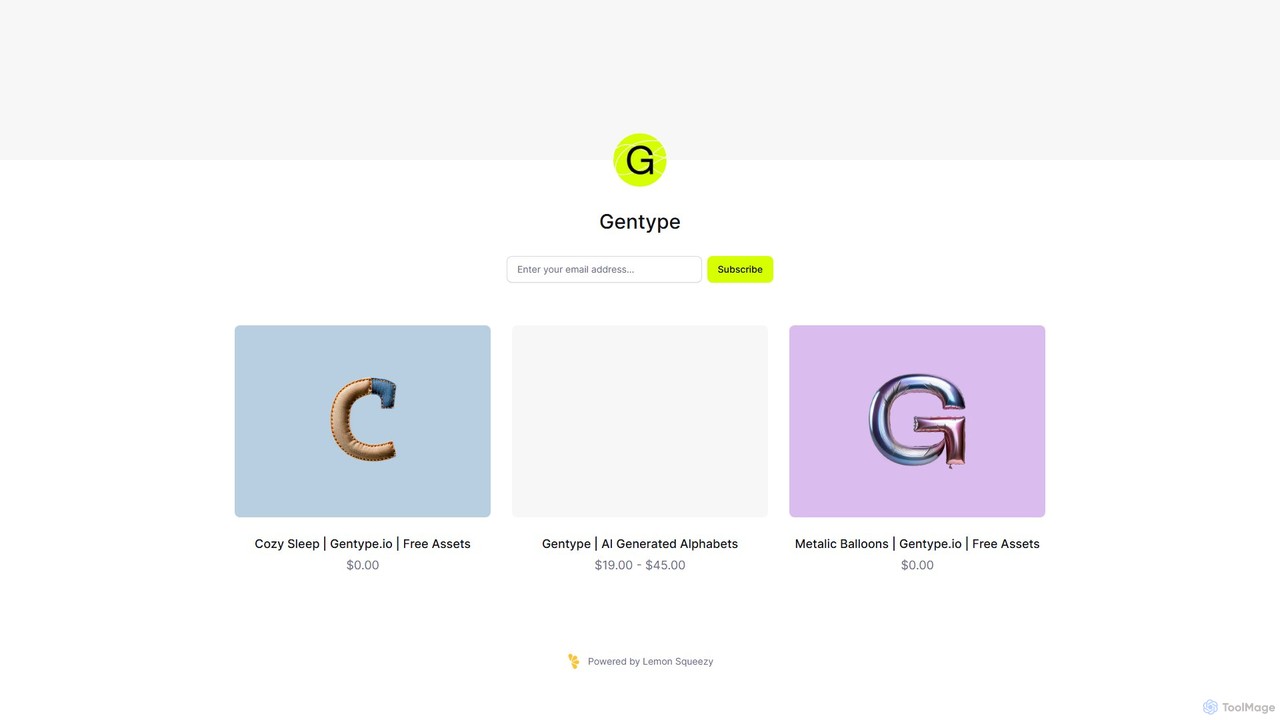
Gentype offers unique, AI-generated alphabet and lettering asset packs for designers, artists, and content creators. Discover one-of-a-kind typographic styles to elevate your projects, from branding and social media to digital art. It provides high-resolution assets through a simple one-time purchase model, including free samples.

Generative Art
Visits 4.5KFavorites 107Likes 109

About Assets

AI Assets tools are a category of AI-powered solutions specifically designed to generate, manage, optimize, and transform various digital assets. Leveraging advanced machine learning, computer vision, and natural language processing, these tools automate complex tasks related to images, videos, audio, 3D models, and text components. They significantly enhance productivity for creators, marketers, and developers by streamlining asset workflows, accelerating content creation, and ensuring high-quality output across diverse projects.

Core Features

  • AI-powered Generation: Automatically create new images, videos, audio tracks, or text snippets from prompts or data.
  • Smart Asset Management: Organize, tag, and search digital assets using AI-driven metadata extraction and content analysis.
  • Automated Optimization: Enhance asset quality, upscale resolutions, remove backgrounds, or compress files efficiently.
  • Content Transformation: Apply style transfers, modify elements, or convert assets between different formats with AI precision.
  • Intelligent Analysis: Extract insights, transcribe audio, or identify objects within assets for better categorization and use.

Use Cases

Professionals across creative industries, marketing, and software development utilize AI Assets tools to accelerate their workflows. Graphic designers can generate multiple design variations instantly, video editors can automatically enhance footage, and game developers can quickly create diverse 3D models and textures. These tools are invaluable for anyone needing to produce, manage, or refine large volumes of digital content efficiently.

How to Choose

When selecting an AI Assets tool, consider its primary function (generation, management, optimization), the types of assets it supports (image, video, audio, text), and its integration capabilities with existing creative or project management software. Evaluate the quality of AI output, the ease of use, scalability for your project volume, and the pricing model to ensure it aligns with your specific workflow and budget requirements.

Featured tool rankings

Assets use cases

1

Generating Diverse Marketing Visuals

Marketing teams often require a constant stream of fresh visual content for campaigns, social media, and advertisements. AI Assets tools enable marketers to input brand guidelines or text prompts and instantly generate a wide array of images, banners, or short video clips. This automates the initial design phase, allowing for rapid iteration and A/B testing, significantly reducing the time and cost associated with traditional graphic design processes and ensuring consistent brand messaging.

2

Automating Product Image Background Removal

E-commerce businesses frequently need clean, consistent product images with transparent backgrounds for their online stores. AI Assets tools can automatically detect and remove backgrounds from hundreds or thousands of product photos in minutes, maintaining high quality and precise edge detection. This eliminates the tedious manual work of photo editing, allowing e-commerce managers to quickly prepare product listings and update catalogs, accelerating time-to-market for new products.

3

Creating Unique Game Textures and 3D Models

Game developers constantly need unique textures, materials, and 3D models to populate virtual worlds. AI Assets tools allow artists to generate diverse textures from simple descriptions or reference images, and even create basic 3D models or variations of existing ones. This dramatically speeds up the asset creation pipeline, enabling faster prototyping and iteration in game development, and freeing up artists to focus on more complex, creative tasks.

4

Enhancing Video Footage Quality and Style

Video content creators and editors often deal with footage that needs enhancement, such as upscaling low-resolution clips, denoising, or applying specific visual styles. AI Assets tools can automatically perform these tasks, improving video quality, stabilizing shaky footage, or even transforming the visual aesthetic to match a desired artistic direction. This streamlines post-production, saving hours of manual adjustments and allowing for higher quality output with less effort.

5

Organizing and Tagging Digital Media Libraries

Large organizations, media agencies, and individual creators accumulate vast libraries of digital assets. AI Assets tools can automatically analyze images, videos, and audio files to extract metadata, identify objects, faces, and scenes, and apply relevant tags. This intelligent categorization makes it significantly easier to search, retrieve, and manage assets, improving content discoverability and ensuring that valuable media can be quickly accessed and reused across projects.

6

Generating Voiceovers and Audio Effects

Podcasters, animators, and e-learning content creators often require high-quality voiceovers or custom sound effects. AI Assets tools can convert text into natural-sounding speech in various voices and languages, and even generate unique audio effects based on descriptions. This eliminates the need for expensive recording equipment or voice actors for initial drafts, accelerating audio production and allowing creators to experiment with different vocal styles and soundscapes efficiently.

Assets FAQ

What are AI Assets tools?

AI Assets tools are software solutions that use artificial intelligence to automate and enhance tasks related to digital assets like images, videos, audio, and text. They leverage machine learning algorithms for tasks such as generating new content, intelligently organizing existing assets, optimizing their quality, or transforming them. These tools aim to streamline creative and production workflows, making asset creation and management more efficient and accessible.

How do AI Assets tools differ from traditional creative software?

Traditional creative software provides manual controls for users to create and edit assets, requiring significant human input and skill. AI Assets tools, conversely, automate many of these processes by using algorithms to understand prompts, analyze content, and generate or modify assets autonomously. While traditional tools offer precise control, AI tools excel at speed, scale, and generating variations, often requiring less specialized skill for initial output.

What are the main benefits of using AI Assets tools?

The primary benefits of using AI Assets tools include significantly increased efficiency in content creation and management, reduced manual effort, and accelerated project timelines. They enable users to generate diverse content rapidly, automate repetitive tasks like background removal or tagging, enhance asset quality consistently, and explore creative possibilities more quickly. This leads to cost savings and allows creative professionals to focus on higher-level strategic and artistic decisions.

Who can benefit most from AI Assets tools?

A wide range of professionals can benefit from AI Assets tools. This includes graphic designers, video editors, content creators, marketers, game developers, e-commerce businesses, and anyone involved in digital media production or management. Individuals and teams who regularly need to produce, organize, or optimize large volumes of digital content will find these tools particularly valuable for streamlining their workflows and boosting productivity.

What should I consider when choosing an AI Assets tool for my workflow?

When choosing an AI Assets tool, consider the specific types of assets you work with most (e.g., images, video, audio), the core functionality you need (e.g., generation, enhancement, management), and the quality of the AI's output. Also, evaluate its integration capabilities with your existing software, the learning curve, pricing structure, and the level of customization or control it offers. Ensure the tool's features align directly with your project requirements and budget.