ToolMage
Sign in

Best 2 Calendar & Scheduling AI tools for Productivity

Popular Calendar & Scheduling AI tools in Productivity include Ohai.ai and General Task, helping you work more efficiently.

General Task
Free

General Task

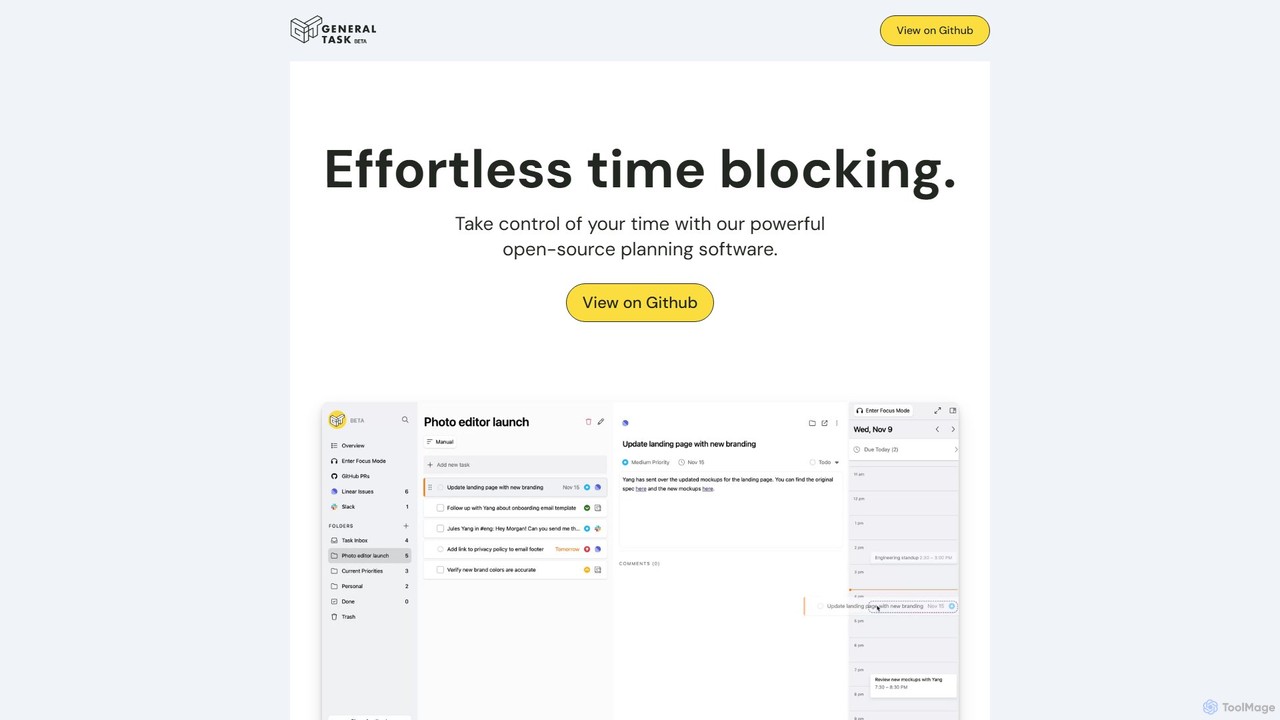
General Task is a powerful open-source planning and time-blocking software. It helps you take control of your time by integrating with tools like GitHub, Jira, Linear, and Slack, centralizing all your tasks and meetings into a single, distraction-free interface for focused work.

Collaboration
Visits 5.4KFavorites 158Likes 138
Ohai.ai
Freemium

Ohai.ai

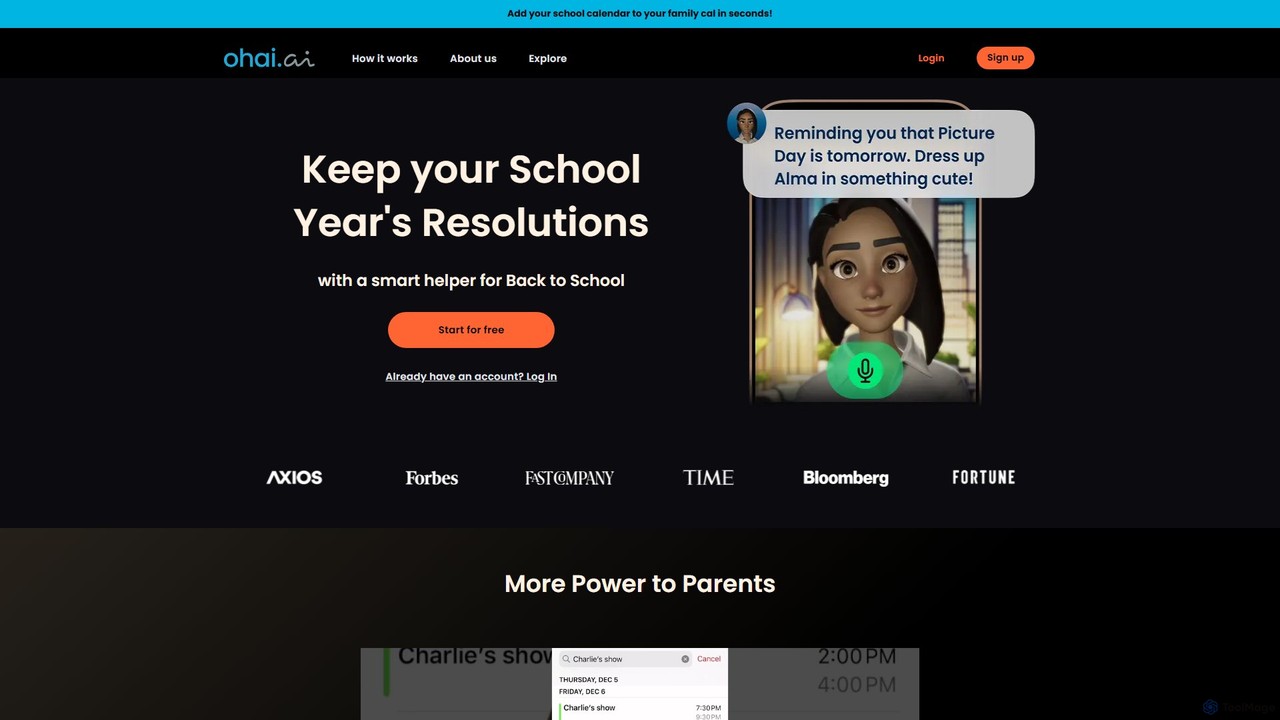
Ohai.ai is an AI-powered personal assistant designed to simplify family life and reduce the mental load for parents. It automates scheduling by syncing school and work calendars, manages to-do lists, plans meals, coordinates social events, and sends thoughtful reminders. By centralizing household management, Ohai helps families stay organized, connected, and on top of their busy lives, giving them more time to focus on what matters.

Family & Parenting
Visits 42.6KFavorites 121Likes 116

About Calendar & Scheduling

AI-powered Calendar & Scheduling tools are designed to automate, optimize, and enhance the management of appointments, meetings, and tasks. Leveraging artificial intelligence, these tools go beyond basic time blocking by understanding context, predicting optimal times, and intelligently resolving conflicts. They significantly reduce manual administrative effort, improve coordination, and ensure more efficient use of time for individuals and teams.

Core Features

  • Natural Language Processing (NLP) Booking: Allows users to schedule meetings or tasks using conversational commands, interpreting complex requests and preferences.
  • Predictive Scheduling: Analyzes past behavior, availability, and priorities to suggest optimal times for activities, minimizing disruptions and maximizing focus.
  • Automated Conflict Resolution: Proactively identifies and resolves scheduling conflicts by suggesting alternative times or reordering priorities based on predefined rules.
  • Smart Reminders & Follow-ups: Delivers intelligent, context-aware reminders and automates follow-up actions, ensuring tasks and meetings are not missed.
  • Resource Optimization: Efficiently allocates shared resources like meeting rooms, equipment, or specific team members based on availability and project needs.

Use Cases

These tools are invaluable for busy professionals, project managers, and client-facing teams. They streamline the booking of client consultations, optimize internal team meeting cadences, and help individuals manage complex personal and professional commitments, ensuring deadlines are met and productivity is maintained across various projects and stakeholders.

How to Choose

When selecting an AI Calendar & Scheduling tool, consider its integration capabilities with existing calendars (e.g., Google Calendar, Outlook) and CRM systems. Evaluate the accuracy and flexibility of its NLP for booking, the depth of its predictive analytics, and its ability to handle complex conflict resolution. Scalability, customization options for scheduling rules, and robust privacy features are also crucial for long-term effectiveness.

Calendar & Scheduling use cases

1

Streamlining Client Meeting Scheduling with AI

Sales professionals and consultants often spend considerable time coordinating meetings with clients across different time zones. An AI scheduling tool can automatically find mutually available slots, send personalized invitations, and manage rescheduling requests, reducing back-and-forth emails by up to 70% and allowing sales teams to focus on client engagement rather than logistics.

2

Enhancing Team Collaboration and Project Planning

Project managers leading distributed teams face challenges in aligning schedules for critical project milestones and daily stand-ups. AI scheduling tools can analyze team members' availability, project deadlines, and task dependencies to suggest optimal meeting times, allocate resources, and even re-prioritize tasks dynamically, ensuring projects stay on track and team productivity is maximized.

3

Intelligent Personal Task and Focus Time Management

Individual contributors and knowledge workers struggle to balance deep work with meetings and administrative tasks. An AI calendar tool can learn personal work habits, identify peak productivity hours, and intelligently block out focus time while strategically placing meetings and breaks, leading to a more balanced workday and a significant increase in individual output.

4

Resolving Complex Scheduling Conflicts Automatically

For large organizations or complex projects involving multiple departments and external stakeholders, scheduling conflicts are inevitable. AI scheduling tools can analyze hundreds of variables—including participant availability, meeting priority, travel time, and resource needs—to identify potential clashes and propose optimal solutions or alternative arrangements, saving hours of manual coordination and preventing delays.

5

Automating Event and Webinar Registration & Reminders

Marketing teams organizing webinars, workshops, or online events need efficient ways to manage registrations, send confirmations, and deliver timely reminders. AI scheduling platforms can automate the entire process from initial sign-up to post-event follow-ups, integrating with CRM systems and email marketing tools to ensure high attendance rates and a seamless attendee experience.

6

Efficient Allocation of Shared Company Resources

Offices with shared meeting rooms, equipment, or specialized facilities often face booking conflicts and underutilization. An AI scheduling system can manage these resources, allowing employees to book them easily, preventing double-bookings, and even suggesting alternative resources or times if the preferred one is unavailable, leading to better resource utilization and operational efficiency.

Calendar & Scheduling FAQ

What are AI Calendar & Scheduling tools?

AI Calendar & Scheduling tools are software applications that use artificial intelligence to automate, optimize, and simplify the process of managing calendars, booking appointments, and coordinating schedules. They go beyond traditional calendar functions by employing technologies like Natural Language Processing (NLP) to understand conversational requests, predictive analytics to suggest optimal times, and machine learning to adapt to user preferences and resolve conflicts intelligently. Their core purpose is to reduce manual effort, enhance time management, and improve overall productivity for individuals and teams.

How do AI Calendar & Scheduling tools differ from traditional calendars?

Traditional calendars primarily serve as digital organizers for manually entered events. AI Calendar & Scheduling tools, however, actively participate in the scheduling process. They can interpret natural language commands (e.g., "Schedule a meeting with John next Tuesday afternoon"), proactively identify and resolve conflicts, suggest optimal meeting times based on participant availability and priorities, and even automate follow-ups. This proactive, intelligent automation is the key differentiator, transforming a passive organizer into an active assistant that saves significant time and reduces scheduling friction.

What are the main benefits of using AI for scheduling?

The main benefits include significant time savings by automating repetitive tasks like finding availability and sending invitations. AI tools enhance efficiency by optimizing schedules, reducing conflicts, and ensuring better utilization of time and resources. They improve accuracy by minimizing human error in booking and rescheduling. Furthermore, they boost productivity by freeing up users to focus on core tasks, providing intelligent reminders, and adapting to individual work patterns for a more personalized and effective time management experience.

How do I choose the right AI Calendar & Scheduling tool for my needs?

When selecting an AI Calendar & Scheduling tool, consider several factors. First, assess its integration capabilities with your existing ecosystem (e.g., Google Calendar, Outlook, CRM, video conferencing platforms). Second, evaluate the accuracy and flexibility of its AI features, such as natural language processing for booking and predictive scheduling. Third, consider the level of customization available for scheduling rules and preferences. Finally, look at scalability for team or organizational use, pricing models, and robust data privacy and security measures to ensure it meets your specific requirements.

Can AI scheduling tools integrate with existing calendar platforms?

Yes, seamless integration with existing calendar platforms is a crucial feature for most AI Calendar & Scheduling tools. They are typically designed to connect directly with popular services like Google Calendar, Outlook Calendar (Office 365/Exchange), and Apple Calendar. This integration allows the AI tool to read your current availability, add new events, and update existing ones without requiring you to switch platforms, ensuring all your scheduling information remains synchronized and up-to-date across all your devices and applications.