ToolMage
Sign in

Best 3 Community Management AI tools for Productivity

Popular Community Management AI tools in Productivity include Censorly, Cohezion, and Talkbase, helping you work more efficiently.

Censorly
Freemium

Censorly

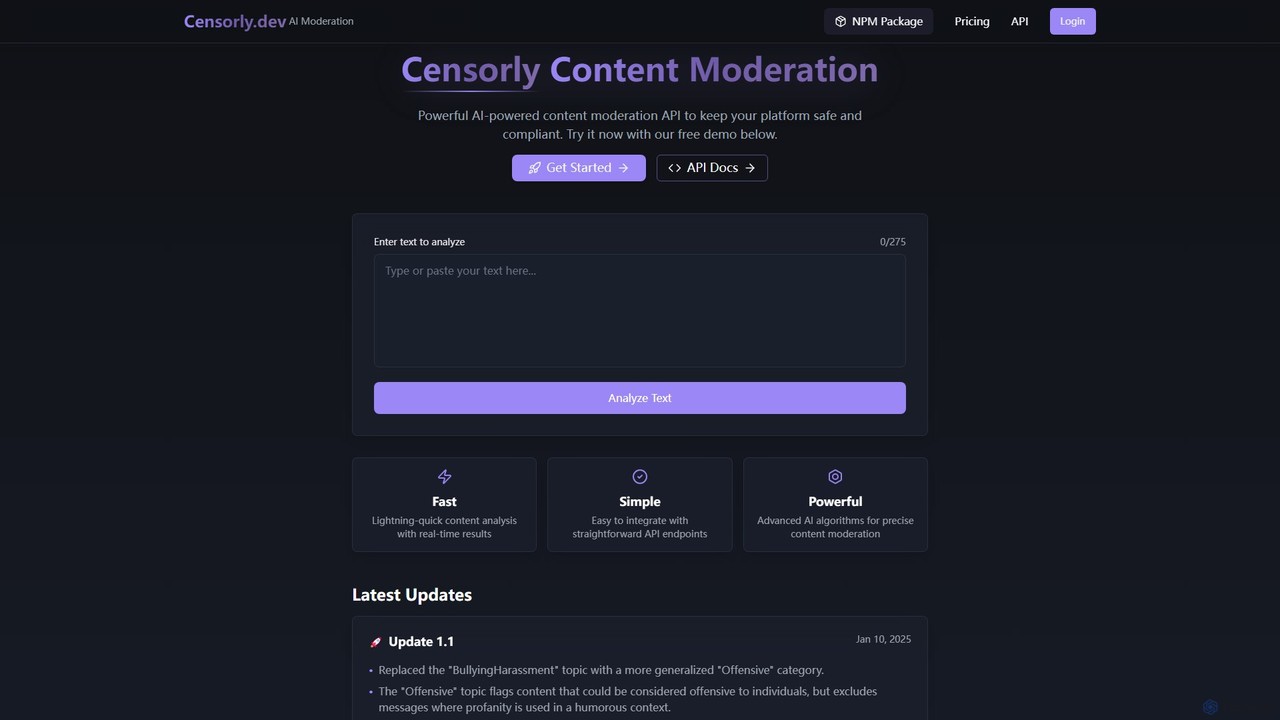
Censorly is a powerful AI-powered content moderation API designed to keep online platforms safe and compliant. It offers real-time analysis, easy integration, and advanced algorithms to detect and filter harmful content, making it ideal for developers and community managers.

Api
Visits 5.5KFavorites 156Likes 138
Cohezion
Freemium

Cohezion

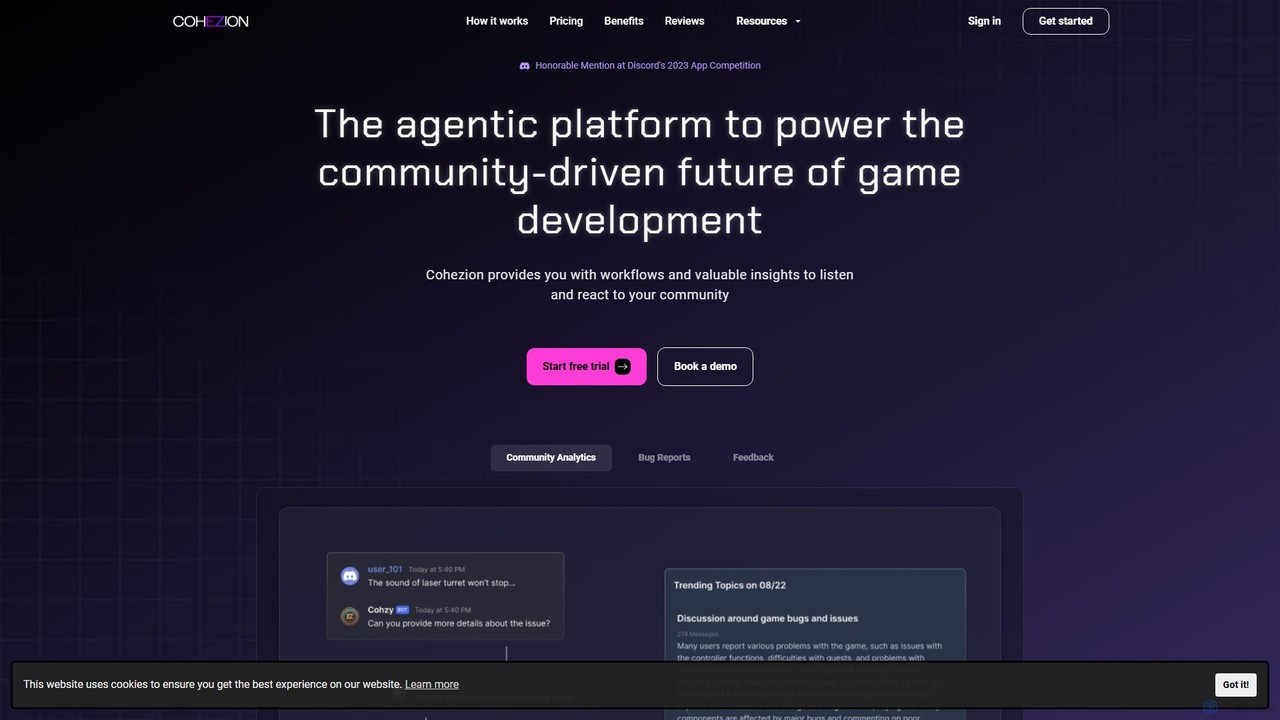
Cohezion is an AI-powered agentic platform for game developers, designed to streamline community management. It automates bug reporting and feedback collection, primarily through Discord, and provides deep analytics on player sentiment and community trends. This allows studios to listen and react to their community effectively, saving time and making data-driven decisions to improve their games.

Customer Feedback
Visits 5.5KFavorites 111Likes 113
Talkbase
Freemium

Talkbase

Talkbase is a community-led growth platform that acts as a central CRM for all your community activities. It integrates with platforms like Slack, Discord, and GitHub to unify member data, track engagement, and provide actionable analytics to help you build and scale your community effectively.

Analytics
Visits 5.5KFavorites 132Likes 149

About Community Management

AI Community Management tools are a specialized category of productivity software that uses artificial intelligence to automate and scale the administration of online communities. These tools leverage Natural Language Processing (NLP) and machine learning to moderate content, analyze member engagement, and automate routine tasks. They help community managers maintain a healthy, active, and safe environment on platforms like Discord, Slack, forums, and social media groups, even as the community grows rapidly. This allows human moderators to focus on strategic initiatives like event planning and fostering deeper connections.

Core Features

  • Automated Moderation: Uses AI to detect and act on spam, hate speech, and inappropriate content in real-time, based on context rather than just keywords.
  • Engagement Analytics: Analyzes conversations to identify trending topics, measure sentiment, and pinpoint influential or at-risk members.
  • AI-Powered Chatbots: Deploys automated bots to welcome new members, answer frequently asked questions, and enforce community rules.
  • Community Health Reporting: Generates dashboards and reports on key metrics like member growth, activity levels, and overall sentiment trends.
  • Content Summarization: Condenses long discussions or channels into concise summaries, helping members stay informed.

Use Cases

These tools are essential for organizations managing large or fast-growing online communities. They are widely used by gaming companies for Discord servers, SaaS businesses for user feedback forums, brands for customer groups on social media, and educational institutions for online course communities. Any role responsible for fostering engagement and ensuring safety in a digital space, such as a community manager or social media moderator, benefits from this technology.

How to Choose

When selecting an AI Community Management tool, consider these factors: First, evaluate its integration capabilities with your primary platforms (e.g., Discord, Slack, Discourse). Second, assess the sophistication of its AI moderation—does it understand context, slang, and nuance? Third, examine the depth of its analytics and reporting features. Finally, consider the level of customization available for rules, responses, and workflows to ensure it aligns with your community's specific culture and guidelines.

Community Management use cases

1

Automate Moderation for Large Gaming Servers

A community manager for a popular online game oversees a Discord server with over 50,000 members. Manually filtering spam, toxic messages, and rule violations is impossible at this scale. By implementing an AI Community Management tool, they can set up automated rules that instantly detect and remove harmful content 24/7. The AI understands gaming slang and context, reducing false positives. This frees up the human moderation team to focus on engaging with players, organizing tournaments, and gathering valuable feedback, improving the overall player experience.

2

Analyze Feedback in a SaaS User Community

A product manager for a B2B software company uses an AI tool to monitor their official user forum. Instead of manually reading thousands of posts, the AI analyzes all conversations to identify key themes, feature requests, and bug reports. It generates a weekly report highlighting the most discussed topics and overall user sentiment. This data-driven approach allows the product manager to prioritize the development roadmap based on real user needs, identify frustrated users for proactive support, and track how sentiment changes after a new feature release.

3

Streamline New Member Onboarding

The manager of a large online learning community for a programming bootcamp uses an AI chatbot to improve the onboarding experience. When a new student joins their Slack channel, the bot automatically sends a welcome message, provides links to essential resources like the course syllabus and code of conduct, and asks them to introduce themselves in a specific channel. The bot can also answer common questions like 'Where can I find the lecture recordings?'. This automation ensures every new member receives a consistent and helpful welcome, reducing the administrative burden on instructors and fostering a positive learning environment from day one.

4

Identify Key Influencers in a Brand Community

A marketing team for a consumer electronics brand wants to launch an ambassador program. They use an AI Community Management tool to analyze their 100,000-member Facebook group. The tool's analytics dashboard ranks members based on engagement metrics like posts, comments, and positive sentiment. It quickly identifies the top 50 most active and helpful members who consistently promote the brand positively. Instead of guessing or manual searching, the team gets a data-backed list of ideal candidates, saving dozens of hours and ensuring they recruit a group of genuine, influential brand advocates.

5

Generate Summaries of Technical Discussions

In a developer community hosted on Discourse, complex problem-solving threads can become hundreds of posts long, making it difficult for newcomers to catch up. An AI Community Management tool is configured to monitor key technical channels. At the end of each week, it automatically generates a concise summary of the most important discussions, including the initial problem, proposed solutions, and the final accepted answer. These summaries are posted in a 'weekly-digest' channel, providing immense value to members and preserving institutional knowledge in an easily accessible format.

6

Monitor Community Health and Sentiment

A non-profit organization runs a support community for its members. To ensure the space remains positive and supportive, they use an AI tool to monitor overall sentiment. The dashboard provides a real-time view of the community's emotional tone, flagging sudden dips in positivity that might indicate a conflict or widespread member frustration. The tool also identifies emerging topics of concern before they escalate. This proactive approach allows the community team to intervene early, address issues directly, and maintain the community's core purpose as a safe and encouraging environment.

Community Management FAQ

What are AI Community Management tools?

AI Community Management tools are specialized software that use artificial intelligence, particularly Natural Language Processing (NLP), to help manage online communities. Their primary purpose is to automate repetitive and large-scale tasks such as content moderation, member onboarding, and answering common questions. Unlike general productivity tools, they are specifically designed to understand the dynamics of social interaction, allowing them to analyze sentiment, identify key influencers, and report on the overall health of a community. This helps human managers focus on more strategic, high-touch engagement.

How to choose the right AI Community Management tool?

Choosing the right tool depends on your community's specific needs. Consider the following factors:

  • Platform Integration: Ensure the tool seamlessly integrates with the platforms where your community lives (e.g., Discord, Slack, Discourse, Facebook Groups).
  • Moderation Capabilities: Evaluate the AI's sophistication. Does it go beyond simple keyword filtering to understand context, slang, and nuance to avoid false positives?
  • Analytics and Reporting: Check the depth of insights provided. Look for features like sentiment analysis, topic clustering, member activity tracking, and customizable reports.
  • Customization and Control: The tool should allow you to customize rules, automated responses, and workflows to match your community's unique culture and guidelines.
  • Scalability: Consider whether the tool's pricing and features can grow with your community, from a few hundred members to tens of thousands.
What's the difference between AI Community Management and Social Media Management tools?

The key difference lies in their focus. Social Media Management tools (like Buffer or Hootsuite) are primarily for broadcasting content outwards. They excel at scheduling posts, monitoring brand mentions across the open web, and analyzing campaign reach. Their focus is one-to-many communication.

In contrast, AI Community Management tools focus on the interactions *within* a specific, often closed, community (like a Discord server or a private Facebook group). They are designed for many-to-many communication, with features centered on moderation, member engagement analysis, and fostering a healthy internal culture. They manage the conversation, while social media tools manage the publication.

What are the core functions of AI Community Management tools?

Most AI Community Management tools offer a suite of core functions designed to enhance and automate community administration. The most common ones include:

  • Automated Content Moderation: Proactively identifying and removing spam, hate speech, and other policy-violating content in real-time.
  • Sentiment Analysis: Gauging the overall mood of the community by analyzing the emotional tone of conversations.
  • Member Analytics: Tracking key metrics like user activity, identifying top contributors, and flagging members who may be at risk of leaving.
  • Automated Responses & Chatbots: Setting up bots to handle frequently asked questions, welcome new members, or guide users through processes.
  • Topic & Trend Identification: Analyzing discussions to discover what topics are most popular or what issues are emerging within the community.
Who benefits most from using AI Community Management tools?

While many roles can benefit, these tools provide the most value to individuals and organizations managing large, active, or rapidly growing online communities. Key users include:

  • Community Managers: They can automate moderation and reporting, freeing up time to focus on strategy and member engagement.
  • Brand and Marketing Managers: They can gain deep insights into customer sentiment, identify brand advocates, and measure the ROI of their community-building efforts.
  • Game Developers and Publishers: They can manage massive Discord servers, keep the environment non-toxic for players, and gather direct feedback on their games.
  • Support Team Leads: They can use AI to deflect common questions in user forums, allowing support agents to focus on more complex issues.

Essentially, anyone whose role involves fostering a safe and engaging online space at scale will find these tools highly beneficial.