Productivity Best in category 3 results Design Automation AI Tool

Popular AI tools in the Design Automation field of Productivity include Draftly、Visual、Prigen, etc., helping you quickly improve efficiency.

Draftly

Draftly

Draftly is an AI-powered UI design generator that enables users to quickly create complete application screens. It streamlines …

49.7K
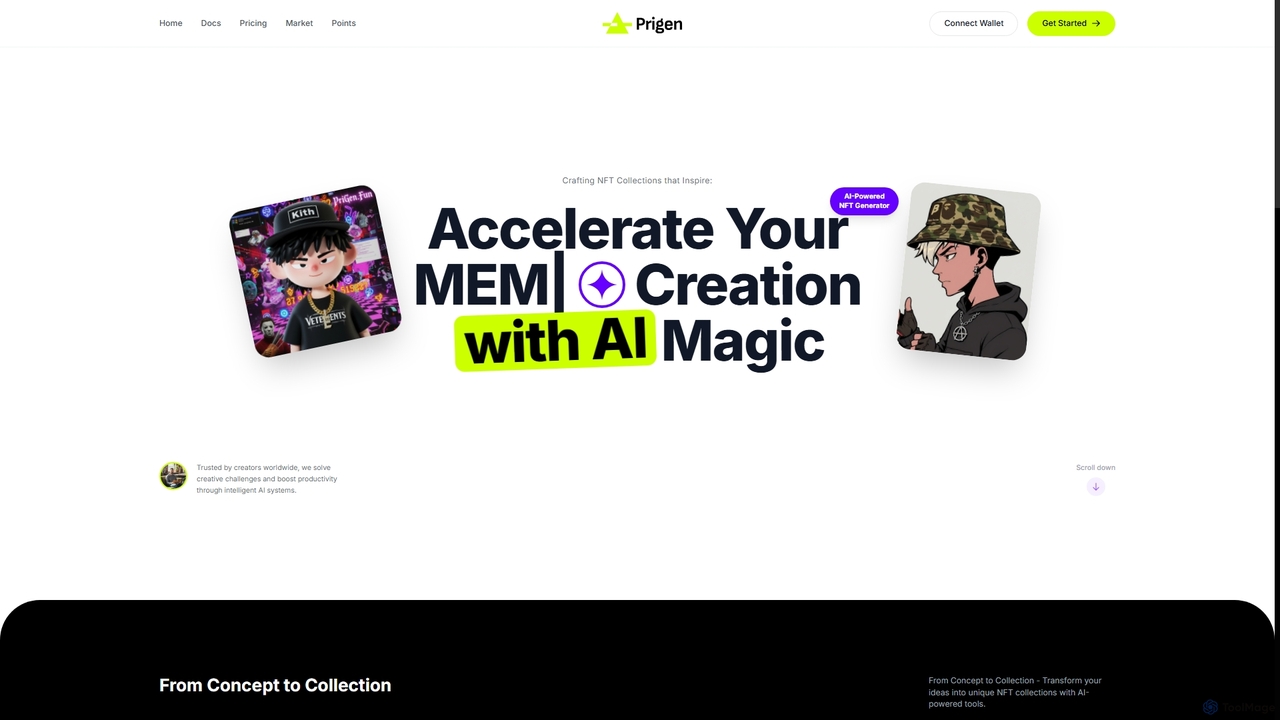
Prigen

Prigen

An AI-powered platform for creating, managing, and monetizing unique NFT collections. It features a visual component system, an …

3.0K
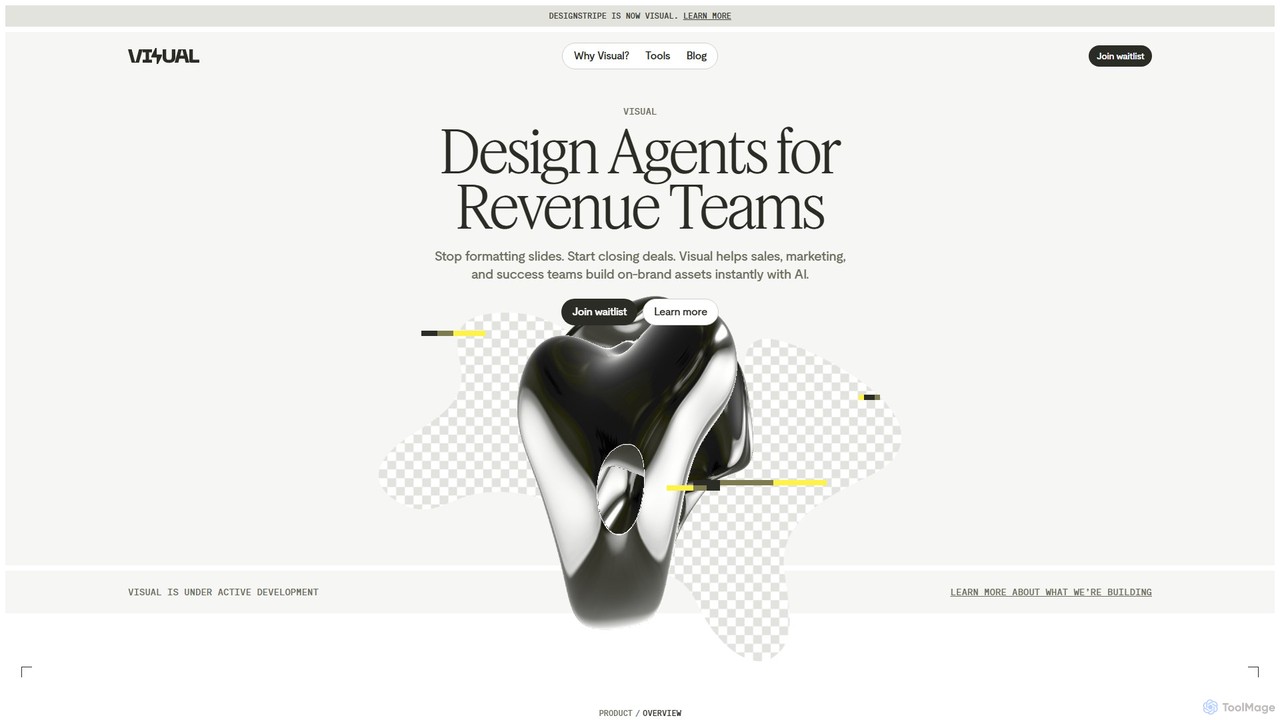
Visual

Visual

Visual is an AI design agent platform for revenue teams (sales, marketing, success) that automates the creation of …

13.7K

About Design Automation

Design Automation tools are a class of AI-powered software that automates the creation of visual content based on templates, data, and predefined rules. These platforms typically use dynamic templates that can be populated with data from sources like spreadsheets or APIs to generate numerous design variations instantly. This approach is ideal for producing large volumes of branded materials, ensuring consistency, and freeing up creative teams from repetitive tasks. By systemizing the design process, these tools significantly boost productivity for marketing, sales, and e-commerce operations.

Core Features

  • Template-Based Generation: Creates designs from smart, reusable templates that enforce brand guidelines.
  • Data Integration: Connects to data sources (e.g., CSV, Google Sheets, APIs) to automatically populate text and images.
  • Bulk Creation: Generates hundreds or thousands of design variations from a single template and dataset.
  • Brand Asset Management: Provides a central library for logos, fonts, and color palettes to maintain brand consistency.
  • API Access: Allows for programmatic design generation, integrating the creation process into other applications and workflows.

Use Cases

Design Automation is widely used by marketing teams for creating scalable social media campaigns, banner ads, and email visuals. E-commerce businesses leverage it to produce standardized product images for various platforms. Sales teams also use it to generate personalized proposals and presentations by automatically inserting client-specific data.

How to Choose

When selecting a Design Automation tool, evaluate its data integration capabilities and the flexibility of its template editor. Consider the supported output formats (e.g., PNG, PDF, MP4) and whether it offers API access for deeper workflow integration. Also, assess the platform's collaboration features and its ability to manage brand assets effectively for team-wide consistency.

Design AutomationUse Cases

1

Automated Social Media Visuals Generation

A marketing team needs to create daily posts for multiple social media platforms, each with different size requirements and promotional text. Instead of a designer manually creating each visual, the team uses a Design Automation tool. They set up a master template that incorporates the brand's logo, fonts, and colors. By connecting a Google Sheet containing the post copy, product images, and prices, the tool automatically generates a full week's worth of content for Instagram, Facebook, and Twitter in correctly sized formats, saving over 80% of the manual design time.

2

Personalized Sales Proposal Automation

A sales team at a B2B company frequently creates custom proposals for potential clients. This process used to take hours per proposal. By implementing a Design Automation tool, they created a dynamic proposal template. Now, a salesperson simply fills out a form with the client's name, logo, industry, and the specific services they are interested in. The tool automatically pulls this data into the template, generating a professional, multi-page, on-brand PDF proposal in minutes. This allows the team to respond to leads faster and maintain a consistent, high-quality brand image.

3

Bulk E-commerce Product Image Creation

An online retailer with thousands of products needs to create consistent promotional images for a seasonal sale. Each image must feature the product, a sale badge, and the discounted price. Manually editing each image would be unfeasible. Using a Design Automation platform, they upload a product data feed (CSV) with product SKUs, prices, and image URLs. The platform applies a sale template to every product, overlaying the sale badge and price information automatically. In under an hour, thousands of ready-to-use promotional images are generated for their website and marketing channels.

4

Dynamic Banner Ad Production for Campaigns

A digital advertising agency runs campaigns for multiple clients, requiring hundreds of banner ad variations for A/B testing and targeting different audiences. Their design team was a bottleneck. With a Design Automation tool, they create a set of master ad templates for each standard size. By connecting a spreadsheet with different headlines, calls-to-action (CTAs), and background images, the tool generates all required ad variations instantly. This allows them to launch campaigns faster, test more creative variables, and optimize ad performance based on real data without overwhelming the design team.

5

Automated Real Estate Listing Flyers

A real estate agency needs to quickly produce high-quality marketing materials for new property listings, including flyers, social media posts, and 'Just Listed' cards. A real estate agent or their assistant enters property details like address, price, number of bedrooms, and key photos into a simple web form. The Design Automation system, integrated with their workflow, instantly generates a complete set of marketing assets using pre-approved, branded templates. This ensures brand consistency across all agents and allows them to market new properties within minutes of listing.

6

Automated Certificate and Document Generation

An online education platform needs to issue personalized certificates of completion to thousands of students each month. Manually creating these documents is time-consuming and prone to errors. They use a Design Automation tool with API access. When a student completes a course, their system sends the student's name, course title, and completion date to the automation tool's API. The tool instantly generates a high-resolution, branded PDF certificate and returns it to their system for immediate delivery to the student. This workflow is fully automated, scalable, and ensures every certificate is accurate and professional.

Design AutomationFrequently Asked Questions