Productivity Best in category 4 results Developer AI Tool

Popular AI tools in the Developer field of Productivity include Baidu Comate、Firebender、Command-G、CodeStory, etc., helping you quickly improve efficiency.

CodeStory

CodeStory

CodeStory is developing Aide, a next-generation, AI-native code editor designed for seamless collaboration between humans and AI. It …

2.2K
Free
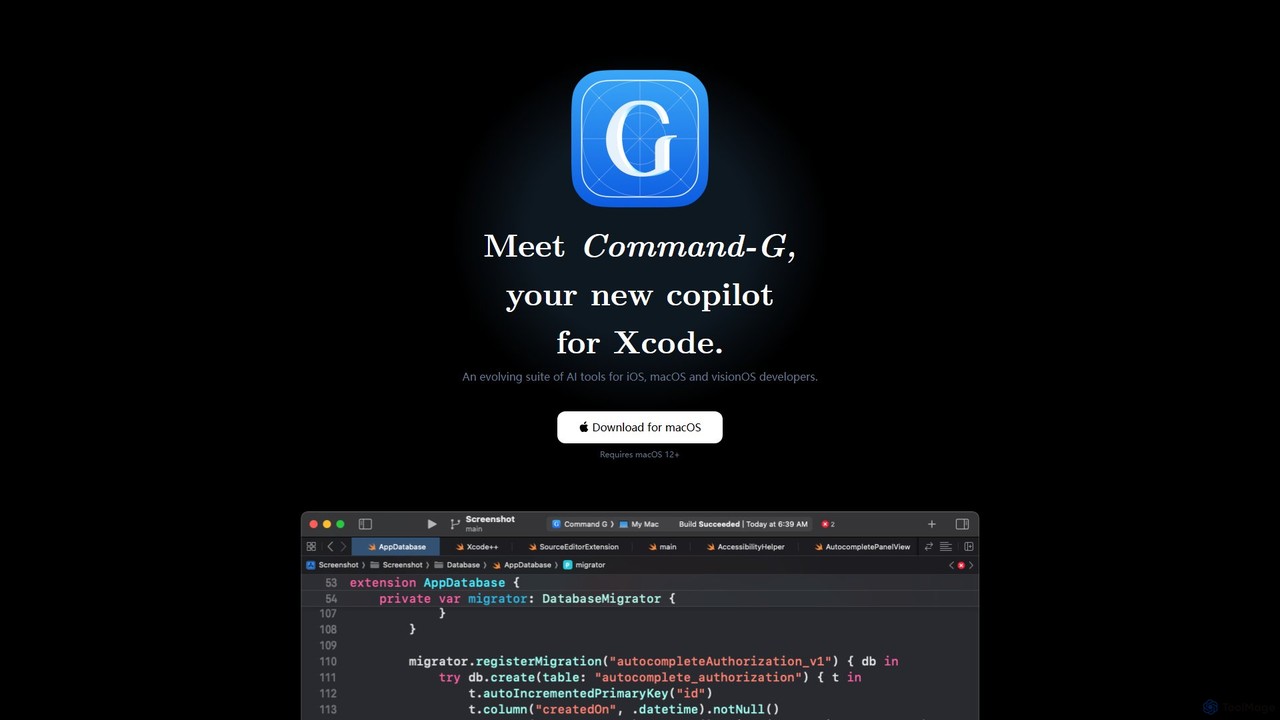
Command-G

Command-G

Command-G is a free, native AI copilot for Xcode, designed for iOS, macOS, and visionOS developers. It enhances …

2.3K
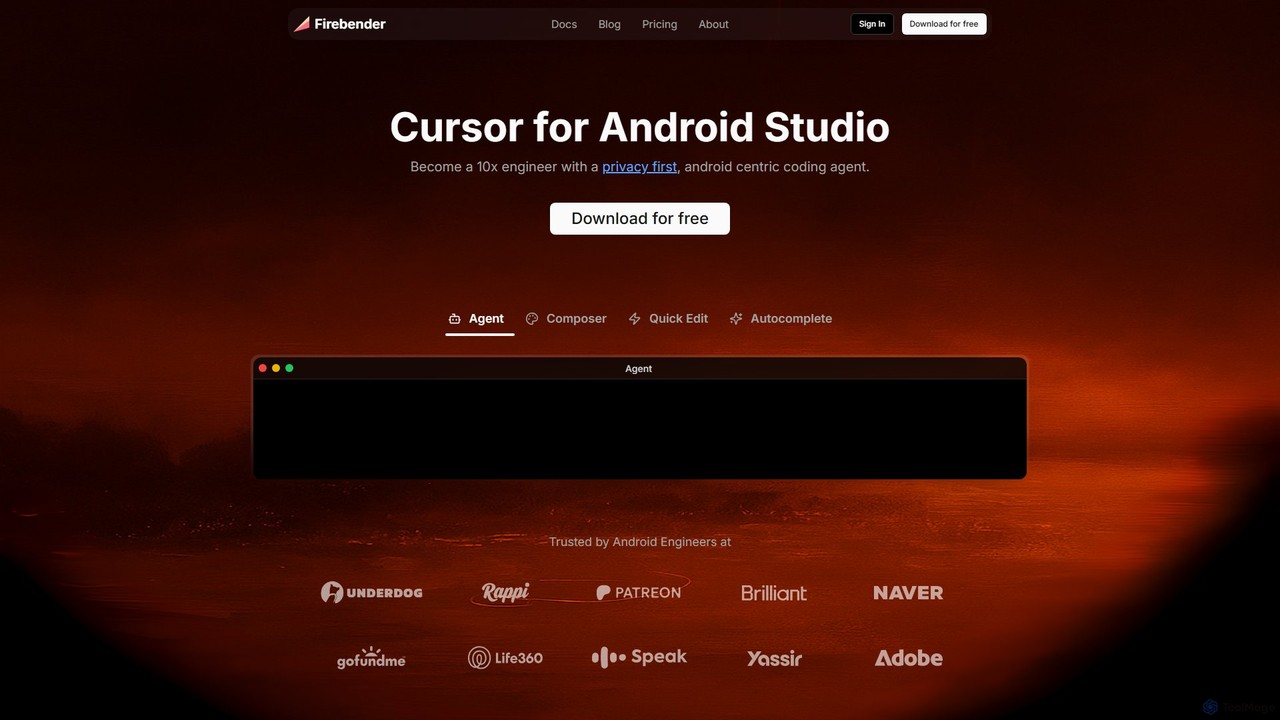
Firebender

Firebender

Firebender is a privacy-first, AI-powered coding agent for Android Studio and IntelliJ. Designed to be the 'Cursor for …

53.8K
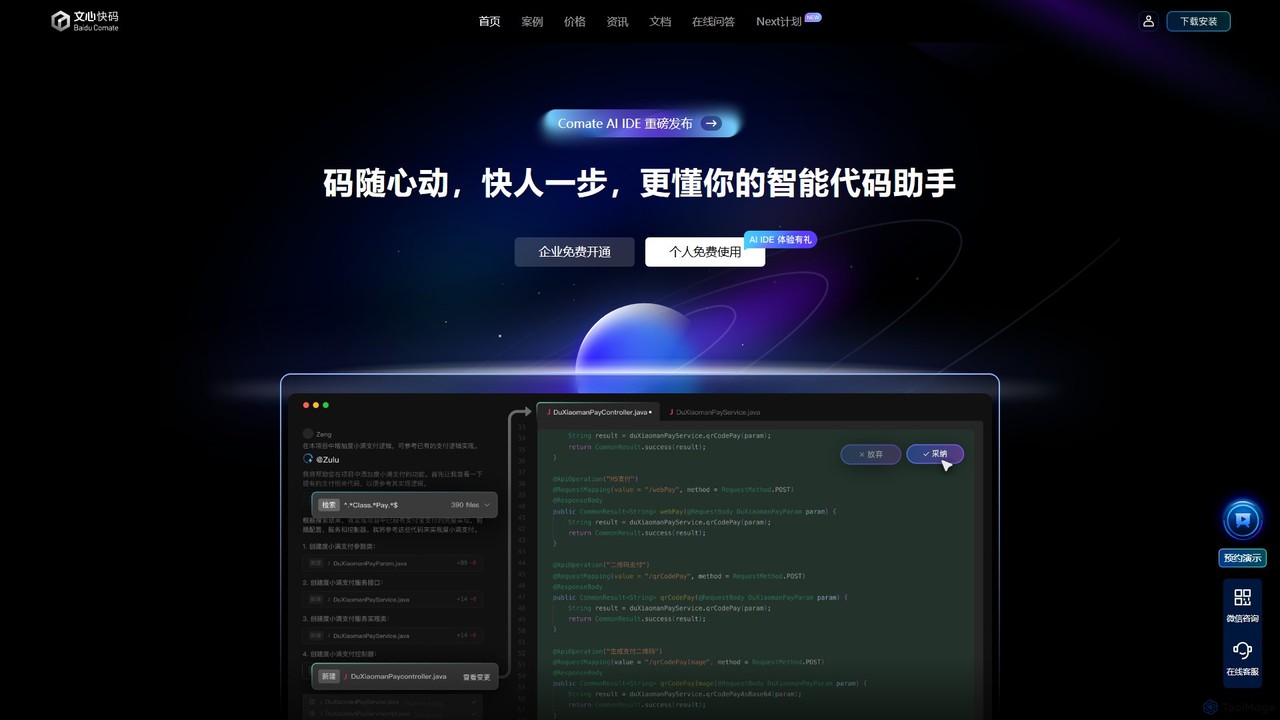
Baidu Comate

Baidu Comate

Baidu Comate is an intelligent AI code assistant powered by Baidu's Wenxin large language model. It integrates seamlessly …

1.7M

About Developer

AI Developer tools are a class of software that leverages artificial intelligence to assist and accelerate the entire software development lifecycle. These tools integrate advanced models to understand code context, generate syntax, identify bugs, and automate repetitive tasks. Their primary value lies in boosting developer productivity, improving code quality, and reducing the time from concept to deployment. Many function as intelligent pair programmers, offering real-time suggestions and solutions within the developer's existing workflow.

Core Features

  • AI Code Generation & Completion: Generates code snippets, functions, or entire files from natural language descriptions.
  • Automated Bug Detection & Fixing: Analyzes code to proactively identify errors, security vulnerabilities, and performance issues, often suggesting one-click fixes.
  • Intelligent Code Refactoring: Suggests improvements to code structure, readability, and efficiency without changing its external behavior.
  • Automated Test Generation: Creates relevant unit tests and test cases based on the existing codebase to improve test coverage.
  • Natural Language to Query: Translates plain English requests into complex SQL queries, API calls, or shell commands.

Applicable Scenarios

These tools are widely used by software engineers, DevOps specialists, data scientists, and QA engineers. Common applications include rapid prototyping of new features, maintaining and understanding complex legacy codebases, automating code reviews in CI/CD pipelines, and assisting developers in learning new programming languages or frameworks.

Selection Criteria

When choosing an AI Developer tool, consider its integration with your preferred IDE (e.g., VS Code, JetBrains), the programming languages and frameworks it supports, its data privacy and security policies (especially for proprietary code), the accuracy of its suggestions, and its pricing model (per-user subscription vs. token-based usage).

DeveloperUse Cases

1

Accelerate New Feature Development

A backend developer is tasked with building a new API endpoint for user profile management. Instead of writing all the boilerplate code from scratch, they use an AI developer tool. By providing a natural language prompt like 'Create a REST API endpoint in Python with FastAPI for user profiles including CRUD operations and JWT authentication,' the tool generates the initial file structure, data models, validation logic, and basic endpoint functions. This reduces initial setup time by over 70%, allowing the developer to focus immediately on complex business logic and integration.

2

Automate Code Review and Refactoring

A software team integrates an AI developer tool into their CI/CD pipeline. When a developer submits a pull request, the AI automatically scans the new code. It identifies potential performance bottlenecks, suggests more efficient algorithms, flags security vulnerabilities like SQL injection risks, and ensures adherence to the team's coding style guide. This automated pre-review process catches common issues before a human reviewer spends time on them, leading to a 40% faster code review cycle and more consistent code quality across the entire project.

3

Generate Unit Tests for Legacy Code

A QA engineer needs to increase test coverage for a critical but poorly documented legacy module written in Java. Using an AI developer tool, they select the relevant classes and methods. The tool analyzes the code's logic, input parameters, and potential edge cases, then automatically generates a suite of JUnit tests. It creates tests for successful paths, error handling, and null inputs, increasing the module's test coverage from 15% to over 80% in a single afternoon. This significantly reduces the risk of introducing regressions during future modifications.

4

Debug Complex Issues with AI Assistance

A junior developer encounters a cryptic 'NullPointerException' deep within a multi-threaded application. After hours of manual debugging with no success, they paste the problematic code snippet and the full stack trace into an AI developer tool. The AI analyzes the execution flow across threads, identifies a potential race condition where an object is accessed before it's initialized, and explains the root cause in simple terms. It then provides a corrected code snippet using proper synchronization mechanisms, solving a problem that could have taken a senior developer hours to diagnose.

5

Translate Natural Language to SQL Queries

A data analyst needs to pull a complex report from the company's database but is not an expert in SQL joins and window functions. They use an AI developer tool with a natural language interface. They type the request: 'Find the top 5 customers by total sales in the last quarter, and for each, show their first purchase date and total number of orders.' The tool instantly generates an optimized SQL query with the correct joins, aggregations, and filtering. This empowers non-technical users to perform complex data analysis independently and saves data engineers' time from writing routine queries.

6

Automate API Documentation Generation

A team is developing a public API and needs to maintain accurate, up-to-date documentation. They use an AI developer tool that integrates with their source code repository. The tool parses the source code, including comments, type hints, and annotations (e.g., JSDoc, Python docstrings). It then automatically generates a complete, interactive API reference website. When a developer updates an endpoint's parameters or response structure, the documentation is automatically regenerated and deployed upon merging the code, ensuring the documentation is never out of sync with the actual API and saving countless hours of manual writing.

DeveloperFrequently Asked Questions