ToolMage
Sign in

Best 8 Document Creation AI tools for Productivity

Popular Document Creation AI tools in Productivity include Gamma, Baidu Wenku AI, aidocmaker, Designrr, NextDocs, Proposa, Resumier, and MakeTheResume, helping you work more efficiently.

Freemium

NextDocs

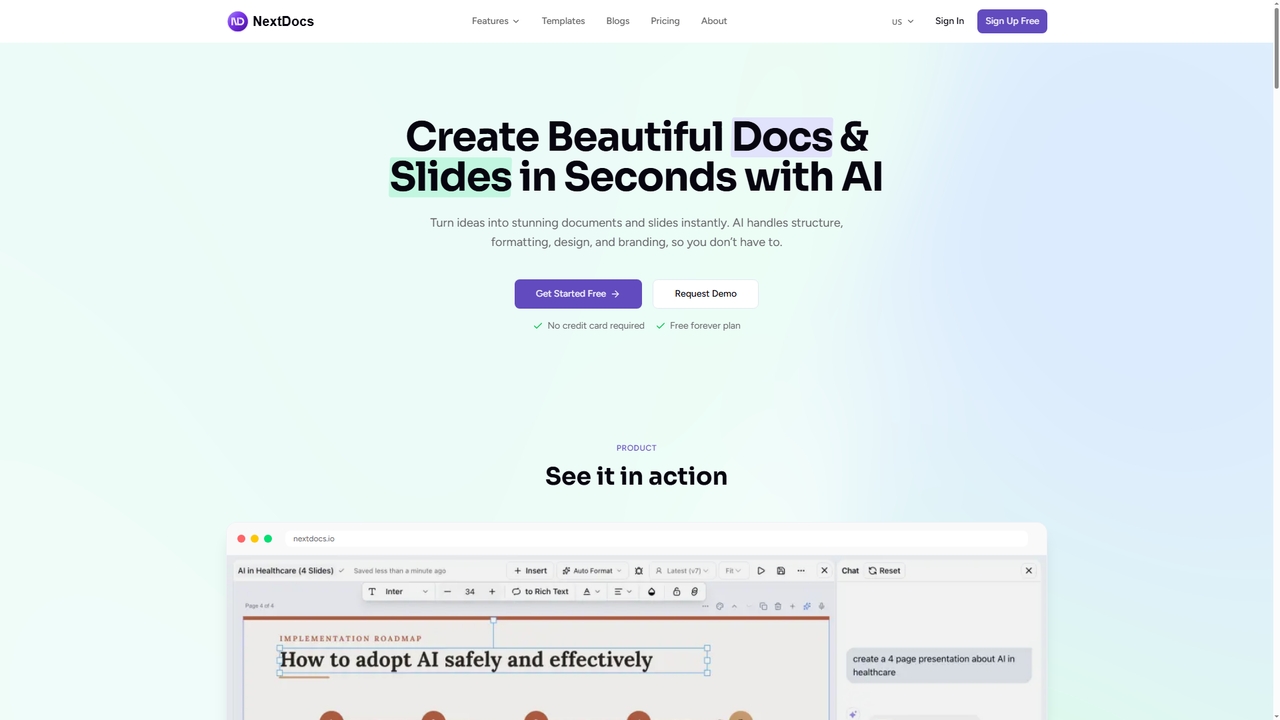
NextDocs is an AI-powered document and presentation generator that transforms ideas into polished documents and slides in seconds. It handles structure, formatting, and design automatically, supports multiple formats from a single prompt, and offers flexible editing and export options to fit any workflow.

Communication
Visits 92.1KFavorites 13Likes 15
Freemium

Resumier

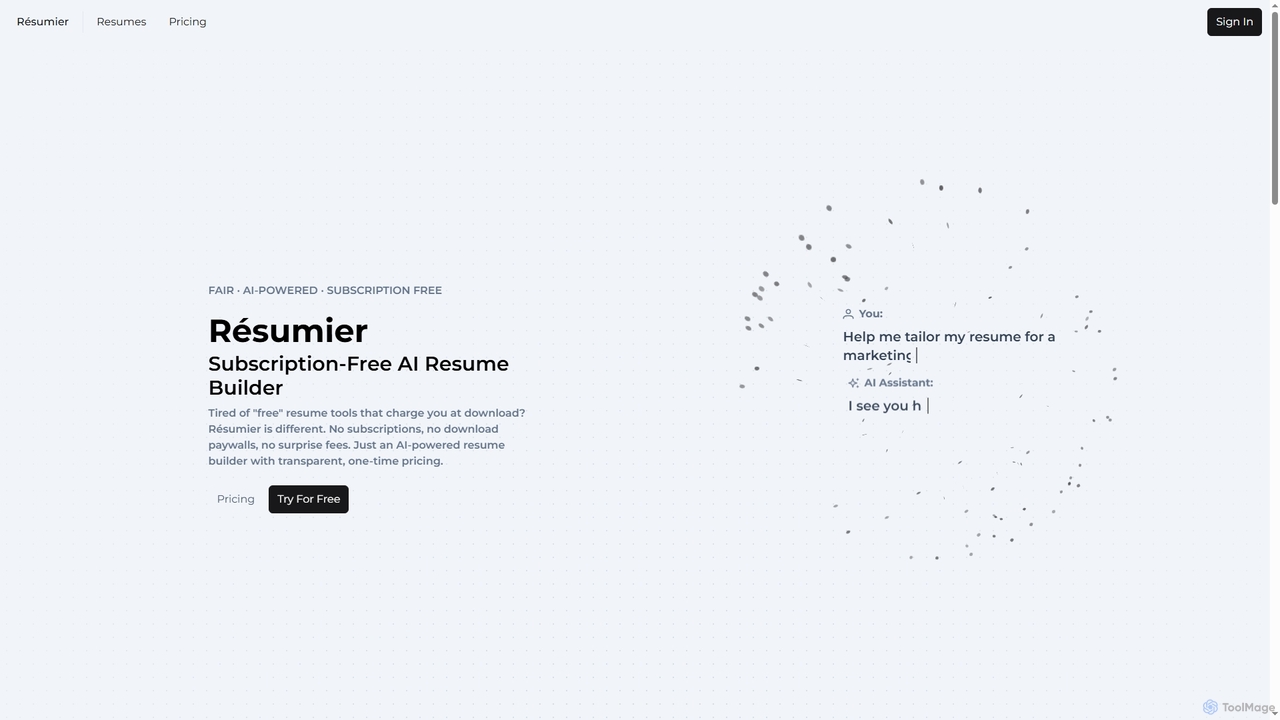
Resumier is an AI-powered resume builder designed for fairness and transparency. It offers intelligent assistance to help users tailor their resumes for specific job roles, highlighting key achievements with metrics. Unlike traditional services, Resumier operates on a subscription-free, one-time payment model, ensuring no hidden fees or auto-renewals. It supports multilingual resume creation and provides ATS-friendly templates, making professional job applications accessible and straightforward for everyone.

Resume Building
Visits 4.3KFavorites 31Likes 29
Paid

MakeTheResume

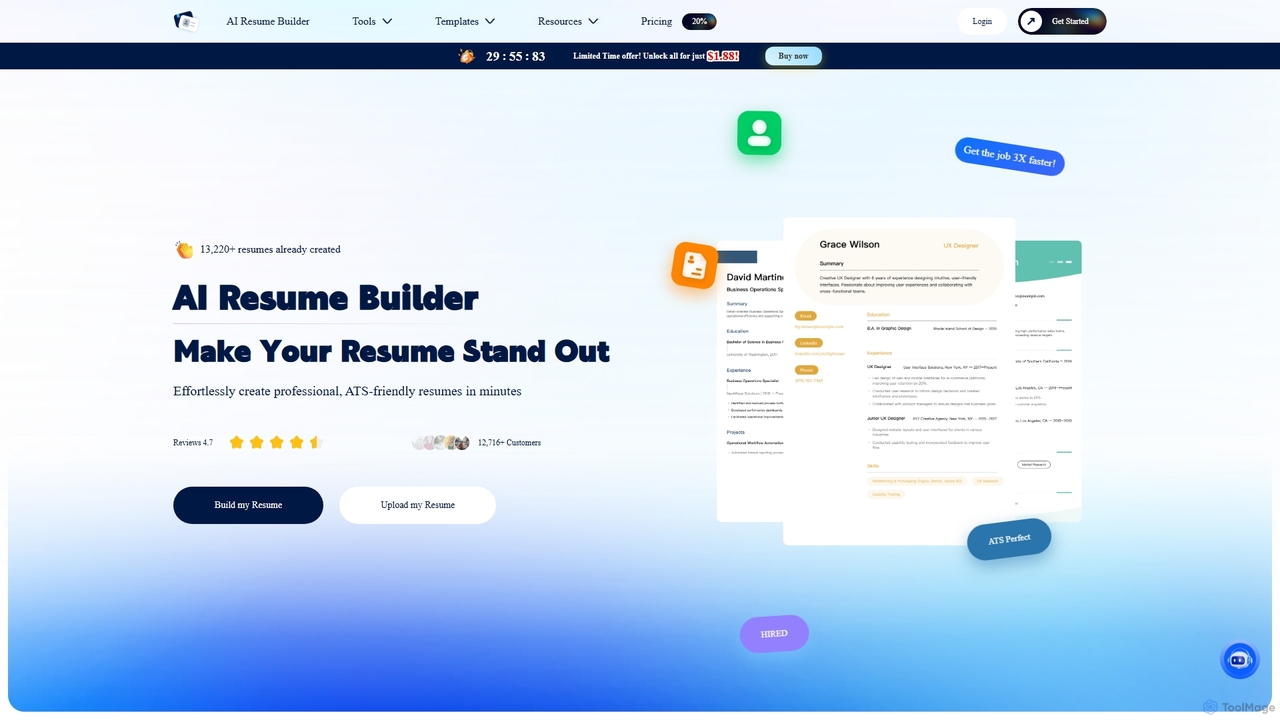
MakeTheResume is an AI-powered platform designed to help job seekers create professional, ATS-friendly resumes and cover letters quickly. It optimizes content for applicant tracking systems, offers a variety of templates, and provides AI-driven suggestions to enhance your job application materials.

Resume Builder
Visits 3.4KFavorites 70Likes 64
Freemium

Baidu Wenku AI

Baidu Wenku AI is an all-in-one intelligent document productivity platform powered by Baidu's ERNIE LLM. It transforms the traditional document library into a dynamic creation suite, enabling users to instantly generate PPTs, write articles, summarize complex documents, conduct AI-powered web searches, and chat with their files for quick insights. It's designed to streamline workflows for students, professionals, and researchers.

Presentation
Visits 13.1MFavorites 118Likes 119
Freemium

Gamma

Gamma is an AI-powered design partner that revolutionizes content creation. It enables users to effortlessly generate polished presentations, engaging websites, professional documents, and social media graphics from simple text prompts. Move beyond traditional slide decks and blank pages, and transform your ideas into visually stunning, ready-to-share materials in minutes, no design skills required.

Website Builder
Visits 30.7MFavorites 94Likes 105
Paid

Proposa

Proposa is an AI-powered platform designed to streamline the creation, management, and tracking of business proposals. It helps sales teams, agencies, and freelancers craft professional, interactive, and persuasive proposals to close deals faster. The tool combines intelligent automation, a rich template library, and real-time analytics to enhance efficiency and win rates.

Crm
Visits 7.1KFavorites 98Likes 96
Paid

Designrr

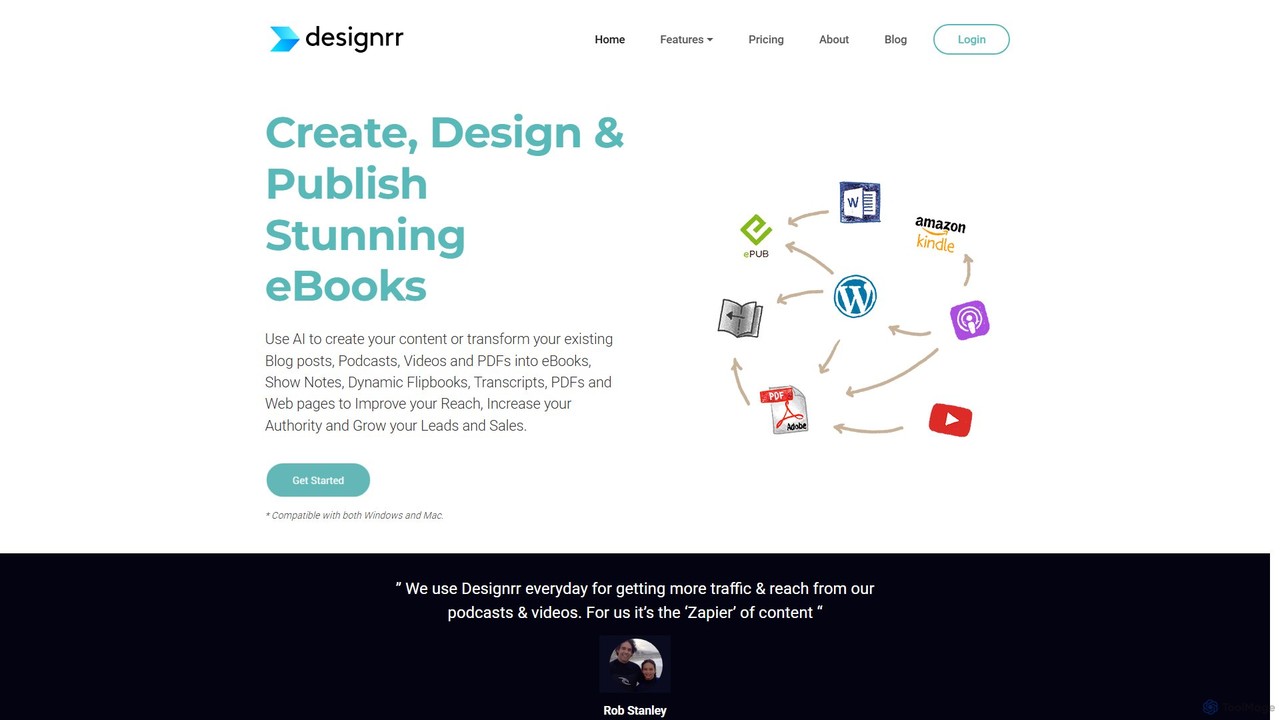
Designrr is an AI-powered platform that transforms your existing content—like blog posts, podcasts, videos, and PDFs—into professionally designed eBooks, lead magnets, flipbooks, and more in minutes. It also features an AI writer to generate new content from scratch, making it a comprehensive solution for content repurposing and creation.

Content Creation
Visits 375.5KFavorites 124Likes 118
Freemium

aidocmaker

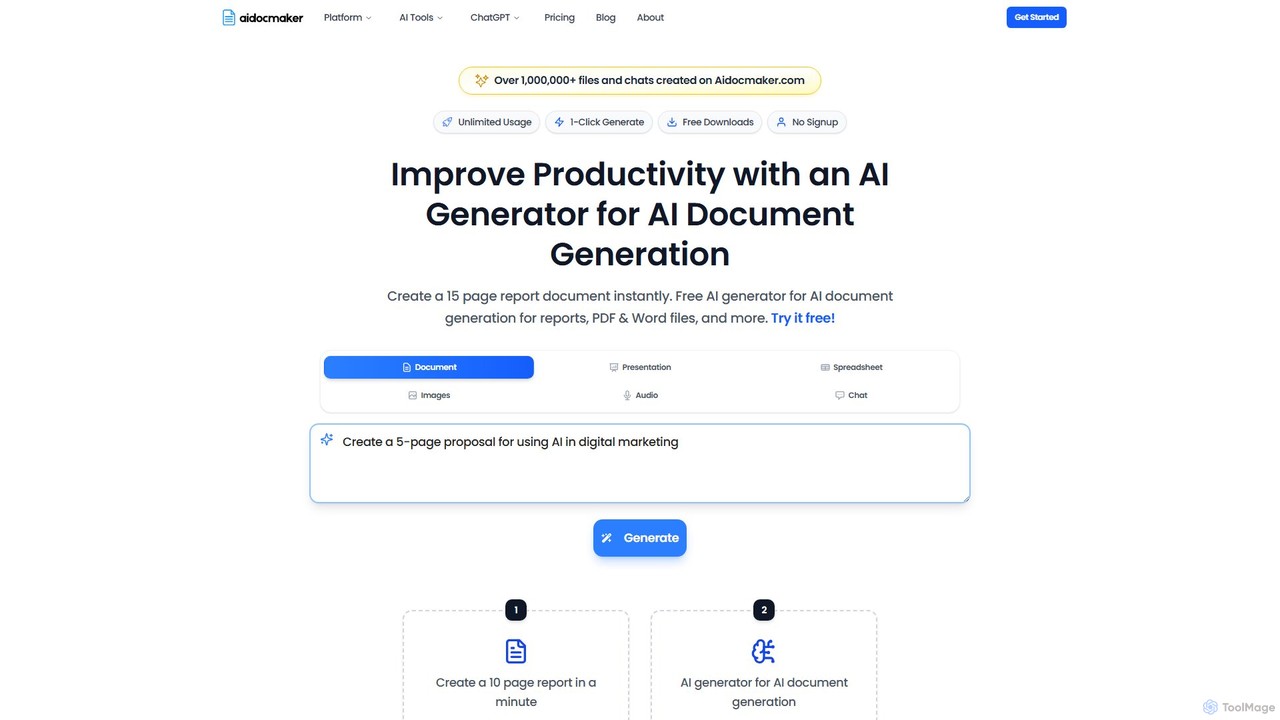
Aidocmaker is an all-in-one AI-powered generative studio that enables users to effortlessly create documents, presentations, spreadsheets, images, and voiceovers. Simply provide a prompt to generate professional, ready-to-edit content in seconds, streamlining workflows and boosting productivity for business, education, and creative projects.

Text To Speech
Visits 490.8KFavorites 71Likes 73

About Document Creation

Document Creation tools are a class of AI-powered software that automates the generation of structured, text-based documents. These tools leverage natural language generation (NLG) models and predefined templates to transform data, prompts, or outlines into complete reports, contracts, proposals, and articles. Their primary value lies in significantly reducing the time and effort required for repetitive writing tasks, ensuring consistency and accuracy across multiple documents. This allows professionals to focus on analysis and strategy rather than manual drafting.

Core Features

  • Template-Based Generation: Users select a document type (e.g., business report, legal agreement) and the AI populates it with relevant information based on inputs.
  • Data-to-Text Conversion: Automatically transforms structured data from spreadsheets, databases, or APIs into coherent narrative text and summaries.
  • Prompt-Driven Drafting: Generates entire sections or full documents from natural language instructions, outlines, or key points provided by the user.
  • Automated Formatting & Styling: Applies consistent branding, layouts, headings, and other stylistic elements according to predefined rules, ensuring professional presentation.
  • Content Customization: Allows for dynamic insertion of variables like client names, dates, and specific figures to create personalized documents at scale.

Use Cases

These tools are widely used in sectors that require high-volume document production. For instance, financial analysts use them to generate quarterly earnings reports from raw data. Legal teams automate the drafting of standard contracts like NDAs, while sales departments create customized proposals by pulling data from their CRM. Marketing teams also use them to produce personalized email campaigns and content briefs.

How to Choose

When selecting a Document Creation tool, first consider the specific document types it supports and its compatibility with your industry's standards. Evaluate its data integration capabilities—can it connect seamlessly with your existing data sources like Salesforce, Google Sheets, or SQL databases? Assess the level of customization available for templates and output style. Finally, consider collaboration features and security protocols, especially if handling sensitive information.

Featured tool rankings

Document Creation use cases

1

Automate Quarterly Business Reports

A financial analyst for a mid-sized company needs to prepare a detailed quarterly performance report for the board. Instead of manually compiling data from spreadsheets and writing summaries, they connect an AI Document Creation tool to their financial database. The tool automatically pulls key metrics, generates narrative summaries for revenue, profit margins, and expenses, and populates a pre-designed report template. This process reduces the report generation time from three days to a few hours, minimizes human error, and allows the analyst to spend more time on interpreting the data rather than compiling it.

2

Draft Standard Legal Agreements

A small law firm frequently drafts non-disclosure agreements (NDAs) for its clients. To streamline this, they use an AI document tool with a pre-approved legal template. A paralegal inputs key variables for each new case—such as the names of the parties, the effective date, and the scope of confidential information—into a simple form. The AI instantly generates a complete, formatted NDA ready for attorney review. This reduces drafting time by over 80%, ensures all agreements are consistent with firm standards, and frees up legal staff to focus on more complex, billable work.

3

Generate Personalized Sales Proposals

A sales team at a B2B software company needs to create tailored proposals for dozens of potential clients each week. They integrate their AI Document Creation tool with their CRM (e.g., Salesforce). When a deal reaches the 'Proposal' stage, the tool automatically pulls the client's name, company details, identified pain points, and quoted price from the CRM. It then populates a proposal template, dynamically inserting the relevant information and even suggesting relevant case studies from a content library. This allows each salesperson to generate highly personalized, professional-looking proposals in minutes instead of hours.

4

Produce Technical Documentation from Code

A software development team needs to maintain up-to-date API documentation and user guides. They use a specialized AI document generator that can parse code comments and analyze the code structure. As developers push new code, the tool automatically updates the documentation, generating clear explanations of functions, parameters, and return values. It also creates step-by-step user guides based on predefined workflow templates. This ensures the documentation is always in sync with the product, reduces the burden on developers, and provides clear, accurate information for end-users and other developers.

5

Streamline HR Onboarding Paperwork

An HR department manages the onboarding for dozens of new hires each month. They use an AI document tool connected to their Applicant Tracking System (ATS). When a candidate is marked as 'Hired', the tool automatically generates a complete onboarding package, including a personalized offer letter with the correct salary and start date, an employment contract, and relevant policy documents. This automation eliminates manual data entry, reduces the risk of errors in critical documents, and ensures a consistent and professional experience for every new employee from day one.

6

Create Real Estate Property Descriptions

A real estate agency needs to write compelling property descriptions for hundreds of listings. A realtor inputs a list of key features for a property—such as square footage, number of bedrooms, unique amenities (e.g., 'hardwood floors', 'updated kitchen'), and location details—into an AI document tool. The AI then generates several variations of a well-written, engaging property description, highlighting the best features in a narrative format. This allows the agency to quickly produce high-quality marketing copy for websites and brochures, ensuring consistency in tone and style across all listings.

Document Creation FAQ

What are AI Document Creation tools?

AI Document Creation tools are applications that use artificial intelligence, particularly Natural Language Generation (NLG), to automatically draft structured documents. Unlike a simple template filler, these tools can understand context, interpret data, and generate human-like text. They transform raw data, outlines, or user prompts into complete, formatted documents such as reports, contracts, and proposals. Their main purpose is to automate repetitive and time-consuming writing tasks, increase accuracy, and maintain brand consistency at scale.

How is an AI Document Creation tool different from a word processor like Google Docs or Microsoft Word?

The core difference lies in content generation versus content editing. A word processor is a tool for manual writing, formatting, and editing; you are the author of the content. In contrast, an AI Document Creation tool is the author. It actively generates the text based on data inputs and instructions.

  • Word Processor: A blank canvas for you to write on.
  • AI Document Creator: A system that writes for you, turning data or prompts into a finished document.
Essentially, you use a word processor to refine a document, but you use an AI document creator to produce the initial draft or even the final version automatically.

How do I choose the right AI Document Creation tool for my business?

Choosing the right tool depends on your specific needs. Consider these key factors:

  • Document Types: Does the tool specialize in the documents you create most often (e.g., legal contracts, financial reports, marketing copy)?
  • Data Integration: Can it connect to your existing data sources, such as CRMs, databases, or spreadsheets, to pull information automatically?
  • Customization and Control: How much control do you have over the templates, tone of voice, and formatting to ensure it matches your brand standards?
  • Scalability and Workflow: Does it support bulk generation and can it be integrated into your existing workflows via APIs or other integrations?
  • Security: If you handle sensitive data, ensure the tool complies with relevant data protection regulations like GDPR or HIPAA.
Start by identifying your most repetitive document-related task and look for a tool that excels at automating that specific process.

What types of documents can be generated with AI?

AI Document Creation tools are versatile and can generate a wide range of documents across various industries. Common examples include:

  • Business Reports: Financial summaries, performance reviews, market analysis reports.
  • Legal Documents: Standard contracts, non-disclosure agreements (NDAs), terms of service.
  • Sales & Marketing Materials: Personalized proposals, email campaigns, product descriptions, social media posts.
  • Technical Documentation: User manuals, API documentation, knowledge base articles.
  • HR Documents: Offer letters, employment contracts, job descriptions.
The key is that these documents are typically structured and often rely on combining template text with variable data, making them ideal for automation.

Is the content generated by AI Document Creation tools accurate and reliable?

The accuracy of AI-generated documents is highly dependent on the quality of the input data and the sophistication of the tool. When based on structured data from a reliable source (like a financial database or CRM), the output is typically very accurate for factual information. However, for more nuanced or creative text, human review is often recommended. Most professional tools are designed to be highly reliable for their specific use cases, but it's a best practice to have a human-in-the-loop to verify critical documents, especially in legal or financial contexts, before finalization.