ToolMage
Sign in

Best 2 Education AI tools for Productivity

Popular Education AI tools in Productivity include CodeFriends and Audyo, helping you work more efficiently.

CodeFriends
Freemium

CodeFriends

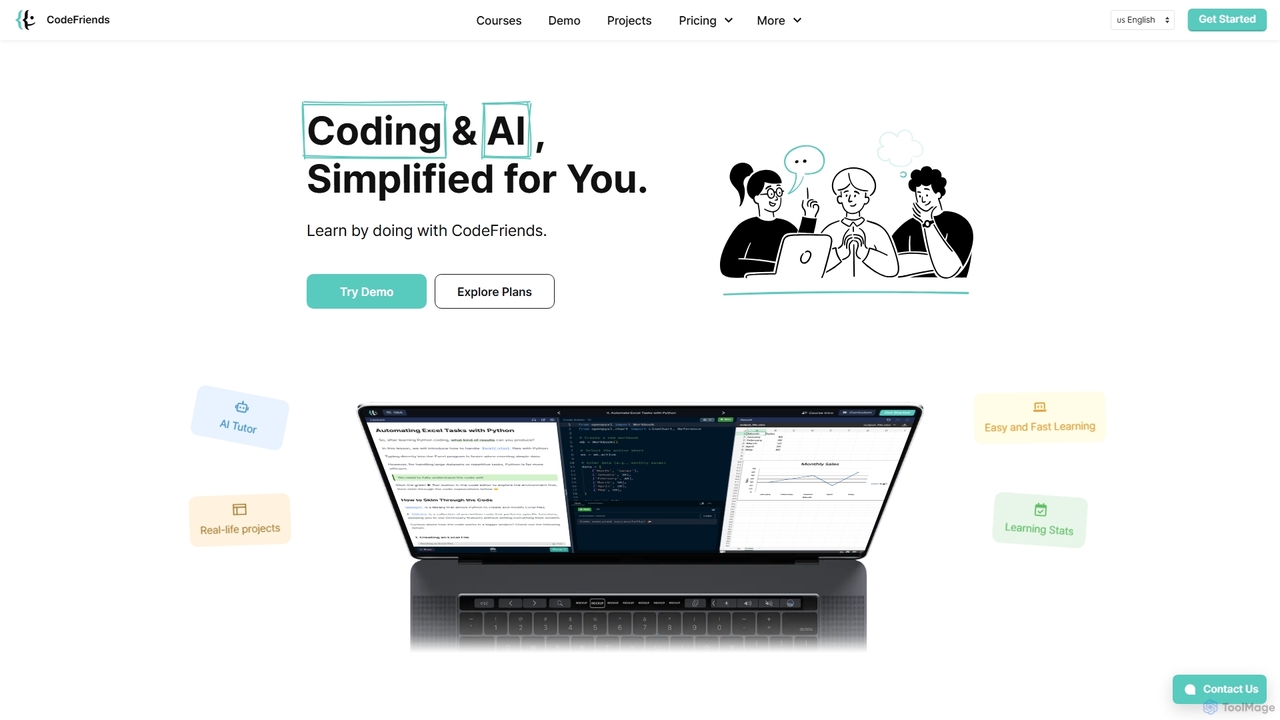
CodeFriends is an interactive, browser-based learning platform designed to teach coding and AI through hands-on projects. It features a real-time code editor, an AI tutor for instant feedback, and one-click project deployment. Suitable for beginners, professionals, and educational institutions, it simplifies the learning process without requiring any software installation.

Learning Platforms
Visits 11.8KFavorites 121Likes 101
Audyo
Freemium

Audyo

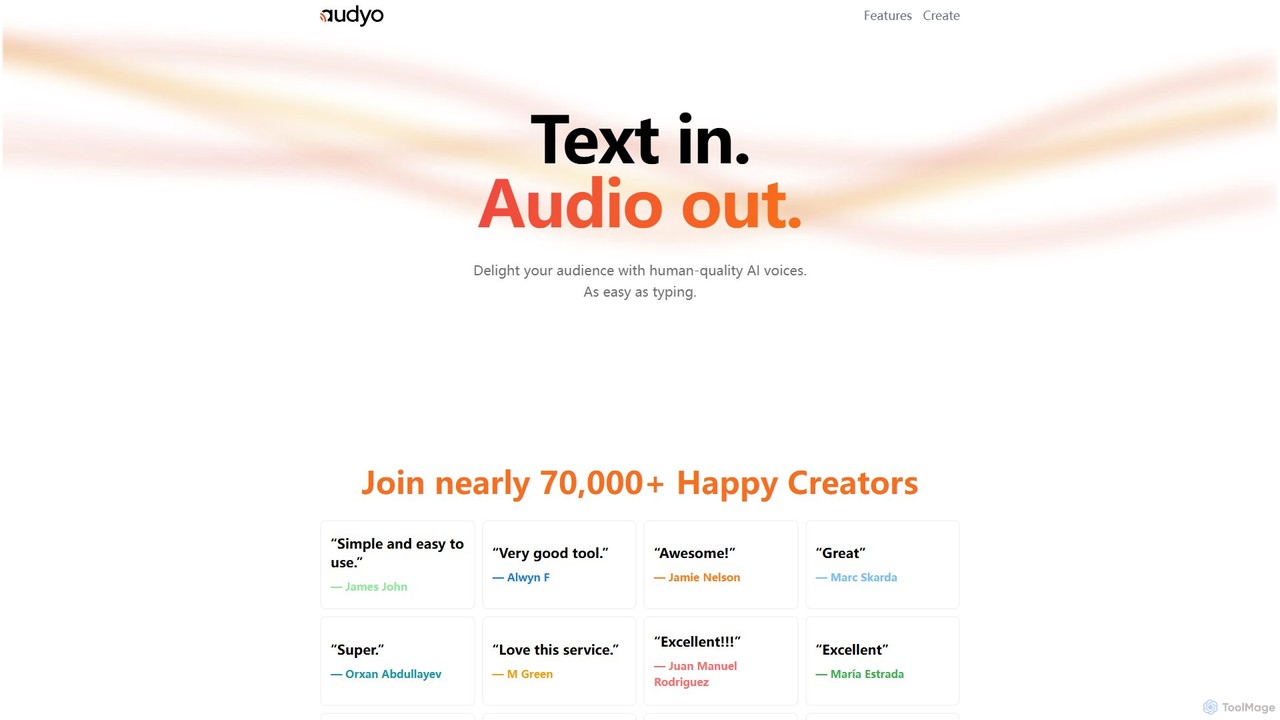
Audyo is a powerful AI text-to-speech generator that transforms text into human-quality audio with ease. It offers over 100 voices, including celebrity impressions and various languages/accents. Ideal for creators, it simplifies audio production for videos, podcasts, and presentations, making it as easy as typing in a document.

Text To Speech
Visits 7.2KFavorites 118Likes 109

About Education

AI Education tools are applications that use artificial intelligence to create personalized and efficient learning experiences. They leverage machine learning and natural language processing to analyze a user's learning style, pace, and knowledge gaps, adapting content in real time. These tools significantly improve educational outcomes by providing instant feedback, automating administrative tasks for teachers, and making learning more engaging and accessible. As a specialized area of productivity, they empower both learners and educators to achieve their goals more effectively.

Core Features

  • Personalized Learning Paths: Adapts curriculum and difficulty based on individual student performance and goals.
  • Automated Grading & Feedback: Instantly evaluates assignments, quizzes, and essays, providing detailed, constructive feedback.
  • Intelligent Tutoring Systems (ITS): Offers one-on-one, AI-driven guidance and problem-solving support, available 24/7.
  • Educational Content Generation: Creates customized study materials, such as summaries, flashcards, and practice questions from source texts.
  • Interactive Simulations: Provides immersive, hands-on learning environments for complex subjects like science or medicine.

Use Cases

These tools are widely used across the educational spectrum. Students use them for homework assistance and exam preparation. Teachers and professors leverage them to automate grading, create lesson plans, and identify students who need extra support. Corporate training departments deploy them for employee upskilling and onboarding, while language learners use them for real-time conversation practice.

How to Choose

When selecting an AI Education tool, consider its subject matter specialization and the target age group. Evaluate the depth of its personalization and feedback capabilities. Check for integration with existing Learning Management Systems (LMS) like Moodle or Canvas. Finally, review its data privacy policies to ensure student information is handled securely and ethically.

Education use cases

1

Creating Personalized Study Plans for Students

A high school student preparing for final exams uses an AI education tool to identify their weak areas in mathematics. The tool analyzes their performance on practice quizzes and generates a customized study schedule. It provides targeted video tutorials, practice problems, and articles focusing specifically on topics like algebra and geometry where the student needs improvement. This approach transforms generic revision into a highly efficient, personalized learning journey, boosting confidence and improving exam scores.

2

Automating Grading for Educators

A university professor teaching a large literature class with over 200 students uses an AI tool to manage essay grading. Instead of spending weeks manually reading each paper, the professor sets a rubric within the tool. The AI then evaluates each submission for grammar, structure, argument coherence, and plagiarism, providing instant, consistent feedback to students. This frees up the professor's time to focus on preparing engaging lectures and offering personalized support during office hours.

3

Interactive Language Conversation Practice

An individual learning Spanish for an upcoming trip uses an AI language tutor. The application acts as a conversation partner, allowing the user to practice speaking in realistic scenarios like ordering food or asking for directions. The AI provides real-time feedback on pronunciation, grammar, and vocabulary choice. Unlike static apps, this interactive experience helps build conversational fluency and confidence much faster than traditional methods.

4

Generating Quizzes from Lecture Materials

A corporate trainer needs to create an assessment for a new compliance training module. They upload the training manual and presentation slides into an AI education tool. The tool automatically analyzes the content and generates a variety of question types, including multiple-choice, true/false, and short-answer questions. This process reduces the time needed to create a comprehensive quiz from hours to minutes, ensuring the assessment accurately reflects the key learning objectives.

5

Developing Skills with AI-Powered Simulations

A medical student uses an AI simulation tool to practice diagnostic procedures. The platform presents virtual patients with various symptoms and medical histories. The student can order tests, analyze results, and make a diagnosis in a risk-free environment. The AI provides immediate feedback on their decisions, explaining the consequences of each action. This immersive practice helps develop critical thinking and clinical reasoning skills that are essential for real-world medical practice.

6

Assisting Research and Literature Review

A postgraduate researcher working on their thesis uses an AI tool to streamline their literature review process. They input their research topic, and the tool scans thousands of academic papers to identify and summarize the most relevant ones. It can also create annotated bibliographies and highlight key themes, arguments, and gaps in the existing research. This significantly accelerates the research phase, allowing the student to focus on analysis and writing.

Education FAQ

What are AI Education tools?

AI Education tools are software applications that use artificial intelligence to enhance and personalize the learning process. They go beyond traditional digital resources by actively adapting to a user's individual needs. Key features include creating personalized learning paths, providing instant, automated feedback on assignments, and offering intelligent tutoring. They are used by students, teachers, and professionals to make learning more efficient, engaging, and effective.

How do I choose the right AI Education tool?

To choose the right tool, consider these four factors:

  • Learning Goals: Identify what you want to achieve. Are you studying for an exam, learning a new language, or creating course content?
  • Target Audience: Ensure the tool is appropriate for the learner's age and skill level, whether K-12, higher education, or corporate training.
  • Key Features: Evaluate if its features, such as automated grading, content generation, or interactive simulations, match your needs.
  • Data Privacy: Review the tool's privacy policy, especially for tools used by minors, to ensure data is handled securely and ethically.
What is the difference between AI Education tools and traditional e-learning platforms?

The key difference is personalization and interactivity. Traditional e-learning platforms, like a Learning Management System (LMS), typically deliver static content such as videos and PDFs to all users in the same way. AI Education tools, however, use data to create a dynamic experience. They analyze user performance to adapt the content, difficulty, and learning path for each individual, offering a more tailored and responsive educational journey.

Who can benefit from using AI Education tools?

A wide range of users can benefit. Students get personalized support and instant feedback to learn at their own pace. Educators can automate administrative tasks like grading and lesson planning, freeing up time for direct student interaction. Corporate trainers can create effective, scalable skill development programs. Lifelong learners can acquire new skills efficiently, from languages to technical subjects.

How do AI Education tools work?

AI Education tools primarily use a few core AI technologies. Machine learning algorithms analyze student data (e.g., quiz scores, time spent on tasks) to identify patterns and predict future performance, which allows for content personalization. Natural Language Processing (NLP) enables the tools to understand, interpret, and generate human language, which is crucial for grading essays, providing feedback, and powering conversational tutors. Data analytics helps visualize learning progress for both students and teachers.