Productivity Best in category 2 results Freelancer Tools AI Tool

Popular AI tools in the Freelancer Tools field of Productivity include KeeperTax、santelmomusic, etc., helping you quickly improve efficiency.

santelmomusic

santelmomusic

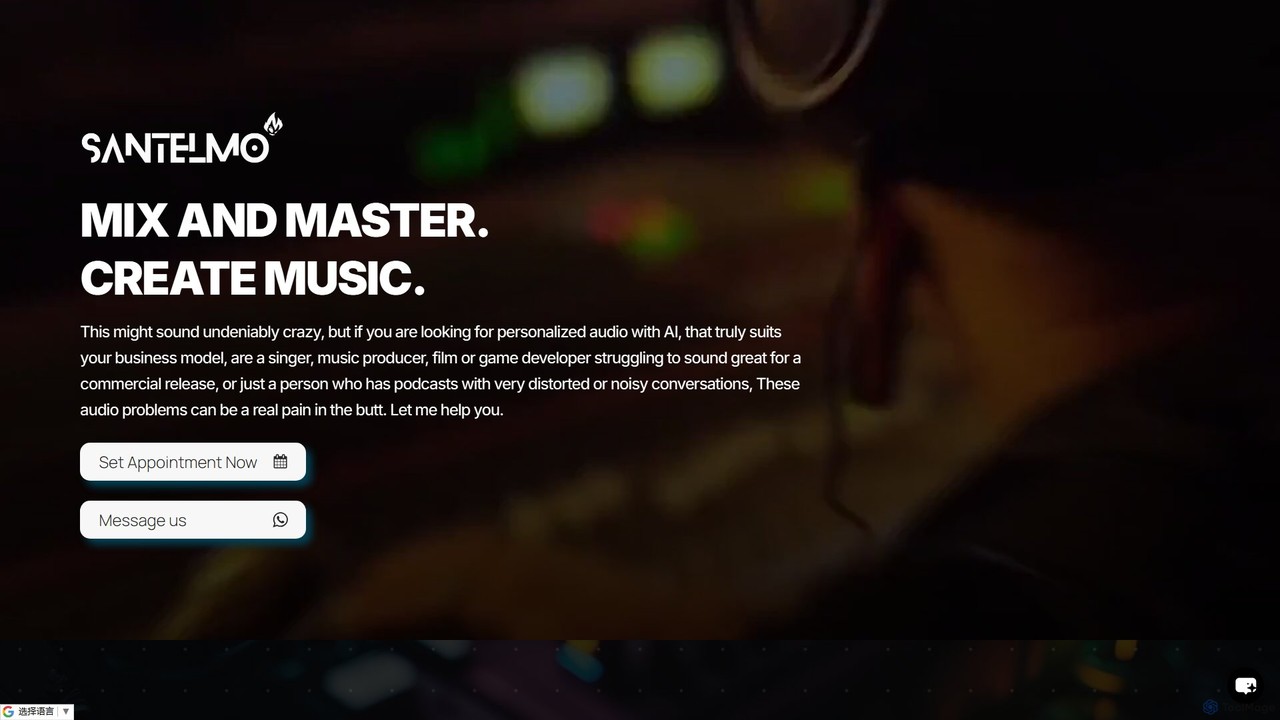
A service combining human sound engineers with AI to offer personalized music production, mixing, mastering, and audio restoration. …

2.6K
KeeperTax

KeeperTax

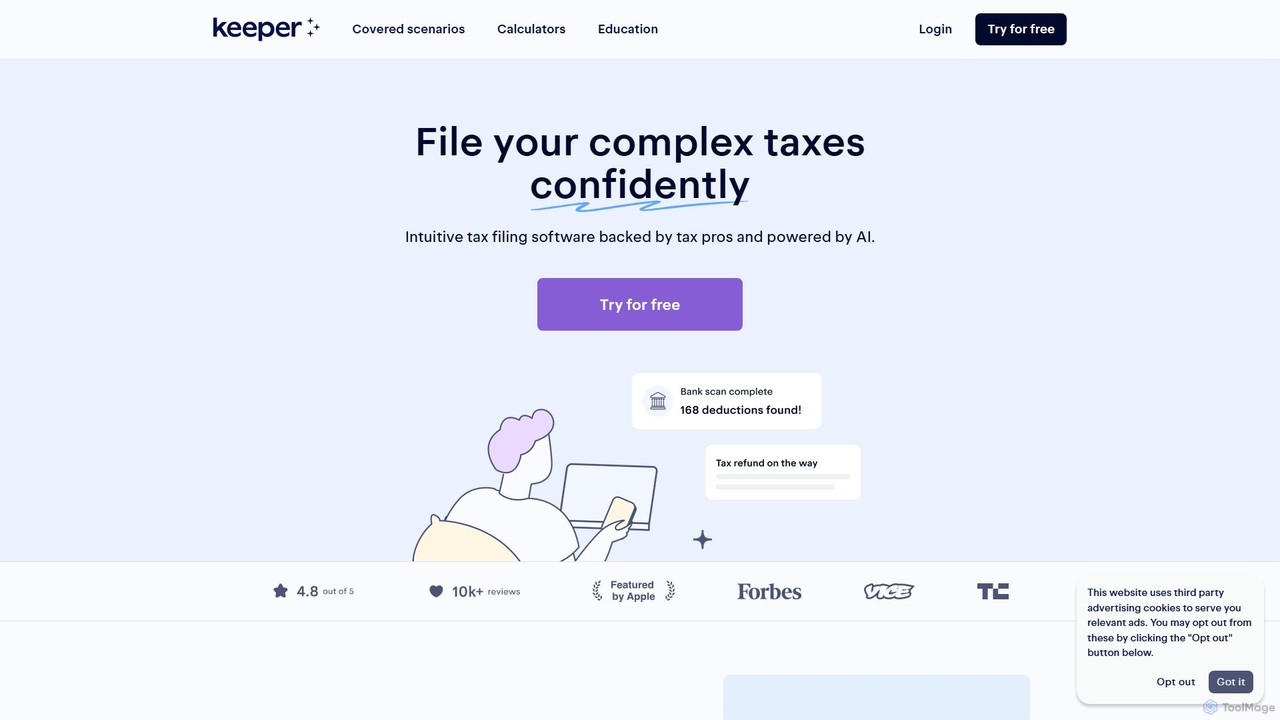
KeeperTax is an AI-powered tax filing platform designed for freelancers, gig workers, and creators. It automatically scans your …

440.6K

About Freelancer Tools

AI Freelancer Tools are integrated platforms designed to streamline the entire business lifecycle for independent professionals. They leverage artificial intelligence to automate administrative tasks such as proposal creation, time tracking, and invoicing. This allows freelancers to focus on their core creative or technical work, enhancing both efficiency and profitability. These tools often combine project management, client communication, and financial oversight into a single, cohesive system, distinguishing them from general productivity software.

Core Features

  • AI Proposal & Contract Generation: Automatically creates customized proposals and legally-vetted contracts based on project details.
  • Automated Time Tracking: Intelligently logs work hours and categorizes tasks for precise and effortless billing.
  • Smart Invoicing & Payments: Generates and sends invoices automatically, tracks payment status, and sends reminders.
  • Unified Project & Client Management: Consolidates all tasks, deadlines, communications, and client information in one central dashboard.
  • Financial Overview & Forecasting: Provides an AI-driven analysis of income, expenses, and potential tax liabilities.

Use Cases

These tools are essential for solo entrepreneurs, consultants, designers, developers, and writers managing multiple clients. They are used to maintain a professional administrative workflow, ensure timely payments, and gain a clear financial picture of the business without needing a dedicated assistant. Common scenarios include managing complex projects with various milestones and automating the entire client journey from onboarding to final payment.

How to Choose

When selecting a tool, first assess the scope of its features—does it cover just invoicing or the full project lifecycle? Evaluate its integration capabilities with other software you use, like accounting platforms or calendars. Also, examine the pricing model (e.g., monthly subscription, transaction fees) and ensure the user interface is intuitive and aligns with your specific workflow.

Freelancer ToolsUse Cases

1

Creating and Sending a Project Proposal

A freelance graphic designer needs to create a detailed proposal for a new branding project. Using an AI freelancer tool, they input client requirements and project scope. The AI generates a professional proposal draft, including service descriptions, timelines, and pricing tiers. The designer makes minor edits and sends it directly to the client through the platform, which also tracks when the proposal is viewed and accepted, streamlining the sales process.

2

Automating Time Tracking and Invoicing

A freelance software developer works on multiple projects with hourly billing. The AI tool's desktop app automatically tracks time spent in different applications (like code editors) and suggests associating it with the correct project. At the end of the month, the tool compiles all tracked hours, generates accurate invoices for each client with detailed timesheets, and sends them out automatically, ensuring prompt and accurate payment.

3

Managing Multiple Client Projects Centrally

A content marketing consultant juggles five clients, each with different tasks and deadlines. They use a freelancer tool as a central hub. The dashboard displays all active projects, upcoming deadlines, and pending client approvals. AI features can help prioritize tasks based on urgency and estimated effort, ensuring no deadlines are missed and all client communication is organized within each project's dedicated space.

4

Streamlining Client Onboarding and Contracts

A freelance business coach needs a consistent process for new clients. They use a tool to automate onboarding. Once a proposal is accepted, the system automatically sends a contract for e-signature using a pre-approved template. After signing, it triggers a welcome email with a questionnaire and creates a new project space with initial tasks pre-populated. This ensures a professional and efficient start to every client relationship.

5

Tracking Income and Business Expenses for Taxes

A freelance writer needs to manage their finances for tax purposes. Their freelancer tool connects to their business bank account. The AI automatically categorizes income and expenses, tagging transactions like software subscriptions or co-working space fees as tax-deductible. The financial dashboard provides a real-time view of profitability and generates reports that simplify year-end tax preparation for them or their accountant.

6

Generating Legally Sound Contracts from Templates

A freelance photographer needs to create contracts for different types of shoots (e.g., weddings, commercial). Instead of drafting from scratch, they use an AI tool with legally vetted contract templates. The AI guides them through customizing clauses for usage rights, payment terms, and cancellation policies based on the project's specifics. This generates a secure, shareable document for client e-signature, protecting both parties without expensive legal fees.

Freelancer ToolsFrequently Asked Questions