Build0
Build0 is an AI-powered platform that enables teams to create custom internal applications and dashboards in minutes. Simply …
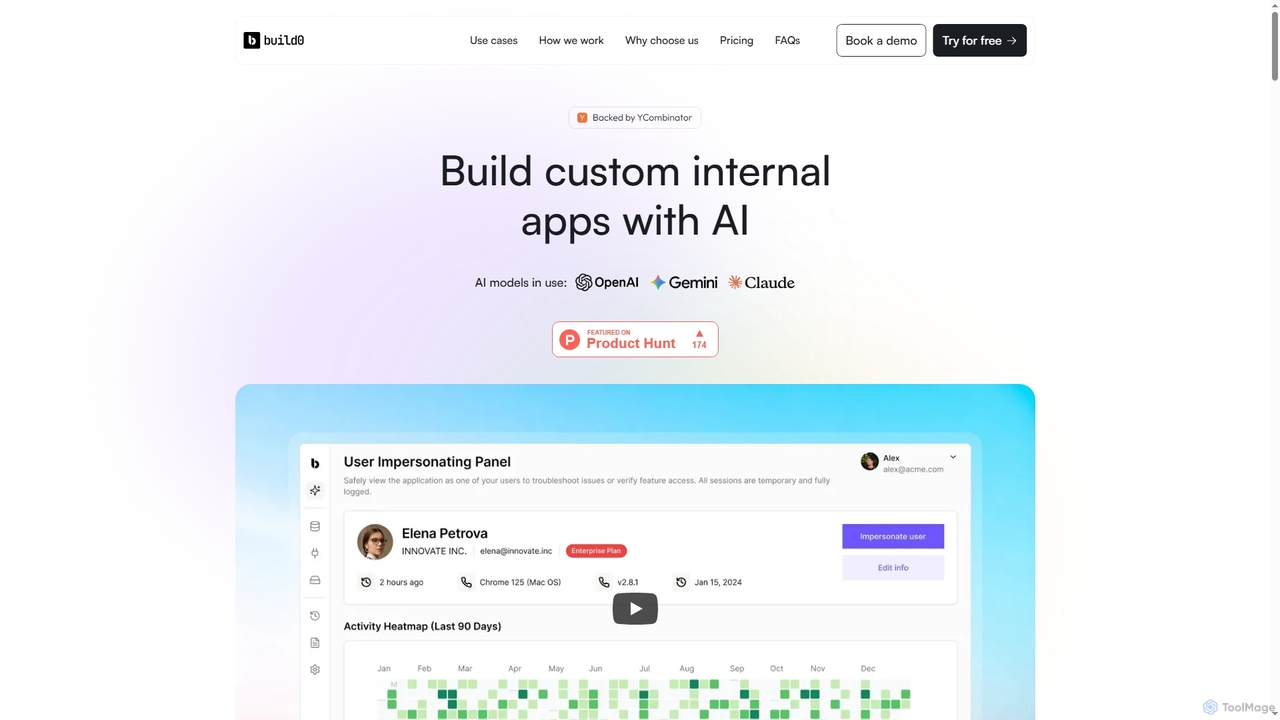
Build0 is an AI-powered platform that enables teams to create custom internal applications and dashboards in minutes. Simply describe your desired tool, connect existing data sources like Slack or databases, and let the AI generate a fully functional, secure app. It's designed for product, operations, and engineering teams to overcome development bottlenecks and build tools 10x faster, with the option to export high-quality React code.
Morph
Morph is a Python-based framework and cloud platform for rapidly building and deploying secure, AI-powered internal data applications. …
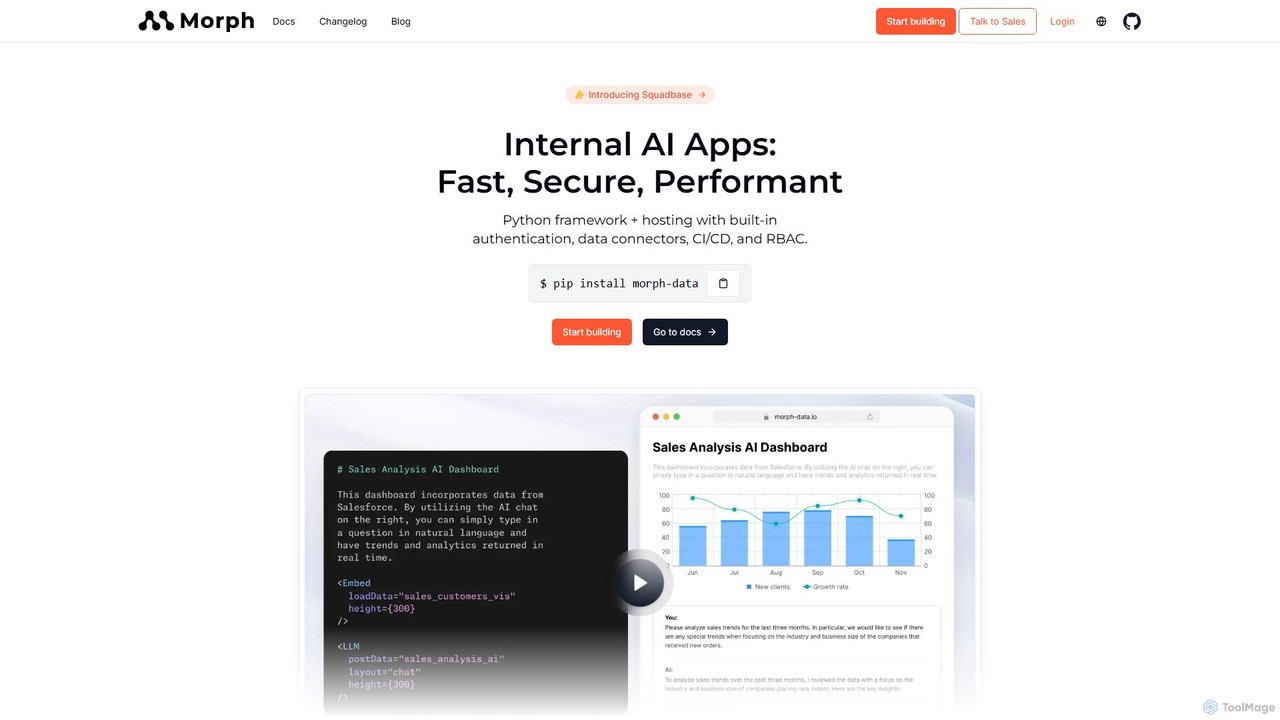
Morph is a Python-based framework and cloud platform for rapidly building and deploying secure, AI-powered internal data applications. It enables developers and data teams to connect to business data, build custom AI workflows, and create interactive UIs with Markdown and React, all within a secure, managed environment.
Dropbase
Dropbase is an AI-powered, prompt-based application builder designed for Python developers. It enables the rapid creation of internal …
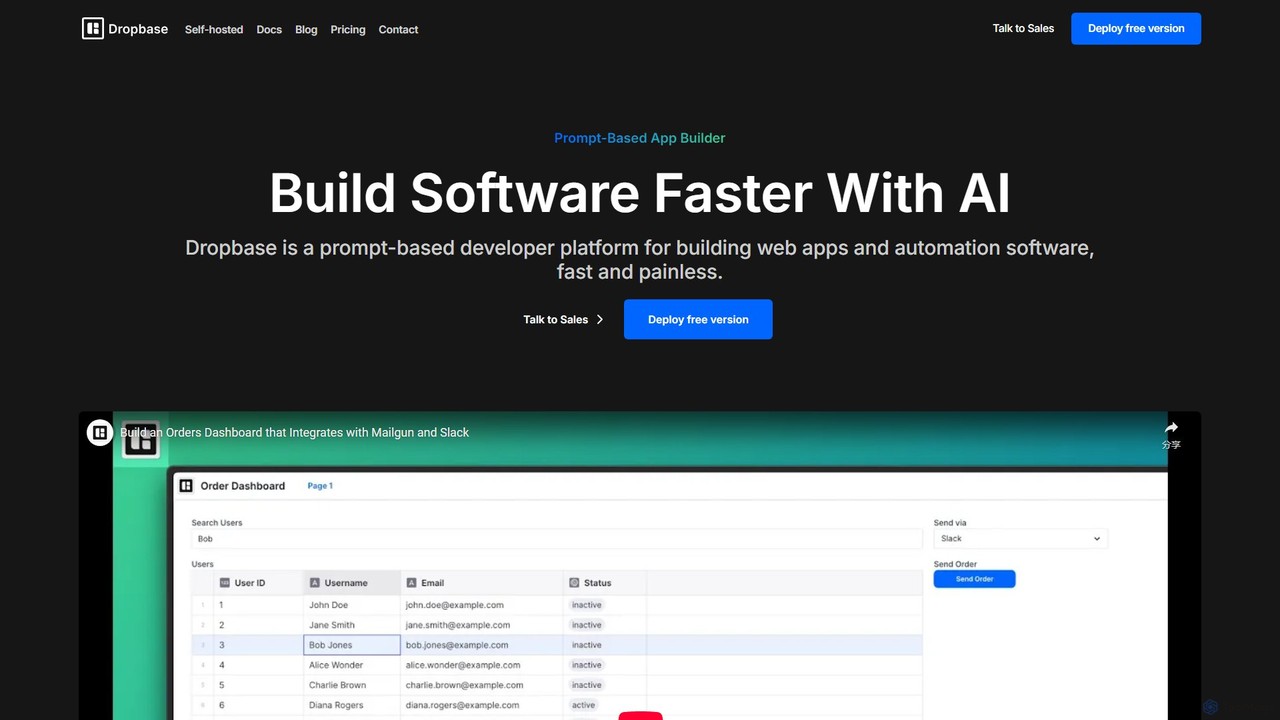
Dropbase is an AI-powered, prompt-based application builder designed for Python developers. It enables the rapid creation of internal tools, admin panels, and database editors directly within your existing codebase. By leveraging AI for code generation and providing essential UI components, Dropbase accelerates development, offers full Python flexibility, and ensures security with self-hosting options.
Frontly
Frontly is an AI-powered no-code platform that enables users to build custom web applications, internal tools, and client …
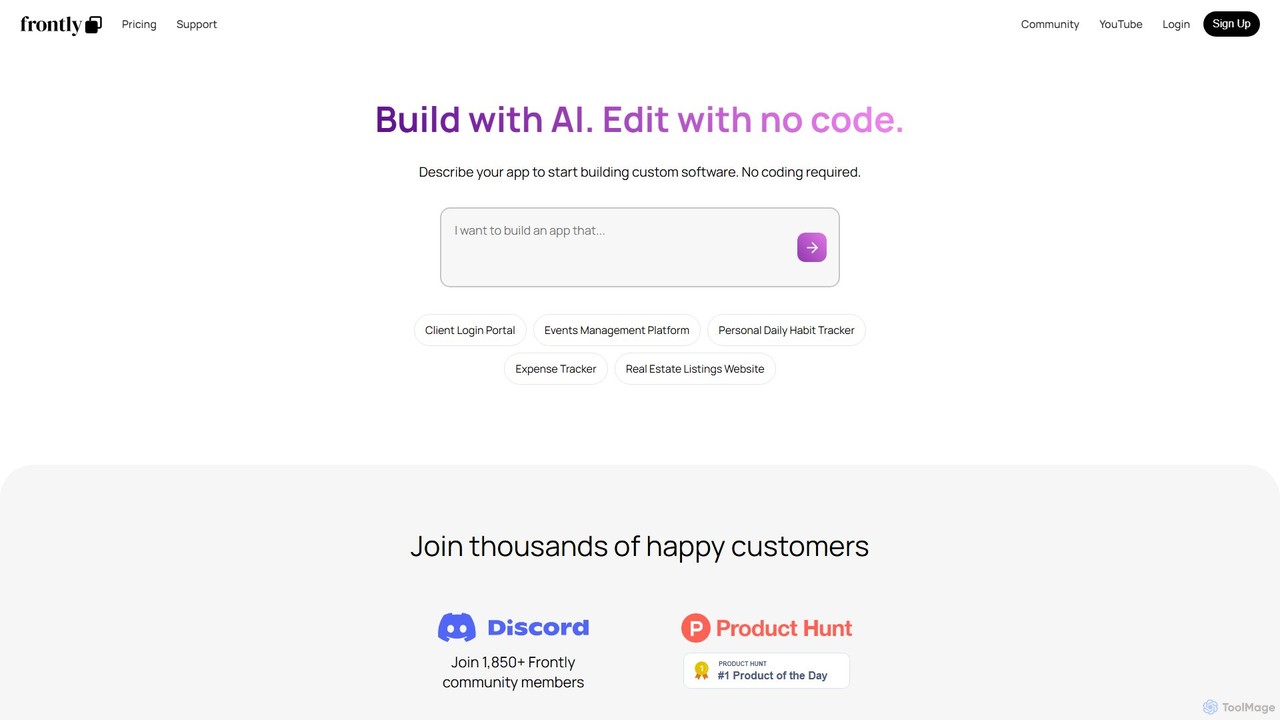
Frontly is an AI-powered no-code platform that enables users to build custom web applications, internal tools, and client portals simply by describing their needs. It combines AI generation with a powerful no-code editor for full customization.
UI Bakery
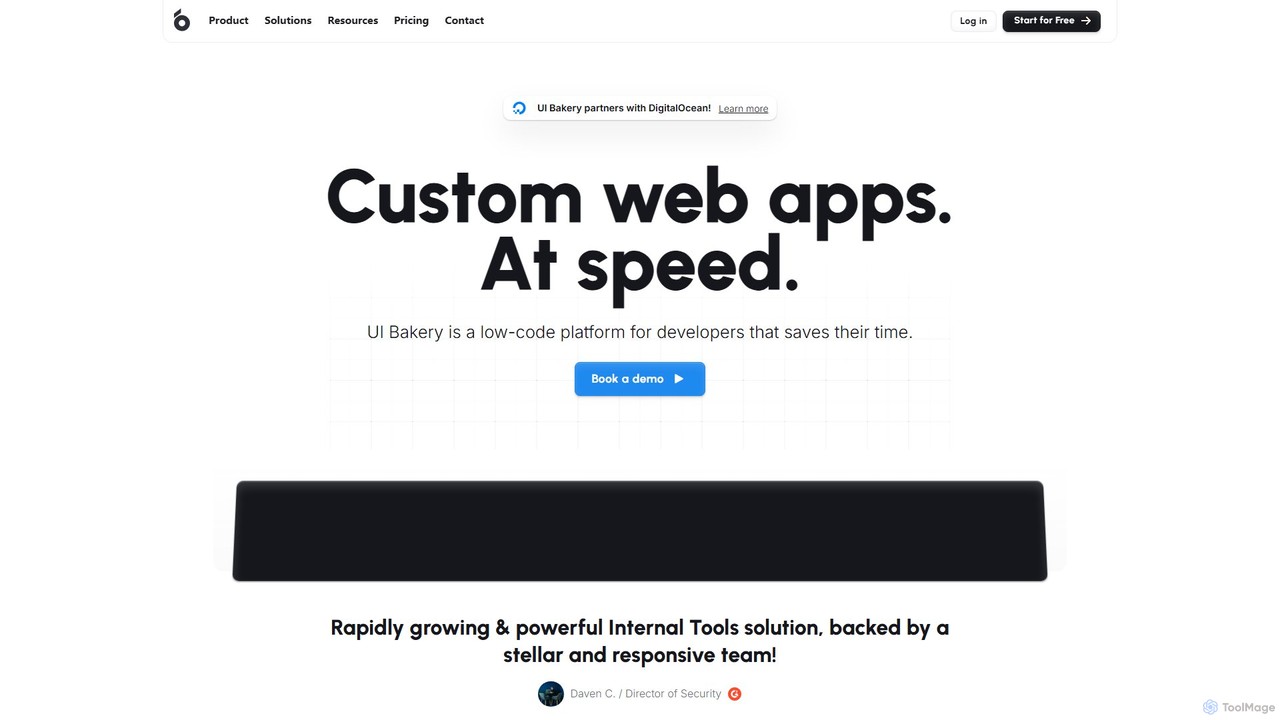
UI Bakery is a developer-focused low-code platform for rapidly building internal tools, admin panels, and customer portals. It …
UI Bakery is a developer-focused low-code platform for rapidly building internal tools, admin panels, and customer portals. It features a drag-and-drop UI builder, extensive data integrations, AI-powered app generation, and robust Git version control to accelerate the entire development lifecycle.
About Internal Tools
AI Internal Tools are platforms for building custom applications, dashboards, and automations to manage a company's internal operations. They leverage low-code or no-code interfaces, allowing users to connect to various data sources like databases and APIs without extensive programming. These tools are designed to streamline specific workflows, such as customer support, inventory management, or data analysis, by creating interactive interfaces for internal teams. By integrating AI, they can also automate complex decisions, generate insights from data, and enable natural language queries.
Core Features
- Visual UI Builder: Construct user interfaces with drag-and-drop components like tables, forms, and charts.
- Data Source Integration: Natively connect to SQL databases, REST APIs, Google Sheets, and other business applications.
- Workflow Automation: Define logic to trigger actions, such as sending emails or updating records, based on user interactions.
- AI-Powered Components: Embed AI models to perform tasks like text summarization, data classification, or natural language querying.
- Role-Based Access Control: Securely manage user permissions to control who can view or modify data and applications.
Use Cases
These tools are widely used by operations, support, marketing, and development teams. For example, a customer support team can build a unified dashboard to manage user data from multiple systems. An operations manager can create an inventory tracking app, and a developer can quickly build an admin panel for a new service, significantly reducing development time.
How to Choose
When selecting an AI internal tool builder, consider its range of data connectors and if they match your tech stack. Evaluate the balance between ease of use (no-code) and flexibility (low-code with custom scripting). Also, assess security features like role-based access control and audit logs, as well as the pricing model's scalability based on users and usage.
Internal ToolsUse Cases
Build a Unified Customer Support Dashboard
A customer support team often struggles with data scattered across a CRM, a billing system, and a ticketing platform. Using an internal tool builder, a team lead can create a unified dashboard. When an agent searches for a customer, the tool fetches data from all three APIs in real-time. It displays purchase history, recent support tickets, and user details in one interface. The dashboard also includes buttons to perform actions like issuing a refund or escalating a ticket, which trigger automated workflows that update the respective systems, saving agents significant time per ticket.
Automate Inventory and Stock Management
An operations manager for an e-commerce business needs a simple way to track inventory levels without complex spreadsheets. They use a no-code internal tool builder to create an inventory management app. Warehouse staff can use their phones to scan product barcodes, which automatically updates the inventory count in a central database. The manager's dashboard displays real-time stock levels, highlights items that are running low, and includes a button to automatically generate a purchase order email to the supplier. This replaces a manual, error-prone process with an efficient, automated system.
Create a Marketing Campaign Performance Tracker
A marketing team runs campaigns across multiple channels like Google Ads, Facebook, and email. To analyze performance, they manually export data into spreadsheets, which is time-consuming. A marketing analyst uses a low-code platform to build a performance tracker. The tool connects to the APIs of each advertising platform and their internal database. It automatically pulls daily spend, clicks, and conversion data into a single dashboard with charts visualizing ROI and cost-per-acquisition. The team can now monitor campaign health in real-time and make faster, data-driven decisions without manual data wrangling.
Develop a Simple HR Onboarding Portal
The HR department wants to streamline the onboarding process for new hires. An HR specialist, with no coding experience, uses an internal tool platform to build a simple onboarding portal. The portal provides a checklist of tasks for new employees, such as uploading documents and completing forms. The submitted data is automatically saved to a secure database. The HR team has a separate view where they can track the progress of all new hires, review submitted documents, and trigger a welcome email once all steps are completed. This creates a more structured and professional experience for new employees.
Streamline Sales Lead Approval Workflow
A sales manager needs to review and approve new leads submitted by their team before they are added to the CRM. This is currently done via email, which is inefficient. Using a low-code tool, a sales operations specialist builds a lead approval app. When a salesperson submits a new lead through a form, it appears in the manager's approval queue within the app. The manager can view lead details, add comments, and click 'Approve' or 'Reject'. An approval automatically creates a new record in the company's CRM via its API, while a rejection notifies the salesperson with the manager's feedback.
Query Databases Using Natural Language
A business analyst needs to pull specific data from a large SQL database for weekly reports, but they are not proficient in writing complex SQL queries. The IT team uses an AI internal tool builder to create a 'Natural Language to SQL' interface. The analyst can now type a plain English request like, 'Show me the total sales for product X in the EU region for Q3'. The integrated AI model translates this request into a valid SQL query, executes it against the database, and displays the results in a table. This empowers non-technical users to perform self-service data analysis securely and efficiently.