ToolMage
Sign in

Best 2 Online Utilities AI tools for Productivity

Popular Online Utilities AI tools in Productivity include QuickUtils and FreeToolz, helping you work more efficiently.

FreeToolz
Free

FreeToolz

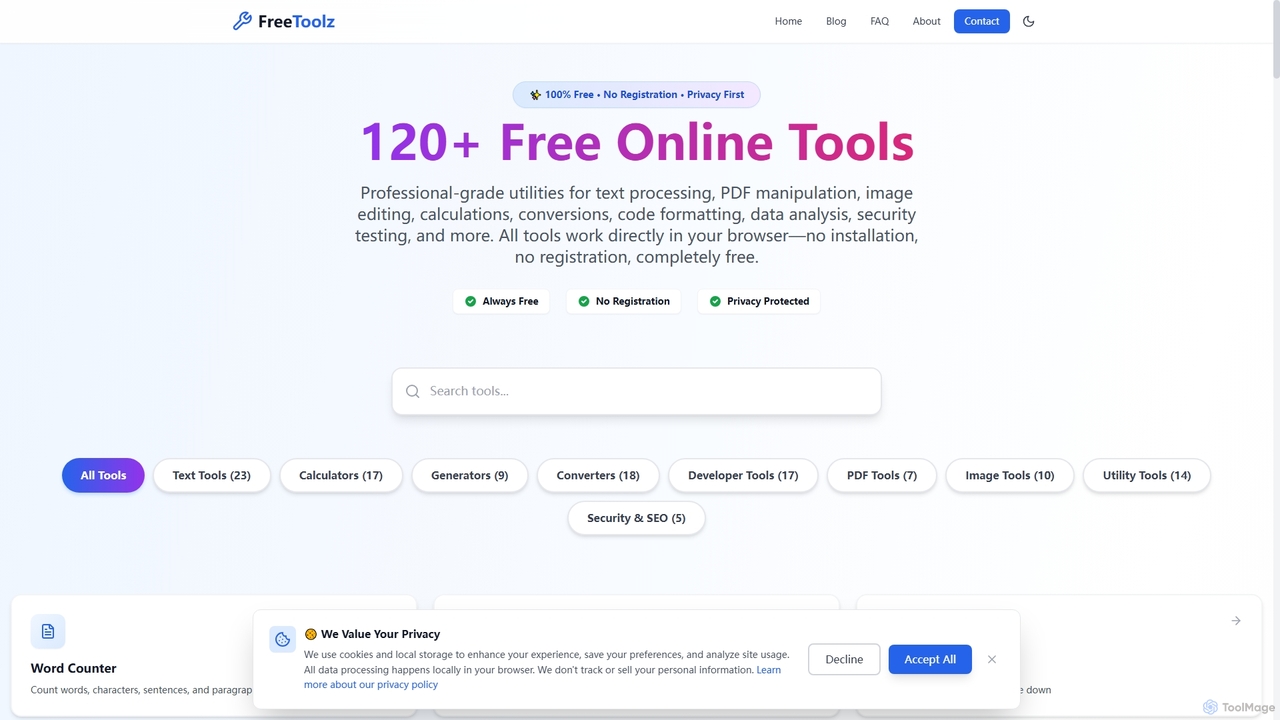
FreeToolz offers a comprehensive suite of over 120 professional-grade online tools for various tasks, including text processing, PDF manipulation, image editing, calculations, conversions, and web development utilities. It's 100% free, requires no registration, and prioritizes user privacy by processing all data locally in your browser. Access a wide array of tools instantly without any installation.

Text Processing
Visits 6.1KFavorites 133Likes 132
QuickUtils
Free

QuickUtils

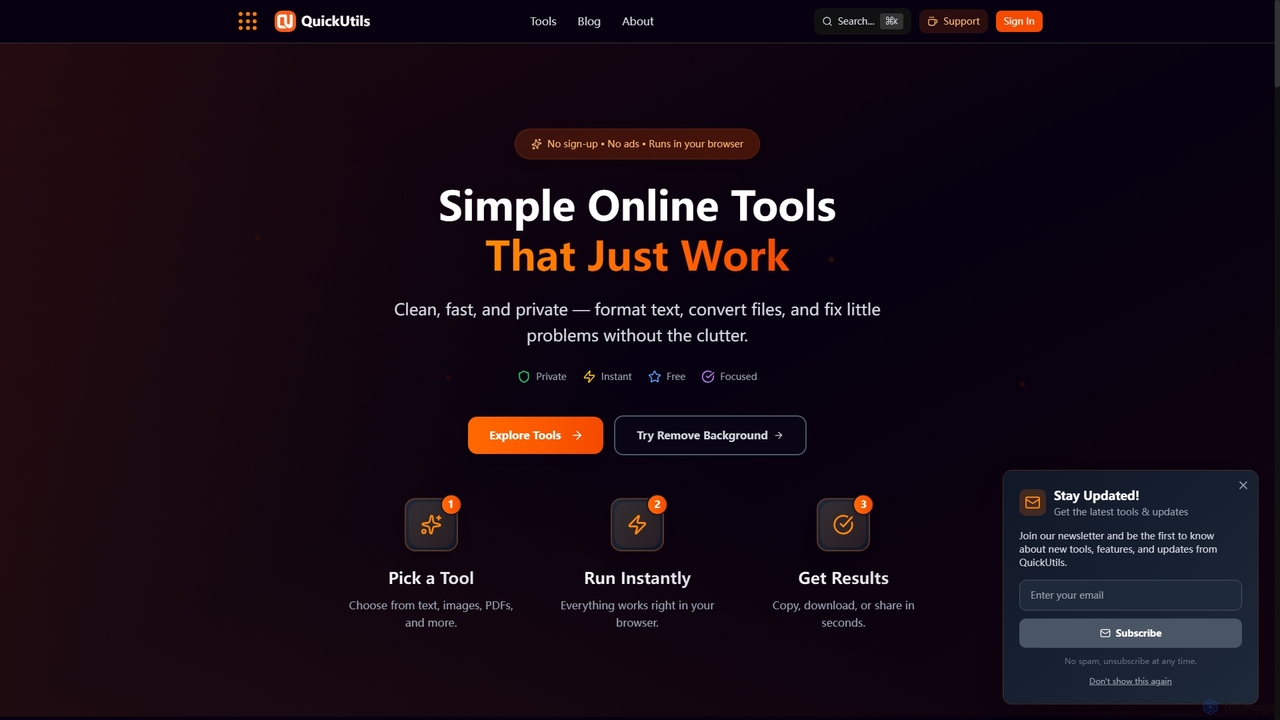
QuickUtils offers a comprehensive suite of free, privacy-focused online tools designed for instant productivity. From AI-powered image background removal and text paraphrasing to QR code generation and JSON formatting, it provides clean, fast, and secure utilities that run directly in your browser without sign-ups or ads.

Conversion
Visits 6.8KFavorites 112Likes 110

About Online Utilities

Online Utilities are AI-powered tools designed to automate and simplify specific, often routine, digital tasks directly within a web browser. These tools leverage artificial intelligence to perform functions like data conversion, text processing, and content optimization, significantly enhancing individual and team productivity by streamlining micro-tasks. They offer quick, on-demand solutions for common digital challenges, making daily workflows more efficient and are a key component of modern digital productivity.

Core Features

  • Automated Data Transformation: Efficiently convert files between various formats (e.g., PDF to Word, image to text, audio to transcript) using AI algorithms.
  • Intelligent Text Processing: Perform tasks like summarizing long articles, rephrasing sentences, checking grammar, or translating content with high accuracy.
  • Quick Media Manipulation: Rapidly resize images, remove backgrounds, compress files, or perform basic video edits without needing complex software.
  • Smart Information Extraction: Utilize OCR (Optical Character Recognition) to extract text from images or PDFs, or scrape specific data points from web pages.
  • Micro-Content Generation: Generate short, context-aware content snippets such as social media captions, email subject lines, or quick brainstorming ideas.

Use Cases

Online Utilities are invaluable for professionals across various sectors, including content creators, marketers, students, and administrative staff. They are used for tasks requiring quick digital adjustments or data handling without the overhead of specialized software, enabling faster execution of daily digital chores.

How to Choose

When selecting an Online Utility, consider the specific task it needs to accomplish, its integration capabilities with existing workflows, the accuracy and reliability of its AI, and its pricing model. Evaluate user-friendliness, the range of supported file types or data formats, and the security measures for data handling.

Online Utilities use cases

1

Batch Image Resizing for E-commerce Product Listings

An e-commerce manager needs to upload hundreds of product images to a website, each requiring specific dimensions and compression for optimal loading speed. An AI online utility can automatically resize, crop, and optimize all images in bulk, ensuring consistency and saving hours of manual work, allowing the manager to focus on marketing strategies.

2

Summarizing Research Papers for Academic Study

A university student has multiple lengthy research papers to review for an assignment and needs to quickly grasp their core arguments. An AI summarization utility can rapidly extract key points, main arguments, and conclusions from each paper, allowing the student to understand complex topics faster and efficiently prepare for discussions or essays.

3

Converting Scanned Documents to Editable Text with OCR

An administrative assistant regularly receives scanned contracts, invoices, and reports that need to be digitized and made searchable. An OCR-powered online utility converts these image-based documents into editable and searchable text files (e.g., Word or Google Docs), significantly reducing manual data entry and improving document management efficiency.

4

Generating Social Media Captions for Marketing Campaigns

A social media marketer needs to create engaging and varied captions for daily posts across multiple platforms to maintain audience interest. An AI micro-content generator provides multiple creative caption options based on keywords, desired tone, and platform specifics, significantly speeding up content creation and ensuring a consistent brand voice without extensive brainstorming.

5

Removing Backgrounds from Product Photos for Online Stores

A small business owner wants to create clean, professional product listings for their online store but lacks graphic design skills. An AI image utility automatically removes backgrounds from product photos with high precision, ensuring a consistent and polished look across all listings, which enhances visual appeal and saves the cost of hiring a professional designer.

6

Translating Customer Feedback for Global Support Teams

A global customer support team receives feedback and inquiries in multiple languages daily, requiring quick comprehension to provide timely responses. An online translation utility instantly translates customer comments into the team's native language, enabling faster understanding, more accurate issue resolution, and improved customer satisfaction across diverse linguistic backgrounds.

Online Utilities FAQ

What are Online Utilities in the context of AI tools?

Online Utilities are AI-powered web-based tools designed for specific, often single-purpose, digital tasks that enhance productivity. Unlike comprehensive software suites, they focus on quick, on-demand solutions for common challenges like file conversion, text manipulation, or basic media editing. They leverage AI to automate and streamline these micro-tasks, making daily digital workflows more efficient and accessible without requiring extensive software installations.

How do Online Utilities differ from broader Productivity AI tools?

Online Utilities are a specialized subset of Productivity AI tools. While broader Productivity AI tools might encompass comprehensive applications for project management, complex content creation, or advanced data analysis, Online Utilities excel at highly focused, often single-function tasks. They provide immediate value for specific, lightweight needs such as converting a PDF, summarizing an article, or removing an image background, without the overhead of extensive features.

What are the key benefits of using AI-powered Online Utilities?

The primary benefits include significant time savings through automation of repetitive tasks, increased accuracy in data processing (e.g., OCR, translation), and enhanced accessibility as they are often web-based and require no installation. They also offer cost-effectiveness compared to full-fledged software and empower users to perform specialized tasks without needing expert skills or expensive tools, democratizing access to powerful digital capabilities.

What should I consider when choosing an Online Utility?

When selecting an Online Utility, evaluate its core functionality to ensure it precisely meets your specific task requirements. Consider the accuracy and reliability of its AI, especially for critical tasks like data conversion or text processing. Check for ease of use, supported file formats, robust security measures for data handling, and the pricing model (free, freemium, subscription). User reviews and integration capabilities with your existing tools are also important factors.

Can Online Utilities handle sensitive data securely?

The security of sensitive data with Online Utilities varies significantly by provider. It's crucial to review the privacy policy and terms of service of any tool you use. Look for tools that offer end-to-end encryption, adhere to data protection regulations (like GDPR or CCPA), and have clear data retention policies. For highly sensitive information, consider self-hosted solutions or tools with robust enterprise-grade security features, or avoid uploading such data to third-party online services.