ToolMage
Sign in

Best 5 Practice Management AI tools for Productivity

Popular Practice Management AI tools in Productivity include Eka Care, PetsApp, nutriadmin, Finni Health, and ProgressMagic, helping you work more efficiently.

ProgressMagic

ProgressMagic

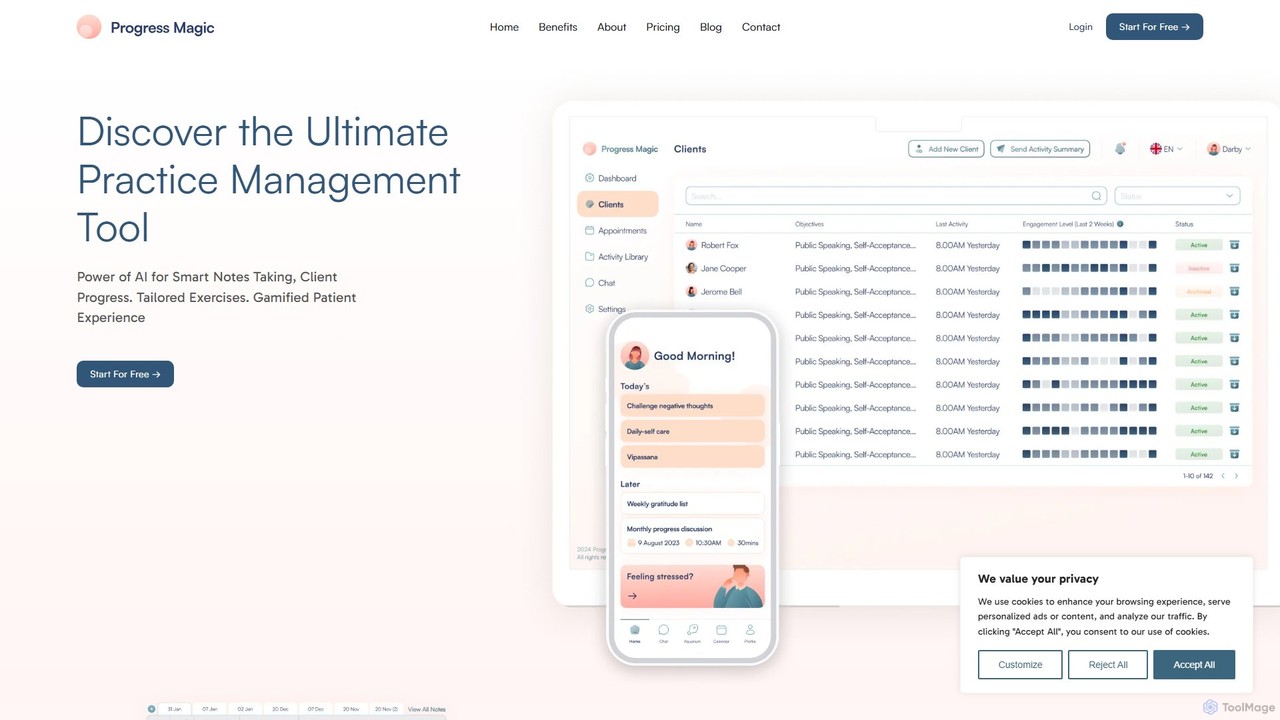
ProgressMagic is an AI-powered practice management platform for therapists, coaches, and healthcare professionals. It streamlines administrative tasks like scheduling and billing, while offering advanced tools for tracking client progress. Leverage AI to generate insightful notes, analyze session data, and deliver more effective, personalized care from one intuitive dashboard.

Crm
Visits 4.1KFavorites 152Likes 146
PetsApp
Paid

PetsApp

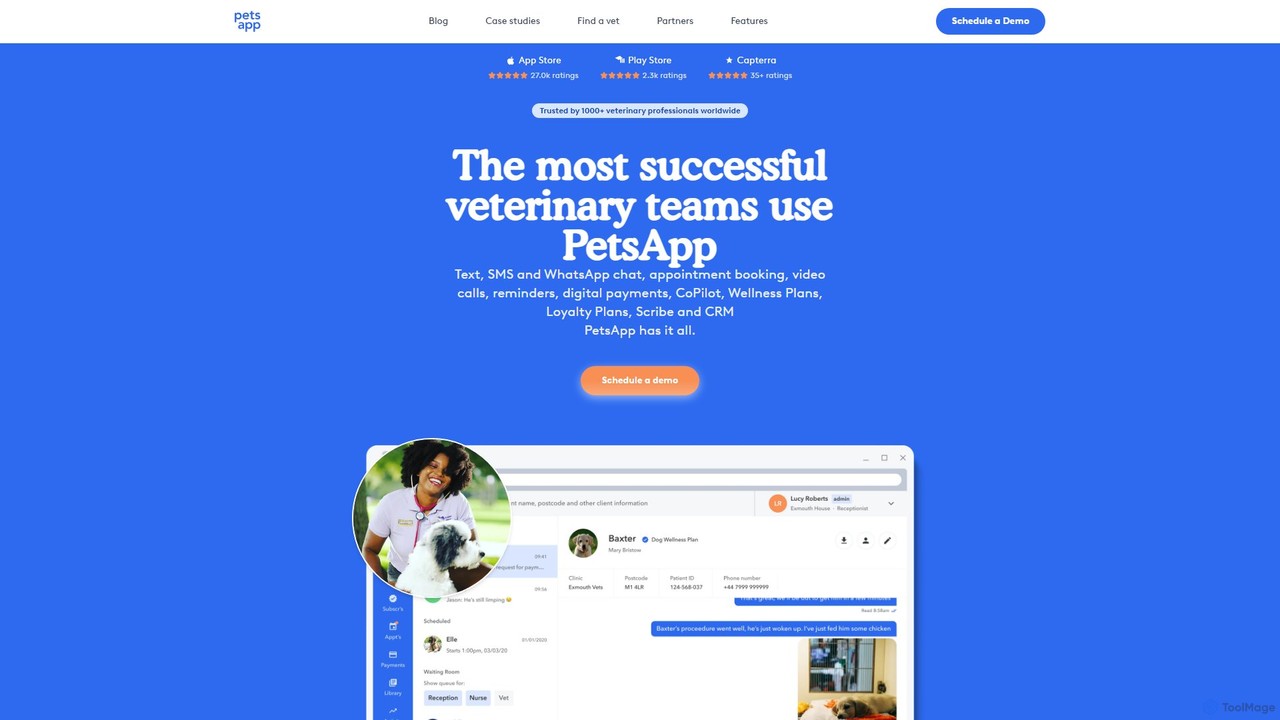
PetsApp is an all-in-one platform for veterinary practices, combining client communication, appointment booking, digital payments, and AI-powered assistants. It helps clinics save time, increase revenue, and enhance client relationships through tools like WhatsApp integration, wellness plans, and AI-driven note-taking.

Transcription
Visits 49.8KFavorites 122Likes 115
Eka Care
Freemium

Eka Care

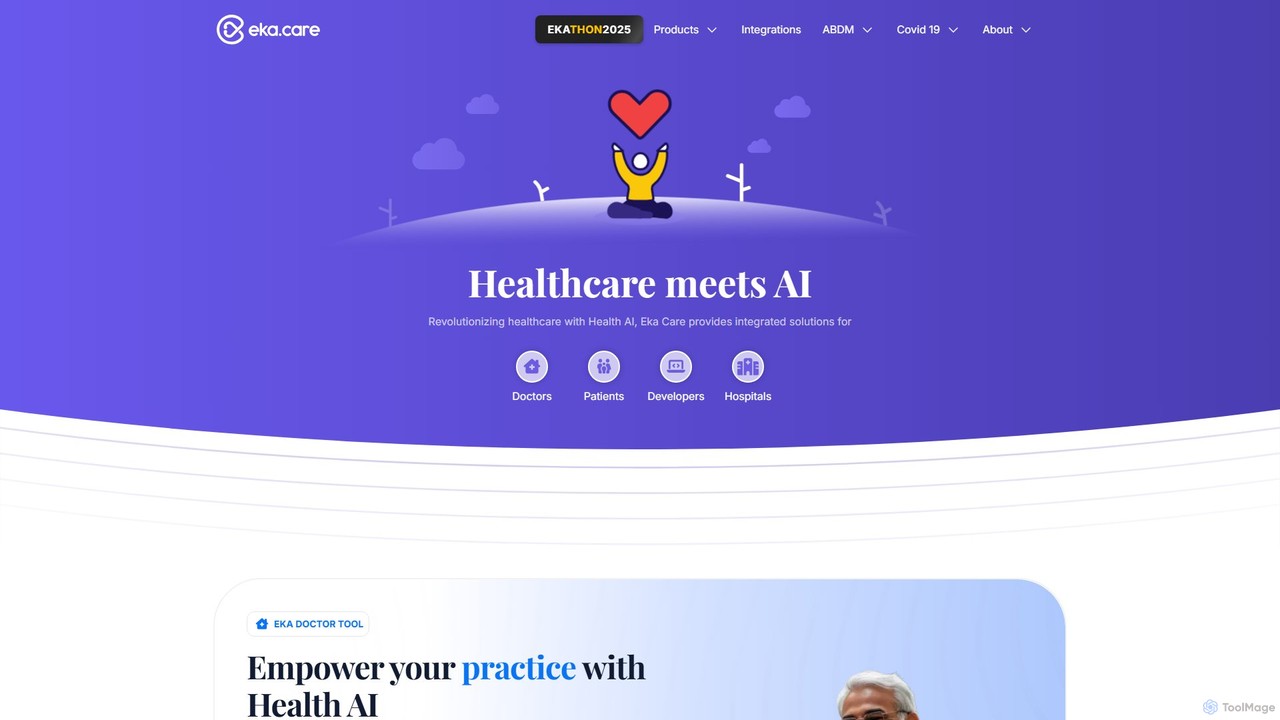
Eka Care is an integrated AI-powered healthcare platform designed for patients, doctors, hospitals, and developers. It offers an EMR for doctors, a personal health management app for patients with AI insights and vitals tracking, and a robust API for developers to build innovative health solutions.

Api
Visits 497.5KFavorites 143Likes 146
nutriadmin
Paid

nutriadmin

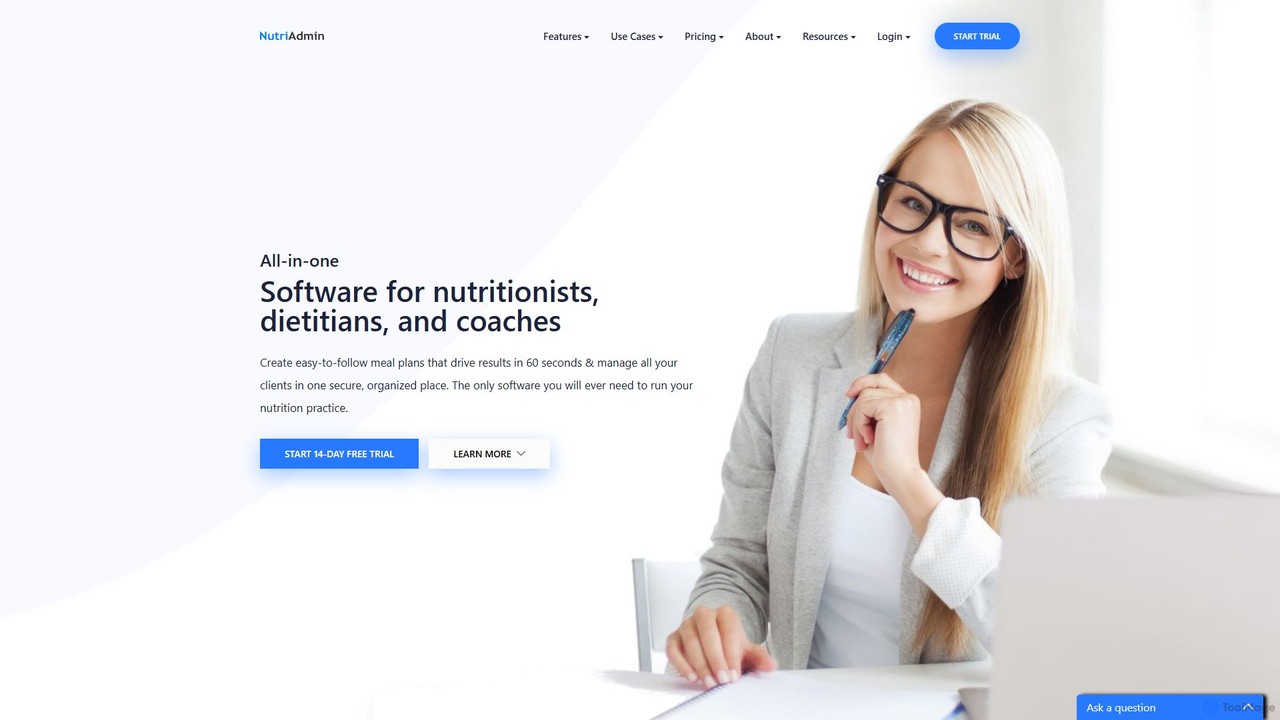
NutriAdmin is an all-in-one practice management software for nutritionists and dietitians. It streamlines administrative tasks with features like client records, AI-powered meal plan and recipe generation, online questionnaires, scheduling, and secure telehealth. This comprehensive platform helps professionals save time on paperwork, enhance client engagement, and manage their entire business from a single, HIPAA-compliant interface.

Client Management
Visits 34.3KFavorites 126Likes 123
Finni Health
Paid

Finni Health

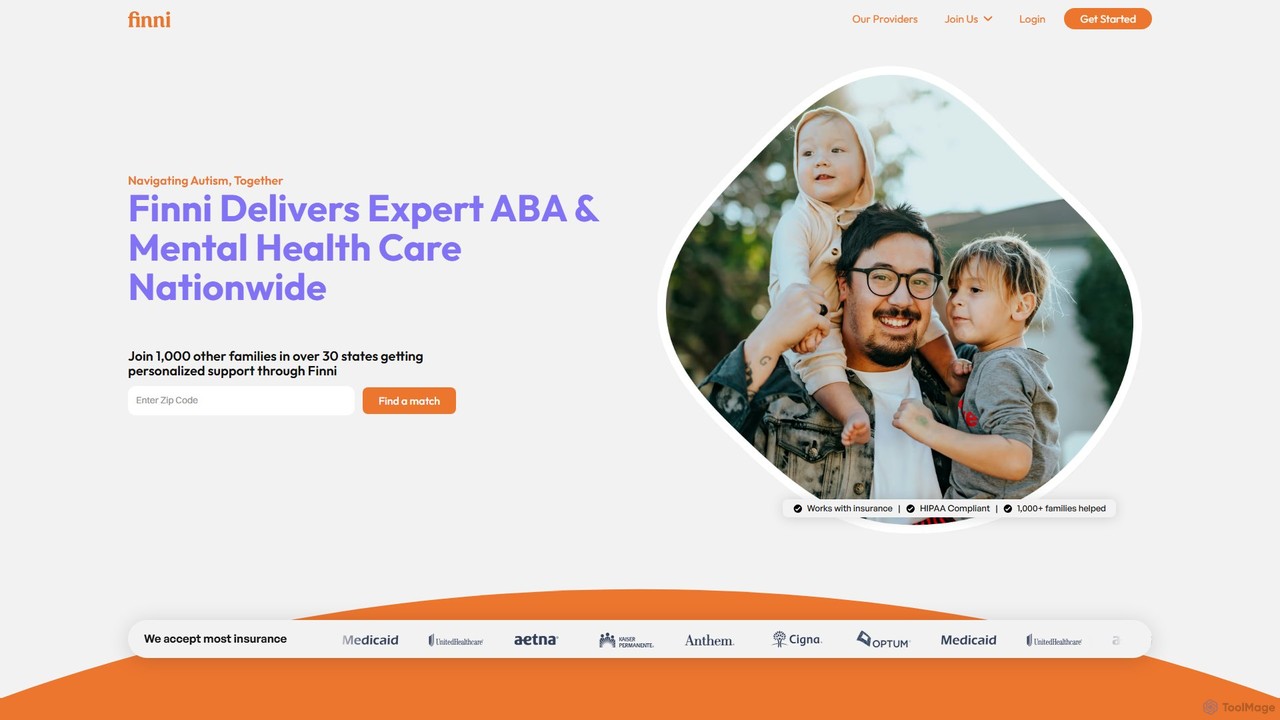
Finni Health is a comprehensive platform for autism care, connecting families with expert ABA therapists and providing practitioners with an all-in-one solution to launch and manage their own practice. It combines personalized, insurance-covered therapy for children with a robust backend system for clinicians, including EHR, billing, and scheduling tools.

Special Needs
Visits 13.8KFavorites 106Likes 99

About Practice Management

Practice Management tools are specialized AI-powered platforms designed to streamline the operational workflows of professional service firms. These systems integrate core business functions like client management, scheduling, billing, and document handling into a single, cohesive environment. By automating administrative tasks and centralizing critical data, they enable professionals such as lawyers, doctors, and consultants to focus more on client service and less on back-office operations. The use of AI enhances features like intelligent scheduling, automated invoicing, and predictive analytics for firm performance.

Core Features

  • Client & Case Management: Centralizes all client information, communication history, case files, and important deadlines in one accessible database.
  • Automated Scheduling & Calendaring: Intelligently manages appointments, checks for conflicts across multiple staff calendars, and sends automated reminders to reduce no-shows.
  • Billing & Invoicing Automation: Tracks billable hours, expenses, and retainers, then automatically generates and sends professional invoices to clients.
  • Secure Document Management: Provides a compliant and secure repository for storing, sharing, and managing sensitive client documents and records.
  • Performance Reporting & Analytics: Generates detailed reports on firm productivity, client profitability, accounts receivable, and other key performance indicators.

Applicable Scenarios

These tools are essential for professional service industries where managing client relationships, appointments, and billing is critical. They are widely used in law firms for case management, medical and dental clinics for patient administration, accounting firms for client services, and consulting agencies for project tracking. Roles like practice managers, paralegals, medical receptionists, and firm partners rely on this software daily.

Selection Criteria

When choosing a Practice Management tool, first consider industry-specific compliance requirements, such as HIPAA for healthcare or legal ethics rules for law firms. Evaluate its integration capabilities with other essential software like accounting systems or electronic health records (EHR). Assess the platform's scalability to ensure it can grow with your practice. Finally, prioritize robust data security features and a user-friendly interface to ensure team adoption.

Featured tool rankings

Practice Management use cases

1

Automating a Law Firm's Case Workflow

A paralegal at a busy law firm uses a practice management tool to streamline the entire lifecycle of a new case. When a new client is onboarded, the system automatically generates an engagement letter, creates a new case file, and sets up calendar reminders for key deadlines like court filings and discovery dates. The tool integrates with their email, automatically logging communications and tracking billable hours associated with the case, significantly reducing manual data entry and minimizing the risk of lost revenue.

2

Managing Patient Appointments in a Medical Clinic

A medical clinic's front desk staff uses a practice management system to handle all patient scheduling. The AI-powered calendar optimizes appointment slots to minimize patient wait times and maximize practitioner availability. It automatically sends SMS and email reminders to patients 24 hours before their appointment, drastically reducing no-show rates. The system also manages a waitlist, automatically notifying patients when an earlier slot becomes available due to a cancellation, improving clinic efficiency and patient satisfaction.

3

Streamlining Billing for an Accounting Firm

An accounting firm uses its practice management software to automate the entire billing cycle. Accountants and staff track their time on various client tasks directly within the system. At the end of the month, the software automatically compiles this data, applies the correct billing rates for different services and staff levels, and generates detailed invoices. These invoices are then emailed to clients with a link for online payment, and the system tracks payment status and sends automated reminders for overdue accounts, improving cash flow and reducing administrative overhead.

4

Managing Client Intake for a Consulting Agency

A consulting agency uses a practice management tool to standardize its client intake process. Prospective clients fill out a secure online form embedded on the agency's website. This data automatically populates a new client profile in the system, triggering a workflow that assigns a lead consultant and schedules an initial discovery call. The system tracks the prospect's journey from initial contact to signed contract, ensuring no leads fall through the cracks and providing management with a clear view of the sales pipeline.

5

Ensuring HIPAA Compliance in a Therapy Practice

A therapist uses a specialized practice management system to maintain compliance with HIPAA regulations. All client records, session notes, and communications are stored in an encrypted, access-controlled environment. The platform provides secure client portals for sharing documents and messages, avoiding the risks of standard email. It also generates Business Associate Agreements (BAAs) and maintains detailed audit logs of all data access, providing peace of mind and simplifying compliance audits for the solo practitioner.

6

Generating Performance Analytics for Firm Partners

The managing partner of a consulting firm uses the practice management dashboard to get a real-time overview of the business's health. The analytics module visualizes key metrics such as revenue per consultant, project profitability, client acquisition cost, and accounts receivable aging. This data-driven insight allows the partners to identify the most profitable service lines, recognize top-performing consultants, and make strategic decisions about resource allocation and business development, moving beyond gut feelings to informed management.

Practice Management FAQ

What are AI Practice Management tools?

AI Practice Management tools are specialized software platforms designed to automate and streamline the administrative and operational tasks of professional service firms. Unlike general productivity software, they are tailored for specific industries like law, medicine, or accounting. They centralize client data, scheduling, billing, and document management, using AI to enhance efficiency through features like automated reminders, intelligent reporting, and streamlined client intake workflows.

How do I choose the right Practice Management software?

To choose the right software, consider these key factors:

  • Industry Specialization: Ensure the tool is designed for your specific profession (e.g., legal, medical, accounting) and supports its unique workflows and compliance needs.
  • Integration Capabilities: Check if it integrates with your existing tools, such as accounting software (like QuickBooks), email clients, and electronic records systems (EHR/EMR).
  • Scalability: Select a solution that can grow with your practice, from a solo practitioner to a multi-partner firm.
  • Security and Compliance: Verify that it meets industry-standard security protocols and compliance regulations like HIPAA or GDPR.
What's the difference between Practice Management and general CRM software?

The main difference is specialization. General CRM (Customer Relationship Management) software is designed for sales and marketing teams across any industry to manage leads and customer interactions. Practice Management software is a much more comprehensive, industry-specific solution. It includes CRM-like features but adds critical operational functions tailored to a professional practice, such as case/patient management, specialized billing codes, appointment scheduling, and industry-specific compliance (e.g., HIPAA for medical practices).

Who benefits most from using Practice Management tools?

Professionals in service-based industries see the most significant benefits. This includes:

  • Law Firms: For managing cases, tracking billable hours, and handling client trust accounting.
  • Medical, Dental, and Therapy Practices: For patient scheduling, records management (EMR/EHR integration), billing, and maintaining HIPAA compliance.
  • Accounting and Financial Services Firms: For client management, project tracking, and complex invoicing.
  • Consulting Agencies: For managing projects, allocating resources, and tracking profitability.

Essentially, any practice that juggles multiple clients, appointments, and complex billing cycles can improve efficiency and profitability with these tools.

Can these tools automate client billing and payments?

Yes, this is a core function of most practice management systems. They automate the entire billing process by tracking time and expenses, generating professional invoices based on preset rates, and sending them to clients on a recurring schedule. Many platforms also integrate with payment gateways (like Stripe or LawPay), allowing clients to pay online directly from the invoice. The system then automatically records the payment, updates the account status, and can send reminders for overdue invoices, significantly improving cash flow and reducing administrative work.