Productivity Best in category 2 results Question Answering AI Tool

Popular AI tools in the Question Answering field of Productivity include Ask AI Questions、Pillionaut, etc., helping you quickly improve efficiency.

Pillionaut

Pillionaut

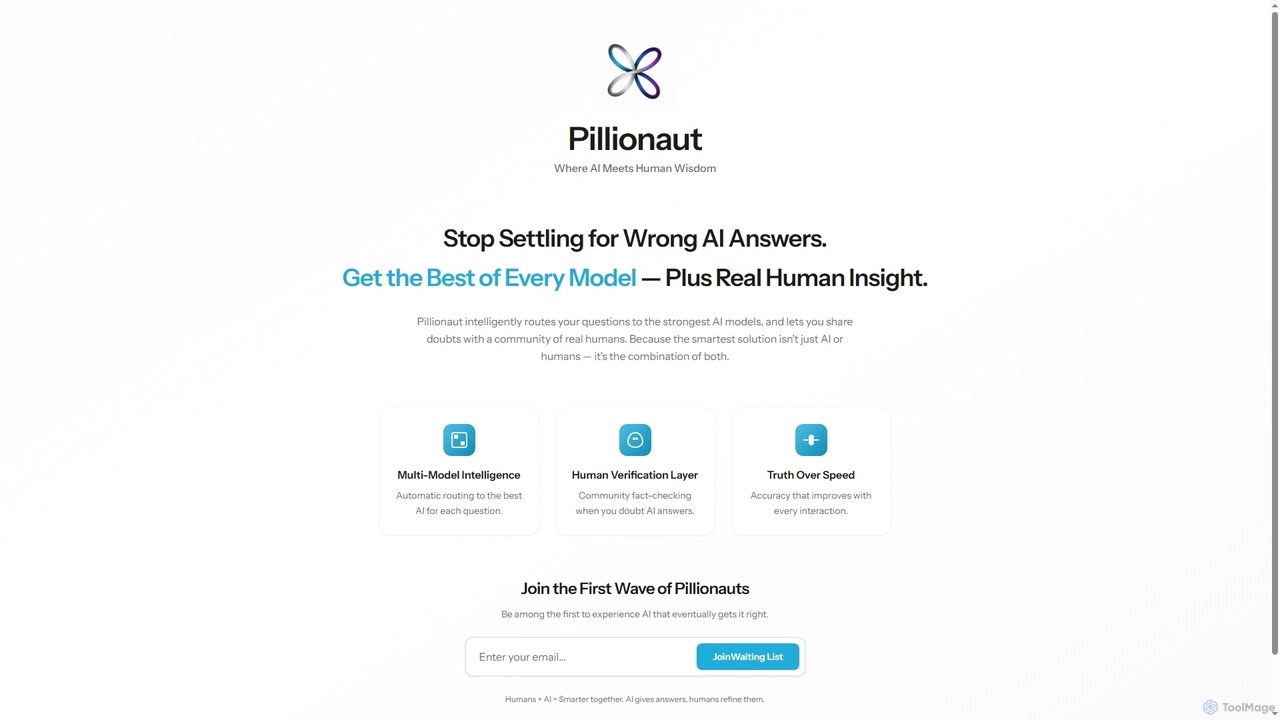
Pillionaut is a hybrid intelligence platform that combines multi-model AI with human verification. It intelligently routes questions to …

2.9K
Free
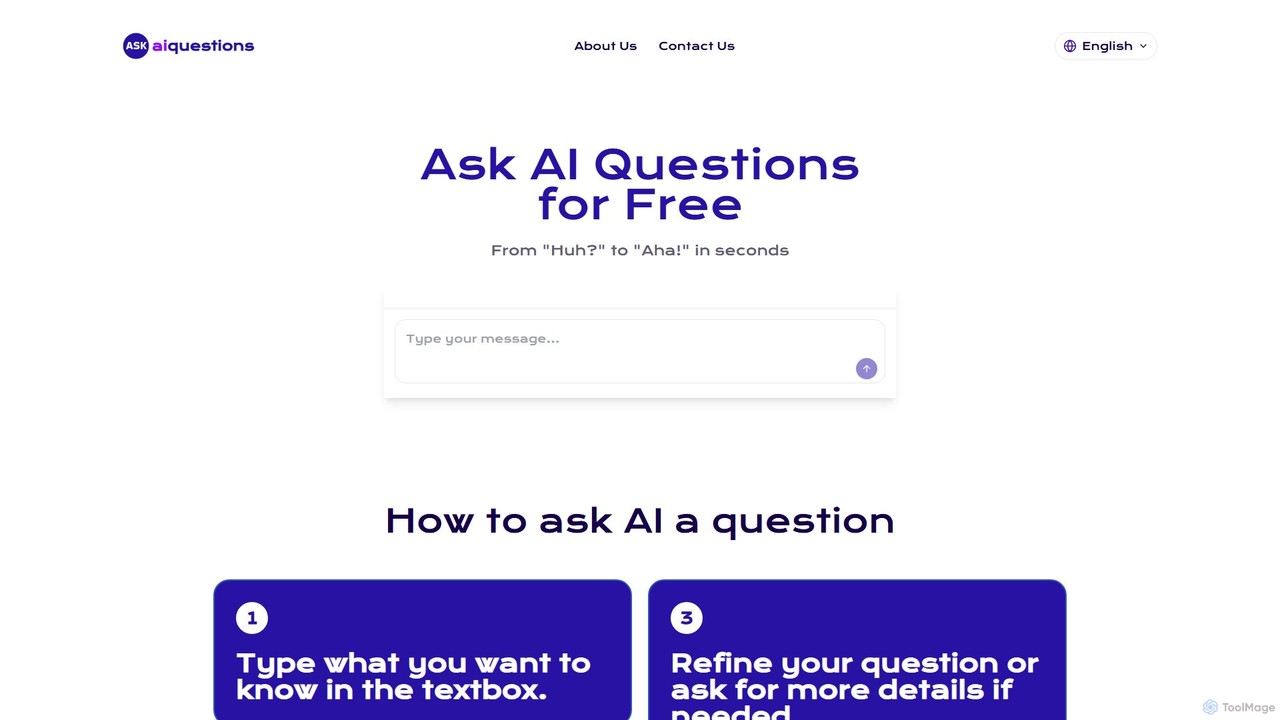
Ask AI Questions

Ask AI Questions

Ask AI Questions is a free, web-based AI tool that provides instant, accurate answers to any question. It …

3.1K

About Question Answering

Question Answering (QA) tools are a class of AI that automatically find precise answers to natural language questions from large volumes of text. These tools leverage advanced Natural Language Processing (NLP) models to comprehend the context of both the query and the source documents. This enables users to instantly extract specific information from reports, knowledge bases, or legal files, significantly enhancing research and information retrieval productivity. Unlike traditional search engines that provide a list of links, QA systems deliver direct, concise answers with source citations.

Core Features

  • Contextual Understanding: Analyzes the semantic meaning of a question to find the most relevant information, going beyond simple keyword matching.
  • Source Citation: Pinpoints and displays the exact passage or document from which the answer was extracted, ensuring verifiability.
  • Multi-Document Search: Capable of querying an entire collection of documents simultaneously to synthesize answers or find all relevant mentions.
  • Natural Language Input: Accepts questions phrased in everyday, conversational language, making it accessible to all users.
  • Data Integration: Connects with various data sources like Google Drive, Confluence, or local folders to create a centralized knowledge hub.

Applicable Scenarios

These tools are widely used in corporate knowledge management, legal e-discovery, academic research, and customer support. For instance, a legal team can use a QA tool to instantly find specific clauses across thousands of contracts. A support agent can query a technical knowledge base to get an immediate, accurate solution for a customer issue, bypassing manual searches.

Selection Criteria

When choosing a Question Answering tool, evaluate its compatibility with your document formats (PDF, DOCX, etc.) and its integration capabilities with existing platforms. Assess the accuracy and relevance of its answers through a trial. Also, consider its security protocols for handling sensitive information and a pricing model that aligns with your usage volume, whether based on users, documents, or queries.

Question AnsweringUse Cases

1

Accelerate Corporate Knowledge Retrieval

An HR manager needs to answer an employee's specific question about the company's parental leave policy. Instead of manually searching through a 100-page employee handbook PDF, they upload the document to a Question Answering tool. They simply type, "What is the maximum duration for paid paternity leave?" The tool instantly scans the document and provides the exact answer: "Eligible employees are entitled to a maximum of four weeks of paid paternity leave," along with a highlighted snippet from page 47 of the handbook. This reduces information retrieval time from minutes to seconds.

2

Streamline Legal E-Discovery Processes

A paralegal is working on a case involving thousands of digital documents, including emails and contracts. They need to find all instances where a specific project, 'Project Titan', was discussed in relation to budget overruns. Using a QA tool, they can upload the entire document set and ask, "Show me all mentions of 'Project Titan' budget overruns." The system returns a list of precise sentences and paragraphs from various documents, complete with source links. This automates a critical part of the e-discovery process, saving dozens of hours of manual review and ensuring no key evidence is missed.

3

Enhance Academic Research and Literature Review

A PhD student is conducting a literature review and has gathered over 50 academic papers on a niche topic. To quickly synthesize the information, they use a QA tool. They can ask complex questions like, "What are the main arguments against Foucault's theory of biopower in these papers?" The AI scans all 50 documents and provides a summarized answer, pulling key quotes and arguments from multiple sources. This allows the student to quickly identify trends, counterarguments, and gaps in the existing research, dramatically speeding up the literature review phase of their work.

4

Empower Customer Support with Instant Answers

A customer support agent is on a live chat with a customer who has a complex technical question about a software product. The agent needs to provide a fast, accurate answer. They use an internal QA tool connected to their entire knowledge base of technical manuals and troubleshooting guides. The agent types the customer's question: "How do I resolve error code 503 when integrating with the API?" The tool instantly retrieves the specific multi-step solution from a guide, allowing the agent to copy and paste the correct information immediately. This improves first-contact resolution rates and customer satisfaction.

5

Extract Key Data from Financial Reports

A financial analyst needs to compare the quarterly revenues of five different companies. Instead of opening five separate, lengthy PDF reports and manually searching for the revenue figures, they upload all reports to a QA system. They then ask a single question: "What was the total revenue for each company in Q2 2023?" The tool processes all documents and presents a clean, tabulated list of each company's name alongside its reported Q2 revenue, with a link to the source page in each report. This transforms a tedious data collection task into an efficient, single-query operation.

6

Organize and Search Personal Digital Files

A freelance writer has accumulated years of notes, articles, research papers, and client emails stored across various folders. To find a specific piece of information, they use a personal QA tool that has indexed their entire digital archive. They need to recall a statistic they used in an article last year. They ask, "What was the percentage of market growth for the e-learning industry in 2022 that I cited?" The tool searches across all their documents and finds the sentence in a saved DOCX file: "The e-learning market saw a significant growth of 15% in 2022." This turns a chaotic personal archive into a searchable, intelligent database.

Question AnsweringFrequently Asked Questions