ToolMage
Sign in

Best 3 Rapid Prototyping AI tools for Productivity

Popular Rapid Prototyping AI tools in Productivity include Bilt, SupaDupaAI, and Web4, helping you work more efficiently.

Bilt
Freemium

Bilt

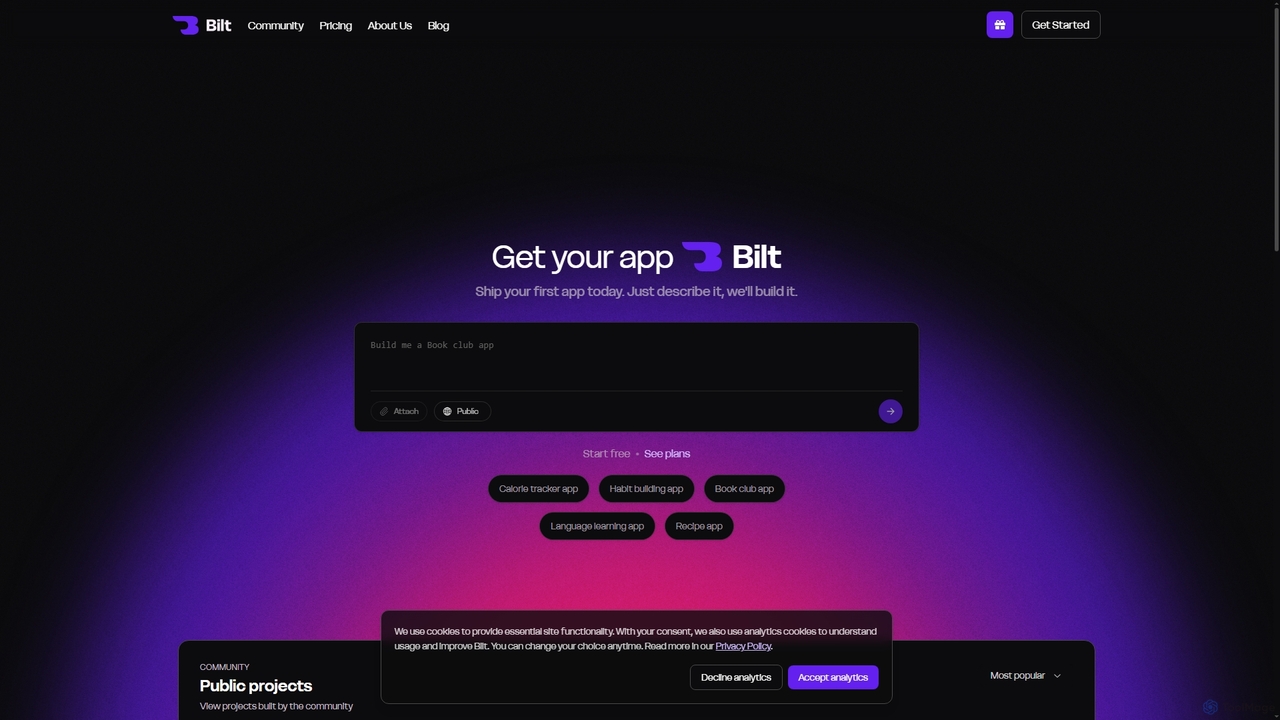
Bilt is an AI-powered mobile app builder that transforms natural language descriptions into native iOS and Android applications without writing any code. It offers real-time previews, seamless deployment to app stores, and full source code access, making app development accessible to everyone.

Code Generation
Visits 50.1KFavorites 55Likes 60
Web4
Freemium

Web4

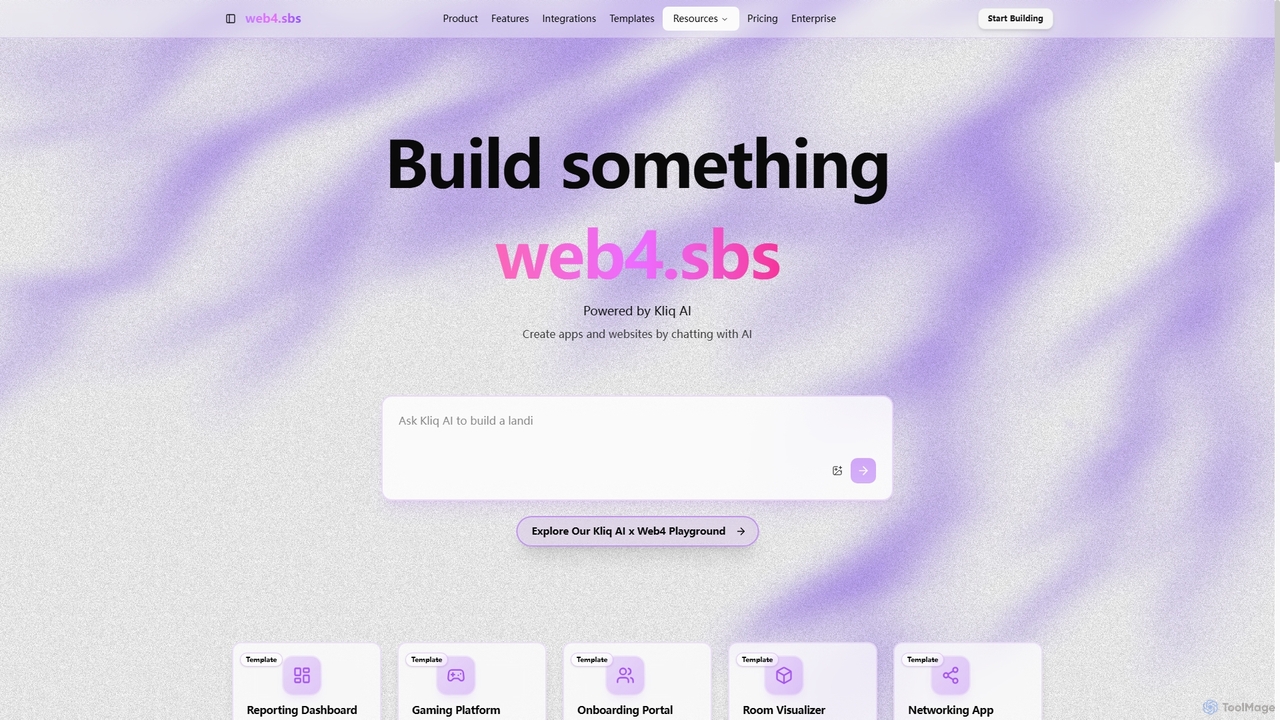
Web4, powered by Kliq AI, is an innovative platform that enables users to create functional web applications and websites simply by chatting with AI. It automates the entire development process, from generating core components and features to setting up the backend and providing built-in hosting for instant deployment, making app creation accessible to everyone.

Coding Assistant
Visits 4.3KFavorites 134Likes 119
SupaDupaAI
Freemium

SupaDupaAI

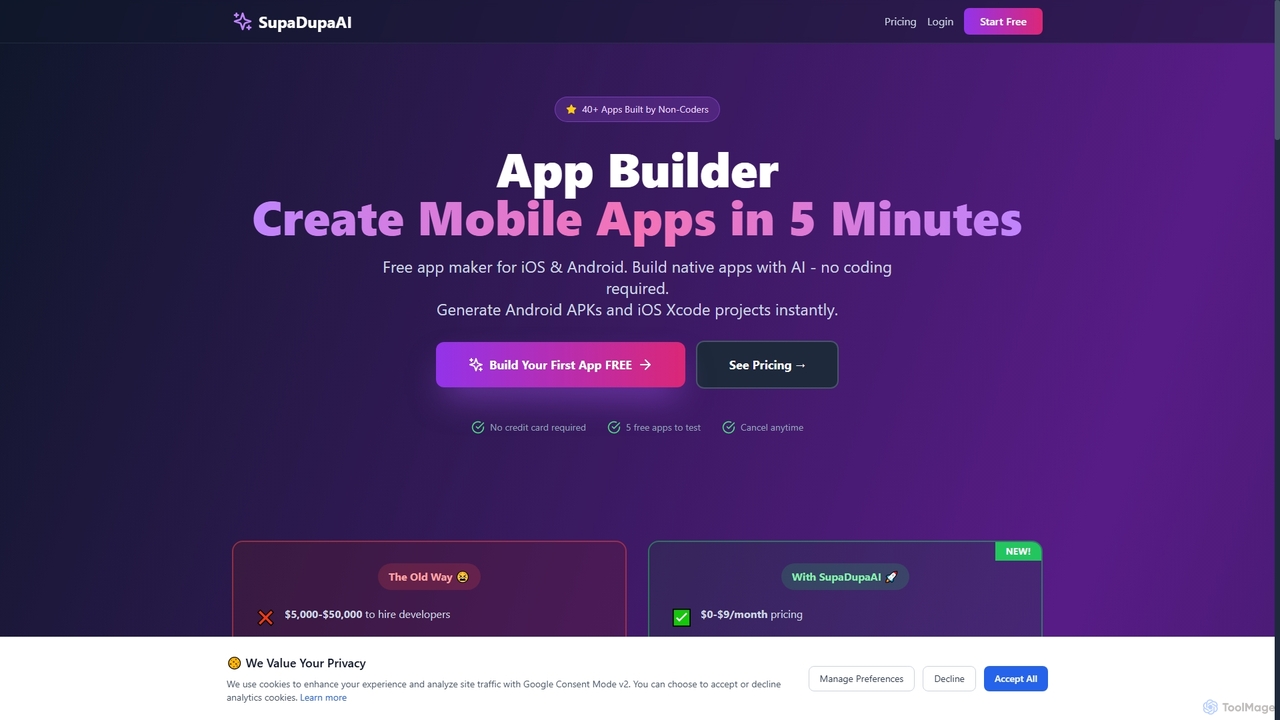
SupaDupaAI is an AI-powered no-code app builder that allows users to create native iOS and Android mobile applications in just 5 minutes using plain English descriptions. It eliminates the need for coding, enabling entrepreneurs, small businesses, and individuals to rapidly prototype, build, and launch professional-grade apps.

No Code Development
Visits 4.9KFavorites 131Likes 126

About Rapid Prototyping

Rapid Prototyping tools are AI-powered solutions designed to accelerate the initial stages of product development, design, and content creation. These tools leverage artificial intelligence to quickly generate concepts, mockups, and early-stage versions, automating repetitive tasks and exploring design variations. They significantly reduce the time and resources required for ideation and iteration, enabling teams to validate ideas faster and bring innovations to market with unprecedented speed. This category within productivity tools focuses on transforming abstract ideas into tangible, testable forms efficiently.

Core Features

  • AI-driven Concept Generation: Automatically creates diverse design concepts, UI/UX layouts, or content structures from simple text prompts or sketches.
  • Interactive Mockup Creation: Builds functional, clickable prototypes that simulate user experience without extensive coding or design work.
  • Automated Feedback & Analysis: Provides instant insights on design feasibility, user flow, or content coherence, suggesting improvements for iteration.
  • Component Library Integration: Offers pre-built, customizable UI elements and content blocks for faster assembly and consistency.
  • Version Control & Collaboration: Manages different prototype iterations and facilitates real-time collaboration among team members.

Use Cases

Rapid Prototyping tools are invaluable across various sectors, from software development to industrial design and marketing. They empower product managers to quickly visualize new features, allowing designers to test multiple UI/UX approaches without committing to full development. Marketing teams can rapidly generate campaign mockups, while engineers can simulate early product designs for feasibility studies.

How to Choose

When selecting a Rapid Prototyping tool, consider its integration capabilities with your existing design or development ecosystem. Evaluate the breadth of AI-driven generation features, such as text-to-UI or sketch-to-prototype, and the level of customization offered. Assess the collaboration features for team efficiency and review the pricing model based on your project scale and frequency of use.

Featured tool rankings

Rapid Prototyping use cases

1

Accelerate UI/UX Design Iteration

For product designers and UI/UX teams, Rapid Prototyping tools enable the swift creation of multiple interface mockups from textual descriptions or wireframes. Designers can generate diverse layout options, test user flows, and gather early feedback from stakeholders without manual design, drastically cutting down the time spent on initial concept validation and refinement.

2

Visualize New Software Features Quickly

Product managers can leverage these tools to rapidly visualize and demonstrate new software features or entire application flows. By inputting requirements, they can generate interactive prototypes that simulate functionality, helping to communicate ideas clearly to development teams and gather early user feedback before any code is written, ensuring alignment and reducing rework.

3

Develop Marketing Campaign Concepts

Marketing professionals can use Rapid Prototyping tools to quickly generate visual concepts for advertisements, landing pages, or social media campaigns. From a brief, the AI can produce various design layouts and content structures, allowing marketers to test different messaging and visual styles with target audiences efficiently, accelerating campaign ideation and approval processes.

4

Explore Industrial Product Design Variations

In industrial design, engineers and designers can utilize these tools to rapidly generate and visualize multiple physical product design variations. By inputting functional requirements and aesthetic preferences, the AI can create 3D mockups or conceptual renderings, facilitating early-stage material and form factor exploration, and speeding up the decision-making process for manufacturing.

5

Create Interactive Educational Content Prototypes

Educators and instructional designers can employ Rapid Prototyping tools to quickly build interactive prototypes for e-learning modules, simulations, or educational games. This allows them to test pedagogical approaches, user engagement, and content flow with students or subject matter experts, refining the learning experience before full development, making content more effective and engaging.

6

Generate Game Level Layouts and Mechanics

Game developers and level designers can use Rapid Prototyping tools to quickly generate initial game level layouts, environmental assets, or even basic gameplay mechanics. By defining parameters and constraints, the AI can produce playable prototypes, enabling rapid testing of game flow, balance, and player experience, significantly accelerating the pre-production phase of game development.

Rapid Prototyping FAQ

What are Rapid Prototyping tools?

Rapid Prototyping tools are AI-driven platforms that streamline the creation of preliminary versions or models of products, designs, or content. They leverage AI to automate the generation of concepts, mockups, and interactive prototypes, significantly accelerating the ideation and initial development phases. These tools are crucial for quickly validating ideas, gathering feedback, and iterating designs with minimal resource investment.

How do Rapid Prototyping tools differ from traditional design software?

Rapid Prototyping tools, especially AI-powered ones, differ from traditional design software by emphasizing speed and automation in the early stages. While traditional software requires manual creation of every element, AI tools can generate entire concepts or mockups from simple prompts, explore variations automatically, and provide instant feedback. This drastically reduces manual effort and accelerates the iteration cycle, focusing on concept validation over pixel-perfect rendering in the initial phases.

Who benefits most from using Rapid Prototyping tools?

Product managers, UI/UX designers, software developers, marketing teams, and industrial designers benefit significantly. Anyone involved in the early stages of product or content creation who needs to quickly visualize, test, and iterate on ideas without extensive manual effort will find these tools invaluable. They empower teams to make faster, data-driven decisions and reduce time-to-market.

What are the key features to look for in a Rapid Prototyping tool?

Key features include AI-driven concept generation (e.g., text-to-UI), interactive mockup capabilities, automated feedback and analysis, and robust collaboration tools. Look for integration with your existing workflows, a comprehensive component library, and flexible export options. The ability to handle various input types (text, sketch, voice) and generate diverse outputs is also important.

Can Rapid Prototyping tools integrate with existing development workflows?

Yes, many Rapid Prototyping tools are designed to integrate seamlessly with existing development and design workflows. They often offer export options to common design software (e.g., Figma, Sketch) or development frameworks (e.g., HTML/CSS). Some even provide API access for custom integrations, ensuring that the generated prototypes can serve as a strong foundation for subsequent development stages without significant rework.